

FQQ 14" Laptop Screen Extender (FHD IPS) Triple-Screen Portable Monitor for 12"–16.5" Laptops
Product description
What this is for (and why people buy a screen extender)
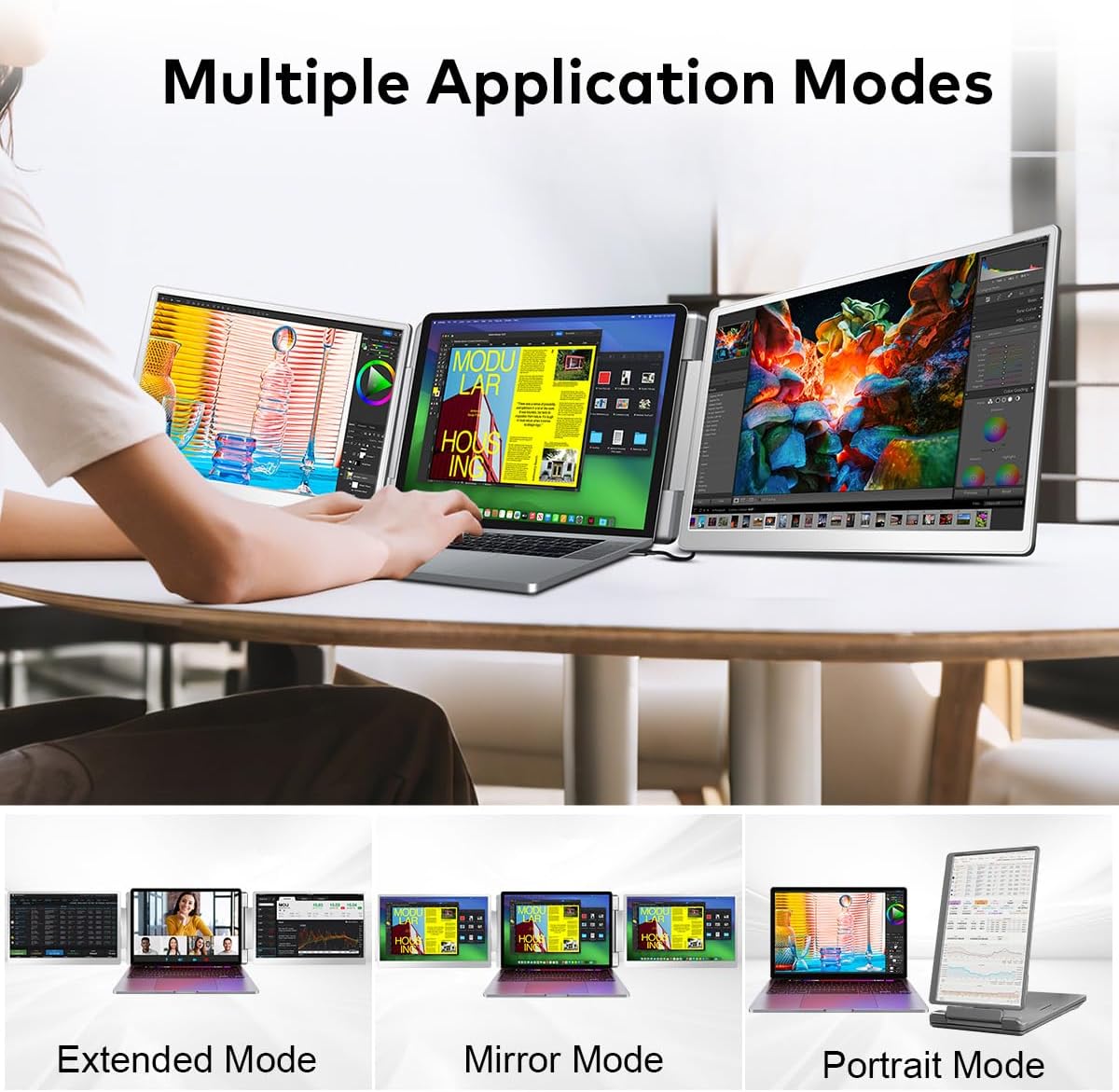
A portable dual/“extra screen” monitor is one of those upgrades that changes how your laptop feels day to day. With the FQQ 14" Laptop Screen Extender, the idea is simple: add more workspace without being tied to a desk setup. If you routinely juggle multiple windows—spreadsheets plus reference docs, a design app plus a timeline, or video calls while taking notes—this kind of screen extender can cut down the constant Alt-Tab dance.
On paper, the pitch is productivity through added screen real estate. It’s not perfect for every scenario, though. If your laptop ports are limited or your work depends on very specific software setups, you’ll want to check the compatibility notes first before getting your hopes up.
The essentials: how it connects and what you get
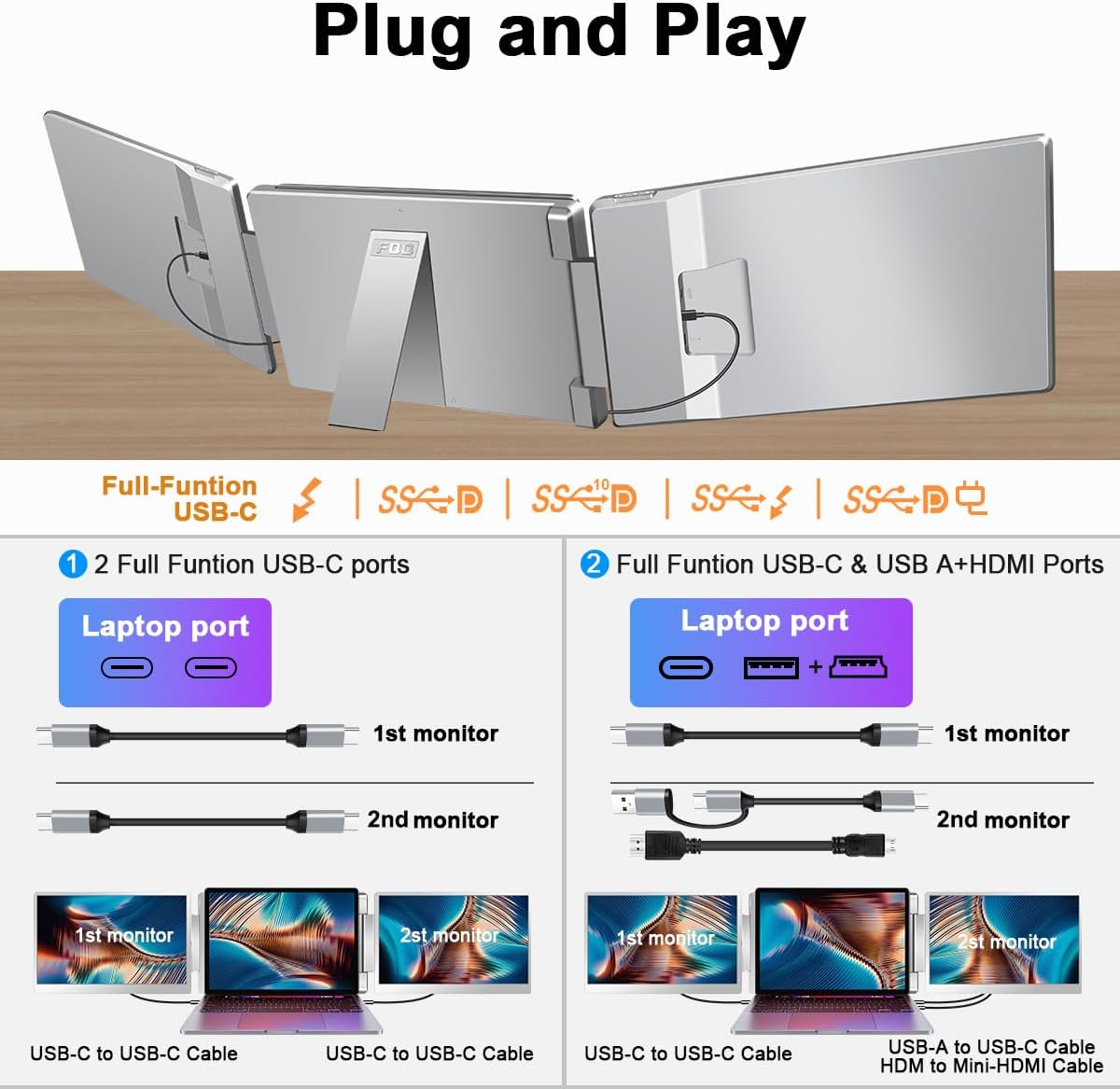
This FQQ setup is positioned as plug-and-play, with no drivers required. The portable monitor display is designed to work with 12"–16.5" laptops that have either an HDMI port or a “full-featured” USB-C port.
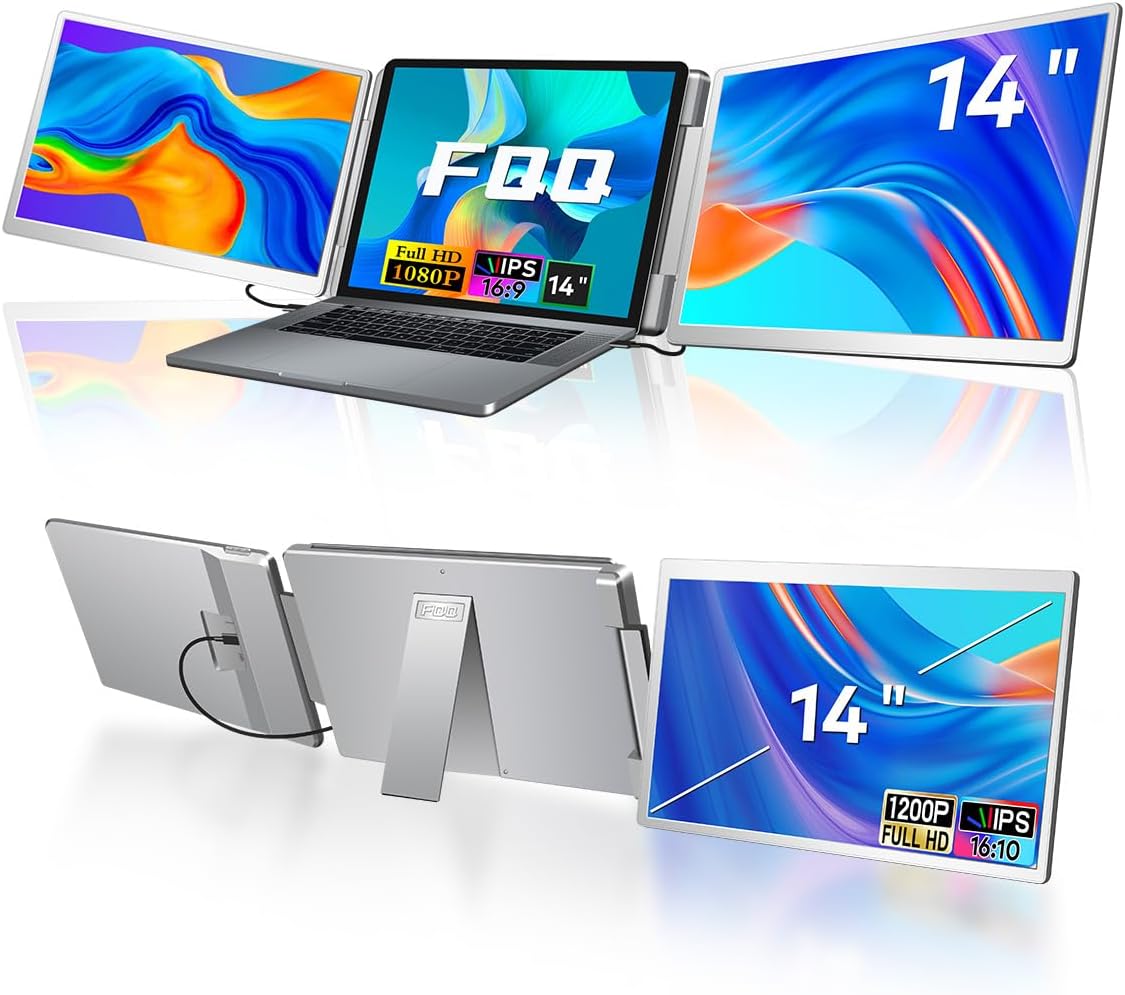
In the box, you get the monitor plus the key cables for common connection paths: USB-C to USB-C, USB-C with USB-A connector, and an HDMI to Mini HDMI cable (along with a carry bag and a user manual). That matters because it reduces the “what cable do I need?” friction—especially if you travel between home, office, and client sites.
Where it shines in real use
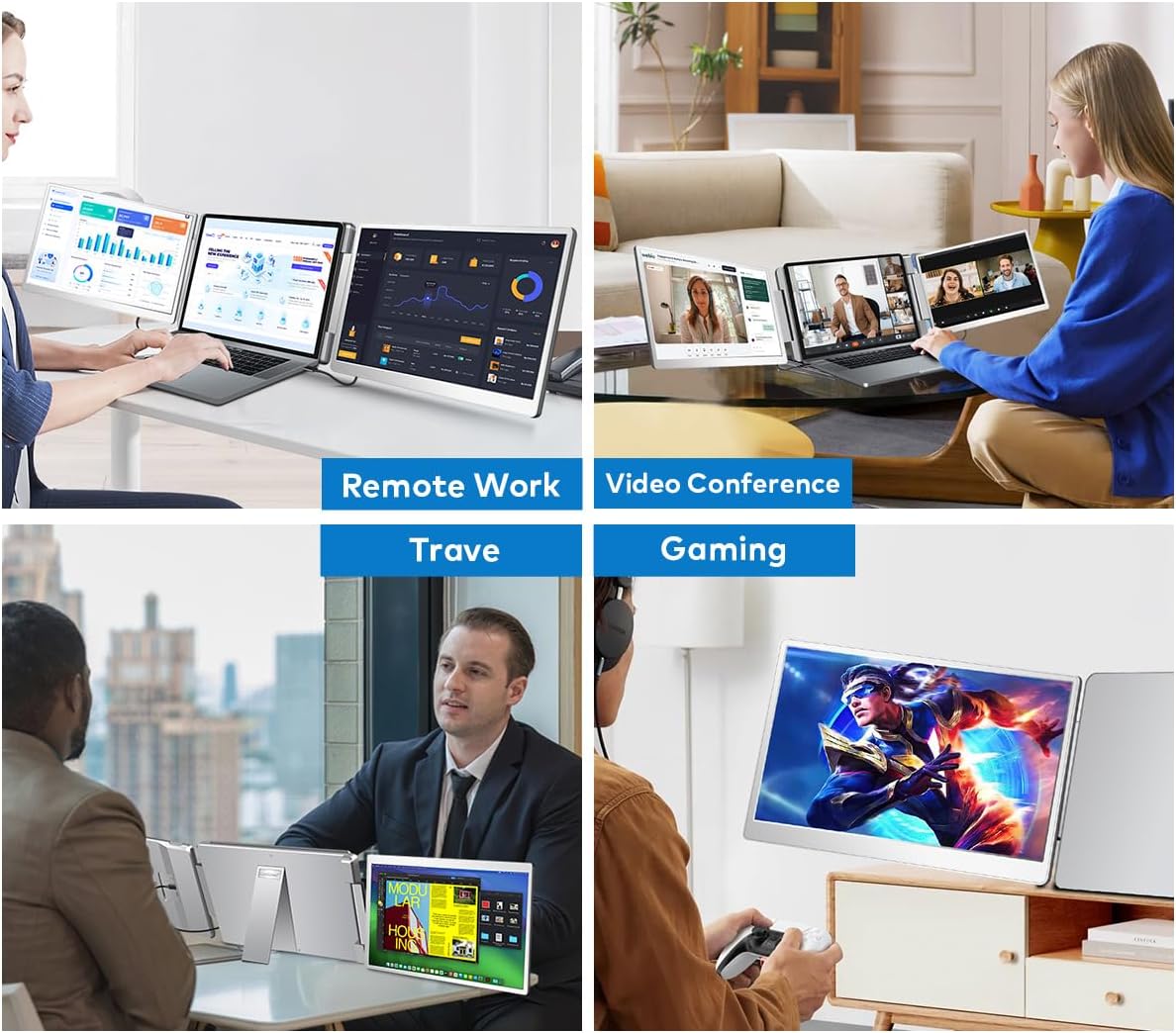
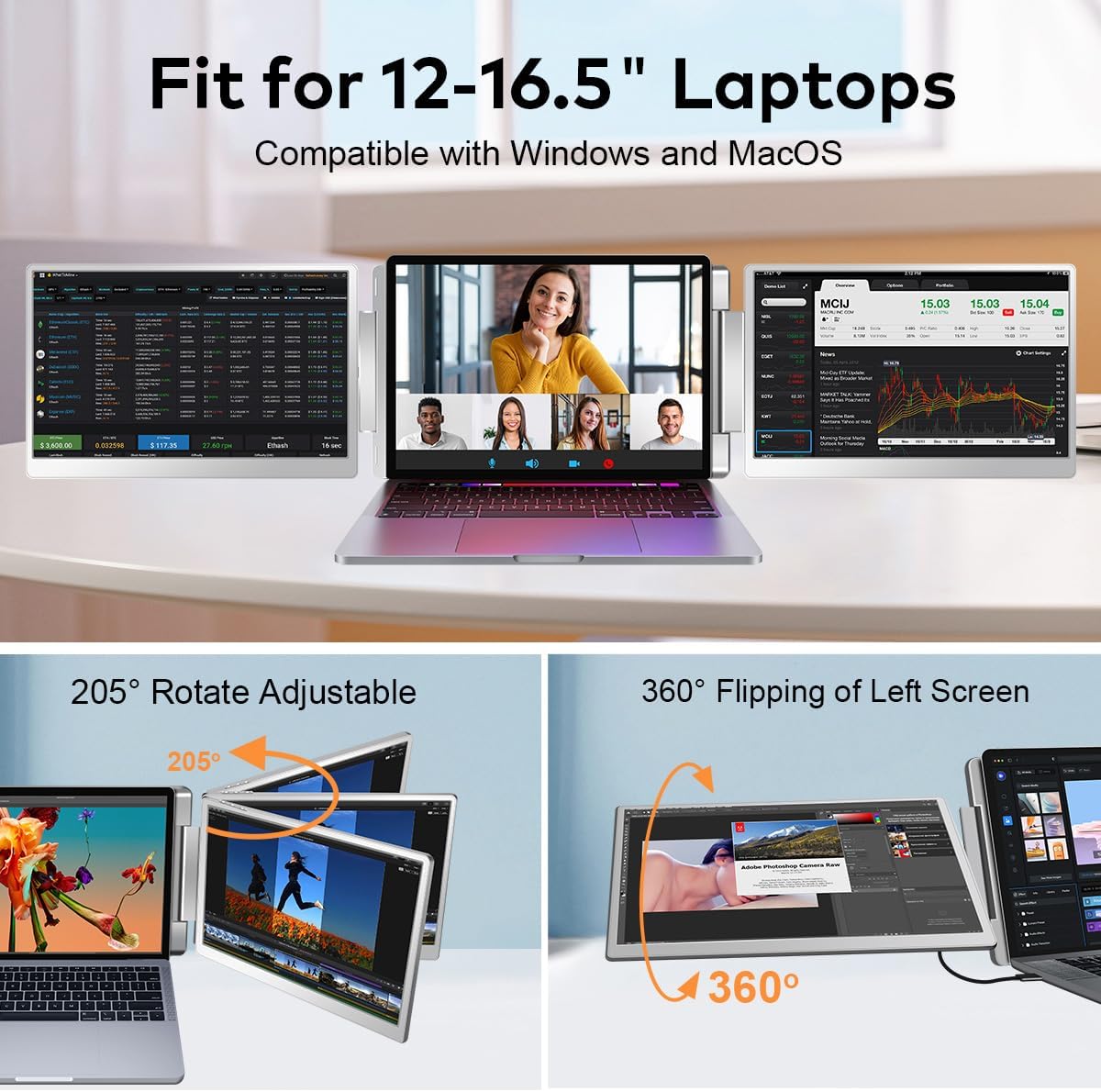
This screen extender focuses on a practical workflow: more screens for multitasking, and flexibility for meetings. The product supports a rotation range for the left and right screens (including a 360° flip design for the left screen). For screen sharing or face-to-face presentations, being able to reposition the display can make the difference between “usable” and “actually comfortable.”
Here’s a concrete micro-example: imagine you’re in a client call. You keep your video conferencing window on your laptop, while the second screen extender can show a document or dashboard. During the call you can reference details without constantly switching apps, and when you rotate the display for sharing, it’s easier for the other person to see what you’re talking about.
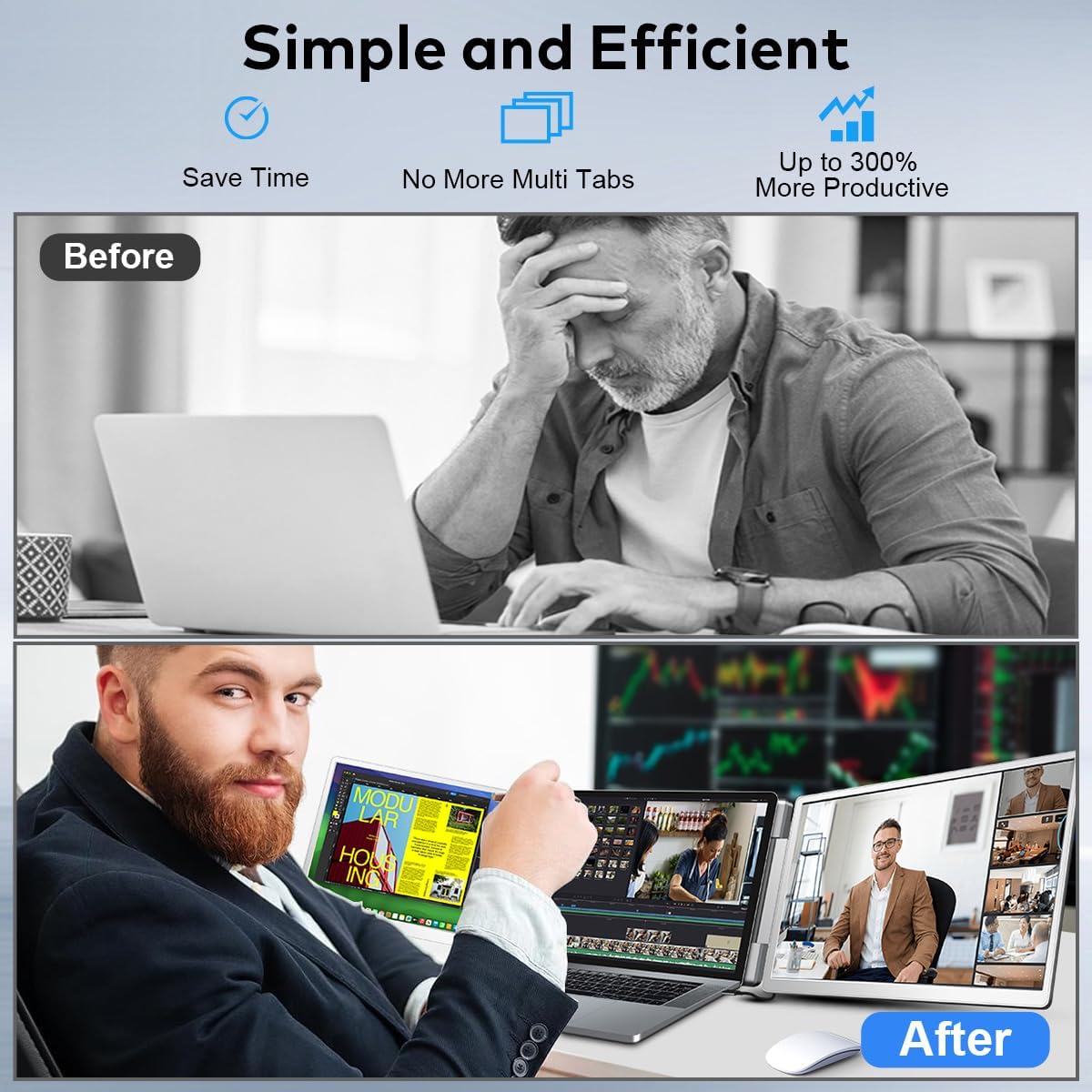
Also, it’s built around a multi-monitor concept (described as supporting “triple monitors” when used as intended). That’s where the productivity claim comes from: more visible content at once tends to reduce back-and-forth.
The display spec that matters (and what to be realistic about)
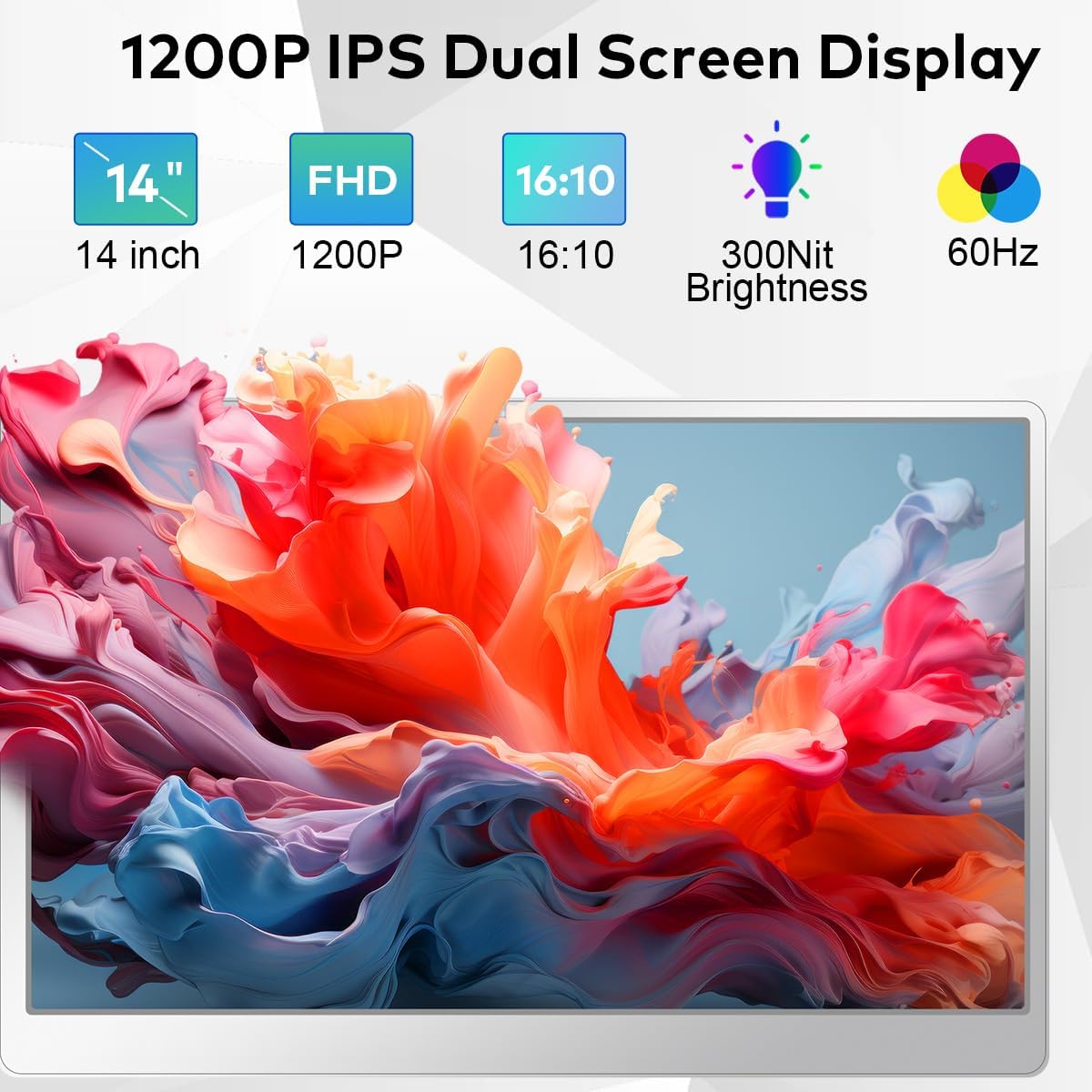
The FQQ 14" IPS panel is offered in Full HD (1920x1200) with a 16:10 aspect ratio, plus a 60Hz refresh rate and a wide viewing angle (178°). IPS is usually a good sign for color consistency and viewing comfort compared to harsher viewing-angle panels.
Brightness can be customized individually per monitor, which is handy if your lighting changes between rooms or if you share the screen with someone who’s sitting at a different angle.
Still, keep expectations grounded: this is a portable screen extender aimed at workspace extension, not a high-end graphics monitor. If you’re chasing the smoothest motion or ultra-critical color work, you may find it “good enough” rather than transformative.
Compatibility: the part people overlook
Compatibility is where this product can be a yes—or a hassle. The description specifies compatibility with Windows and MacOS, but with an important Mac limitation: it’s compatible with M1/M2/M3 Pro/Max, while excluding base M1/M2/M3 chips.
It also requires that your USB-C port is fully functional (not just a shape-matching USB-C port). If your laptop’s USB-C isn’t “full-featured,” you’ll want to rely on HDMI instead.
So the best approach before buying is to check two things: (1) your laptop model and whether it fits the MacOS note, and (2) whether your USB-C is full-featured or you have a working HDMI port.
Key things to consider before you buy
- If you travel often or work across locations, the foldable design and included carry bag are practical. At a stated 3.52 lbs, it’s meant to be carried without turning into a chore.
- Rotation ranges are a real consideration if you do presentations or frequent screen sharing. If your use is mostly “sit and work,” you may not need the full flexibility, but it won’t hurt.
- Make sure you’re comfortable with the resolution and refresh rate for productivity tasks. It’s geared toward readable workspace extension.
- If your Mac is one of the base M1/M2/M3 chips called out as excluded, you may want to skip this particular option.
Pros
- Plug-and-play approach with no driver installation required (per the listing)
- IPS FHD (1920x1200) panel with a 178° viewing angle
- Rotational design supports easier screen sharing and face-to-face viewing
- Comes with multiple cables for common USB-C and HDMI setups
Cons / where it may not fit
- Not compatible with all Mac chip variants (base M1/M2/M3 are excluded)
- USB-C must be “full-featured,” or you’ll need HDMI instead
- Productivity boost depends on your workflow, if you mostly use one app at a time, the payoff can feel smaller
Should you buy it?
It makes sense if you need extra workspace for multitasking and you want a portable, foldable screen extender with a straightforward plug-and-play setup. The IPS display, Full HD resolution, and rotation options are especially useful if you work on the go and you occasionally share what’s on screen.
Skip it if your laptop’s USB-C isn’t full-featured and HDMI isn’t an option, or if your Mac uses one of the excluded base M1/M2/M3 chips. And if you’re aiming for a specialized high-end display experience (not just productivity and readability), this setup may feel more like a solid add-on than a must-have upgrade.
Quick FAQ
Is this compatible with Windows and MacOS?
Yes, it’s described as compatible with Windows and MacOS, with a specific note that it supports M1/M2/M3 Pro/Max but excludes base M1/M2/M3 chips.
Does it require drivers?
The listing states it’s plug-and-play with no drivers required.
What ports does it work with?
It works with 12"–16.5" laptops that have HDMI or a fully functional USB-C port.
How portable is it?
It’s foldable and includes a carry bag, with a stated weight of 3.52 lbs.
What’s included in the box?
The bundle includes the monitor, carry bag, user manual, and several cables (USB-C with USB-A connector, HDMI to Mini HDMI, and USB-C to USB-C cables).