

MeLE Upgraded PCG02 Fanless Mini PC Stick with Windows 11 Pro, N100 CPU, 8GB RAM, 256GB SSD
Product description
What matters most
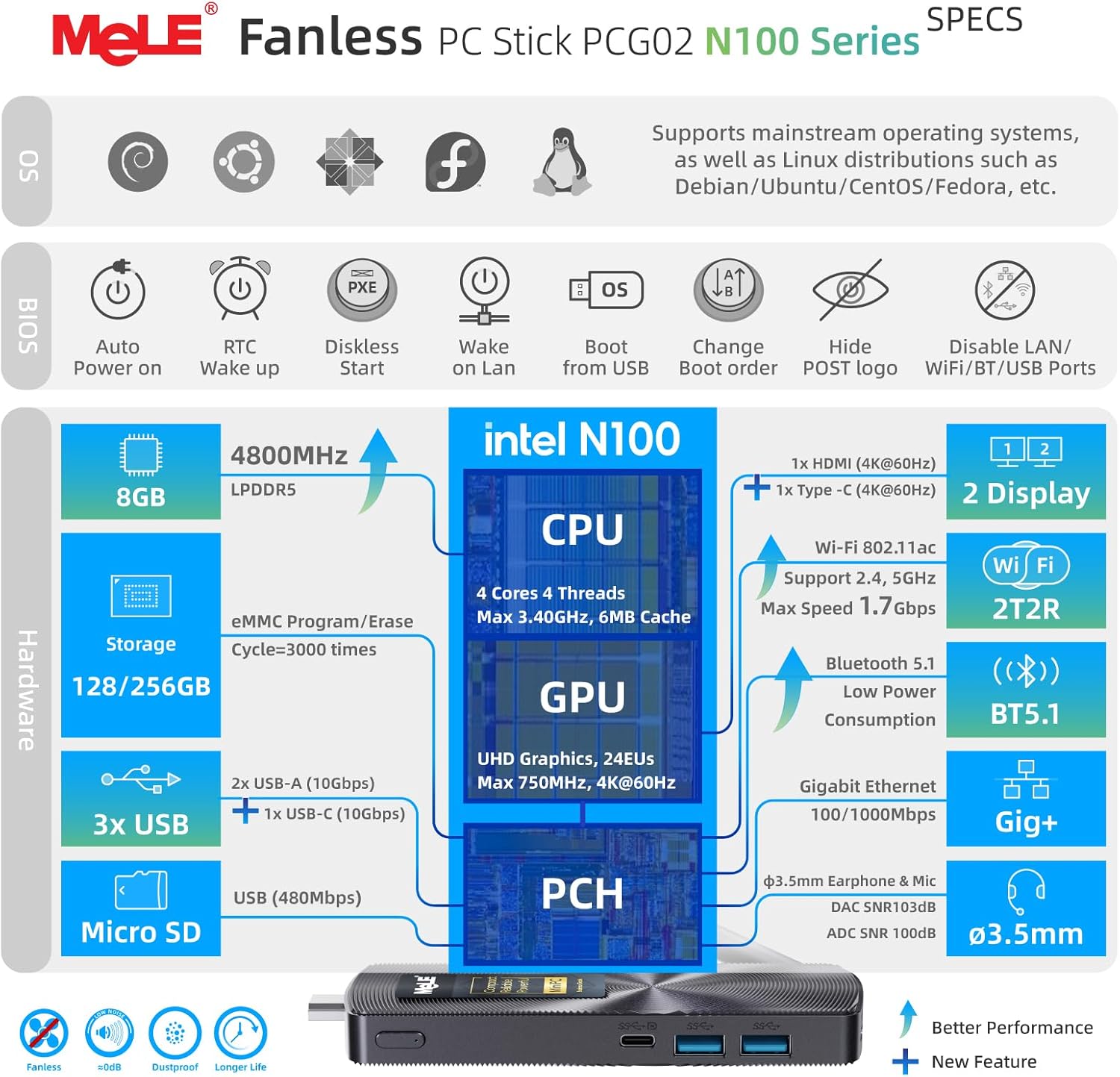
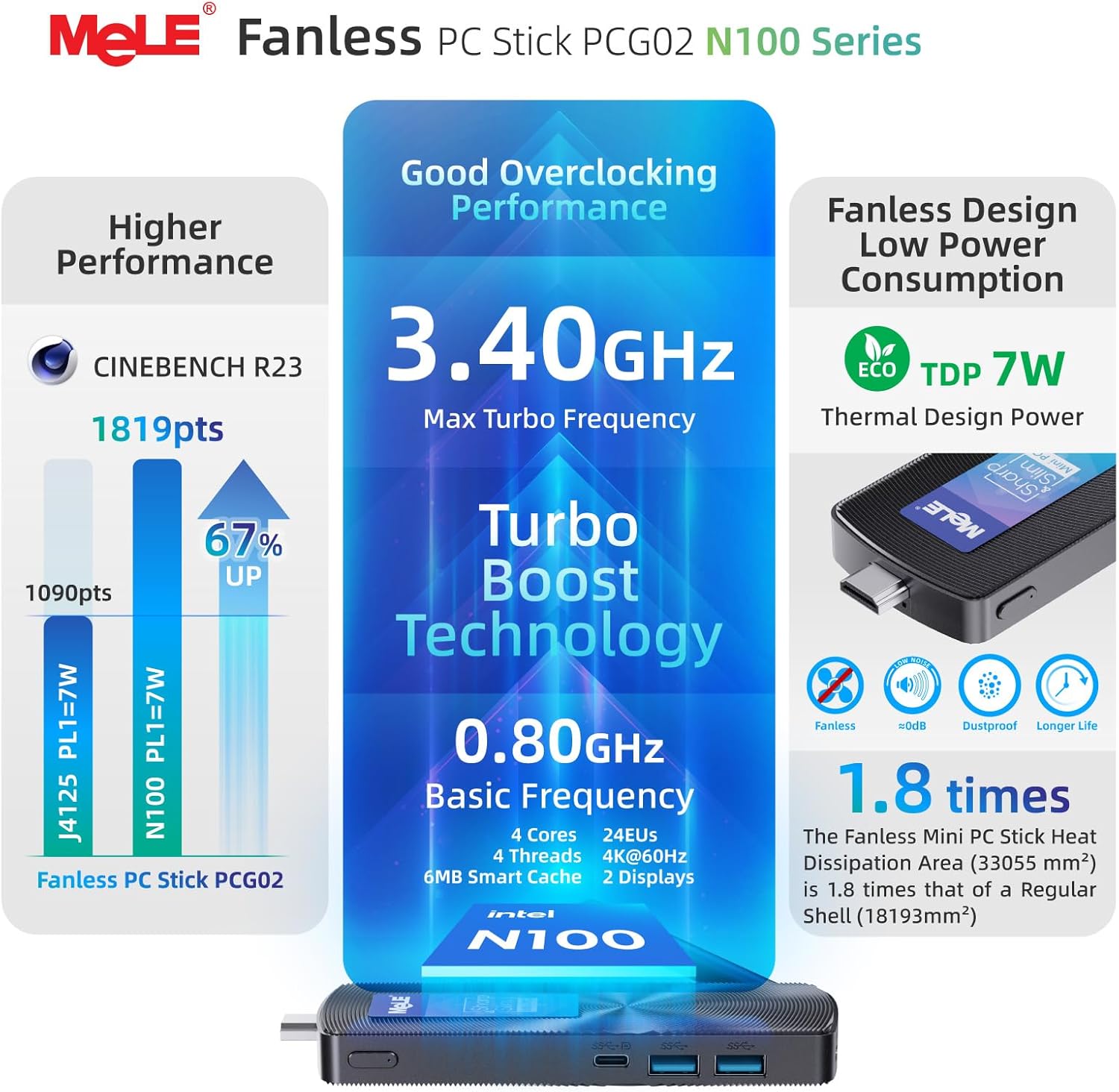
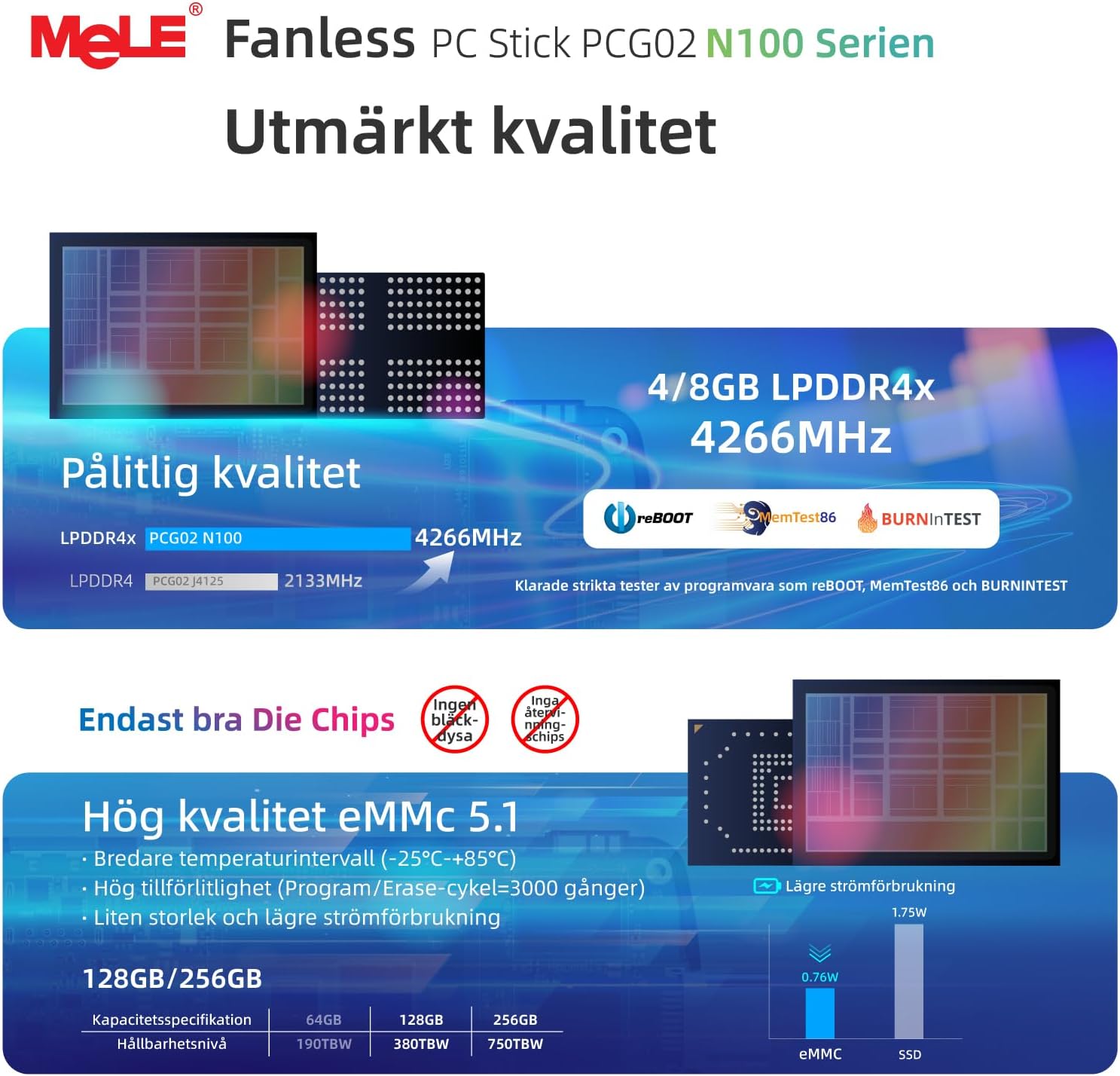
This MeLE PCG02 is a fanless mini PC stick designed to turn a regular display into a compact, always-on computing hub. It aims to solve the need for a small, quiet, and versatile PC for business, educational, or IoT environments without the bulk of a traditional desktop. On paper, the Celeron N100 quad-core processor promises a noticeable jump in everyday tasks compared with older fanless sticks, while 8GB of RAM and 256GB of storage handle typical multitasking and local file needs. If your setup demands a portable Windows 11 Pro machine that can travel between conference rooms or slot into a kiosk or digital signage, this could be a reasonable starting point.
What it is and what it isn’t
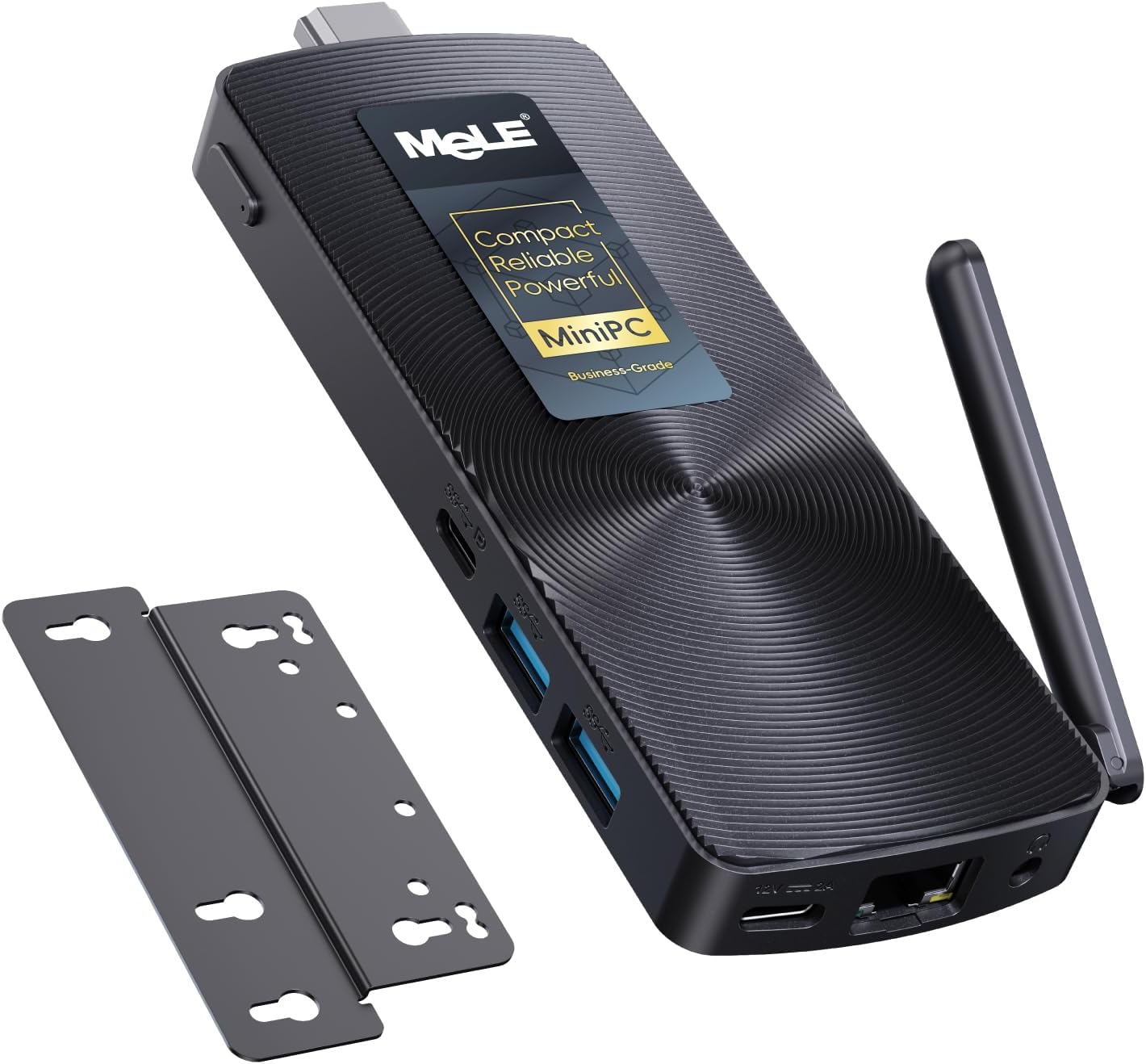
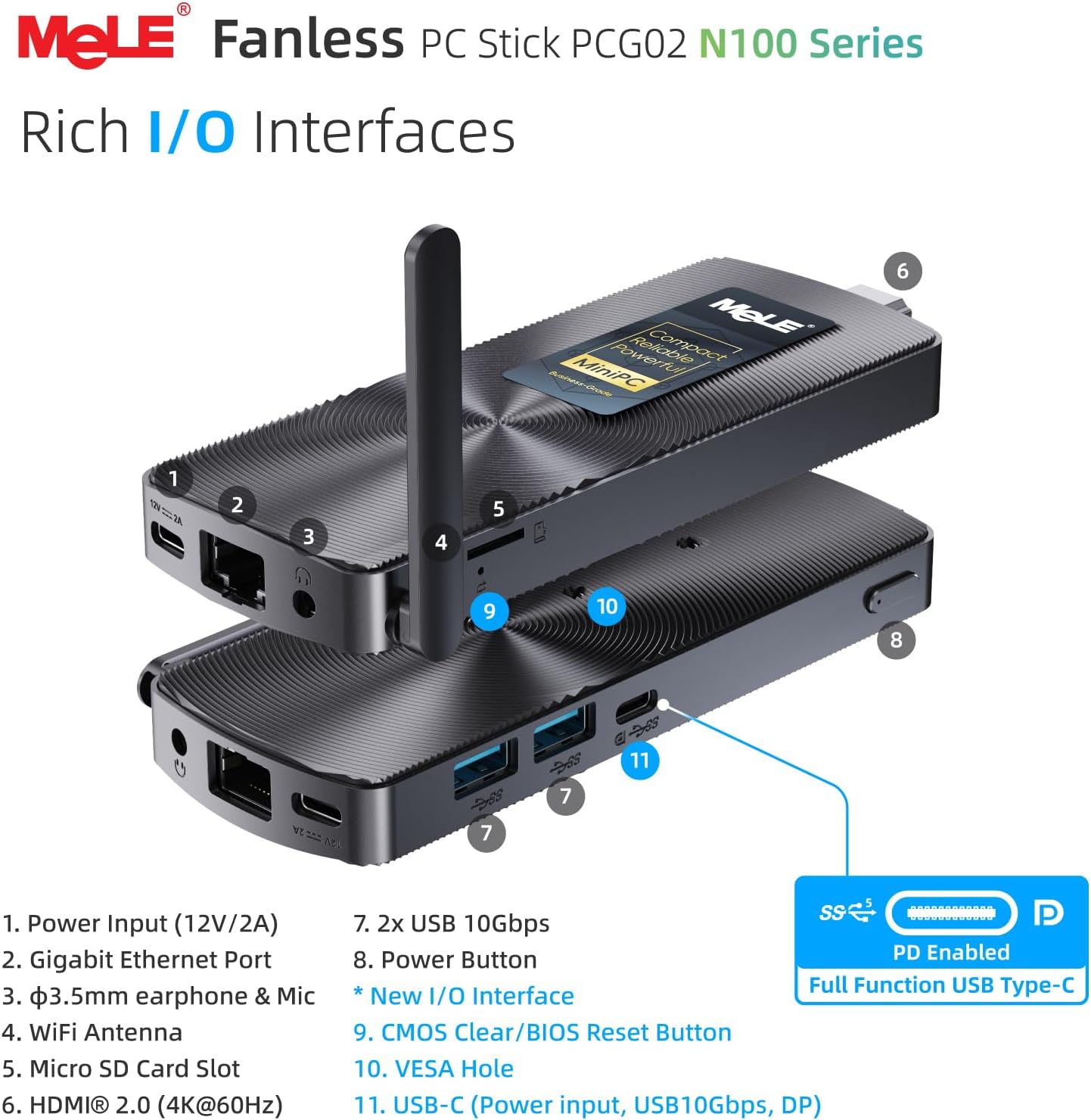
On the surface, this is a stick PC with a passive cooling system, a wired Gigabit Ethernet option, dual-band Wi‑Fi, and Bluetooth for peripherals. It comes pre-installed with Windows 11 Pro and offers Linux compatibility, which is helpful if you prefer a different OS for certain tasks. It’s compact enough to stay out of the way, yet offers full USB-C and USB-A 10Gbps ports for fast peripheral and storage connections. If you’re after a plug-and-play Windows mini PC for everyday officework, light media tasks, or signage in a small to medium environment, it checks many common boxes. If you need sustained heavy CPU/GPU workloads, or you expect 24/7 reliability in harsher industrial settings, this model may fall short or require more cooling headroom.
The best and the limits
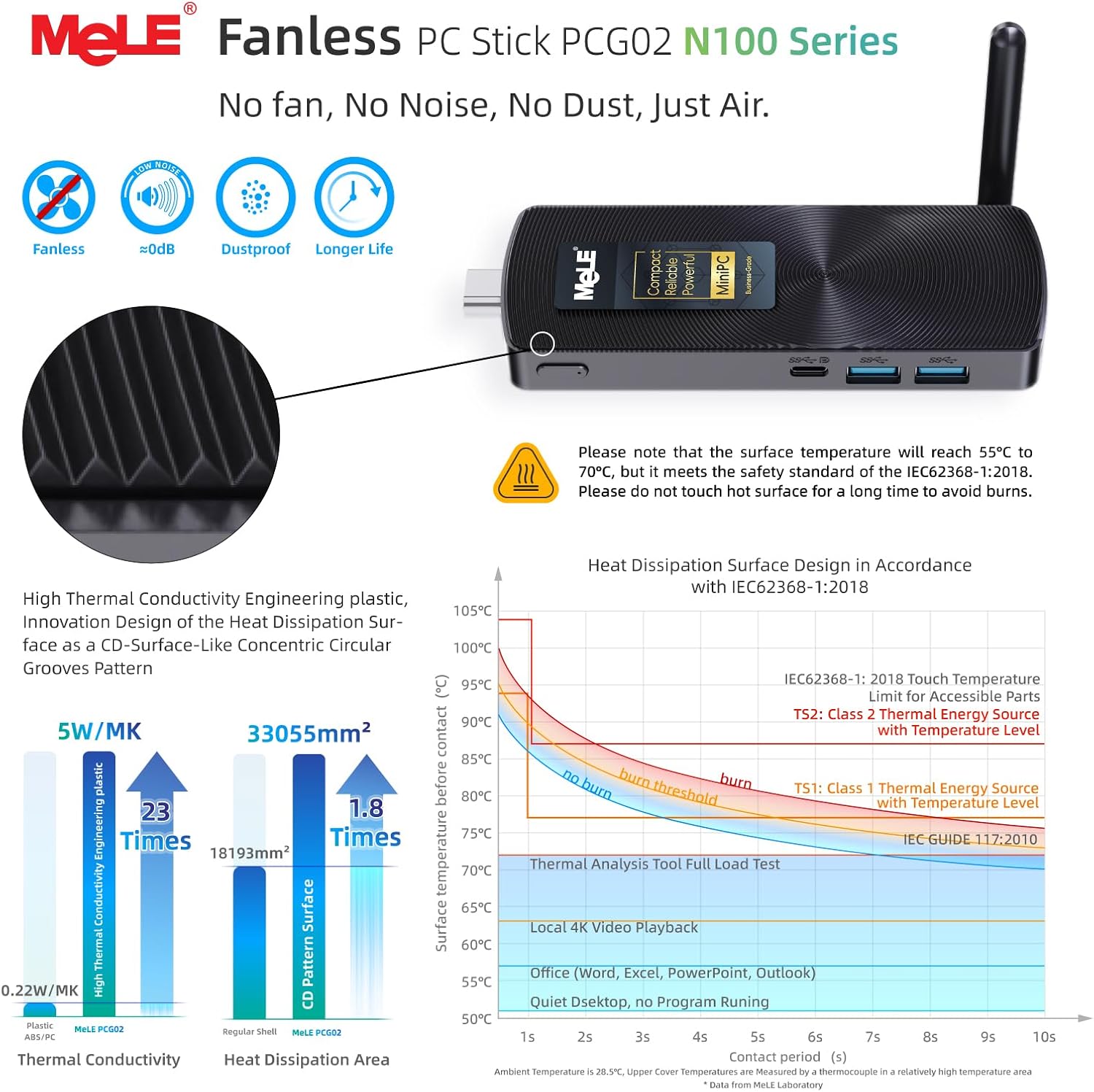
The biggest strength here is the combination of a fanless design with the option for 24/7 operation and a relatively modern CPU. The passive cooling keeps noise to a minimum, which matters in quiet offices or classrooms. The internal 8GB/256GB combo provides a balanced baseline for multitasking, web apps, and light content creation, plus expansion via a Micro SD card up to 1TB for extra storage. On the downside, surface temperatures can reach 55°C–70°C under load, which is higher than many active-cooled mini PCs. If you’re placing the device on or near heat-sensitive surfaces or in tightly packed racks, you’ll want to monitor heat and ensure adequate airflow.
Who it’s for
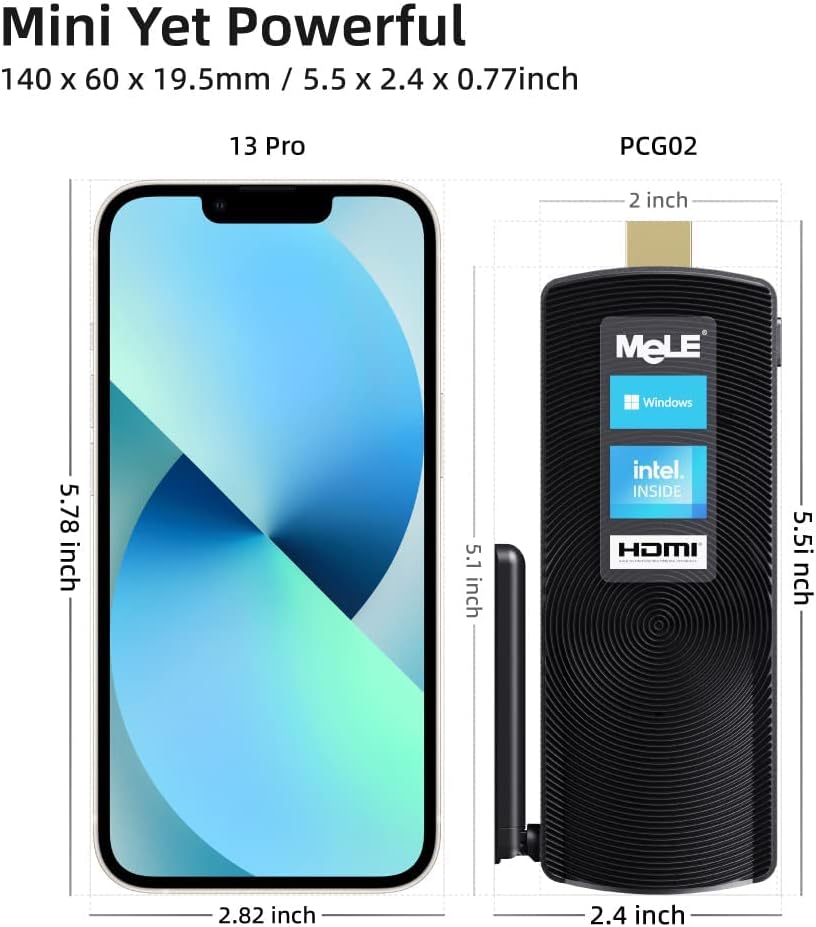
This device suits small business users, digital signage operators, classroom tech deployers, or IoT setups that need a compact Windows node with reliable network connectivity. It’s a pragmatic option if you want Windows 11 Pro without buying a full desktop or laptop, and you’re comfortable with a stick-form factor that relies on external displays and peripherals. It’s also a decent pick for home offices where space is at a premium and you value a quiet workspace.
Who it isn’t for
If your day-to-day includes heavy video editing, 3D rendering, or persistent long-running computations, a fanless stick may not keep up. Likewise, for users who require built-in RAM and storage to be expanded frequently or who need the lowest possible surface temperature, this model is a middle-ground choice rather than a high-performance workstation.
What to review before buying
- Confirm that your display and peripherals can connect through HDMI and USB-C/USB-A ports you plan to use.
- Check whether your chosen OS (Windows 11 Pro or Linux) aligns with your workflow and software compatibility.
- Consider whether you’ll rely on the built-in 2.4G/5GHz Wi‑Fi or prefer wired Ethernet for reliability in commercial deployments.
- Think about deployment scenarios like digital signage or POS, the Kensington lock slot and Wake on LAN/ PXE support could simplify management.
- If heat is a concern in your environment, plan for unobstructed ventilation and avoid stacking devices tightly.
Practical use case example
Imagine a small conference room where you need a simple computer for presentations, video playback, and web demos. You plug the PCG02 into an HDMI display, attach a keyboard and mouse, and connect to the network via Gigabit Ethernet for stable streaming. The setup is quiet, nearly invisible, and ready for quick boot-ups or remote maintenance—all without a full desktop footprint.
A quick comparison mindset
If you’re evaluating options, think about the trade-off between size, noise, and performance. A compact fanless stick like the PCG02 is appealing when you want a straightforward, low-profile solution for basic productivity, signage, or light virtualization tasks. In contrast, if you expect sustained heavy workloads or require aggressive cooling for long-running operations, you may prefer a larger mini PC or a traditional desktop with active cooling.
What’s included
The package typically focuses on core hardware capabilities, with expansion options via USB and Micro SD. For deployments beyond basic use, you’ll likely source peripherals and possibly a mounting solution or enclosure to suit your environment.
FAQ snapshot
- Can I run Windows 11 Pro and Linux on this stick? Yes, Windows 11 Pro is pre-installed, and Linux variants like Ubuntu are supported.
- Is it suitable for 24/7 operation? It’s designed for 24/7 operation in fanless form, but monitor temperatures and ensure appropriate ventilation.
- How do I expand storage? There’s a Micro SD card slot that supports expansion up to 1TB in addition to the internal 256GB.
Is it worth it?
Is it worth it? Worth considering if you prioritize a quiet, compact Windows 11 Pro PC for office tasks, signage, or lightweight IoT projects, and you’re comfortable with the surface temperature range and the trade-off of not having active cooling. If your use case leans toward heavy processing or constant high-load operations, you may want to explore higher-performance or actively cooled options.