

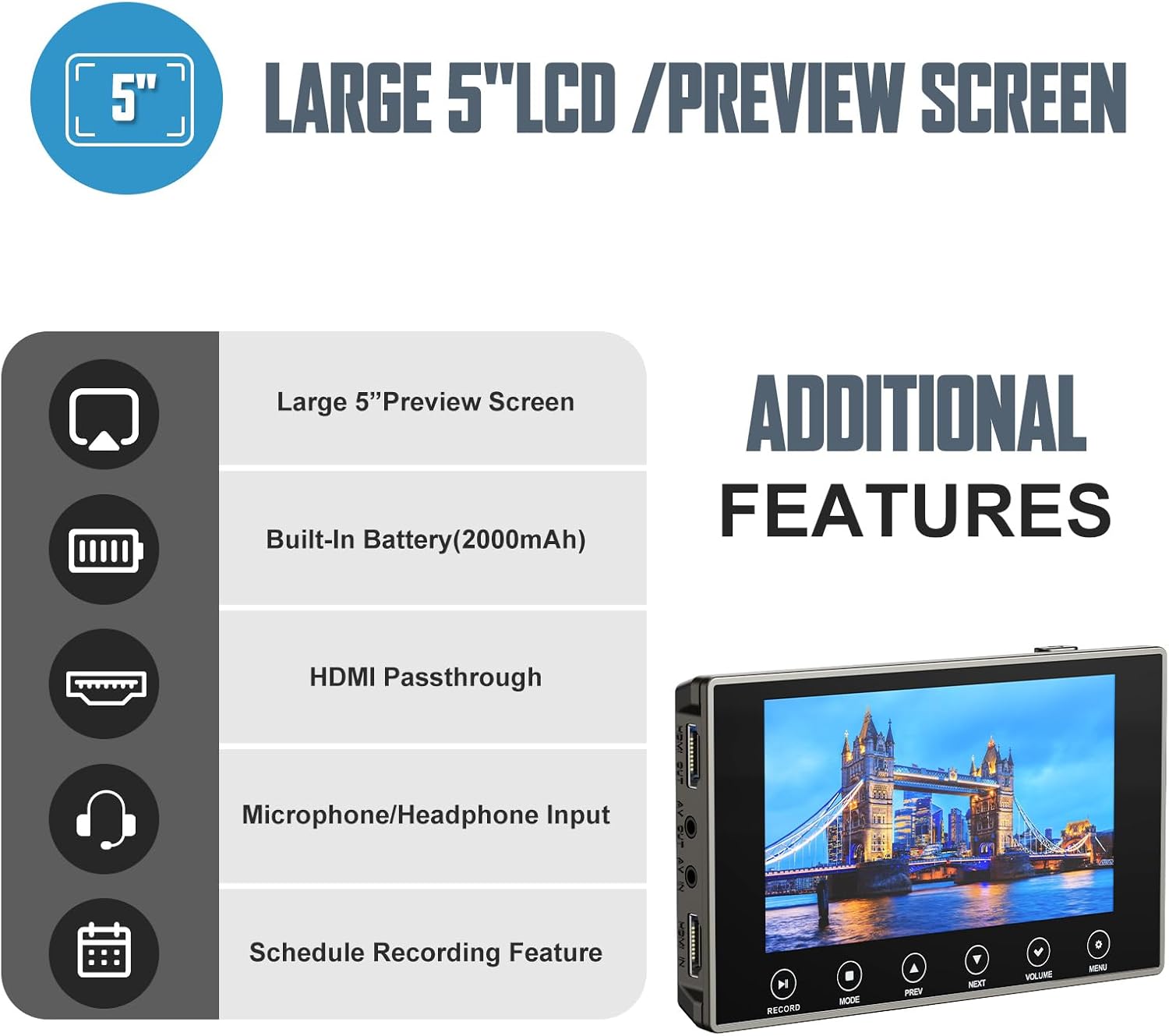
DigitPro VHS to Digital Converter 3.0 with 5" Screen (VCR/Hi8/Mini DV to MP4, 4K)
Product description
What this is for
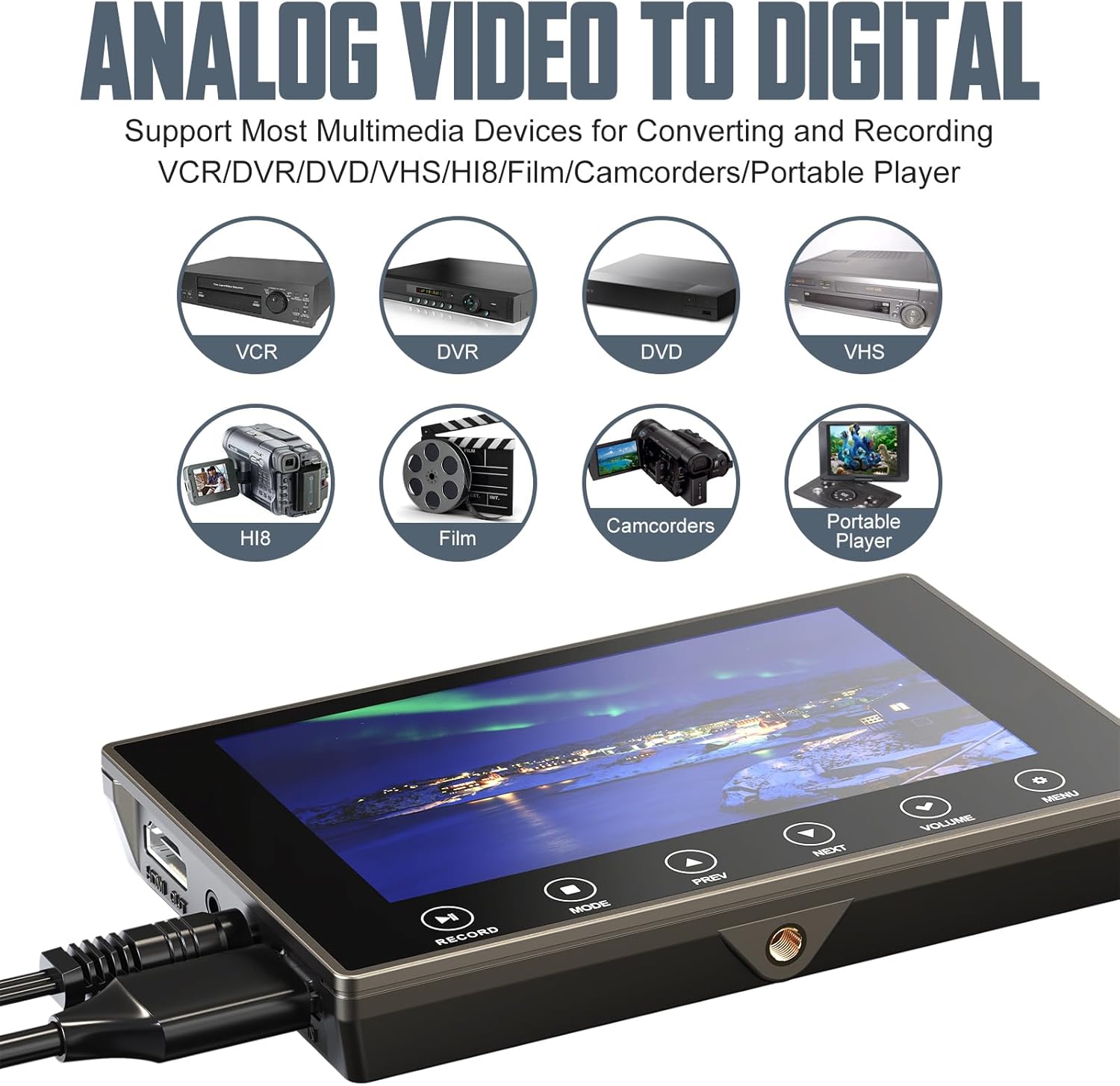
DigitPro’s VHS to Digital Converter 3.0 is built for one very specific job: getting older analog video—things like VHS tapes and other camcorder-style recordings—into a digital format you can actually share. If you’ve got tapes you barely touch because the player is dying, the cables are a mess, or you just don’t want to sit through playback on aging hardware, this converter is designed to make digitizing feel more straightforward.
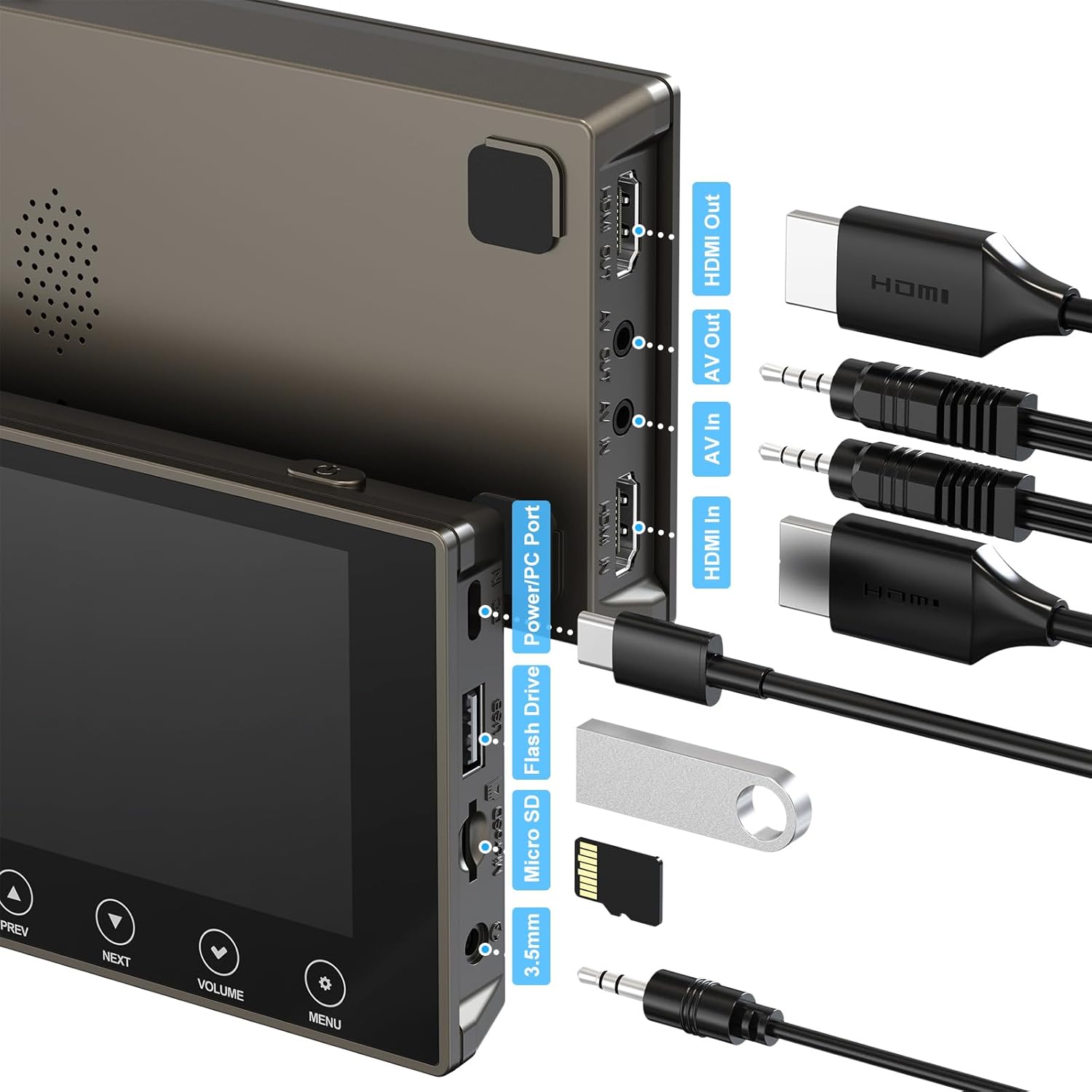
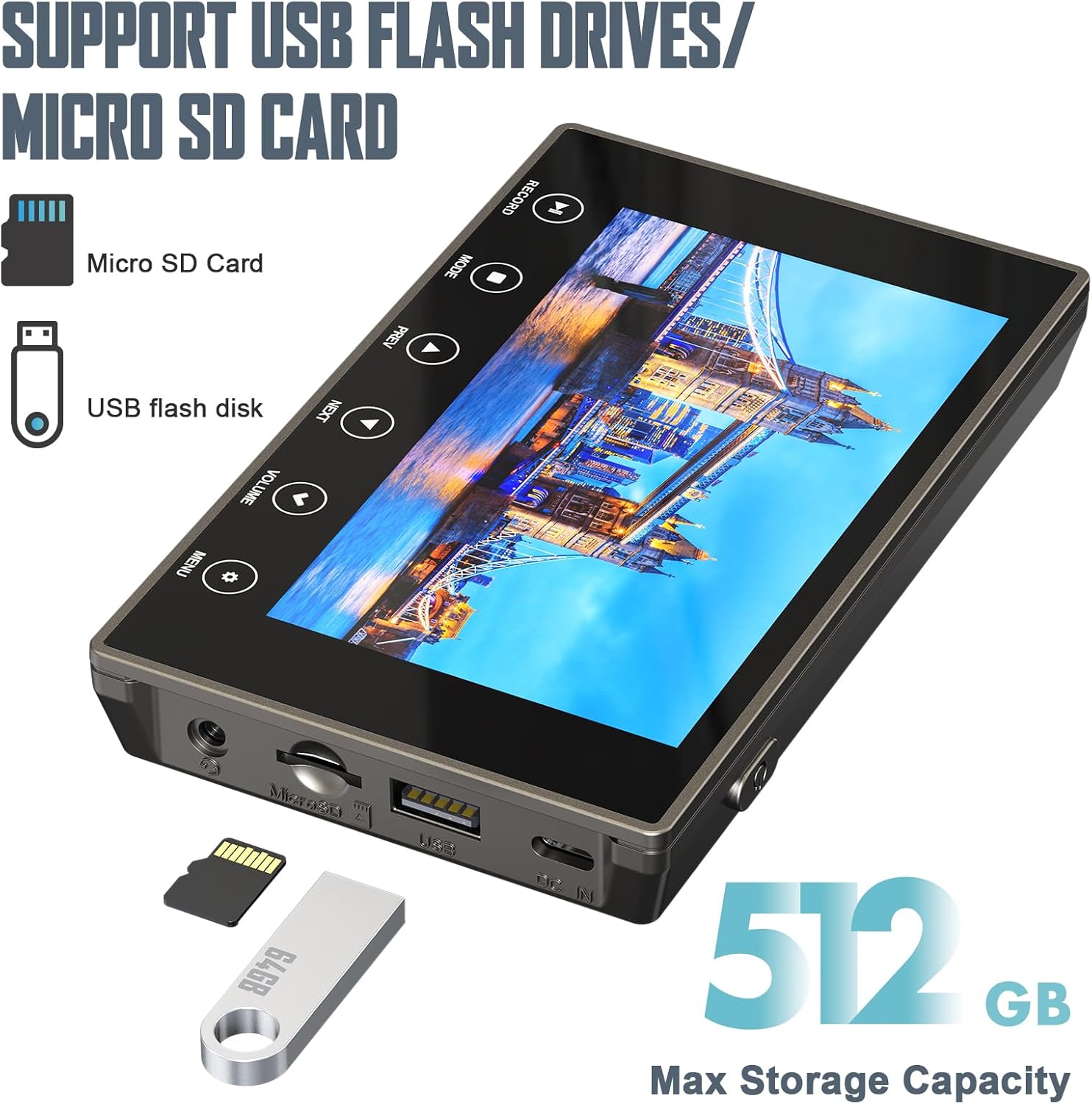
On paper, it’s positioned as a standalone solution. That matters, because many alternatives assume you’ll hook everything up to a computer and deal with software, drivers, and settings. Here, the pitch is simpler: capture and save to SD card (included) or a USB flash drive (not included), without a computer required.
The experience in practice (what you’ll notice)
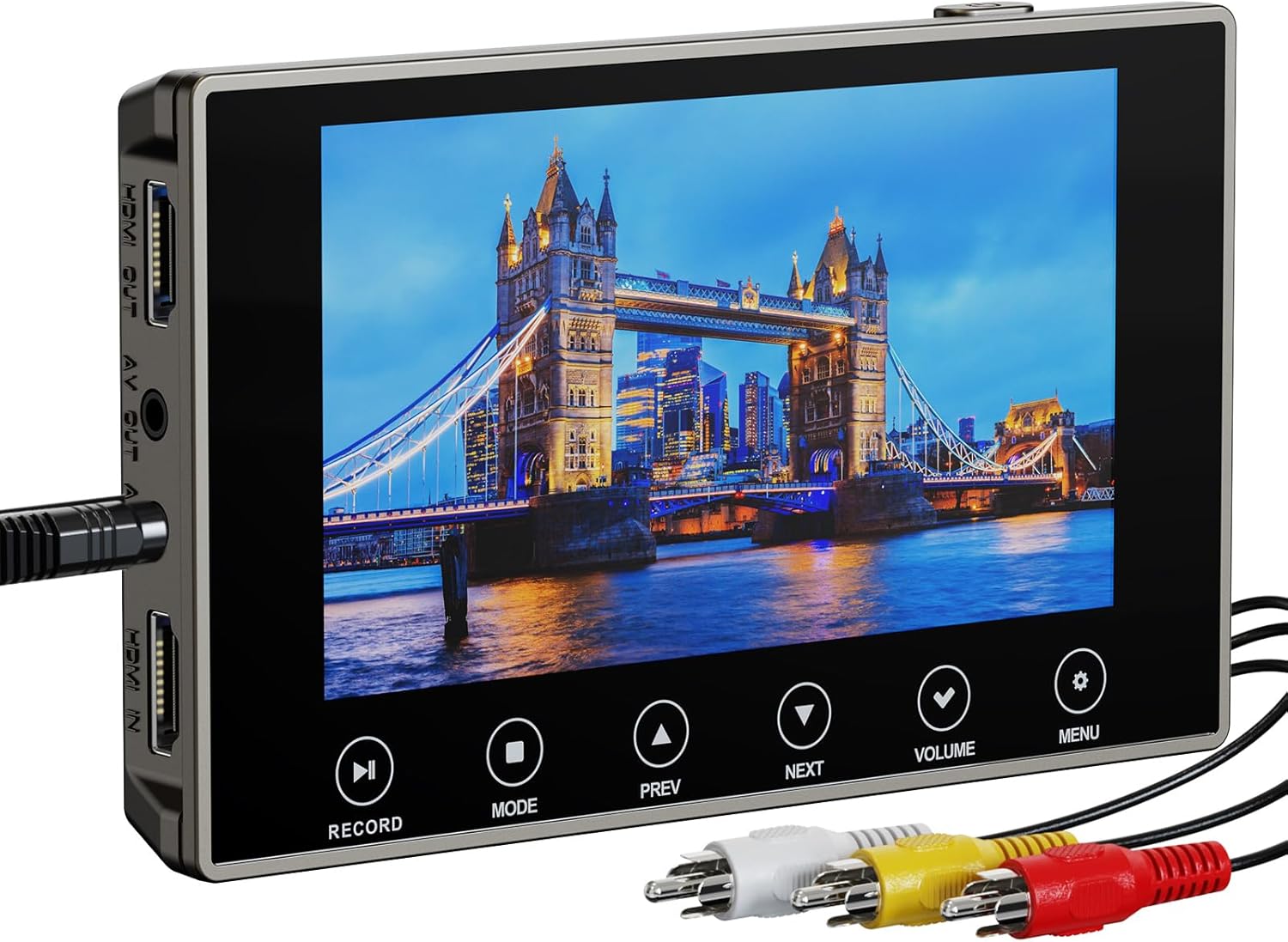
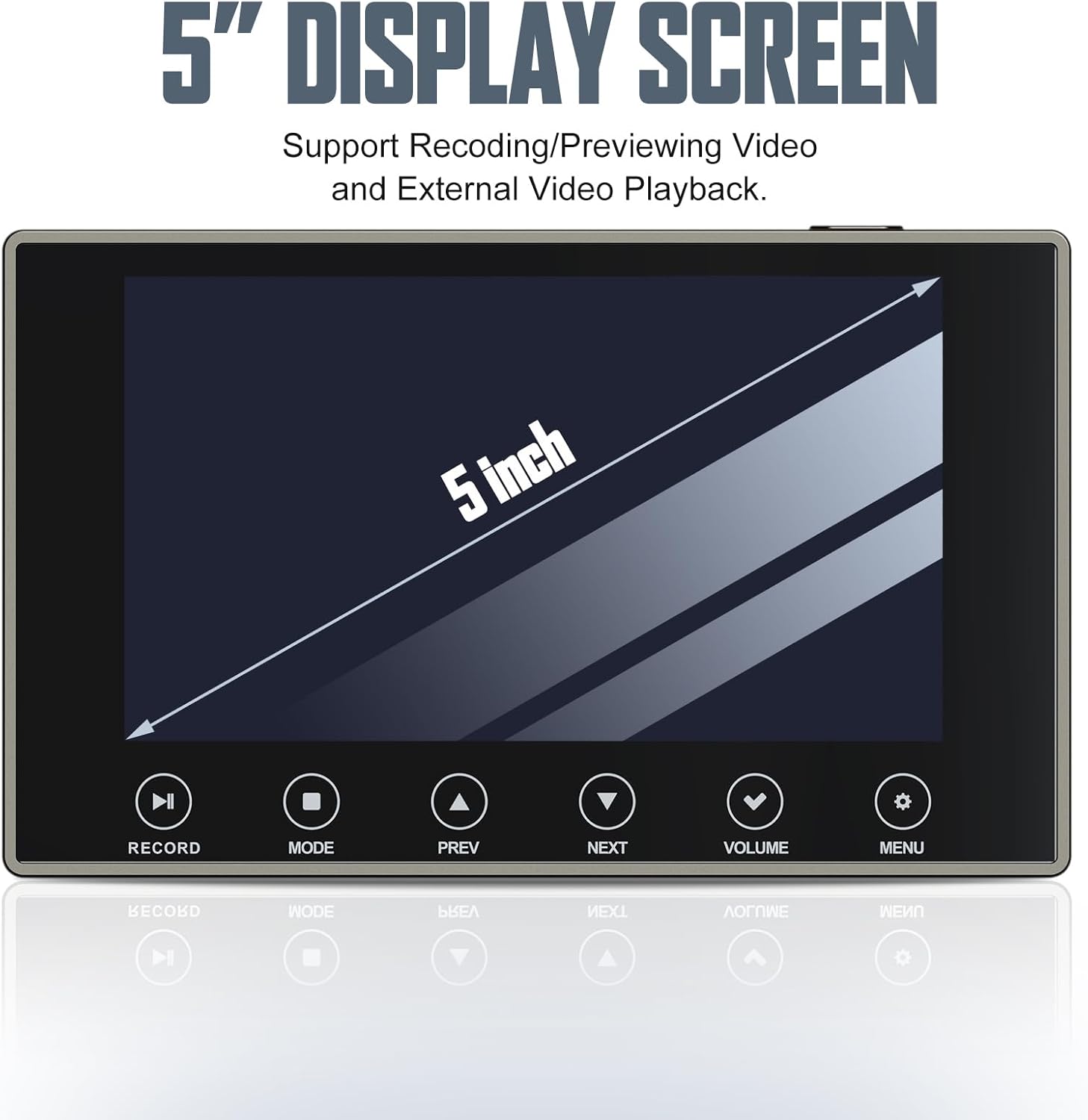
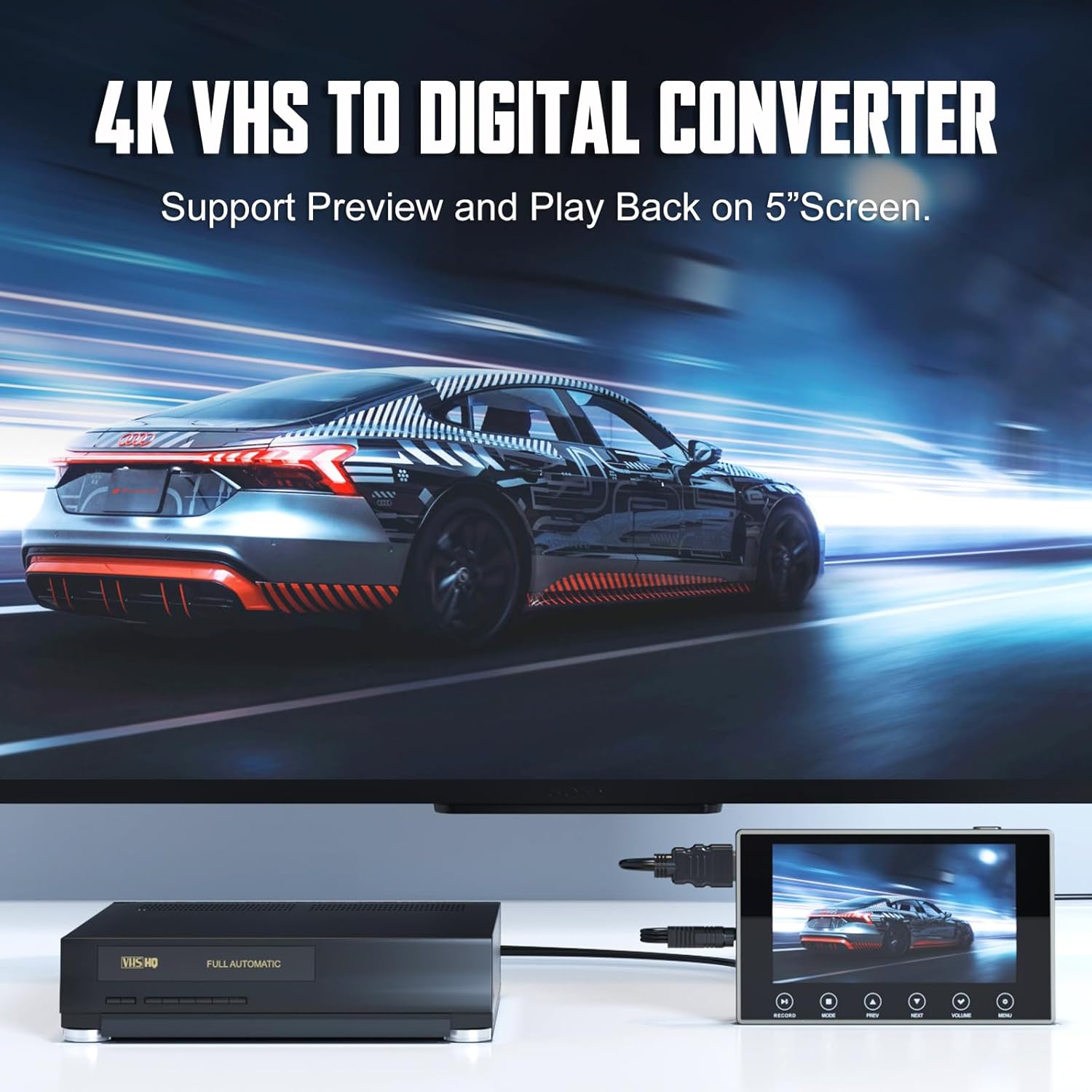
The standout “use it immediately” angle is the built-in 5" screen and speakers. During capture, you can preview what’s being recorded, and when you’re done, you can play it back without hunting for a monitor. It’s the kind of feature that makes a difference in real sessions—especially the first time you digitize a tape and want to confirm the signal looks right.
You also get an HDMI port for connecting to a larger screen, plus a separate 3.5mm headphone jack if you prefer listening privately. There’s even a 3.5mm mic jack for adding your own live commentary, which is a nice touch if you want to narrate while the tape plays.
Still, it’s worth keeping expectations reasonable: a converter like this can only work with the quality of what your source playback outputs. So if your original VCR playback is already noisy or unstable, the digitized result may reflect that.
Key points about digitizing quality and file output
DigitPro highlights 4K recording resolution along with options for 720p and 1080p. That gives you flexibility depending on how you plan to store and watch your files. The output format is MP4, which is broadly usable across modern devices.
There’s also a “next-gen digitization chip” mentioned as part of the approach to capture details more precisely. The promise here is clear: your old recordings should feel more “alive” once moved to digital, with better clarity than you’d get from trying to re-watch tapes indefinitely.
One limitation to consider: higher capture settings don’t magically fix every issue in old tapes. If the goal is archival in the most rigorous sense, you’d still want to be selective about which tapes you digitize first and how carefully your source playback is maintained.
Portability and power (battery life matters)
This converter includes a built-in 2000mAh battery and the company claims up to 3 hours of playback after a full charge. For casual digitizing sessions, that’s convenient—no constant power outlet hunting.
Where it helps most is when you’re working in a living room, a spare room, or anywhere you don’t want to stage a whole computer setup. If you plan longer runs back-to-back, you may still want to budget for charging or plan your workflow so you don’t get interrupted mid-capture.
Specs you should pay attention to
Tech summary
- Built-in screen: 5" (with built-in speakers)
- Output format: MP4
- Recording resolution options: 4K, 720p, 1080p
- Save options: SD card (included) or USB flash drive (not included)
- Audio connections: 3.5mm mic jack (for live commentary) and 3.5mm headphone output
- Video sharing: HDMI port for connecting to a larger display
- Power: built-in 2000mAh battery (up to 3 hours of playback after a full charge)
Who it suits best (and who should skip it)
This is a solid pick if you mainly want a practical, standalone way to digitize memories without a computer. It also makes sense if you value immediate feedback—previewing on the built-in screen—so you can catch signal issues early.
It may not suit you as well if you’re expecting a professional-grade archival workflow where you’ll want maximum control over advanced settings, or if your digitizing process depends on connecting to complex setups not covered by the basics described. Also, since the USB flash drive is not included, you’ll want to plan ahead with storage before your first session.
Buying verdict
Is it worth it?
If you’re trying to preserve old analog video and you don’t want to wrestle with computer software, the DigitPro VHS to Digital Converter 3.0 makes a lot of sense. The built-in 5" screen, onboard speakers, MP4 output, and standalone recording approach are aimed at reducing friction—so you can actually get through your first tapes.
That said, it’s more of a convenience-first digitizing tool than a “fix everything” solution. The real deciding factor is how clean your source playback looks when you run the tape on your existing VCR/camcorder. If your playback signal is already shaky, the converter won’t fully erase those problems.
Quick FAQ
FAQ
Does it require a computer? No computer is required according to the product description.
What does it save recordings to? It saves to SD card (included) or to a USB flash drive (not included), in MP4 format.
Can you preview the video while recording? Yes. It includes a 5" screen and built-in speakers for previewing and playback.
Can I add commentary while digitizing? There’s a 3.5mm mic jack for live commentary.
Can it connect to a TV or larger monitor? Yes, there’s an HDMI port for connecting to a larger screen.