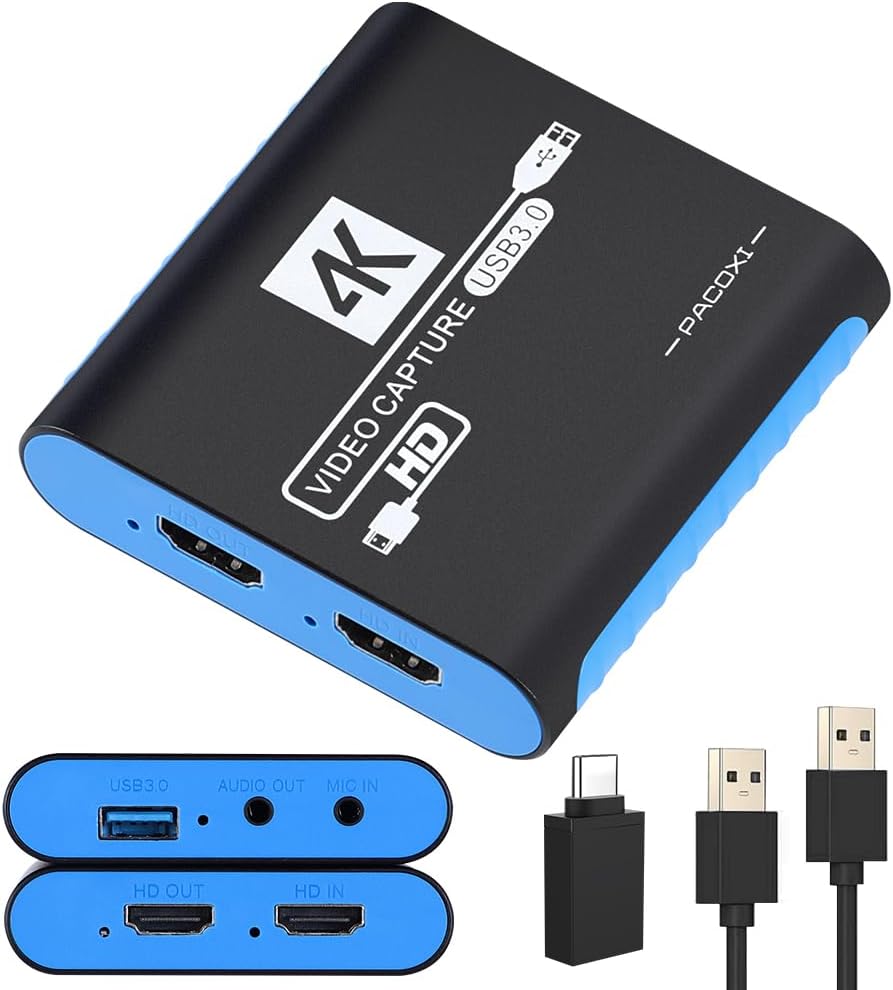
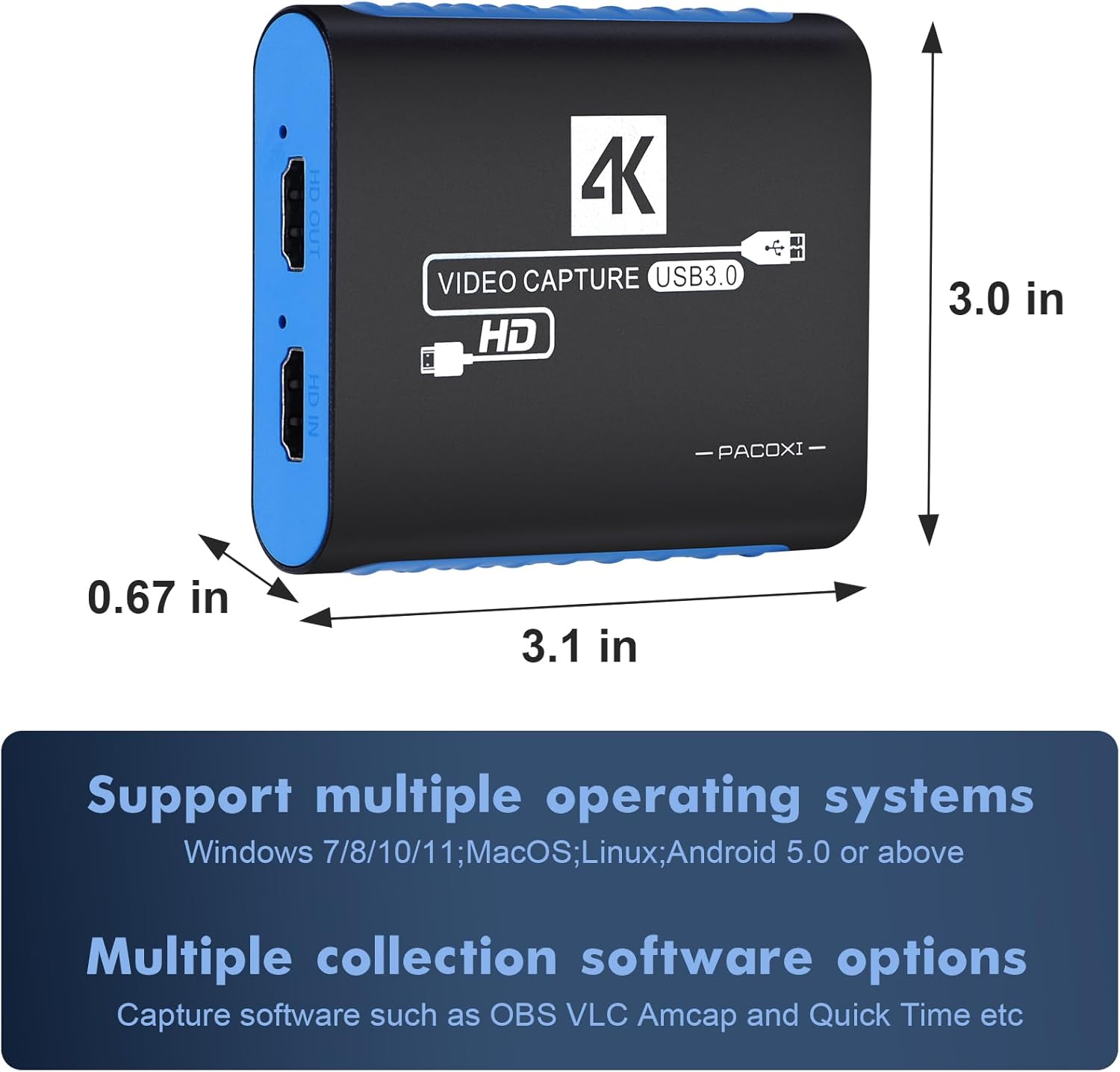
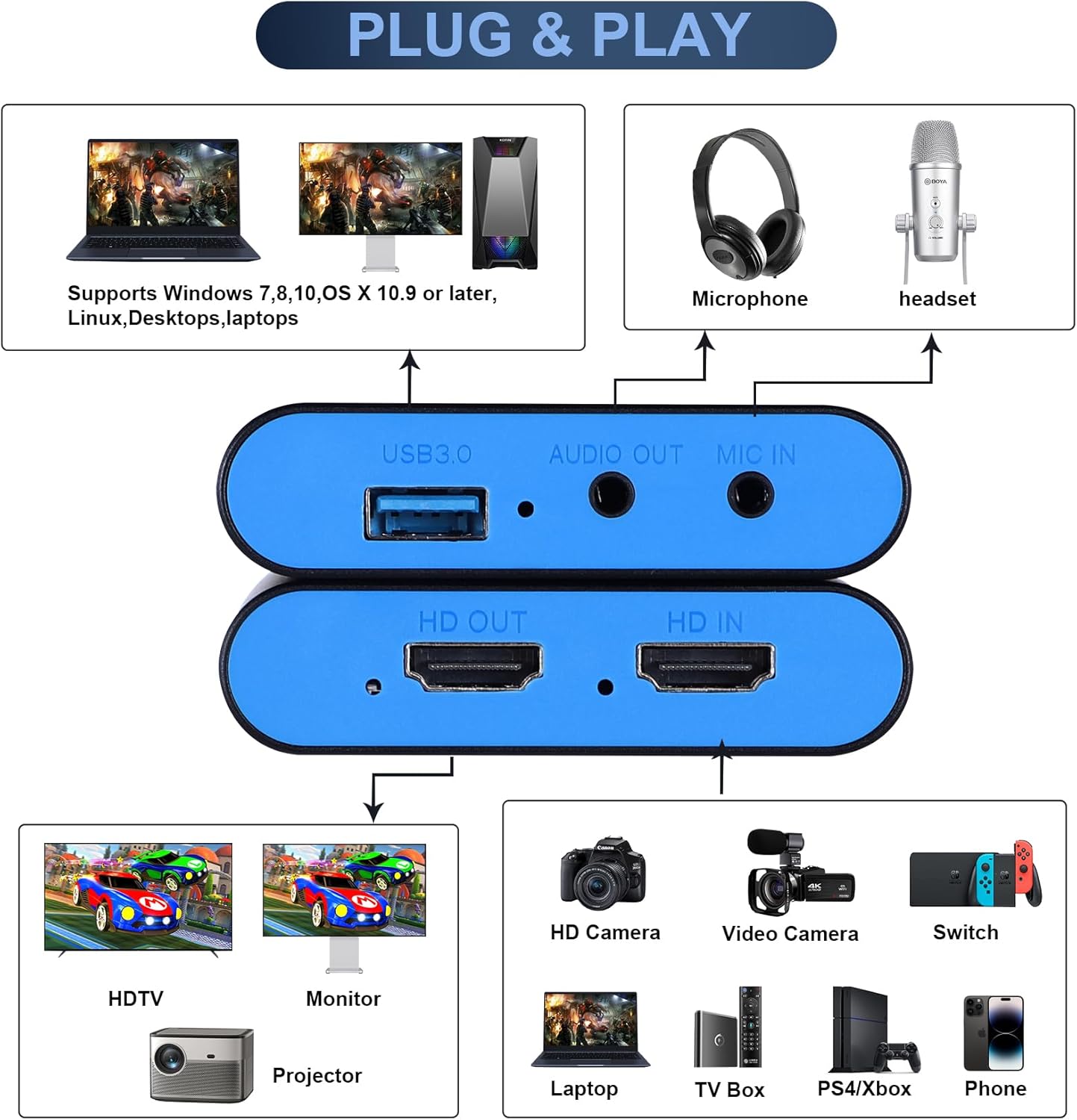
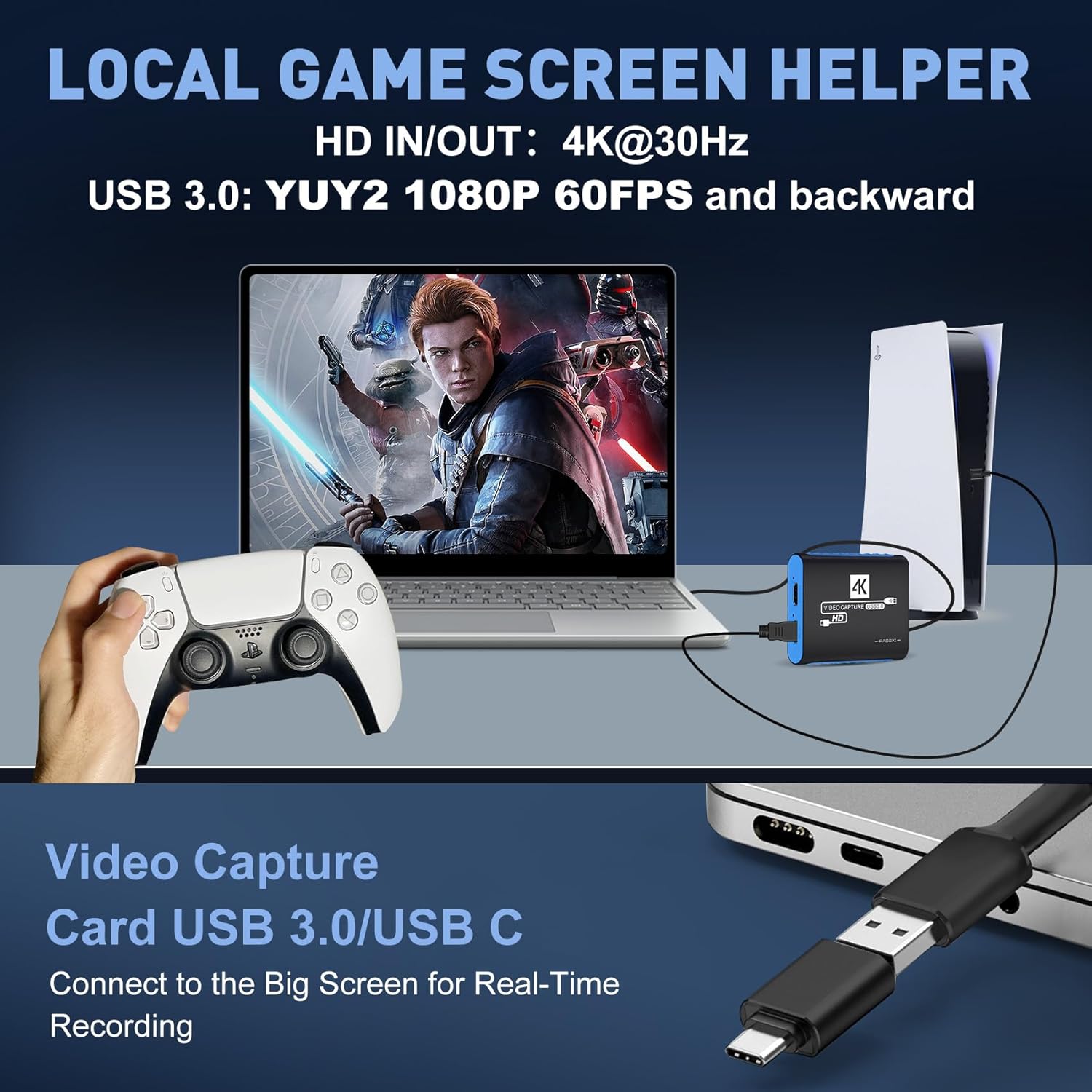
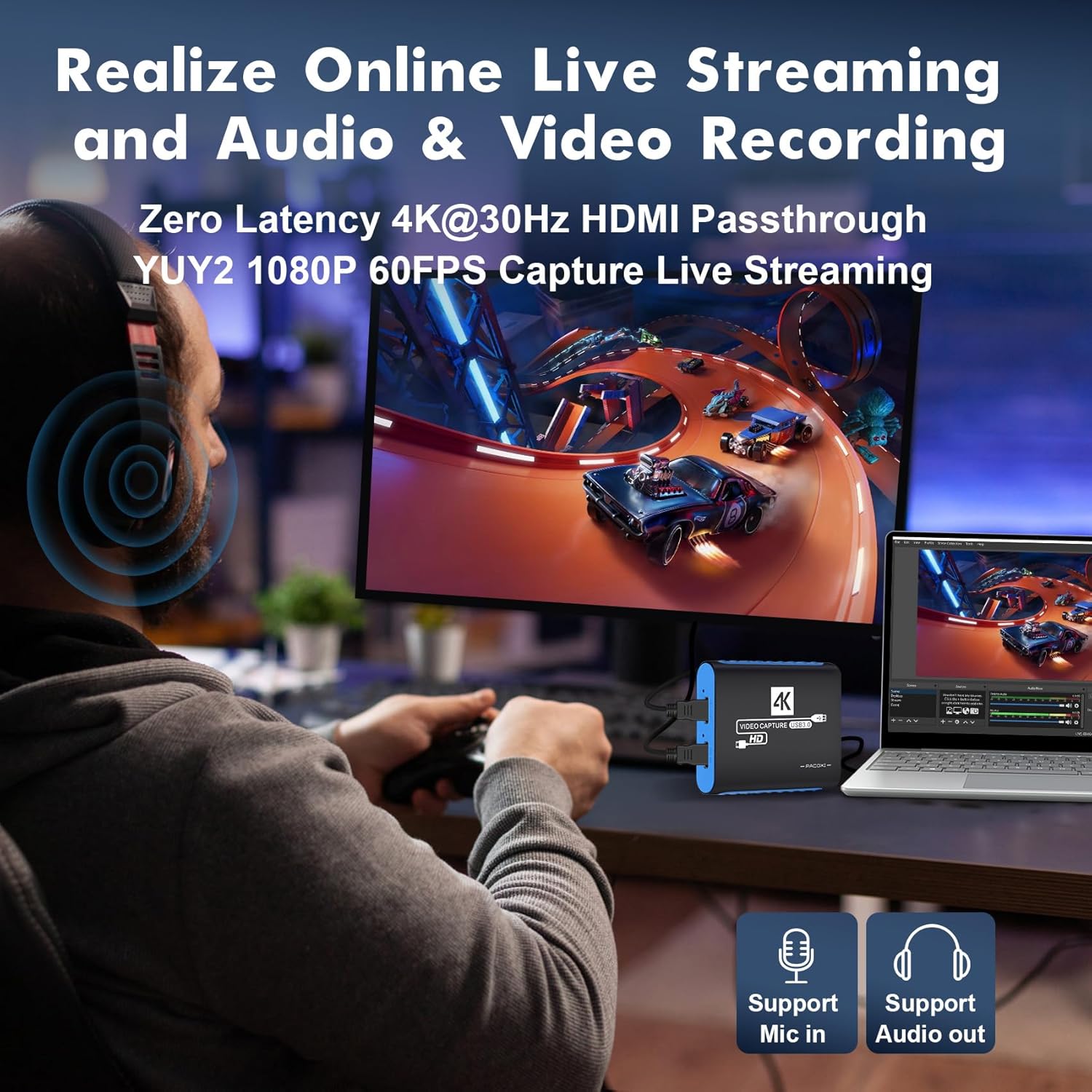
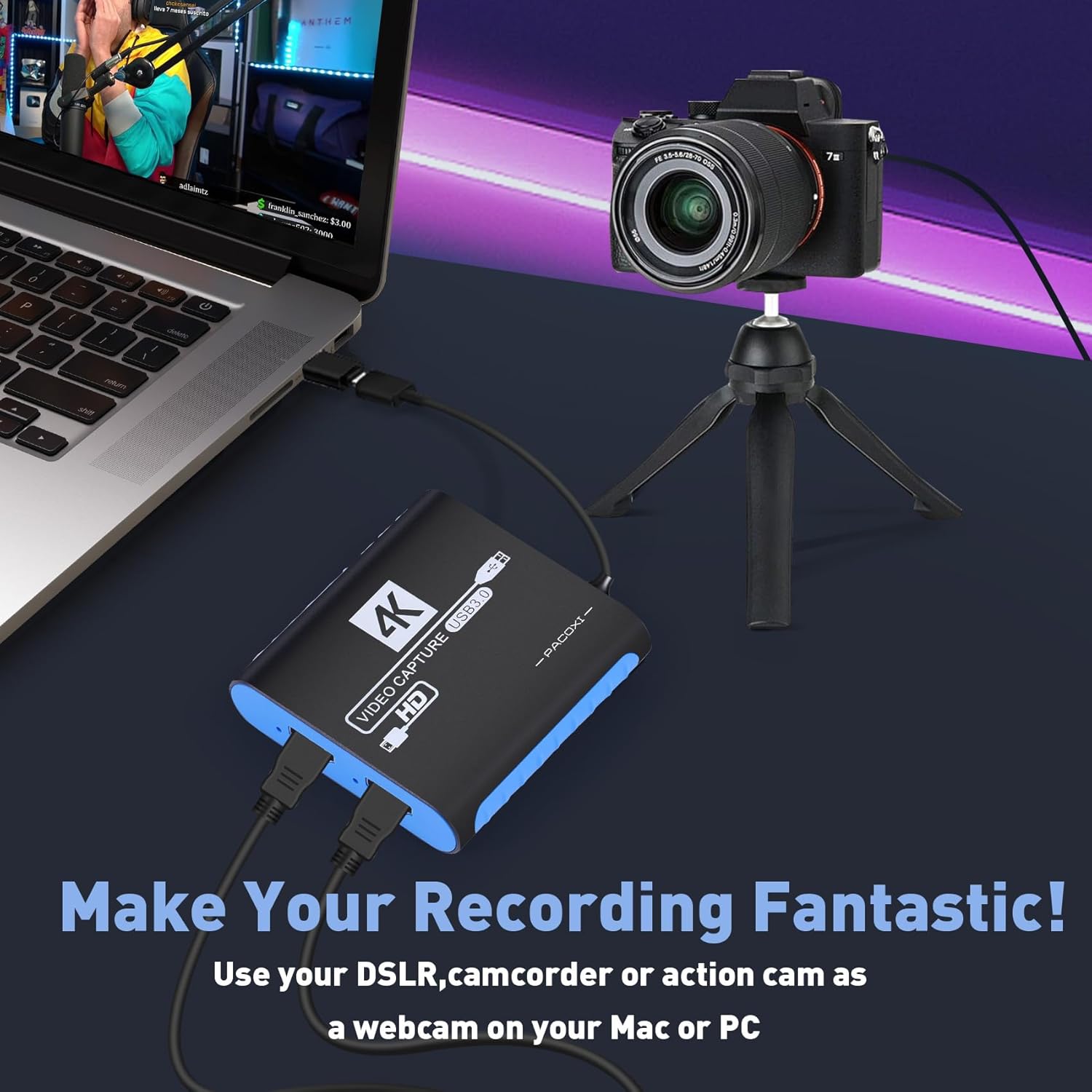
What this is and what it solves\nThis capture card is a plug-and-play USB 3.0 device designed for recording and streaming gameplay from consoles like Nintendo Switch, PS4/PS5, Xbox, Steam Deck, and more. It aims to deliver smooth 1080p60 footage while passing through 4K at 30Hz to a display, making it suitable for creators who want clean, real-time gameplay on their screens while broadcasting. If you’re building a home-studio setup or want to share sessions on platforms like OBS, YouTube, or TikTok, this card is meant to simplify the capture workflow without adding driver hassles.\n\n## How it performs on paper\nThe core claim is 1080p60 capture with native 4K@30Hz passthrough. Hardware encoding in YUV422 and MJPEG should help with color fidelity and stream stability, and the built-in audio mixing with a 3.5mm input plus headphone out is intended to keep audio in sync with video for live broadcasts. The device emphasizes ultra-low CPU usage, which can be helpful on modest computers or older laptops.\n\n## Pros and what stands out\n- Plug-and-play USB 3.0 means minimal setup and broad compatibility with Windows, Mac, and Linux, plus common streaming software.\n- 4K passthrough at 30Hz lets you play on a big screen while your capture stays at 1080p60 for streaming.\n- Built-in hardware audio mixer and 3.5mm inputs reduce reliance on software routing.\n- USB-C adapter included expands compatibility to USB-C devices like newer laptops and tablets.\n\n## Cons or limitations to consider\n- The main capture resolution is 1080p60, if you’re chasing higher internal capture resolutions, this may feel limiting.\n- No details are given about latency numbers beyond “ultra-low latency”, in practice, latency can vary by system and software configuration.\n- The description doesn’t specify supported frame rates beyond 60fps for capture and 30Hz passthrough, if you need higher passthrough refresh, you’ll want to confirm compatibility with your display.\n\n## Who it’s for\nThis card is a sensible pick for beginners and hobbyists who want a straightforward setup for streaming gameplay from consoles and portable devices, as well as creators who publish to YouTube or TikTok and need reliable 1080p60 footage with simple audio routing. It also suits those who value a low-CPU-footprint solution, or who frequently switch between devices thanks to the included USB-C adapter.\n\n## Who it might not be the best fit\nIf your primary need is ultra-high-end capture (e.g., 4K capture at 60Hz, or very low-latency competitive streaming on high-end rigs), or if you require very specific encoders and advanced audio routing features, you might want to explore higher-end alternatives.\n\n## What to review before buying\nCheck your target streaming setup: ensure OBS or your preferred software can recognize the device as a capture source, and confirm that 1080p60 aligns with your streaming settings. Consider your primary use case: gaming streams with real-time reactions, or multi-device content creation that benefits from the passthrough and audio options.\n\n## How it compares to other approaches\nFor many creators, a plug-and-play USB capture card with 1080p60 and 4K passthrough provides a simpler workflow than external video encoders or internal PCIe capture cards. If you already have a capable computer and want deeper control over encoding options, a more feature-rich device might be preferable. This model prioritizes ease of use and compatibility across popular consoles and software.\n\n## What you’ll notice in use (micro-use example)\nImagine streaming a session from your Nintendo Switch while you play on a large monitor. The HDMI passthrough keeps the game looking crisp on your TV, while the 1080p60 capture feeds your stream with steady, clear footage and synchronized audio from the mic and line-in.\n\n## Decision time: Is it worth it?\nShould you buy it? If you want a simple, reliable setup for capturing and streaming from major consoles with minimal fuss, this capture card offers a reasonable balance of performance and ease of use. It’s worth considering if your priority is straightforward compatibility, decent 1080p60 quality, and a built-in audio path, rather than chasing the pinnacle of capture specs. You may want to skip it if you need higher passthrough refresh rates or advanced on-device processing that goes beyond basic streaming needs.\n\n## Quick FAQ\n- Does it require drivers? No, it’s plug-and-play for Windows, Mac, and Linux.\n- What devices are supported? It mentions Nintendo Switch models, PS4/PS5, Xbox, Steam Deck, and other HDMI sources.\n- Can it handle USB-C only devices? Yes, the package includes a USB-C adapter for broader compatibility.\n- Is there any software watermarking or compatibility issues with OBS? It states compatibility with OBS Studio and similar software, but performance can vary by system.\n- What about audio quality? There’s a built-in hardware audio mixer and 3.5mm input, which should help with synchronized audio without heavy software routing.