

Gamrombo LED Wireless Controller for PS5 (Dual Vibration, 3.5mm Audio Jack, 6-Axis Motion Control) — Maroon
Product description
What it is and why you’d want it
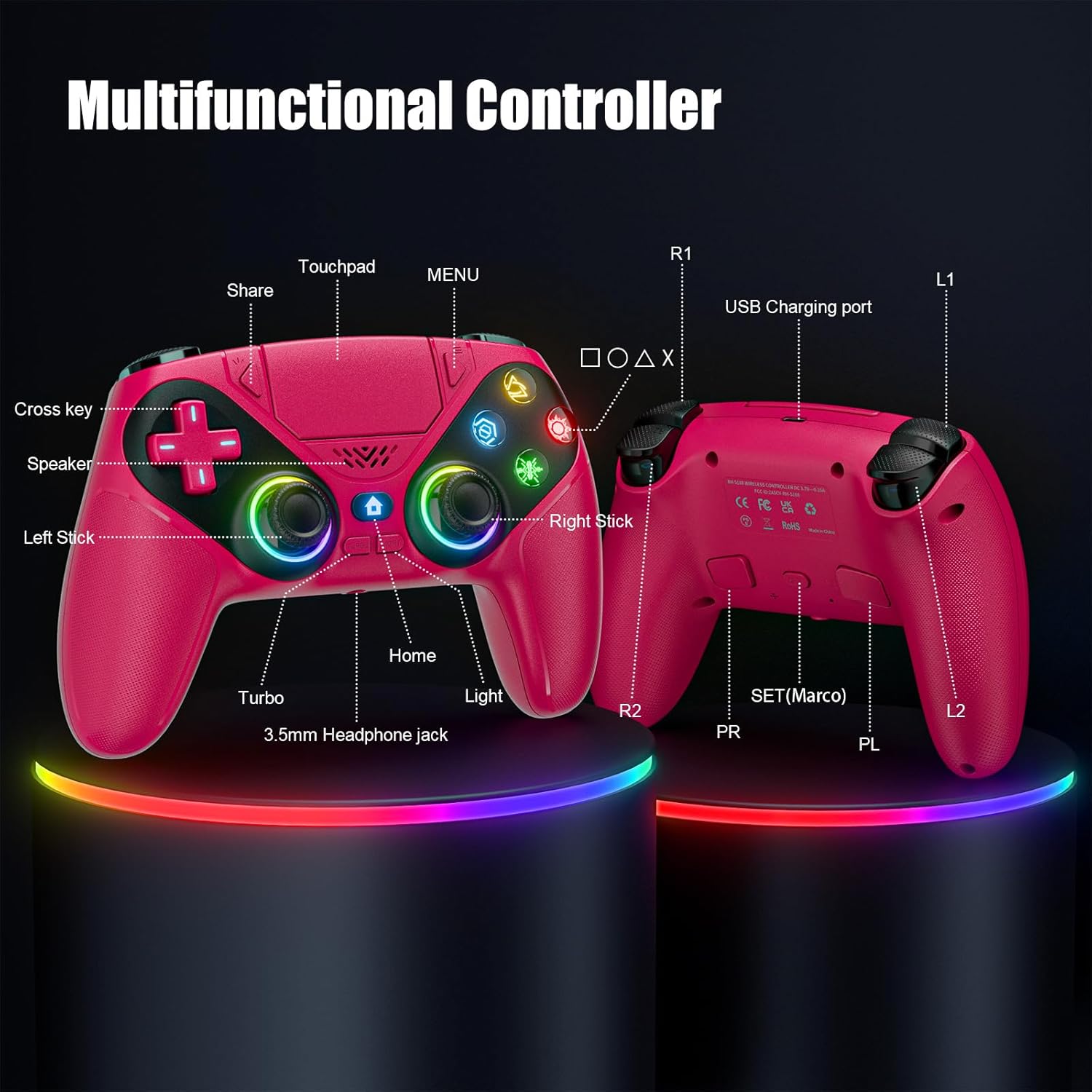
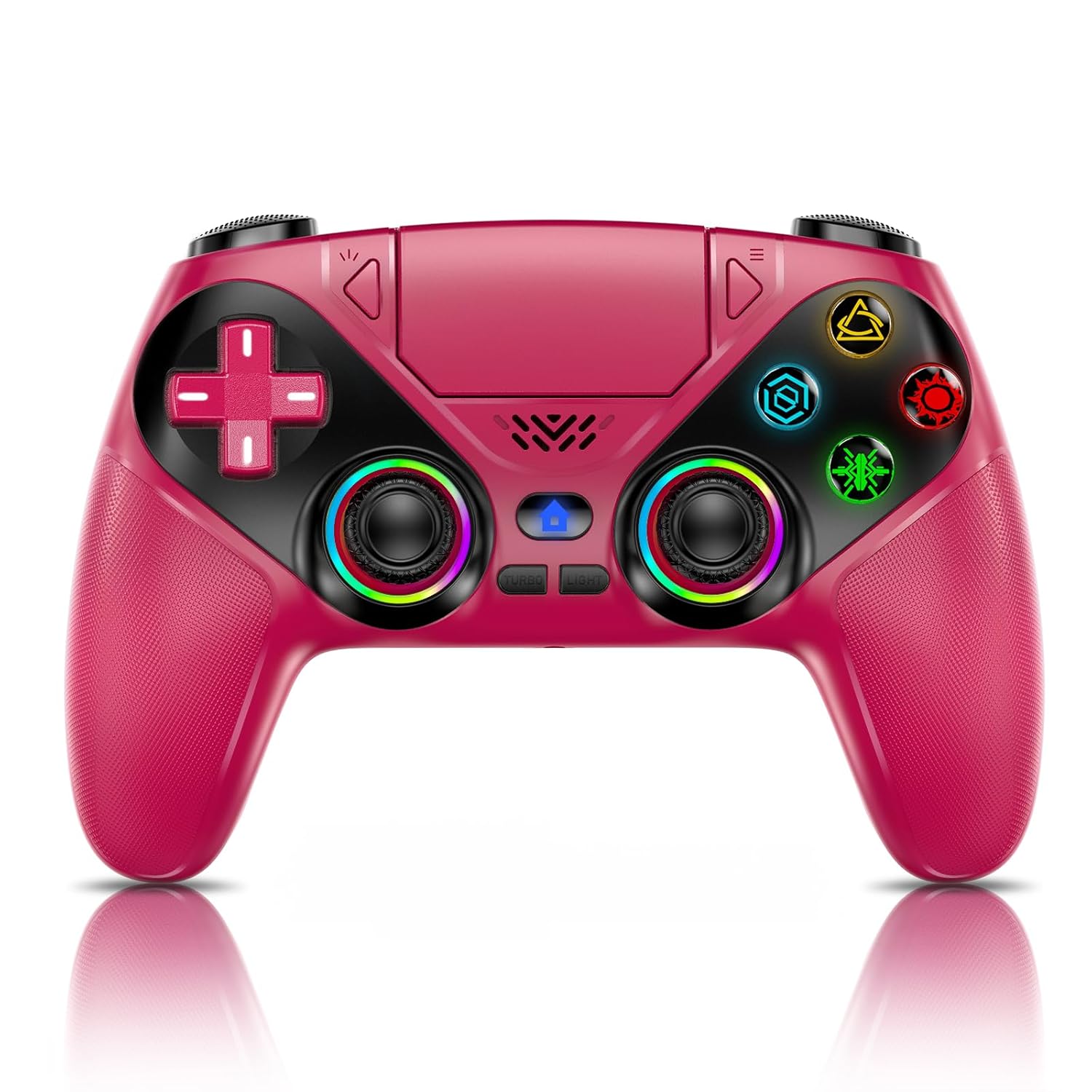
This Gamrombo LED wireless controller is built for PlayStation 5 (and Windows PCs), with extra “feel” features meant to make games more immersive. On paper, the big draws are dual vibration, 6-axis motion control, and a speaker for in-game sound without needing extra audio gear every time. The LED lighting and its color memory are a nice bonus if you like your setup to look consistent.
The catch? It’s not a PS4 controller, so if you’re hoping to cover multiple console generations, this one won’t do it. Also, the controller has a speaker but no microphone—so voice chat requires an external headset.
Key things to know before buying
The setup is straightforward, but the first connection is a moment you want to get right. The controller needs to be connected to the PS5 console via a USB-C data cable the first time, and then you wake it up using the Home button. If you don’t start with a data-capable USB-C cable, it may not connect when you expect.
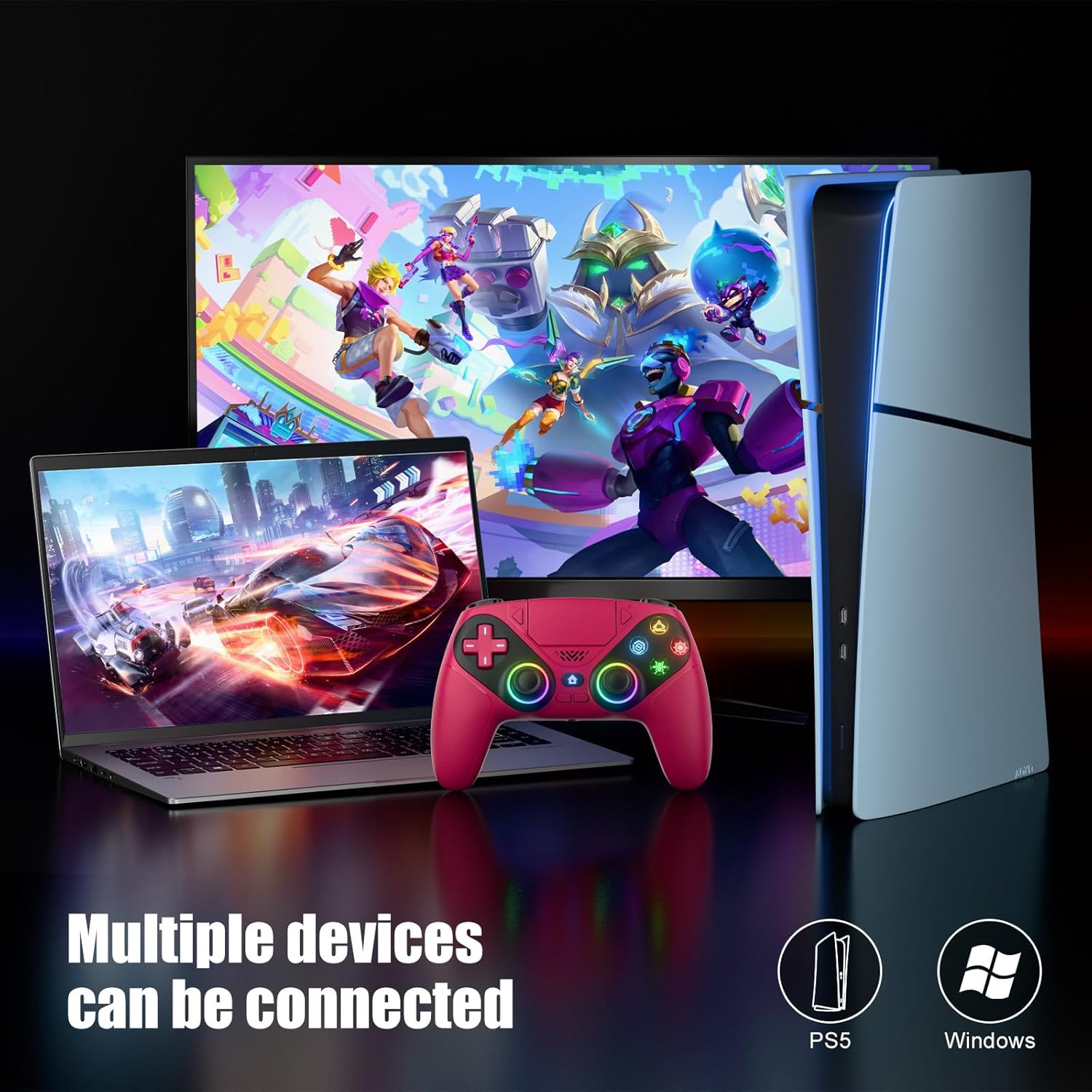
It supports Windows PCs running on Windows operating systems, but compatibility is framed as PS5 series consoles and Windows—nothing for PS4.
What stands out in everyday gameplay
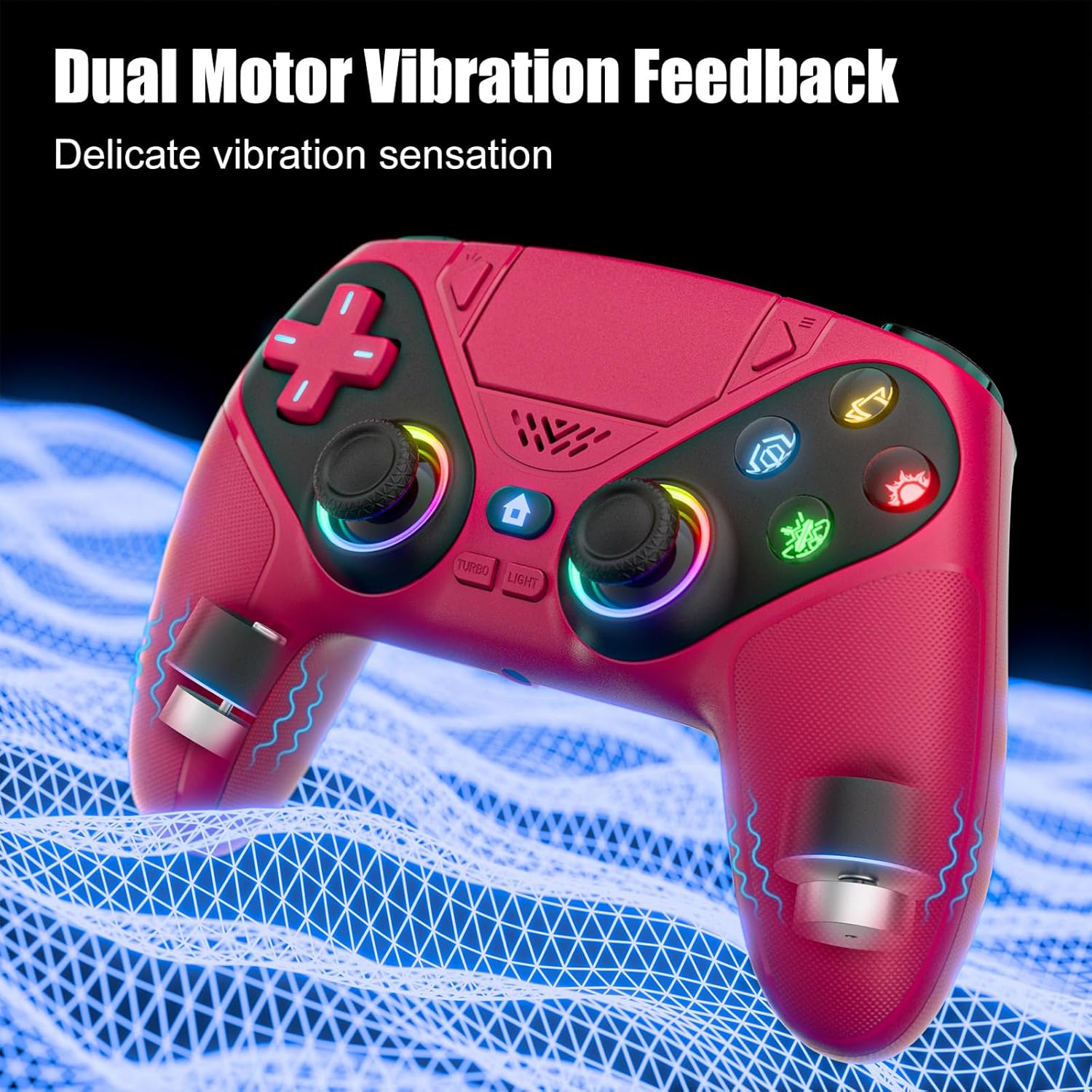
Dual vibration can help you feel impact, motion, and feedback more clearly than a controller with a single vibration motor. If you play action games, driving games, or anything that relies on tactile cues, it can add a layer of immersion.
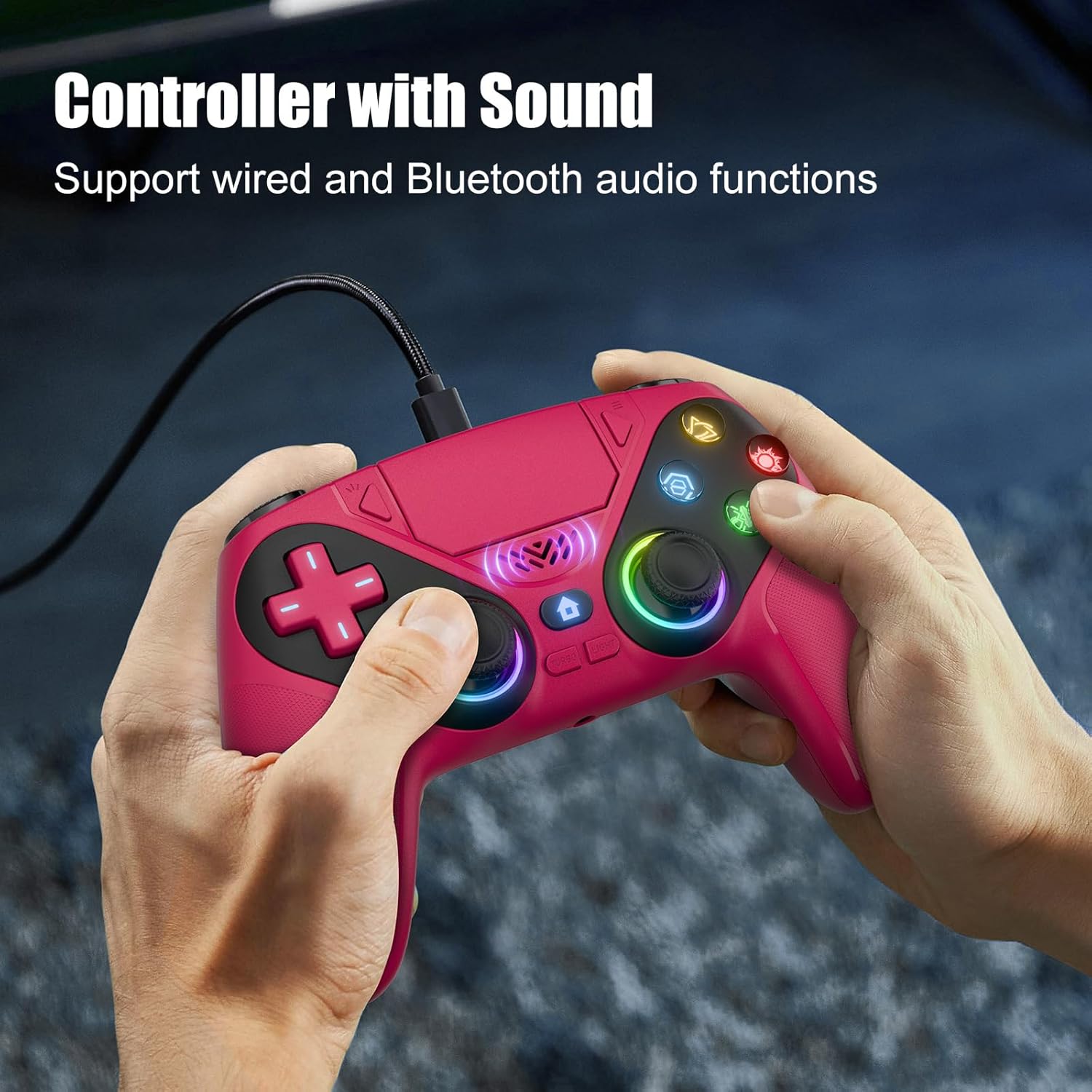
Then there’s the 6-axis gyroscope for motion-style aiming or camera control—useful in games that support motion input. And yes, there’s a speaker on the controller, which can be a win for quick in-game audio without committing to headphones.
One more practical detail: it includes a 3.5mm TRRS headphone jack. That’s handy for private audio, but it’s specifically called out as not compatible with Apple headphones.
Limits and potential dealbreakers (read this part)
Not everything is “set it and forget it.” The controller is described as having no microphone, so you’ll still need external audio hardware for voice chat. And the headphone jack note matters—if you already own Apple earbuds/headphones that rely on their specific plug/cable configuration, you may run into compatibility friction.
Also, features like macro/turbo can be great for players who use them intentionally—but if you’re the type who just wants basic, reliable input with no extra setup habits, you might not get much value from those functions.
Customizable LED lighting (and how it behaves)
The lighting is switchable with a Lighting button, letting you change colors and lighting effect modes with one click. There’s also color memory, which means it should keep your preferred color for the next session.
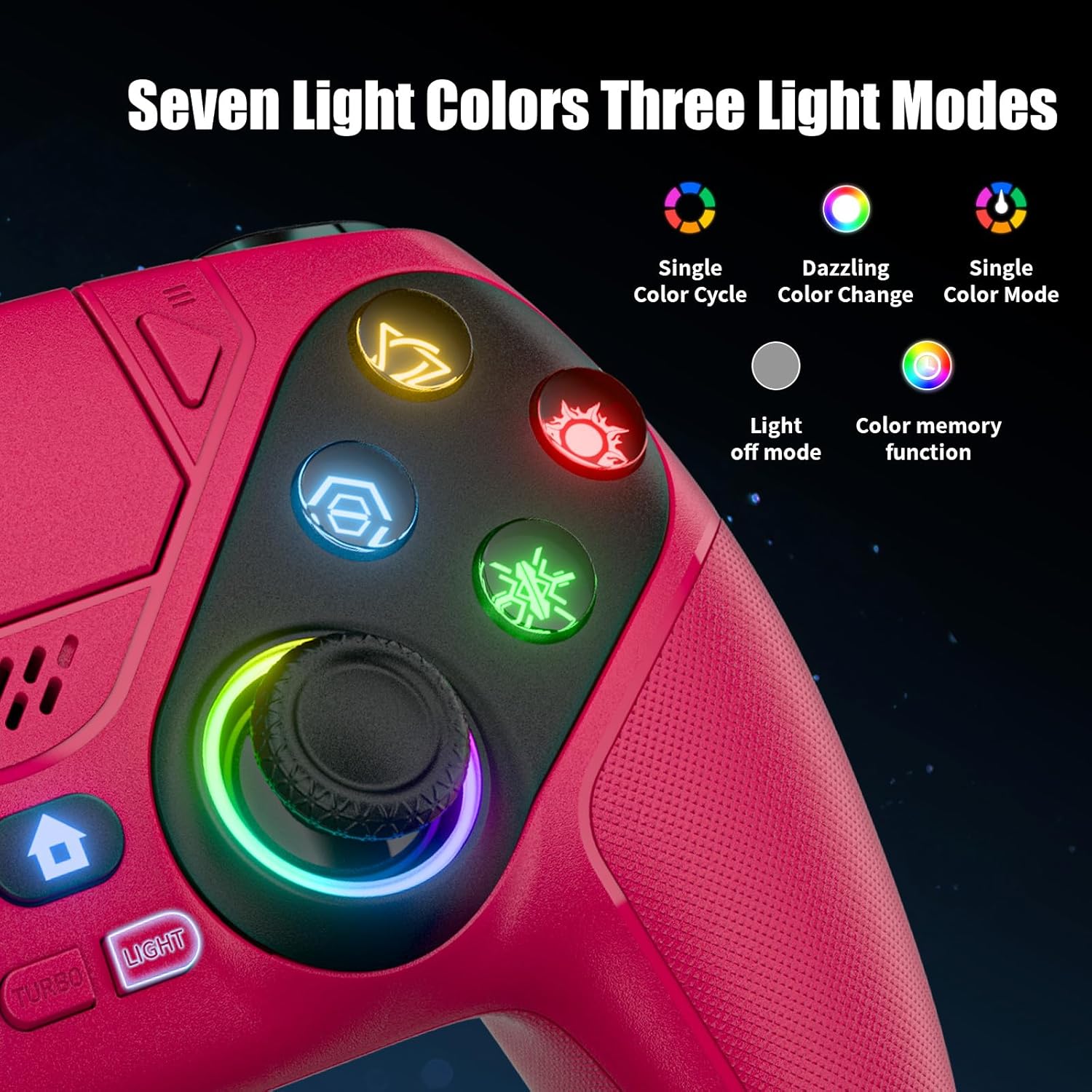
It’s not essential to performance, but it’s one of those “small thing you’ll notice” features—especially if you like consistent aesthetics or you’ve got multiple controllers and want a quick way to tell them apart.
Tech specs that matter for buying decisions
Tech specs
- Name: Gamrombo LED Wireless Controller for PS5 (Maroon)
- Type: Wireless gamepad / controller
- Compatibility: PS5 series consoles and Windows PCs, not compatible with PS4
- Vibration: Dual vibration function
- Motion control: 6-axis motion control (gyroscope)
- Audio: Built-in speaker, no microphone
- Headphone port: 3.5mm TRRS audio jack (not compatible with Apple headphones)
- Lighting: LED with one-click color/effect switching and color memory
Who it’s for (and who should skip it)
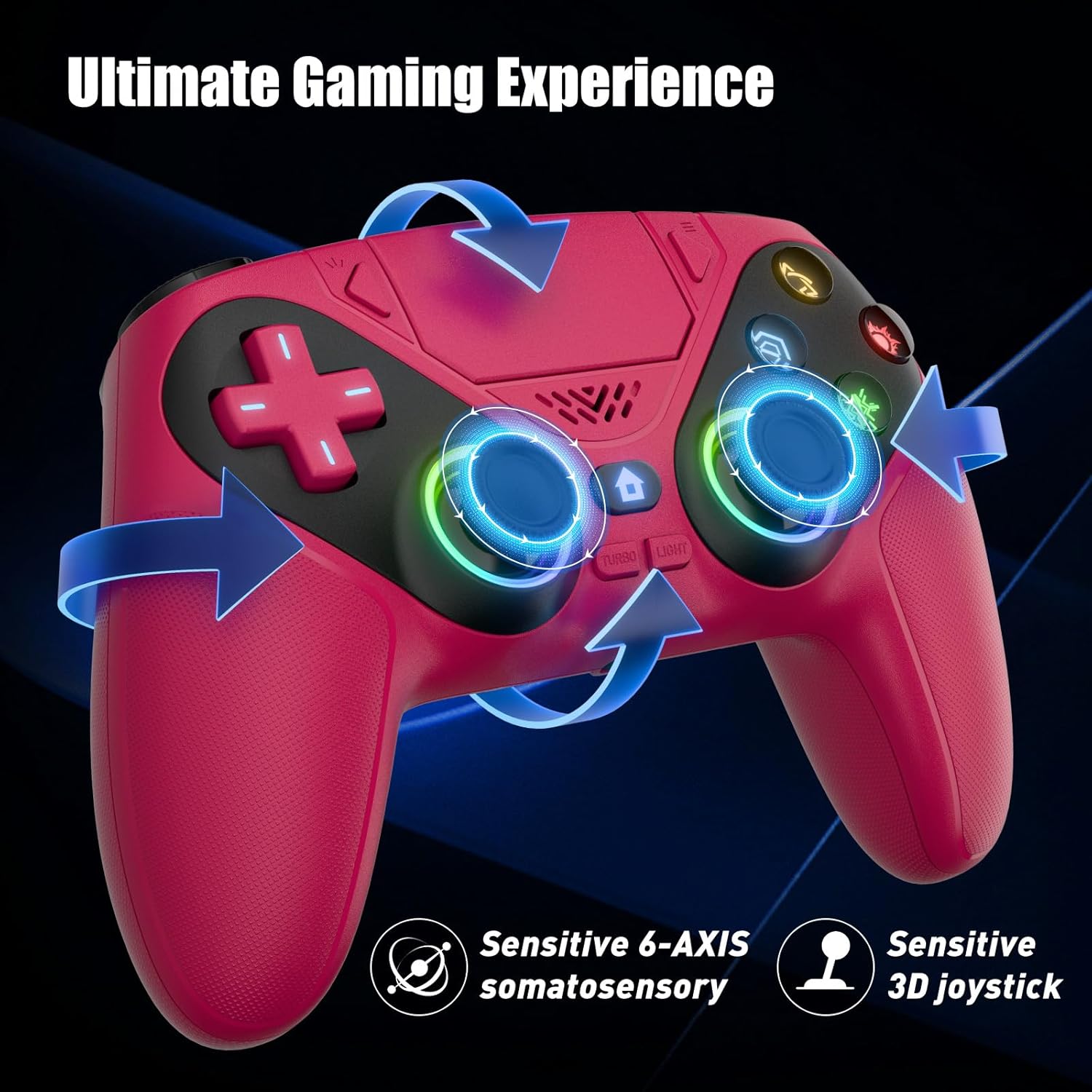
It’s a solid pick if you mainly play on PS5 (or a Windows PC), want motion control and dual vibration, and like the idea of a controller speaker plus a 3.5mm audio jack for private audio. If you’re buying for yourself and you enjoy tinkering—like switching LED modes or using macro/turbo functions—this controller fits the “more features than basic” category.
It may not suit you if you need PS4 compatibility, rely on Apple headphones for wired audio, or you specifically want built-in mic support for voice chat. In those cases, you’ll likely end up buying additional accessories anyway.
Quick how-to: first connection and a simple test
If you’re getting it for PS5, plan the first session like this: connect the controller to your PS5 using the required USB-C data cable, then press the Home button to activate it. After that, you can use the controller’s Home button wake-up behavior more quickly.
A good “does everything work” check is to start a game that uses controller vibration and motion controls, then flip through LED modes while you’re in the menu. Finally, test the 3.5mm audio jack with a compatible headset if you plan to use one.
Is it worth it?
If you want a PS5-focused wireless controller with dual vibration, 6-axis motion control, LED lighting with color memory, and both a built-in speaker plus a 3.5mm TRRS headphone jack, this Gamrombo controller looks like it earns its place—especially if you’re comfortable using an external headset for voice chat.
Skip it if you need PS4 compatibility, depend on a built-in microphone, or want to use Apple headphones with the 3.5mm jack. In short: it’s more of a “feature-forward PS5/PC controller” than a universal pick, and it makes the most sense when your audio setup and platform needs match that.
Mini FAQ
Mini FAQ
1) Does this controller work with PS4?
No. It’s listed as compatible with PS5 series consoles and Windows PCs only.
2) Do I need a USB-C cable to start using it?
For first-time setup on PS5, yes—you need to connect it via USB-C (and it needs to be a data cable).
3) Is there a built-in microphone?
No. It has a speaker, but you’ll need an external headset for microphone/voice chat.
4) Will the 3.5mm jack work with Apple headphones?
It’s noted as not compatible with Apple headphones.
5) What’s the speaker for?
It’s meant to generate sound from the controller for a more immersive experience, but without voice input.