

PS5 Controller Charger 2-3H Fast Charging
Product description
Highlights
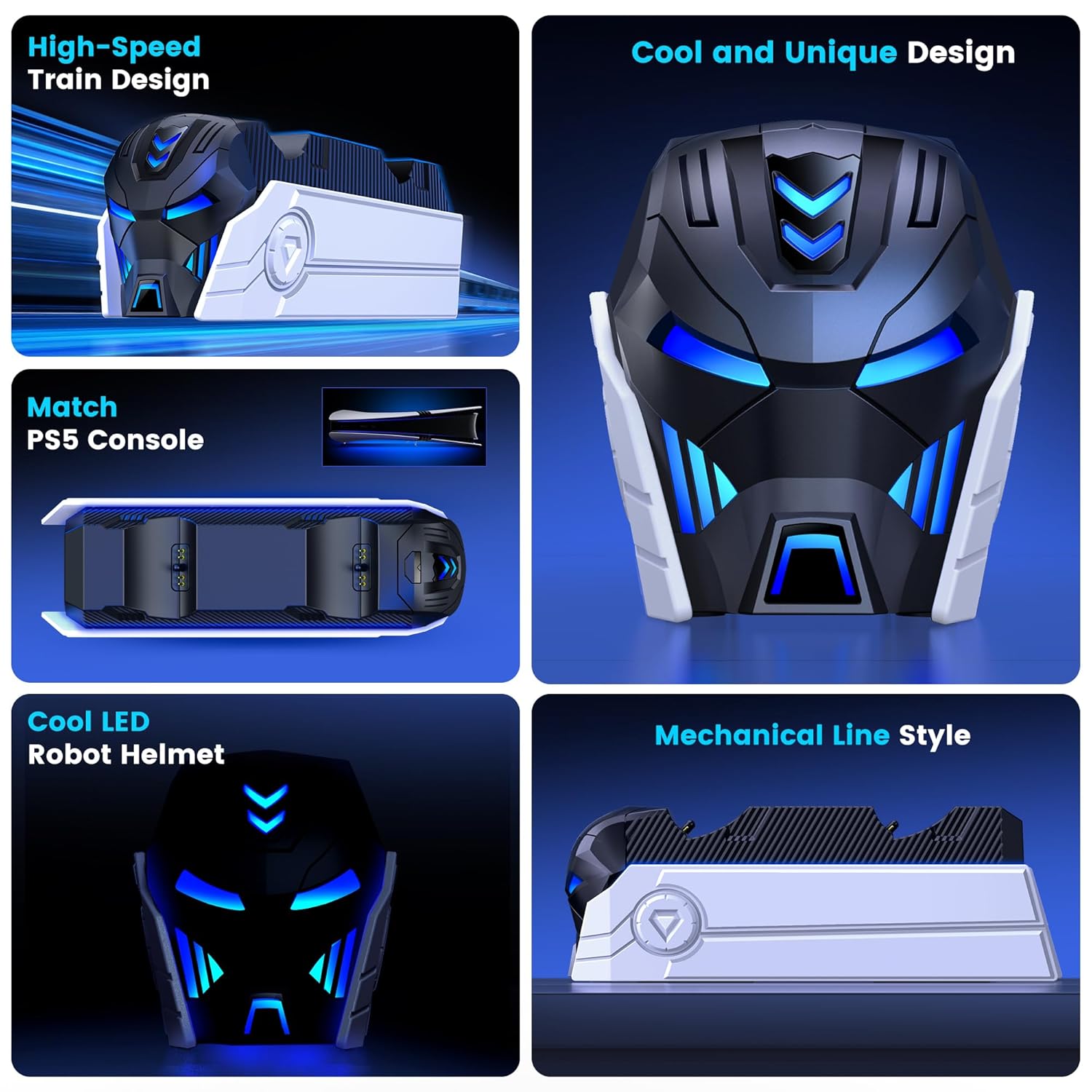
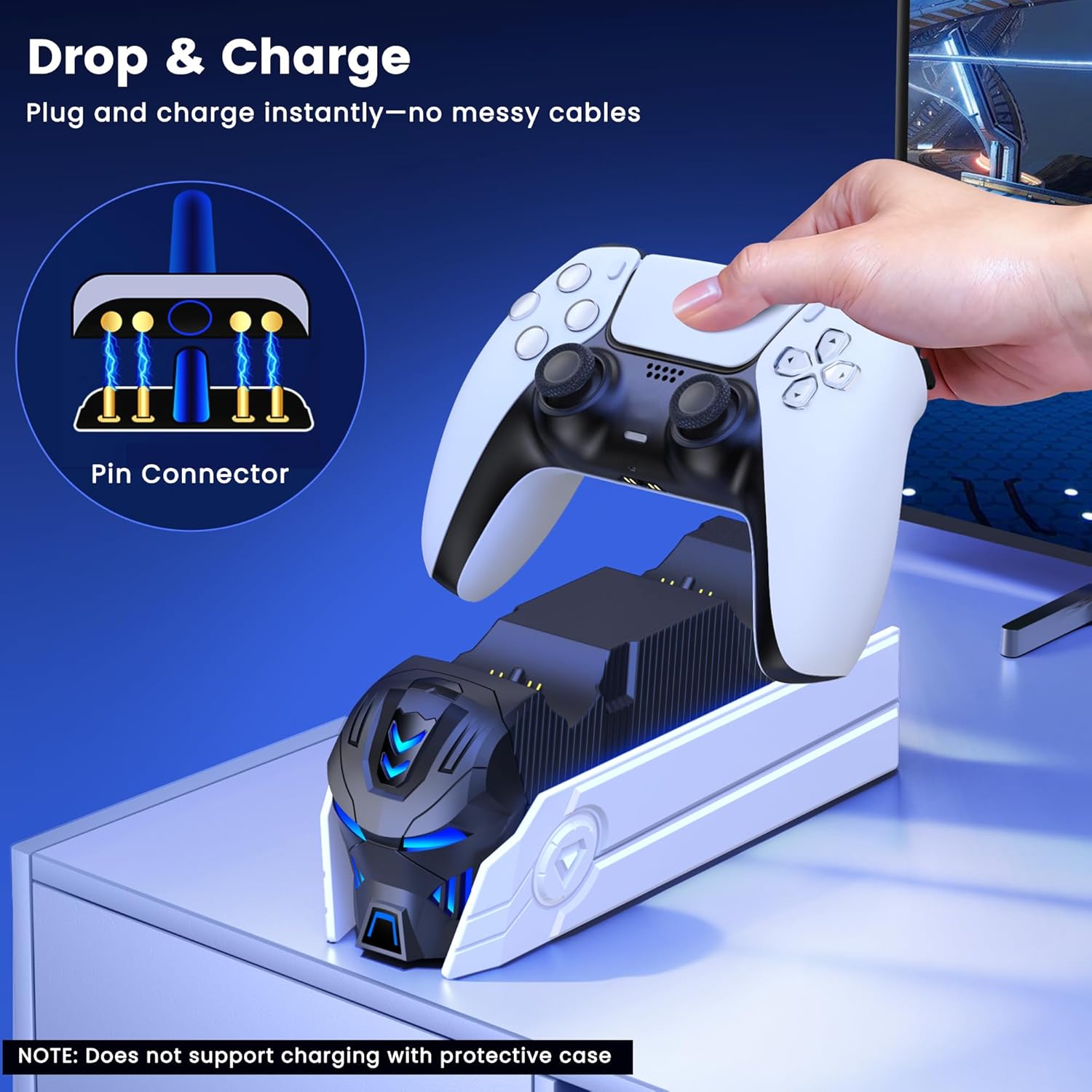
This dual charging station brings convenience to any PlayStation 5 setup with quick recharges and a compact footprint. It works as a ready dock for two DualSense controllers and the DualSense Edge, so you can switch controllers without hunting for cables. Fast charging keeps downtime short and the LED indicators make status obvious at a glance. A soft ambient glow adds a bit of flair to your console area, and the robot helmet styling gives it a characterful look. For those who want a simple way to keep controllers ready, the fast charging PS5 controller charger cuts clutter and saves time. ⚡
Tech specs
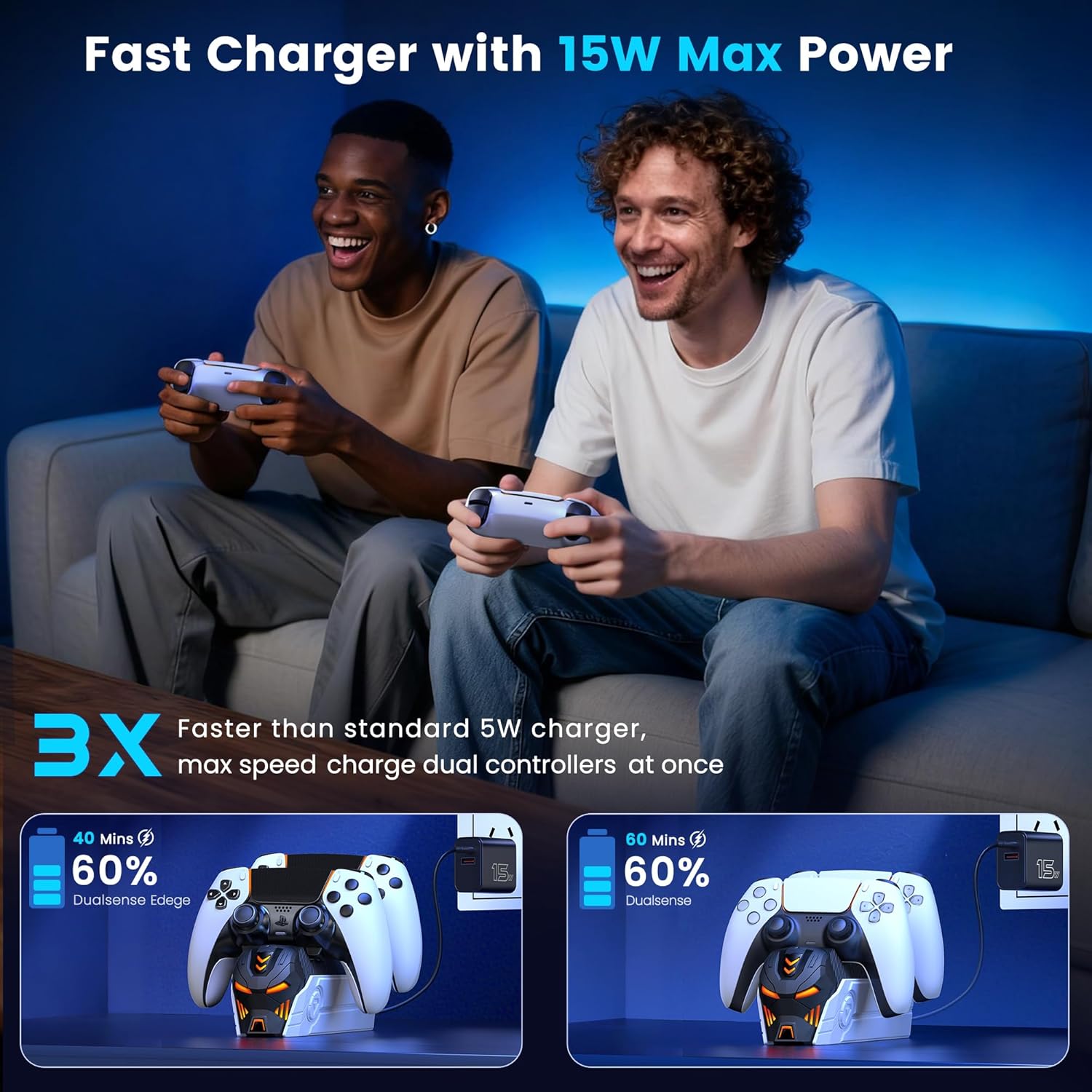
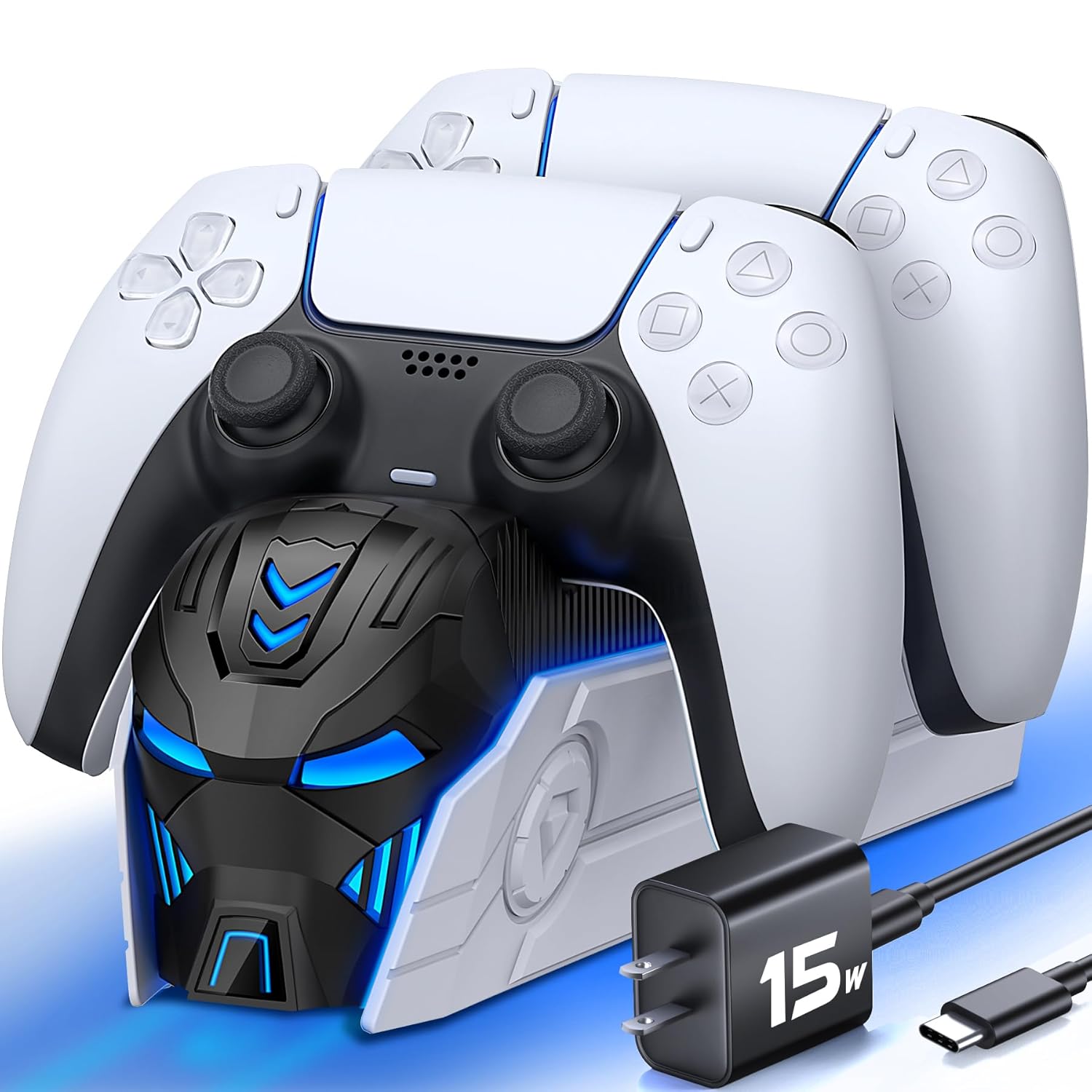
- Name: Upgraded PS5 Controller Charger with Fast Charging AC Adapter
- Type: Dual controller charging station
- Compatibility: PlayStation 5 DualSense and DualSense Edge controllers
- What’s included: Docking station, 39-inch USB-C AC charging adapter, user manual
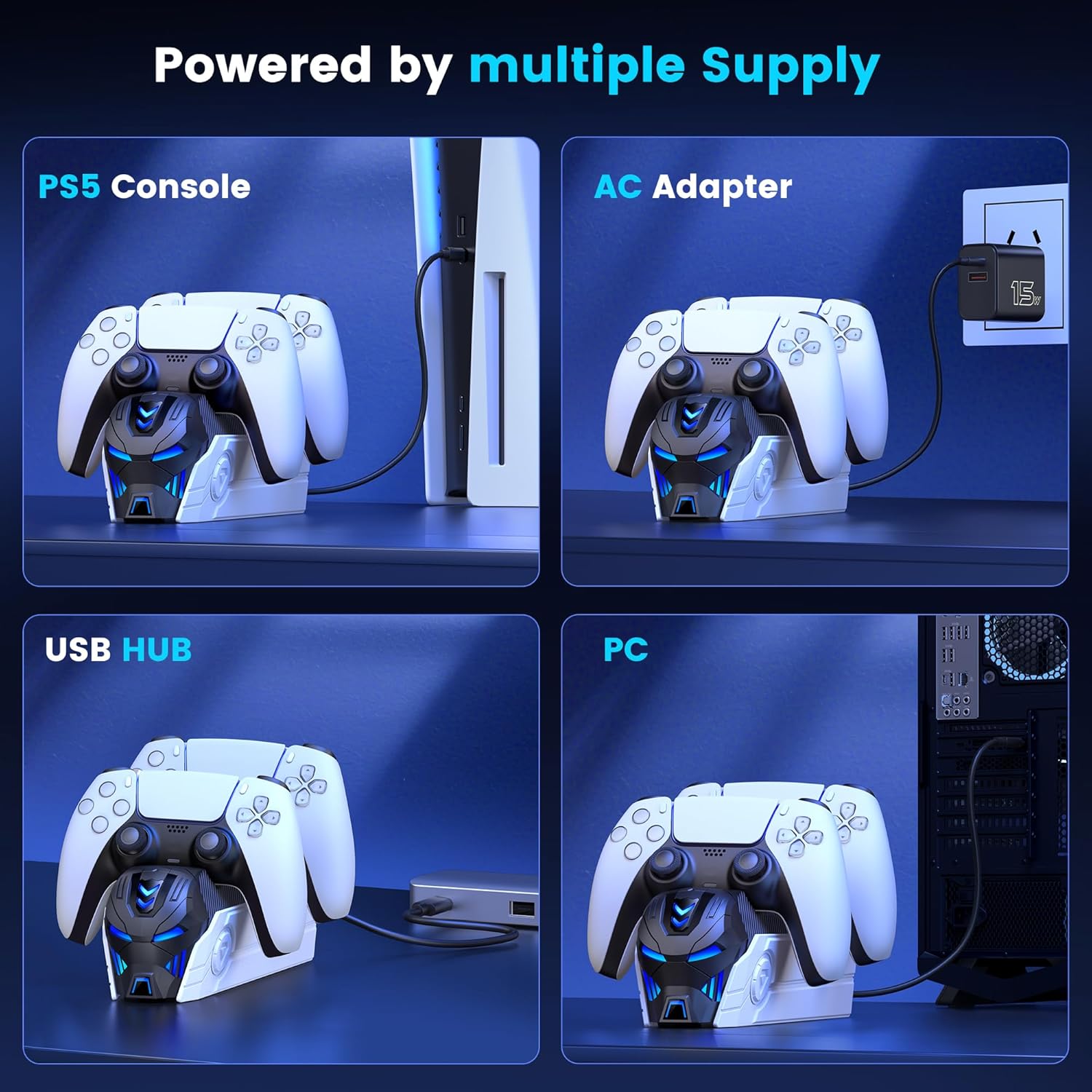
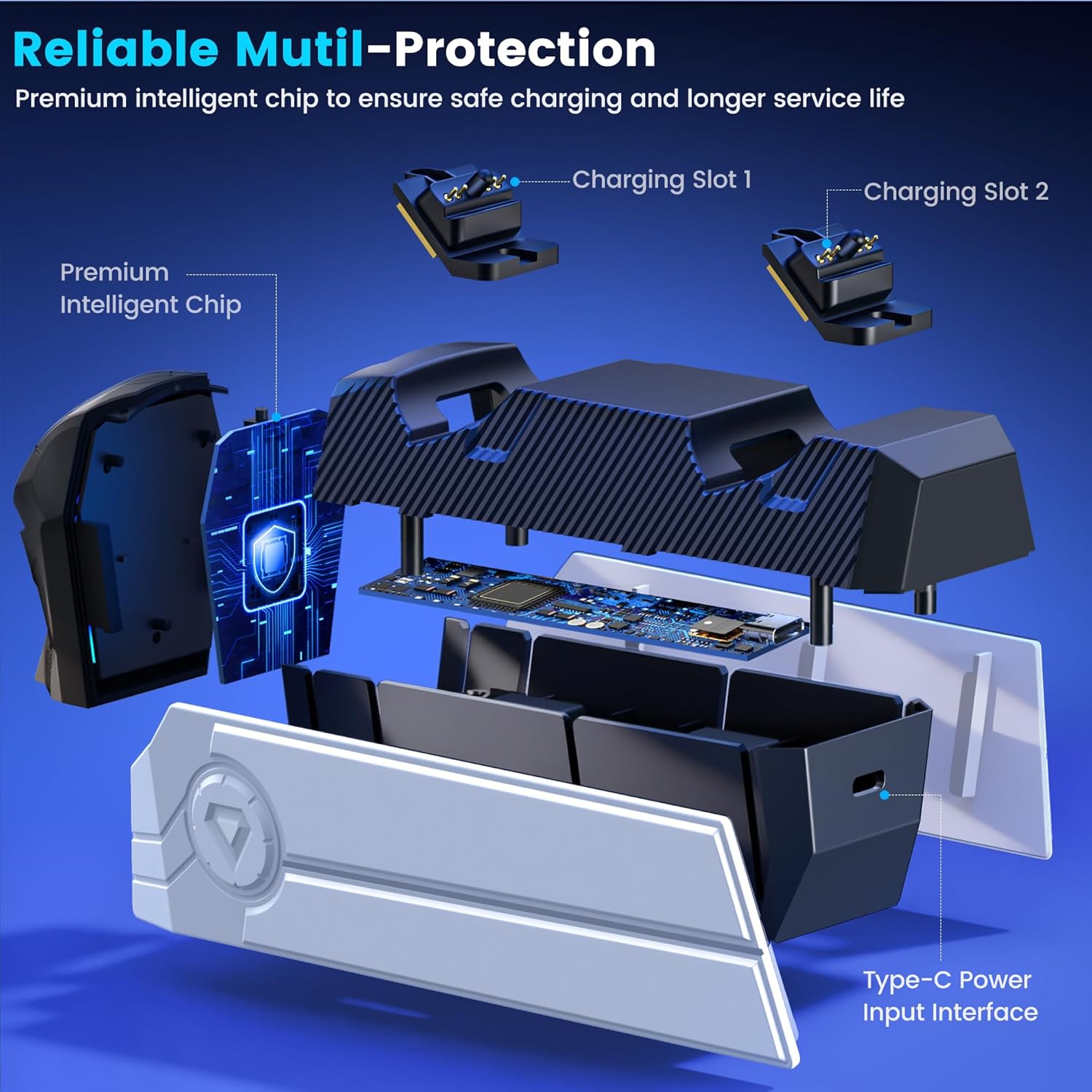
- Connectivity: USB-C charging input
What stands out
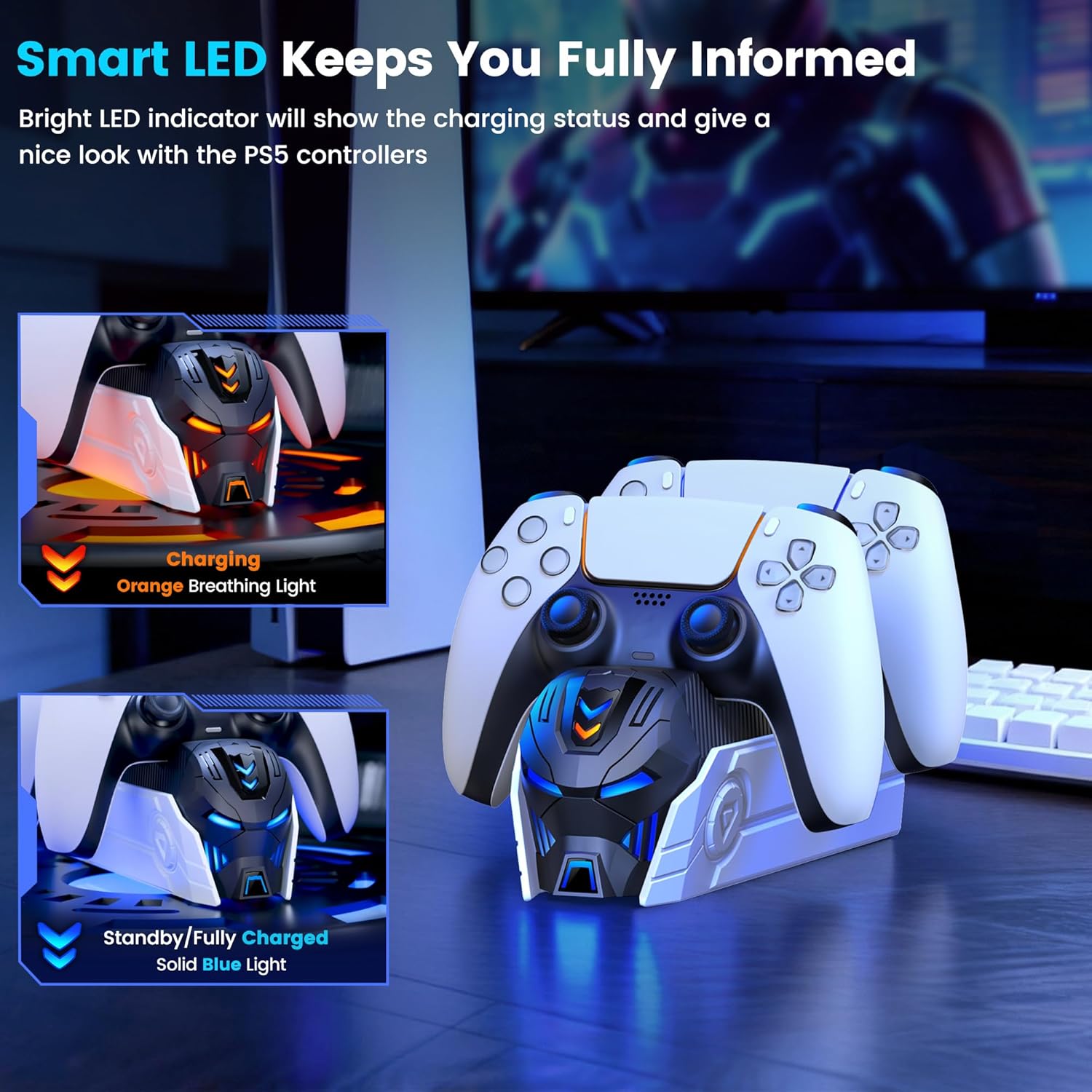
The included AC adapter is the main differentiator here, enabling the station to reach a full charge in about two to three hours according to the manufacturer. The dock signals charging with an orange breathing LED and shows a solid blue light when controllers reach full charge. A touch button controls the ambient LED so you can toggle the glow to match your setup. Safety features are built in, with a protector chip that guards against over-current, over-voltage, and short circuits, which reduces risk while charging overnight. The station also emits two beeps when a controller is docked and begins charging, providing audible confirmation even if the LEDs are harder to see.
Who it’s for
It’s a great fit if you want a neat way to keep two PS5 controllers charged and accessible, especially for households or shared gaming spaces where controllers change hands often. Casual and more serious players will value fast turnaround between sessions and the clear status lights. You may want to skip it if you prefer charging via USB ports on the console or if you need a multi-device hub that charges headsets and other accessories, because this unit focuses on DualSense controllers only.
Care & maintenance
Clean the dock periodically with a dry, lint-free cloth and avoid liquids near the charging ports. Unplug the AC adapter during extended storage and check cable routing to prevent strain on the USB-C connection. Keep vents clear and avoid stacking objects on top of the dock so airflow and LED visibility remain unobstructed.