

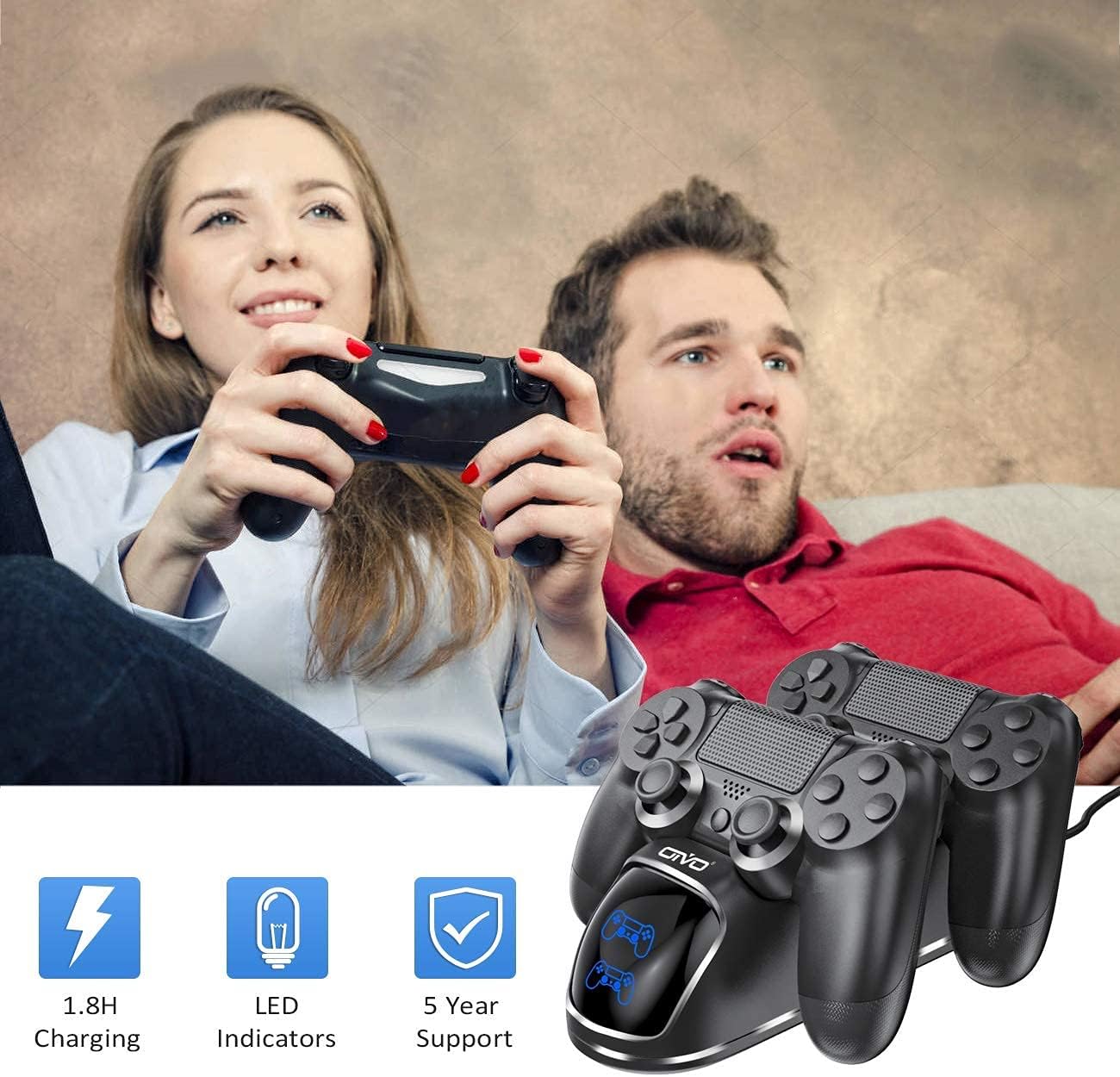
OIVO PS4 Controller Charger Dock Station (1.8Hrs Charging) for DualShock 4
Reviews
Price
Product description
If you’re tired of fiddling with cables every time you want a PS4 controller topped up, this OIVO charging dock is built for convenience. It’s a simple stand-style charger meant to keep your DualShock 4 ready, with a charging status light so you don’t have to guess.
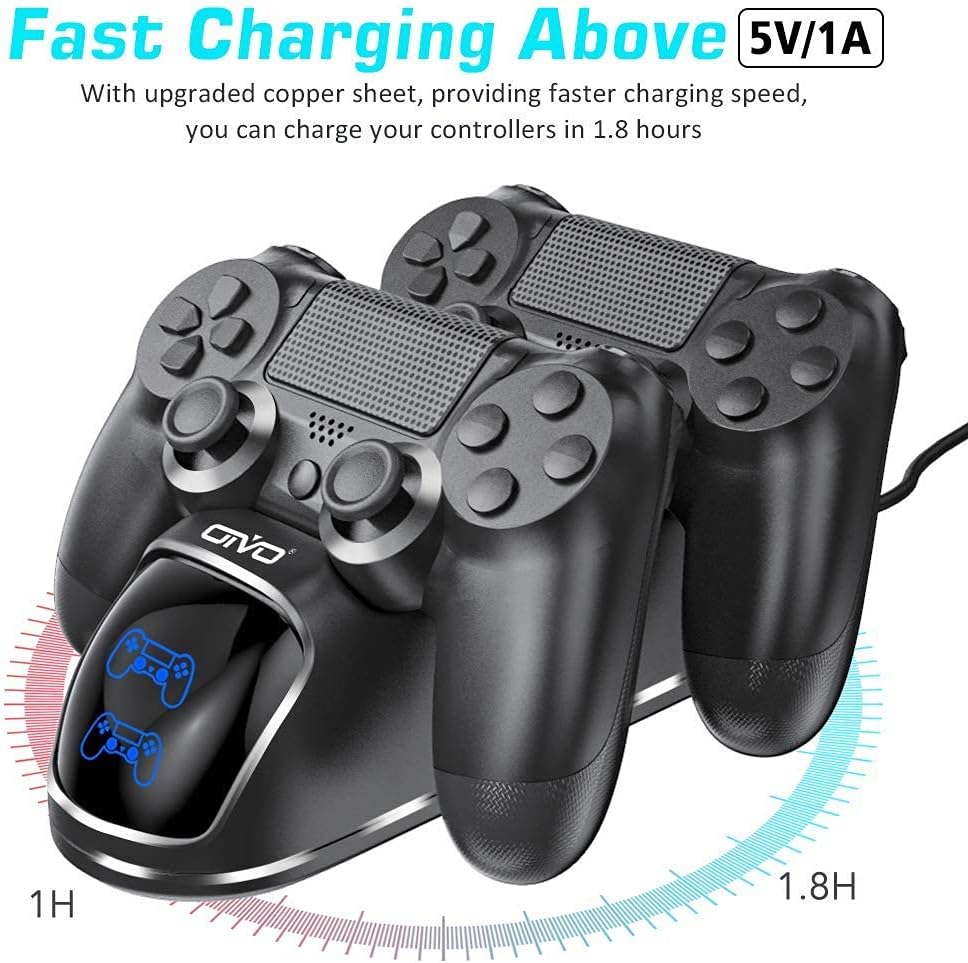
The headline promise here is a fast charging time “in 1.8 hours,” plus LED feedback that clearly signals when charging is complete. That said, it’s not meant for every kind of controller—so before you buy, make sure you’re using compatible, official hardware.
Key features
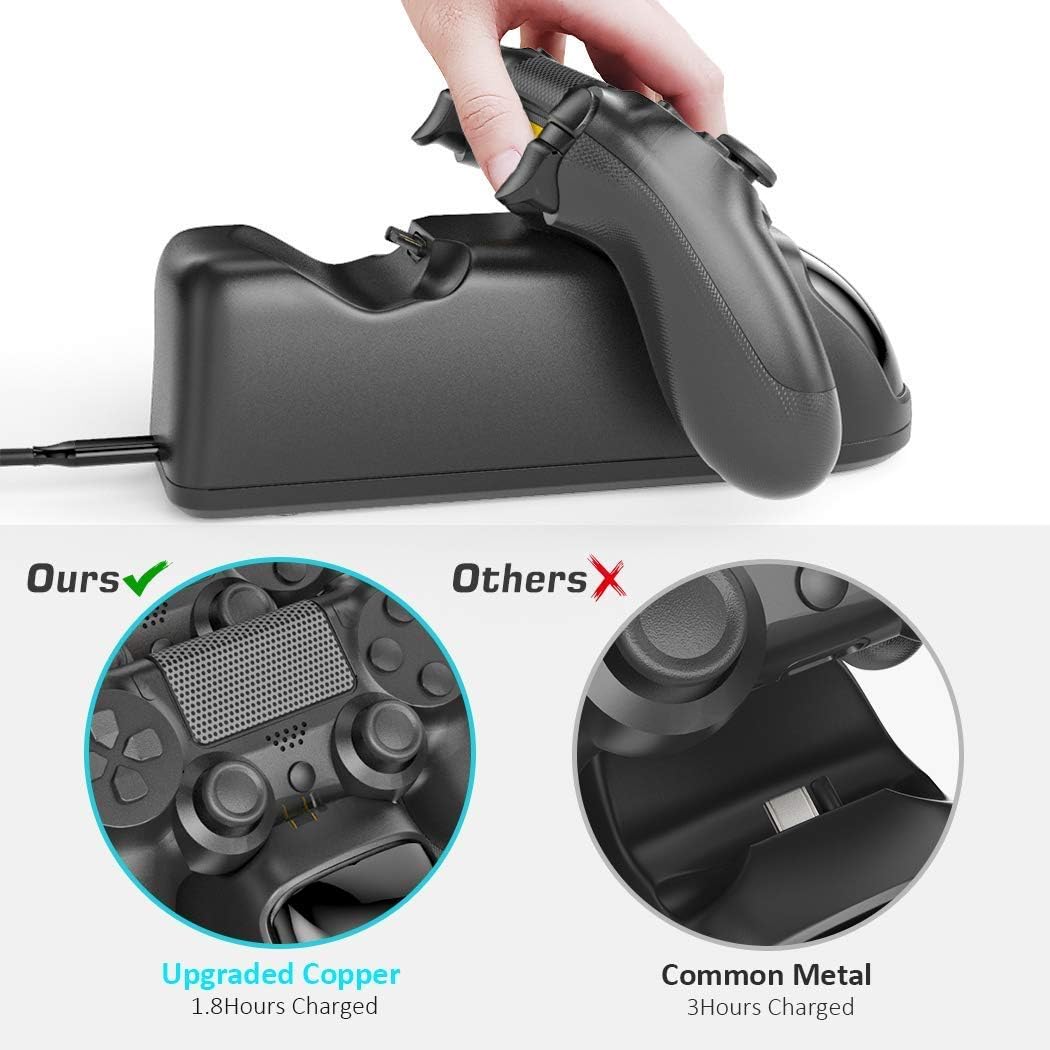
The dock is designed to charge a PlayStation 4 DualShock 4 controller by placing it in the base. According to the provided details, OIVO includes a copper contactor for faster charging and uses a recently updated protection chip to help guard against issues like overcharging, over-discharging, overheating, overvoltage, overcurrent, and short circuits.
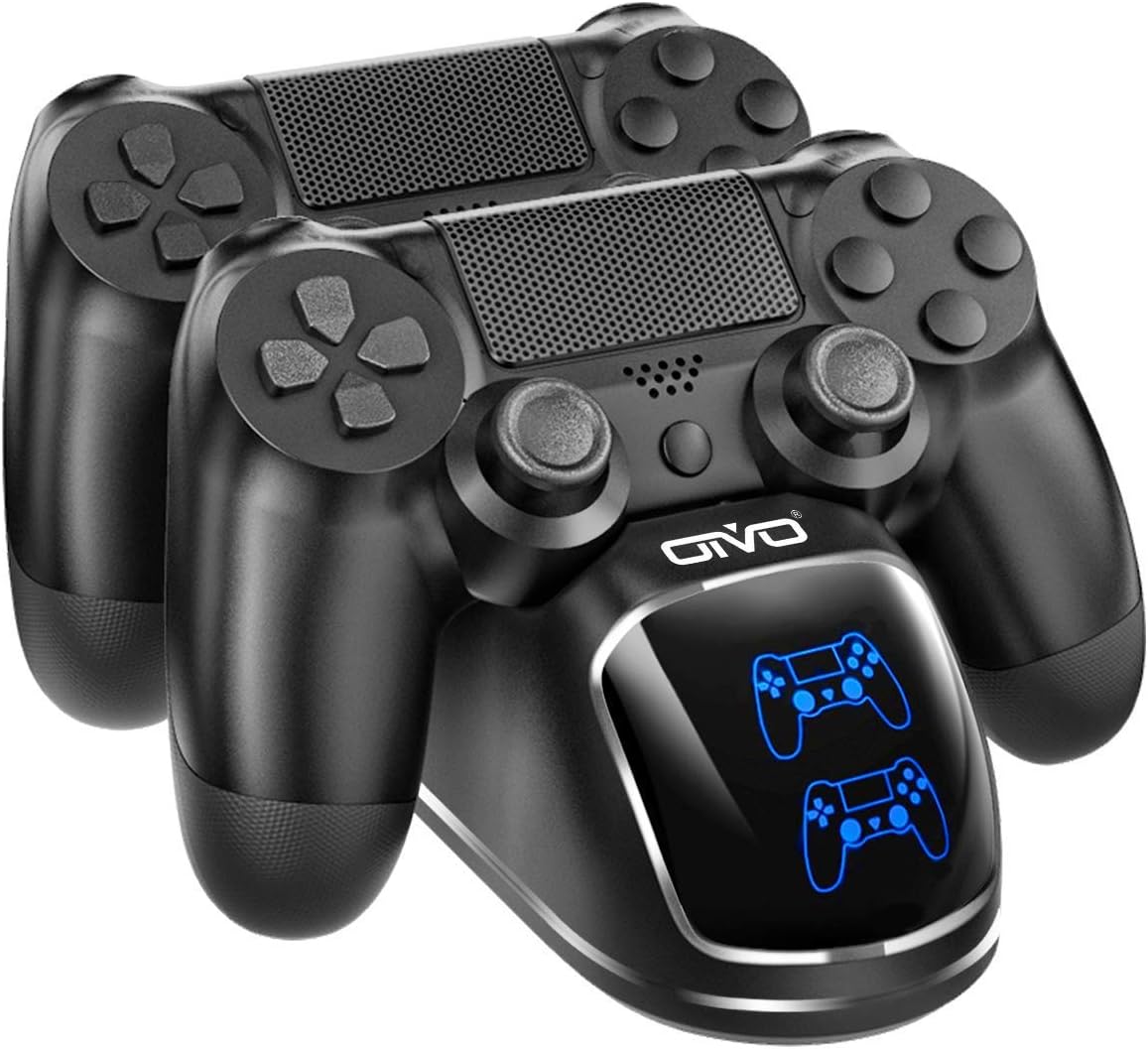
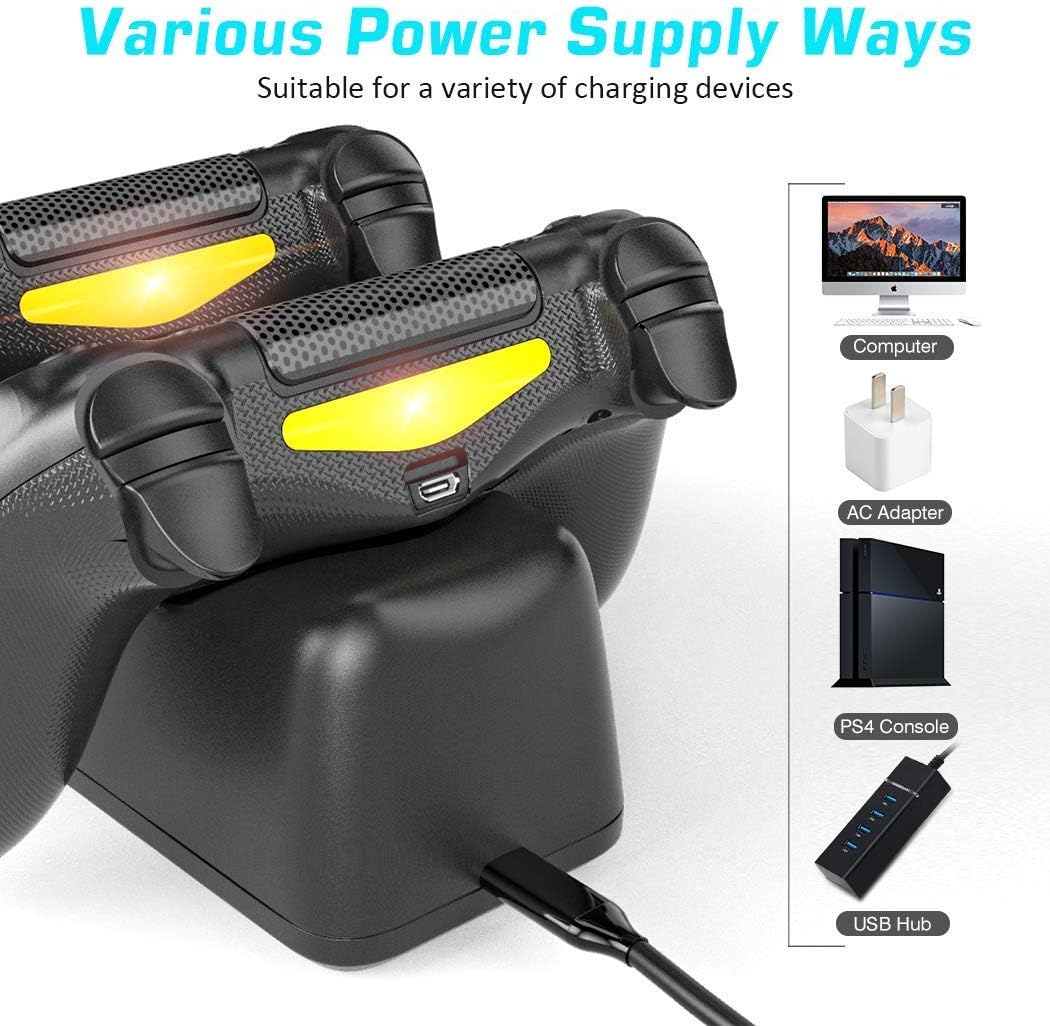
For power options, it can be powered from a PS4/PS4 Slim/PS4 Pro console, a PC, or via a USB wall port—just note that a wall adapter is not included. If your goal is “plug it in and forget it,” this dock fits that workflow well, especially if you prefer a dedicated place to park the controller.
What to know before you buy
This charger dock comes with a clear compatibility limitation: it is not stated to work with non-official Sony controllers or refurbished controllers. If you have anything other than an official DualShock 4, you may want to skip this and confirm compatibility first.
Also, the “1.8 hours” figure is a manufacturer-stated charging time, so your real-world time can vary based on battery condition and how you power the dock. It’s still a compelling target, but don’t expect every situation to land exactly on that number.
Finally, the USB wall route requires a wall adapter, and the listing says it’s not included. If you don’t already have a suitable USB wall charger at home, you’ll need to plan for that.
Key takeaways
Where this dock makes the most sense is day-to-day controller charging: drop the controller into the base, watch the LED status, and move on with your gaming. A typical “at home” moment is after a session—place the controller on the dock, check the indicator, and by the next time you sit down, it’s ready to go.
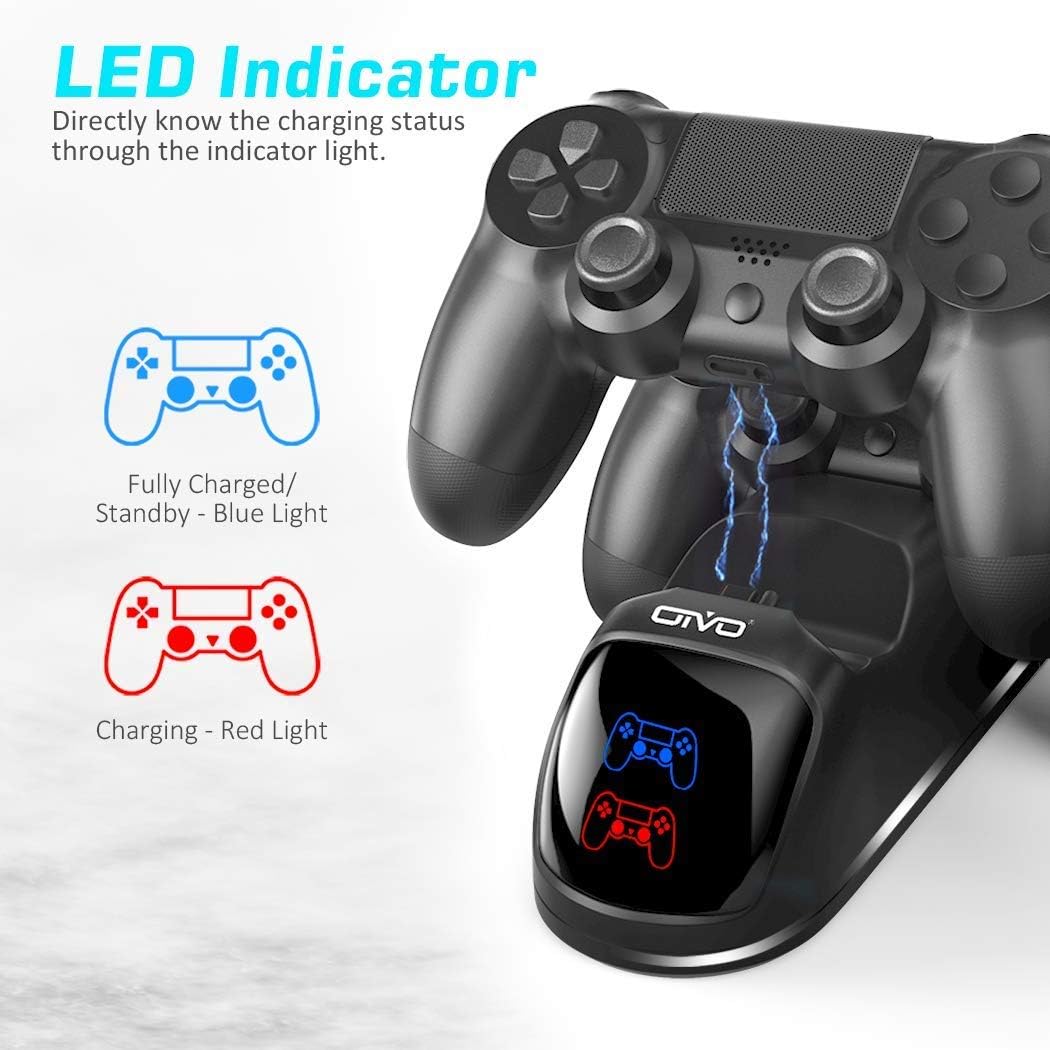
The LED behavior is straightforward: green indicates the controller is fully charged, and red indicates it is charging. It’s a small detail, but it reduces the guesswork compared with charging directly through a cable where you’re often checking the battery level in menus.
It’s also positioned as a safer charging approach, at least on paper, thanks to the protection chip and reinforced protection against common charging faults.
Tech specs
- Charging time: 1.8 hours (manufacturer-stated)
- Included in the package: 1 PS4 controller charging base, 1 USB cable, 1 user manual
- Charging indicators: LED light (green = fully charged, red = charging)
- Power sources (as listed): PS4/PS4 Slim/PS4 Pro console, PC, or USB wall port (wall adapter not included)
Pros
- LED charging indicator makes status easy to understand (green/fully charged, red/charging)
- Protection-focused design to help reduce risks like overcharge, overheating, and overcurrent
- Multiple power options, so it can fit your setup (console, PC, or USB wall port)
- Includes a charging base and USB cable, so you can get started without extra basics
Should you buy it?
This OIVO PS4 Controller Charger Dock Station is a solid buy if you want a cleaner, dock-style way to charge an official DualShock 4, and you value quick status feedback from the LED. It’s especially worth considering if you’re often charging after play sessions and want less cable hassle.
It may not be the best match if you use a non-official Sony controller or a refurbished controller, since compatibility isn’t claimed for those. You may also want to look elsewhere (or plan extra) if you don’t have a USB wall adapter already, because one is not included.
Mini FAQ

Is this charger compatible with DualShock 4 controllers?
It’s described as a charging dock replacement for the PlayStation 4 DualShock 4, but it also specifies that it’s not for non-official Sony controllers or refurbished controllers.
What do the LED colors mean?
Green means the controller is fully charged, while red means it’s charging.
Can I power it from a USB wall port?
Yes, it can be powered from a USB wall port, but the wall adapter is not included.
What’s in the box?
You get 1 charging base, 1 USB cable, and a user manual.