

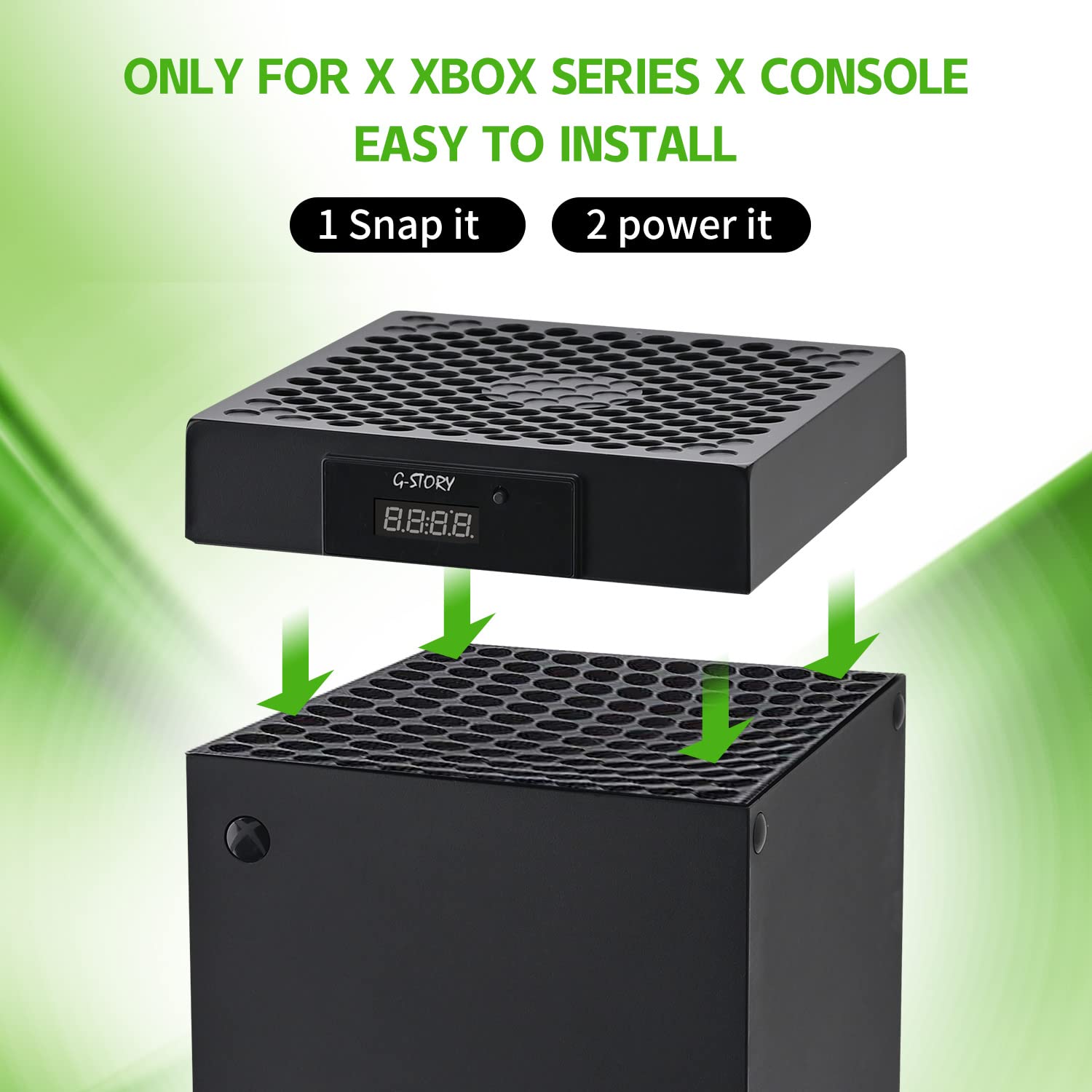
G-STORY 140mm Cooling Fan for Xbox Series X with Automatic Temperature Speed Control and RGB LED Display
Product description
If your Xbox Series X feels like it runs hot during long sessions, a cooling fan like this one is meant to take some pressure off. The G-STORY model pairs automatic temperature-based speed control with a visible LED temperature readout, so you’re not guessing what’s going on inside the console.
It’s not a full-on “set it and forget it forever” solution—every setup and room environment is a bit different—but on paper it’s a practical add-on if you care about keeping temps in a safer range and you want clear feedback while you play.
The essentials
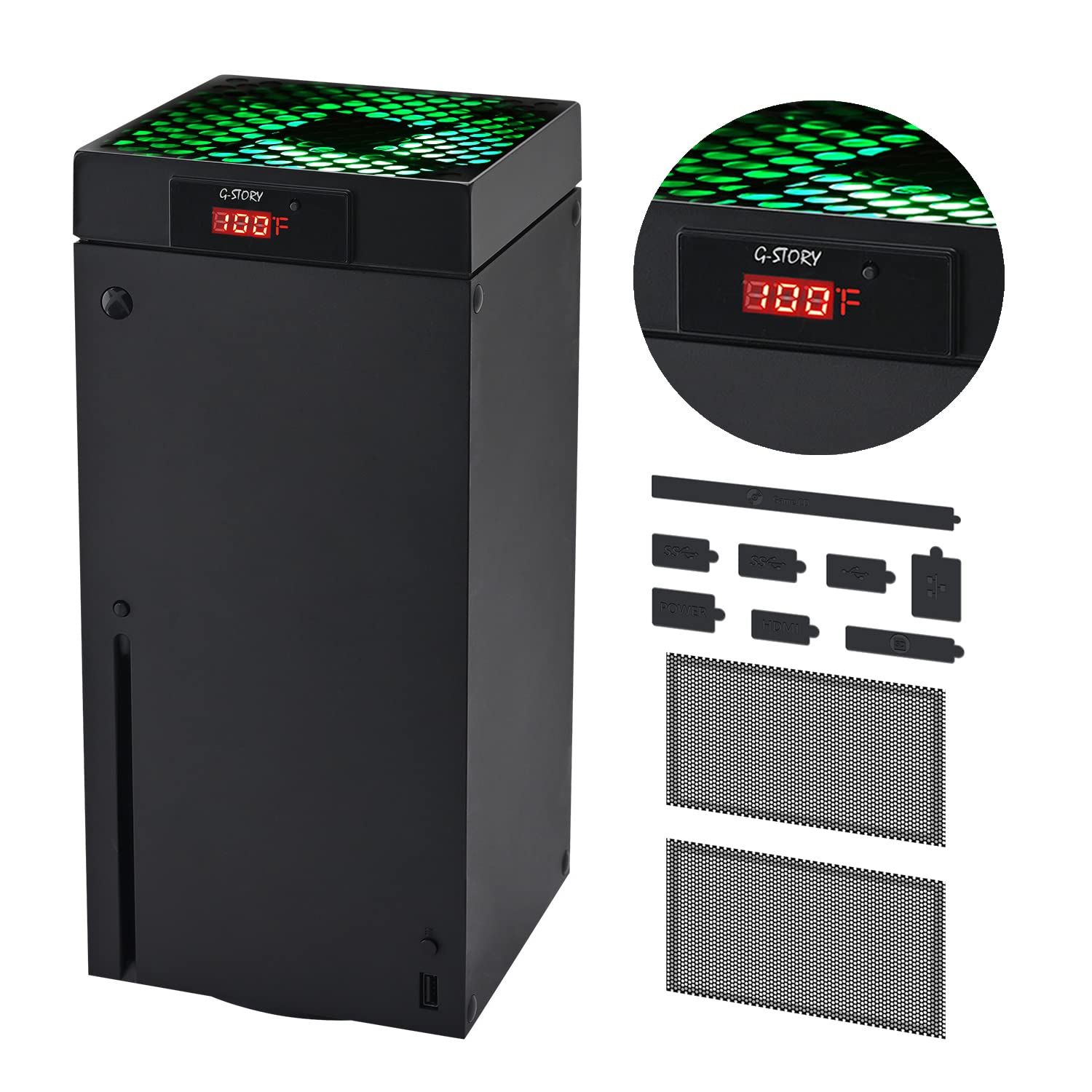
This cooling fan is designed specifically for an Xbox Series X placement on top of the console. It draws power from the console, so there’s no separate power brick to deal with. What stands out is the temperature awareness: the LED temperature display is there to help you monitor heat levels and reduce the chance of overheating over time.
You also get two ways to control it. In Automatic mode, the fan speed adjusts based on detected temperature. There’s also a Manual mode where you choose among three speeds, and the LED changes color to match the chosen level.
Key features that matter day to day
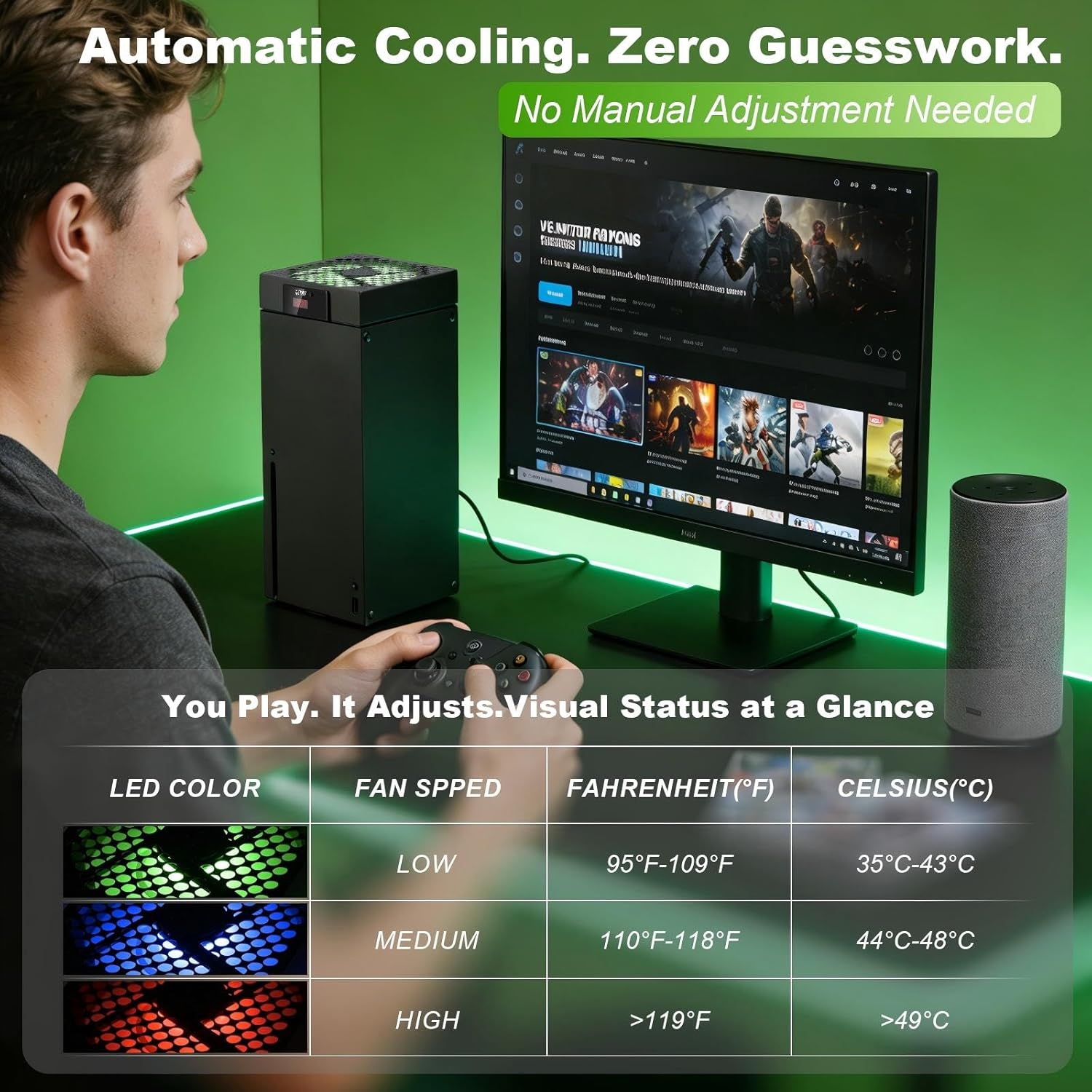
Automatic control is the biggest convenience. The built-in chip can sense temperature and respond by changing fan speed so you can keep gaming without constantly thinking about cooling settings.
In Manual mode, you press the button to select one of the three speed levels. The LED color feedback gives you an immediate visual cue, so you’re not stuck checking anything on-screen. It’s a small thing, but it helps during quick play sessions where you’d rather not open menus or adjust settings.
One more practical detail: the product notes that when the temperature is below 35℃/95℉, the fan stops working. That can be a plus if you prefer quieter operation during cooler periods, though it also means cooling won’t actively run when your console is already under that threshold.
Fan speeds, LED colors, and what the numbers mean
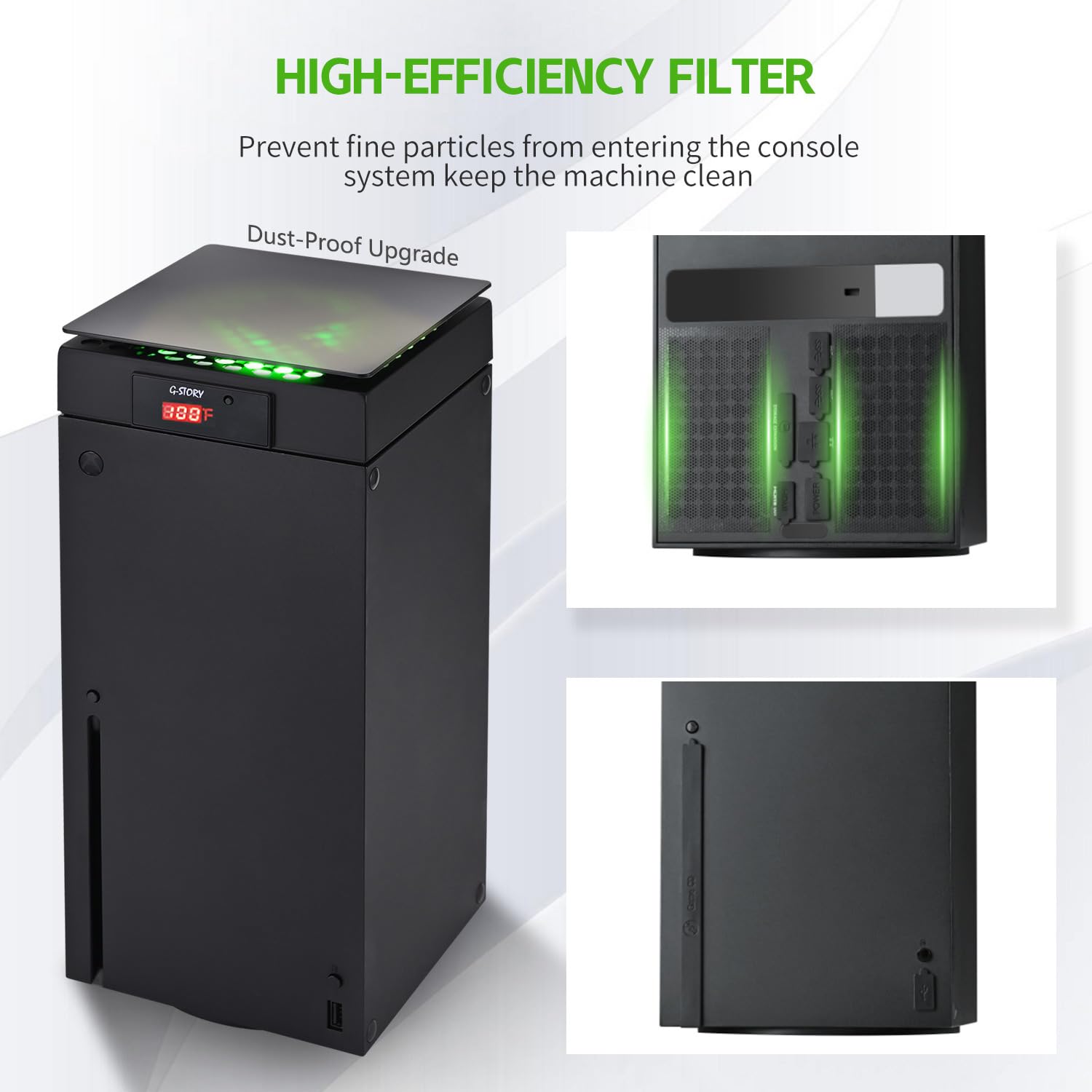
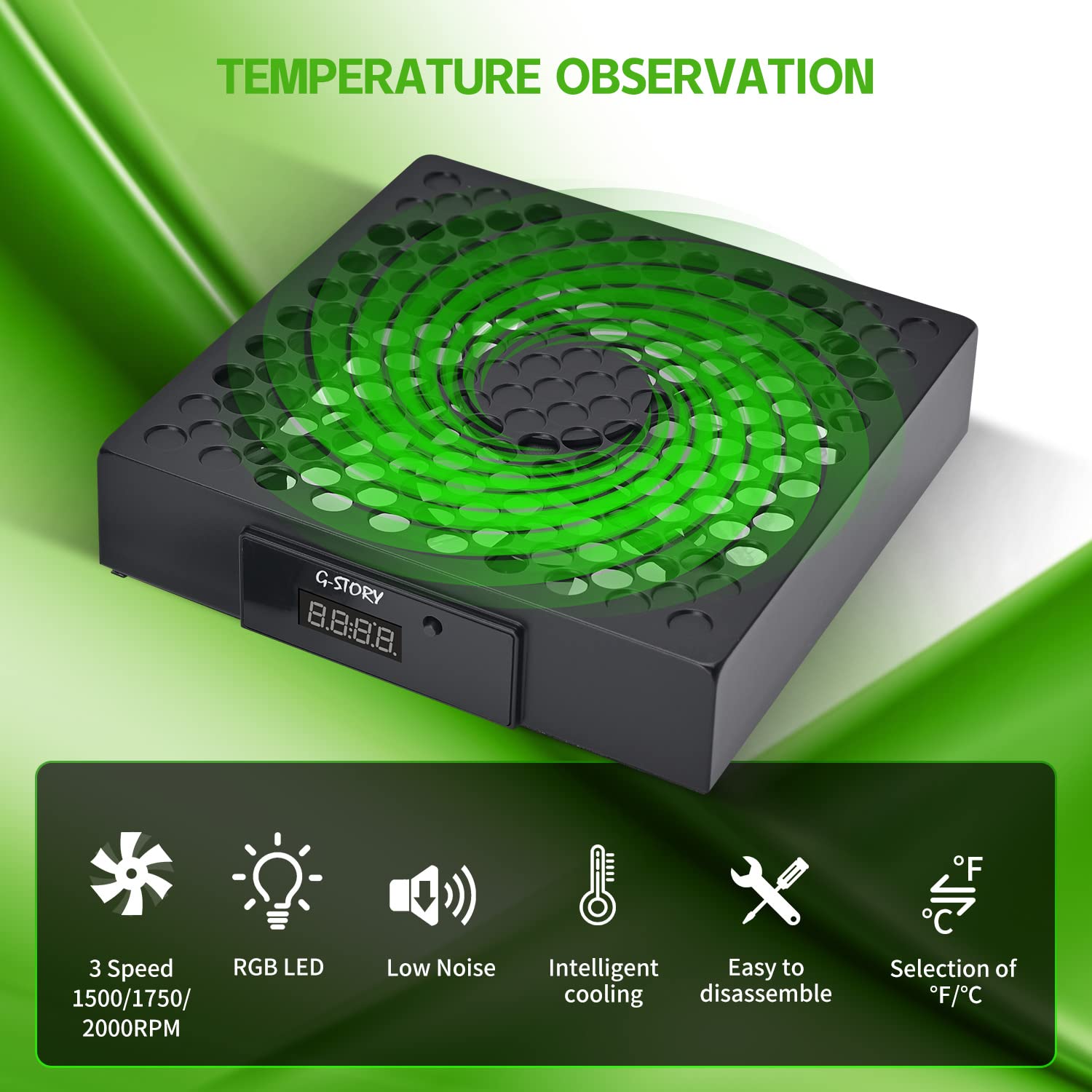
The fan uses three speed levels: 1500/1750/2000RPM (140MM). The intent is straightforward: pick a stronger airflow when temperatures rise, and back off when things are under control.
The LED display and color mapping are provided as follows: - Green light: 35~43℃/95~109℉ - Blue light: 44~48℃/110~118℉ - Red light: >48℃/119℉
If you’re trying to manage heat during graphically heavy games, this “temperature-to-feedback” approach is the core value. It doesn’t just move air, it tells you what temperature band the console is in.
Noise and portability—good for a living room setup
The description emphasizes low noise and light weight. That matters because add-on fans can sometimes become an annoying background sound, especially in quieter rooms or late-night sessions.
Because it’s powered by the Xbox console and is meant to be portable, it also feels geared toward simple placement rather than permanent hardware changes. Still, “lightweight and easy” can mean different things in real life depending on how you route cables and how your console sits, so it’s worth checking your setup space.
Installation and everyday use (what you’ll actually do)
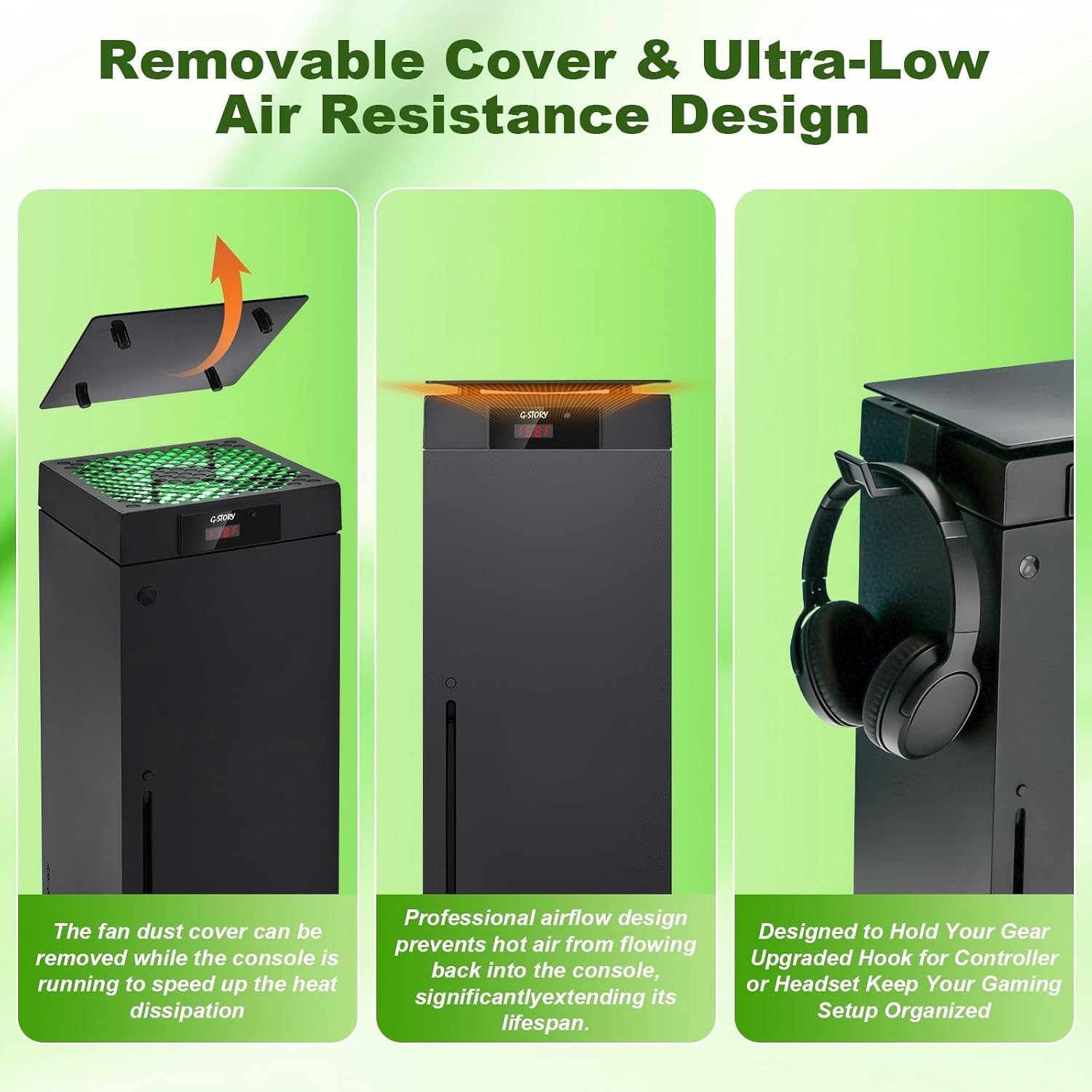
Installation is presented as very simple: place the cooling fan on your console, connect the cable to the Xbox Series X, and it starts working.
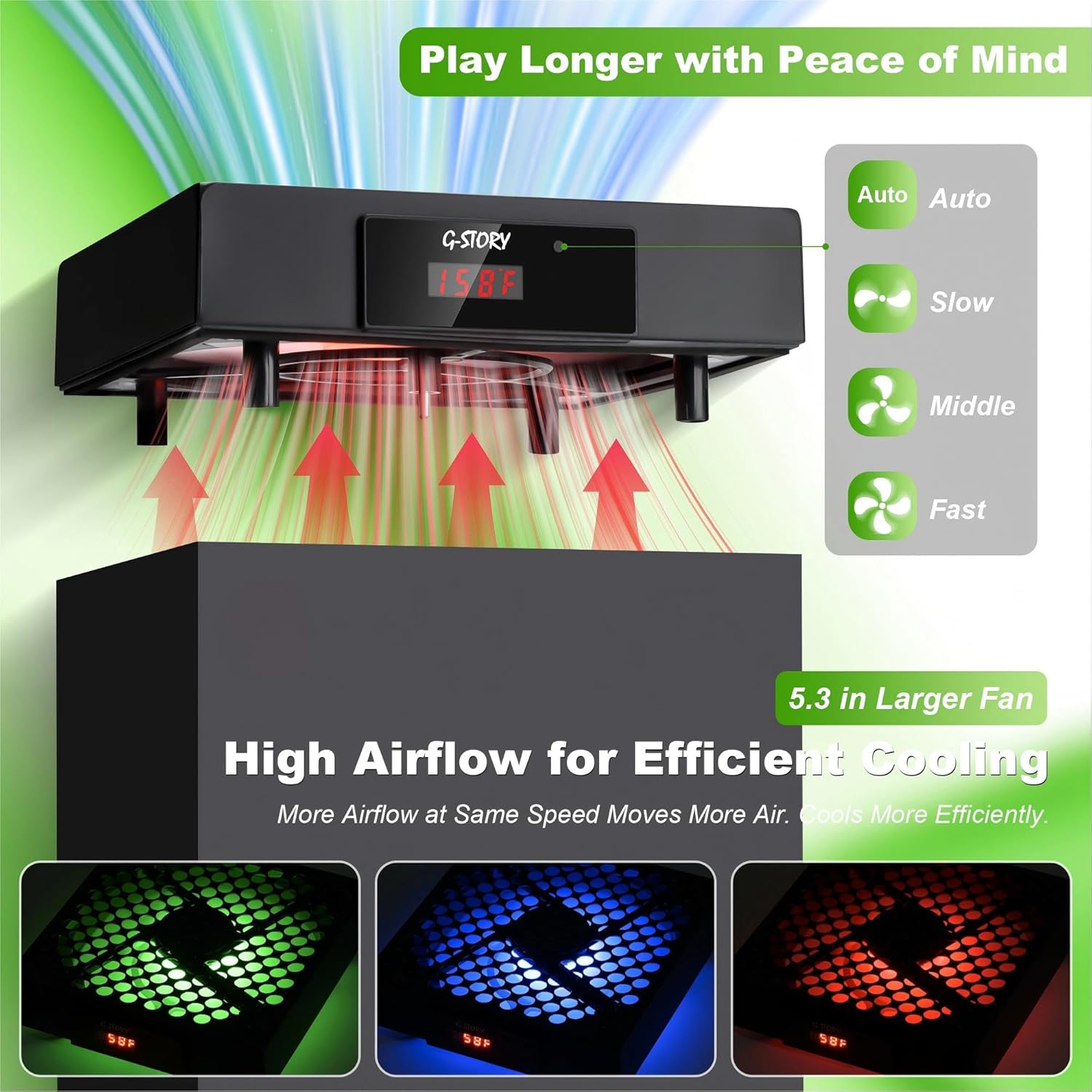
A realistic use example: imagine you boot up a demanding title and notice higher temperatures after a long play session. You glance at the LED temperature band, and if it’s running hotter than you’re comfortable with, you can either leave it in Automatic mode (so it adjusts on its own) or switch to Manual mode and select one of the three speeds. The LED color changes so you can tell at a glance whether you’re pushing cooling harder.
What to consider before buying
A cooling fan can help most when heat is the bottleneck, not when the goal is silent performance during everything. This model is designed to respond to temperature and reduce overheating risk, but it’s still an add-on—results will depend on your room airflow, how your console is positioned, and how long you play.
Also, there’s a mode-switching detail to watch: the product notes pressing and holding the button for 3s to switch between manual and automatic mode. If you’re the type to expect “tap once and it’s on,” this may take one quick learning moment.
Pros
- Temperature LED display helps you monitor console heat instead of guessing
- Automatic mode adjusts fan speed based on temperature
- Manual mode with three speed levels and LED color feedback
- Low noise and light weight are specifically called out
- Easy to install: place on the console and connect the cable
Cons
- The fan stops working when temperature is below 35℃/95℉, so it won’t run continuously
- It’s positioned as a practical add-on, not a substitute for good airflow/placement of the console
- Manual control relies on learning the button behavior (3-second hold to switch modes)
Is it worth it?
Buy it if you want a straightforward cooling add-on for your Xbox Series X with visible temperature feedback and automatic fan speed control. It fits best if you play longer sessions, care about avoiding overheating, and like having an LED indicator that tells you how hot the console is running.
Skip it if you’re only looking for an all-purpose “always-on” cooler, because the fan stops below the 35℃/95℉ threshold. It may also feel like extra complexity if you prefer leaving everything on a fixed setting and you don’t want to think about manual vs. automatic modes.
For many buyers, though, this kind of temperature-guided airflow can make sense—especially when you want simple installation, clear visual cues, and the ability to adjust without digging into console menus.
Quick overview FAQ
Does this fan run automatically or do I need to set it?
It supports both. Automatic mode senses temperature and adjusts fan speed, while Manual mode lets you select one of the three speeds with the LED indicating changes.
What do the LED colors mean?
The description maps LED colors to temperature ranges: green for 35~43℃/95~109℉, blue for 44~48℃/110~118℉, and red for above 48℃/119℉.
What happens when the console is cooler?
The product states that when temperature is below 35℃/95℉, it stops working.
How hard is installation?
It’s described as simple: place the fan on the console and connect the cable to the Xbox Series X.