

BIGBIG WON R100 Pro Controller Adapter (Xbox/PS/Switch) — Wireless controller converter for PS4, Switch, and PC
Product description
If you want to play with the controller you already own—but you’re stuck on which consoles it will actually work with—this BIGBIG WON R100 Pro adapter is built to bridge that gap. Over the paper, it’s a lightweight wireless dongle meant to convert support across specific controller types for specific platforms.
That said, it’s not a universal “works with everything” adapter. The supported controllers and consoles are clearly limited, and the PS5 side has a key restriction you’ll want to understand before buying.
The essentials
The BIGBIG WON R100 Pro is a controller adapter/dongle designed to let you use supported controllers on certain non-native platforms. It supports multiple official controller models (including Xbox Series X|S / Xbox One X|S / Xbox Elite Series 2, Switch Pro, and PlayStation controllers like DualSense and DualShock), but only through the listed compatibility paths.
On the console side, the adapter is intended to work on Switch, PS4, and Windows 11/10 PC. Xbox consoles are explicitly not supported.
There’s also a “one pairing” approach: it’s plug-and-play with quick pairing, and it can recognize previously paired controllers the next time. Depending on the controller type, you can also adjust features like vibration, turbo, and joystick calibration.
What matters most in real use
In day-to-day play, the big selling point is how fast you can get a controller connected. Instead of reconfiguring or juggling multiple wired options, you plug in the R100 Pro adapter, pair quickly, and then you’re ready to test it in-game.
A concrete example: if you have a DualShock (PS4) or DualSense (PS5) at hand and you’re trying to play on PS4, the adapter is set up for that kind of “controller-to-platform” swap—so you’re not forced to buy yet another controller just to match the console. The pairing flow is meant to be simple and repeatable.
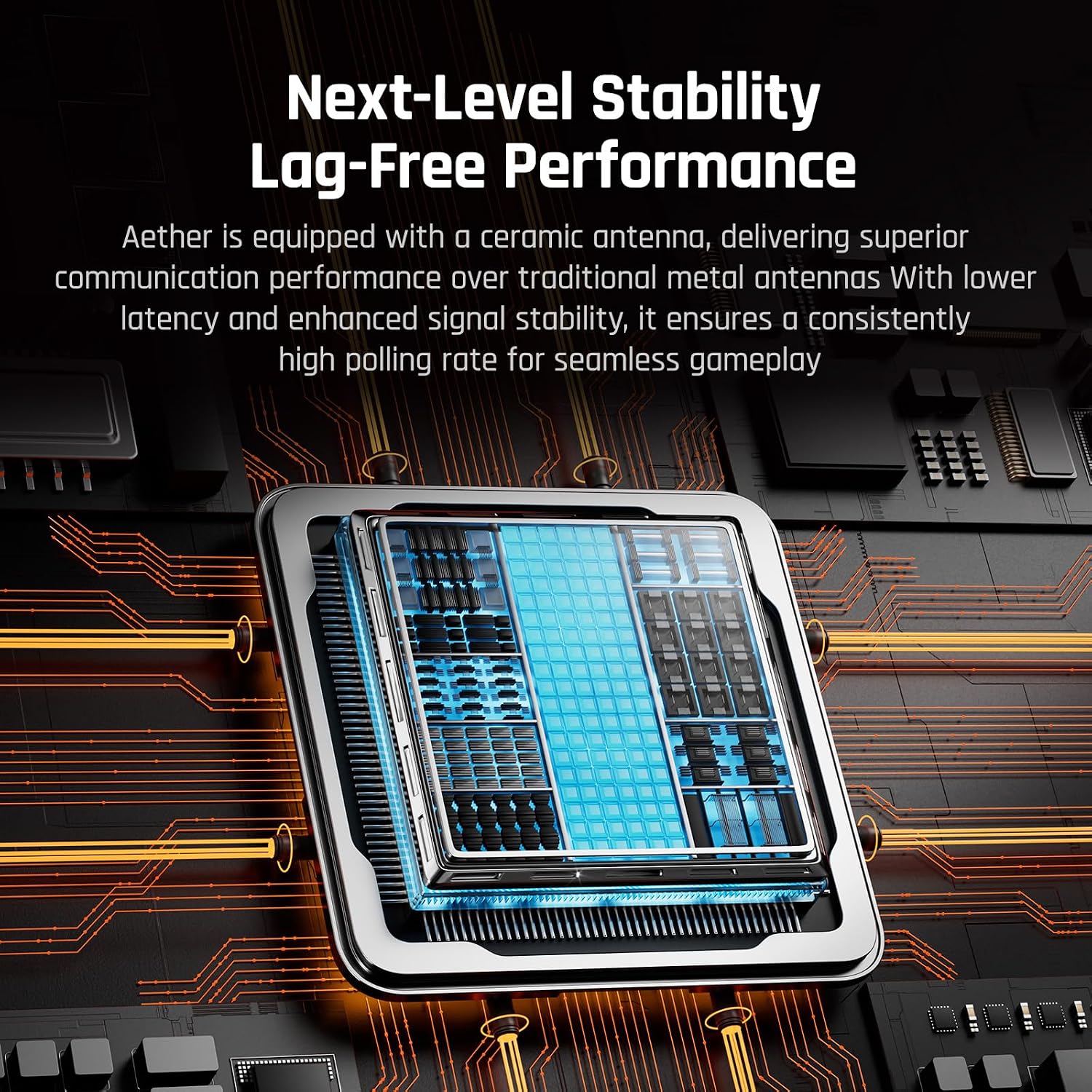
Still, performance expectations should stay grounded. The product claims no lag within a 5 meters range using a ceramic antenna. That’s promising for typical living-room distances, but your results may vary depending on your setup and interference.
Where it shines (and what you’ll notice)
If you’re buying for convenience—travel, couch play, or switching between platforms—this adapter is compact and easy to carry. It’s also designed to handle more than one controller at once in certain scenarios.
Two notable “it works this way” details: - Two controllers can be simultaneously connected to a console via two separate R100 PRO Bluetooth controller adapters. - When connecting to Switch, it supports one other branded controller with one R100 PRO.
So it’s workable for most casual local play setups, but it’s not aimed at highly complex multi-controller party gaming without planning.
Compatibility you should double-check first
This is where buyers can get surprised, because compatibility is not broad.
Controller support limits
Only the listed controller models are supported. The entry specifically says controllers not listed are not supported, and third-party authorized or non-authorized controllers are not supported via this adapter.
Console support limits
The console adapter works on Switch, PS4, and Windows 11/10 PC. All Xbox consoles are not supported.
The PS5 limitation (important)
There’s a clear warning: PS5 games are not supported. On the PS5 platform, only PS4 version games are supported—not PS5 version games. If your goal is to play native PS5 titles, this is likely not the right tool.
Also note: when connecting to Switch, you’re told to enable a specific setting path related to the Pro controller wired connection. If you’re not willing to tweak console settings, that can be a mild friction point.
Key specifications
- Type: Wireless controller adapter (R100 Pro)
- Supported consoles: Switch, PS4, Windows 11/10 PC (Xbox consoles not supported)
- Supported controllers (as listed): Xbox Series X|S, Xbox One X|S, Xbox Elite Series 2, Switch Pro, DualSense (PS5), DualShock (PS4)
- Pairing: Plug & Play with quick pairing, reconnects automatically next time (for identified controllers)
- Range claim: “No lag” within 5 meters (based on ceramic antenna)
- Audio support: Headphone not supported
Pros, cons, and who it’s for
Why it makes sense: If you already own an official controller and you want to use it on PS4, Switch, or Windows PC without relying on a native controller match, the R100 Pro focuses on that exact kind of convenience.
You’ll probably like it if: - You’re switching between platforms you play on regularly (like PS4 and PC, or Switch and handheld sessions) - You want simple pairing rather than complicated setup - You care about adjusting vibration, turbo, and joystick calibration for supported official controllers
Where it may not be worth it: It may not suit you if: - Your goal is playing PS5 games on PS5 (PS5 games are not supported) - You use a third-party controller (authorized or non-authorized) that isn’t explicitly listed - You need Xbox console support (all Xbox consoles are not supported) - You want headphone audio support (headphone is not supported)
Is it worth it?
This BIGBIG WON R100 Pro controller adapter is worth considering when your setup fits the supported controller list and your target platform is PS4, Switch, or Windows 11/10 PC. The plug-and-play pairing and the claimed short-range reliability make it a practical “bring your controller, play on the other platform” type of accessory.
But if you’re trying to cover everything—especially Xbox consoles or native PS5 games—keep your expectations in check. The compatibility boundaries are real, and skipping the PS5/PS4 game rule review is the fastest way to end up disappointed.
Quick FAQ
Mini FAQ
Is it compatible with Xbox consoles? No. The entry states that all Xbox consoles are not supported.
Can I use a PS5 controller on PS4? Yes, PS5 controller can be wirelessly used on PS4 via this adapter.
Does it support PS5 games on PS5? No. PS5 games are not supported. Only PS4 version games are supported on the PS5 platform.
Does it work with third-party controllers? The product description says third-party authorized or non-authorized controllers are not supported.
Does it support headphone output? No. Headphone is not supported.