

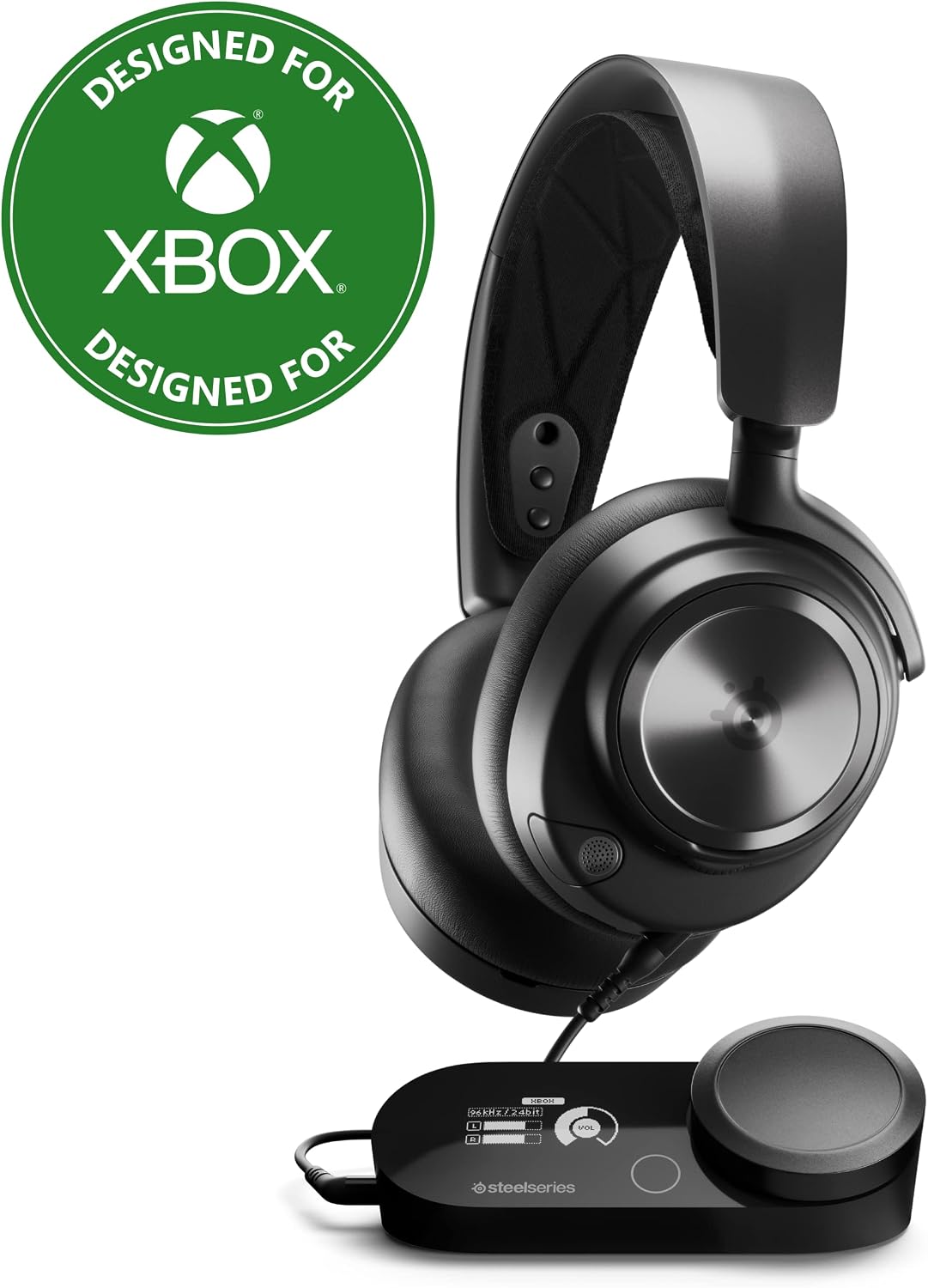
SteelSeries Arctis Nova Pro X Gaming Headset for Xbox (Signature Arctis Sound)
Reviews
Price
Product description
The essentials
If you’re serious about gaming audio, the SteelSeries Arctis Nova Pro X for Xbox is built around one idea: clearer sound plus better control over how it lands in your ears. On paper, it leans into premium drivers for “maximum clarity,” a 360-style spatial experience for immersion, and software-based tuning using a professional-grade parametric EQ.
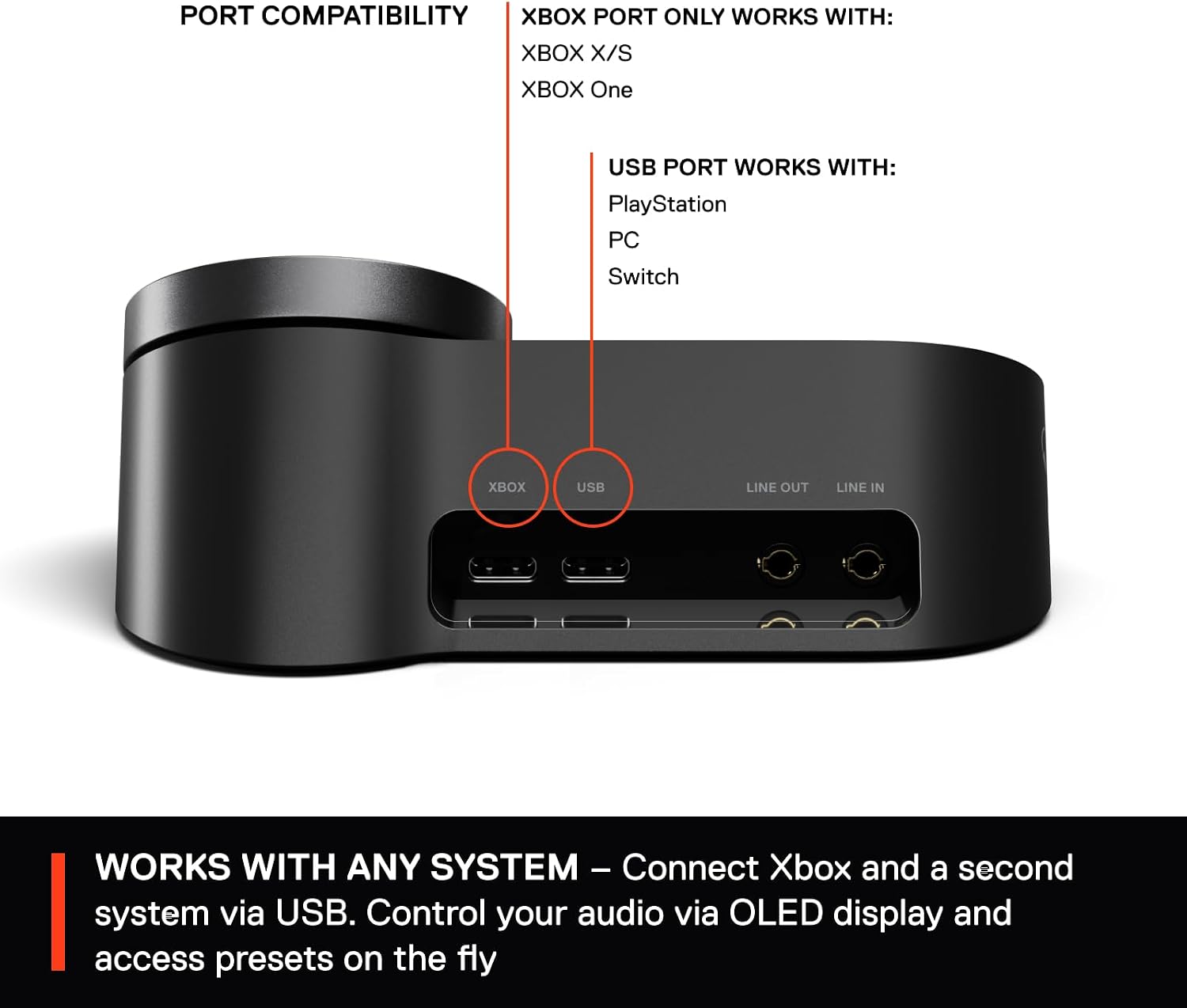
It’s also designed for people who don’t want to stay locked into a single setup. The headset supports connecting two systems at once and swapping between them with a button press, so you can move between Xbox and another device without constantly replugging.
What stands out in real use
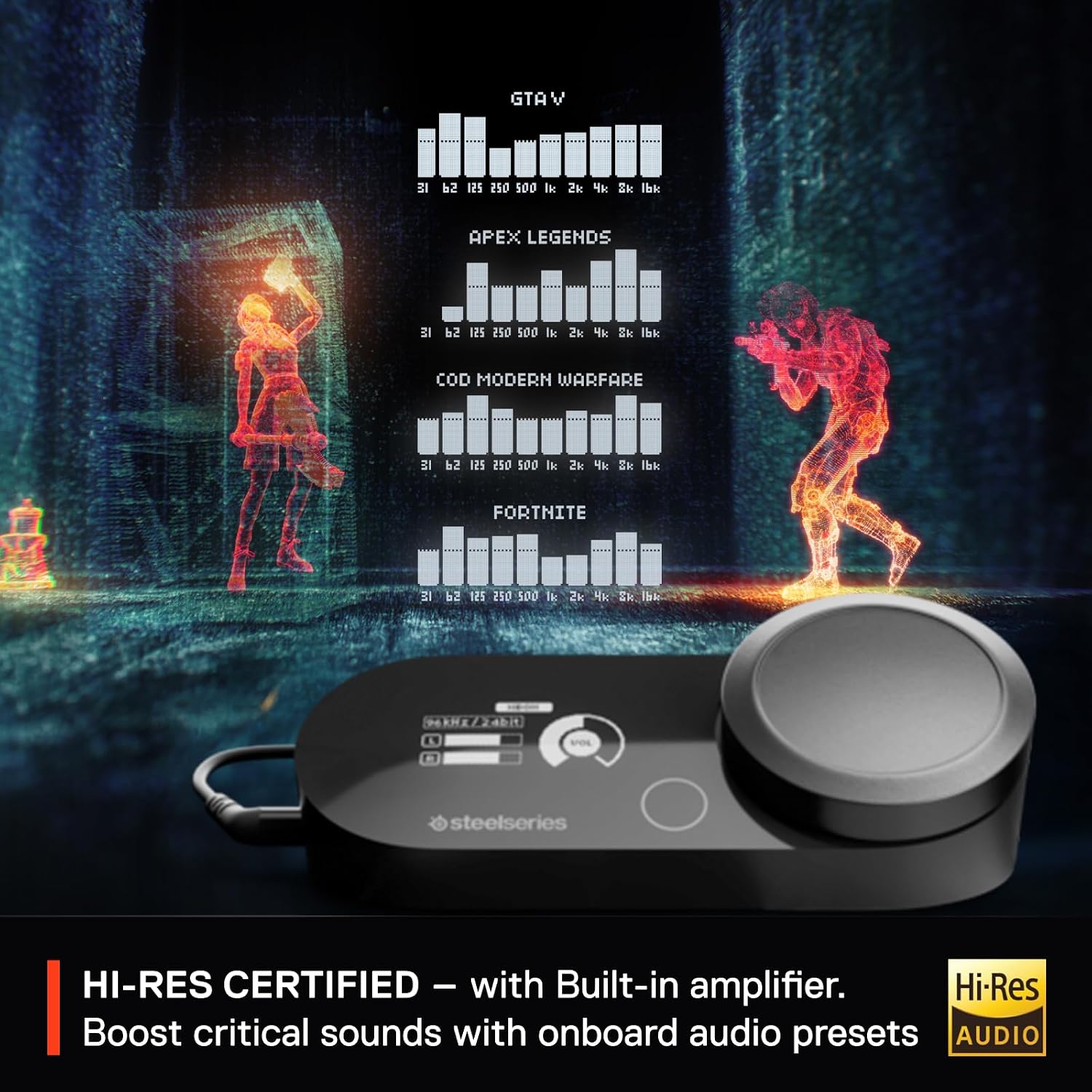
The big “why” here is Sonic control. SteelSeries points to customizing your sound through Sonar software with a parametric equalizer, which is the kind of tool that can help if you’re the type of player who notices when footsteps feel buried or when dialogue isn’t cutting through. It’s not magic—if your game mix is poorly recorded, no EQ fully fixes that—but having that level of adjustment can make a noticeable difference in how clean everything feels.
Spatial 360 audio is another key selling point. The headset is framed as a way to help you catch critical cues—like steps, reloads, or voice lines—more easily. In practice, that’s the kind of feature that tends to shine in FPS and narrative-heavy games where directionality and presence matter.
Key takeaways before you buy

The Arctis Nova Pro X positions itself as a more advanced, higher-end option in the gaming headset space, especially because it includes the GameDAC Gen 2 and pushes higher-resolution audio claims. That said, it may not be the best match if you mainly want simple plug-and-play audio and don’t care about software tuning.
Also, while it’s “fully compatible” with Microsoft Spatial Sound for Xbox and certified for high-resolution audio, you still need to check your expectations for spatial audio behavior in the specific games you play. Some titles handle spatial cues differently, so results can vary quite a bit.
Tech specs
- Name: SteelSeries Arctis Nova Pro X Gaming Headset for Xbox
- Type: Gaming headset
- Format: 360 spatial audio
- Processor: GameDAC Gen 2
- Refresh rate: 96 KHz/24 bits (high-resolution audio claim)
Compatibility & requirements
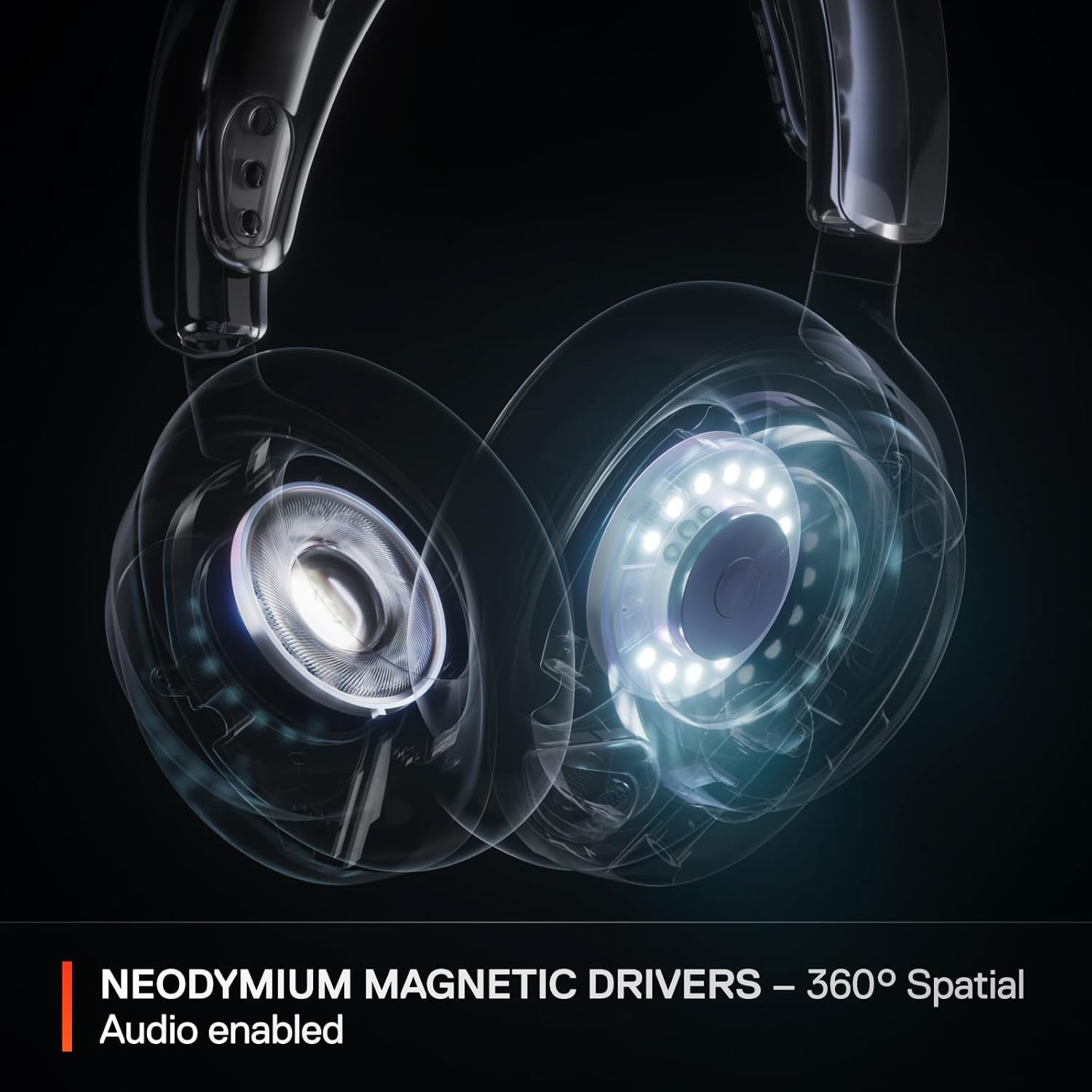
This model is intended for Xbox, with support for Microsoft Spatial Sound. The base description also mentions compatibility with Tempest 3D Audio for PS5 as certified audio, but the headset is marketed for Xbox, so you’ll want to ensure it fits your exact platform setup.
On top of that, the headset is described as a multi-system option: connect two systems at the same time and switch between them smoothly with a button.
Is it worth it?
Buy the SteelSeries Arctis Nova Pro X if you want gaming audio that you can shape—especially if you like using Sonar and a parametric EQ to fine-tune what you hear in different games. The 360 spatial feature and the inclusion of GameDAC Gen 2 are a strong combo for players who chase clarity in footsteps, reload sounds, and spoken cues.
Skip it if you’re looking for a budget-friendly headset, or if you don’t plan to use software tuning and prefer to keep audio settings completely default. It’s also not the easiest pick if you’re only interested in basic wireless convenience, because the value here is clearly in the audio processing stack and control.
If you’re deciding between “good sound” and “more control over sound,” this headset is firmly on the control side.
Mini FAQ
Does it work with Xbox spatial audio?
The product description says it’s fully compatible with Microsoft Spatial Sound for Xbox.
What is Sonar used for here?
Sonar is referenced as the place where you can personalize sound, including use of a professional-level parametric EQ for games.
Can you connect it to more than one device?
Yes—according to the description, it supports connecting two systems at once and swapping between them with a button.
Is it only for Xbox?
It’s marketed for Xbox, but the description also discusses multi-system use and mentions other platforms in the context of connecting devices.
Is this compatible across all games?
Compatibility with spatial audio is claimed, but how well it translates can depend on each game’s own audio mix, so it’s smart to consider that results may vary.