

AceGamer 4-In-1 Charging Dock for Nintendo Switch 2 Joy-Con (4-Port Magnetic Charging Station, Black)
Product description
What this charging dock is for
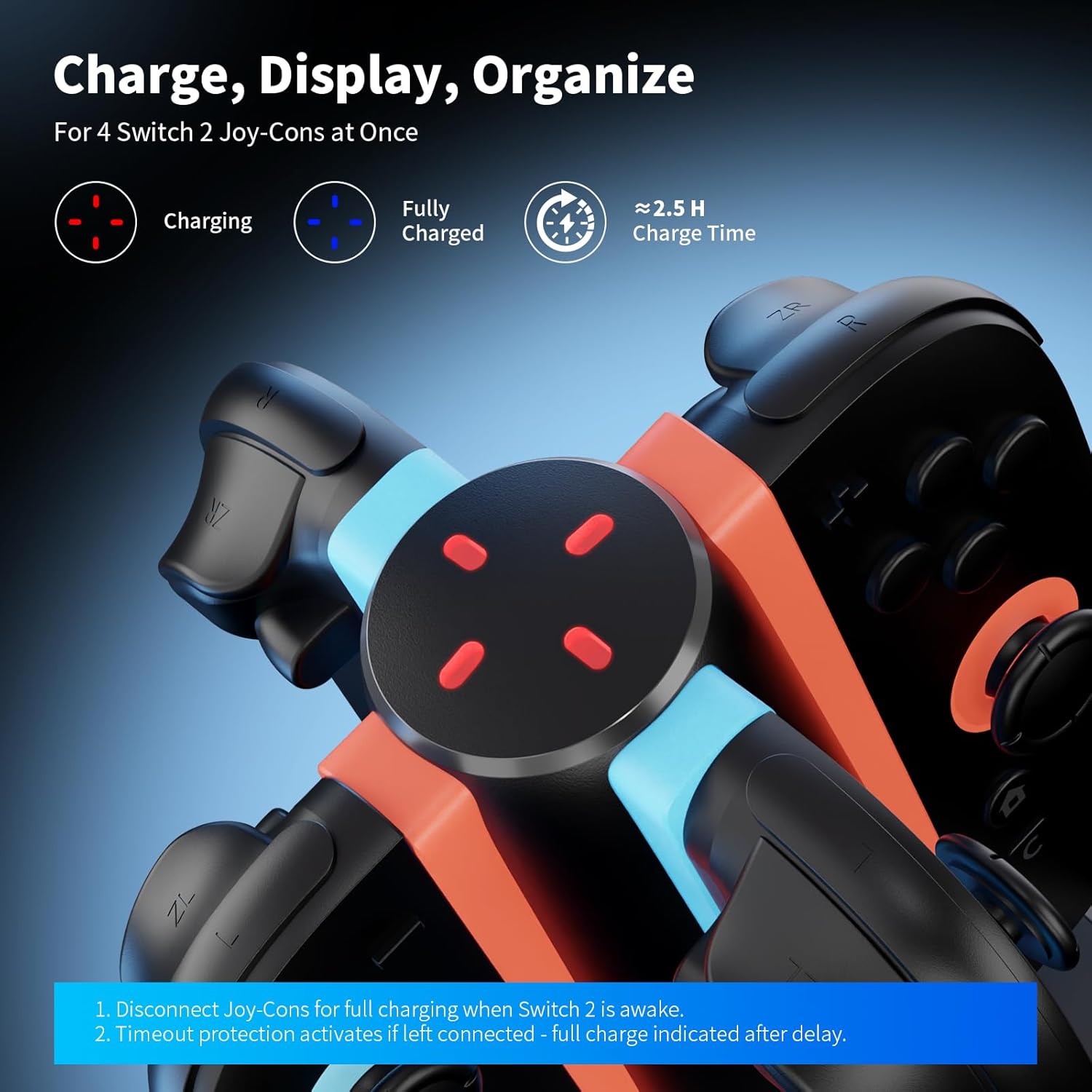
If you’ve ever fumbled with Joy-Con charging and ended up with half-charged controllers, this AceGamer 4-in-1 charging dock is built to make the whole process simpler. It’s a vertical charging stand designed specifically to charge up to four Switch 2 Joy-Con controllers at the same time, while also keeping them organized when you’re not using them.
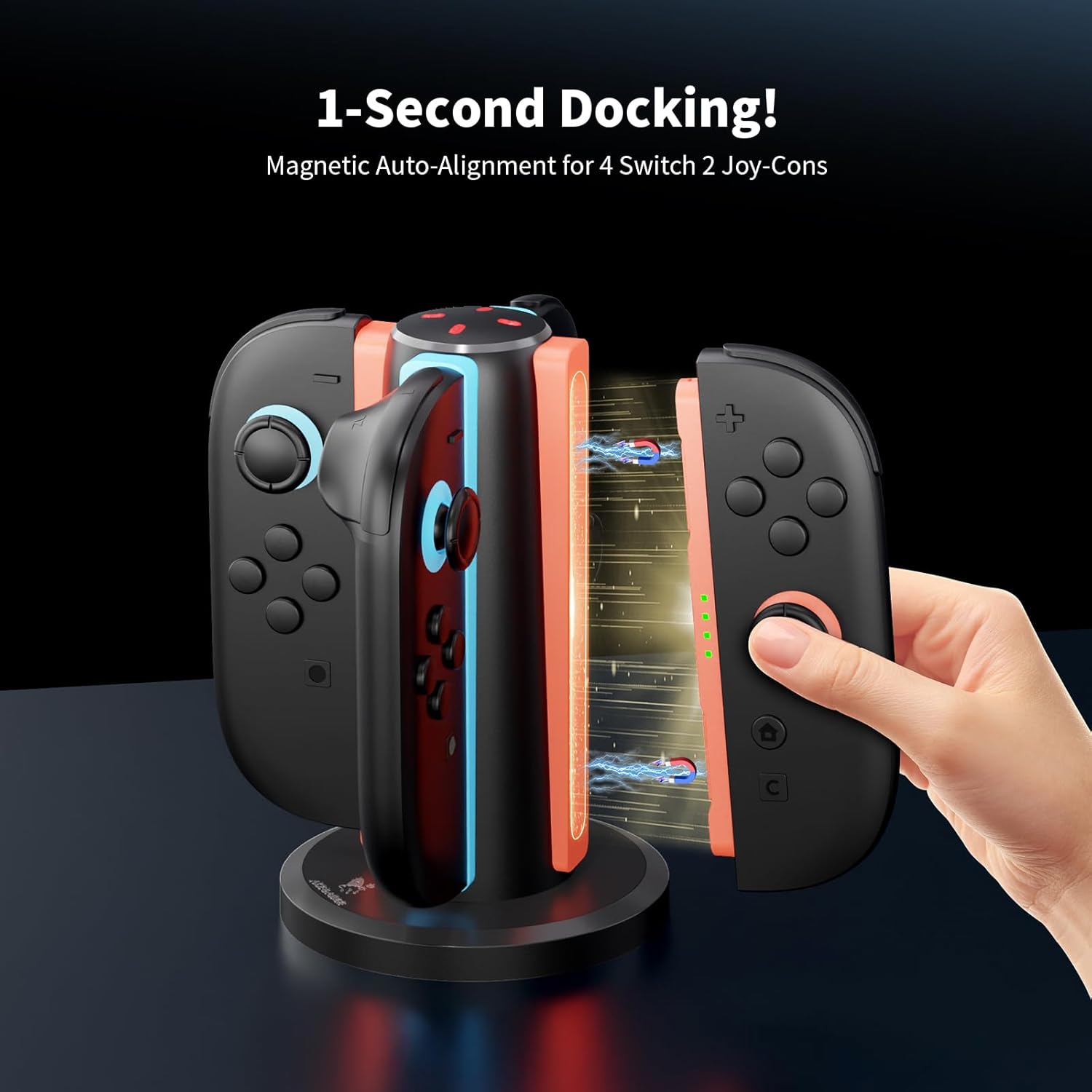
On paper, it’s the kind of accessory that earns its place quickly: dock in place, walk away, and let the LEDs tell you what’s going on. There’s also a magnet-based alignment concept that’s meant to reduce the frustrating “it’s not seated quite right” problem.
Key takeaways (the features that matter)
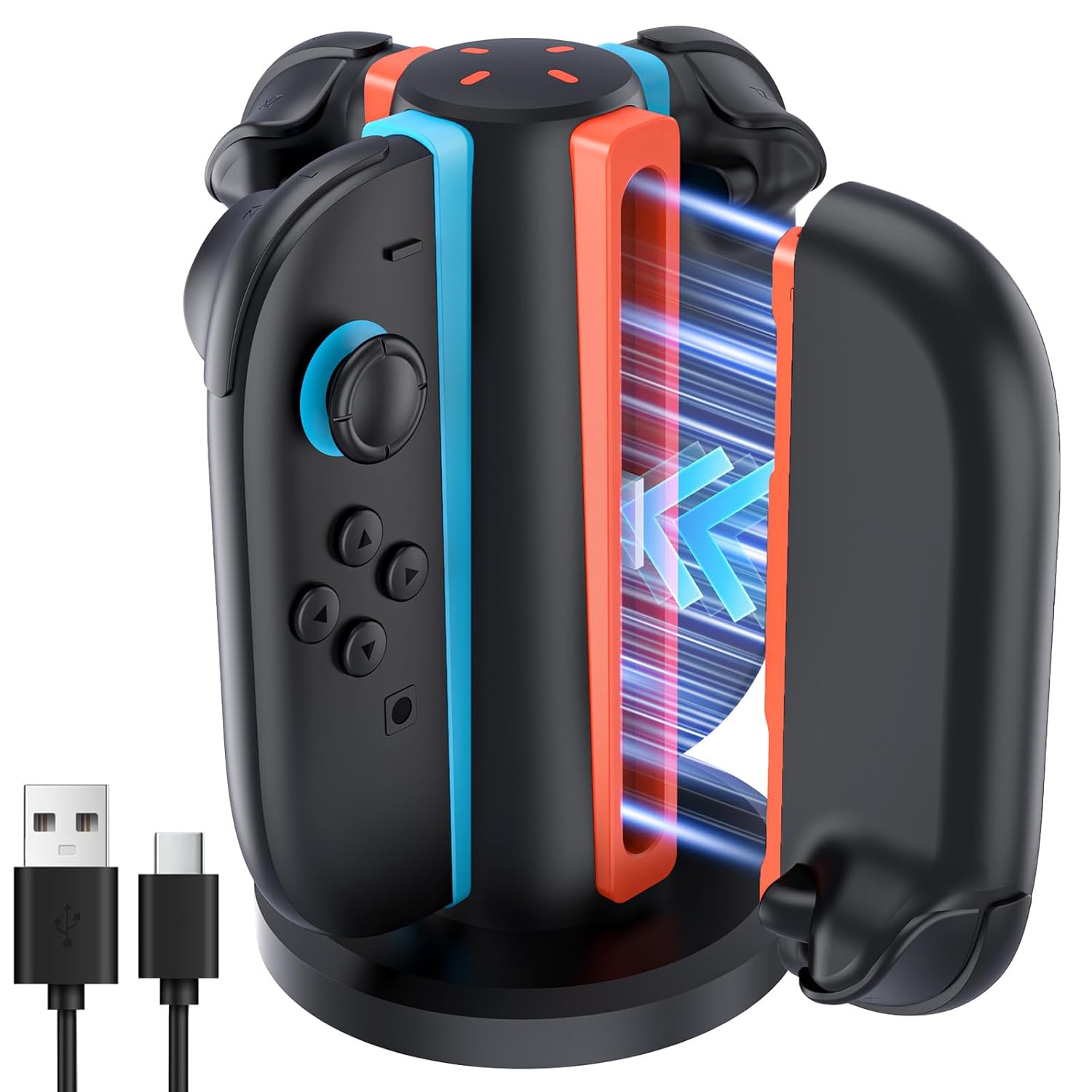
The dock uses magnetic auto-alignment, and the design supports inserting controllers in any orientation (front/back). That’s a real-world quality-of-life detail—especially if you’re swapping controllers often or you’re doing a quick charge between sessions.
Charging-wise, it includes an LED status indicator. The LEDs are described as turning red while controllers charge, and blue once they’re fully charged or in standby. Having that at-a-glance feedback matters more than people think, because it removes guesswork.
Tech specs (only what’s stated)
- Type: 4-port magnetic charging dock for Switch 2 Joy-Con controllers
- Ports: 4 charging slots
- Charging input/capacity (stated): DC 5V 1A or above
- Charging indicator: LED shows charging vs fully charged/standby (red vs blue)
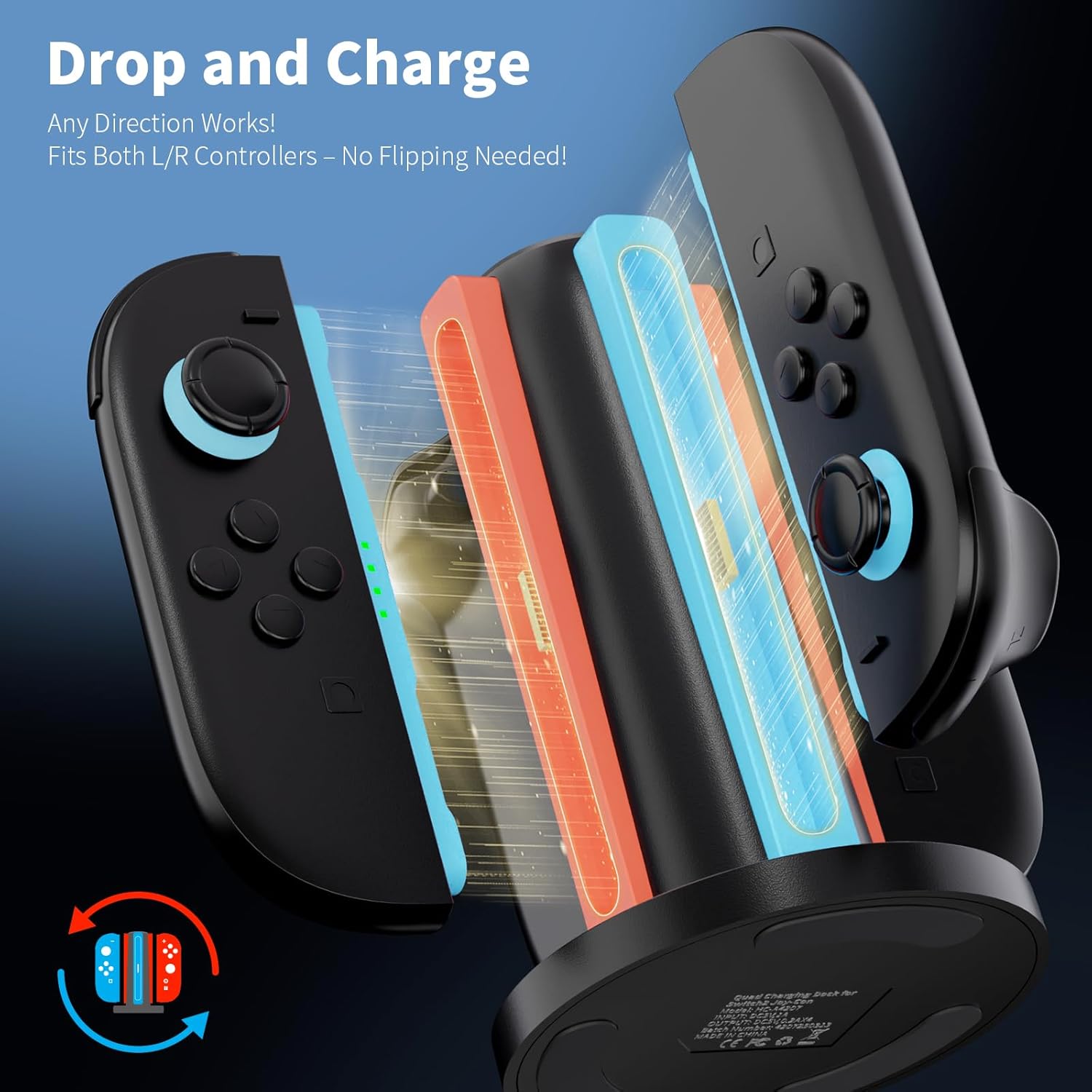
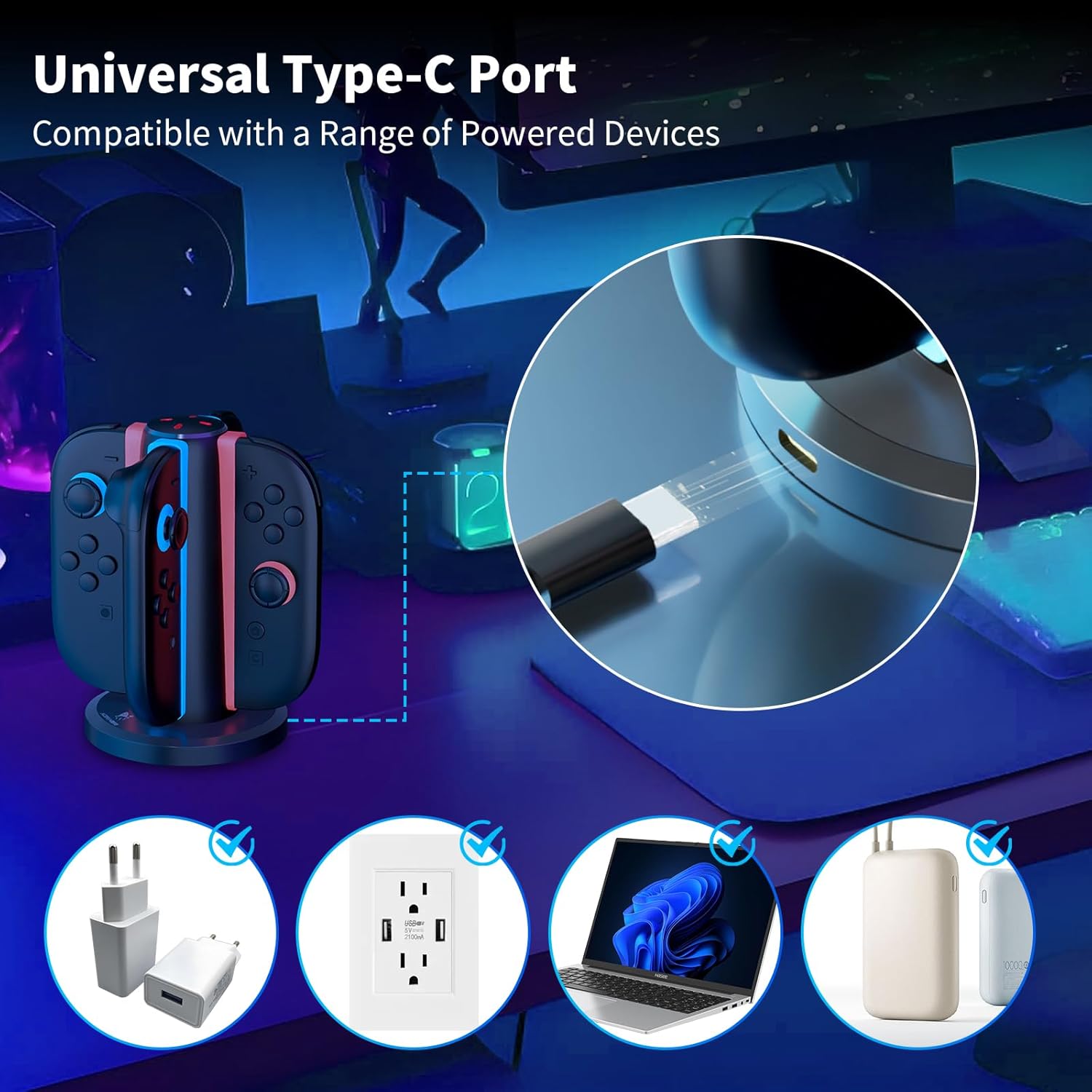
- Charging cable included: USB Type-C charging cable
- Included in the package: Charging dock, USB-C charging cable, manual
- Material mentioned: ABS material
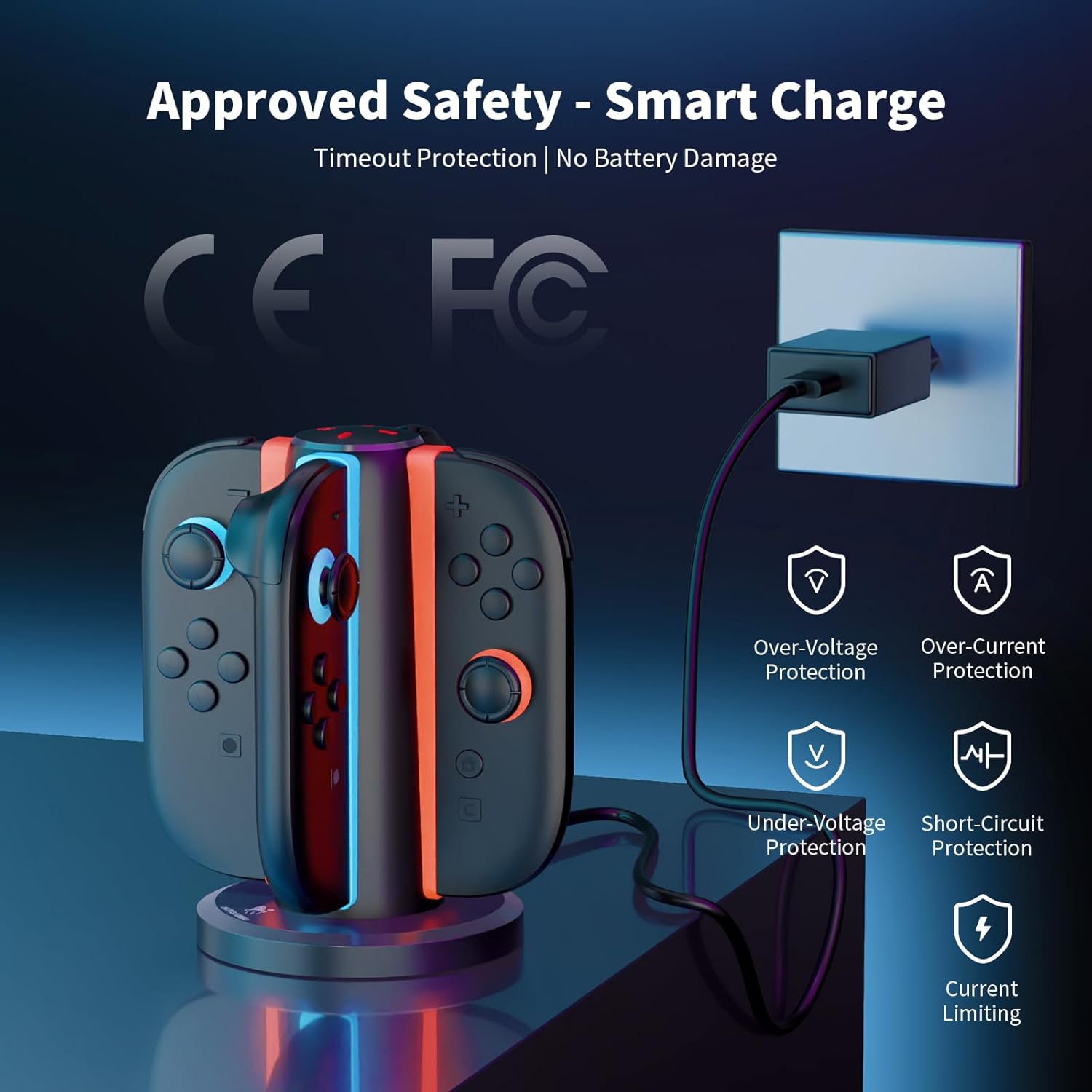
- Safety/protection: smart IC chip with current limiting, over-current protection, under-voltage protection, over-voltage protection, short-circuit protection, fireproof panel design
- Note: Switch 2 joy-pads/controllers are not included
What it feels like to use (and where it can fall short)
The intended daily flow is straightforward: plug in the included USB-C cable, drop the Joy-Con controllers into the dock, and rely on the magnetic positioning to keep them aligned. The “in any direction” insertion design is especially helpful when you’re not taking the time to carefully rotate every controller.
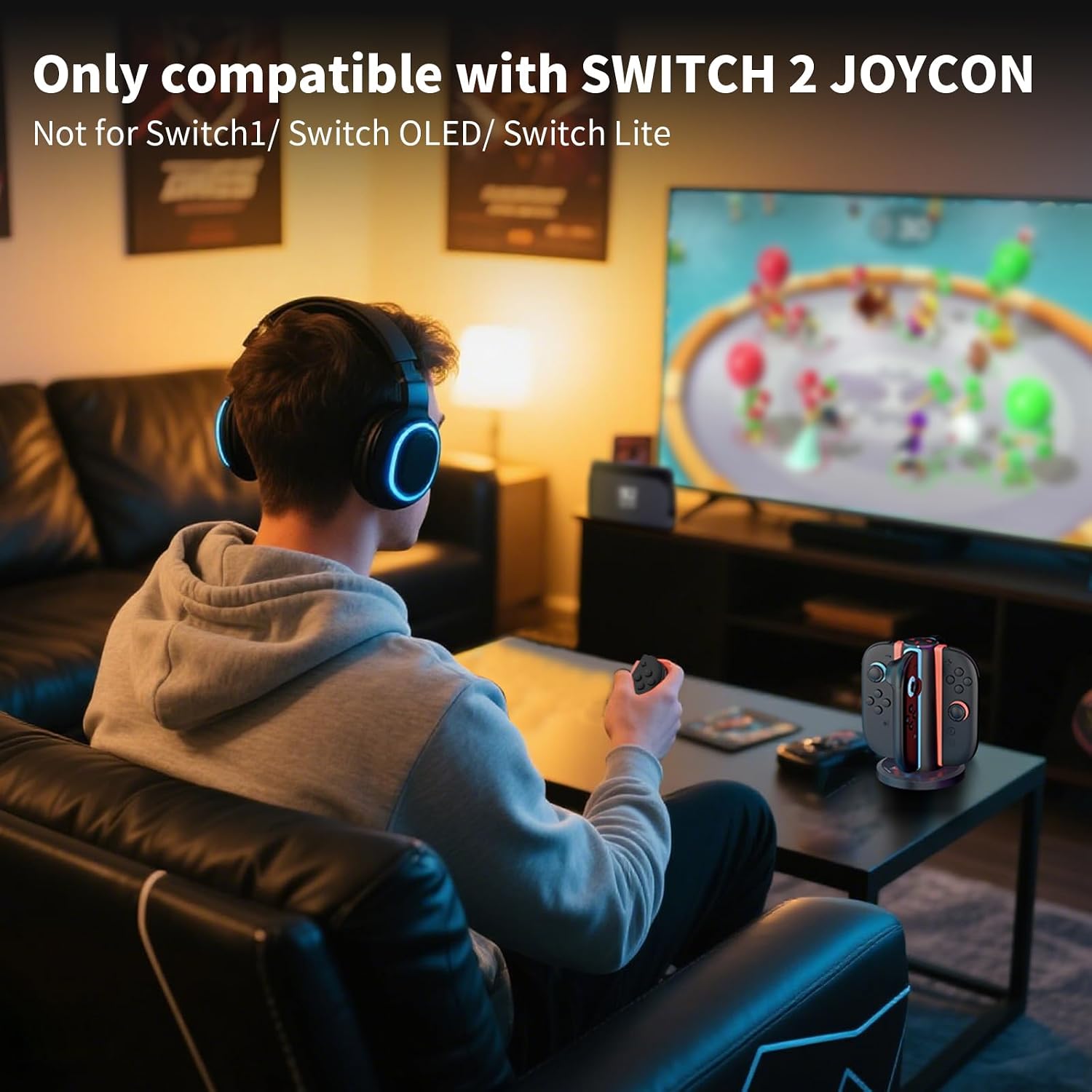
That said, there’s one limitation you should account for: the description explicitly notes that Switch 2 controllers/joy-pads are not included. So you’ll only be able to evaluate the dock’s fit and charging behavior once you have your own Switch 2 Joy-Cons to match it with.
Also, the charging speed is described in approximate terms (about 2.5 hours to fully charge). If you expect “overnight is fine” speed for every situation, it may feel a bit slower than what you’re used to from more premium charging setups—nothing drastic, but worth keeping in mind.
Is it a smart buy? When it makes sense (and when to skip)
It’s worth considering if you want a neat charging station for multiple Switch 2 Joy-Cons, and you like the idea of magnetic auto-alignment plus LED feedback. It also makes sense if you regularly go through controllers (or you just don’t want them lying around) and you prefer a stand-style dock you can set up once and use repeatedly.
It may not be the best match if you’re trying to charge fewer than four controllers and you don’t care about organization. In that case, a simpler single- or dual-slot approach might feel more practical.
Quick FAQ
Does this charge left and right Joy-Cons?
The description says each slot supports charging for both Switch 2 Joy-Con left and right controllers without distinction.
Can the controllers be inserted in any orientation?
Yes—controllers can be inserted in any orientation (front/back), designed to help eliminate misalignment.
What do the LED colors mean?
LEDs turn red while charging, and blue once fully charged or on standby.
What’s included in the box?
You get the charging dock, a USB Type-C charging cable, and a manual.
Is Switch 2 gear included?
No. Switch 2 joy-pads/controllers are not included.
Final verdict
AceGamer’s 4-in-1 magnetic charging dock is a practical buy if your main goal is convenience: charging multiple Switch 2 Joy-Cons at once, with magnetic alignment and simple LED status. It’s positioned as a straightforward accessory rather than something you’ll “overthink,” but it does come with meaningful safety protection details and an organized stand layout. If you already own Switch 2 Joy-Cons and want an easy dock-and-charge workflow, it’s the kind of setup that’s likely to get used daily.