

HP mini desktop PC Pro Mini 400 G9
Product description
A full-size desktop can take up more room than a compact office or reception desk can spare. The HP Pro Mini 400 G9 puts its computing hardware in a small case that can sit on a desk or be mounted out of sight with a separately sold VESA mount.
Its Core i7-12700T processor and 16GB of RAM are aimed at multitasking, business software, coding, and content creation. The listing also describes it as suitable for video editing, though it doesn’t identify a graphics card.
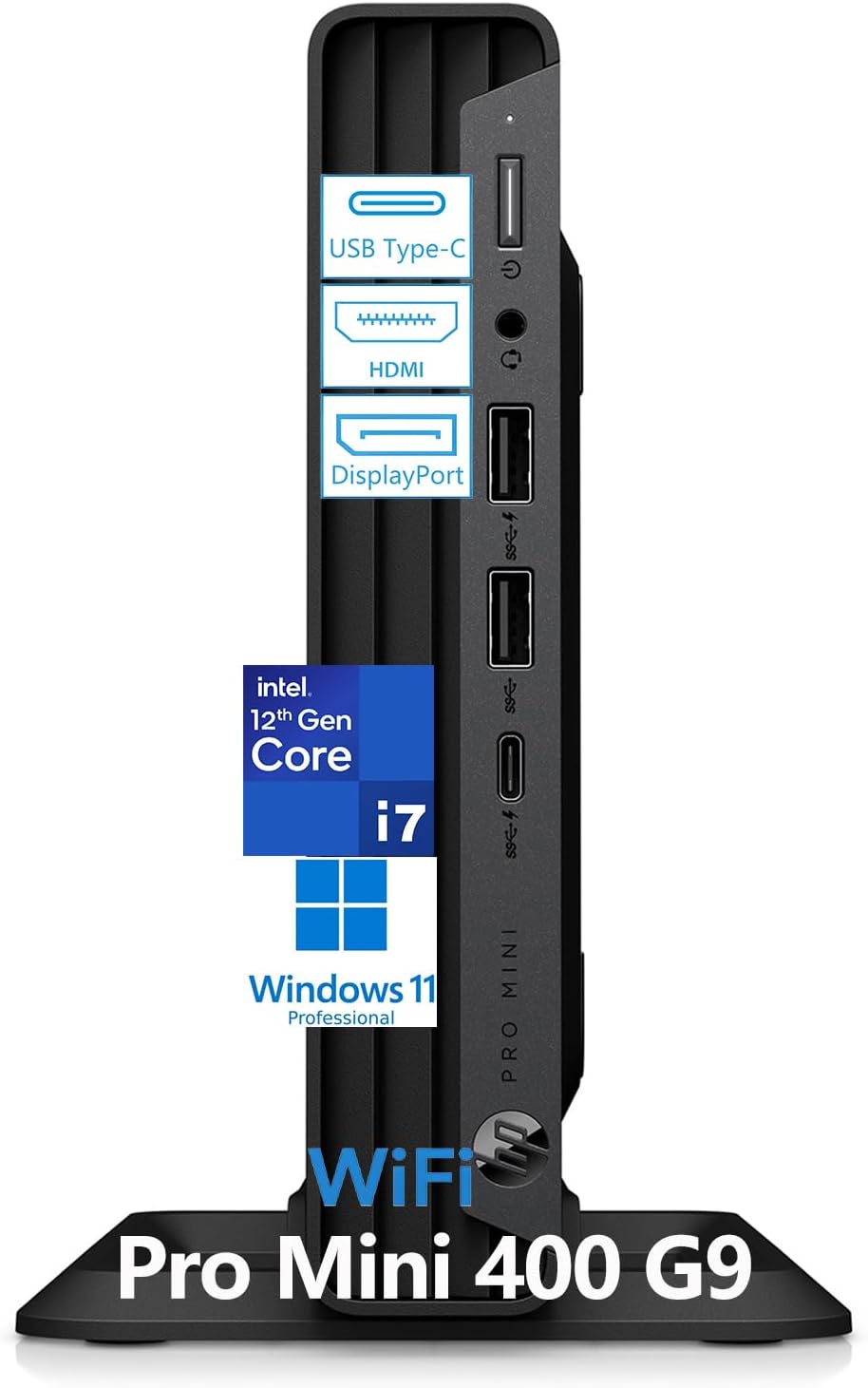
That makes it worth considering when desk space and everyday responsiveness matter more than a large chassis. The 256GB SSD is the main trade-off to weigh if your projects include sizeable media files.
Key specifications
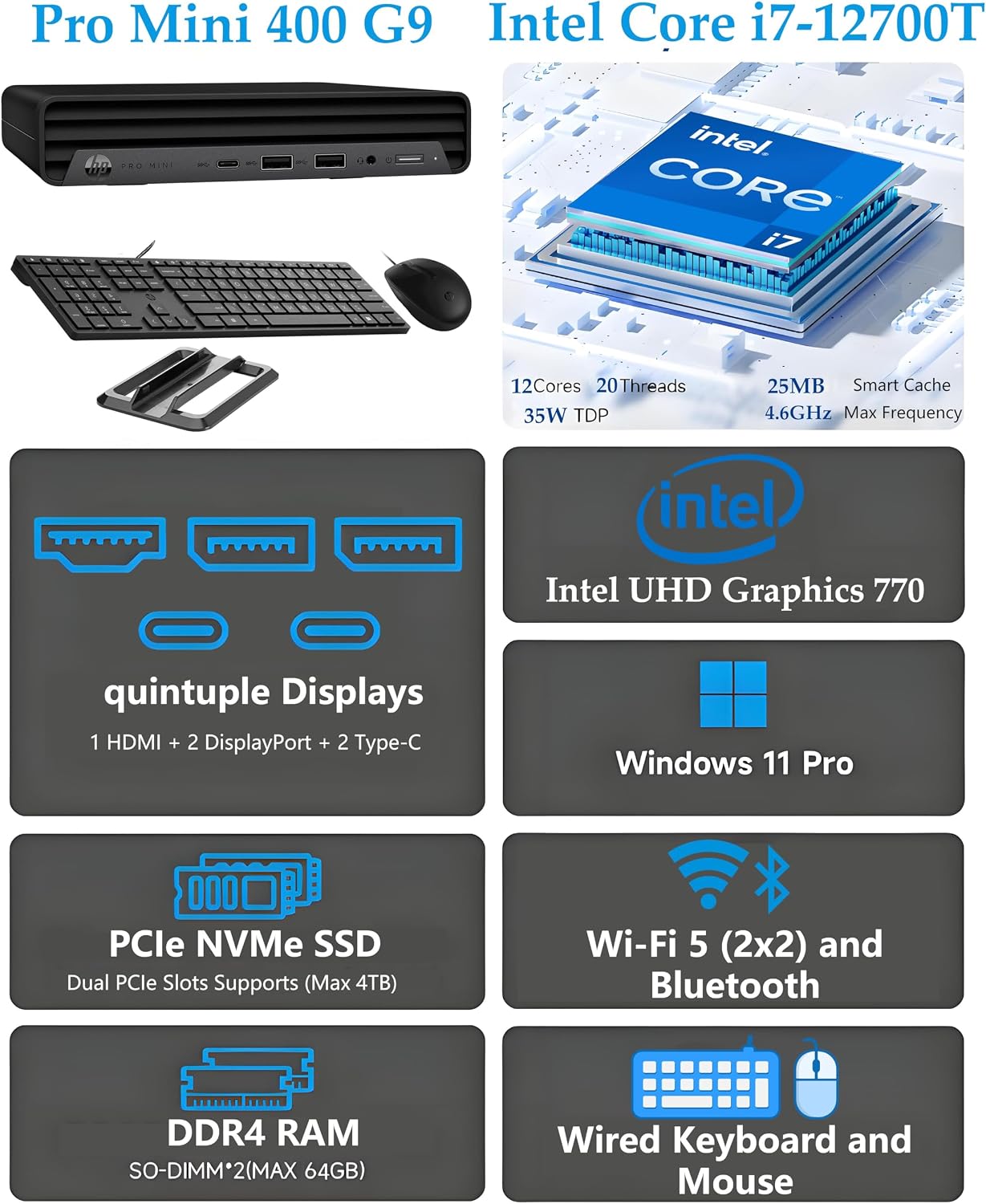
The system has a 12th Gen Intel Core i7-12700T with 12 cores, 20 threads, and boost speeds up to 4.6GHz. It comes with 16GB of DDR4 memory, which the listing says can be expanded to 64GB, and a 256GB PCIe NVMe SSD. Windows 11 Pro is included.
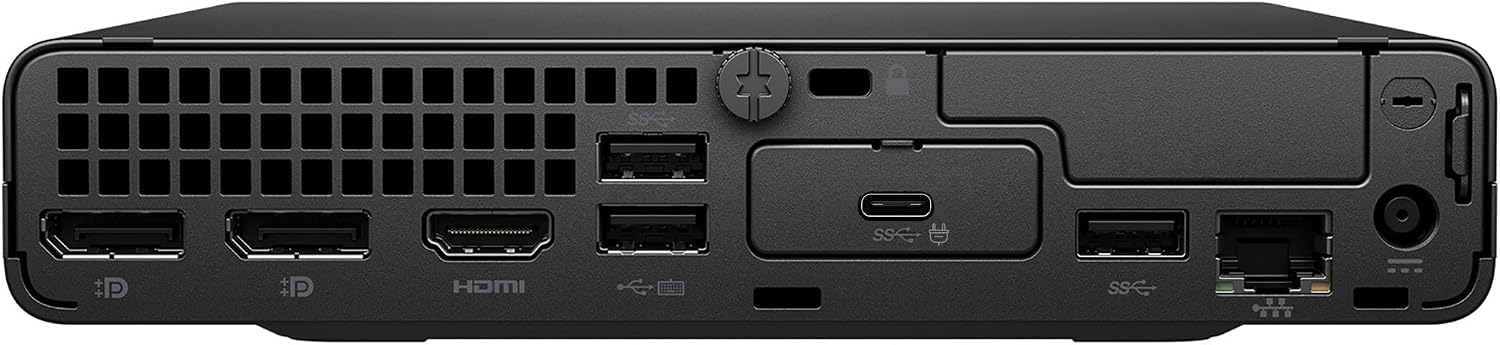
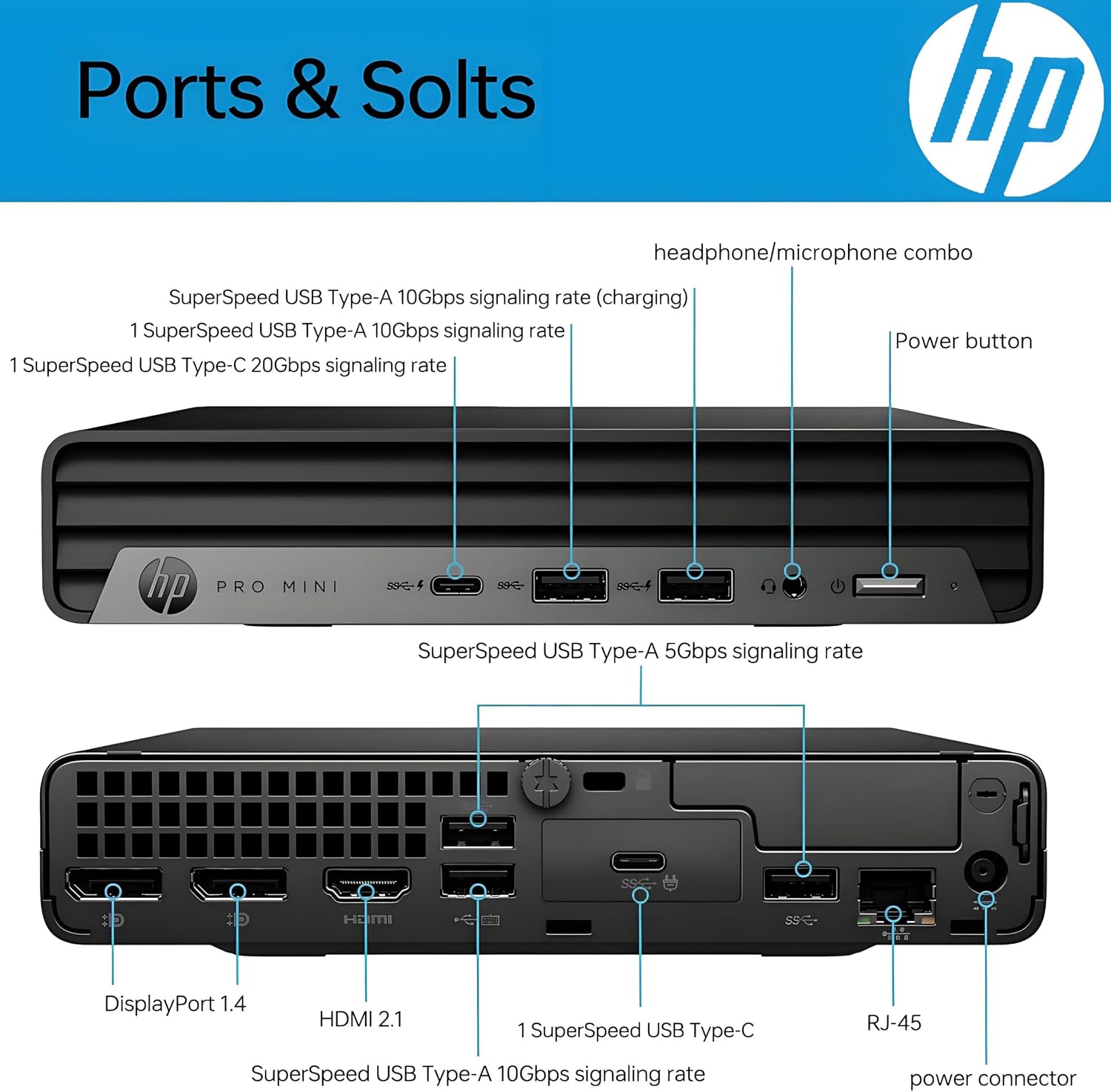
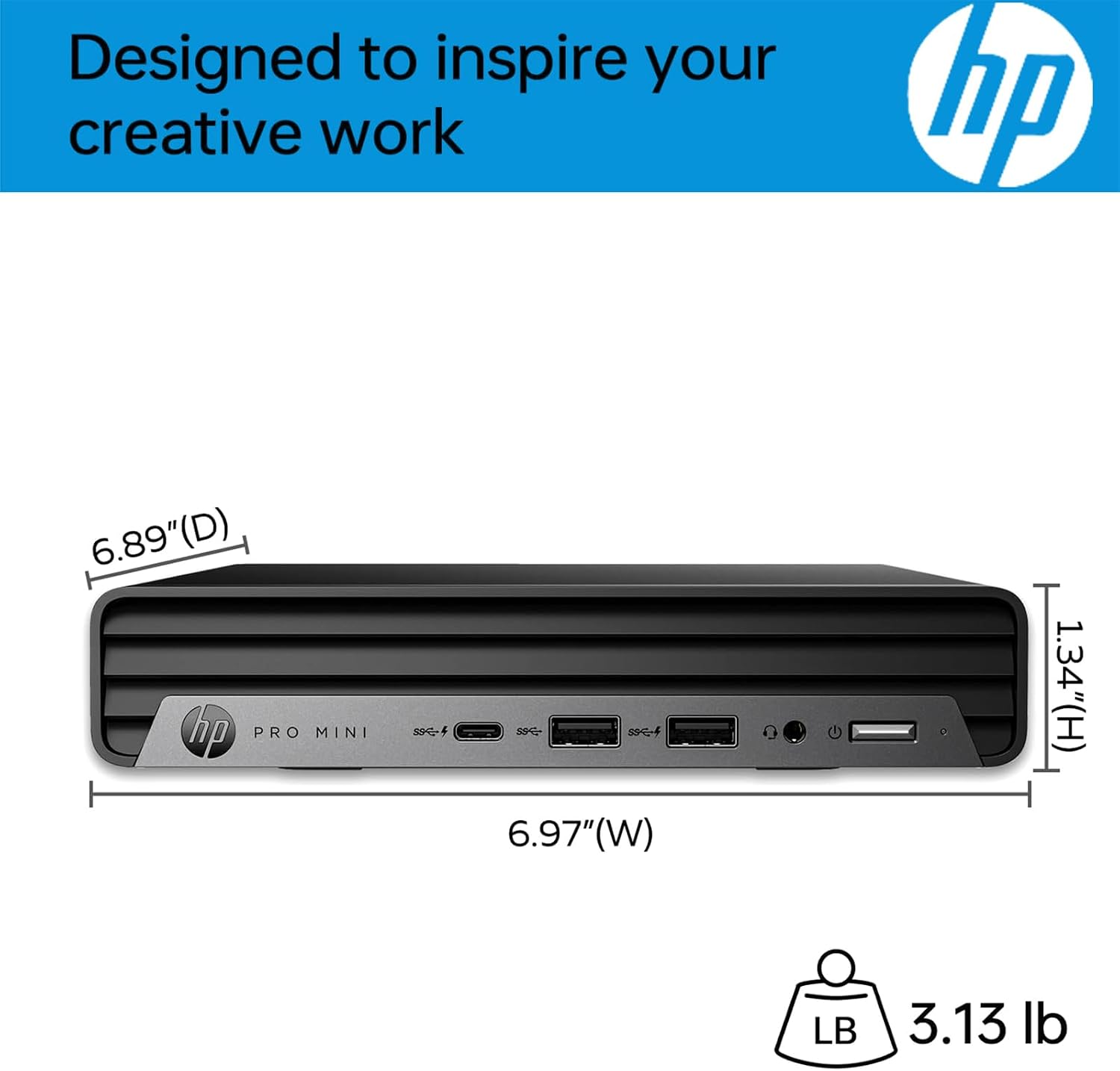
For displays and accessories, the listed connections include two DisplayPort 1.4 outputs, HDMI 2.1, seven USB ports—including two USB-C ports rated at 20Gbps—Wi-Fi 802.11ac, Bluetooth, and Gigabit Ethernet. HP lists support for two monitors. The case measures 6.97 x 6.89 x 1.34 inches and weighs 3.13 pounds.
Who it’s for
This setup makes sense for a home office, small business, reception desk, or multi-workstation environment where a conventional tower would be awkward. For example, you could connect two monitors for a coding workspace, keep business applications and video calls open, and tuck the computer behind a screen if you have the separate VESA mount.
It suits you if you want a compact Windows 11 Pro desktop with wired networking, multiple display outputs, and memory that can be expanded later. You may want to skip it if you need substantial local space for video projects: 256GB can fill up quickly, and the listing doesn’t specify a graphics card for judging demanding editing work. A larger desktop may make more sense if your priorities are graphics capability or room for extensive local storage.
In the box
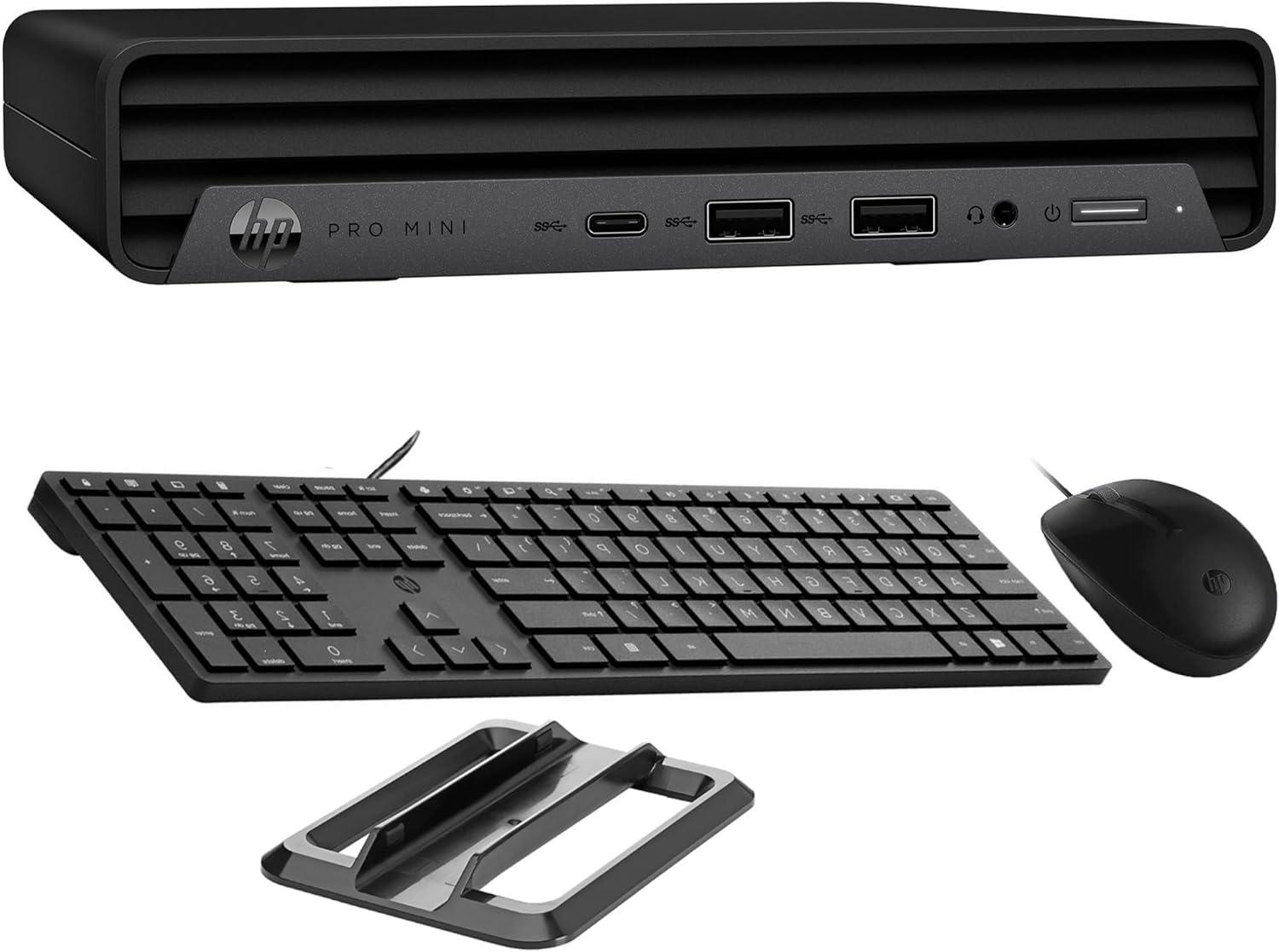
The listed package includes the HP Pro Mini 400 G9, a wired HP keyboard and mouse, Windows 11 Pro, and a one-year warranty. That gives you the basics for a desk setup, although the VESA mount is sold separately. If you plan to mount the PC, account for that extra component rather than assuming it comes in the box.
Before you decide
Does it support two monitors? The listing says yes and names two DisplayPort 1.4 outputs plus HDMI 2.1. Check that your monitors and cables match the connections you plan to use.
Is the memory expandable? The listed 16GB DDR4 RAM is expandable to 64GB. That gives you an upgrade path if your workload grows, though the listing doesn’t describe the upgrade process.
Can it be mounted behind a monitor? It is described as VESA-mount compatible, but the mount is sold separately.
Is it worth it?
The Pro Mini 400 G9 is a practical fit when a small footprint, Windows 11 Pro, and a capable multitasking setup matter more than a roomy case. Its included keyboard and mouse help make it a ready-to-use office package, while the compact size suits crowded desks and shared workstations. The decision is less straightforward for video editing: the processor and memory are clearly listed, but graphics details aren’t, and the 256GB SSD leaves limited room for a growing media library. Choose it for compact business and coding setups, look at a larger or more fully specified system if graphics performance and storage headroom are central to your work.