

Redragon K742 Wireless Mechanical Keyboard 5.0
Product description
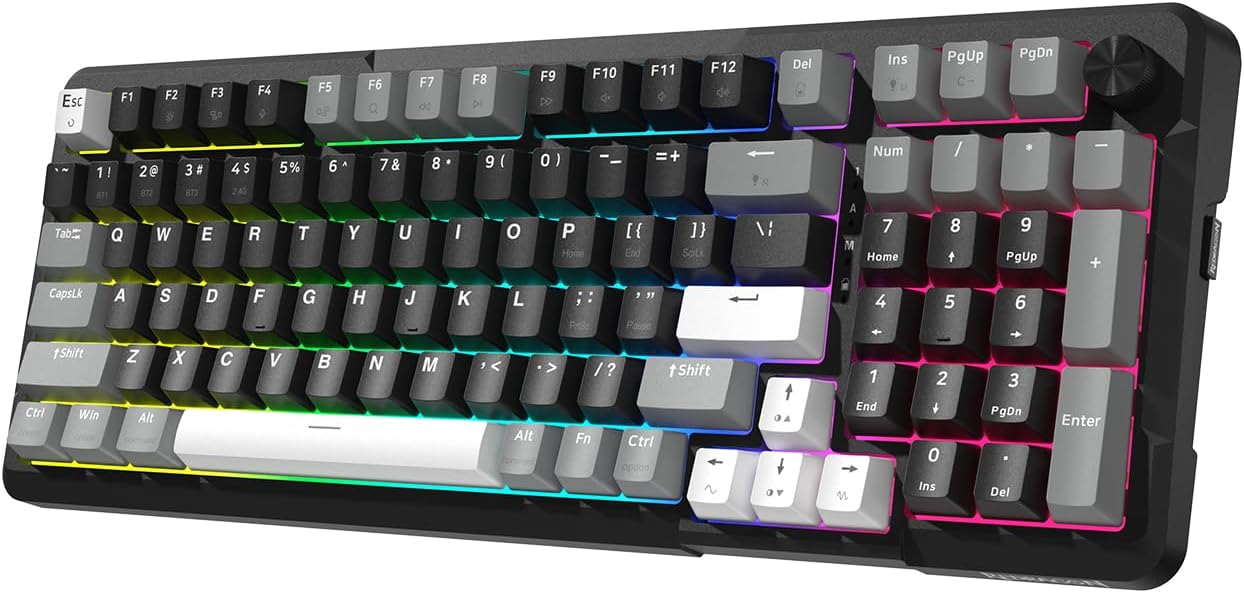
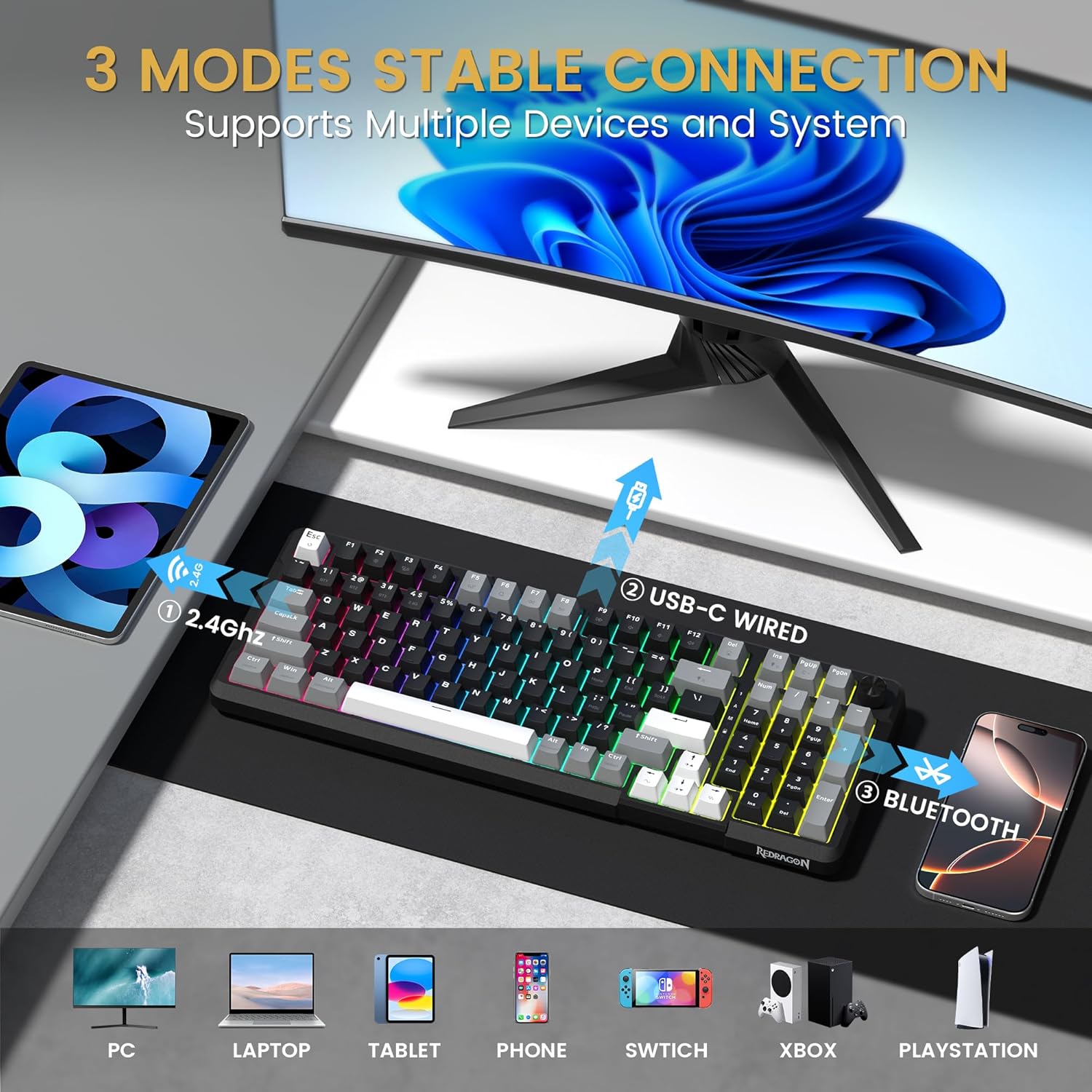
This compact wired and wireless mechanical keyboard blends a slim 98% layout with a multimedia knob to save desk space while keeping full number pad functionality, offering a quiet typing feel for office work, streaming and gaming. The Redragon K742 supports Bluetooth 5.0, 2.4 GHz wireless and USB-C wired modes, making it simple to switch between three devices with one button and keep a consistent workflow across computer and mobile setups.
Key Points
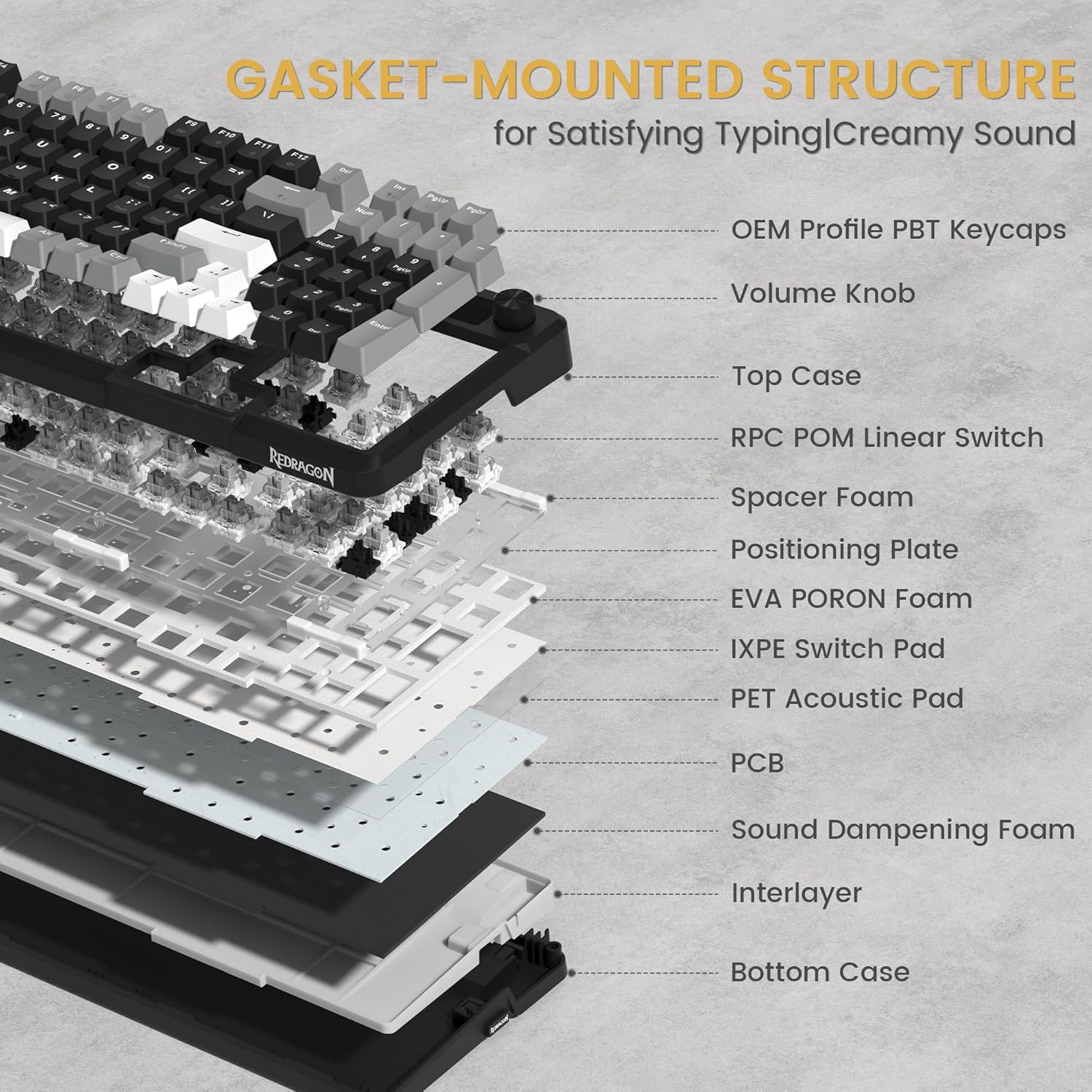
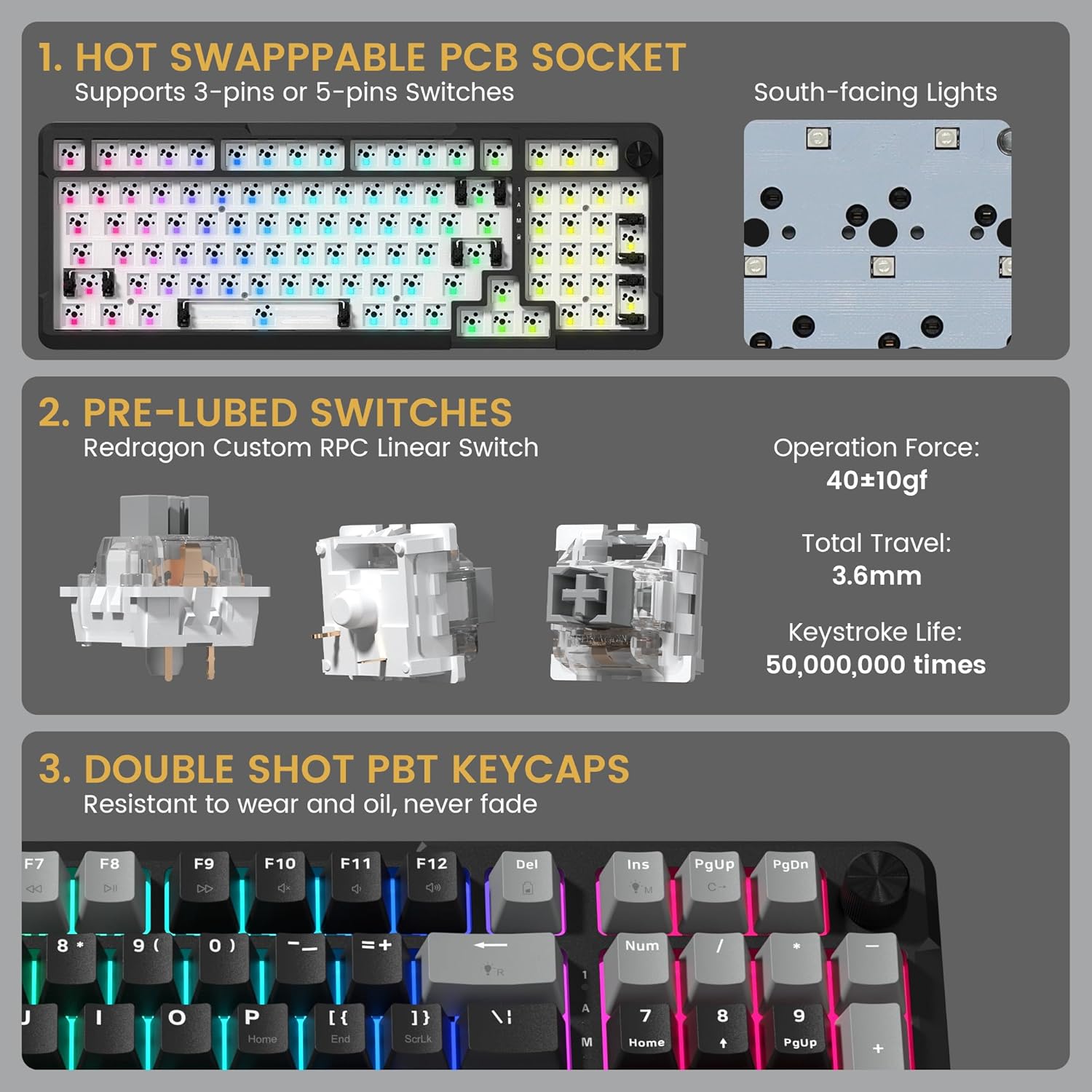
The keyboard uses a gasket-mounted design with five layers of sound-absorbing padding that softens impact and reduces typing noise, according to the manufacturer. Its pre-lubed RPC POM linear switches aim to deliver creamy, low-friction keystrokes and an operational force around 40 grams. Hot-swappable sockets accept both 3-pin and 5-pin switches, so you can change switches without soldering. A magnetic compartment stores the USB dongle for secure transport and to avoid loss.
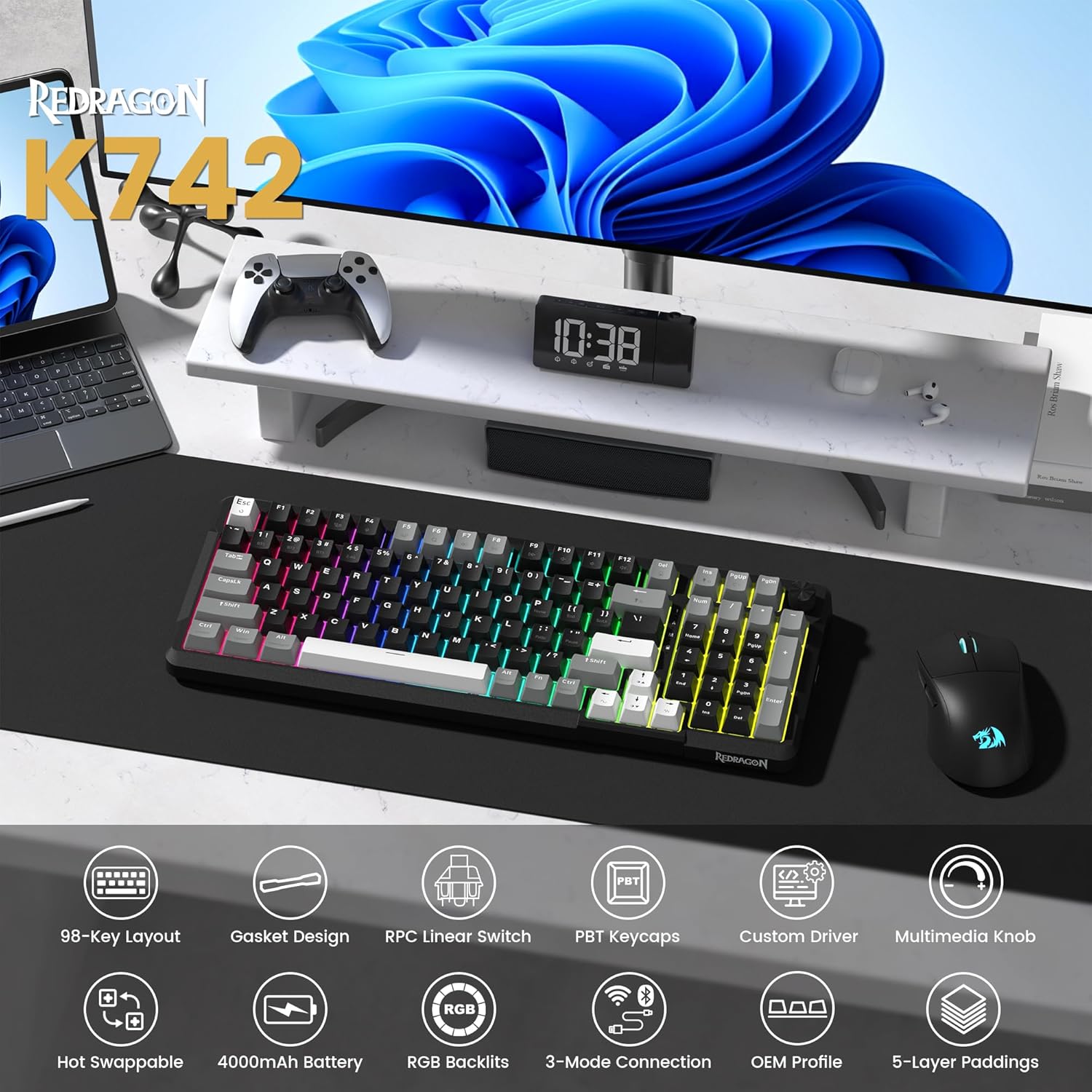
Technical Specifications
- Name: Redragon K742 Wireless Mechanical Keyboard
- Connectivity: Bluetooth 5.0, 2.4 GHz wireless, USB-C wired
- Switch type: RPC POM linear switch, Operation force: 40±10 gf, Total travel: 3.6 mm
- Battery: 4000 mAh, Battery life: 53 hrs (backlight off), 16 hrs (backlight on) according to the manufacturer
- Layout: 98% compact layout with number pad, N-key rollover, anti-ghosting
Benefits
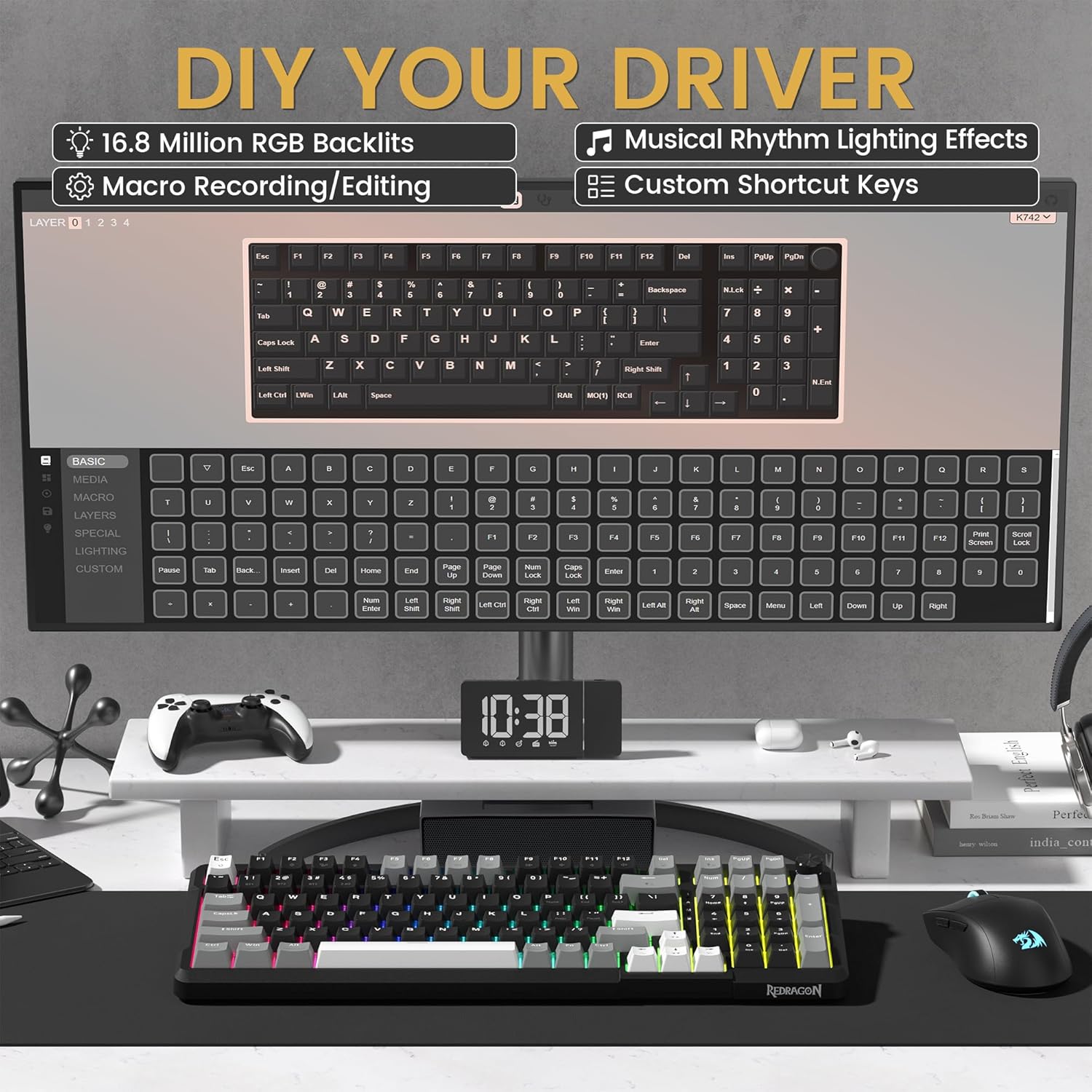
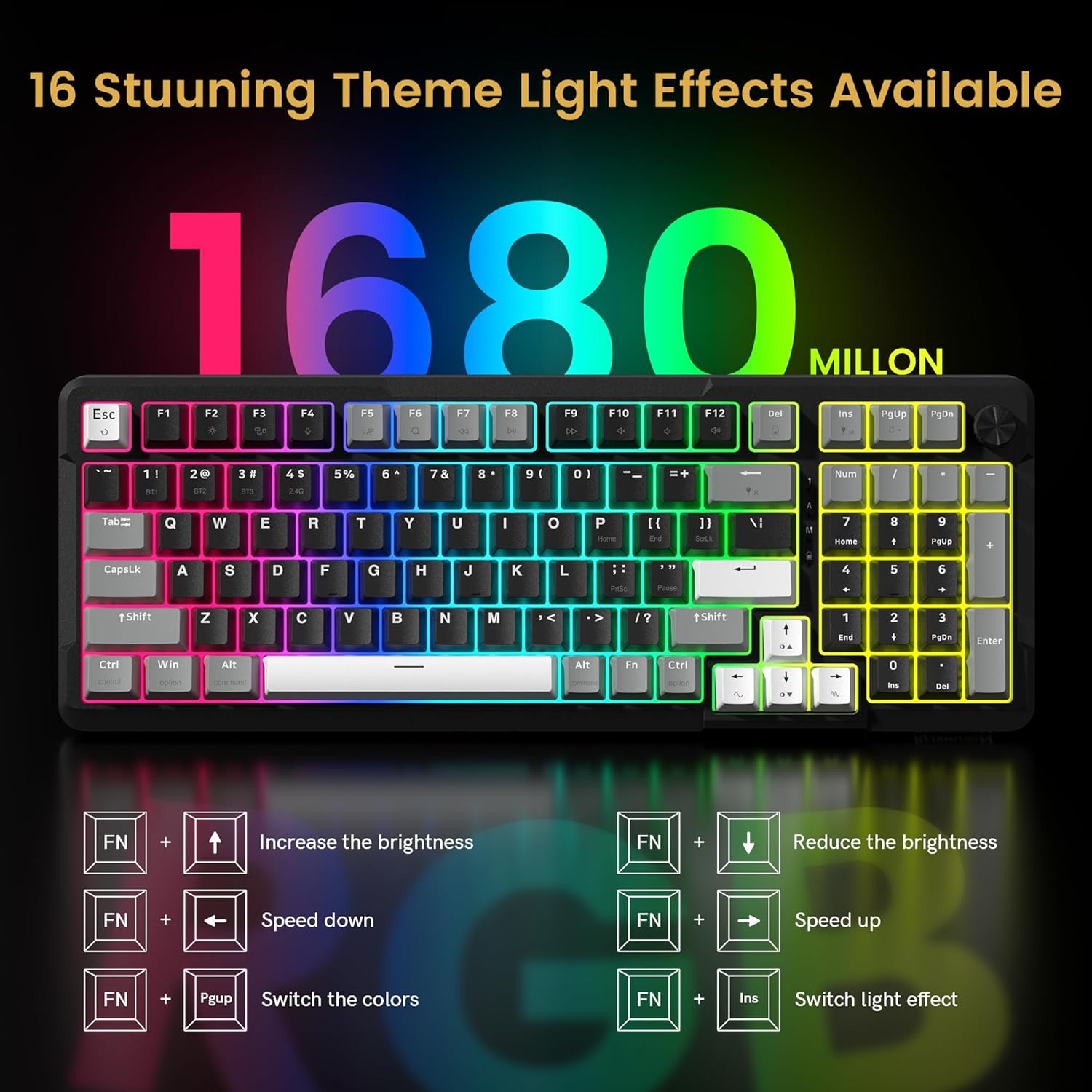
The inclusion of QMK/VIA support opens broad customization for remapping keys, creating macros and managing layers, which is useful for power users and gamers who want to tailor workflows. OEM-profile double-shot PBT keycaps resist shine and feel durable over long use. Two-stage adjustable feet let you change typing angle to reduce wrist strain during long sessions. RGB backlighting gives visual feedback for active layers and adds a customizable aesthetic touch.
Usage Recommendations
For a quieter, more refined keystroke, try the pre-lubed RPC Linear switches included in the box and consider swapping to heavier or tactile switches using the hot-swap sockets if you prefer different feedback. Use the wired USB-C mode for low-latency gaming, switch to 2.4 GHz for a stable wireless connection when working, and use Bluetooth when pairing with mobile devices. Note that battery life varies with backlight settings and usage patterns, and may be shorter if RGB illumination is constantly enabled.