

Insta360 4K Webcam
Product description
When a standard webcam leaves you stuck in one spot or loses focus as you move, the Insta360 Link 2 is designed to make calls and streams feel more dynamic. Its 4K capture, 1/2-inch sensor, and AI tracking aim to keep the picture clear and follow you around the room. That can be useful for a presentation where you move between a desk and a whiteboard, not just a fixed video call. The trade-off is that this is a feature-rich camera, so it makes most sense if you’ll use its tracking or specialized modes rather than simply needing a basic webcam.
Highlights
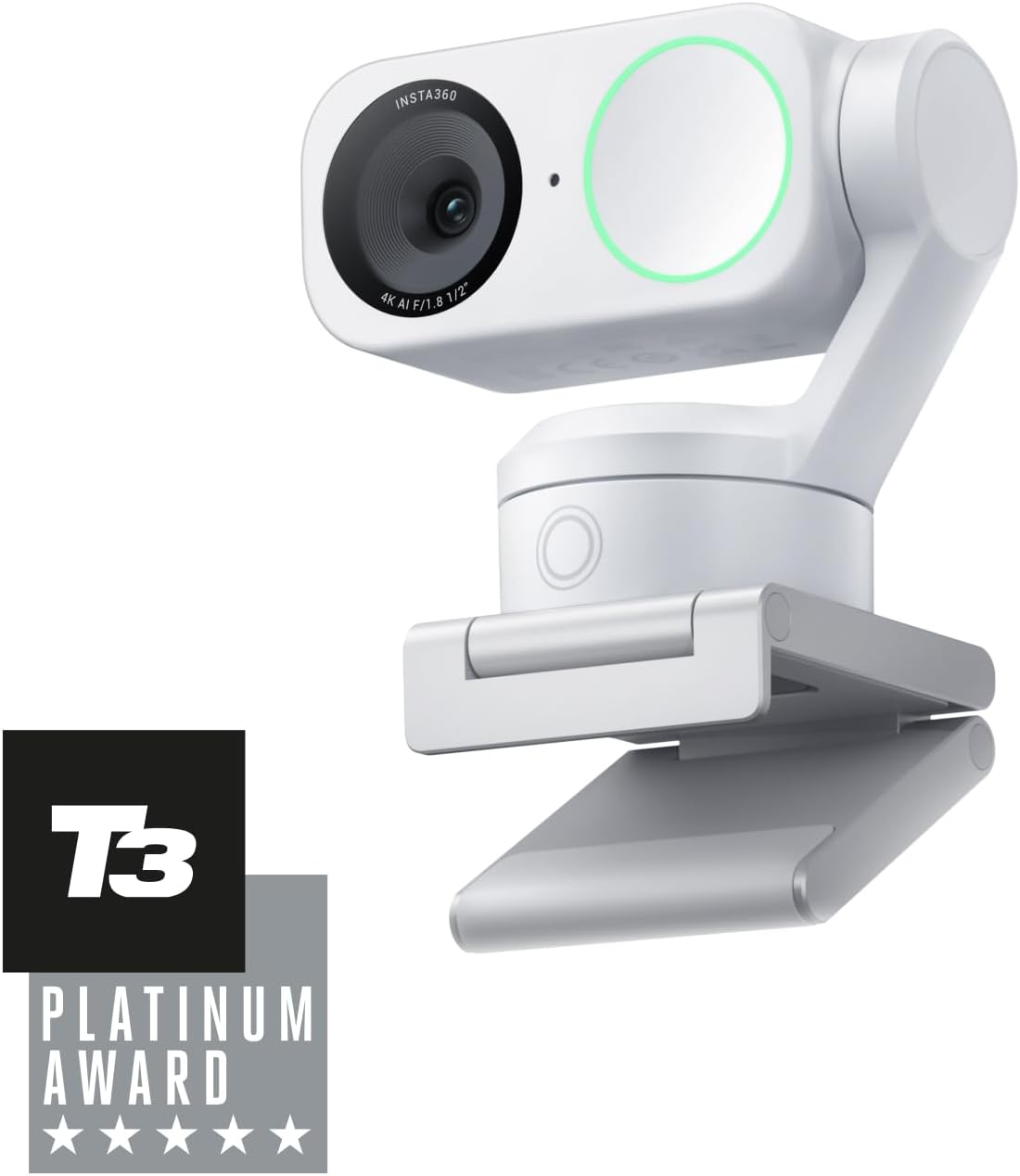
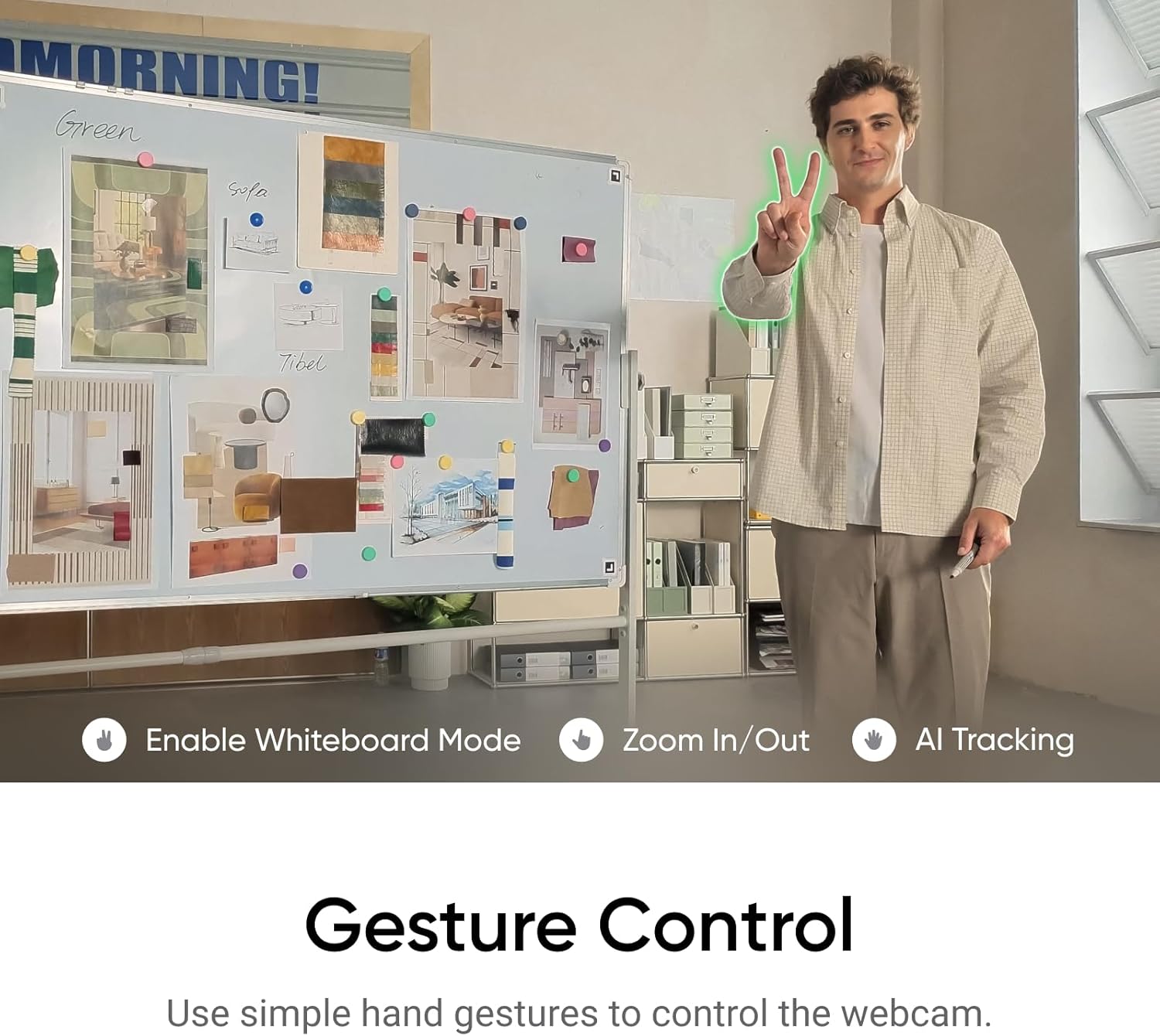
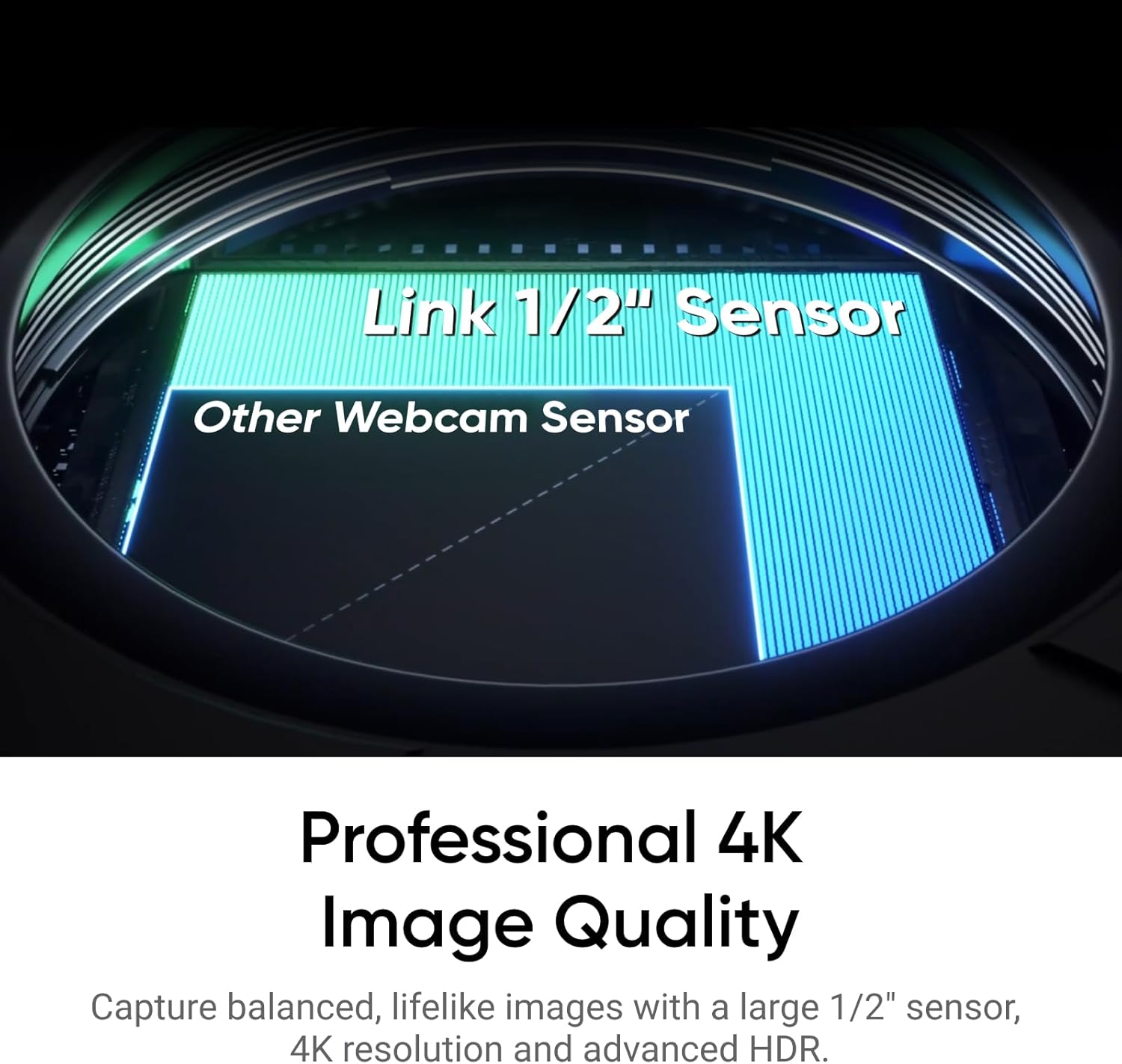
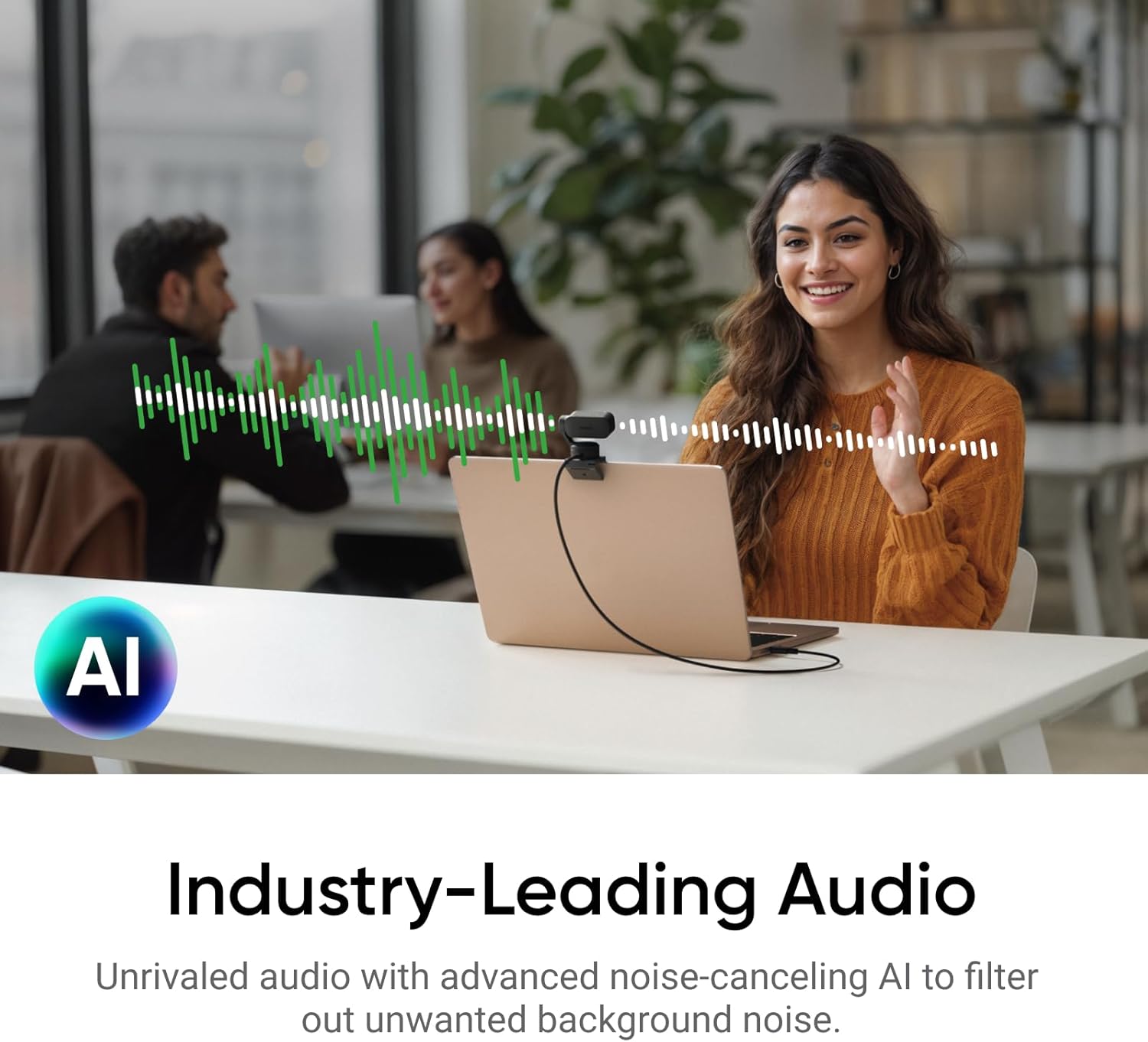
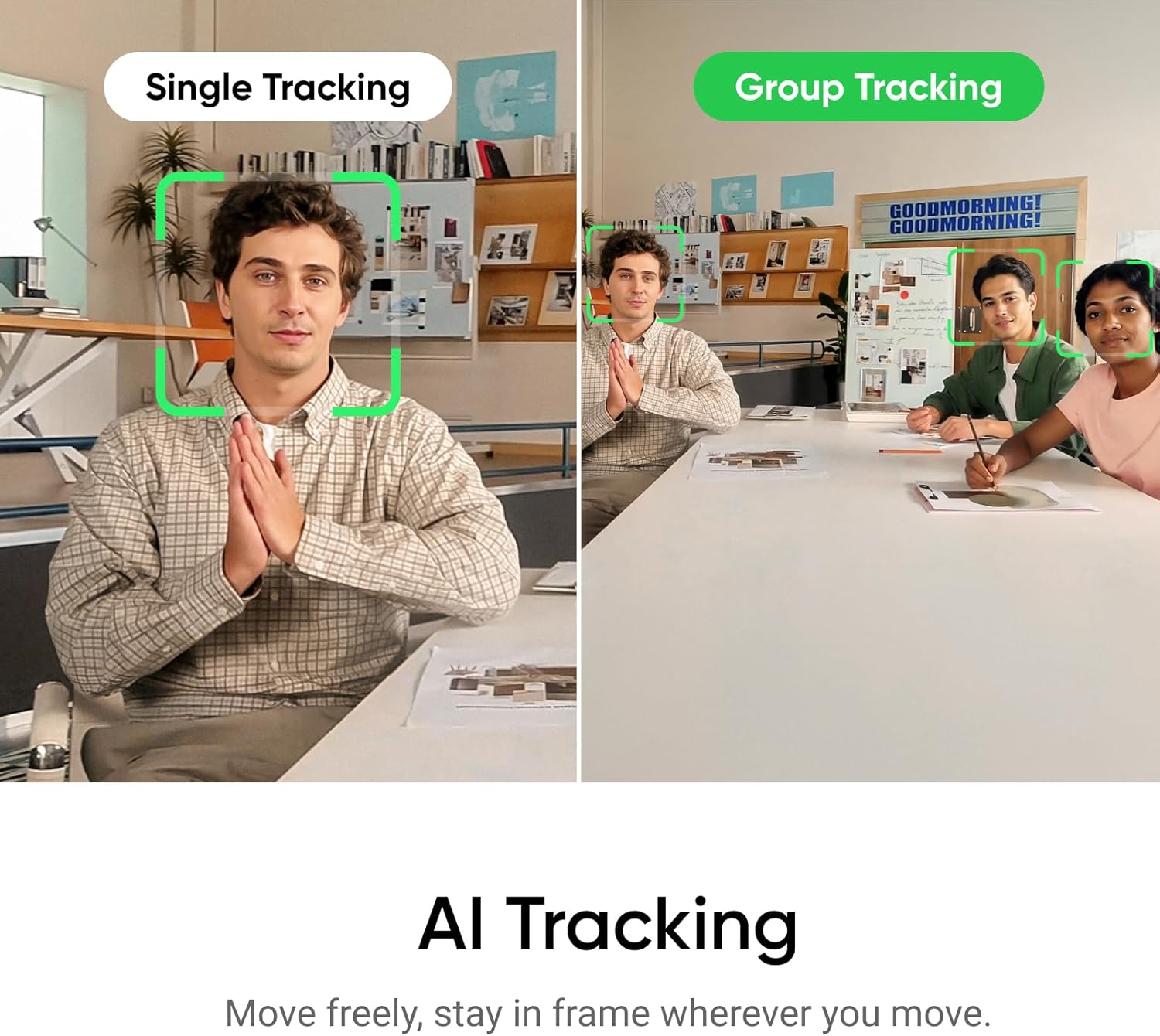
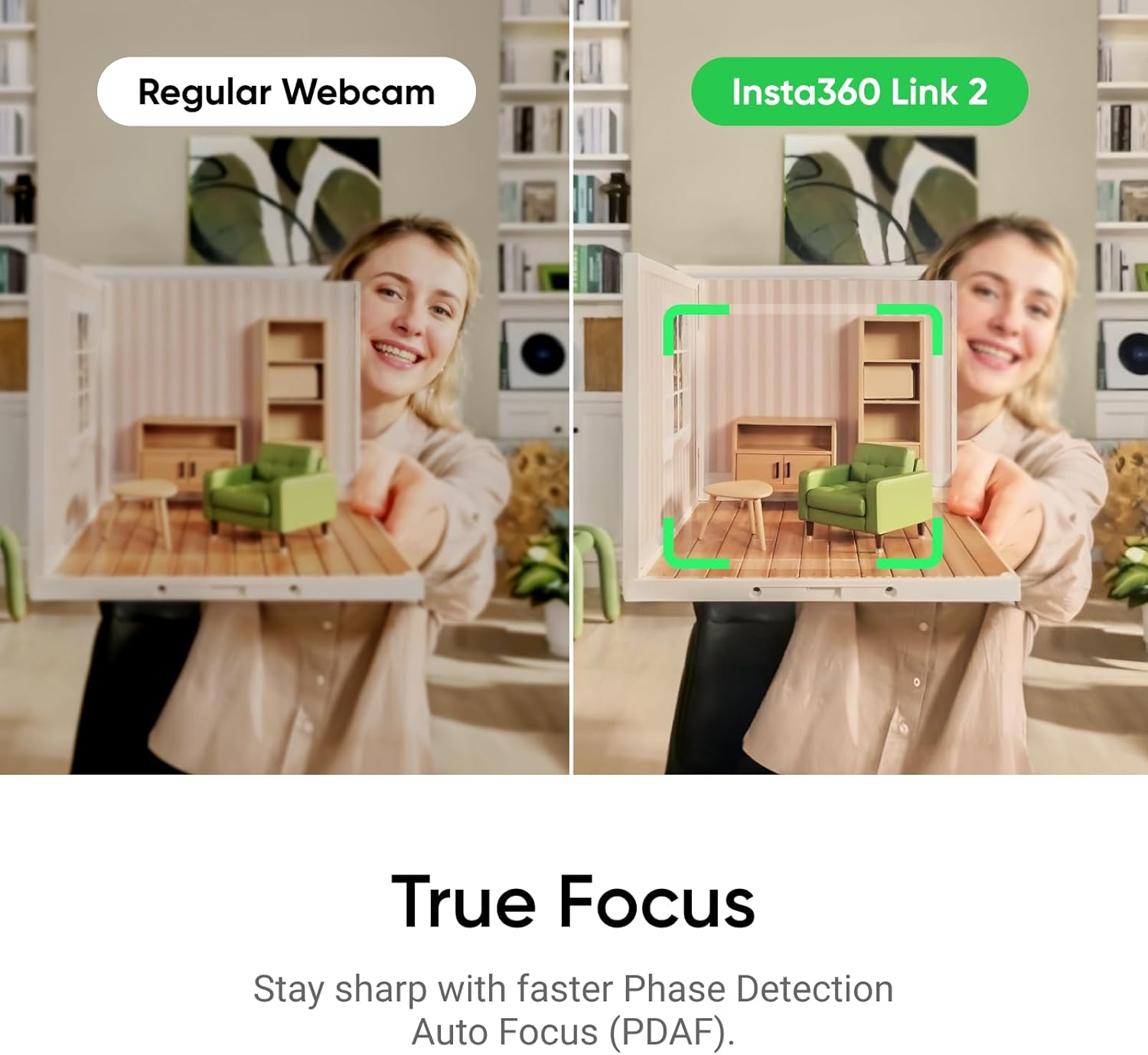
The Link 2 combines 4K video with HDR and a 1/2-inch sensor, while phase-detection autofocus is intended to keep the subject sharp as they move. AI tracking physically pans and tilts to follow a person or group, which is a different approach from a fixed webcam that depends on everyone staying within one frame. Gesture controls can start tracking or auto framing, zoom in or out, and activate Whiteboard Mode. The product description also lists DeskView, a natural bokeh effect through Link Controller, and an AI noise-canceling microphone.
Those features suit people who switch between speaking to the camera, showing a workspace, and presenting material. For example, you could begin at your desk, step toward a whiteboard, and let tracking adjust the frame instead of pausing to reposition the camera. The listed compatibility includes PC and Mac, with Zoom, Teams, and Twitch among the named services.
Best use cases
This webcam is aimed at streaming, video calls, and presentations where movement or changes in what’s being shown matter. It may be more useful than a fixed camera if you want the framing to follow you or need DeskView and Whiteboard modes. If your calls are mostly static and your priority is just a camera for a single seated position, those extra controls may not add much to your day.
Keep in mind that tracking uses physical panning and tilting, so the camera needs room to move as it reframes. The description doesn’t provide details about dimensions, mounting, or how much movement the camera needs, so those are worth checking against your desk or streaming setup before choosing it.
Tips for day-to-day use
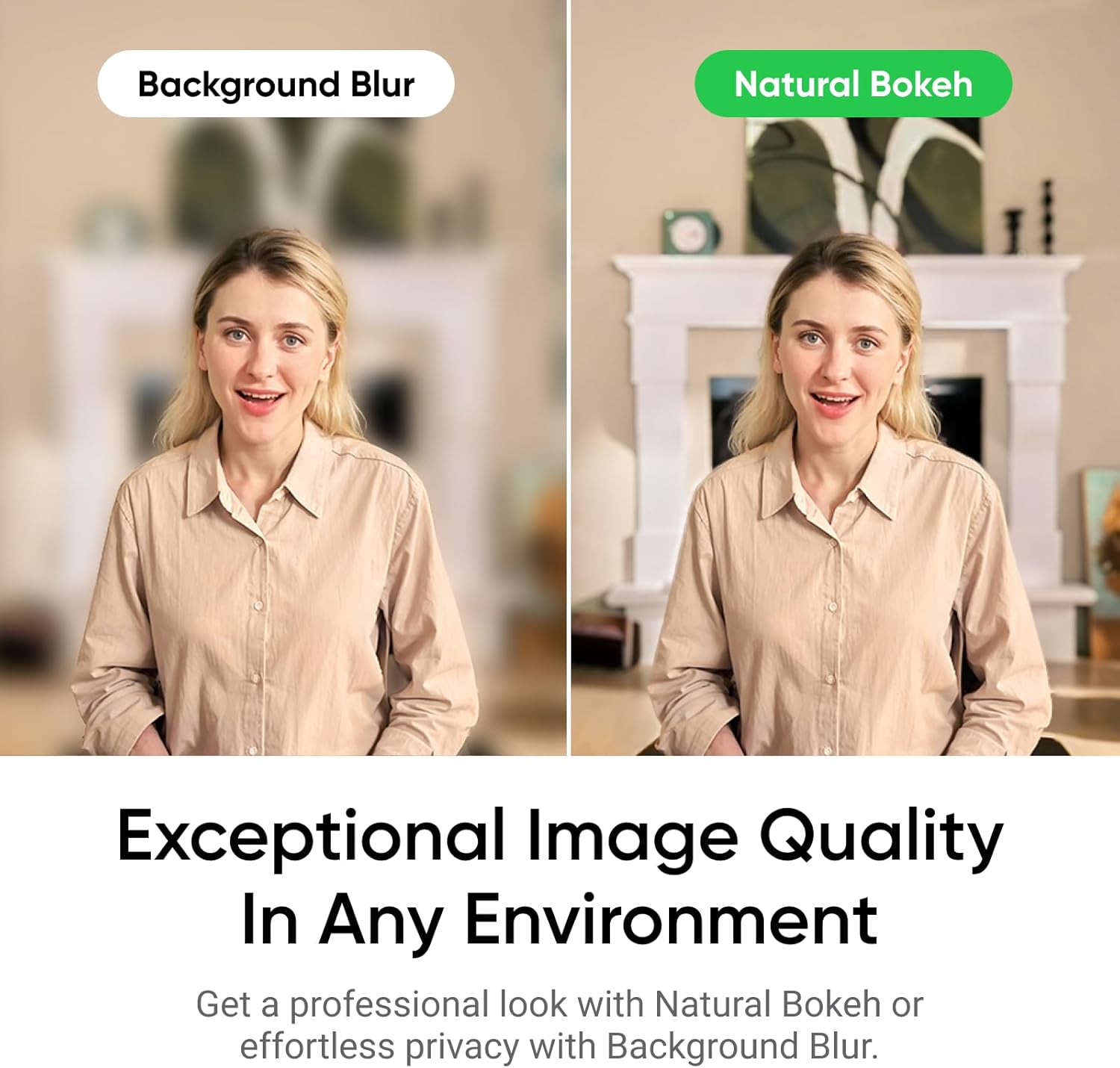
Use tracking when you expect to move around, and leave it off for a fixed shot where automatic reframing would be unnecessary. Gesture control offers a way to start tracking, adjust zoom, or switch to Whiteboard Mode without reaching for the camera controls. For a call in a busy room, the AI noise-canceling microphone is intended to reduce background noise, though the listing doesn’t specify how much noise it can remove or how its sound compares with a separate microphone.
For the most useful comparison, think about whether you need an all-in-one camera that can follow a presenter or a simpler fixed webcam. The Link 2 puts more emphasis on image framing and presentation tools, a basic camera may be a better fit if those functions would rarely be used.
Practical doubts
Does it support Mac and PC? The product listing describes it as compatible with both Mac and Windows computers.
Can it follow someone who moves? Yes. Its AI tracking physically pans and tilts to follow a person or group.
Does it include presentation modes? The listing names DeskView and Whiteboard modes, along with gesture control to activate Whiteboard Mode.
Should you buy it?
It makes sense if you stream, present, or take calls in a space where moving around or showing a whiteboard is part of the job. The 4K capture, autofocus, physical tracking, and gesture controls give it a clear purpose beyond a fixed camera. You may want to skip it if you only need a stationary webcam and won’t use the extra framing features. Before deciding, check that physical tracking suits your available space and that the listed computer and app support matches your setup.