

21.5-Inch Digital Calendar Chore Chart with Touchscreen (Full HD) — Wall & Desk Family Planner
Product description
What it is and why people buy it
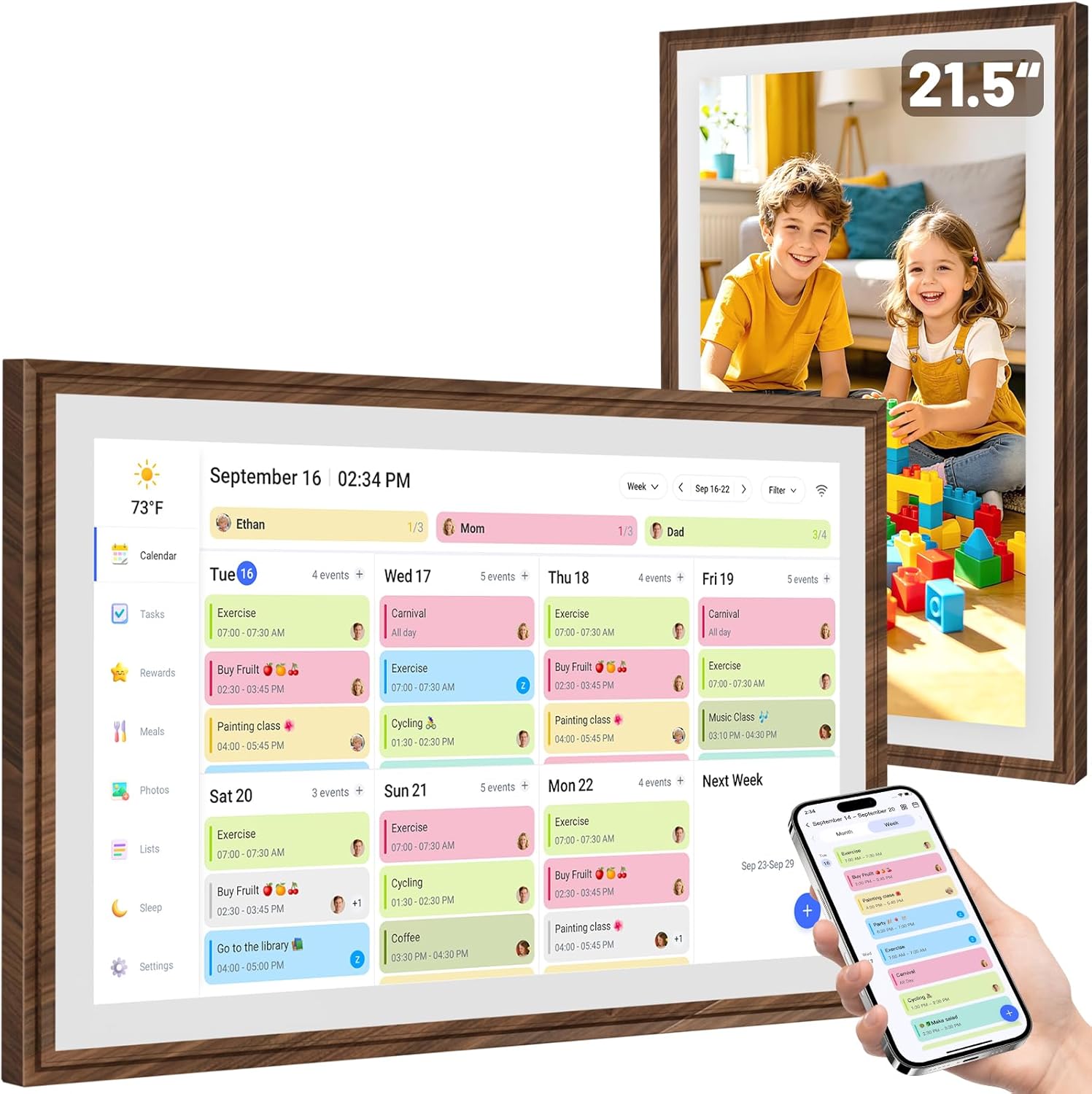
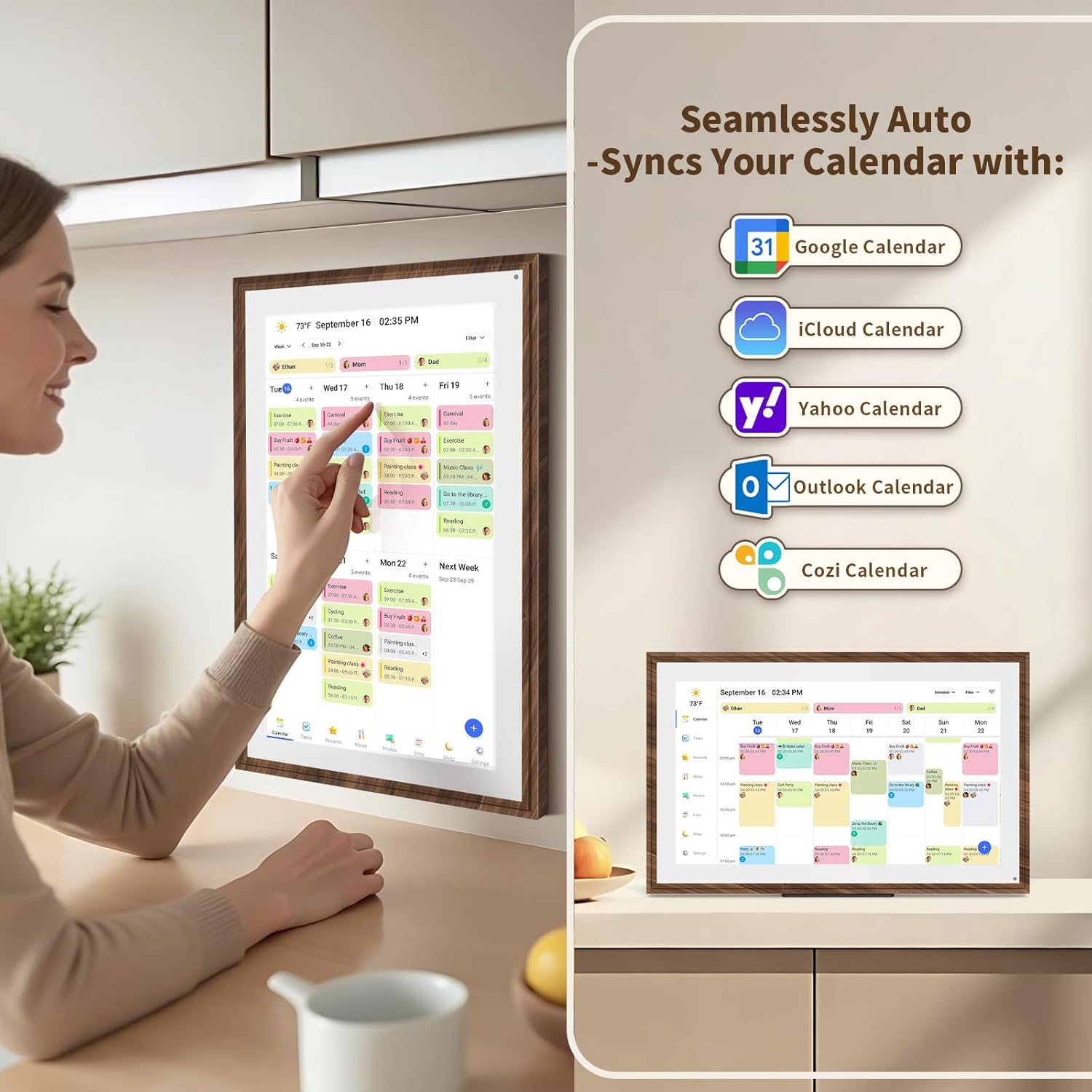
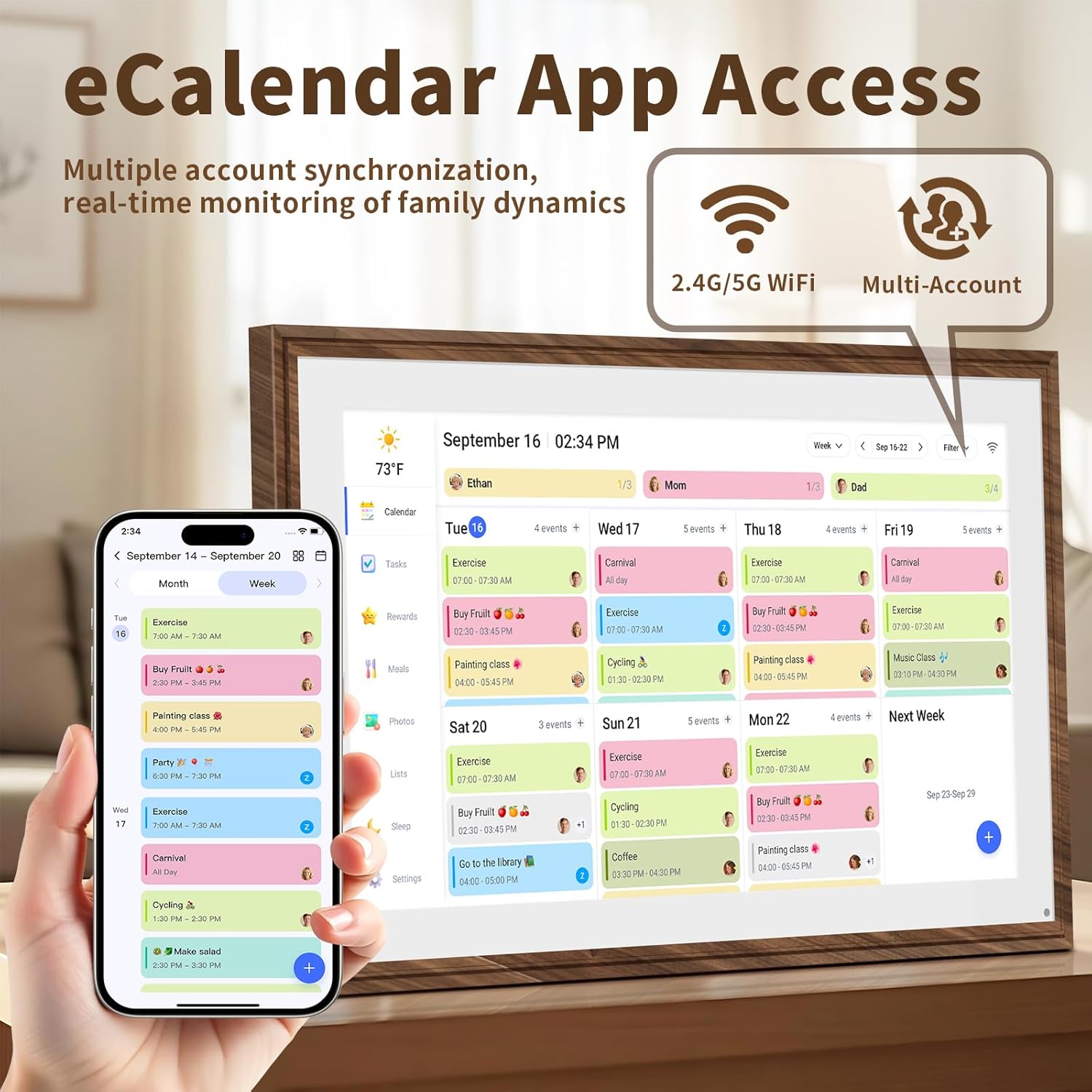
This 21.5-inch digital calendar doubles as a chore chart, meal planner, and a digital picture frame. On paper, it’s the kind of “family command center” that replaces messy paper planners and reduces the chance that someone misses appointments or chores. You set it up, connect to Wi‑Fi, and sync calendars across devices, so updates can flow automatically instead of relying on everyone to rewrite the same information.
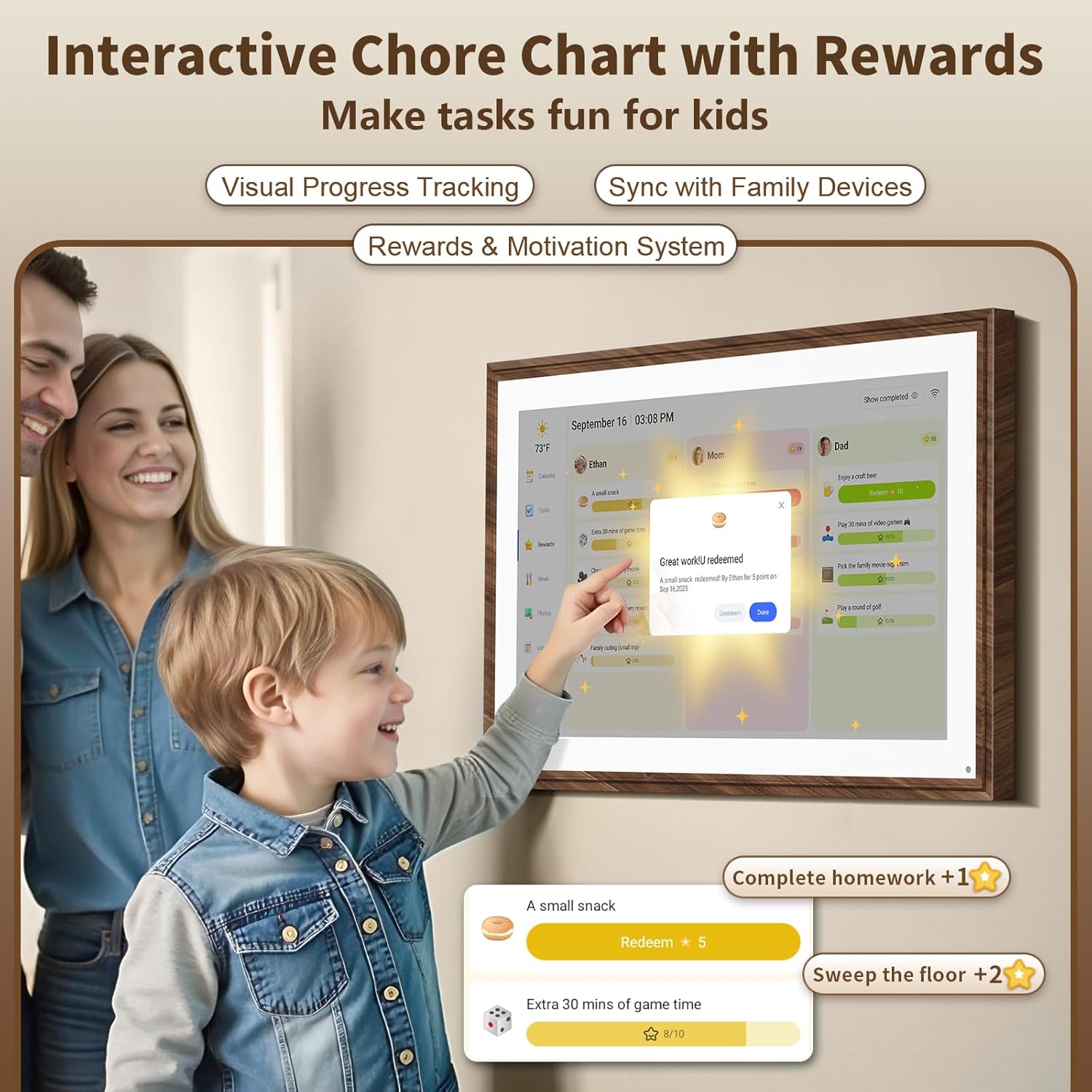
The bigger draw is that it’s not only scheduling. The chore chart format is meant to help kids build responsibility, and the meal planner is aimed at cutting down the daily “what’s for dinner?” scramble. And when you’re not using it as a planner, the display can switch into a digital photo frame mode for uploading memories through a free app.
Key takeaways before you commit
A device like this can genuinely simplify household logistics, but it depends on your setup and how “digital” your home already is. If your family actually uses shared calendars and you’re comfortable with Wi‑Fi connectivity, the auto-sync approach can feel less like a chore and more like a smooth routine.
That said, there’s one practical limitation to keep in mind: if your household doesn’t coordinate around shared calendars (or only a few people check updates), you may not fully benefit from the ecosystem. The touchscreen and interactive chart features are useful, but they’ll matter most when you consistently feed the system with real events, chores, and meal plans.
What stands out in everyday use
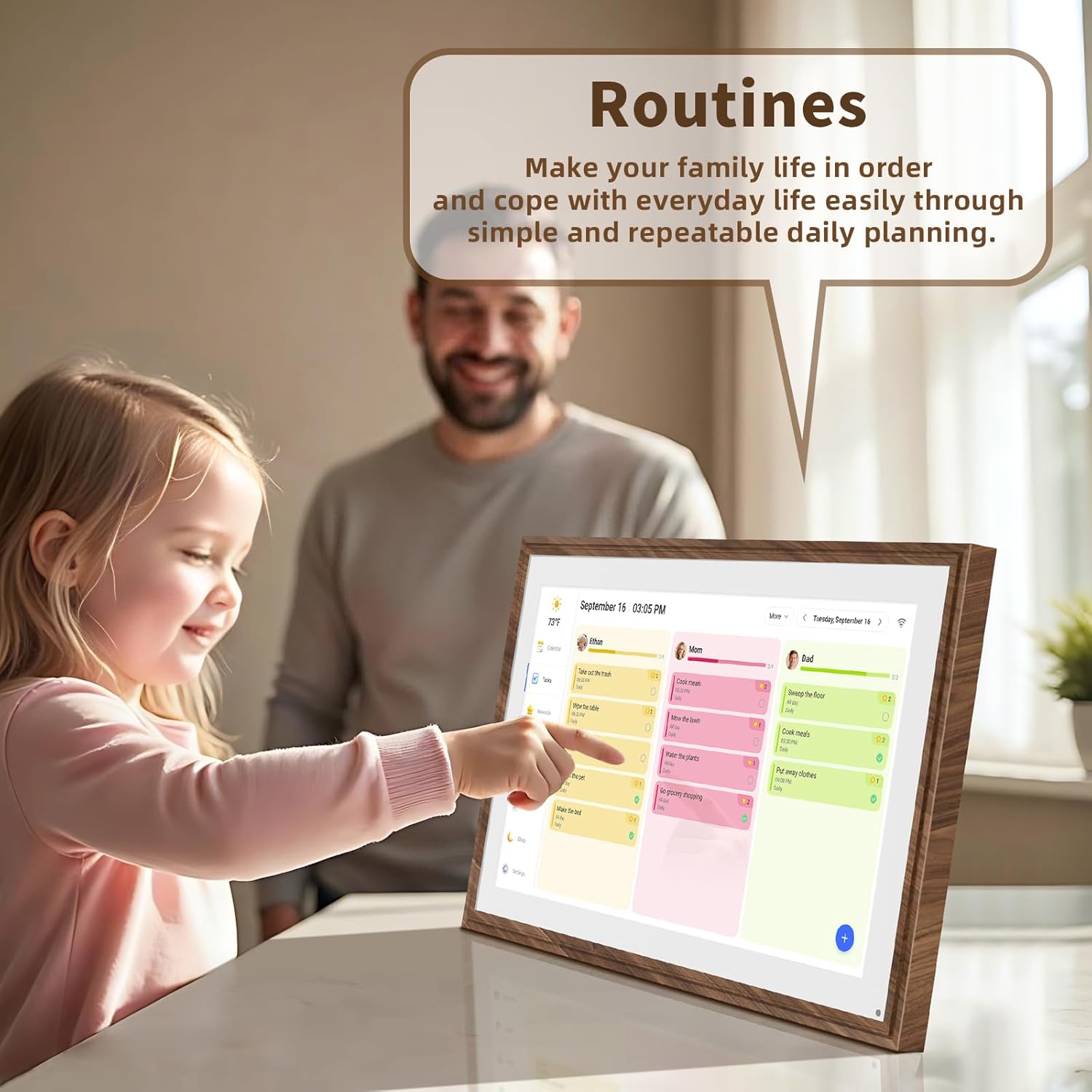
Where this product leans strongest is in “visible organization.” Assign colors and tasks to each family member so you can quickly see who’s doing what, rather than hunting through notes or multiple calendars. The touchscreen Full HD display is part of that—on a larger screen, it’s easier for multiple people to glance and understand what’s going on.
The chore chart is also built to be motivational, not just a tracker. Turning chores into an interactive experience can work well for families trying to reduce friction around responsibilities.
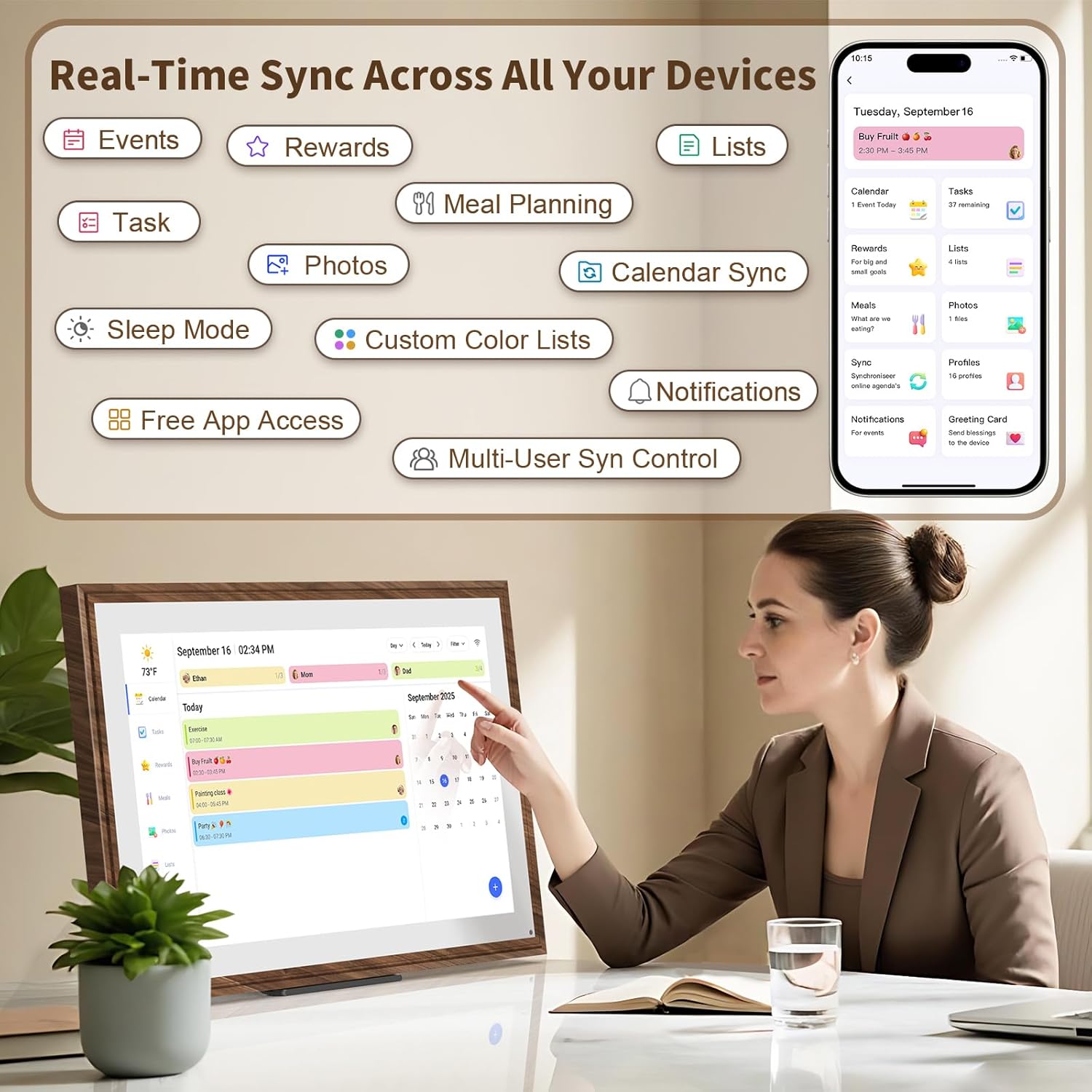
And when dinner planning becomes repetitive stress, the meal planner is designed to keep you one step ahead. Imagine walking into the kitchen already having tomorrow’s meals listed—no last-minute decisions, less back-and-forth.
Tech details that influence buying decisions
Tech specs
- Screen size: 21.5 inch
- Display: Full HD (1080P) touchscreen digital calendar
- Connectivity: Wi‑Fi with auto-sync
- Sync targets (via input calendars): Google, iCloud, Outlook, Cozi, and Yahoo
- Modes: digital calendar, interactive chore chart, meal planner, digital photo frame
- Mounting: wall and desk mountable
- Frame style: distressed wood frame
Is it worth it?
It’s a solid pick if you want one screen to handle scheduling plus daily family routines—especially if you’re already using shared calendars like Google, Outlook, or Yahoo and you want fewer missed appointments. It also makes sense if meal planning and chore responsibility are recurring pain points in your home, and you’d like a more engaging approach than paper charts.

It might not be the best choice if your household isn’t ready to rely on digital updates, or if you prefer paper organizers because they don’t require connectivity. Also, if you buy this expecting it to replace every planning habit instantly, it can feel like overkill—its strengths show up when you consistently use the sync and keep the chores/meals current.
Mini FAQ
Quick answers
Can it sync calendars automatically? Yes. It connects to Wi‑Fi and auto-syncs events and chores across devices.
Does it work with popular calendar services? It specifically mentions syncing with Google, iCloud, Outlook, Cozi, and Yahoo.
What if we don’t need it as a calendar all the time? You can switch to digital photo frame mode and upload memories via a free app.
Can it be used on a desk or mounted on the wall? Yes, it’s described as wall and desk mountable.
Who is it mainly for? Based on the chore chart and family planning setup, it fits families (including households with kids) who want a centralized routine display.