

Keyboard Case for iPad Air 11-inch (M4 2026/M3 2025/M2 2024) & iPad Pro 11-inch — Magnetic Backlit Keyboard with Trackpad
Product description
The essentials
If you want an iPad to feel more like a laptop, a keyboard case is usually the fastest route. This one is built around an easy magnetic attach, a multi-touch trackpad for cursor control, and a backlit keyboard so you’re not stuck waiting for good lighting. It’s positioned for daily work—school, business, travel—where you need real typing time and quick navigation rather than constant tap-and-scroll.
What you’ll notice day to day
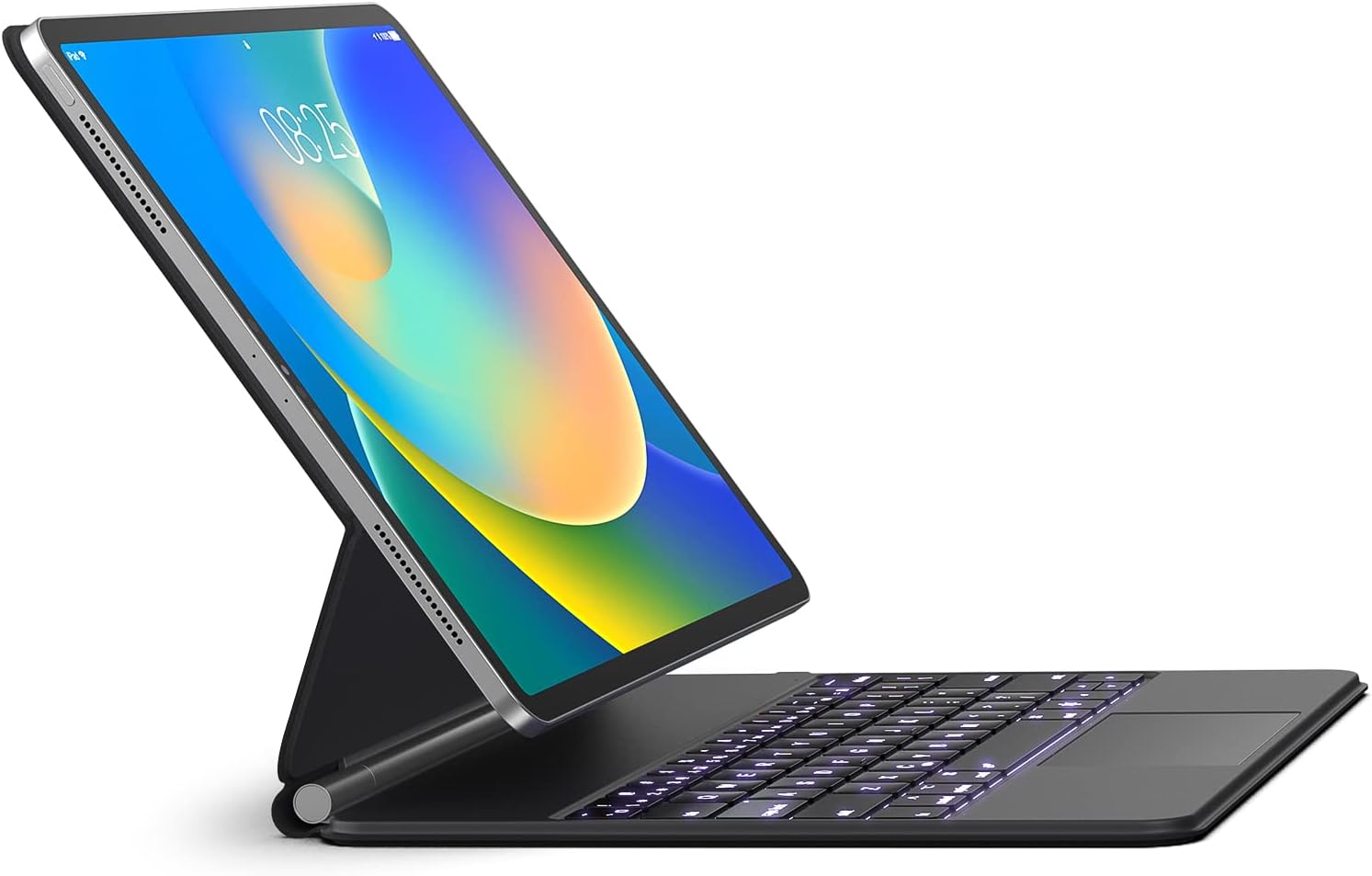
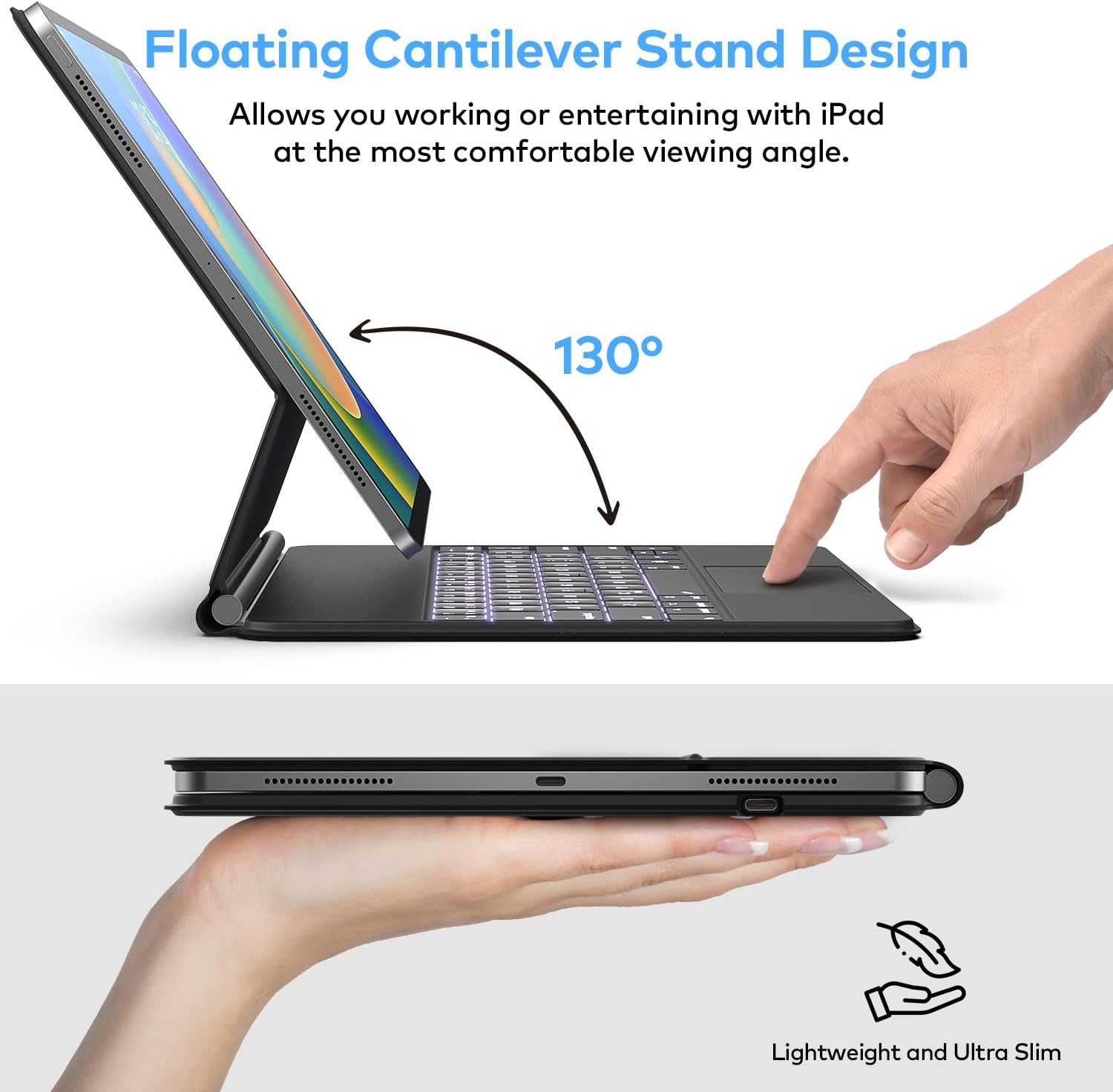
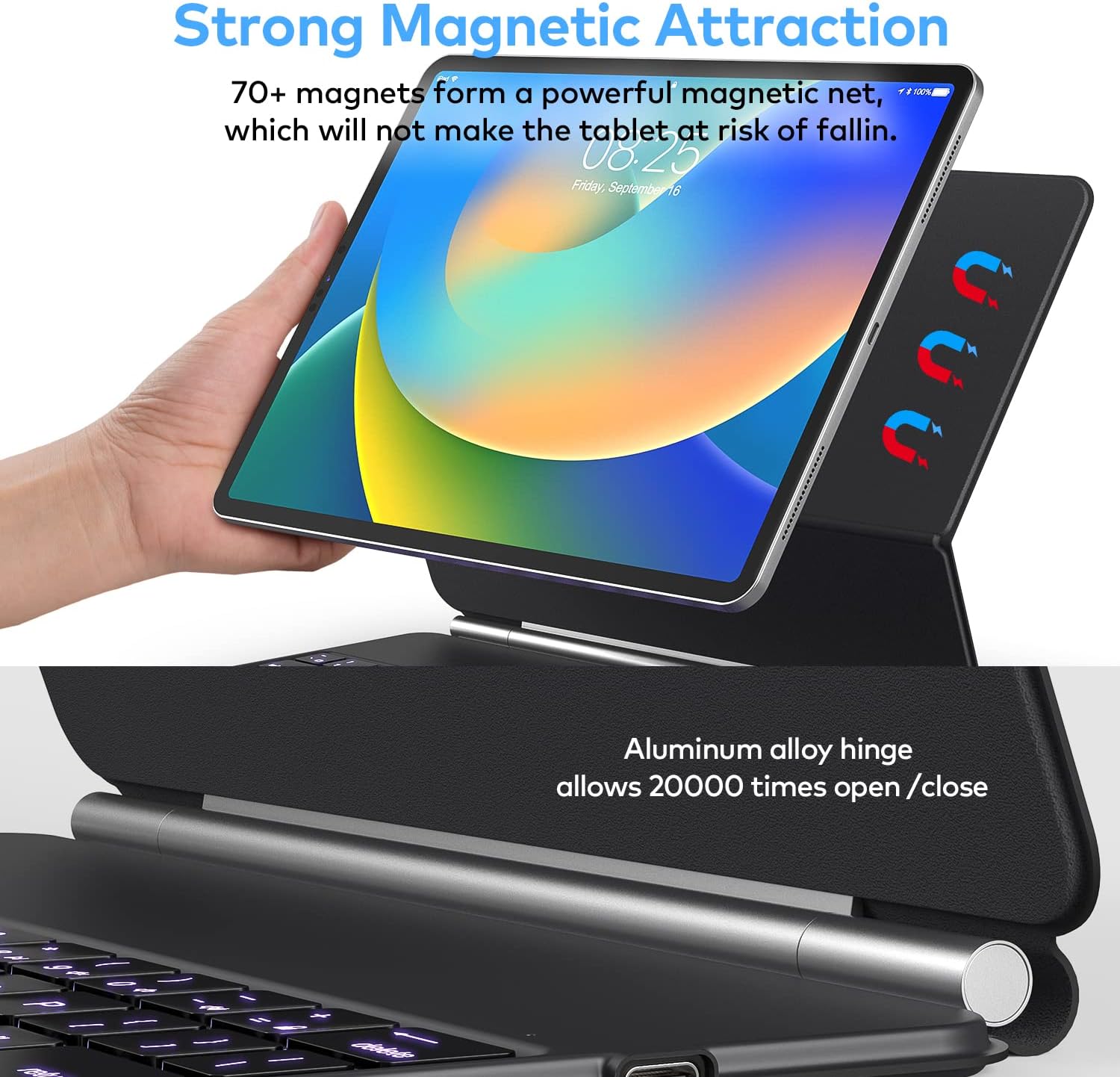
The magnetic stand is the big “convenience first” idea here. The case lets you attach the iPad to the back cover magnetically, then set the floating cantilever stand with a smooth motion. In practical terms, that means you can go from closed/packed to typing posture in seconds—handy when you’re moving between meetings, classrooms, and airports.
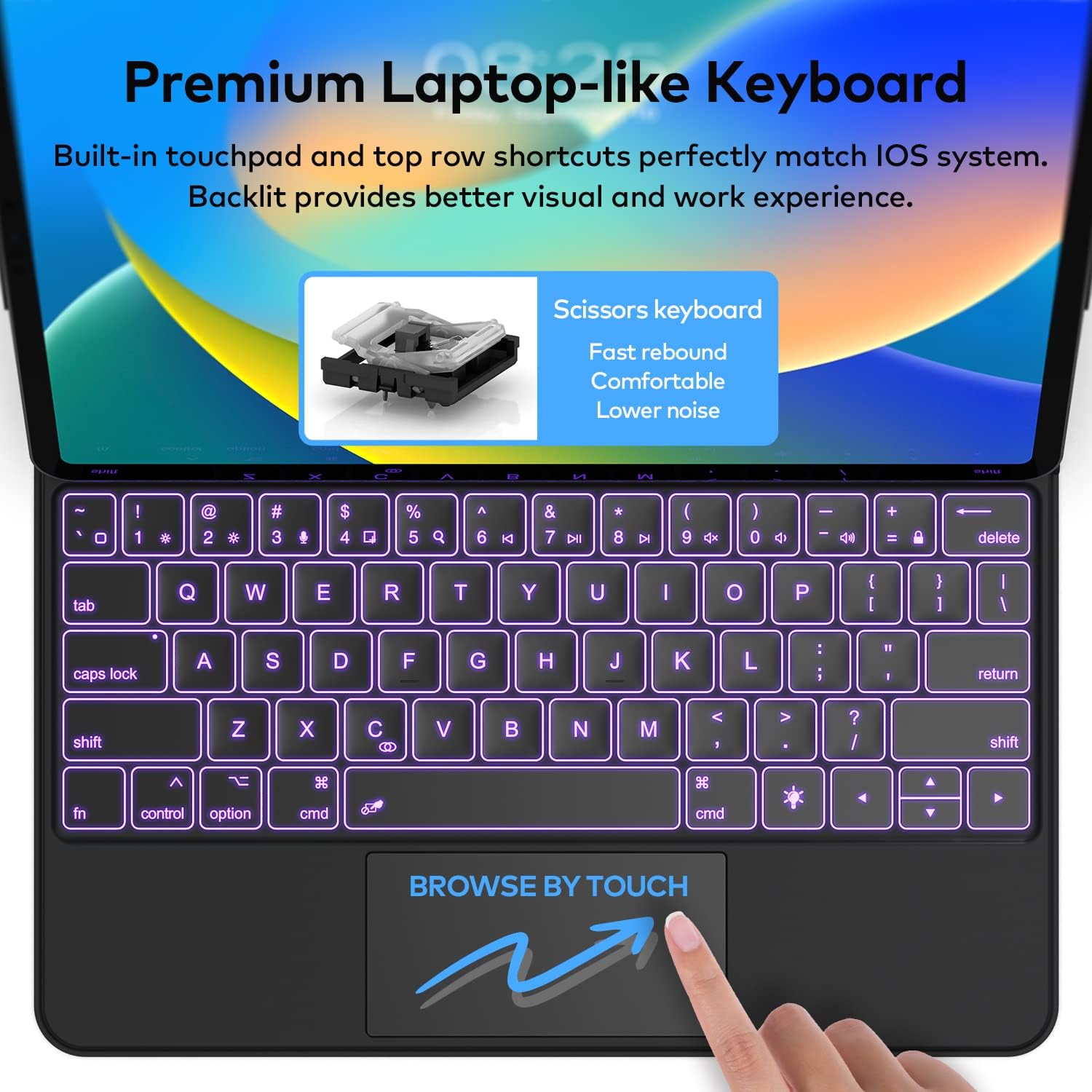
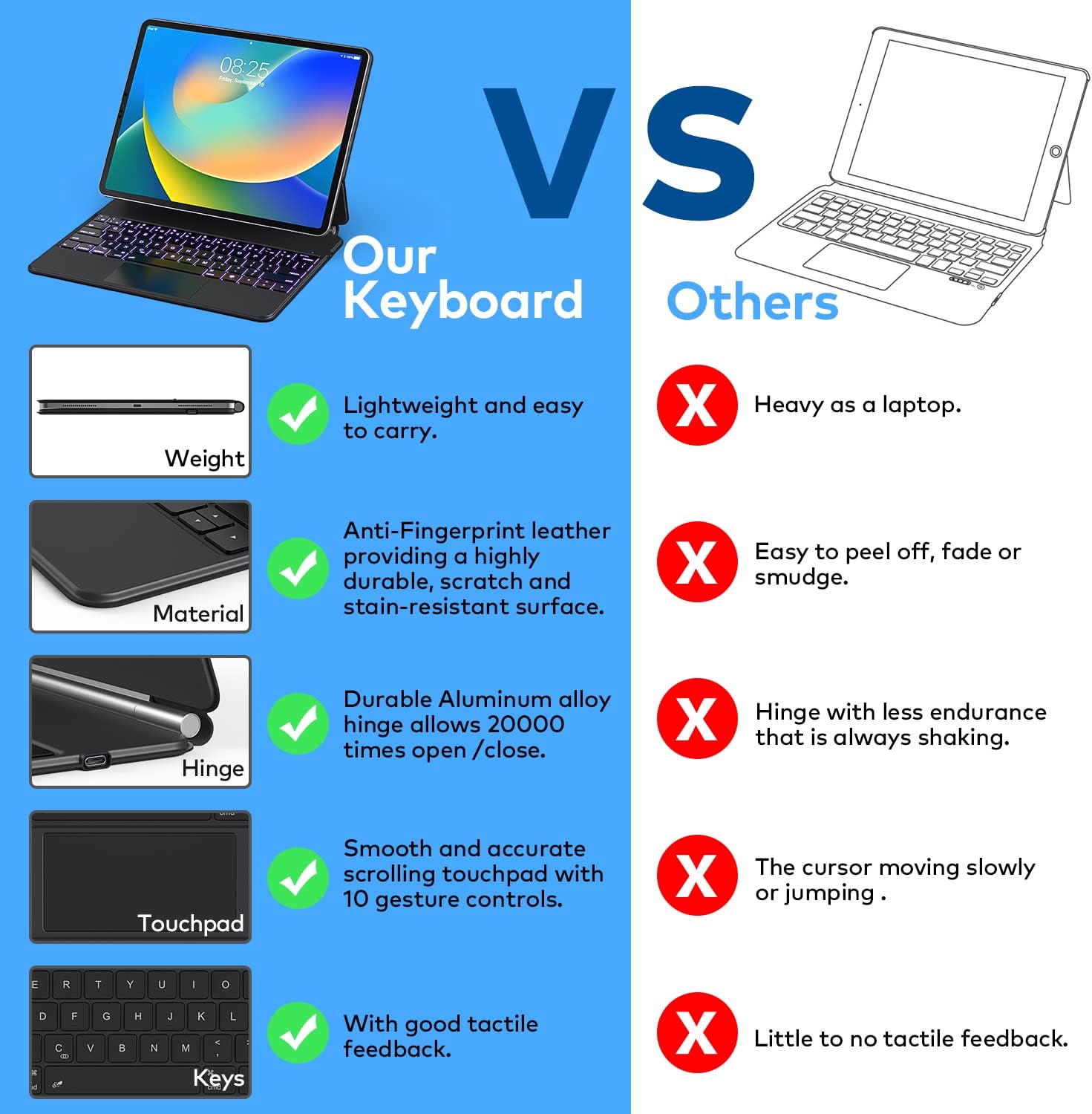
On the navigation side, the built-in multi-touch trackpad is designed to handle precision movement and full multi-touch gesture support. That matters because it can reduce how often you need to rely on the screen for editing and browsing. There’s also a row of iPadOS shortcuts for quick actions like brightness, volume, and music controls—small things, but they add up if you’re working for hours.
One more thing that feels “day-to-night” oriented: the keyboard is backlit with 3 brightness levels. That can make late sessions less annoying. The battery capacity is listed as 750mAh, with an ultra-efficient design that’s claimed to last up to 3 months with daily use or about 2 weeks if used nightly. Battery life is always something to take with a pinch of reality based on your brightness level and how hard you lean on the trackpad, but the spec is at least specific.
Key features that matter for buying
This case combines several elements that, together, help it function like a productivity setup instead of just a cover. Here’s how the stated features translate to what you’ll actually do:
- Easy-Set magnetic setup for faster transitions between “tablet mode” and “keyboard mode”.
- Multi-touch trackpad with iPadOS gesture support, aimed at smoother editing, presentation building, and web browsing.
- Backlit keys with 3 brightness levels for comfort in varied lighting.
- iPadOS shortcut row for common controls without leaving your workflow.
- A keyboard base plus a synthetic vegan leather case intended to protect the device during everyday carry and knocks/falls.
There’s also USB-C charging, so topping up should be straightforward if you already have the usual cables around.
The specs you should double-check (compatibility)
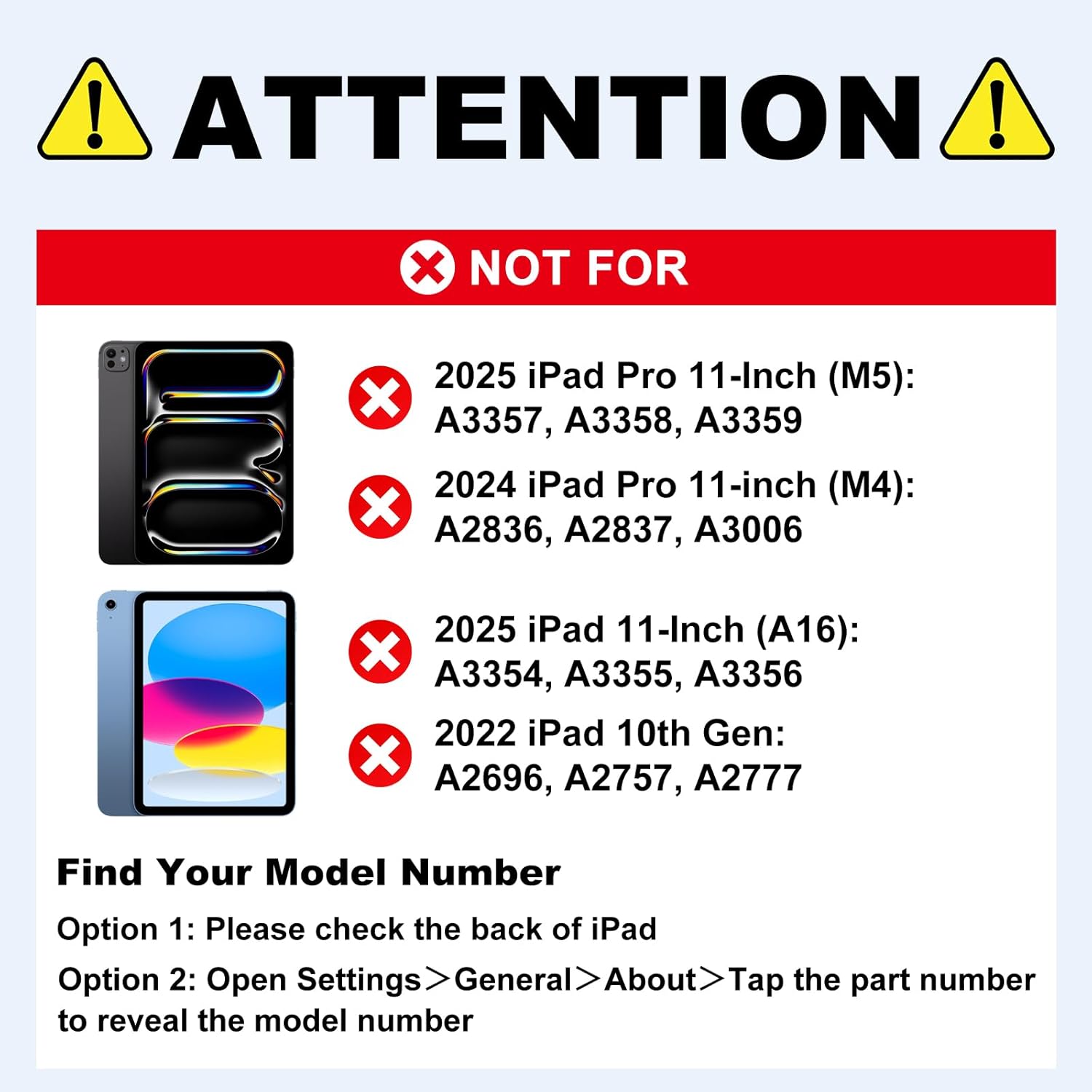
This is where you have to be careful. The listing includes compatibility for multiple iPad models, but it’s not universal across all sizes and generations.
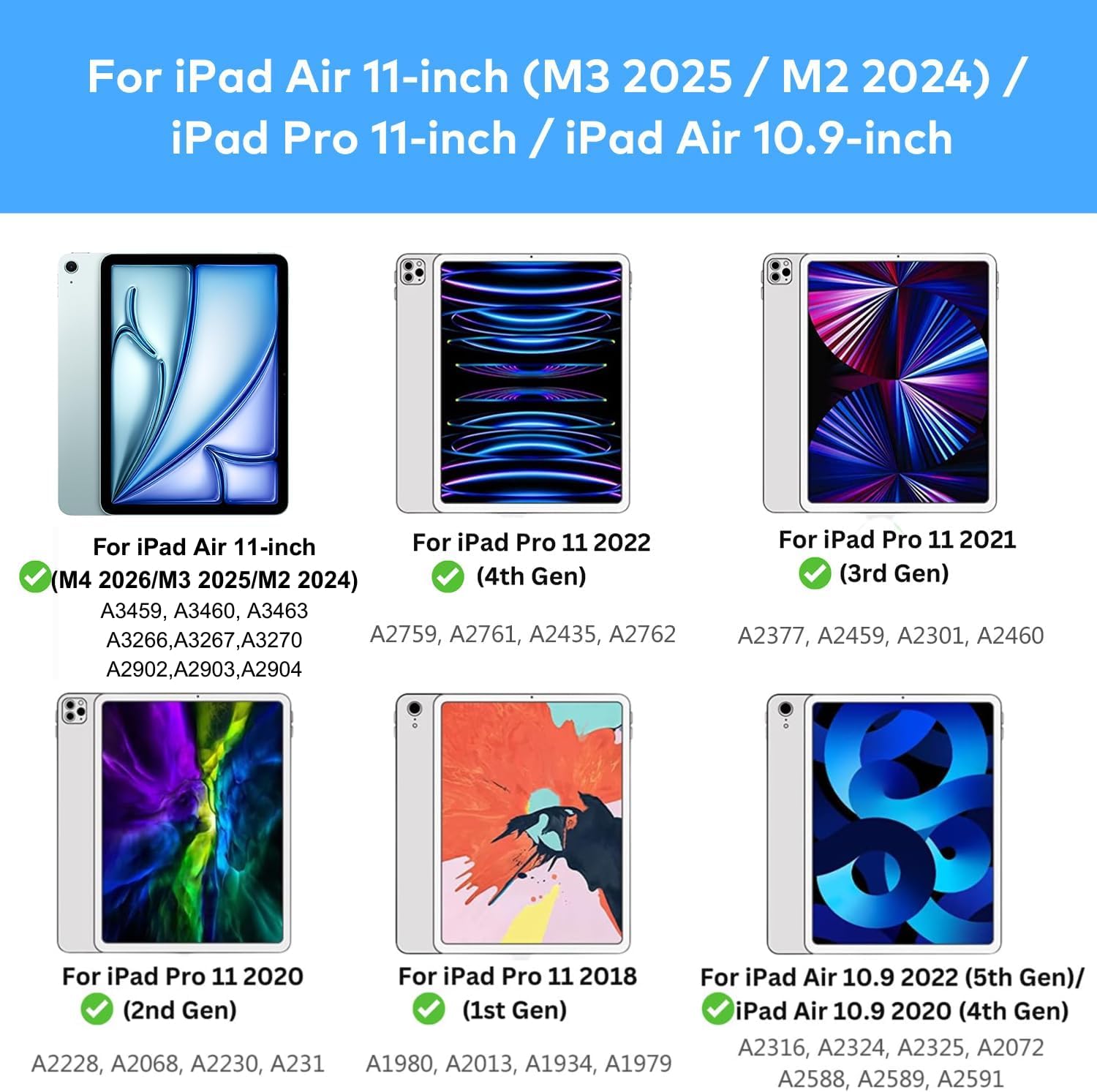
It states compatibility for: - iPad Air 11-inch: 2026 M4 (Models A3459, A3460, A3463), 2025 M3 (A3266, A3267, A3270), 2024 M2 (A2902, A2903, A2904), and 2022 iPad Air 5th gen (A2588, A2589, A2591). - iPad Pro 11-inch: 4th gen (A2435, A2759, A2761, A2762), 3rd gen (A2377, A2301, A2459, A2460), 2nd gen (A2228, A2068, A2231), and 1st gen (A1980, A2013, A1934, A1979). - iPad Air 4th gen: 10.9” (listed for 10.9” iPad Air 4th/5th Gen).
Before you buy, confirm your iPad’s model number (not just the screen size) matches one of the listed codes. If it doesn’t, the fit and magnet/keyboard alignment may not be what you expect.
Should you buy it?
It makes sense if you want a slim magnetic keyboard case experience with a trackpad and backlight—especially for work sessions where navigation and quick controls matter. If you’re a student juggling documents and presentations, or a business user who types and edits for long stretches, this case is built around that “laptop-like” workflow.
It might not be a great match if you’re looking for something ultra-purpose-built for a single iPad model and nothing else, or if you’re picky about how trackpads feel in practice (gesture support is listed, but real-world responsiveness can vary by user and setup). Also, if you only type occasionally and mostly use your iPad upright on the couch, a keyboard case can feel like extra bulk rather than a true upgrade.
Mini FAQ
Is this meant for iPad Air 11-inch and iPad Pro 11-inch only?
The listing includes both iPad Air 11-inch models (multiple years/processor generations) and iPad Pro 11-inch models, plus a note for 10.9” iPad Air 4th/5th Gen. Check the model number to be safe.
Does it have a backlit keyboard?
Yes. It includes backlight with 3 brightness levels.
How do you charge it?
It uses USB-C charging, and the battery is listed as 750mAh.
Does it include a trackpad?
Yes. It has a built-in multi-touch trackpad with gesture support, plus a row of iPadOS shortcuts.
What’s the advantage of the magnetic stand?
The main benefit is speed and convenience: attach magnetically and set the cantilever stand with one smooth motion, which is helpful when you’re traveling or moving between tasks.
When it makes sense
Buy it when you want a productivity-first iPad setup with a backlit keyboard, a multi-touch trackpad, and fast magnetic stand setup. Skip it if your iPad model number isn’t listed for this case, or if you don’t actually type and navigate often enough to justify the added cover size and weight.