

VIXLW 4K HDMI to USB Capture Card – 1080p Recording for Gaming & Streaming
Product description
What matters most
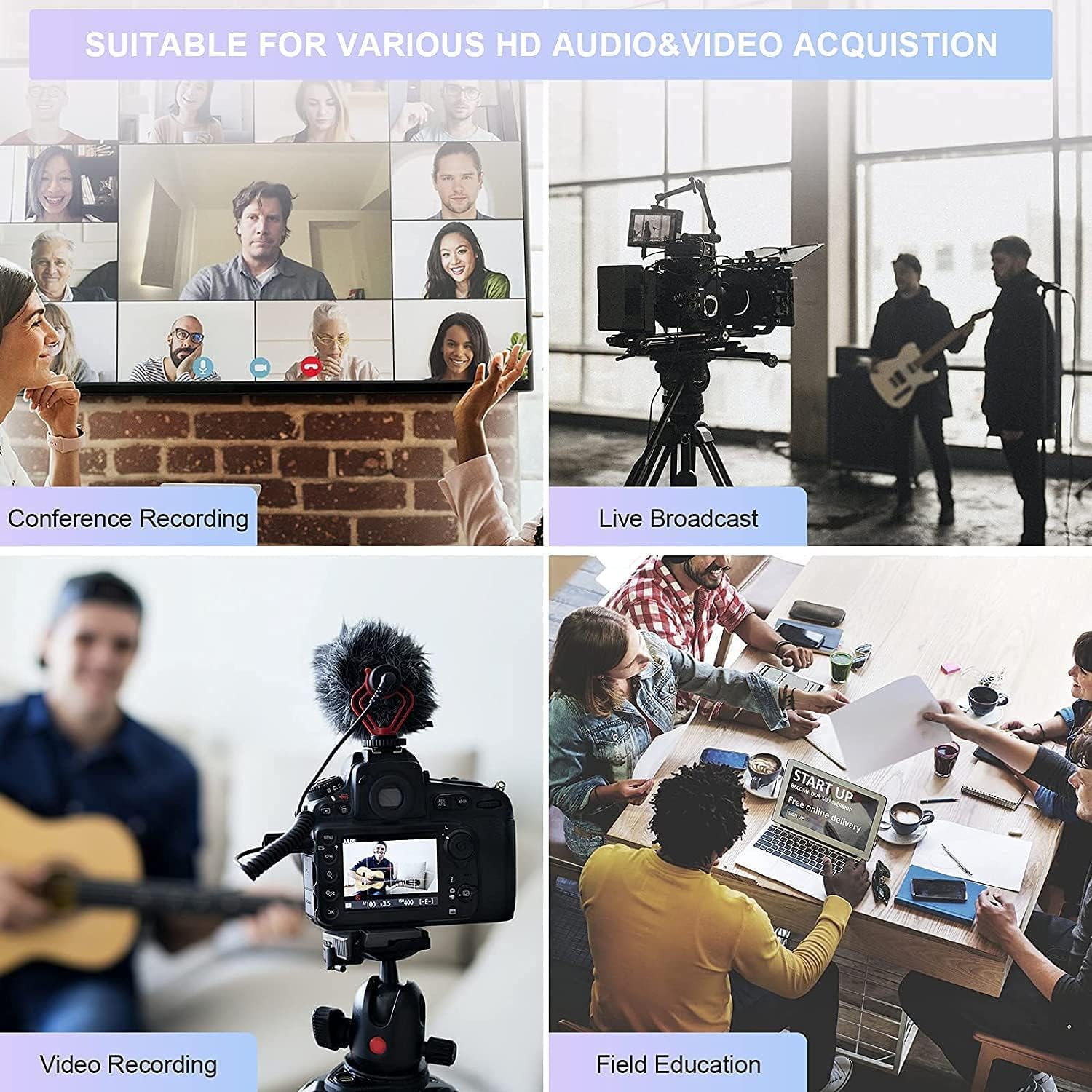
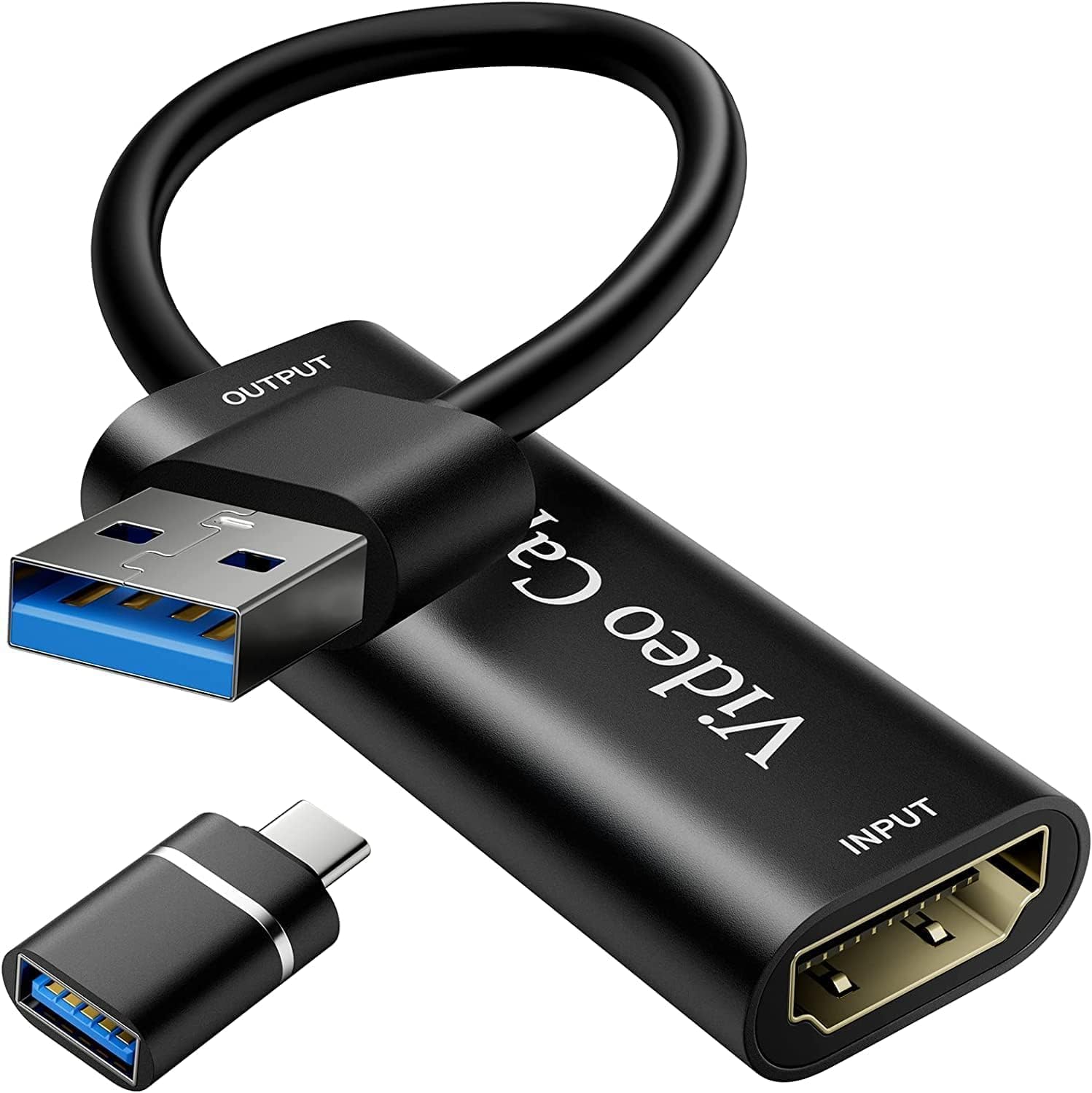
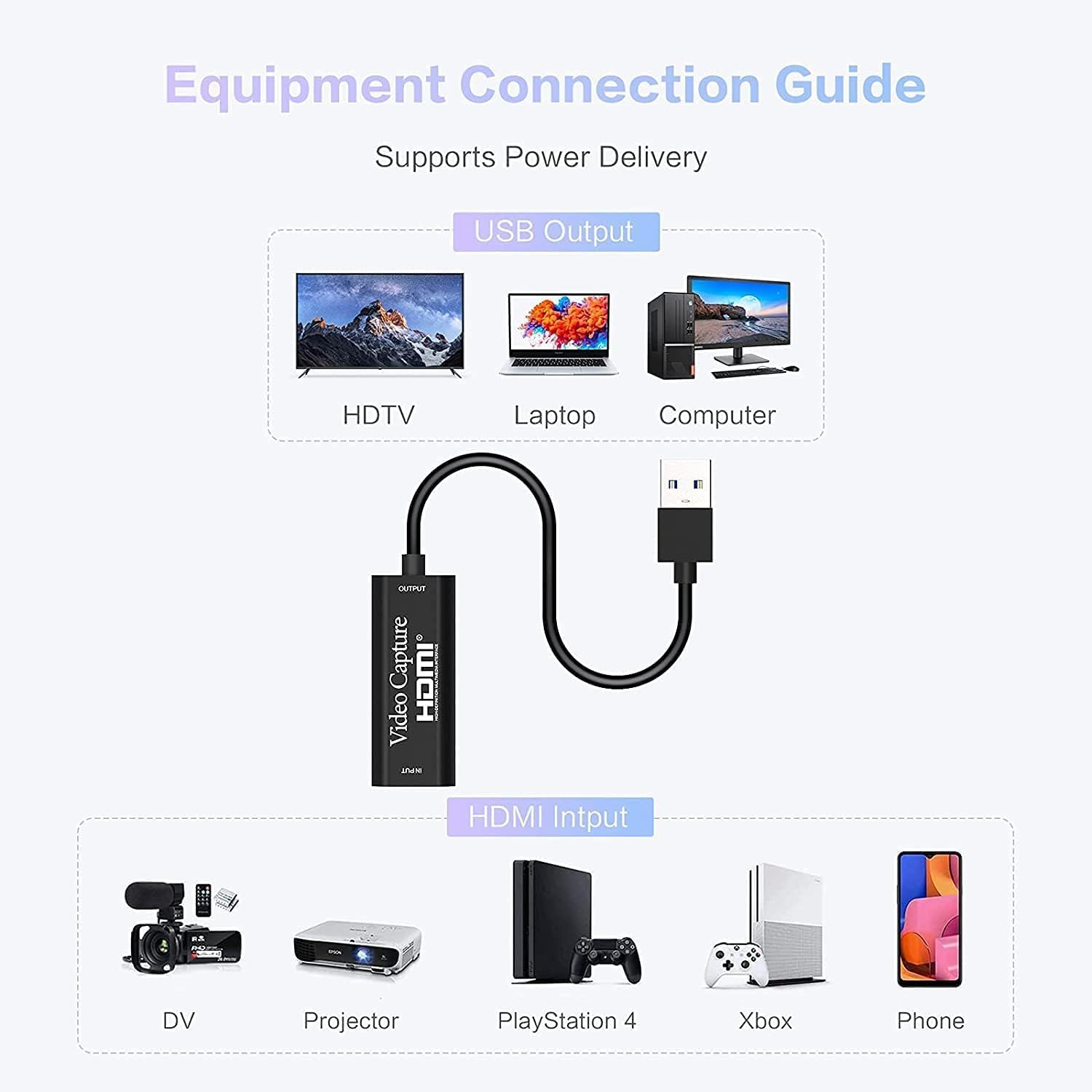
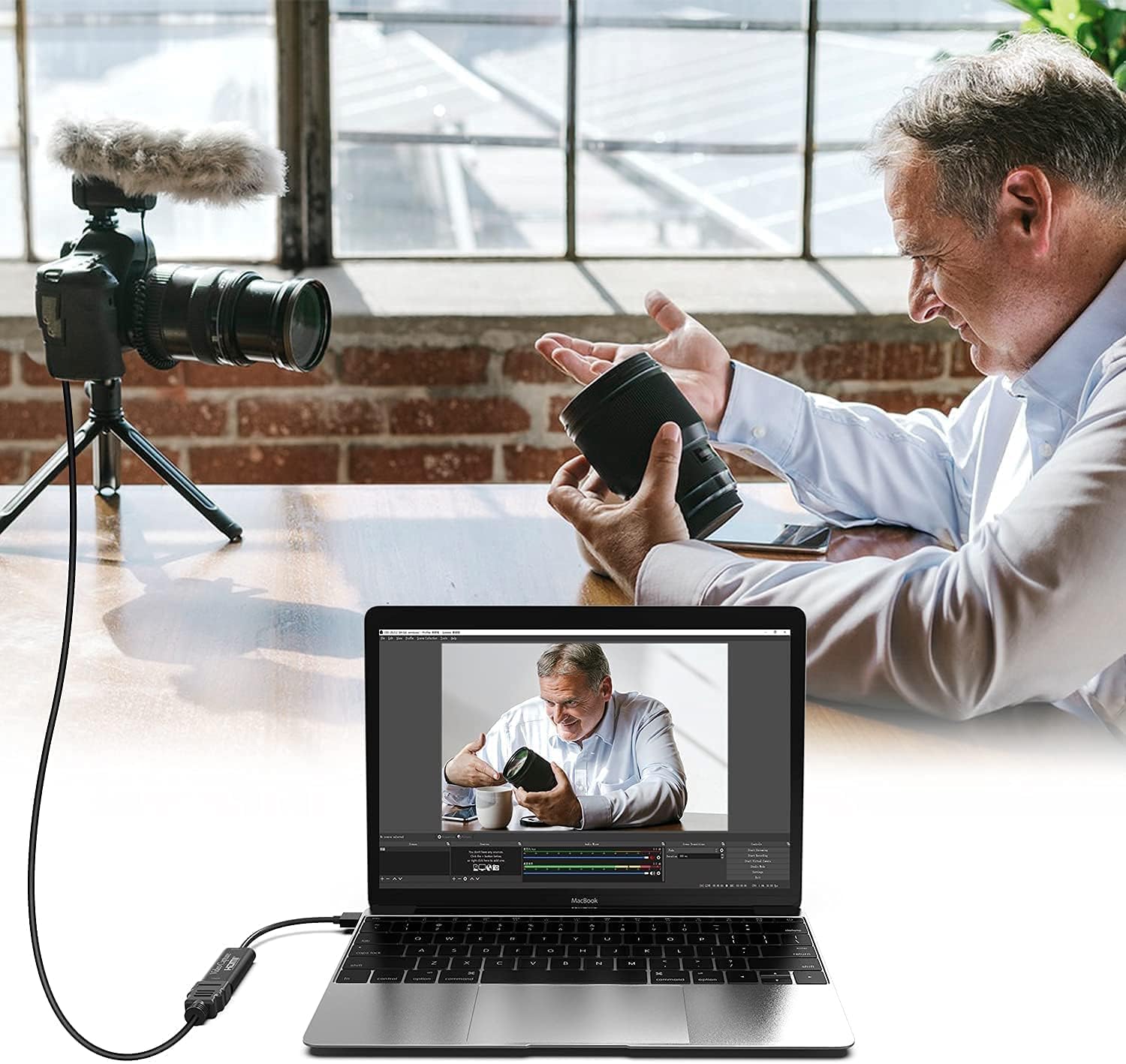
If you’re looking to capture game footage, teaching demos, or streaming from a console or computer, the VIXLW 4K HDMI to USB Capture Card offers a simple, driver-free way to record and broadcast in real time. On paper, it supports a 3840×2160@60Hz input and a 1920×1080@30Hz output, enabling you to capture both video and audio without noticeable delay. It also features an HDMI loop-out, which means you can play locally on a monitor or TV while your stream or recording runs, a handy setup for co-op sessions or live sharing with friends.
How it plays in everyday use
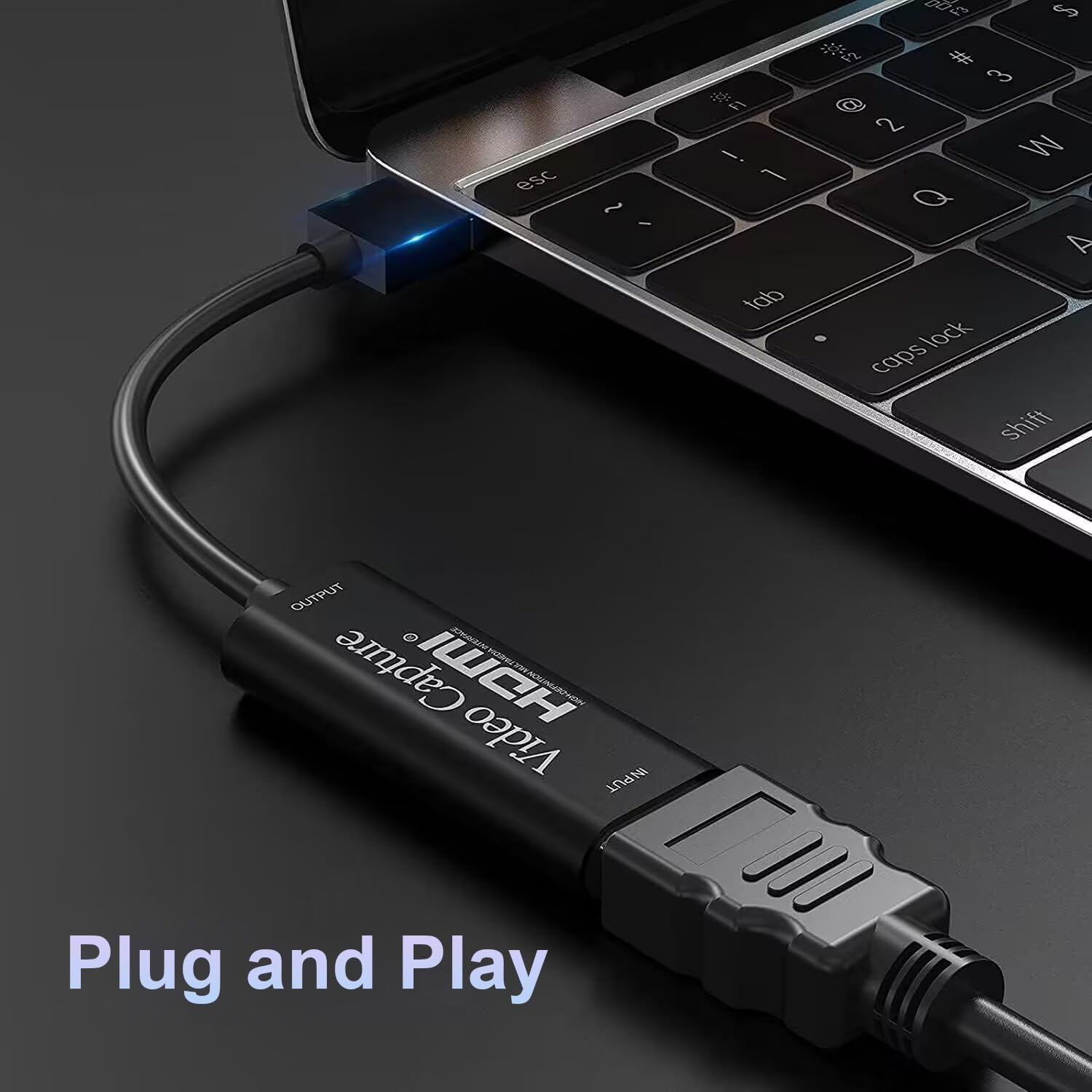
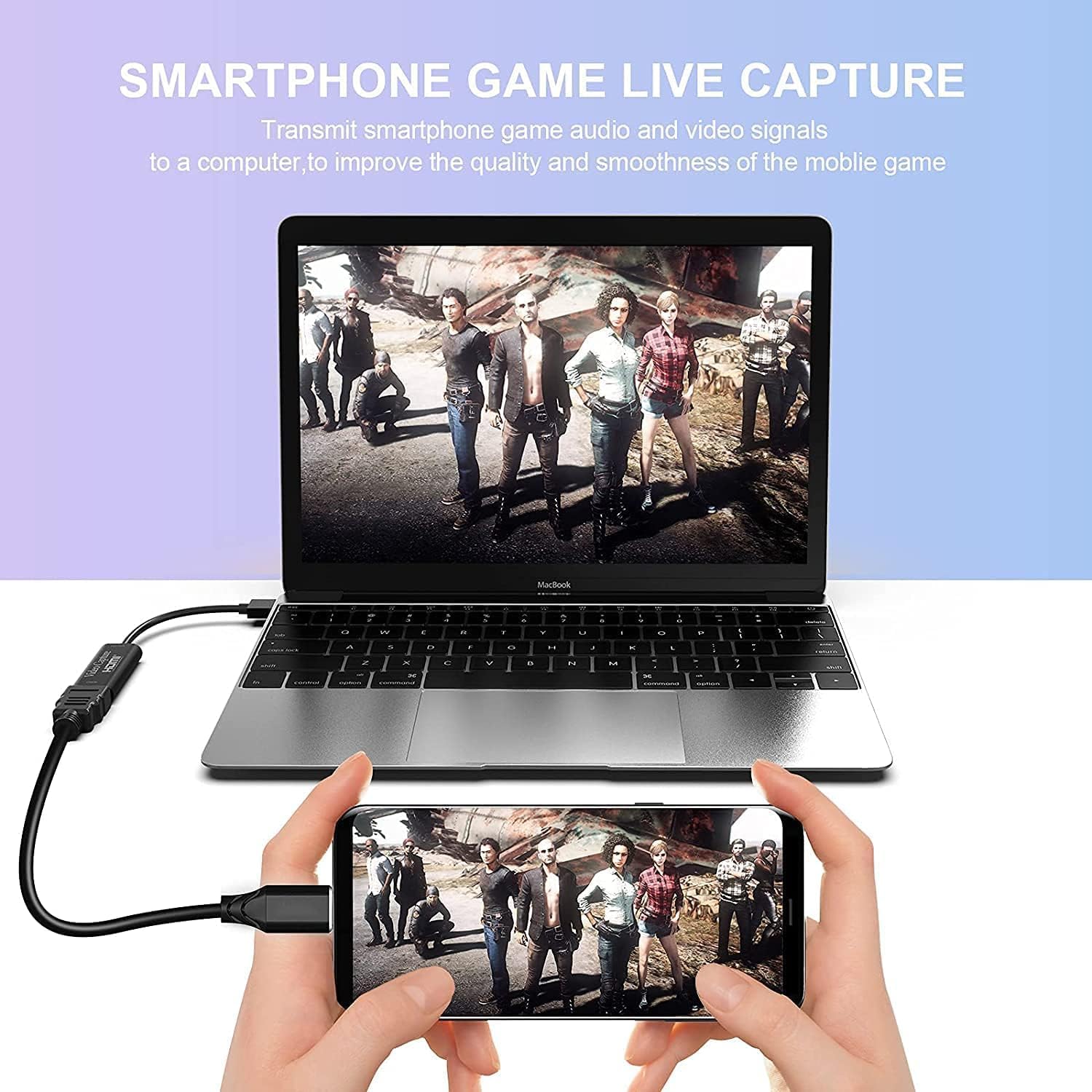
This device emphasises ease of use. Since there’s no driver installation required, you can plug it in and start capturing or streaming with common software such as OBS, Potplayer or VLC. Its ultra-low latency makes it sensible for live gameplay, where delay can spoil the moment. The compact, USB-powered form factor adds to its practicality for mobile setups or desks with limited space. If you favour a straightforward techtique without fiddly configuration, this capture card aims to deliver.
What stands out in use
The lack of external power input means fewer cables and easier transport. The inclusion of HDMI loop-out lets you observe your feed in real time on a separate display without dipping into the capture pipeline, which is useful for friends watching a co-op run or for quick demonstrations during a teaching session.
What may not convince you
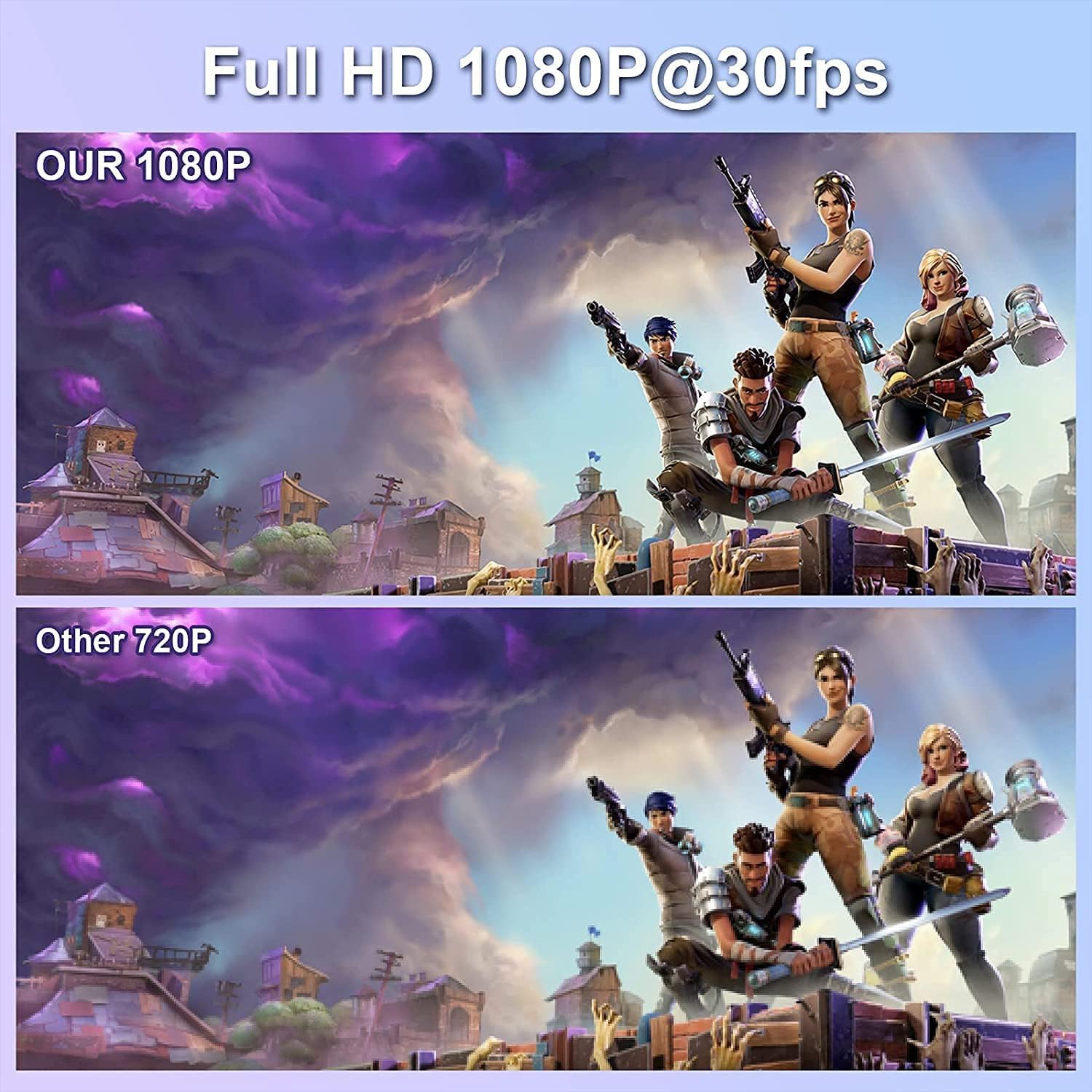
The output is capped at 1080p for recording at 30 frames per second, while the 4K input can be upscaled for display purposes. If you demand higher frame rates or full 4K capture, this model may fall short. Also, compatibility is described broadly (Windows, Mac OS, Linux) but real-world performance can depend on software configuration and system resources. If your setup relies on very demanding professional workflows, you might want to verify how it integrates with your usual toolchain before committing.
Who it’s for
This capture card is well-suited for casual streamers, classroom or personal teaching scenarios, light game capture, and home broadcasting where simplicity and portability trump top-end specs. If you primarily need a plug-and-play solution for occasional recording or streaming with a modest budget, it could be a good fit.
Who might want to skip it
If your needs include high-frame-rate capture, true 4K recording, or advanced encoding features, this stiller option may feel limited. Those with demanding professional requirements or heavy multi-device setups should review whether the product’s specifications align with their expectations before buying.
What to check before buying
- Confirm that your software supports USB capture with no driver installation as described.
- Consider whether 1080p@30fps is adequate for your goal, or if you need higher fps or native 4K capture.
- Ensure your workflow benefits from an HDMI loop-out for real-time monitoring and guest viewing.
- Review compatibility with your operating system and any streaming or editing software you plan to use.
Practical usage example
Imagine teaching a live computer science session: you connect the console to the capture card, feed the HDMI output to a classroom display via the loop-out, and stream the same feed to your online audience. The setup remains tidy, and students can observe both the instructor’s screen and the live commentary without bulky equipment or complicated installation.
FAQ
- Do I need drivers to use this capture card? No, it claims to work without driver installation.
- Can I record at 4K? It supports 4K input but records at 1080p60 or 1080p30 depending on configuration, check your software capabilities.
- Is there a warranty? The product mentions 2-year warranty and 24-hour technical support.
Should you buy it?
It makes sense if you prioritise portability, ease of setup, and a straightforward path to streaming or recording within a sensible budget. It’s not the best option if you require high-end professional features or higher frame rates.