

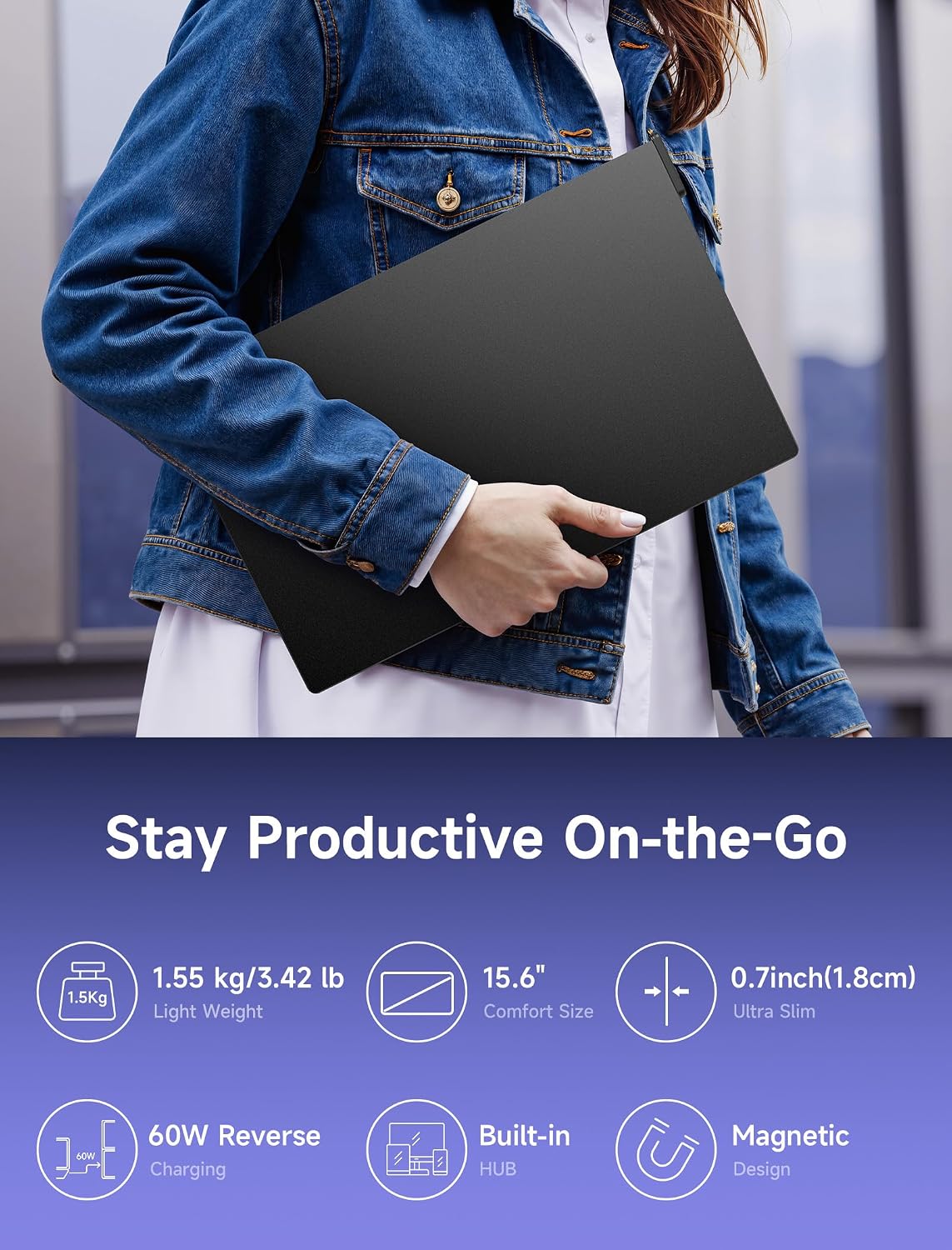
JSAUX FlipGo Lite 15.6" Dual/Triple Laptop Screen Extender — Windows Only
Product description
What it is
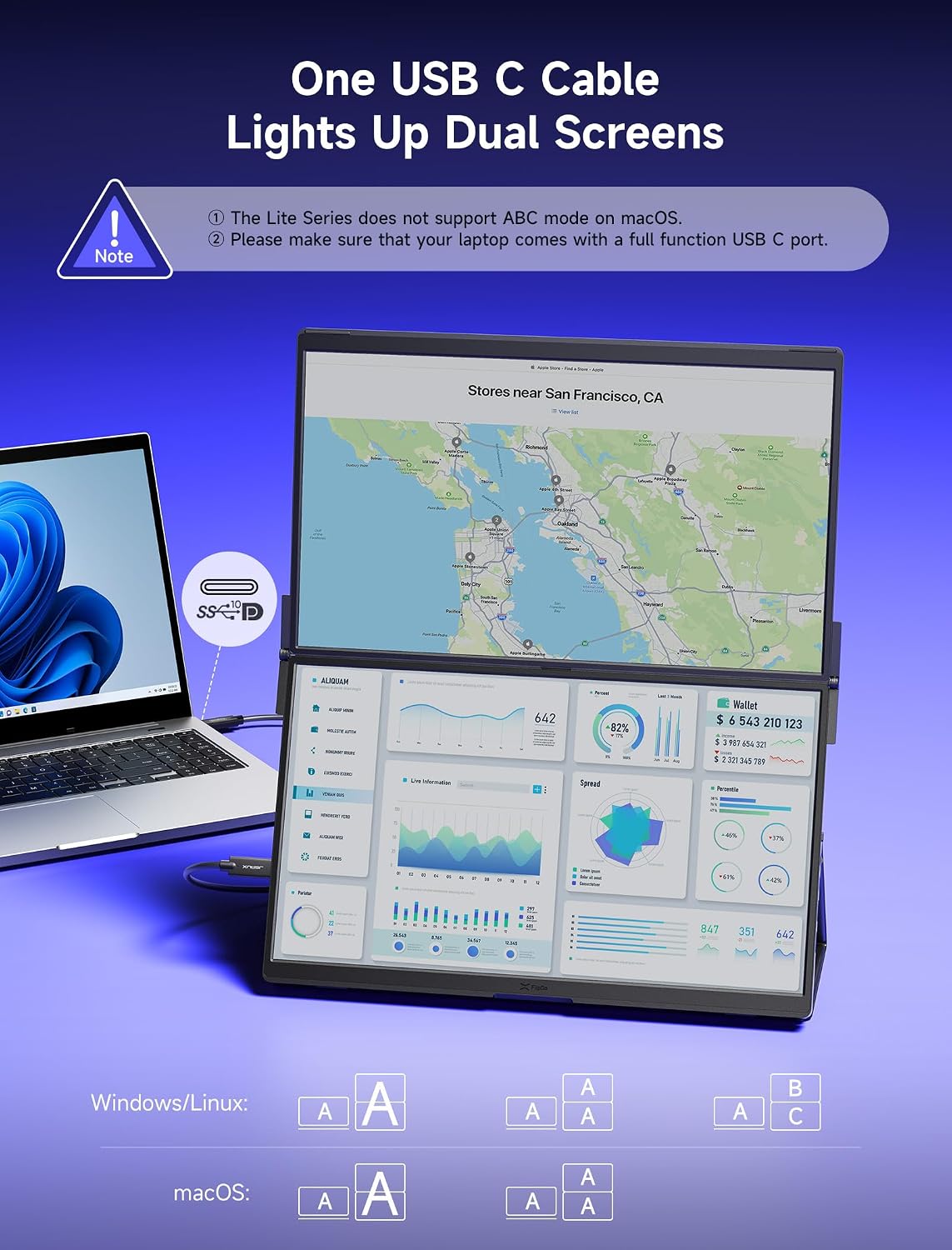
The JSAUX FlipGo Lite is a portable dual-screen extension for laptops, designed to turn a single display into a three-screen setup via a USB-C connection. It’s aimed at Windows users who want to improve multitasking and on-the-go productivity without a heavy docking station.
How it works
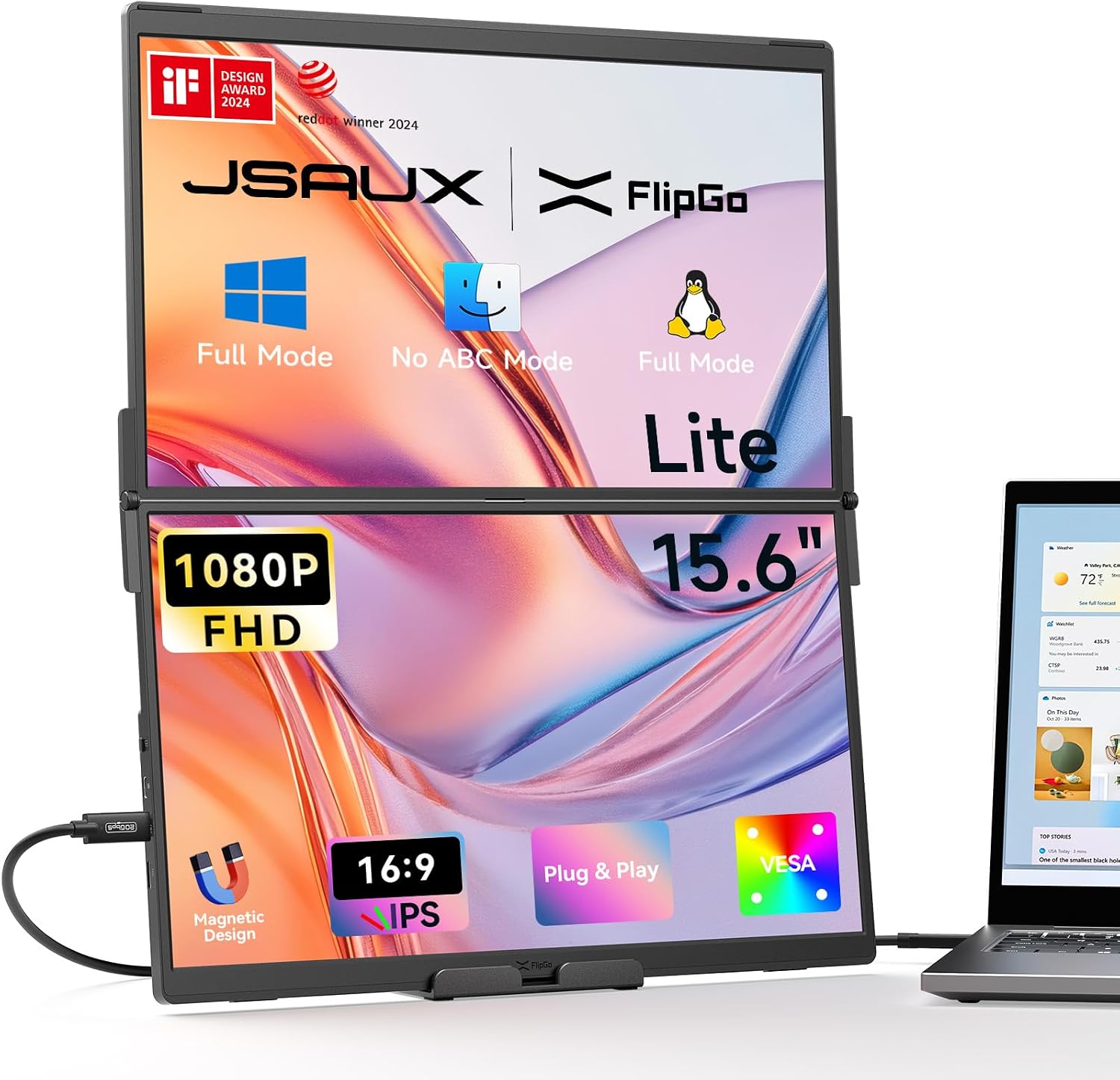
A single USB-C cable powers the two 15.6" IPS matte panels and drives a triple-screen configuration. When connected to a power source of 65W or more, the monitor can also power the laptop through the USB-C port, potentially extending battery life. A mini HDMI port additionally offers PC compatibility for certain configurations, but note that Portrait Views are Windows‑only via USB-C, not the HDMI port.
Display and eye comfort
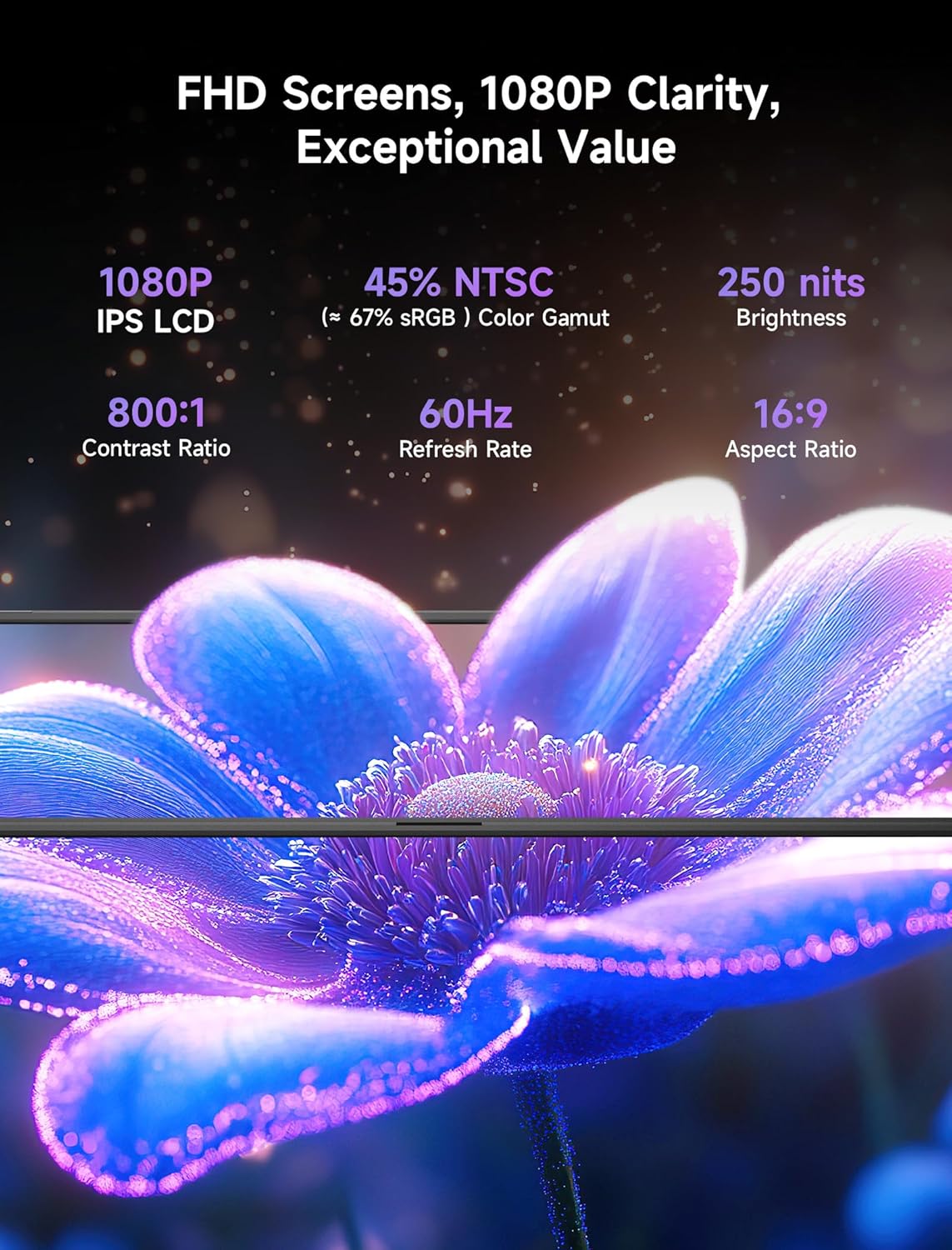
Each panel is 1080p with a 60Hz refresh rate and 16:9 aspect ratio, featuring an IPS design and a matte finish to reduce glare. The system supports three modes: Ultra Views for expansive visuals, Stacked Views for overlapping tasks, and Portrait Views for side‑by‑side work. The design emphasises eye comfort with flicker‑free operation and reduced blue light.
Build and connectivity
The back uses a magnetic design to help attach stands and accessories, with four strong magnets for stability during transport. The package includes one portable stand, while magnetic stands are sold separately. Onboard connectivity includes a USB Type‑C display port, a USB Type‑C power port, a mini HDMI port, and two USB 2.0 ports, providing a compact hub for peripherals.
Performance and limitations
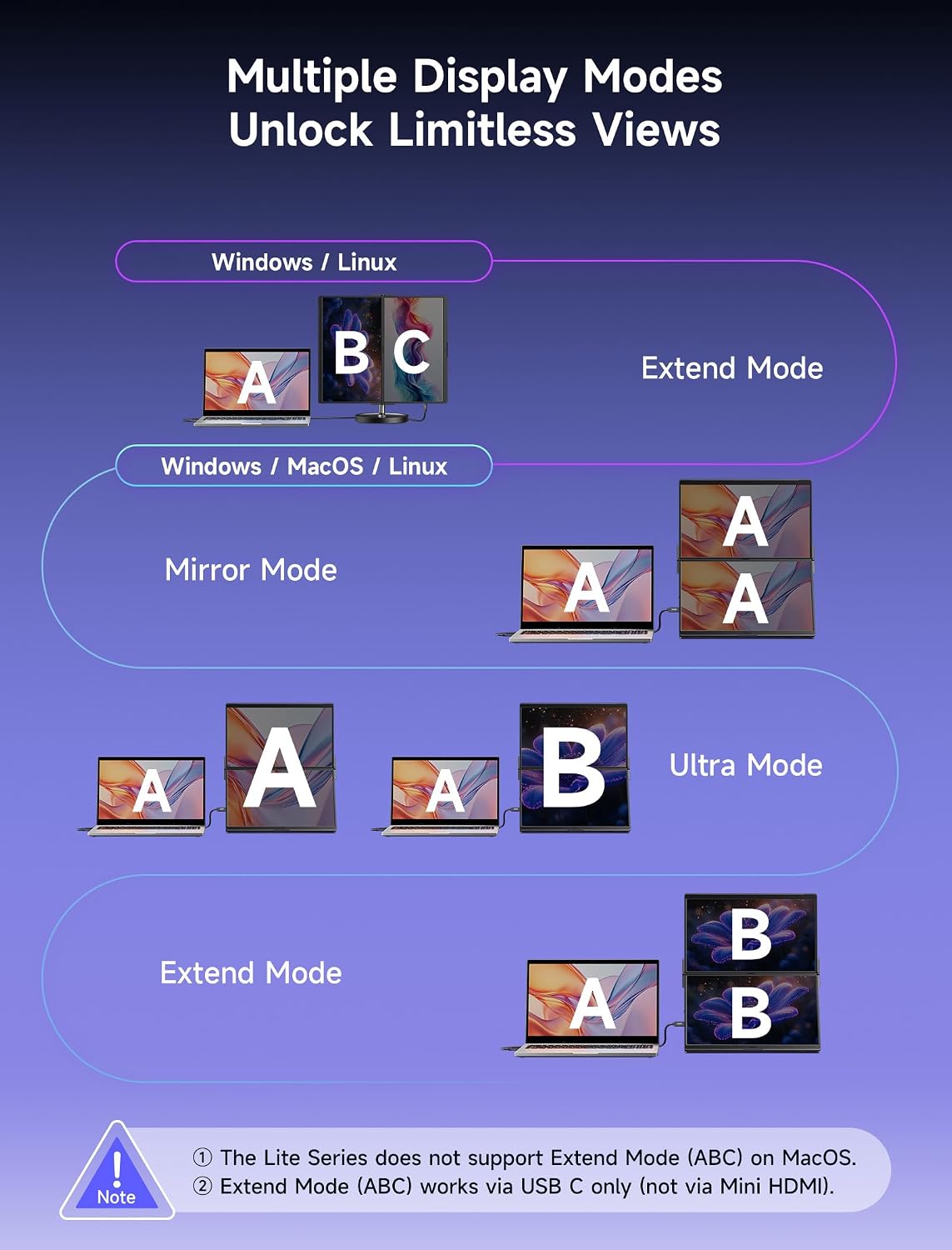
On paper, the FlipGo Lite can boost productivity up to around 300% in certain workflows thanks to its multi‑screen modes. However, compatibility is Windows‑centric, macOS is not supported for three separate screens, and Portrait Views are limited to USB‑C connections. The product is lighter on features for those seeking plug‑and‑play simplicity without any Windows‑only caveats.
Who it’s for
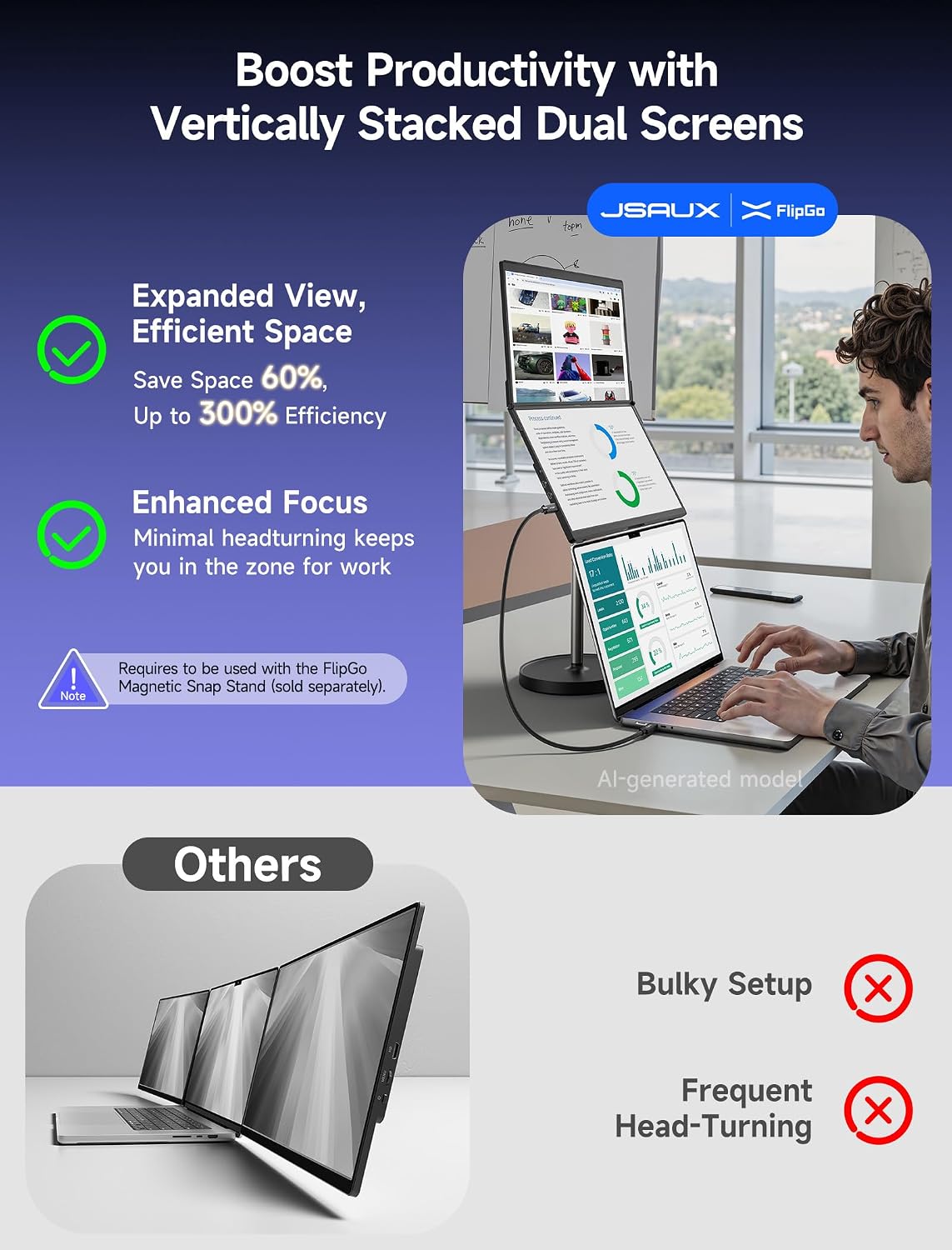
If you frequently juggle documents, code, spreadsheets, or messaging while keeping core windows visible, this setup can offer tangible gains in space and focus. It’s most appealing to remote workers, students, and travellers who want a compact multi‑display solution without a full docking station.
Who it isn’t for
It may not be the best choice if you depend on macOS multi‑display support, or if you require true plug‑and‑play Linux compatibility. Also, Portrait Views are limited to Windows via USB‑C, which could complicate certain mixed‑device environments.
What to check before buying
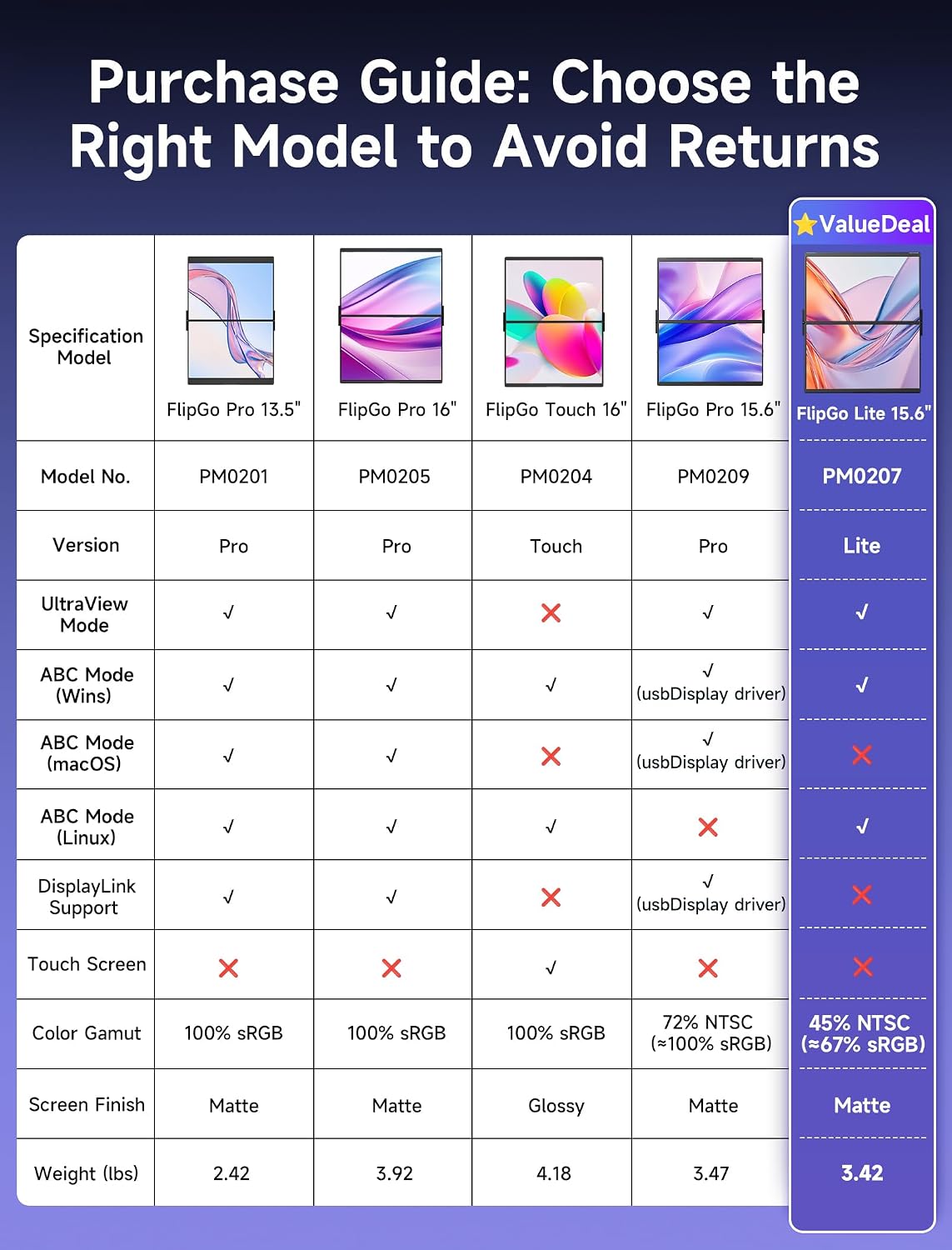
Consider your laptop’s USB‑C capabilities, whether you’ll benefit from the built‑in hub and the 65W charging passthrough, and how important the Portrait View mode is to your workflow. If you rely on a Mac or need HDMI‑only solutions, this model may not fit.
How it compares in practice
Compared with standalone external displays or heavier docking stations, FlipGo Lite offers a lighter footprint and portability with a built‑in hub. It’s more about extending on‑the‑go productivity than replacing a dedicated external monitor in a fixed workspace.
Practical usage note
A typical use case: you’re coding on the main screen, keep reference docs on a second panel, and have chat or email open on the third, with the USB‑C power passthrough helping to preserve battery life during long sessions.
Final decision
Is it worth it?
It makes sense if you prioritise portability and modular multi‑screen capability on Windows, and you’re comfortable with the Windows‑only limitation for three screens. If you’re seeking macOS support or a simple single‑screen extension, you may want to look at alternatives.
Frequently asked questions
- Can I use it with macOS or Linux? Not for three separate screens, as per the product notes.
- Does Portrait View work via HDMI? No, Portrait View is supported in USB‑C mode on Windows.
- Does it charge my laptop while in use? Yes, when connected to a 65W+ power source via the USB‑C port, it can power the laptop.
- Is there a included stand? A portable stand is included, magnetic stands are sold separately.