

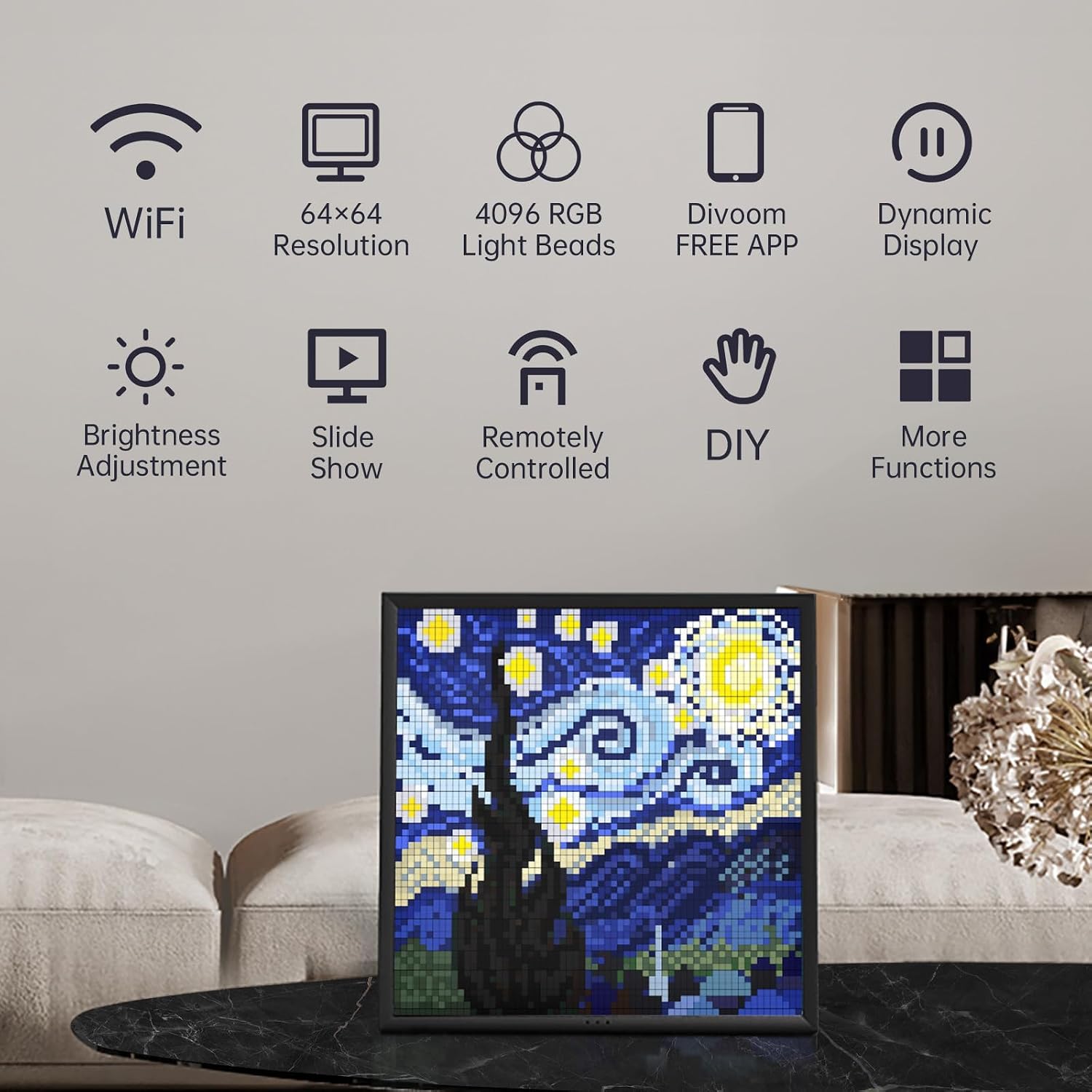
Divoom Pixoo WiFi Pixel Cloud Digital Frame with APP Control (64x64) – a smart pixel art display for gaming rooms and stream setups
Product description
What it is and what it does
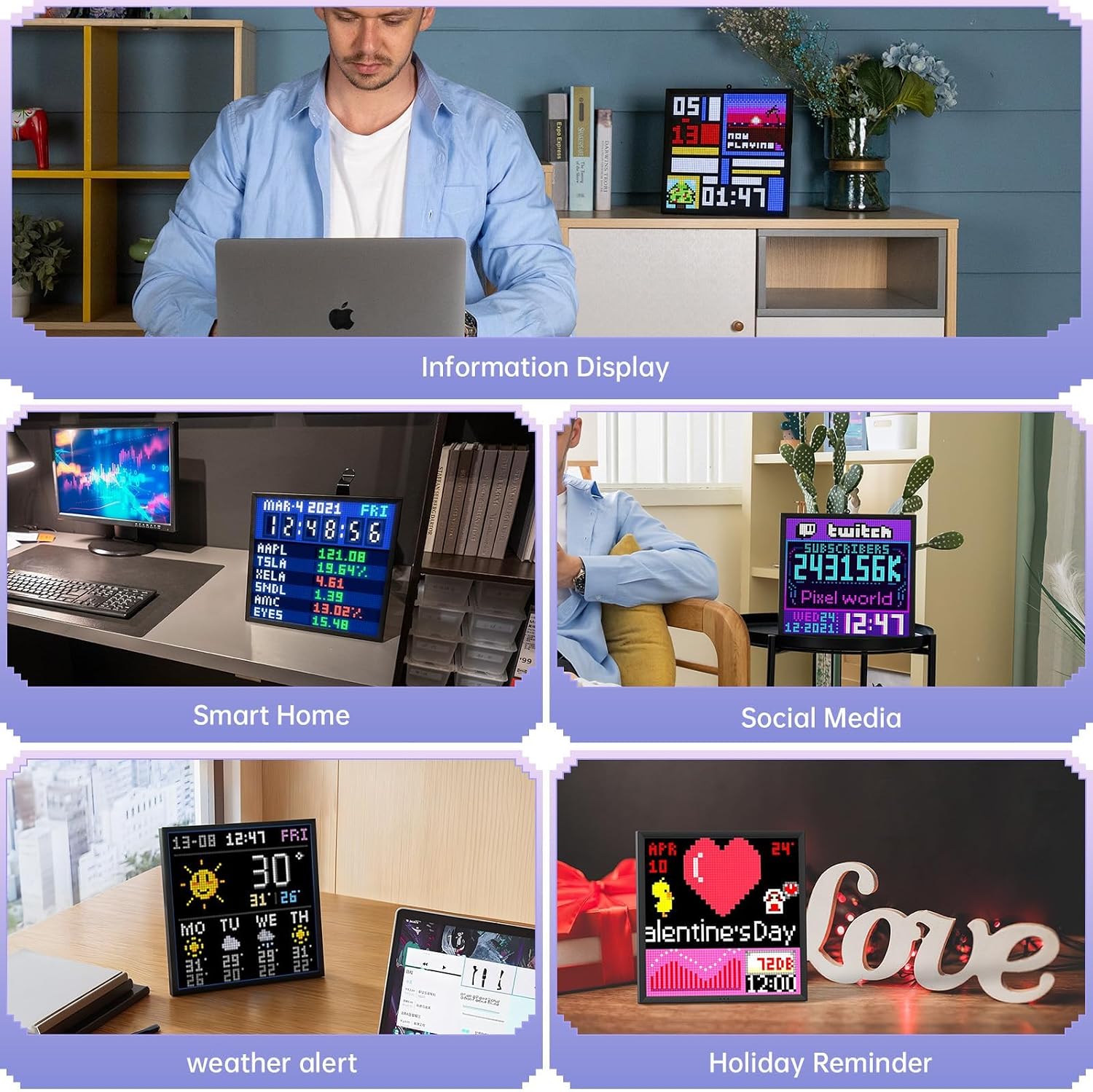
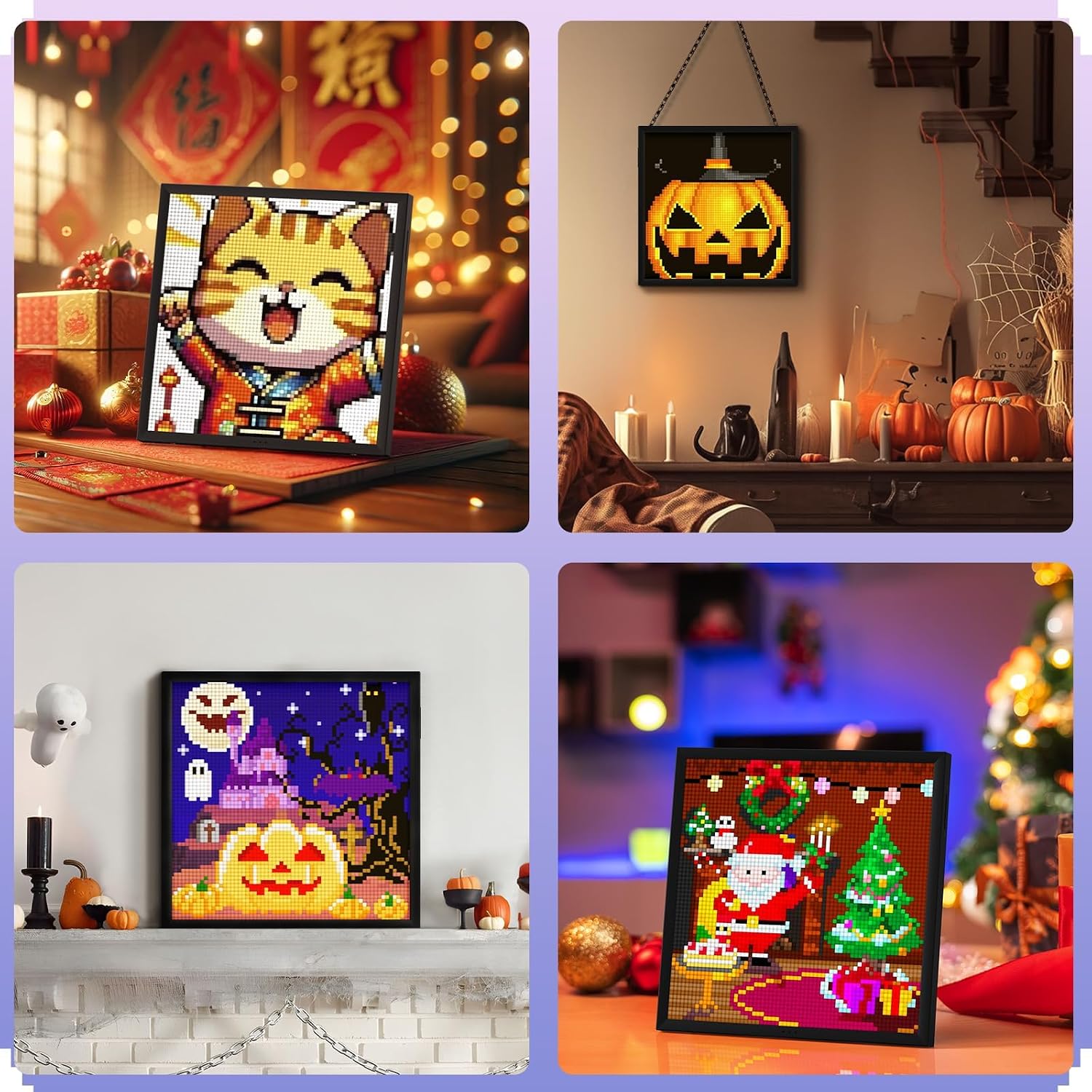
The Divoom Pixoo 64 is a WiFi-enabled pixel art display featuring a 64x64 LED panel. It works with a companion mobile app that lets you create, import and display pixel art animations. Beyond art, the Pixoo 64 can pull in online information (such as social metrics or streaming data) to show real-time updates on its panel. It doubles as a decorative lighting piece and a micro display for tracking progress in gaming or social media stats.
How it fits into a room or setup
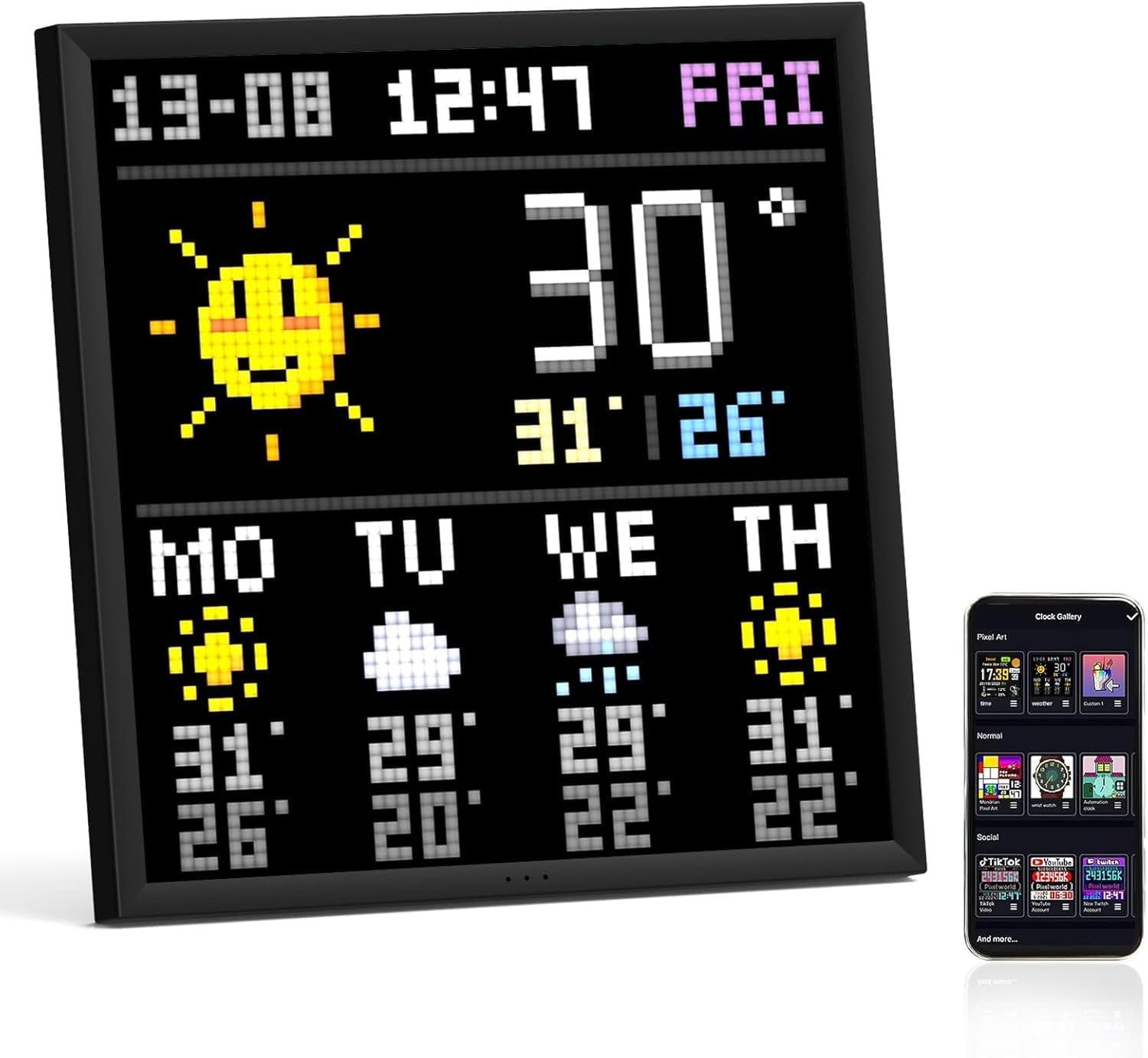
Placed in a living room, study or gaming nook, the Pixoo 64 adds a personalised visual element without occupying much space. It’s not just a pretty light, the display can be used to greet visitors with a customised message or to visualise ongoing activity from your streams or channels. The app connectivity means changes can be made remotely, which can be handy if you like to refresh the display while you’re away from the device.
What stands out on paper
The standout feature is the combination of a reasonably small LED grid and a robust app ecosystem. The high degree of customisation is a selling point if you’re into pixel art and social updates. The ability to pull live data—like YouTube followers or in-game metrics—adds practical value for creators who want their surroundings to reflect their current activity.

What isn’t as convincing
The value hinges on the app’s capabilities and the breadth of available integrations. If you’re after a simple decorative light with zero setup, this may feel overkill. The size of the display (64x64) also limits visible detail for more complex art. Some users may find the initial setup and ongoing configuration more effortful than a basic frame.
Who it suits
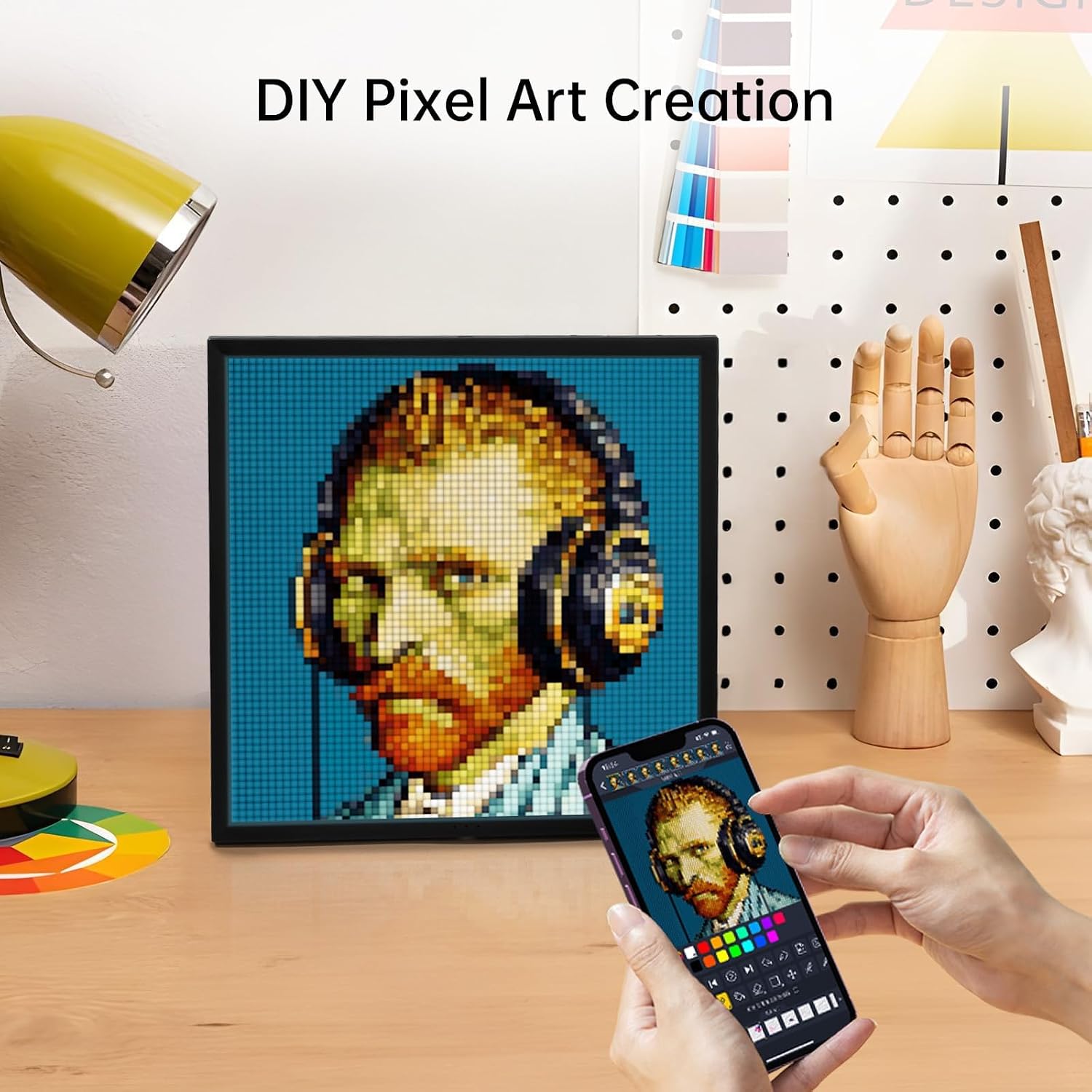
- Pixel art enthusiasts who want a configurable, animated display.
- Streamers or content creators who want a dynamic backdrop showing live stats or a custom welcome message.
- Rooms or studios where you value ambient lighting that also doubles as a visual information display.
Who it’s not ideal for
- Buyers seeking a plug-and-play decorative light with minimal setup.
- Those needing high-resolution imagery or detailed video playback.
- Users without reliable WiFi or who prefer not to manage app-based configurations.
When it makes sense to buy
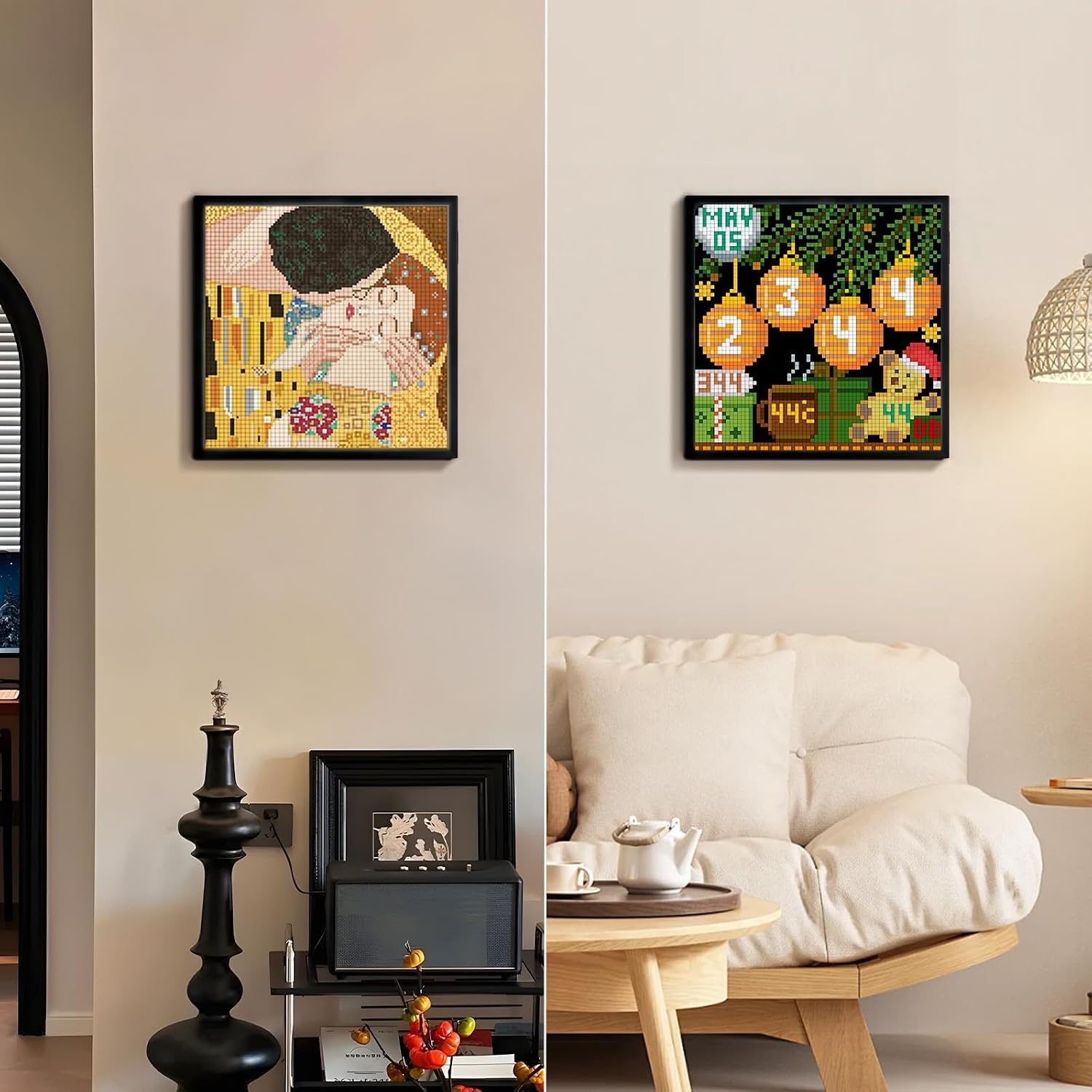
If you prioritise customisation, a live-updating backdrop for streams, or a playful yet practical display for a gaming or media room, the Pixoo 64 could offer meaningful value. It works best when you’re prepared to invest time into creating or importing pixel art and configuring the information feeds you want to show.
What to check before buying
- Ensure you’re comfortable using the Divoom app and connecting the device to WiFi.
- Consider how you’ll source content: whether you’ll create animations from scratch, import images, or rely on the gallery.
- Think about your space: the frame’s 64x64 grid provides a certain level of detail, suitable for simple icons and text rather than intricate scenes.
Practical usage idea
Imagine a streaming corner where the frame greets viewers with a customised message, displays your current KDA or latest follower count, and cycles through your best pixel art pieces between segments. It’s a small, visual touch that can help shape the vibe without dominating the scene.
How it compares to other approaches
If you’re torn between a dedicated art frame and a live social display, the Pixoo 64 offers a middle ground: a decorative light plus live information capability via the app. For purists who don’t want app connectivity, a simpler static frame or a basic decorative light may be more straightforward. If you value extensive real-time data and API integrations, the value depends on how deeply the app ecosystem is utilised.
FAQ (focused and practical)
- Can I use it without WiFi? The device relies on WiFi for its cloud features and remote control via the app.
- What kind of content can I display? Pixel art animations, text messages, and live data feeds supported by the app.
- Is the display high-resolution? It’s a 64x64 LED panel, which is adequate for simple icons, letters and basic animations but not for detailed imagery.
Final decision
Is it worth it?
Worth considering if you prioritise customisable pixel art and real-time information displays in a gaming or streaming room. It may not be the best fit if you want a simple, plug-and-play decorative light.