

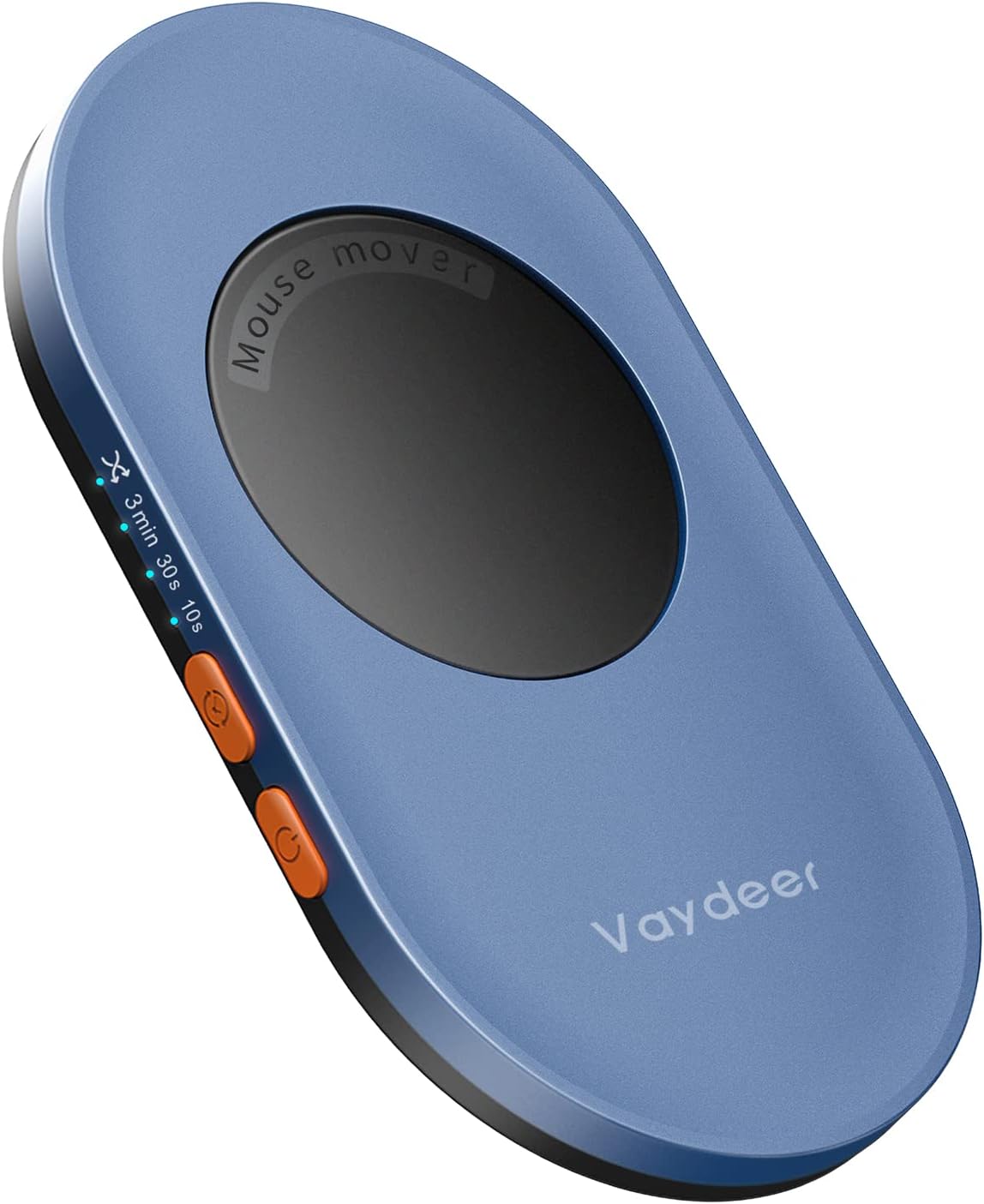
Vaydeer Ultra Slim Mouse Mover (Air 3) – Silent, Driver-Free Jiggler for PC
Product description
What it is and what it asks for
The Vaydeer Ultra Slim Mouse Mover is a compact, 17.3 mm thick device designed to simulate natural mouse movement. At around 105 g, it’s light enough to be easily portable while taking up very little desk space. Its core purpose is to keep a computer active without relying on user input, helping to prevent sleep or lock modes from interrupting workflows. For anyone who needs a quiet, unobtrusive solution that runs without extra software, this jiggler focuses on practicality over gimmick.
How it works in practice
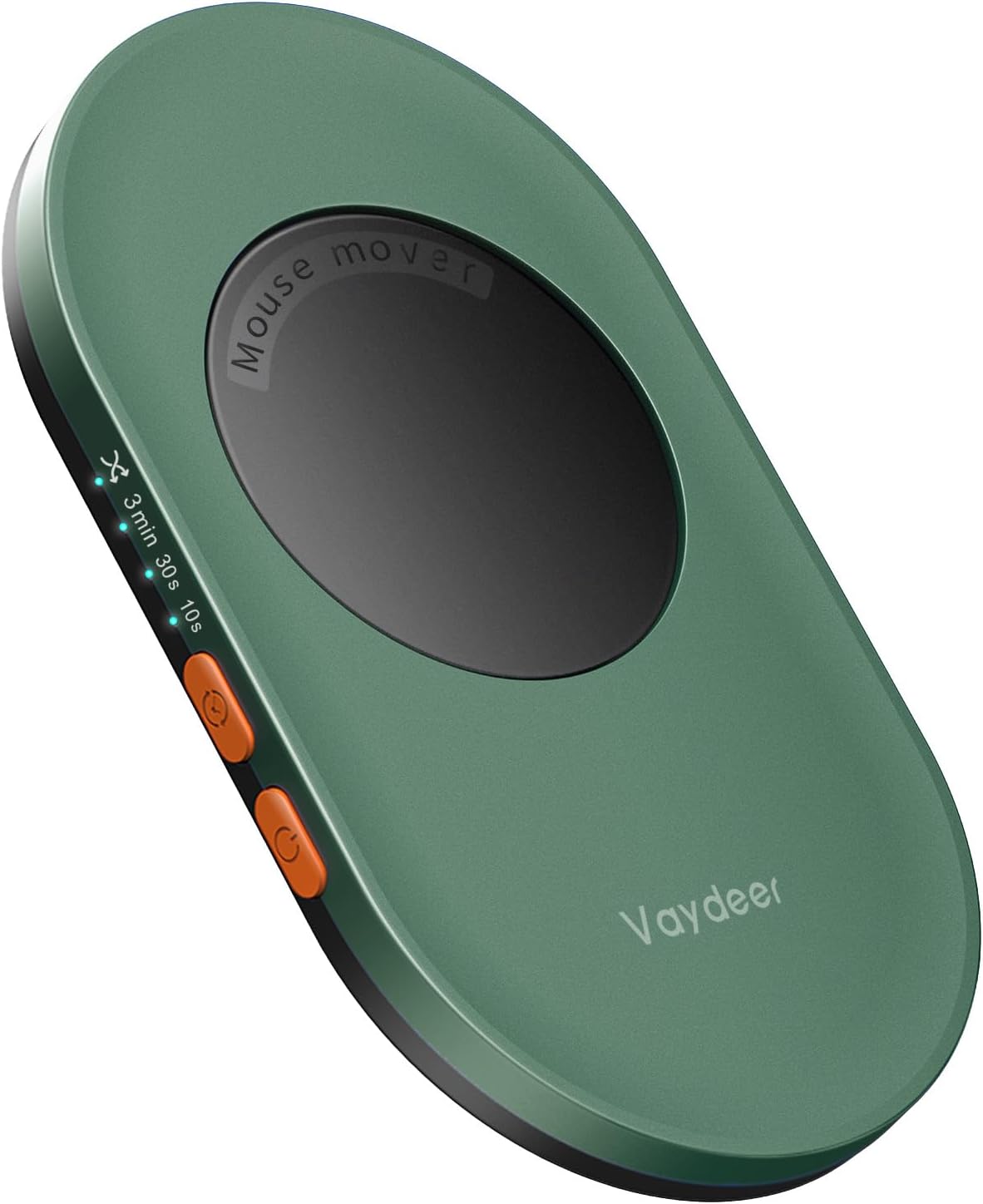
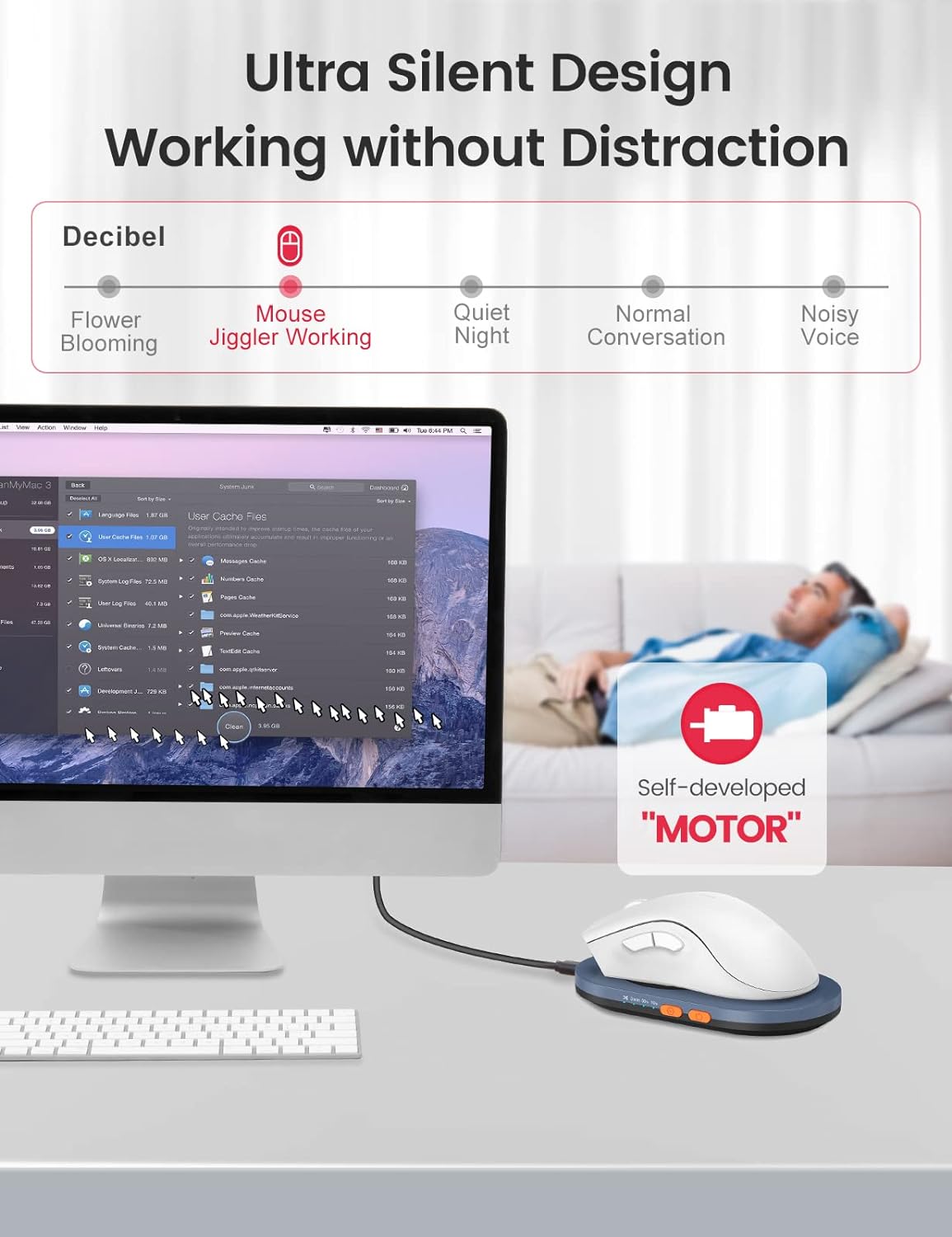
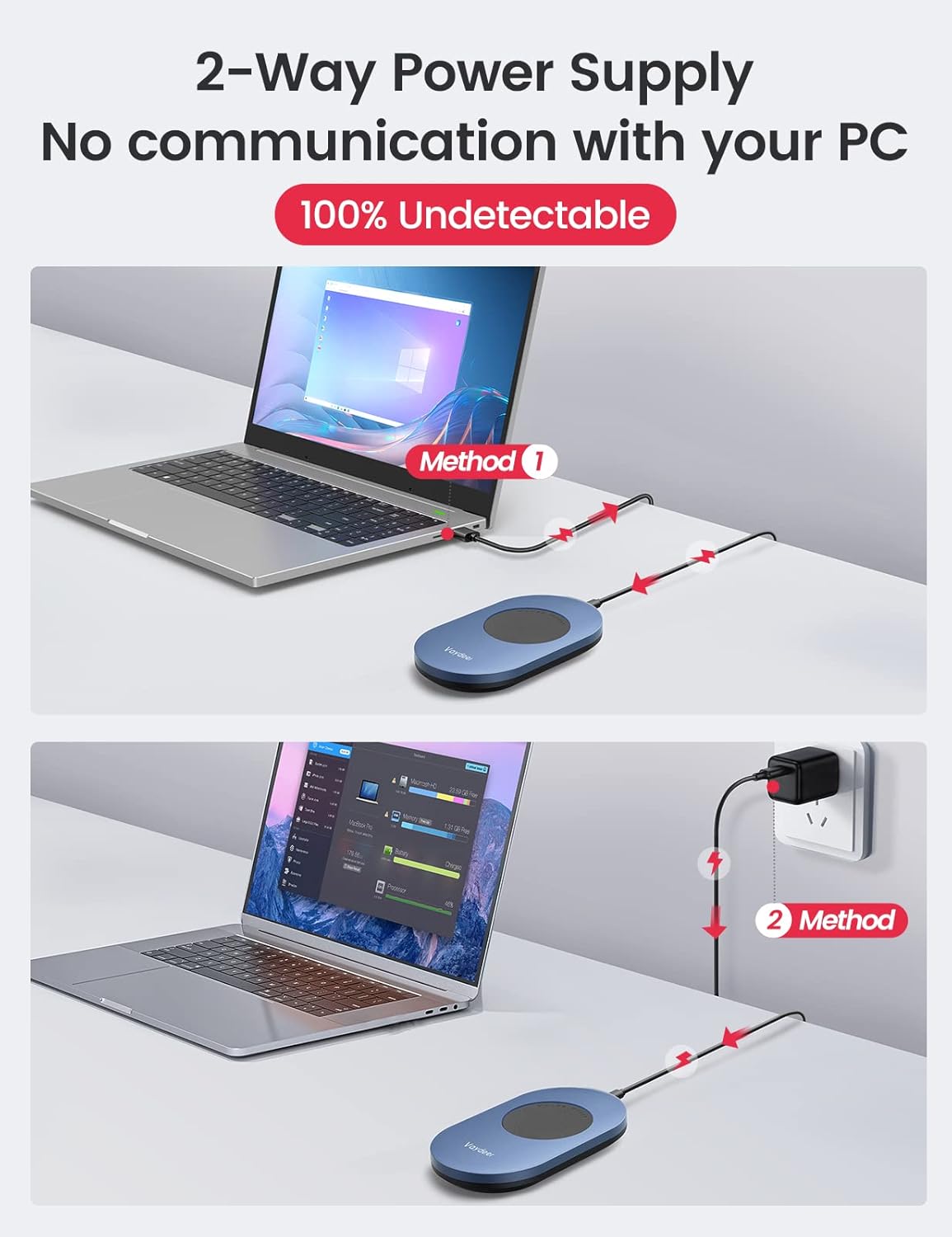
This model creates random, realistic mouse motion to mimic genuine use. It plugs in via USB-C and operates without drivers, which simplifies setup on both Windows and Mac systems. The left-side indicator light accompanies an ON/OFF switch, so you can quickly enable or disable it as needed. The motion itself is engineered to be quiet thanks to a compact micro motor, addressing one of the common drawbacks of older mechanical joggers—noise.
Key design strengths
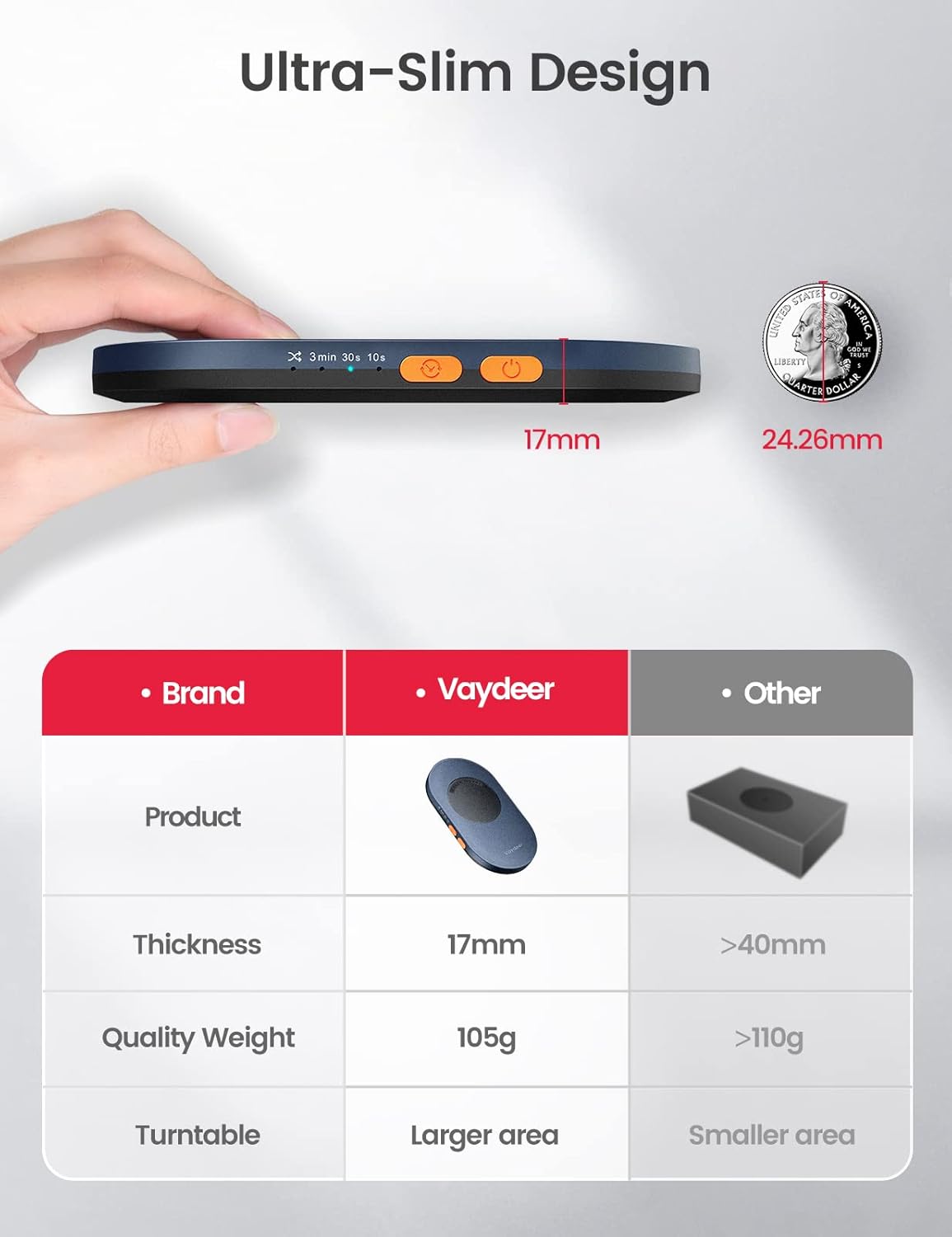
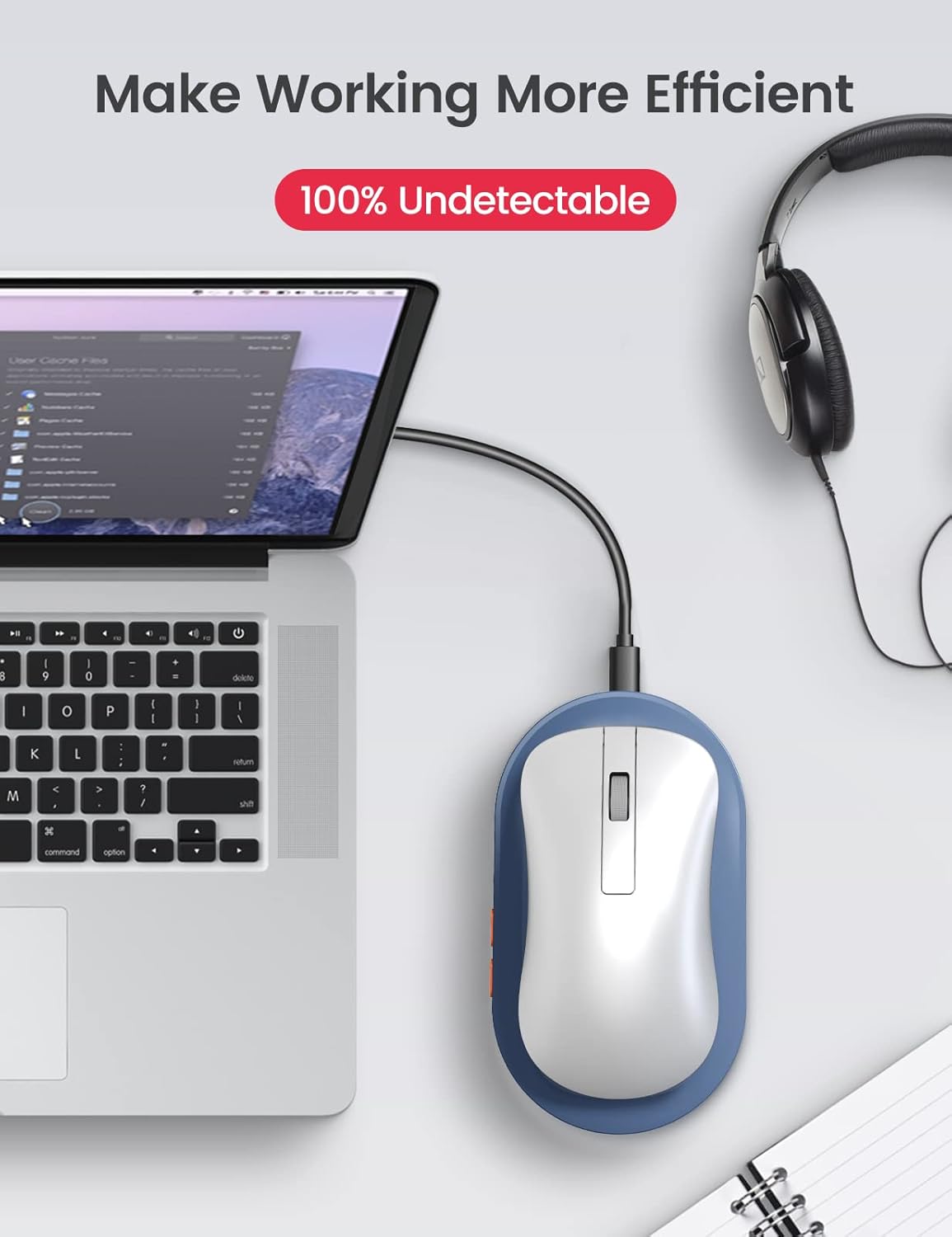
From a space and portability perspective, the device is hard to beat. Its ultra-thin profile means a minimal footprint, making it easy to stash in a laptop bag or keep in place on a cluttered desk. The lack of software requirements reduces compatibility concerns and potential clutter inside the system. A notable feature is its “invisible” operation, the movement is designed to be unobtrusive enough that others won’t notice it’s active, which can be a practical consideration in shared or monitored workspaces.
The adjustable timer and what that means for use
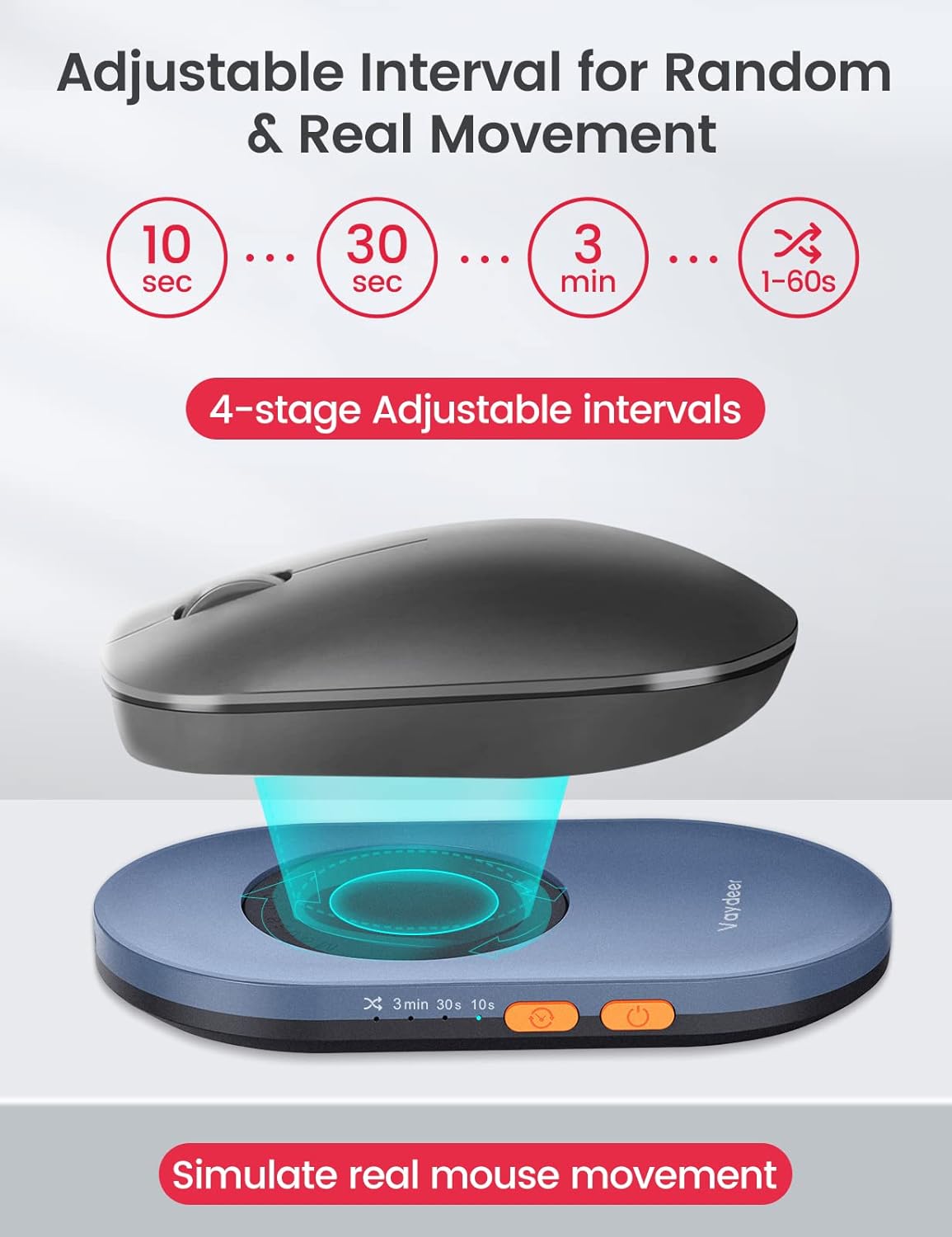
The Air 3 offers an adjustable interval timer with four levels: 10 seconds, 30 seconds, 3 minutes, and a 1–60 seconds random option. This means you can tailor the jitter frequency to your workflow, potentially balancing screen activity with your preference for breaks. It’s important to note that the turntable time is fixed at 15 seconds and cannot be adjusted—the interface is primarily about how often the motion repeats rather than how long each motion lasts.
How it compares to relying on the PC alone
On balance, this device is a pragmatic choice for those who want a simple, driver-free solution to keep a PC awake without leaving an active window. It won’t replace a proper active session for tasks requiring continuous input, but it can be a reasonable compromise when you need to avoid constant keyboard/mouse interaction. If you prioritise a silent, unobtrusive setup and value portability, the Air 3 ticks several practical boxes.
What to watch out for
It isn’t perfect for every scenario. If you require highly precise or sustained mouse control for long sessions, a dedicated input method may be more suitable. The fixed 15-second table rotation and the lack of software configurability mean you’ll be relying on the basic interval options. If you use non-standard operating systems or elaborate enterprise security setups, you may want to confirm compatibility and security considerations before committing.
Who it suits
This device is well-suited for home offices, shared workspaces, or travel setups where desk space is at a premium and you want a plug-and-play, whisper-quiet solution. It’s a practical option for anyone who values straightforward operation, driver-free installation, and a compact footprint. If your use case involves long, uninterrupted manual input or you need advanced scheduling beyond the four timer levels, you might look for alternatives with more granular control.
What to review before buying
- Confirm you’re comfortable with a driver-free solution that relies on a simple USB-C connection.
- Consider whether the fixed 15-second rotation aligns with your work patterns and screen-saver policy.
- Check desk space and whether an ultra-thin device is a meaningful benefit in your setup.
- Think about noise sensitivity, while the motor is designed to be silent, hearing any movement during quiet tasks may be noticeable depending on your environment.
Practical use case you can picture
Imagine you’re working on a document abroad or running long data tasks. You’d like the computer to stay awake without constantly glancing at the screen. You set the timer to a moderate interval and place the ultra-thin mover where it can simulate natural cursor activity. The setup stays discreet, and you can keep your focus on the task rather than fiddling with power settings.
The decision point
Is it worth it?
Worth considering if you prioritise a compact, driver-free, silent solution to keep a PC awake during short tasks or while steps run in the background. It makes sense for light, intermittent use where the goal is to avoid automatic locking without altering system settings.
Quick FAQ
- Does it require any software to run? No, it is driver-free and plugs in via USB-C.
- Is it compatible with Windows and Mac? Yes, it’s designed to work across both platforms without additional setup.
- Can I adjust how long the mouse moves each cycle? You can adjust the interval timing, but the turntable duration is fixed at 15 seconds.
- How noticeable is the motion? It is designed to be quiet and unobtrusive, though perceptions of noise can vary by environment.