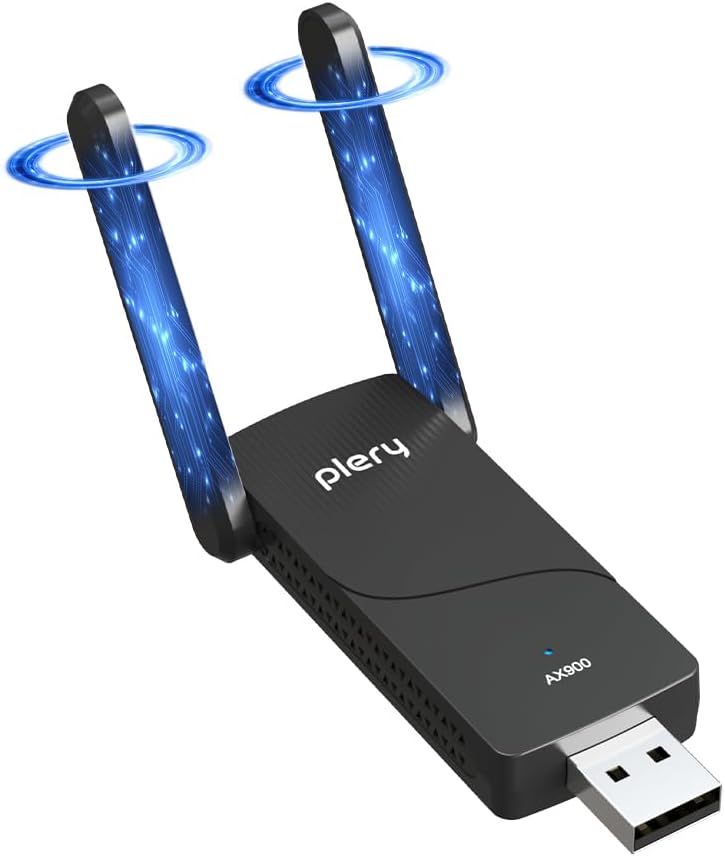
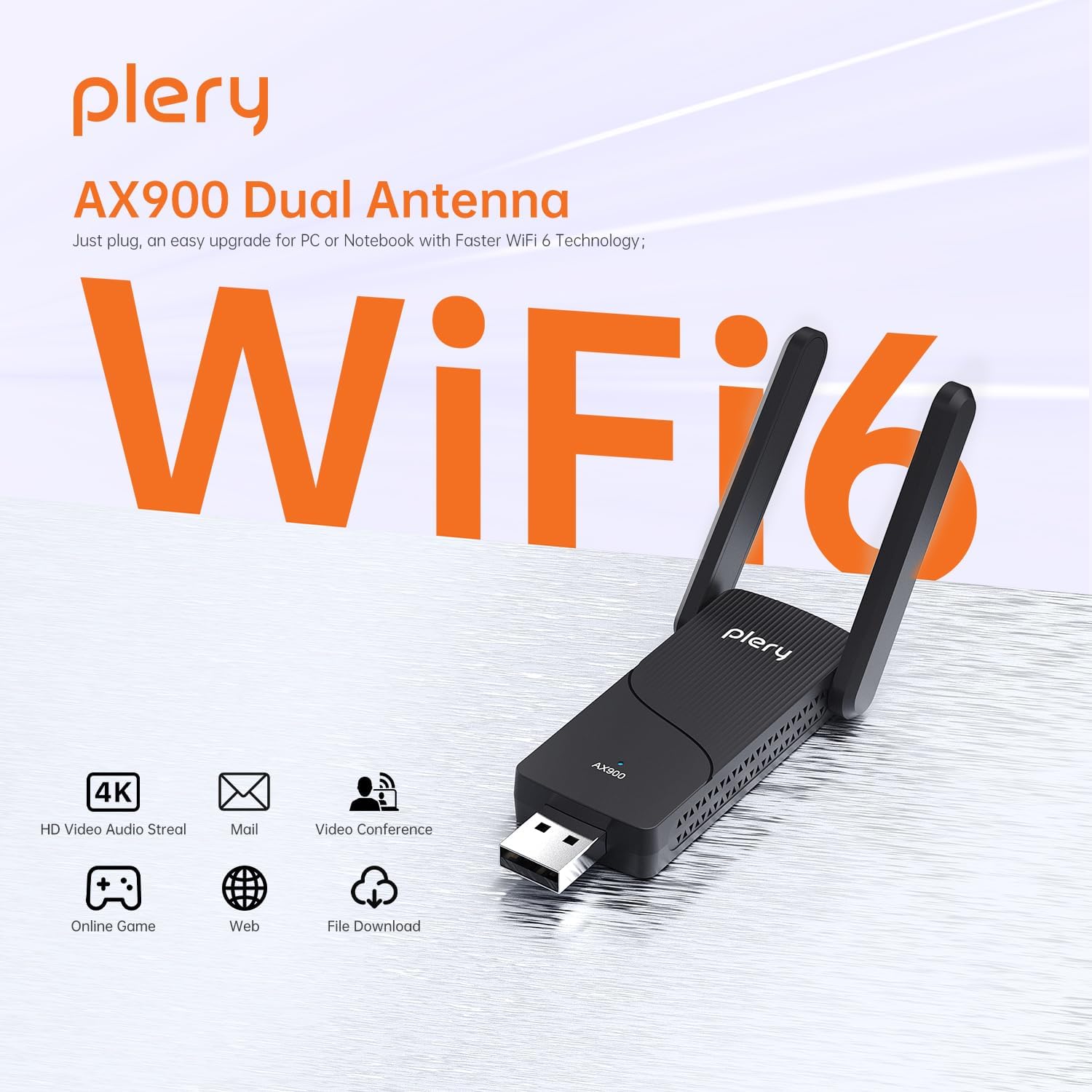
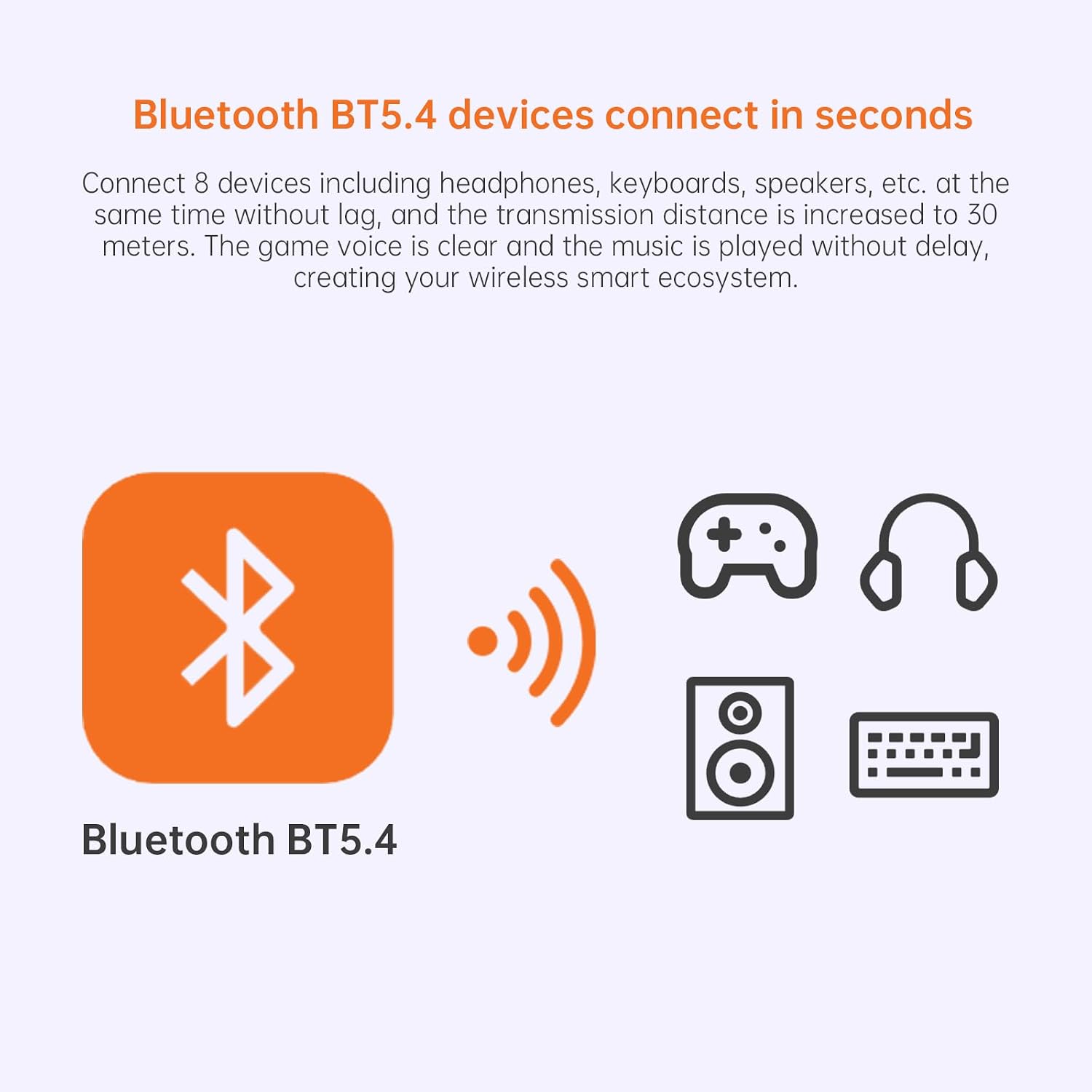
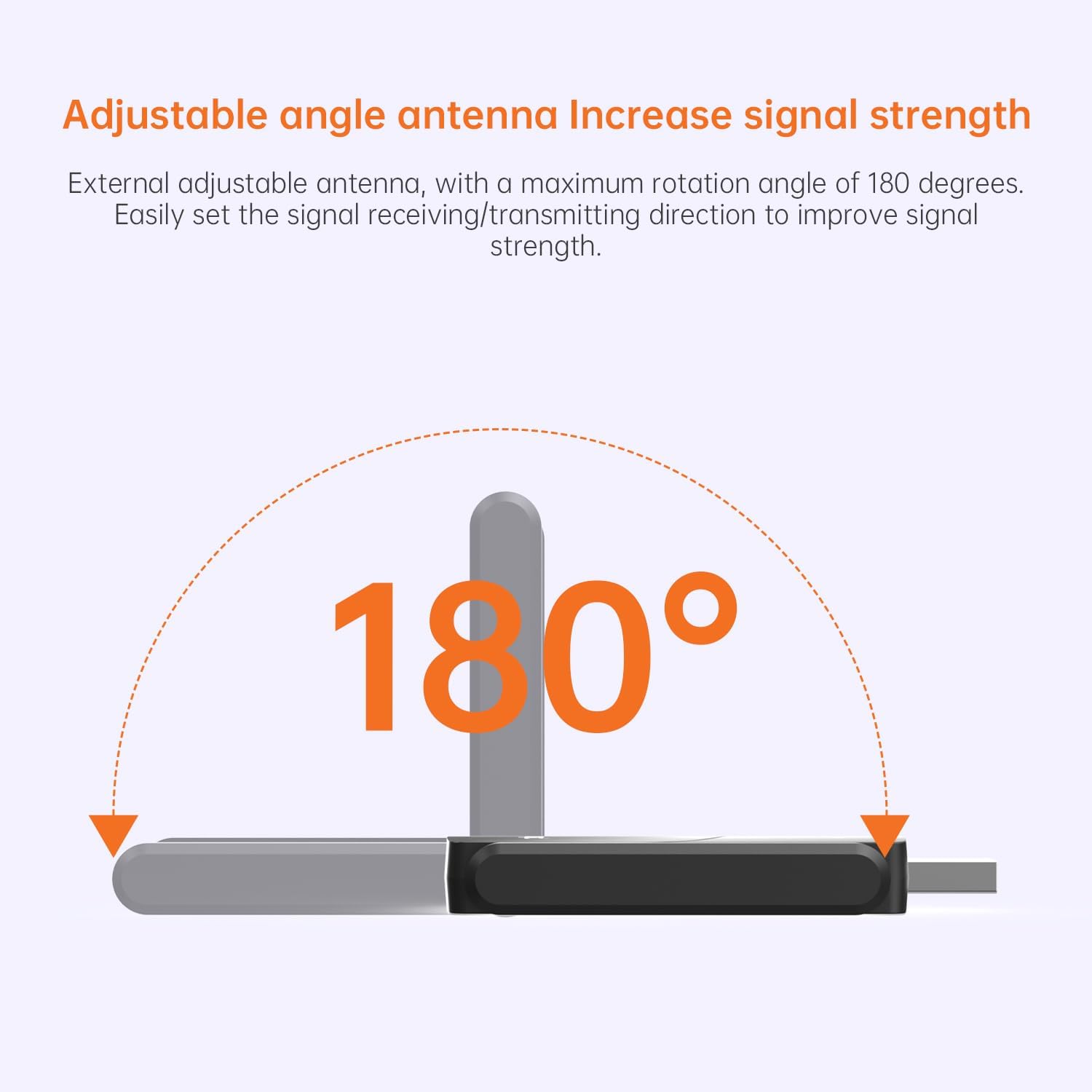
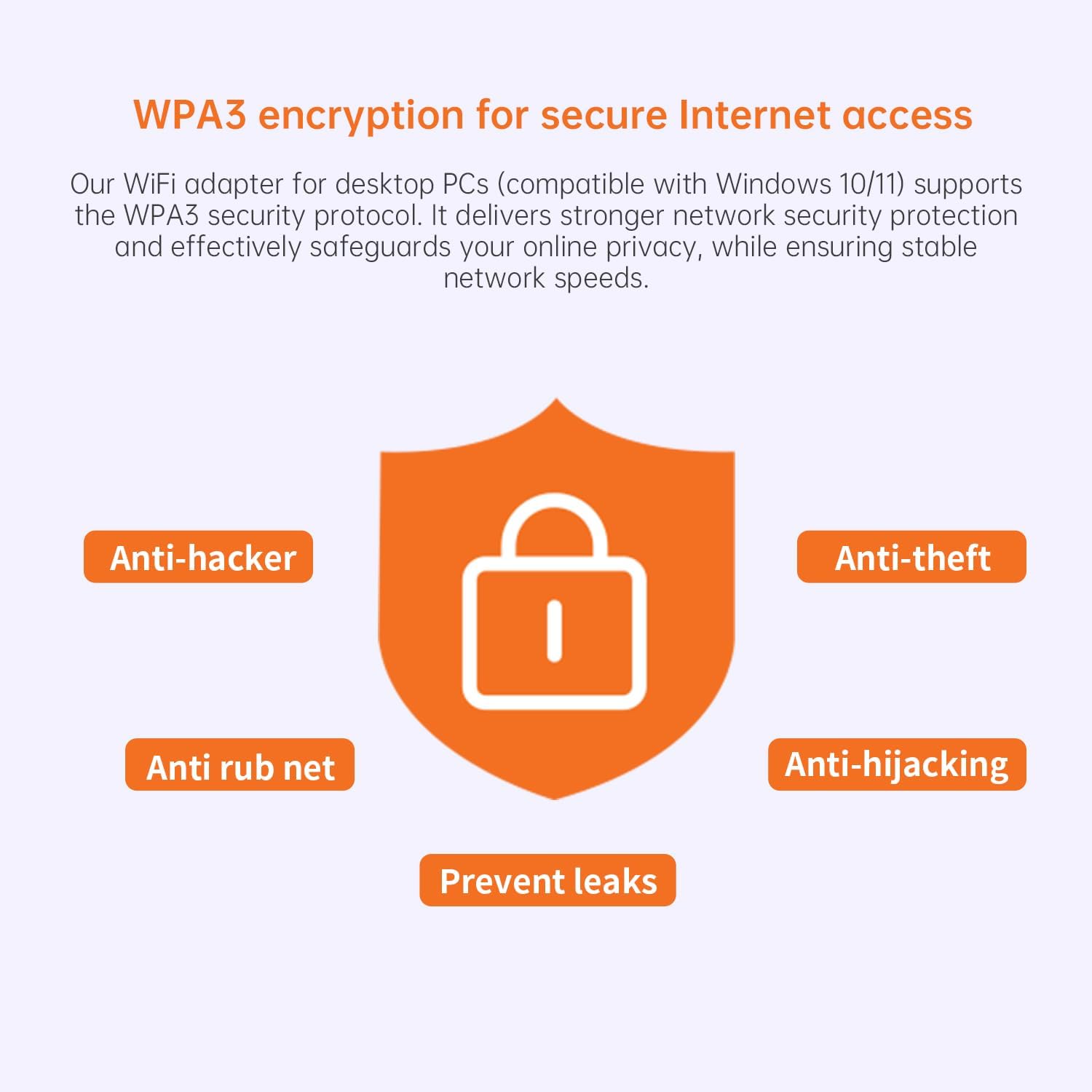
What it is and what it aims to solve\nThe PLERY AX900 is a USB WiFi 6 adapter that also functions as a Bluetooth adapter. It’s designed to upgrade a desktop PC or laptop to modern wireless standards, especially if your device lacks built-in WiFi 6 or Bluetooth 4.x/older. On paper, it targets smoother streaming, steadier video calls and more reliable browsing in homes with multiple devices.\n\n## How fast is it and what technology does it use\nAccording to the specification, it supports up to 600Mbps on 5GHz and 286Mbps on 2.4GHz, leveraging WiFi 6 features such as OFDMA and MU‑MIMO to boost efficiency in busy networks. Note that real-world speeds depend on your router, interference, and distance. The device also includes two external high‑gain antennas which should help with reception in rooms where signal is weaker.\n\n## Bluetooth and wireless sharing in one small package\nThis adapter combines WiFi with Bluetooth, so you can connect peripherals like headphones, keyboards or printers without needing a separate dongle. For daily office tasks and home entertainment, this can simplify your setup. The claim of “two in one” is convenient, but you may still want to verify the Bluetooth version and compatibility with your peripherals if you rely on older devices.\n\n## Compatibility and setup realities\nThe product advertises built‑in drivers and a plug‑and‑play approach on Windows 10 and Windows 11, which is helpful if you’d rather not tinker with manual driver installs. However, it specifies Windows 10/11 only, with Mac and Linux not supported. If you dual‑boot or switch between OSes, that limitation is worth bearing in mind.\n\n## Strengths and potential drawbacks in use\nOn the plus side, the dual‑band capability, realistic multi‑device improvement via MU‑MIMO, and the external antennas are credible features for improving coverage and stability in a home network. On the downside, since the device is targeted at Windows users only, you’ll want to confirm compatibility with your exact system and any security requirements (WPA3 is supported, which is a modern standard). It may not be the best option if you expect plug‑and‑play performance on non‑Windows devices or if you rely on USB hubs with limited power.\n\n## Who it’s for and when it makes sense\nIf you’re building or upgrading a Windows PC or laptop that needs WiFi 6 and Bluetooth in a single, compact dongle, this could be a sensible choice—especially in homes with multiple devices competing for bandwidth. It’s likely more appealing to users prioritising straightforward setup over chasing the latest from multiple brands. You might opt for this if you want a simple upgrade path without opening the PC or dealing with multiple adapters.\n\n## What to review before buying\nCheck that your Windows machine is running a compatible version (10/11) and that your router also supports WiFi 6 to realise the claimed speeds. Consider the physical USB port’s power delivery and any limitations from a crowded USB hub. If you need macOS or Linux support, this model won’t meet your needs.\n\n## How it compares in practice\nIn practice, a single dual‑purpose dongle like this can replace two separate adapters and simplify a desk setup. If your priority is maximum throughput or compatibility with non‑Windows devices, you may want to explore alternatives that explicitly support those scenarios. The value here lies in consolidation and ease of setup rather than pushing the absolute fastest speeds available.\n\n## Final buying decision\n## Is it worth it?\nIt’s a reasonable option if you prioritise a simple, combined WiFi 6 and Bluetooth upgrade for Windows 10/11, with straightforward plug‑and‑play setup and improved coverage via external antennas. It may not be ideal if you need support for macOS/Linux, or if you require top‑tier performance across a mixed OS environment.\n\n## FAQ\n- Does this support Windows 11 only, or both 10 and 11?\n- Are the antennas detachable or adjustable for best reception?\n- Is WPA3 security included, and what does that mean for my home network?\n- Can I use this to share an internet connection from one device to others?\n- What should I check if the dongle isn’t detecting networks after installation?\n