

TP-Link Archer TX20E AX1800 PCIe Wi‑Fi 6 Adapter with Low-Profile Bracket
Reviews
Price
Product description
What it is and what it solves
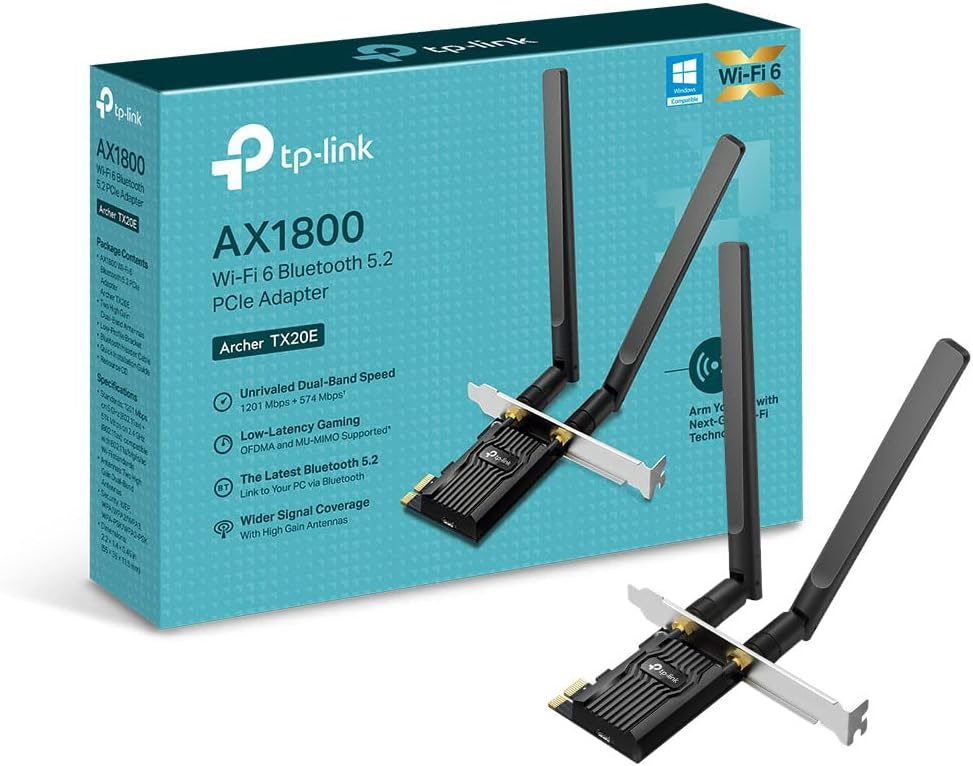
The TP-Link Archer TX20E is a PCIe Wi‑Fi 6 adapter designed to upgrade a desktop PC’s network connection. It targets users who want faster, more reliable wireless performance without replacing their existing router or spending on a full networking upgrade. With dual‑band support and MU‑MIMO, it’s meant to reduce buffering during gaming and streaming, and to improve overall connection stability for devices that stay plugged in rather than moving around the house.
How fast is it on paper?
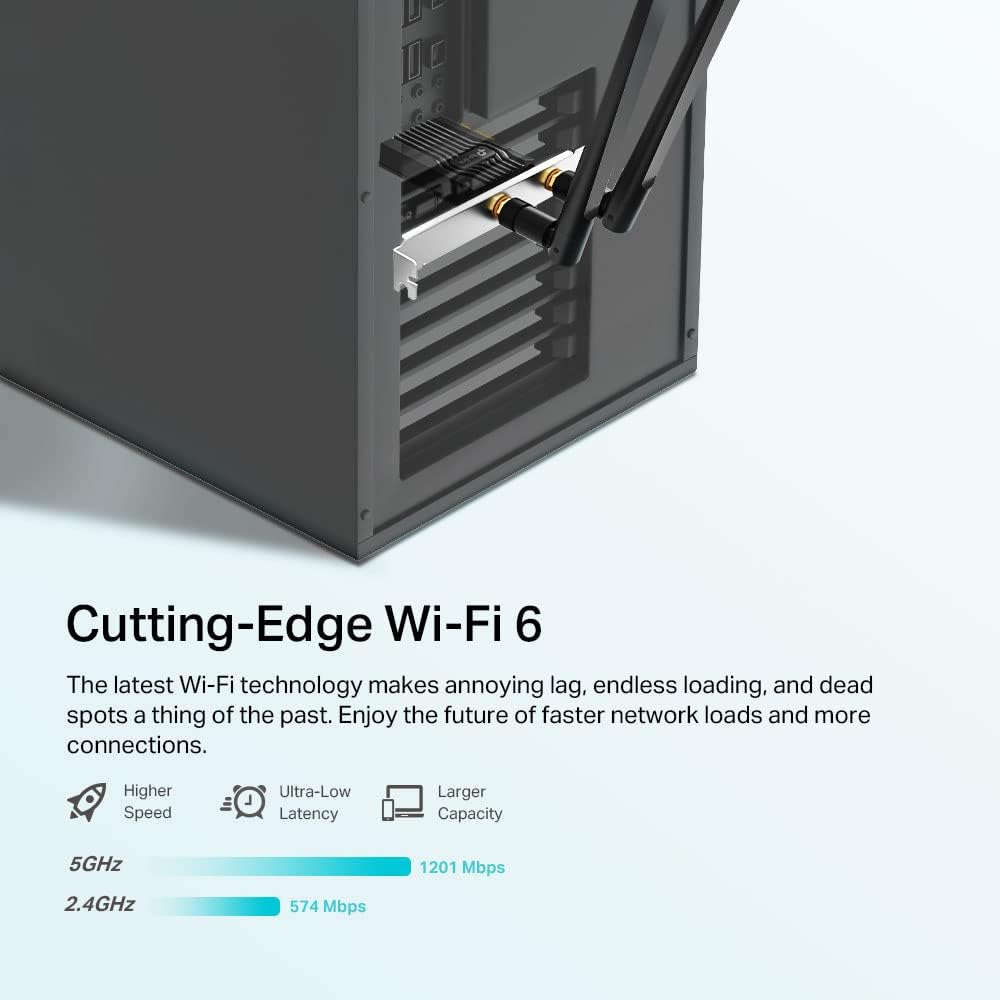
It promises up to 1800 Mbps total across bands (1201 Mbps on 5 GHz and 574 Mbps on 2.4 GHz). The combination of 1024‑QAM and MU‑MIMO is aimed at squeezing more usable throughput from a typical home network, particularly when the PC is handling video calls, game traffic, and background tasks at the same time.
Security and reliability
Security is addressed through WPA3, the latest standard for personal networks, which can help with stronger password protection and safer connections in busy Wi‑Fi environments. For latency‑sensitive tasks, the device leverages orthogonal frequency division and multi‑user schemes to keep response times reasonable even when other devices are active on your network.
Design and build quality
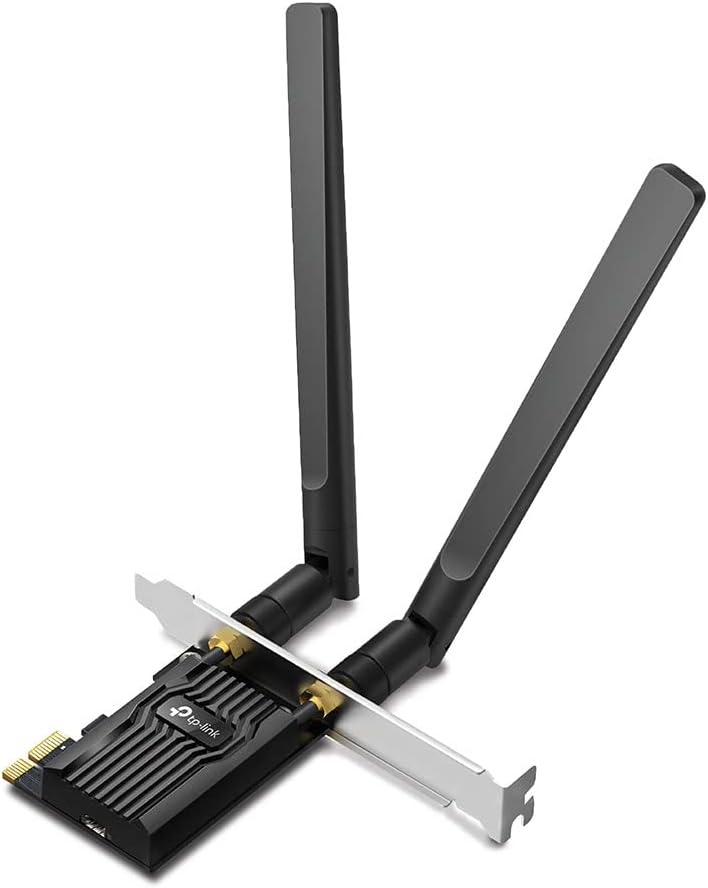
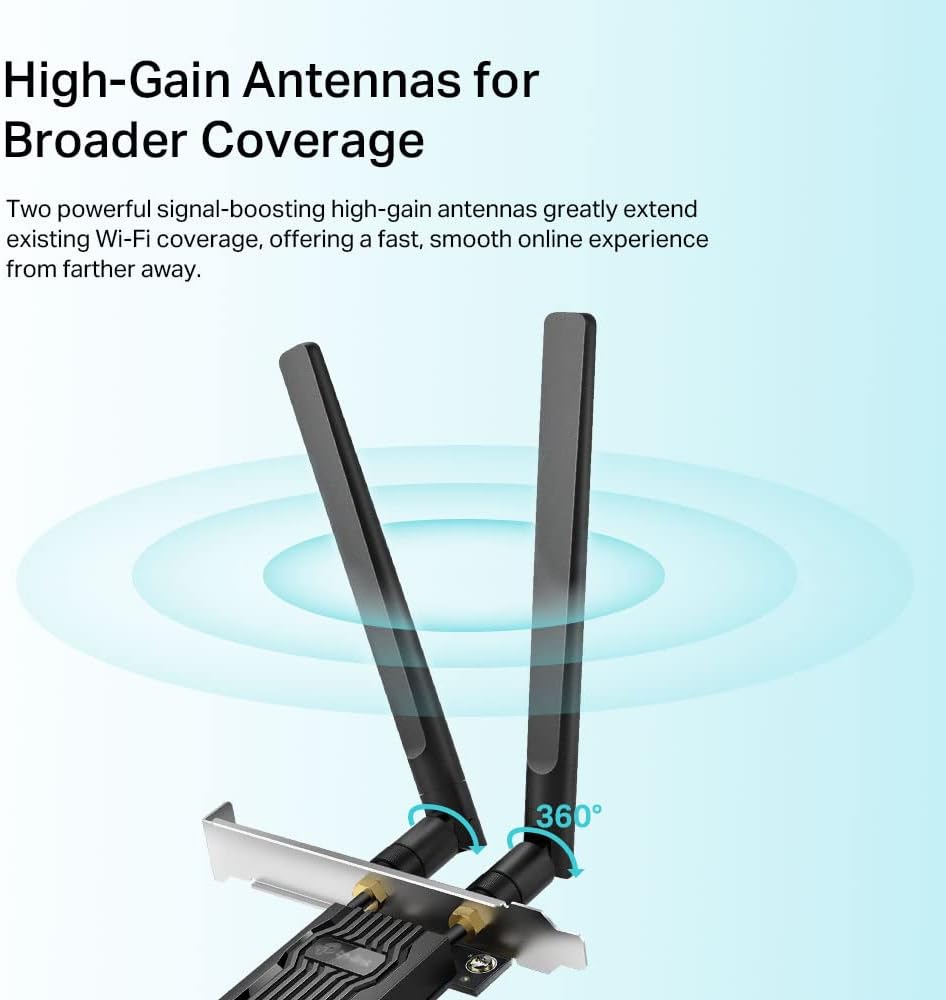
The TX20E includes a standard PCIe interface for easy installation into most desktop towers. It also ships with a low‑profile bracket, which helps in smaller or slimline cases where space behind the motherboard tray is limited. This makes it a more flexible choice for a wider range of PC builds.
What stands out in day‑to‑day use
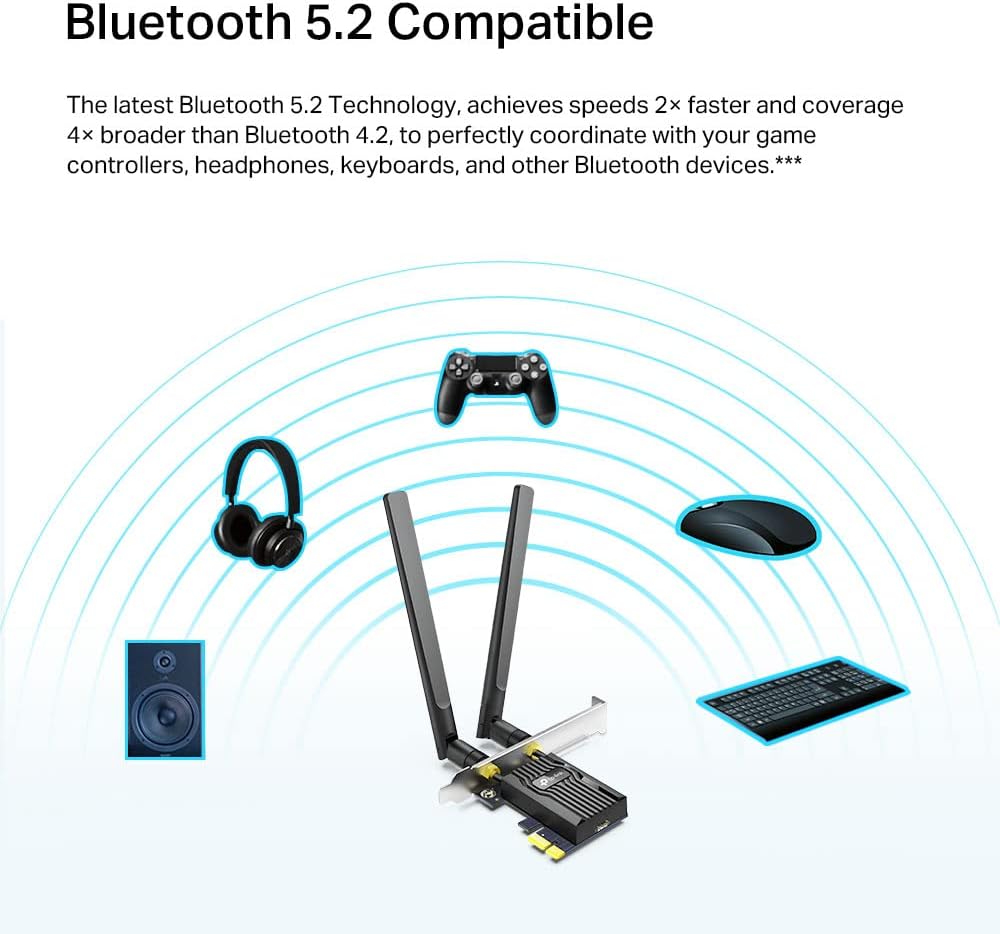
If you prioritise online gaming or real‑time collaboration from a desktop PC, this adapter’s emphasis on lower latency and more efficient spectrum use can translate to fewer stalls and smoother video calls. The presence of Bluetooth 5.2 broadens peripheral compatibility, enabling wireless keyboards, mice, or headphones to connect without adding extra dongles.
What you’ll notice after installation
In practical terms, expect a more stable wireless link when the PC is near the router and a reasonable improvement in throughput on busy home networks. However, real‑world speeds depend on your router, environment, and interference from other devices. It isn’t a magic fix for every weak signal problem, and walls or metal furniture still reduce signal strength.
Who this is for and when to buy
This adapter makes sense if you have a PC that lacks Wi‑Fi 6 or you’re aiming to consolidate wired and wireless devices without moving away from PCIe upgrades. It’s reasonable if you want higher throughput for gaming, video streaming on a PC, or ad‑hoc file transfers over wireless. If your current PC already has a solid, low‑latency connection via Ethernet and you rarely depend on wireless load, the gains may be more modest.
Limitations and caveats
The marketing figure of 1800 Mbps is a theoretical total, actual speeds will vary with router capabilities, interference, and distance. While WPA3 is a robust security feature, it’s only as effective as the password and network setup you choose. The card relies on compatible drivers for Windows 10/11, if you mix older hardware or OS configurations, installation may not be entirely seamless.
What to check before buying
- Confirm your desktop has a free PCIe slot and space for a card with a standard or low‑profile bracket.
- Ensure your router supports Wi‑Fi 6 and that you’re in a relatively open area to maximise MU‑MIMO benefits.
- Consider whether you need Bluetooth 5.2 in the same card, if you don’t use Bluetooth, you could prioritise other features or a cheaper option.
- Look at your security setup, WPA3 is forthcoming in most routers, but verifying that both ends can negotiate the protocol helps avoid surprises.
How it compares to other approaches
Compared with upgrading a PC with a PCIe Wi‑Fi 5 card, this TX20E offers faster 5 GHz performance and improved handling of multiple devices thanks to MU‑MIMO. If you’re considering alternatives, a wired Ethernet upgrade or a USB‑C Wi‑Fi 6 adapter could be more convenient for certain desk setups, but PCIe generally provides a steadier connection with lower latency for desktop‑bound traffic.
What’s included
The package includes the Archer TX20E module and a low‑profile bracket in addition to the standard mounting option, plus the necessary driver support for Windows 10/11.
Practical example of use
Imagine you’re a gamer who keeps a PC near a router but not in the best line of sight. After installing the TX20E, you notice less lag during online matches and fewer stutters when streaming gameplay to a second screen. It’s not a miracle cure for all interference, but in a typical home setup it can sharpen responsiveness enough to feel noticeably smoother.
FAQ snapshot
- Do I need Ethernet to benefit from this card? Not strictly, but wired Ethernet can still outperform wireless in some scenarios. The TX20E is designed to improve wireless performance where Ethernet isn’t feasible.
- Will it work with my existing router? It should, provided your router supports Wi‑Fi 6, set‑up is generally straightforward via drivers.
- Can I use Bluetooth devices with it? Yes, Bluetooth 5.2 is included, so compatible peripherals should pair without issue.
Is it worth it?
Overall, the Archer TX20E offers a pragmatic upgrade for a desktop PC needing faster and more reliable wireless access on a modern network. It’s a sensible choice if you want to move from Wi‑Fi 5 to Wi‑Fi 6 and benefit from improved efficiency and security, without changing other parts of your setup. If your needs are modest and your current Ethernet‑capable route remains solid, the upgrade could feel incremental rather than essential.