

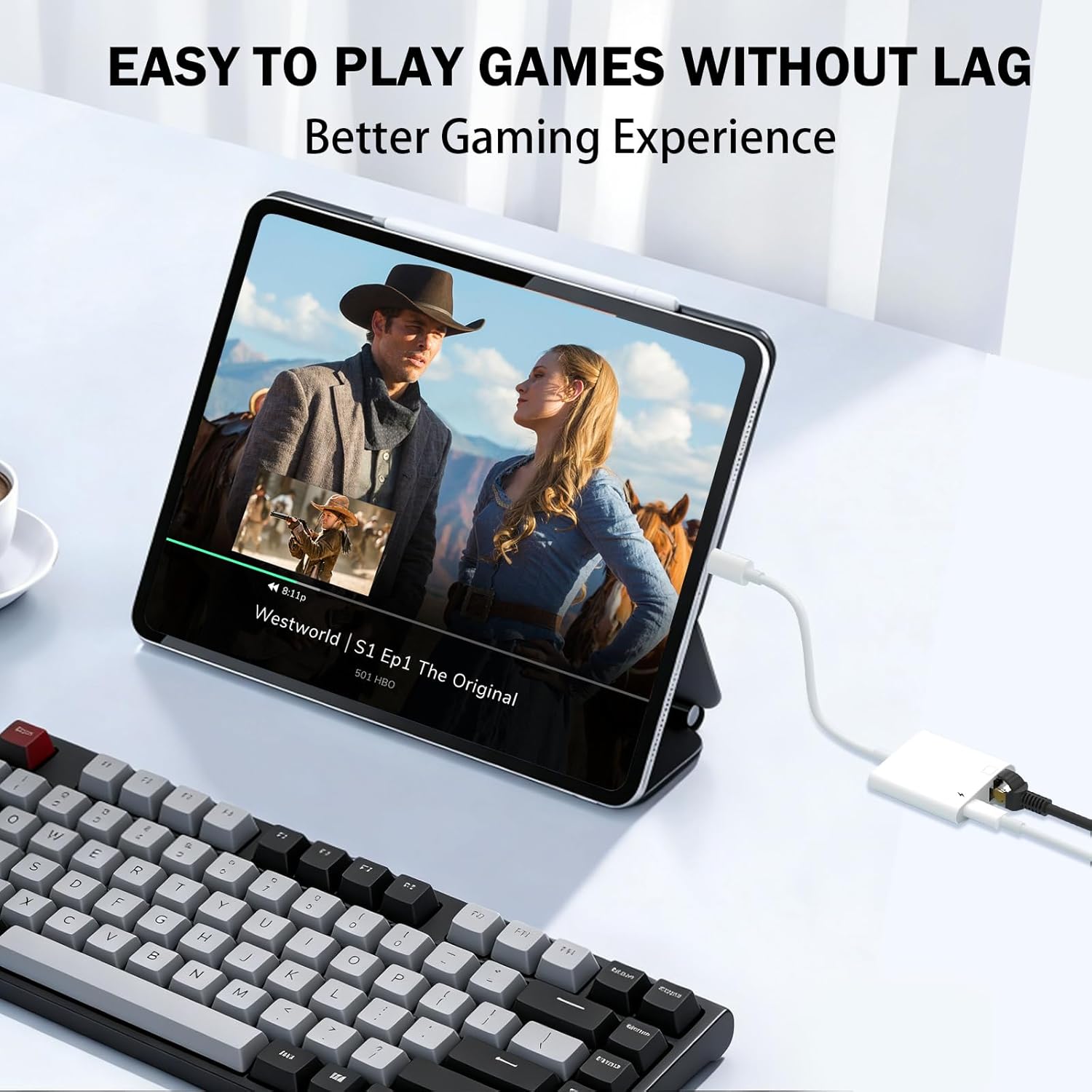
HUAZHUN Lightning to Ethernet Adapter (Apple MFi certified) 2-in-1 RJ45 with charge port – 10/100Mbps
Reviews
Price
Product description
The essentials
If your Wi‑Fi gets patchy when you’re trying to stream, game, or hop onto a live session, a wired connection can feel like the grown‑up solution. This HUAZHUN Lightning to Ethernet adapter is built for exactly that: you plug it into your iPhone or iPad via Lightning and get an RJ45 Ethernet LAN port.
What makes it more than a simple dongle is the 2‑in‑1 design. It adds a Lightning charge port so you can stay connected to Ethernet while also charging. On paper, that’s the kind of setup that helps when you’re out and about, at work, or on a trip where you can’t control the network quality.
What it does (and what you’ll notice)
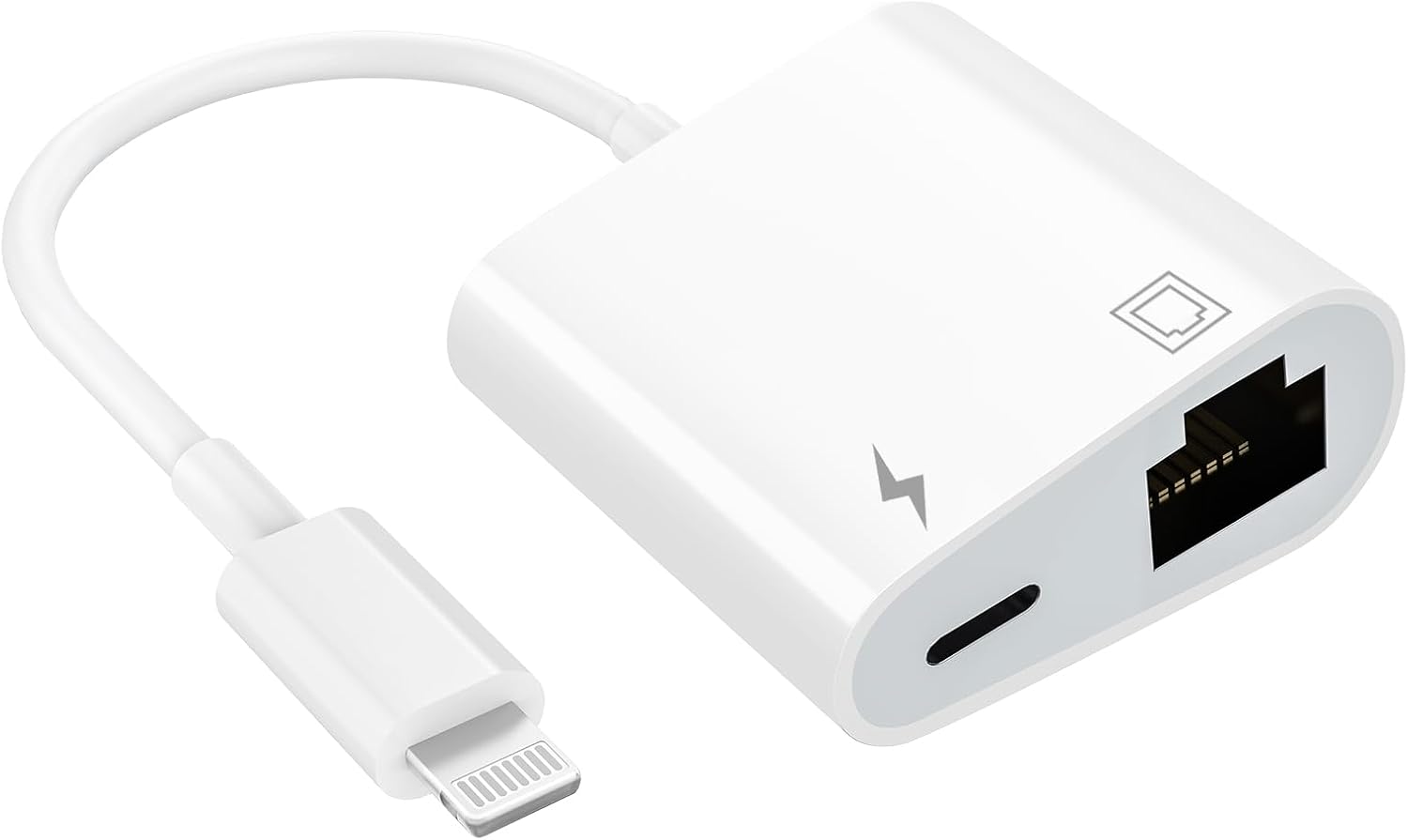
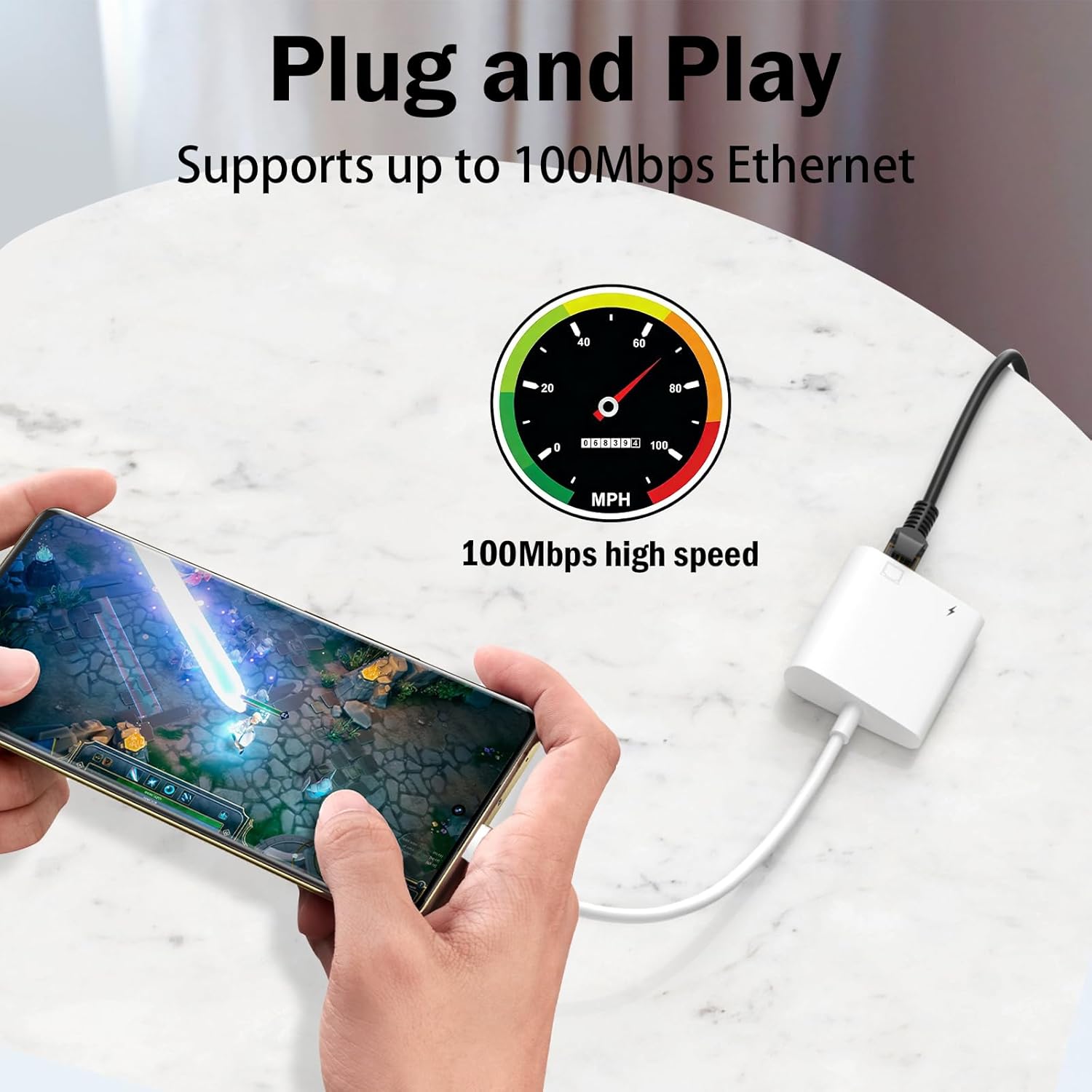
The core job here is wired networking. The RJ45 port is designed to support Ethernet transmission up to 10/100Mbps, so you’re aiming for a steadier connection than LTE or inconsistent Wi‑Fi.
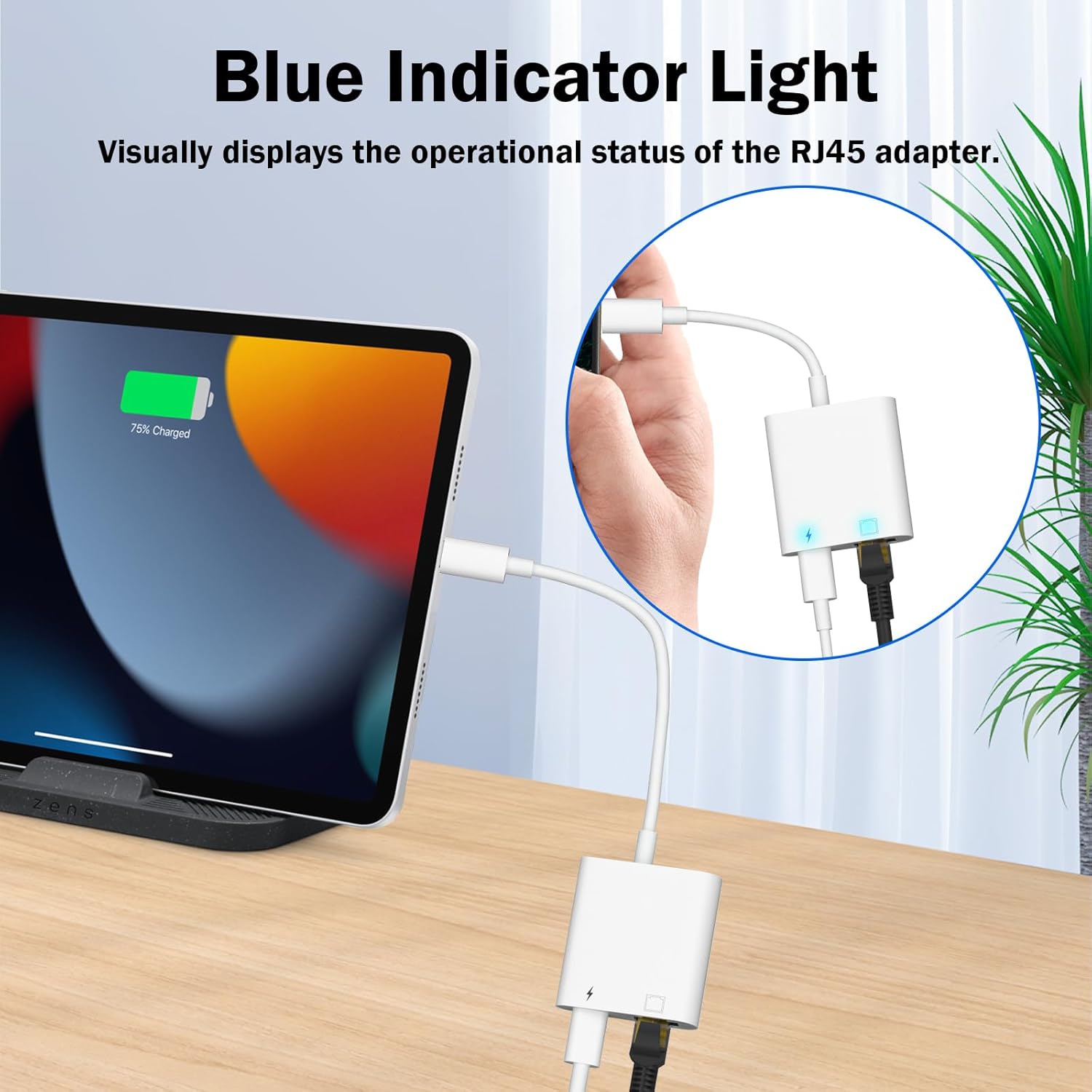
The adapter also includes a blue indicator light. The idea is simple and useful: when you connect your phone to the network, the light illuminates and then flashes, giving a quick visual cue that the connection is active.
In day‑to‑day terms, think of it like this: you arrive at a hotel with crowded Wi‑Fi, connect your iPhone to the Ethernet cable, start a video call or stream, and avoid the “spinning wheel” moment that happens when wireless is overloaded. It’s not a magic fix for every network issue, but wired generally removes a big chunk of unpredictability.
Key points (for buying decisions)
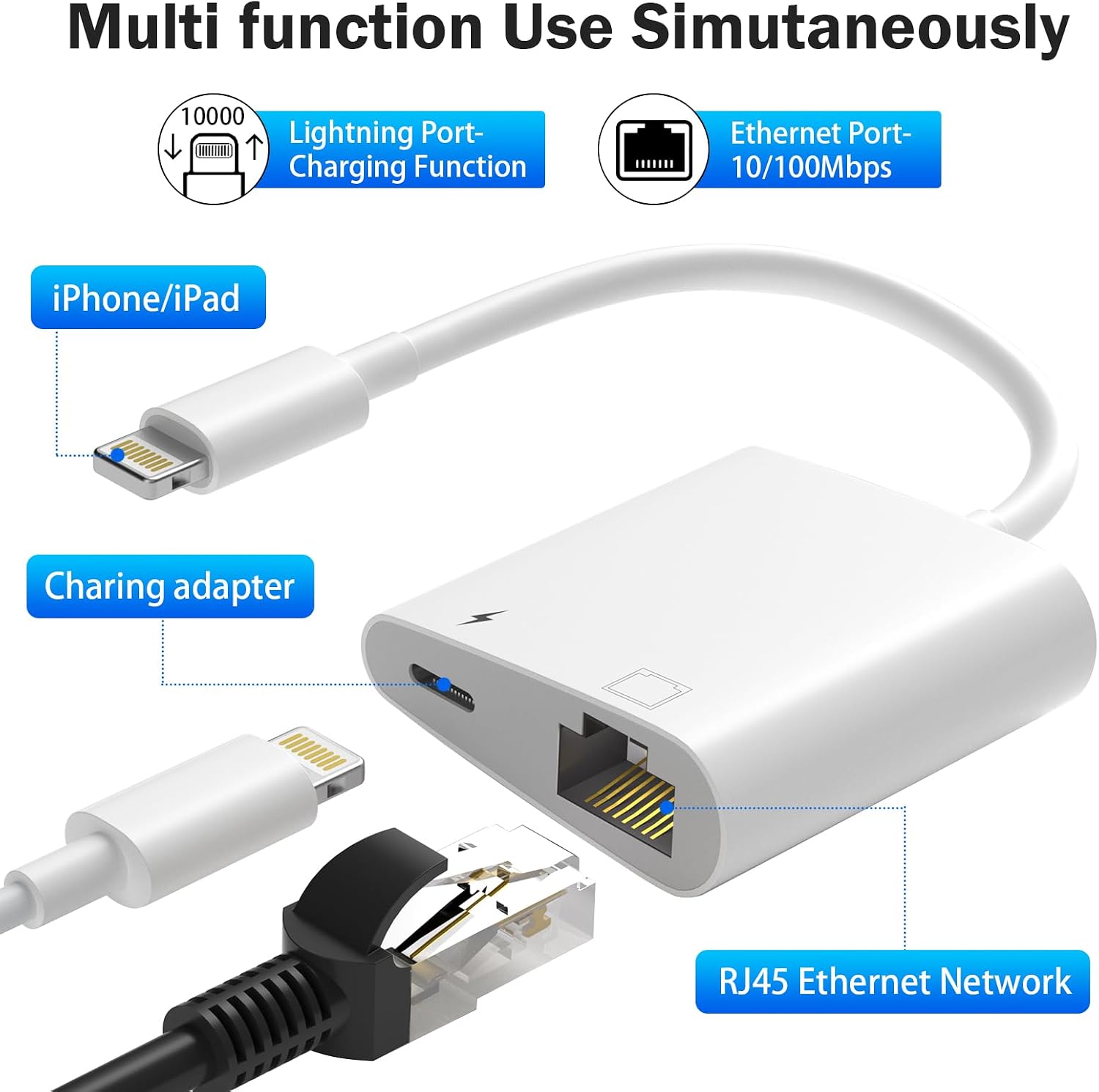
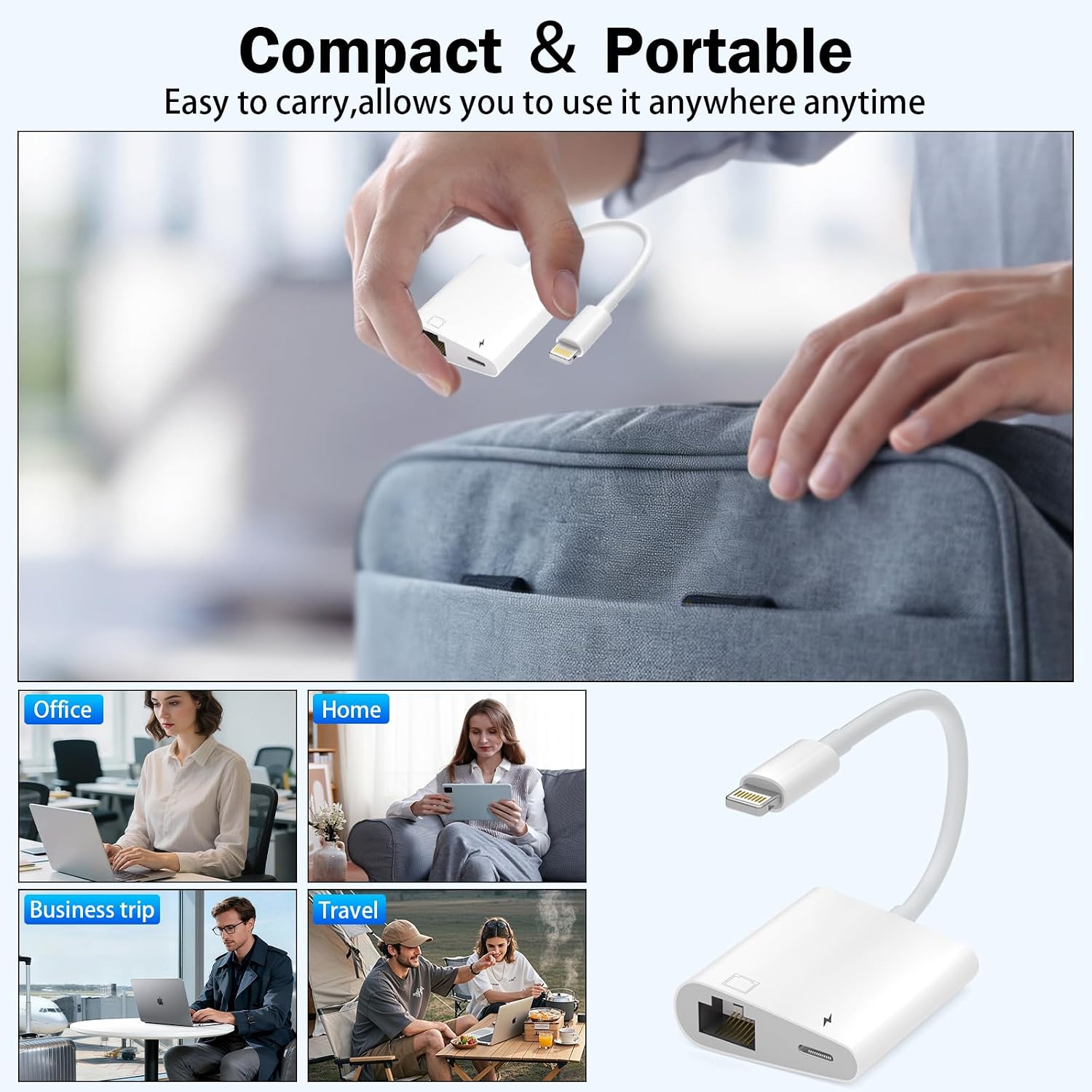
This model is positioned as a practical travel/work adapter: compact, portable, and designed to be plug‑and‑play with no extra apps or software required.
Another sensible touch is that the charging port can be used alongside the Ethernet connection. If you’ve ever had to choose between “use the cable” and “keep the battery going”, this is designed to avoid that compromise.
Worth noting: the Ethernet speeds stated here top out at 10/100Mbps, so if you’re looking for the very latest, fastest wired spec, this may feel more like a mid-range approach rather than something built for demanding high-bandwidth needs.
The adapter’s stand‑out features
Where it stands out is its simplicity and the 2‑in‑1 layout.
- Ethernet and charging at the same time, using a single Lightning adapter
- Plug‑and‑play setup with no additional software
- Visual status through a blue indicator light
- Suitable for travel or work thanks to its compact design
The main limitation to keep in mind is that wired performance still depends on your Ethernet cable, router/switch setup, and the network you’re plugging into. The adapter can only do what the connected infrastructure allows.
Compatibility & requirements
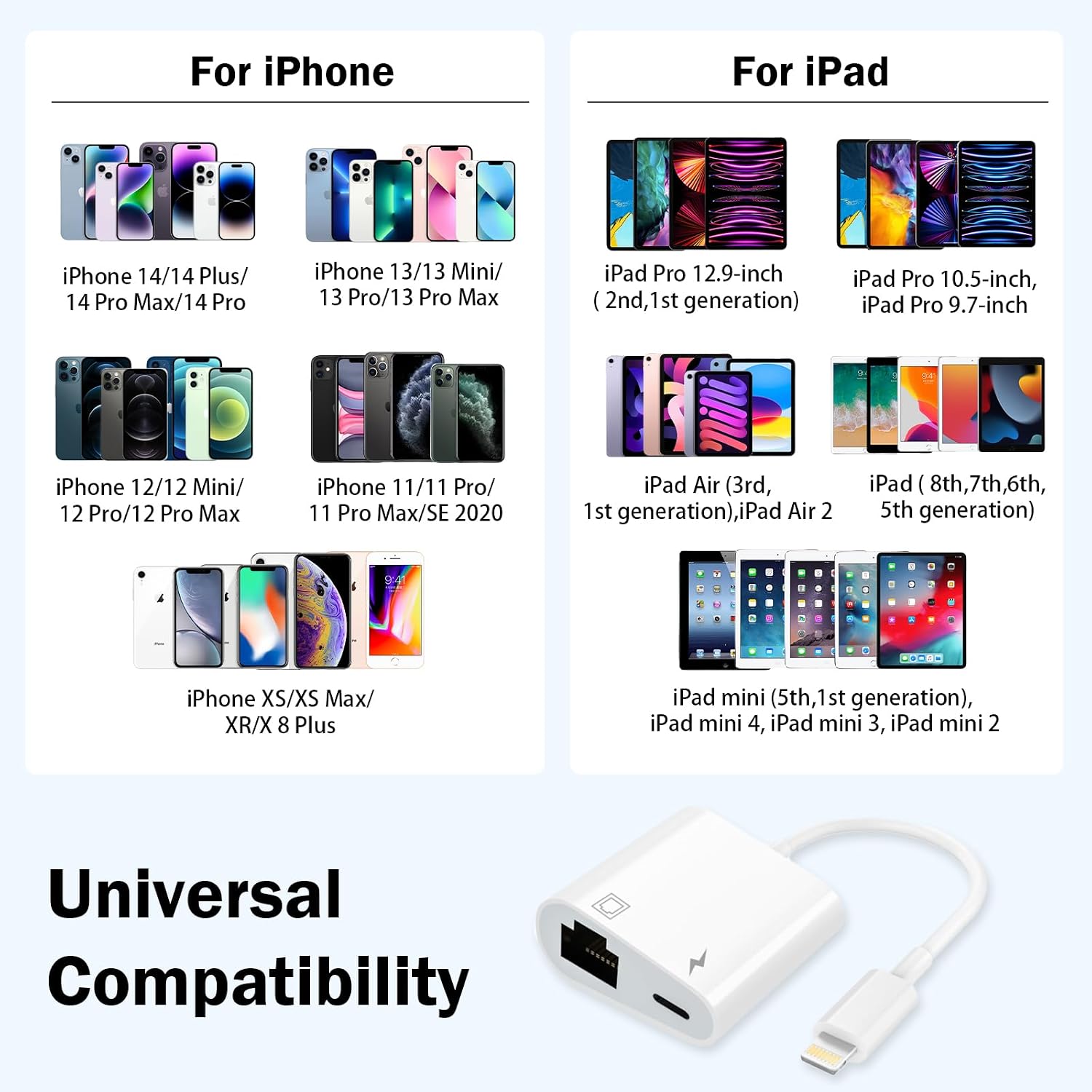
This adapter is described as compatible with a wide range of iPhone and iPad models.
For iPhones, it lists models including iPhone 14 series (14/14 Plus/14 Pro/14 Pro Max), iPhone 13 series, iPhone 12 series, iPhone 11 series, and older models down to iPhone 6s/6s Plus/6/6 Plus/SE, as well as iPhone X/XS/XS Max/XR.
For iPads, it covers iPad Air, iPad mini, and iPad Pro models running iOS 10.3 or later (including newer iOS versions like iOS 16 or higher, per the description).
If you’re not sure whether your device fits, it’s worth double-checking your exact iPhone/iPad model against the list provided in the product description before you buy.
Tech specs
- Type: Lightning to RJ45 Ethernet LAN adapter with Lightning charge port (2-in-1)
- Format: RJ45 wired network connection
- Transmission support: up to 10/100Mbps Ethernet (10Mbps/100Mbps stated)
- Plug-and-play: no additional apps or software
- Indicator: blue light (illuminates and flashes when the network is connected)
Who it suits (and who should skip it)
It makes sense if you want a straightforward way to add wired networking to an iPhone or iPad, especially in situations where Wi‑Fi can be unstable. It’s also a good fit if charging during use matters—because simultaneous Ethernet + charging is the point of this adapter.
It may not suit you as well if you’re after the absolute fastest wired Ethernet speeds, because the stated limit here is 10/100Mbps. And if your primary goal is “better Wi‑Fi”, this won’t change your wireless signal—this is about switching to a wired connection.
When it makes sense?
Buy this HUAZHUN Lightning to Ethernet adapter if you often stream, game, or make live streams where you’d benefit from a more stable connection, and you don’t want to juggle charging cables during use. It’s also a sensible travel/work companion thanks to the compact design and plug‑and‑play setup.
Skip it if your setup needs higher-than-10/100Mbps wired performance, or if you simply don’t plan to use Ethernet cables often enough for a dongle to justify the space.
Mini FAQ
Does it need an app? No—it's described as plug‑and‑play with no additional apps or software.
Can I charge while using Ethernet? Yes. The adapter includes a Lightning charging port designed to work alongside the Ethernet port.
What speeds does it support? It’s stated as supporting Ethernet transmission up to 10/100Mbps.
Will it work with iOS 16? The description says it supports iOS 10.3 or later, including iOS 16 and higher.
Is there a sign it’s connected? There’s a blue indicator light that illuminates and flashes when the network is connected.