

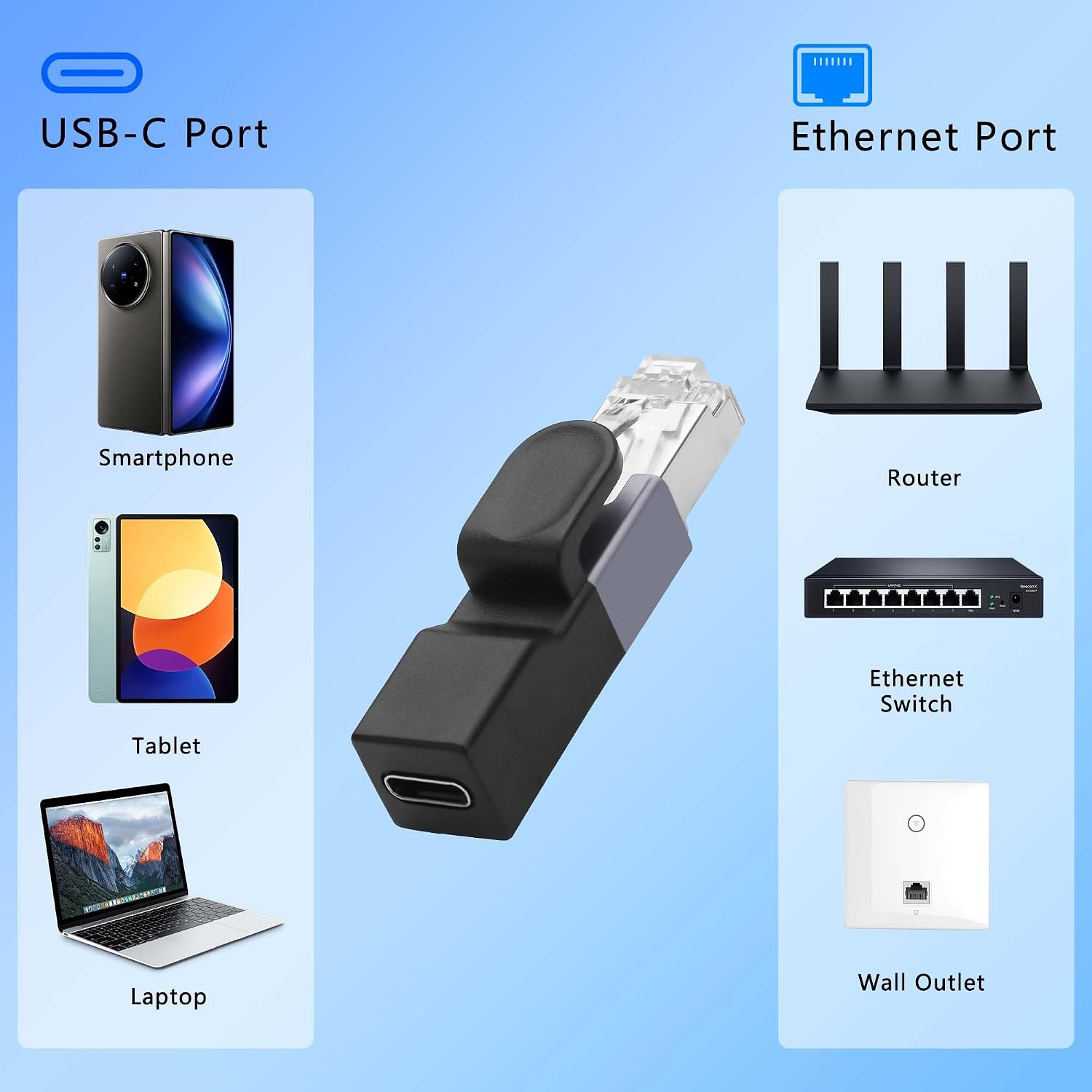
CERRXIAN USB-C to Ethernet Adapter (Gigabit 1Gbps) – RJ45 Male to USB-C Female, Portable LAN for Travel & Office
Reviews
Price
Product description
What it is and why people buy it
If your laptop, tablet or phone doesn’t have an Ethernet port, this CERRXIAN USB-C to Ethernet Adapter is the sort of simple workaround you’ll actually use. It turns a USB-C connection into an RJ45 LAN socket, so you can plug in a wired network cable instead of relying on Wi‑Fi.
On paper, the appeal is obvious: you get a more direct route to your network and it’s designed to be compact enough to carry around. For travel days, home office set-ups, or “temporary but must work” situations, a small adapter like this can save a lot of faff—especially if Wi‑Fi is spotty in the place you’re staying.
Key features that affect real-world use
The adapter is built around a Gigabit Ethernet approach, with data transfer speeds listed up to 1Gbps. That matters if you’re doing work that benefits from a stable connection or you want smoother streaming/video calls compared with a weak wireless link.
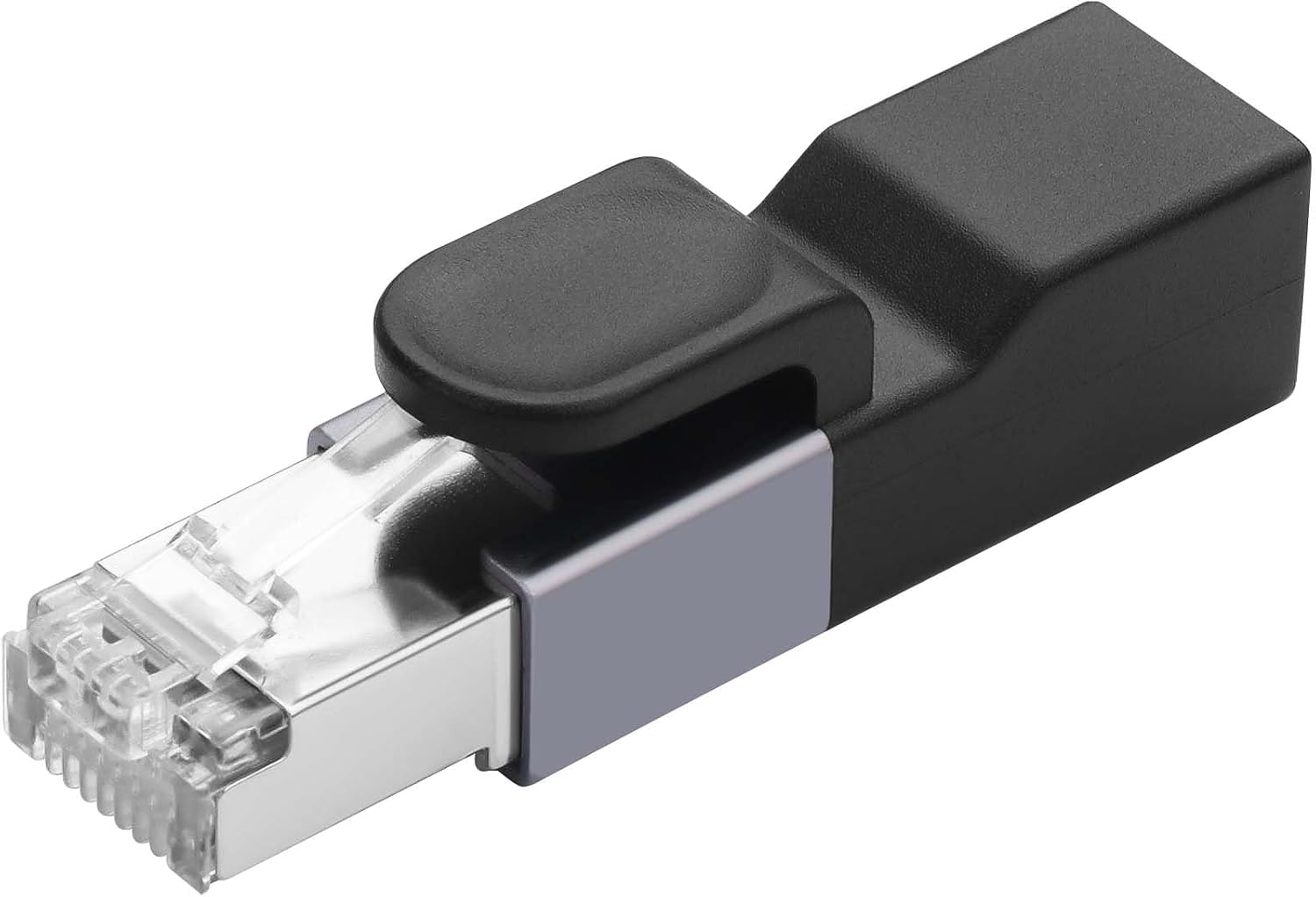
It’s also positioned as genuinely plug-and-play: the description notes an onboard intelligent chip and that it doesn’t require drivers. That’s the kind of detail that can make setup feel much less painful when you’re away from your usual desk.
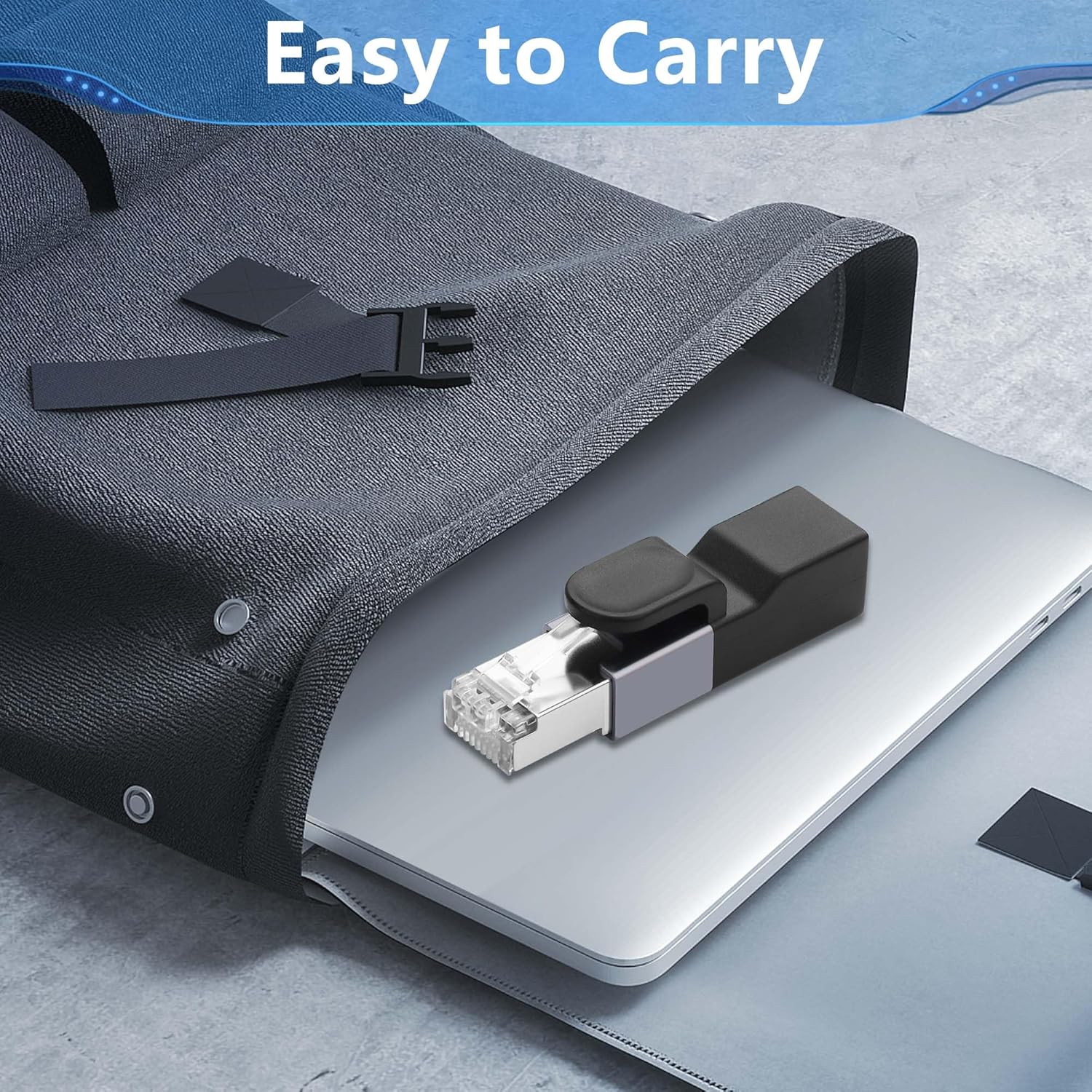
Physically, it’s designed to be more portable than traditional network adapters: a compact, USB-sized form factor with a metal alloy casing. The metal body is also described as offering good heat dissipation—nothing you can “feel” instantly, but it’s a sensible inclusion if the adapter is going to be plugged in for long stretches during office hours.
One thing to keep in mind, though: it’s USB-C host to RJ45, and the adapter’s own use still depends on your device having the right port. Also, the description mentions compatibility with cables for “daily charging Cables”, but it doesn’t confirm support for USB-C power pass-through, so don’t assume you’ll be able to charge through the adapter itself.
Where it fits (and where it doesn’t)
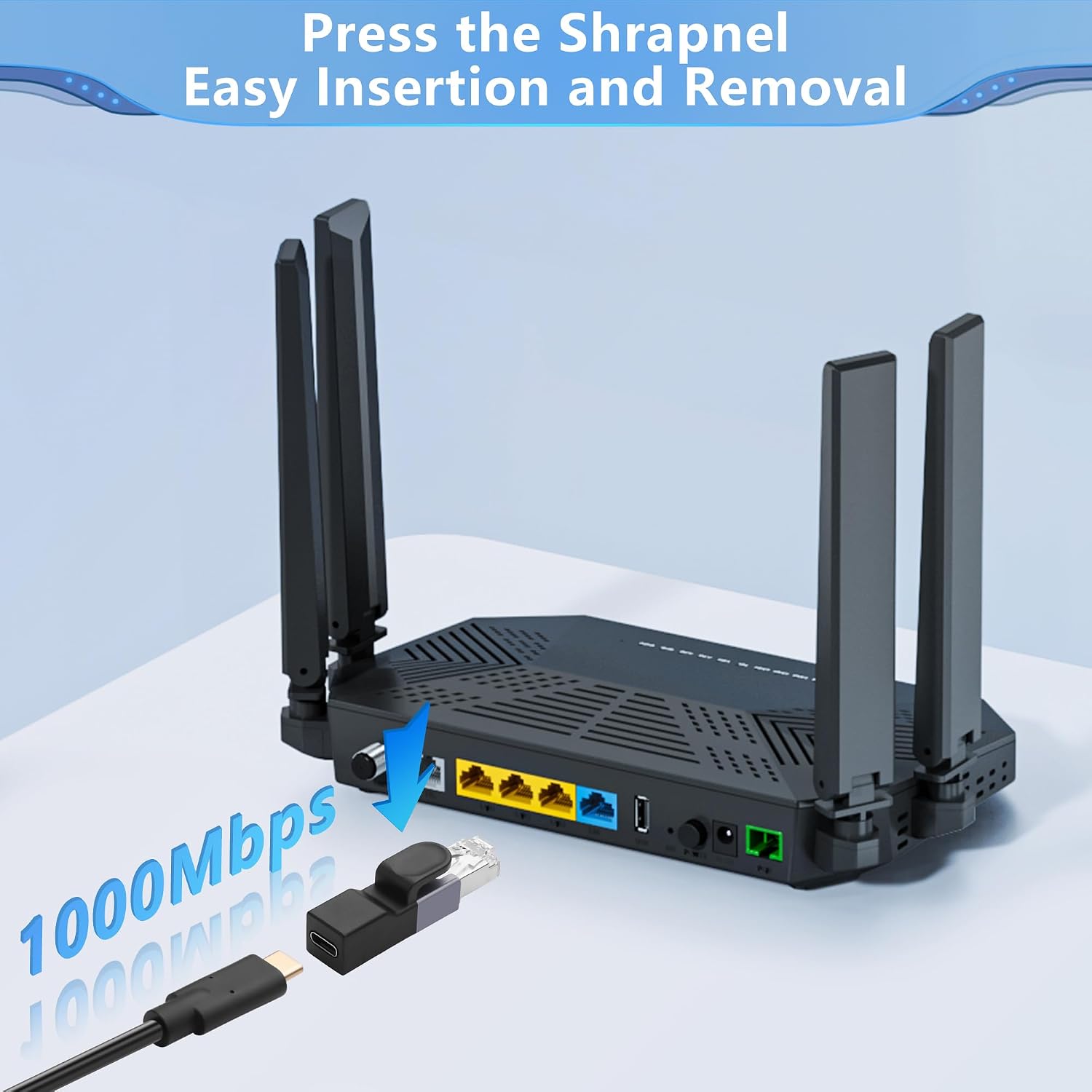
This adapter suits you if you frequently switch between locations or devices and you want a straightforward way to add Ethernet. It’s also a practical choice if your Wi‑Fi connection is unreliable and you’d rather lean on a wired link for meetings, file access, or video streaming.
It may not be the best match if you’re expecting “all-in-one” behaviour. For example, if you specifically need a solution that also handles charging pass-through via the adapter, you’ll want to double-check that capability first—because the information provided focuses on network conversion rather than power routing.
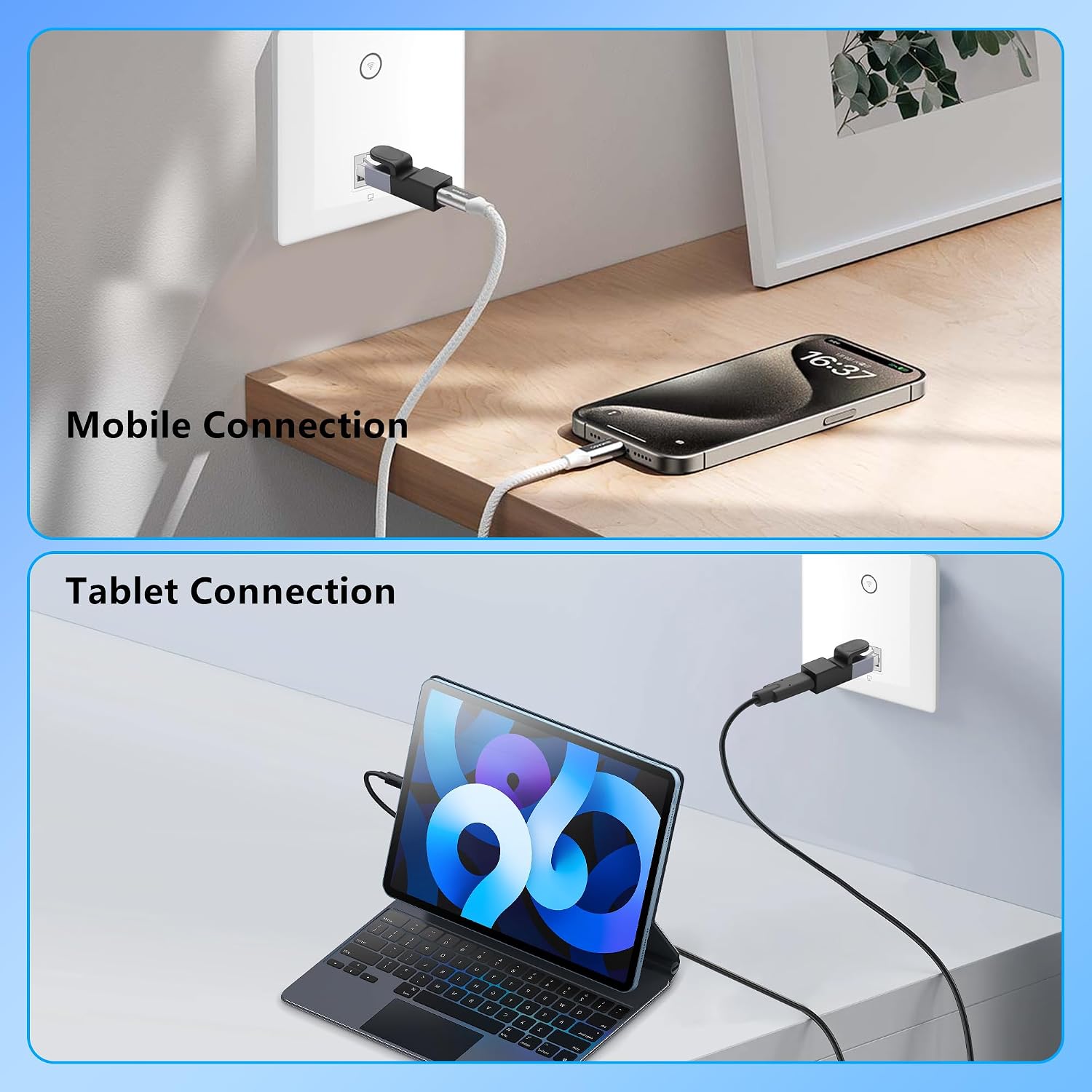
Compatibility is also broad rather than niche: the description says it works with Windows, Mac OS, Android OS and Chrome OS, and with most devices that have USB-C (and it references USB-A needs a suitable USB A to C cable). That’s convenient, but it still means you should confirm your device can provide USB-C host connectivity.
It’s a solid everyday tool, but it’s not designed to be a premium networking upgrade. Think of it as the bridge that gets you online with Ethernet when your device doesn’t have a native port.
Setup and everyday use tips
Getting started should be quick: plug the adapter into a USB-C port, connect the RJ45 cable to your router or network source, and you should be ready to use Ethernet.
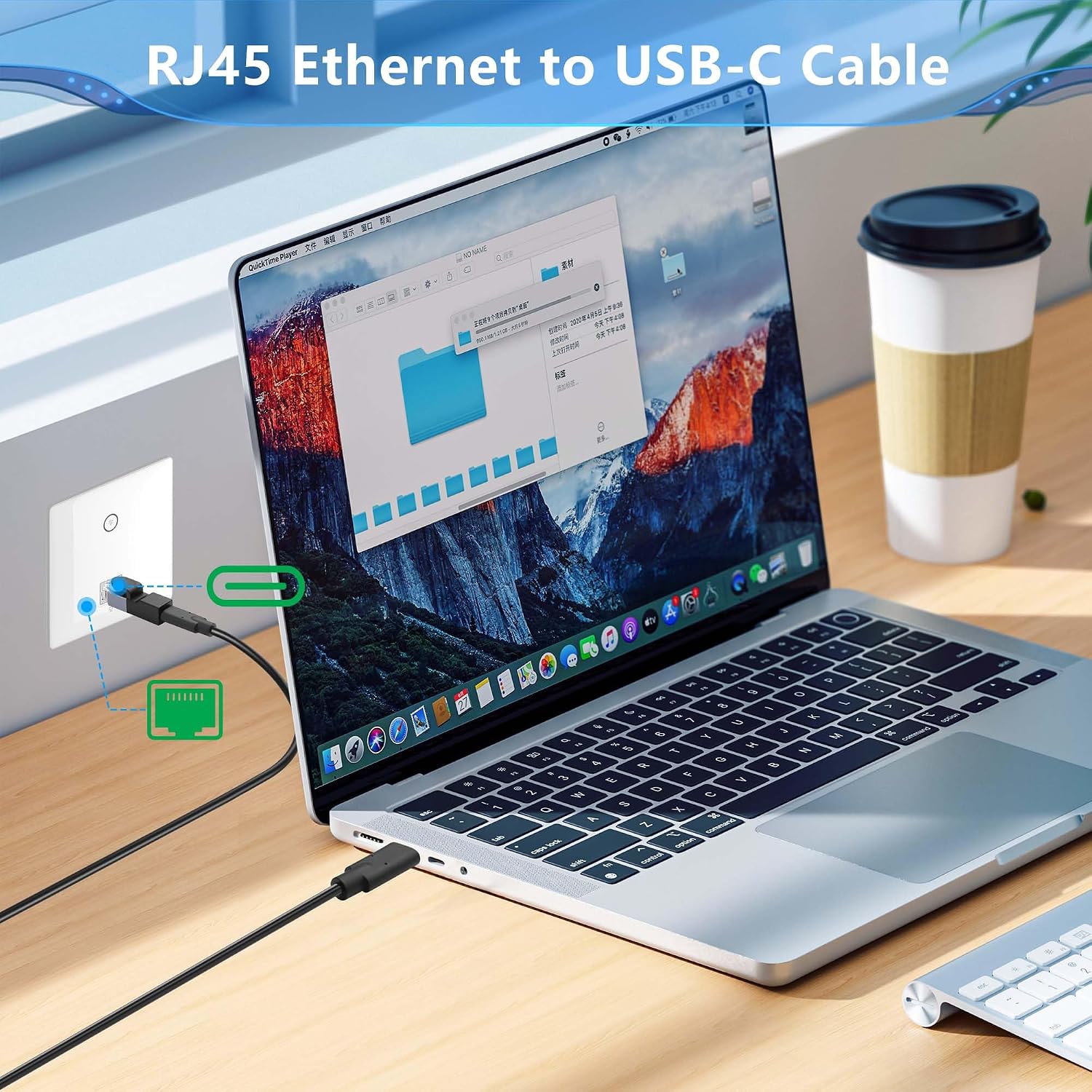
Here’s a realistic micro-scenario: you’re working from a hotel room or a different office desk. Wi‑Fi is present but unstable. You connect the adapter to your laptop via USB-C, plug in the Ethernet lead to the room’s wall port, and you’re back to a more predictable connection for a video call—without having to carry a full-size USB Ethernet dock.
Because the description mentions plug-and-play without drivers, you’re mainly dealing with “physical connection and network settings” rather than software installs. Still, if you’re switching between operating systems or networks, it can help to be ready to adjust network preferences in the way you normally would.
Technical overview (what matters most)
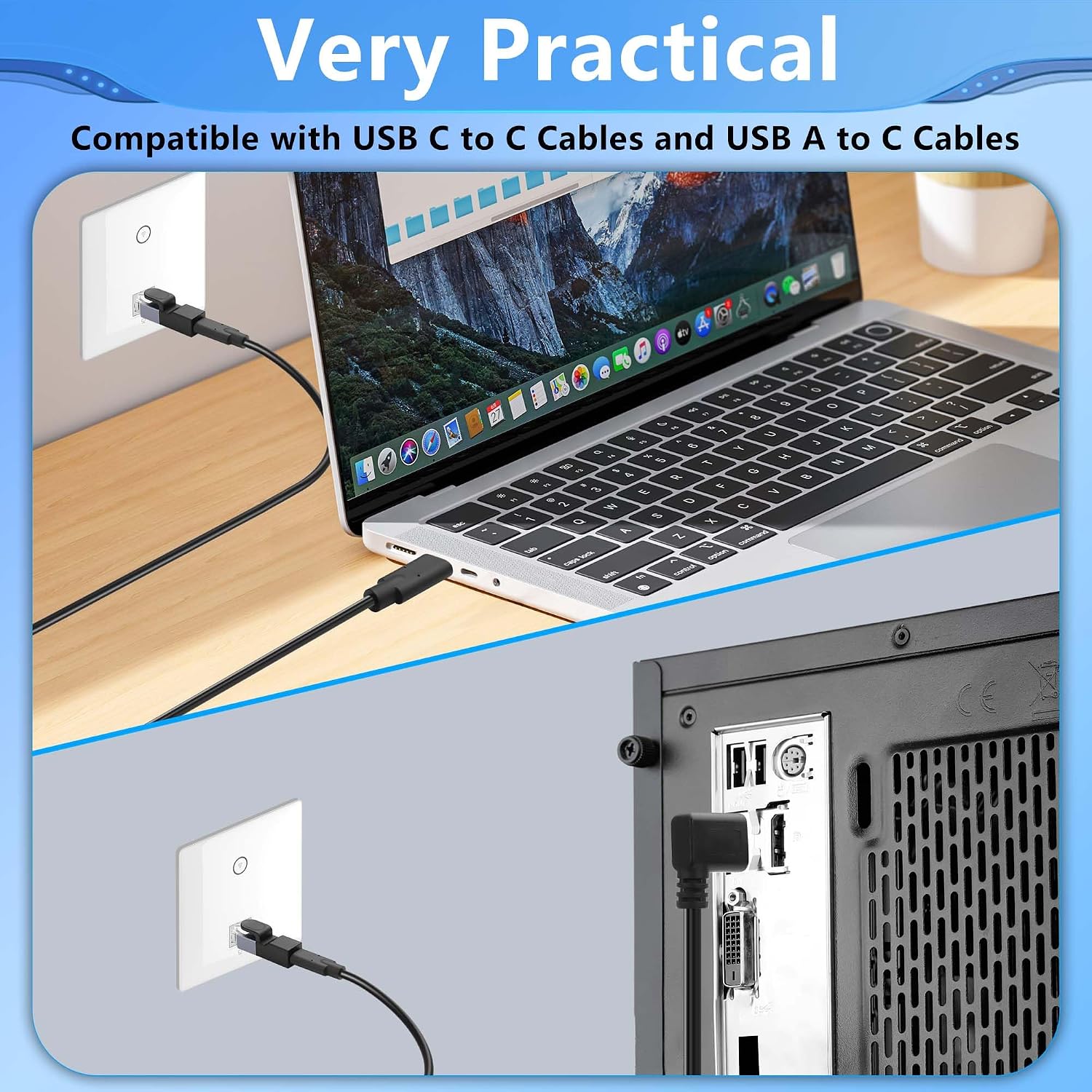
This is a Type-C to RJ45 network LAN adapter with a male RJ45 connector on the network side and a USB-C connection on the computer side. It’s described as offering up to 1Gbps transfer speed and uses an onboard intelligent chip for plug-and-play operation.
Compatibility is described as broad across Windows, Mac OS, Android OS and Chrome OS. The listing also notes that you’ll need a USB A to C cable for setups that rely on USB-A, so it’s worth checking what cables you already have before you order.
Pros
- Gigabit Ethernet capability (up to 1Gbps) for a more stable wired connection
- Compact, travel-friendly form factor compared with larger network adapters
- Metal alloy casing designed for heat dissipation
- Plug-and-play approach noted, with no drivers required
- Works across multiple operating systems, including Windows, Mac OS, Android and Chrome OS
Is it worth it?
It makes sense to buy this CERRXIAN USB-C to Ethernet Adapter if you mainly want a reliable way to use wired LAN on devices that lack a built-in Ethernet port—especially for travel, home working, and busy office days where you can’t afford connection dropouts.
You may want to skip it if you specifically need features beyond Ethernet conversion (for example, if you expected charging pass-through through the adapter, or you need something with confirmed advanced networking behaviour). In general, it’s best viewed as a practical converter: a helpful “get Ethernet working” tool rather than a long-term networking upgrade.
If you’re trying to judge value, focus on your devices first: check you have USB-C host connectivity where you’ll plug it in, and confirm you’ll bring the right Ethernet cable and—where needed—the USB A to C cable mentioned in the description.
Quick answers to common questions
Does it need drivers?
The description states it doesn’t require drivers thanks to an onboard intelligent chip and a plug-and-play setup.
What speeds does it support?
It’s described as Gigabit Ethernet with transfer speeds up to 1Gbps.
Which devices and operating systems is it compatible with?
The listing says it works with Windows, Mac OS, Android OS and Chrome OS, and with most devices that have USB-C (and notes a USB A to C cable requirement where relevant).
Is it suitable for travel?
Yes—its compact “USB-sized” design is positioned as more portable than a traditional network adapter, which is exactly the sort of thing people look for when travelling.
Can I charge through it?
The description mentions compatibility with daily charging cables, but it doesn’t explicitly confirm charging pass-through. If that’s essential for you, it’s worth verifying before relying on it.