

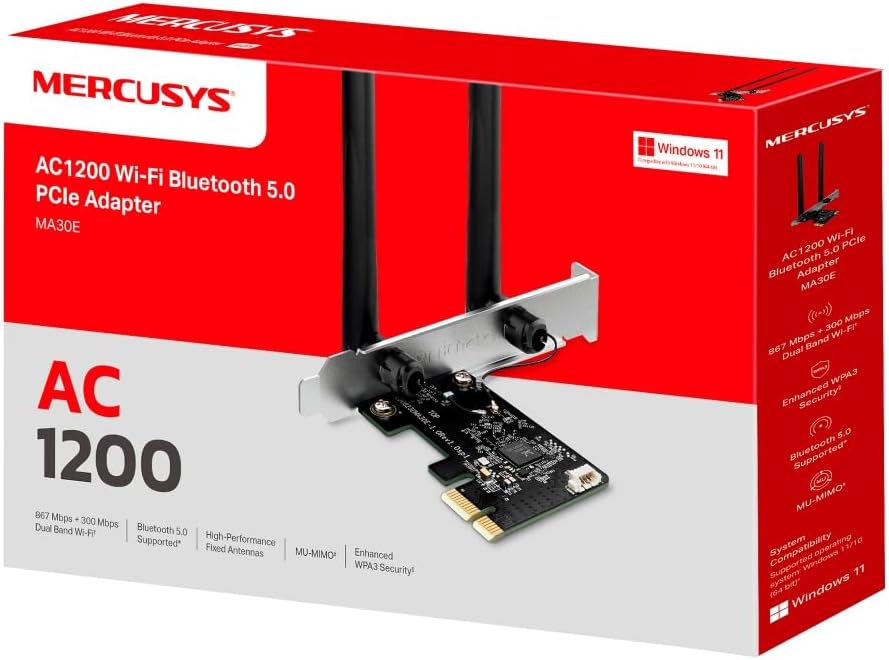
MERCUSYS MA30E AC1200 PCIe WiFi Adapter for PC — Dual Band, MU‑MIMO, Bluetooth 5.0
Product description
What it is and what it does
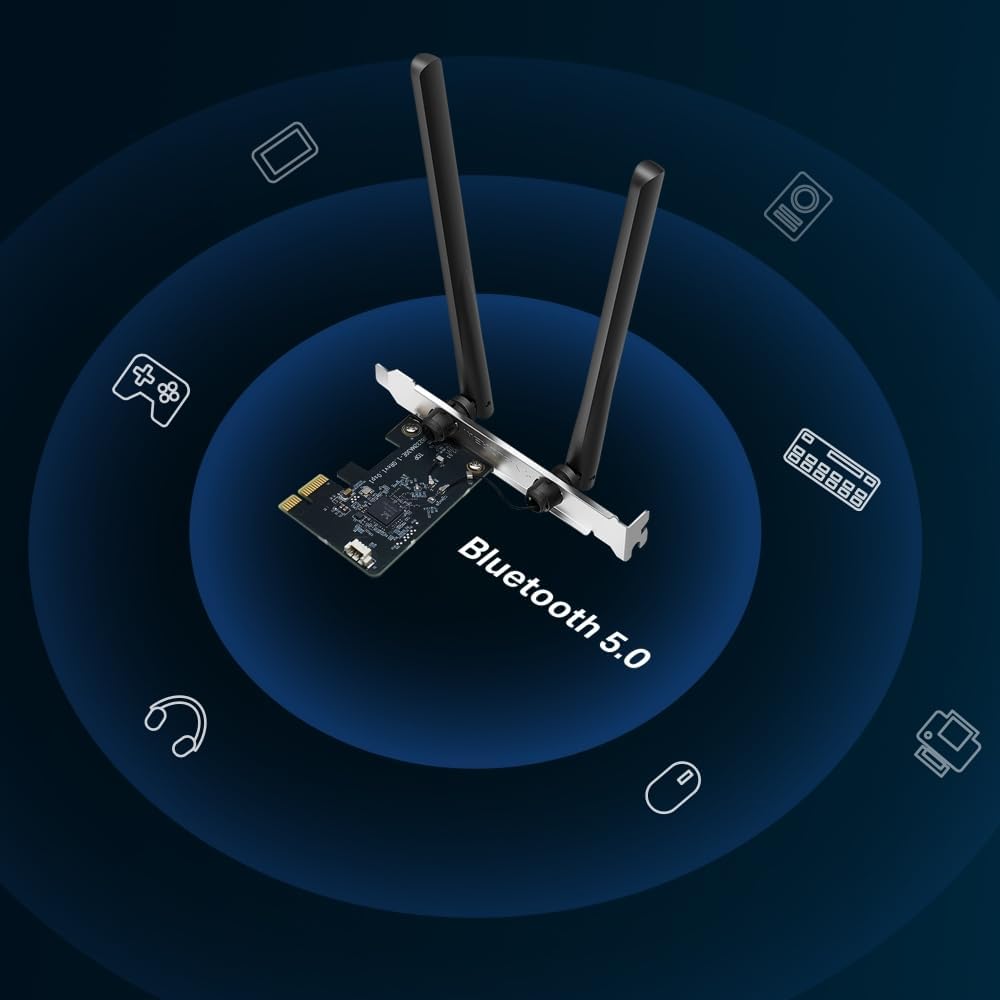
The MERCUSYS MA30E is a PCIe wireless network card designed for desktops to add dual‑band Wi‑Fi (up to 867 Mbps on 5 GHz and 300 Mbps on 2.4 GHz) and Bluetooth 5.0. With two high‑performance antennas, it aims to extend signal coverage for a more stable connection across multiple devices. It supports MU‑MIMO to help distribute bandwidth more efficiently and improve performance in busy networks. It also includes WPA3 security for stronger personal password protection and is fully compatible with Windows 10 and Windows 11 (64‑bit).
Practical use and what to expect
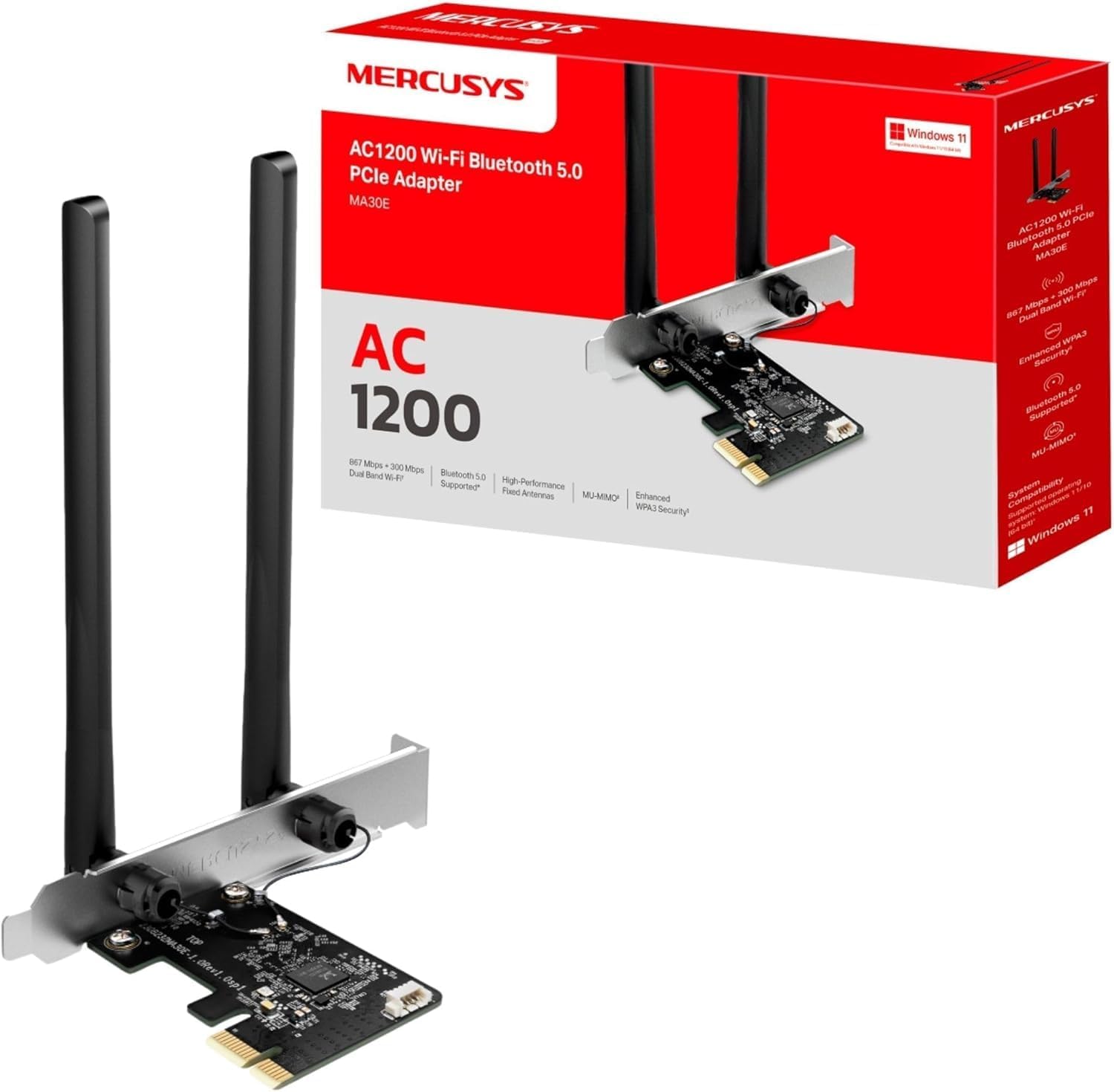
If your desktop lacks built‑in Wi‑Fi or you’re upgrading a wired setup, MA30E offers a straightforward upgrade path without relying on USB dongles. The PCIe form factor means a relatively permanent addition to a PC’s motherboard, which can lead to more reliable reception than some USB adapters, especially in desks with challenging layouts. The two antennas are a practical feature for wider coverage, but real‑world speeds will depend on your router, interference, and distance.
What stands out day to day
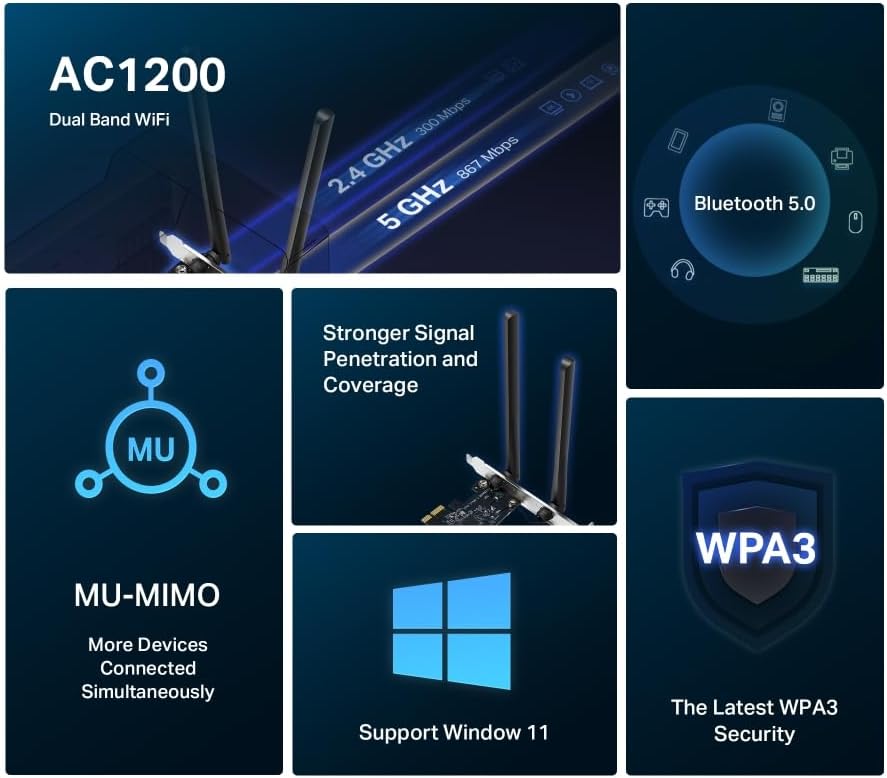
On paper, the combination of dual‑band speeds, Bluetooth 5.0, MU‑MIMO and WPA3 makes it reasonable for typical home or small‑office use, such as streaming, light gaming, and standard browsing across multiple devices. The card is aimed at users who want a stable desktop connection without replacing the router or adding a separate access point.
Limitations and cautions
It isn’t a universal fast‑lane upgrade for every scenario. Real speeds depend on the router’s capabilities and network congestion. If you prioritise ultra‑low latency for competitive online gaming, you may find latency varies by environment and PC configuration. Also, being PCIe, installation requires opening the PC case and may not suit ultracompact builds.
Who it’s for
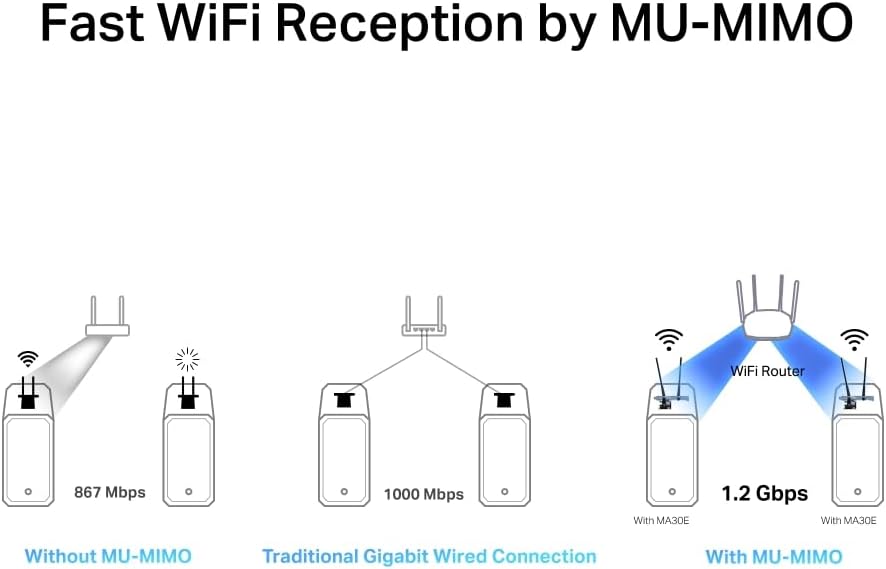
This adapter fits desktop users who need a solid dual‑band Wi‑Fi upgrade with Bluetooth 5.0, Windows 10/11 (64‑bit) compatibility, and an improved signal range without swapping out the router. It’s sensible for households with multiple devices sharing a modest network and for those who value WPA3 security.
When it makes sense to buy
Consider MA30E if you want a dedicated desktop Wi‑Fi card with MU‑MIMO support and dual antennas to help reduce congestion, provided your router supports the 802.11ac/a/b/g/n standards or newer. It’s a sensible upgrade path for a fixed desk setup where USB Wi‑Fi dongles have shown instability or you prefer a PCIe solution for longevity.
When it may not be the best fit
If your priorities are the absolute fastest single‑device throughput or ultra‑low latency for competitive gaming, you should compare with higher‑end PCIe adapters or consider a wired Ethernet upgrade where possible. If you’re on a device that already has strong built‑in Wi‑Fi or you require Wi‑Fi 6/6E features, MA30E may sit lower in the spectrum of options.
What to check before buying

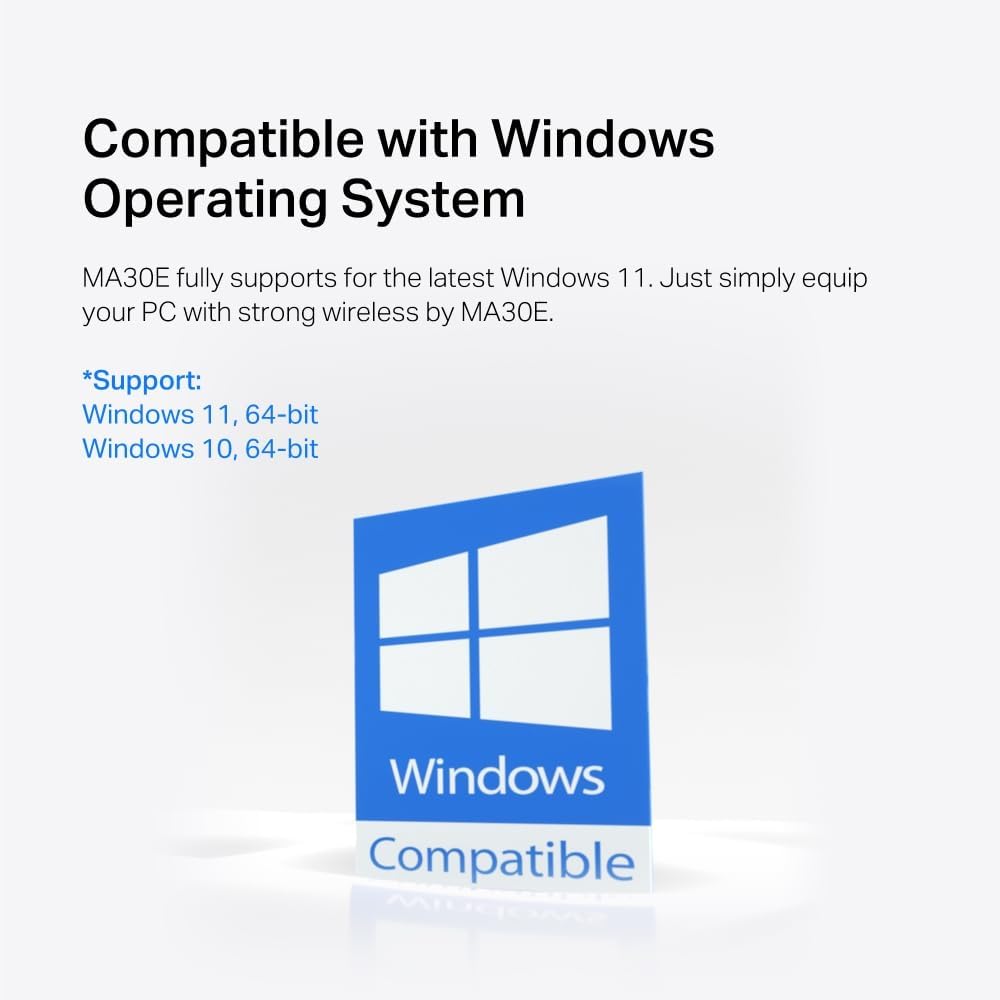
Ensure your desktop has an available PCIe slot and room for a card with two antennas. Confirm your router can deliver dual‑band speeds and MU‑MIMO benefits in your typical environment. Verify Windows 10/11 64‑bit support and consider the physical layout of your PC to avoid antenna obstruction.
Alternatives and approach to purchase
If you want to avoid internal installation, a high‑quality USB adapter could be an alternative, though it may not offer the same potential stability as a PCIe card in some setups. For those prioritising security and broader coverage in a fixed desk position, MA30E represents a balanced choice within the desktop upgrade category.
Decision: Is it worth it?
It makes sense if you need a reliable dual‑band, Bluetooth 5.0 PCIe card to improve a desktop network with broader coverage and MU‑MIMO capability, while keeping Windows 10/11 compatibility. It may not be ideal if you require the absolute top‑tier latency or a compact, non‑intrusive add‑on.
FAQ
- Do I need any special drivers? Yes, ensure you install the driver package compatible with Windows 10/11 64‑bit.
- Will it work with my existing router? It supports standard 802.11ac/a/b/g/n networks, so compatibility depends on your router’s features.
- Can I use Bluetooth and Wi‑Fi simultaneously? Yes, Bluetooth 5.0 is built into the card alongside Wi‑Fi functionality.