

TP-Link RE450 AC1750 WiFi extender 1Gbps
Product description
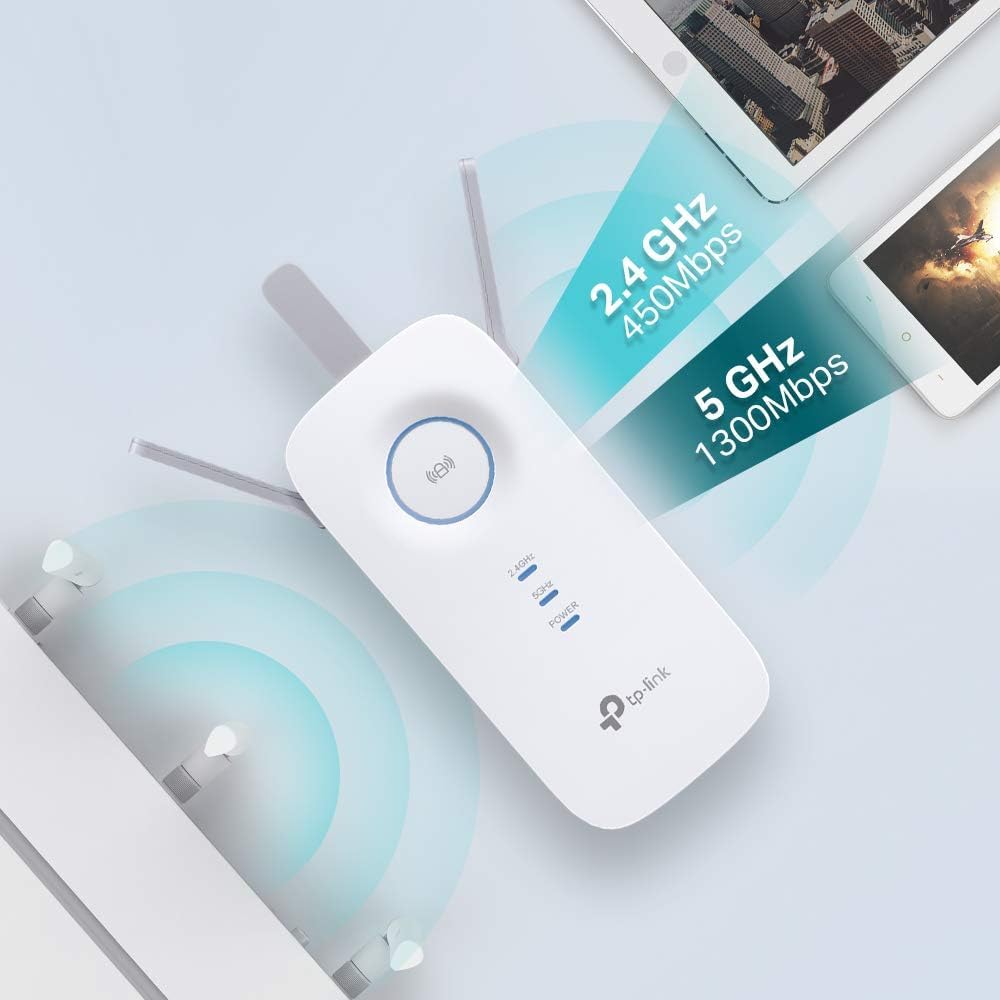
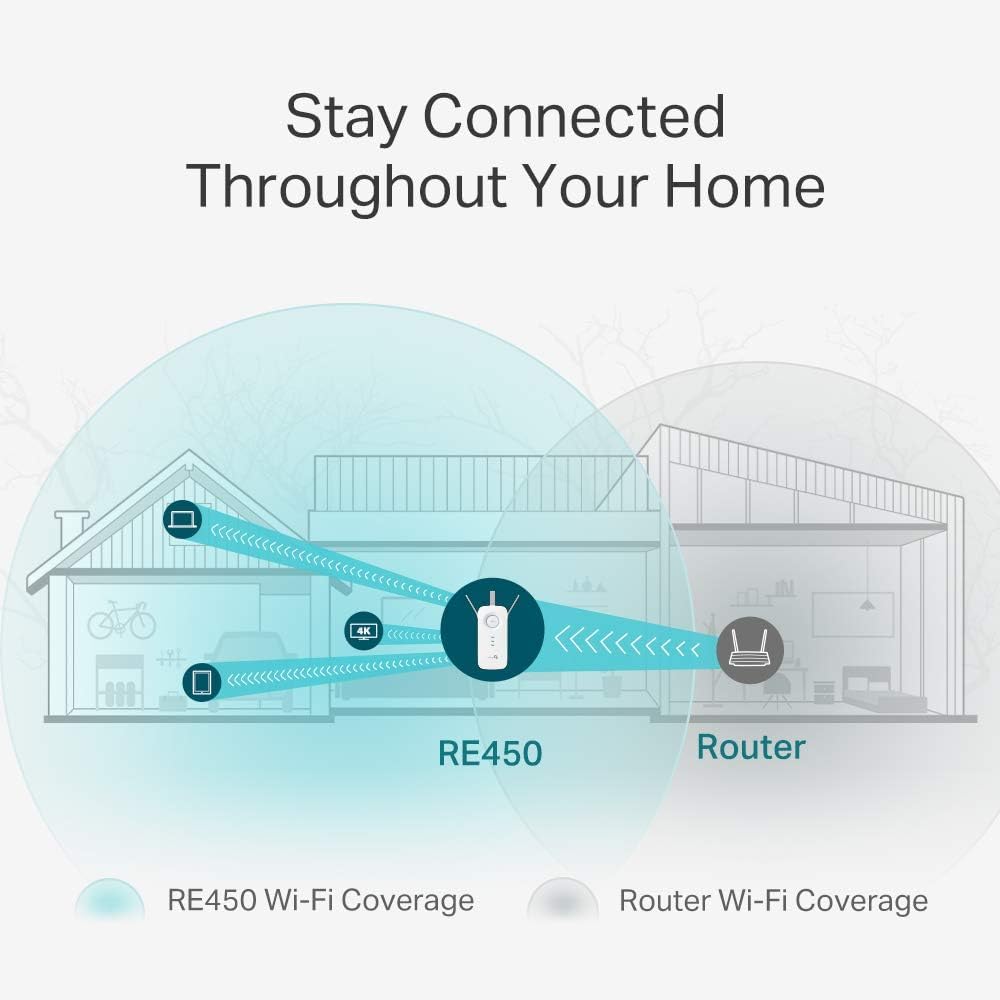
This dual-band Wi‑Fi extender boosts coverage for homes and small offices, offering simultaneous 450 Mbps on 2.4 GHz and 1,300 Mbps on 5 GHz to reduce dead zones and improve streaming and online gaming. It is compatible with most routers and can be used as an access point or hotspot to bring faster wireless connection where it is needed most.
Key Points
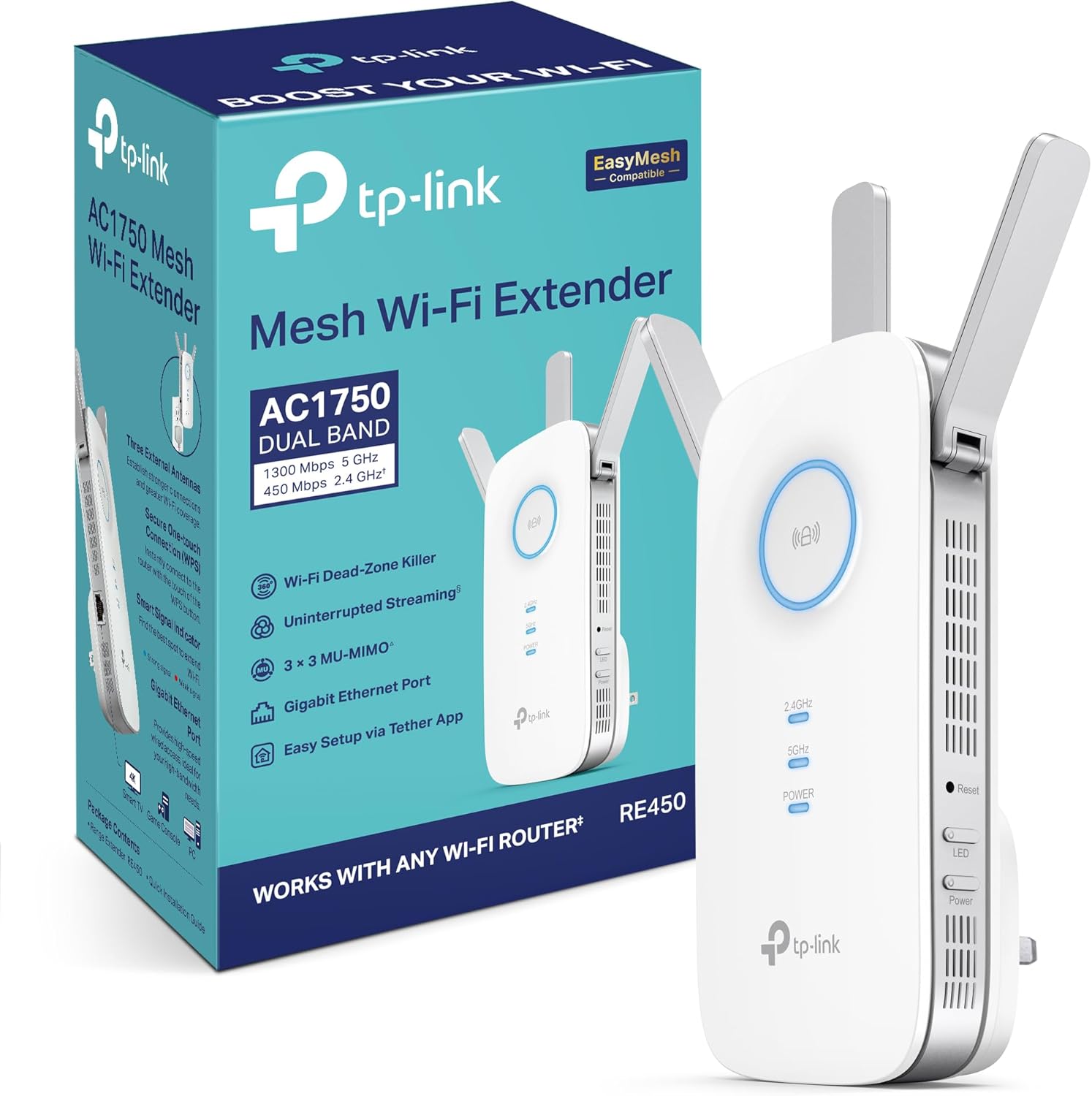
The extender uses 802.11ac technology and supports legacy 802.11n/g/b devices, helping to combine modern performance with broad compatibility. A smart signal indicator makes it easier to find the best wall socket for stronger reception, and a single WPS button allows quick encryption pairing with a compatible router. There are three external antennas to help with range and signal stability, and the unit includes an Ethernet port so it can act as a wired adapter for a game console or smart TV.
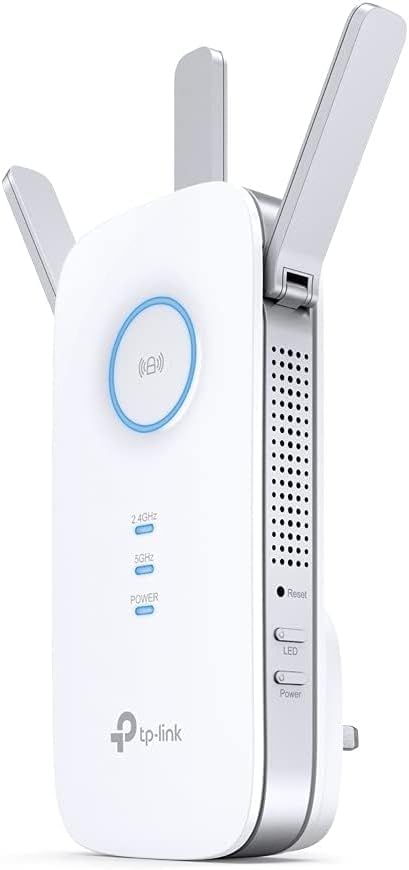
Technical Specifications
- Name: TP-Link RE450 AC1750
- Wi‑Fi bands: 2.4 GHz (450 Mbps) and 5 GHz (1,300 Mbps)
- Standards: IEEE 802.11ac, 802.11n, 802.11g, 802.11b
- Ethernet: 1 Gigabit port for wired devices
- Antennas: 3 external antennas
Usage Recommendations
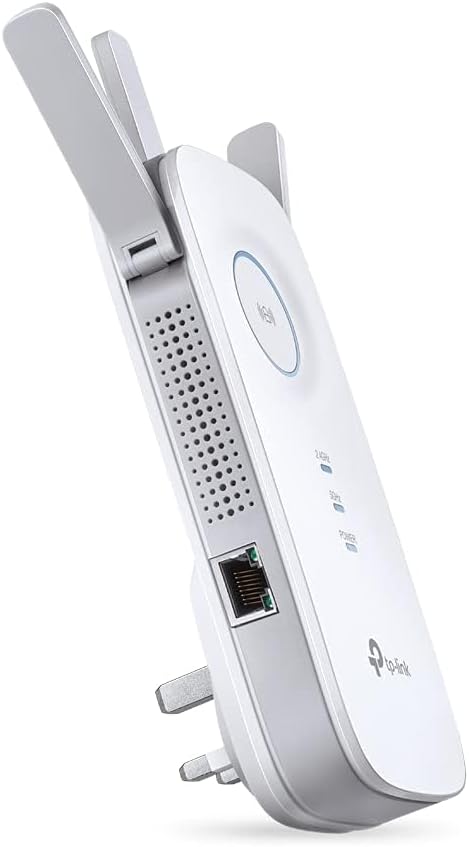
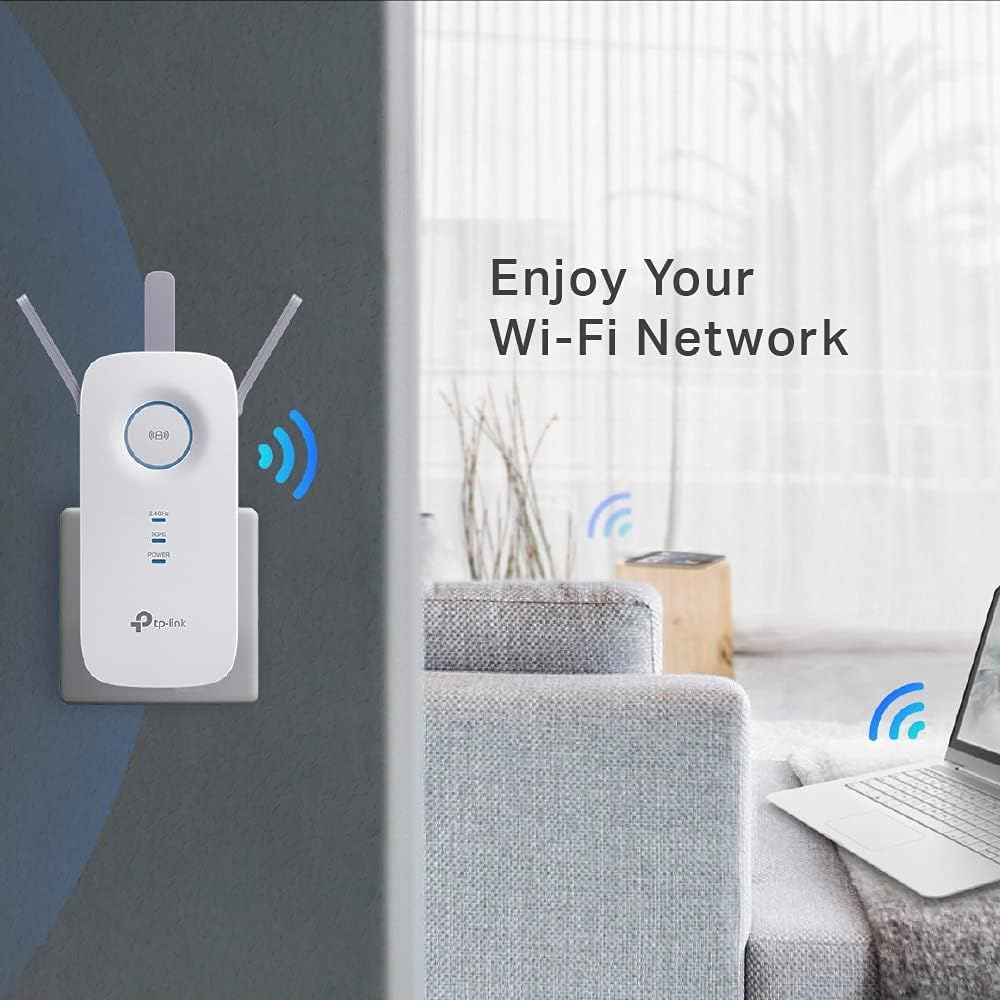
Place the extender roughly halfway between the router and the area with poor signal, using the smart signal lights to fine tune the position. For devices that need the most reliable connection, plug them into the Gigabit Ethernet port to benefit from a wired link while the extender handles the wireless bridge. If your router and extender both support WPS, use the one‑press pairing to set up encryption quickly, and consider switching to access point mode when you have a spare wired connection to the extender for maximum throughput.
Positive Aspects
The combination of dual‑band speeds and an Ethernet port provides flexibility for mixed-use setups where both wireless coverage and a single high‑speed wired connection are required. According to the manufacturer, the three external antennas and concurrent bands aim to deliver more consistent coverage across multiple devices, which is helpful in homes with several users or smart devices. As a nuance, performance will still depend on building layout and interference from other wireless networks, so placement and testing are important to achieve the best results.