

Download app on Google Play


Imagen de TP-Link RE550 AC1900 WiFi extender with Gigabit port 📶 en OfertitasTOP
New offer
Thumbnail principal de TP-Link RE550 AC1900 WiFi extender with Gigabit port 📶
Thumbnail 1 de TP-Link RE550 AC1900 WiFi extender with Gigabit port 📶
Thumbnail 2 de TP-Link RE550 AC1900 WiFi extender with Gigabit port 📶
Thumbnail 3 de TP-Link RE550 AC1900 WiFi extender with Gigabit port 📶
Thumbnail 4 de TP-Link RE550 AC1900 WiFi extender with Gigabit port 📶
Thumbnail 5 de TP-Link RE550 AC1900 WiFi extender with Gigabit port 📶
Thumbnail 6 de TP-Link RE550 AC1900 WiFi extender with Gigabit port 📶

TP-Link RE550 AC1900 WiFi extender with Gigabit port 📶

amazon UK
Offer expired
Reviews
4,4
+7.308

Reviews

4,4
+7.308 reviews

Price

£64.99£64.99-0%
View in store
amazon UK
Price evolution · Historical minimum: £44.64

Product description

This WiFi range extender for large homes improves weak signals across multiple floors and busy networks, offering faster connections for streaming and remote work. It combines dual-band AC1900 performance with three external antennas to broaden coverage and reduce dead zones, according to the manufacturer.

Key Points
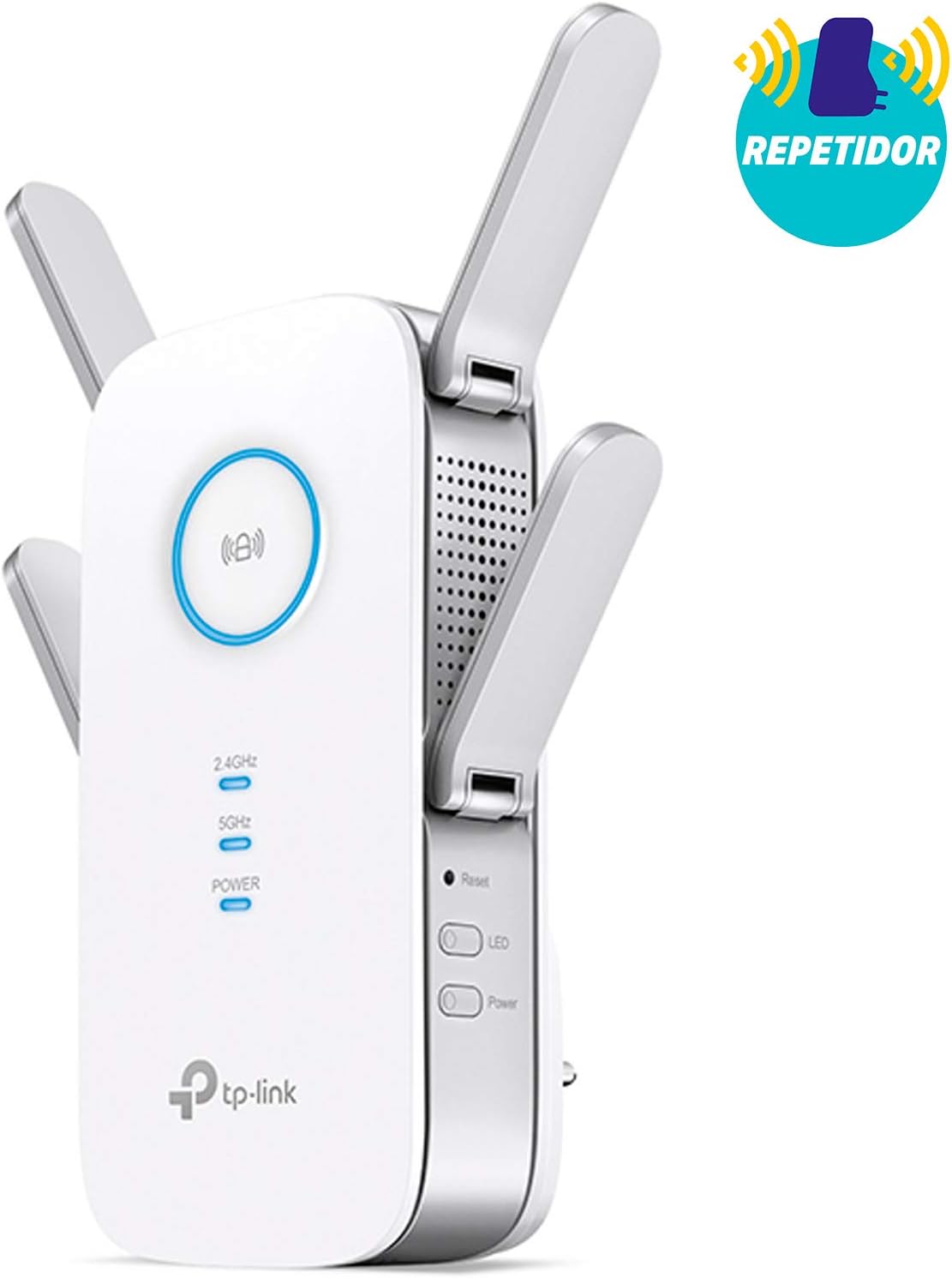
The RE550 is designed to extend an existing wireless network across bigger spaces, with an advertised maximum coverage reaching up to 1,115 m², which can help cover multi-room houses and small offices. It operates on both 2.4 GHz and 5 GHz bands, delivering simultaneous speeds that suit video calls and HD streaming. The unit includes a gigabit Ethernet port that can function as a wired client or be used in access point mode to create a new wireless network from a wired connection. 📶
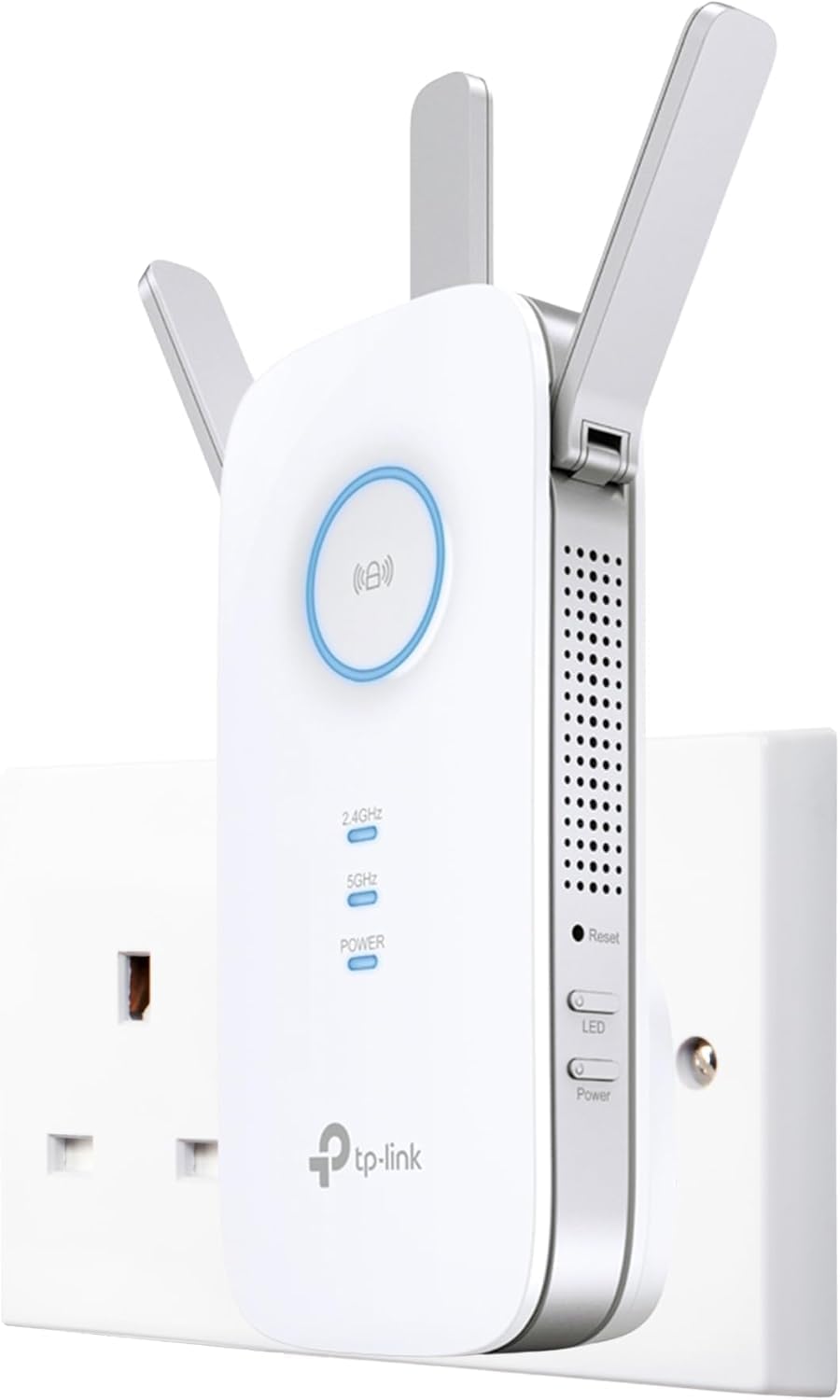
Installation is accessible for most users, with one-touch WPS pairing and control via a mobile app. An intelligent signal indicator lights up to help locate the optimal position for the extender during setup. For whole-home mesh scenarios, the device is EasyMesh-compatible and can work alongside supported routers to create a more seamless roaming experience.

Benefits

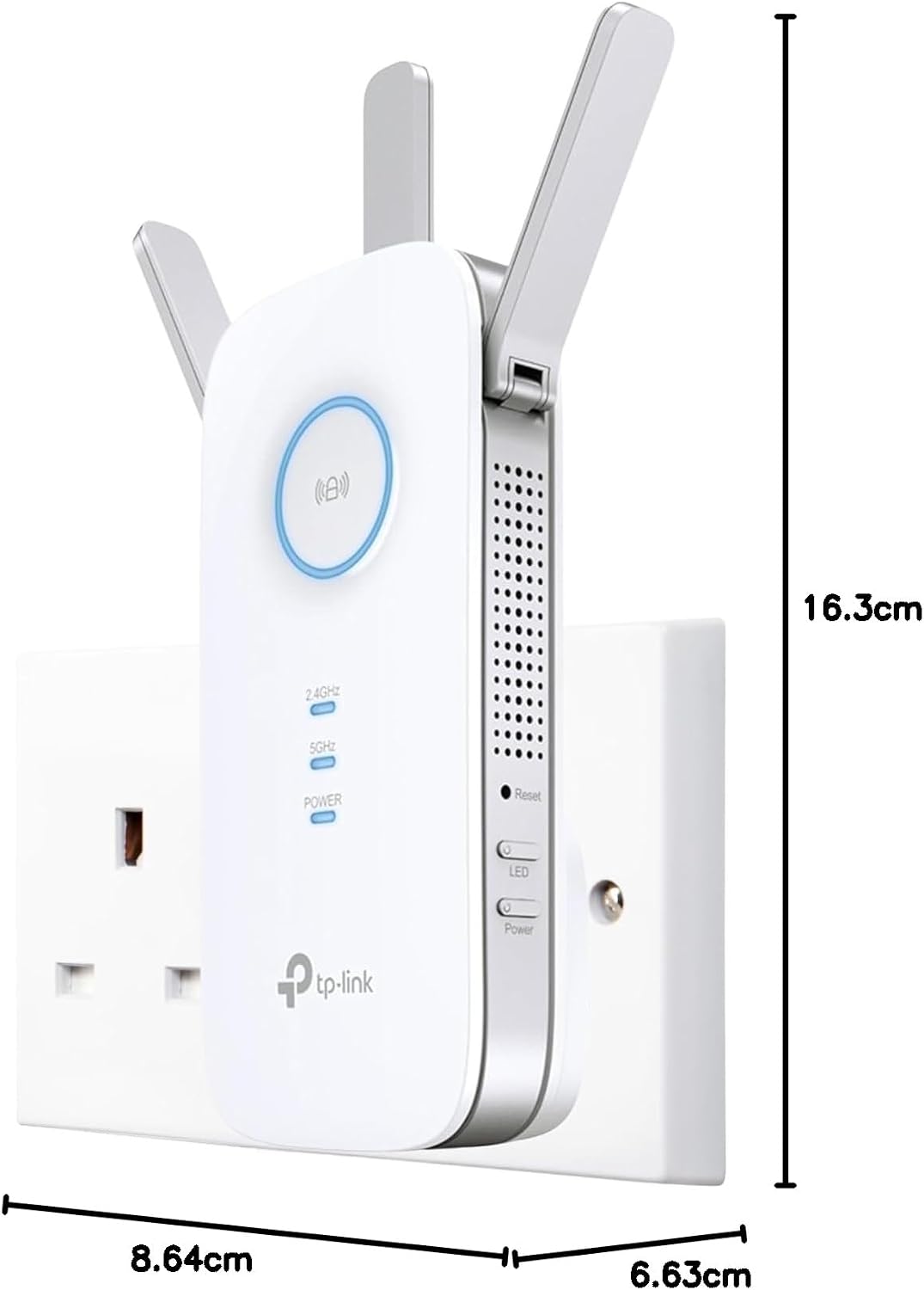
Coverage is the immediate benefit here, particularly in properties where the main router cannot reach every corner. The three adjustable high-gain antennas allow you to steer the signal toward problem areas and improve stability when multiple devices are connected. For mixed wired and wireless setups, the flexible gigabit port adds versatility by connecting smart TVs or game consoles directly for lower-latency links.
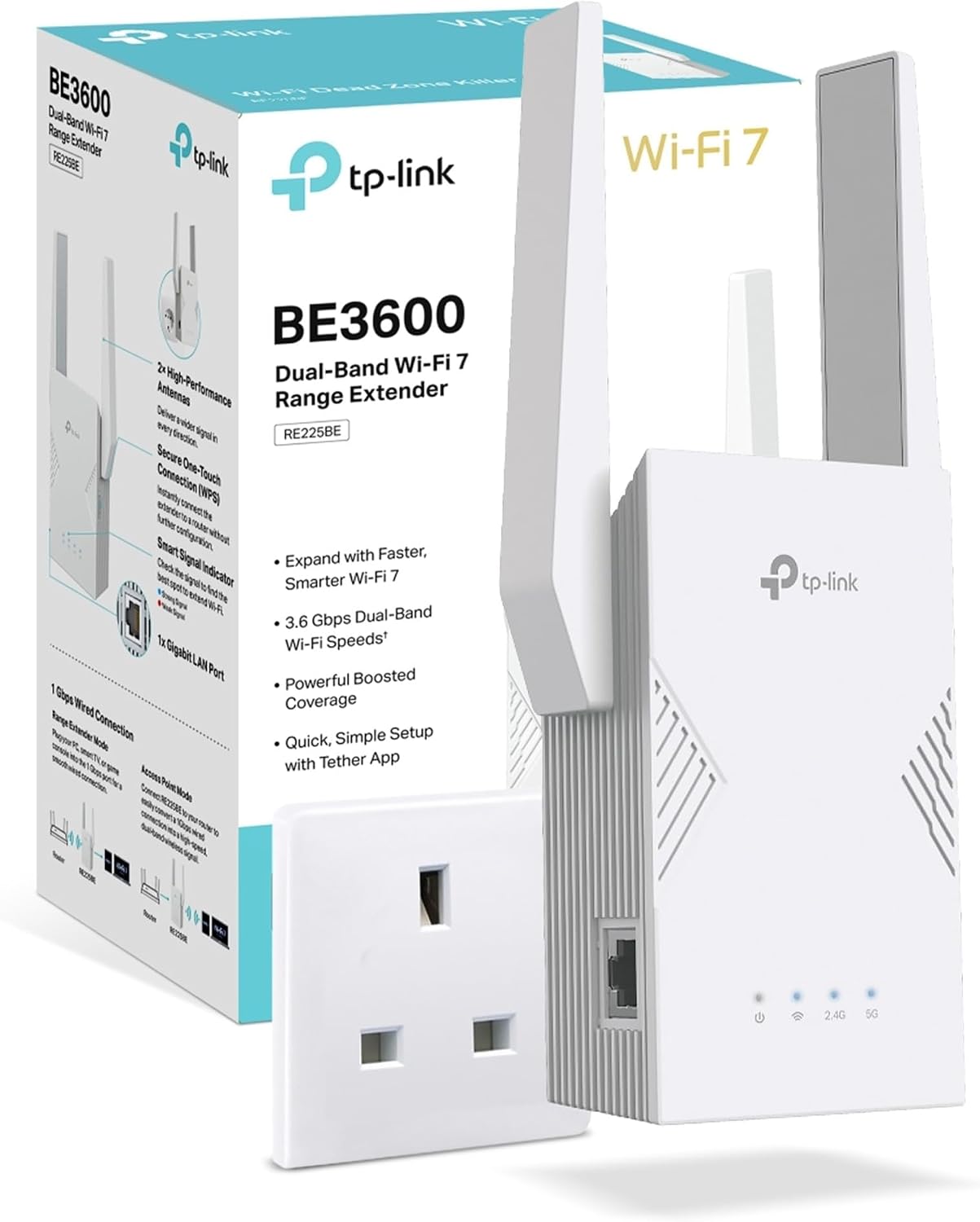
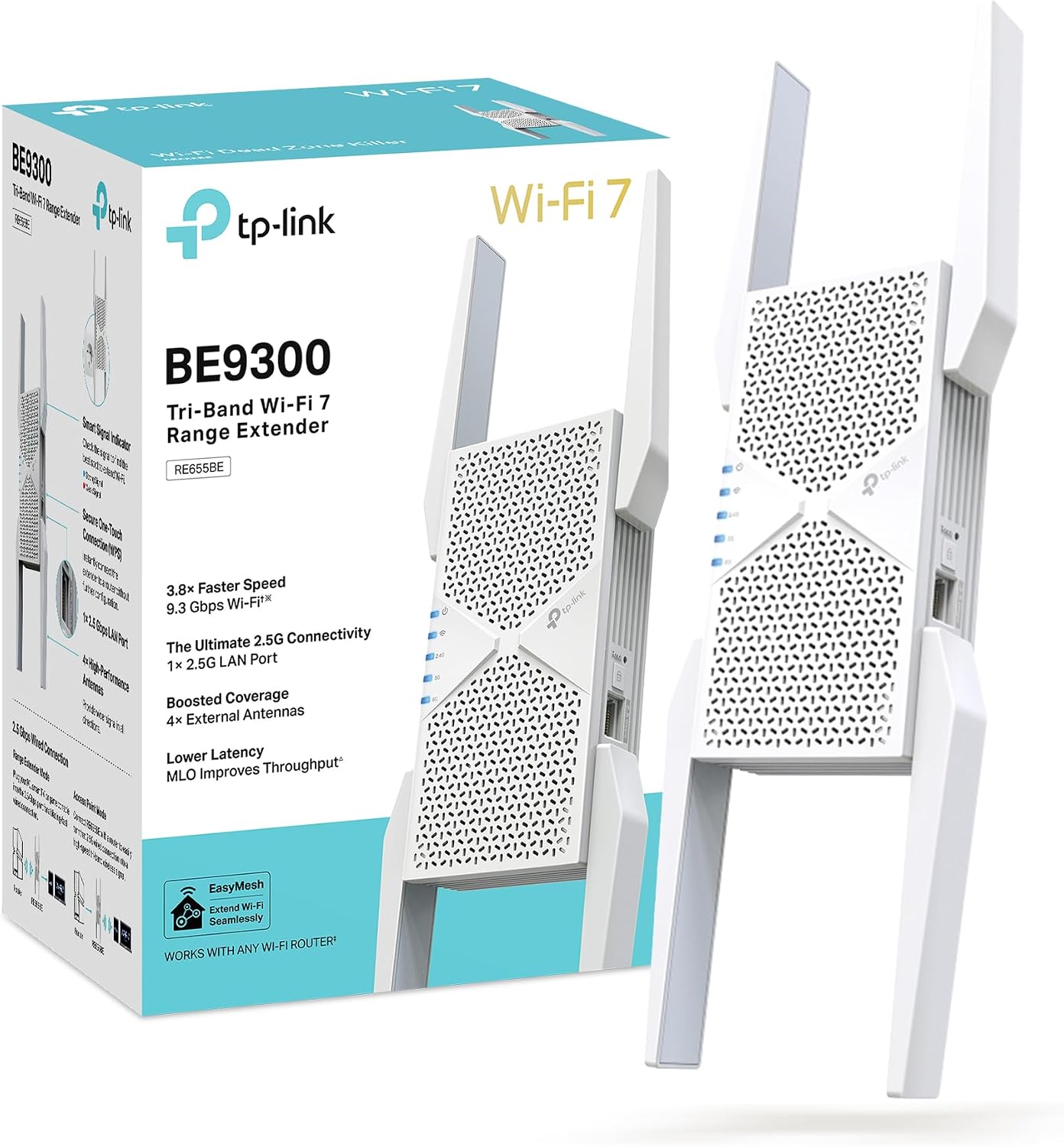
The dual-band design helps separate traffic, with the 2.4 GHz band better for distance and basic devices and the 5 GHz band delivering higher throughput for demanding tasks. App control simplifies routine management and monitoring, which is useful if you prefer quick tweaks from a smartphone rather than logging into router software. ⚙️

Technical Specifications

  • Name: TP-Link RE550 AC1900
  • Coverage: 1,115 m² (12,000 sq. ft.) according to the manufacturer
  • Wireless speeds: 600 Mbps on 2.4 GHz + 1300 Mbps on 5 GHz (AC1900 total)
  • Antennas: 3 external adjustable high-gain antennas
  • Ports: 1 x Gigabit Ethernet, supports AP Mode and wired client function

Usage Recommendations

Place the extender roughly halfway between your router and the area with a weak signal, using the smart signal indicator to fine-tune location. Consider using the 5 GHz band for streaming and gaming devices when possible to benefit from higher speeds, and reserve 2.4 GHz for devices that need longer range or are less bandwidth-hungry. Keep in mind that real-world throughput and coverage will vary based on building materials, network congestion and device capabilities, so results may differ from the stated figures, according to the manufacturer.

View in store

Price evolution

Historical minimum: £44.64

Description:

This WiFi range extender for large homes improves weak signals across multiple floors and busy networks, offering faster connections for streaming and remote work. It combines dual-band AC1900 performance with three external antennas to broaden coverage and reduce dead zones, according to the manufacturer.

Key Points

The RE550 is designed to extend an existing wireless network across bigger spaces, with an advertised maximum coverage reaching up to 1,115 m², which can help cover multi-room houses and small offices. It operates on both 2.4 GHz and 5 GHz bands, delivering simultaneous speeds that suit video calls and HD streaming. The unit includes a gigabit Ethernet port that can function as a wired client or be used in access point mode to create a new wireless network from a wired connection. 📶

Installation is accessible for most users, with one-touch WPS pairing and control via a mobile app. An intelligent signal indicator lights up to help locate the optimal position for the extender during setup. For whole-home mesh scenarios, the device is EasyMesh-compatible and can work alongside supported routers to create a more seamless roaming experience.

Benefits

Coverage is the immediate benefit here, particularly in properties where the main router cannot reach every corner. The three adjustable high-gain antennas allow you to steer the signal toward problem areas and improve stability when multiple devices are connected. For mixed wired and wireless setups, the flexible gigabit port adds versatility by connecting smart TVs or game consoles directly for lower-latency links.

The dual-band design helps separate traffic, with the 2.4 GHz band better for distance and basic devices and the 5 GHz band delivering higher throughput for demanding tasks. App control simplifies routine management and monitoring, which is useful if you prefer quick tweaks from a smartphone rather than logging into router software. ⚙️

Technical Specifications

  • Name: TP-Link RE550 AC1900
  • Coverage: 1,115 m² (12,000 sq. ft.) according to the manufacturer
  • Wireless speeds: 600 Mbps on 2.4 GHz + 1300 Mbps on 5 GHz (AC1900 total)
  • Antennas: 3 external adjustable high-gain antennas
  • Ports: 1 x Gigabit Ethernet, supports AP Mode and wired client function

Usage Recommendations

Place the extender roughly halfway between your router and the area with a weak signal, using the smart signal indicator to fine-tune location. Consider using the 5 GHz band for streaming and gaming devices when possible to benefit from higher speeds, and reserve 2.4 GHz for devices that need longer range or are less bandwidth-hungry. Keep in mind that real-world throughput and coverage will vary based on building materials, network congestion and device capabilities, so results may differ from the stated figures, according to the manufacturer.