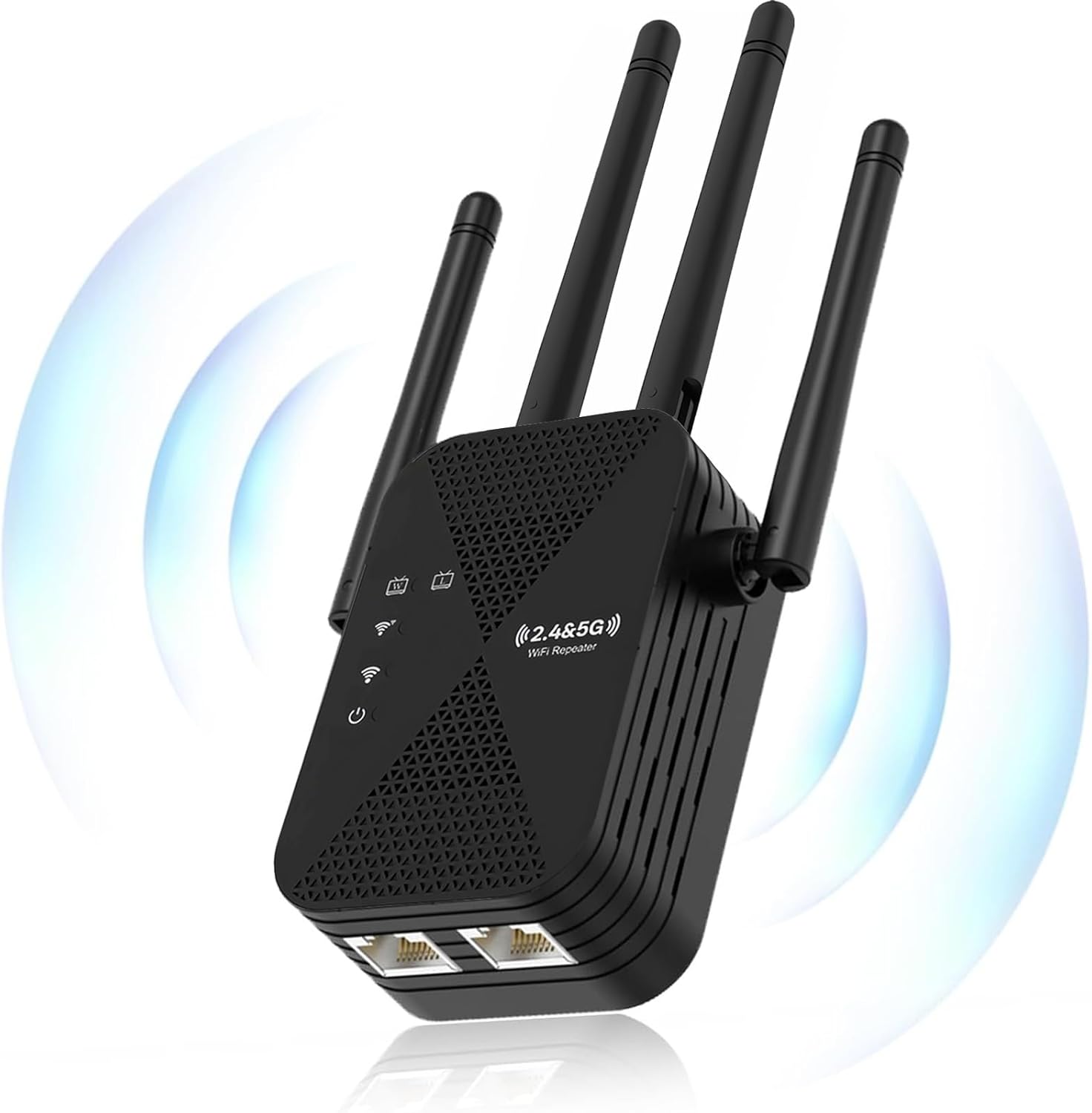
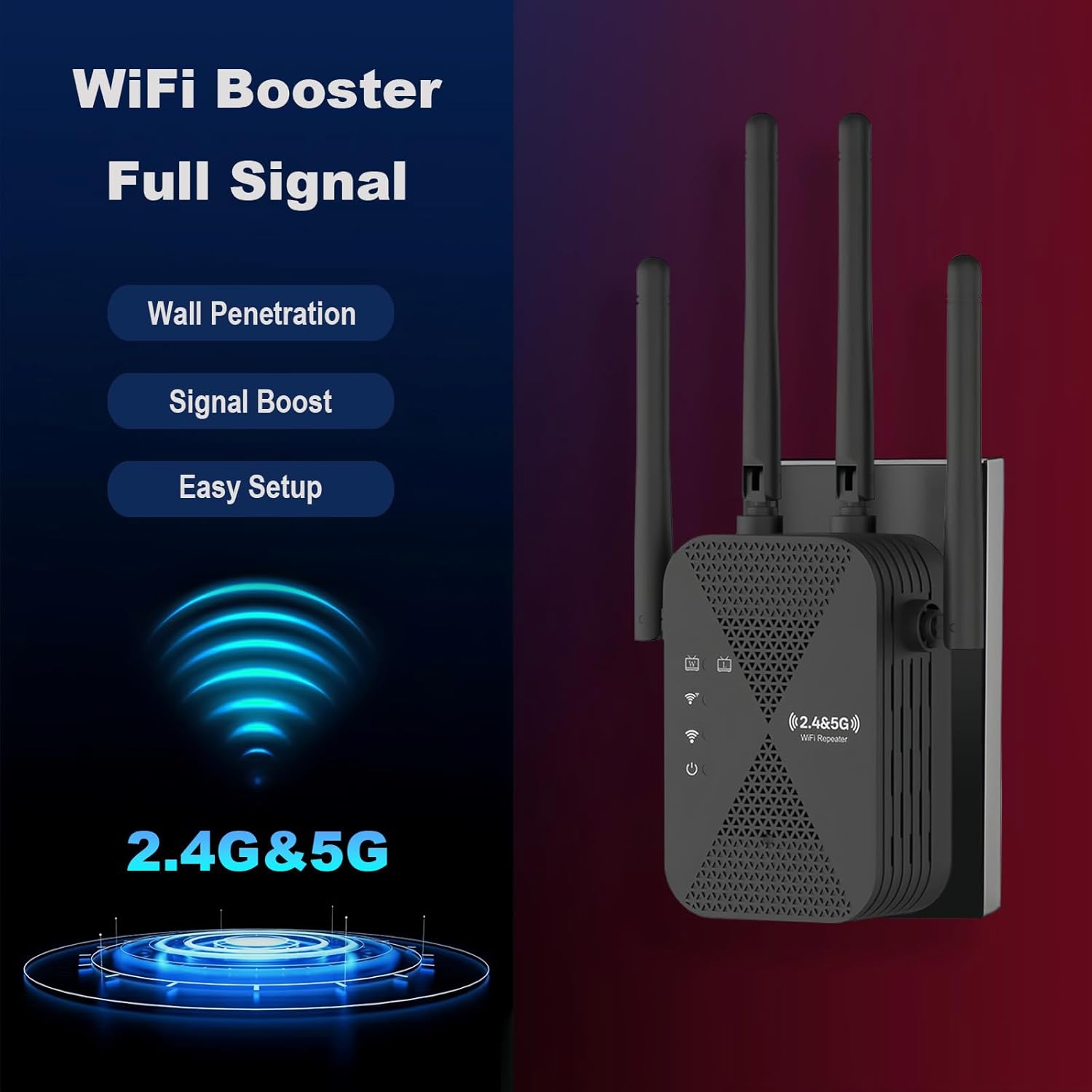
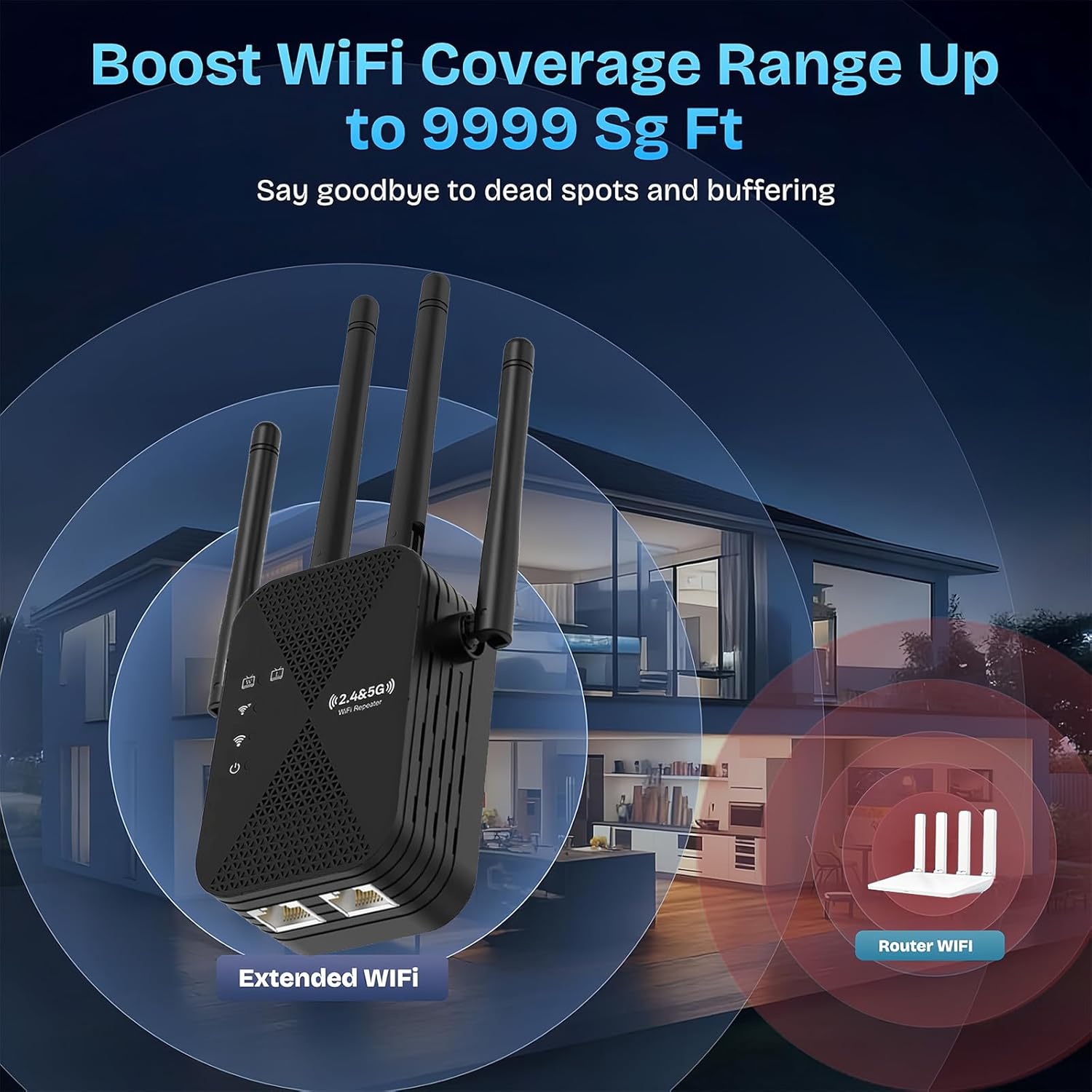
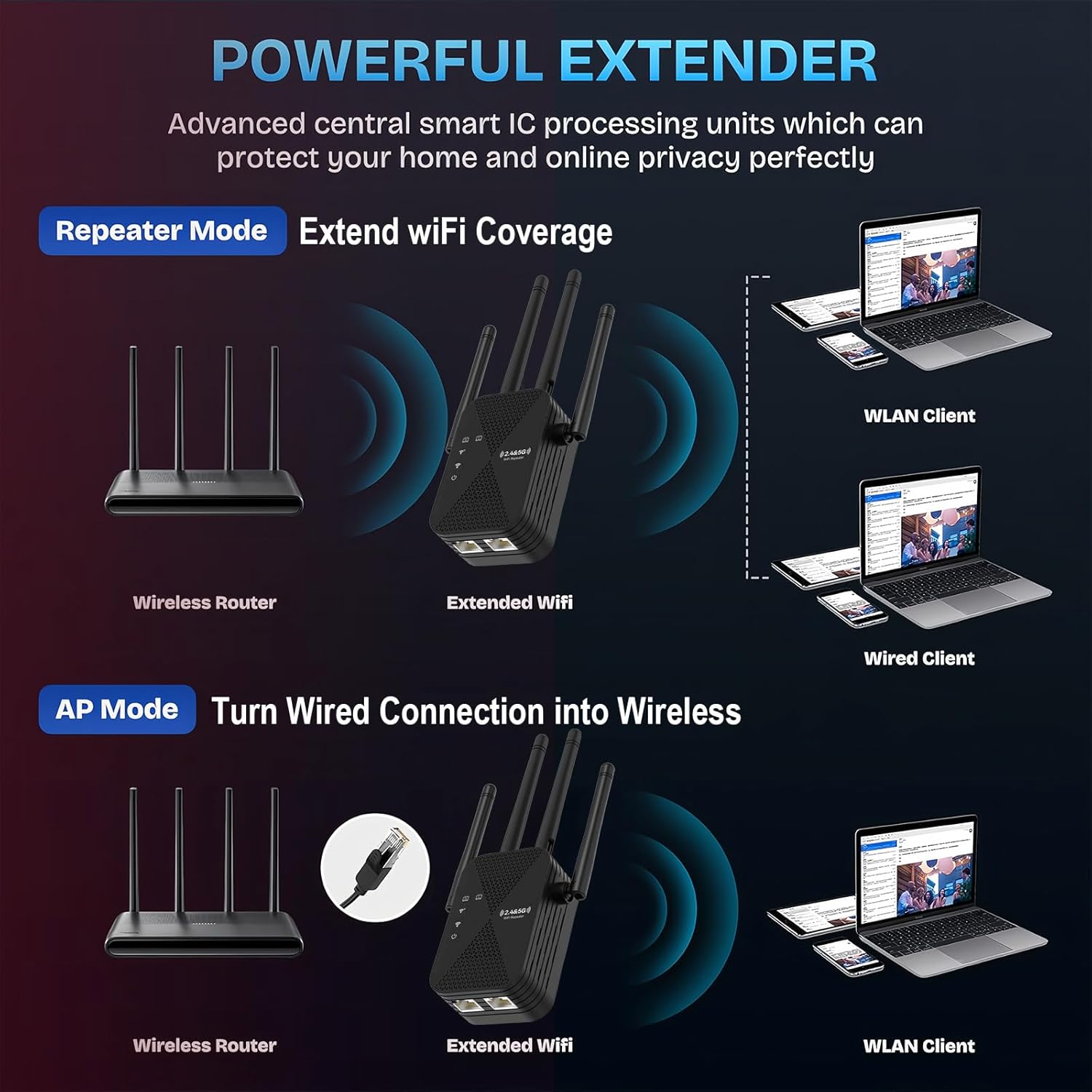
What it is and who it’s for\nThe COOYA Dual Band WiFi Extender is a home networking booster designed to extend your existing WiFi across large living spaces. If you’ve found dead spots in rooms far from your router or need to support multiple devices simultaneously, this device aims to provide a more reliable connection in a straightforward, at‑home setup. It’s aimed at households seeking to improve coverage without swapping out their existing router.\n\n## How it helps in everyday use\nOn paper, the extender promises wide coverage, reaching up to 12880 sq.ft, which can help unify several rooms—living areas, bedrooms, home theatres and workstations—under a stable WiFi umbrella. The dual‑band capability (2.4GHz and 5GHz) is positioned to offer compatibility with a range of devices and usage scenarios, from casual browsing to streaming or light online work. It also includes an Ethernet port, which is handy if you have devices that benefit from a wired connection for lower latency or reliability.\n\n## Strengths that matter in real life\nThe device is designed to penetrate through typical home barriers, aiming to maintain a steady signal in rooms farther from the router. For households with many phones, laptops, tablets and a few smart home gadgets, the ability to connect up to 105 devices is a practical detail that supports moderate family use without constant network juggling. The security features are described as enhanced, which matters if you’re prioritising safe browsing and data protection for work or shopping online.\n\n## What could be less convincing\nWhile the overview covers broad benefits, the exact performance will depend on your home layout, router capability and interference from neighbours. If your internet plan sits at the lower end of the speed spectrum, you may not notice a dramatic difference beyond improved coverage. Also, with any extender, there can be a minor drop in throughput compared to a direct router connection for high‑demand activities.\n\n## Ideal use cases\nThis extender suits larger homes with several rooms and a central WiFi source that doesn’t reach every corner. It’s sensible for households where multiple devices are connected concurrently, some rooms experience weak signals, or where a wired option is preferred for a stationary desktop or a smart TV. It may not be the best fit if you require ultra‑high‑bandwidth performance for demanding gaming or 4K/8K streaming across all zones at once.\n\n## What to check before buying\n- Confirm your existing router supports the extender’s dual‑band operation.\n- Map your main dead spots to see if they align with typical extender placement.\n- Decide whether you prefer wireless expansion or a wired link for devices that need lower latency.\n- Consider your internet speed, the extender helps with coverage, but you’ll still be limited by the baseline internet plan.\n\n## How it compares in approach\nCompared with a basic single‑band extender, the COOYA model offers dual‑band flexibility, which can help reallocate devices between bands to optimise performance. If you already have a modern router, this device adds coverage and connectivity options without requiring a full network upgrade. If you need the fastest possible throughput in every room, a pure mesh system or a higher‑spec router might be a more expensive but higher‑gain alternative.\n\n## Practical example in use\nImagine watching a film in a home cinema room while someone else uploads files in a distant bedroom. The extender’s goal is to keep the streaming stable and the other devices connected, with the Ethernet port offering a reliable wired path for a set‑top box or mini PC when wireless isn’t ideal.\n\n## FAQ (guided by available data)\n- How many devices can it handle? Up to 105 devices are supported according to the description.\n- Does it require professional installation? It is described as hassle‑free with step‑by‑step instructions for quick setup.\n- Is there a wired option for devices? Yes, it includes an Ethernet port for wired connections.\n\n## Is it worth it?\nIt makes sense if you prioritise extended coverage in a larger home and want a simple upgrade path that preserves your existing router. It may not be the best option if you need peak performance in every room for intensive gaming or ultra‑fast multi‑room 4K streaming, in that case, weighing a mesh system or a higher‑spec router could be worthwhile.\n