

TP-Link RE330 AC1200 WiFi extender
Reviews
Price
Product description
This WiFi extender from TP-Link brings better coverage to rooms with weak signal, helping keep streaming and browsing more consistent. It suits households wanting a simple way to reduce dropouts and extend an existing router’s range. The long‑range aim is clear, and setup is intended to be straightforward.
Key points
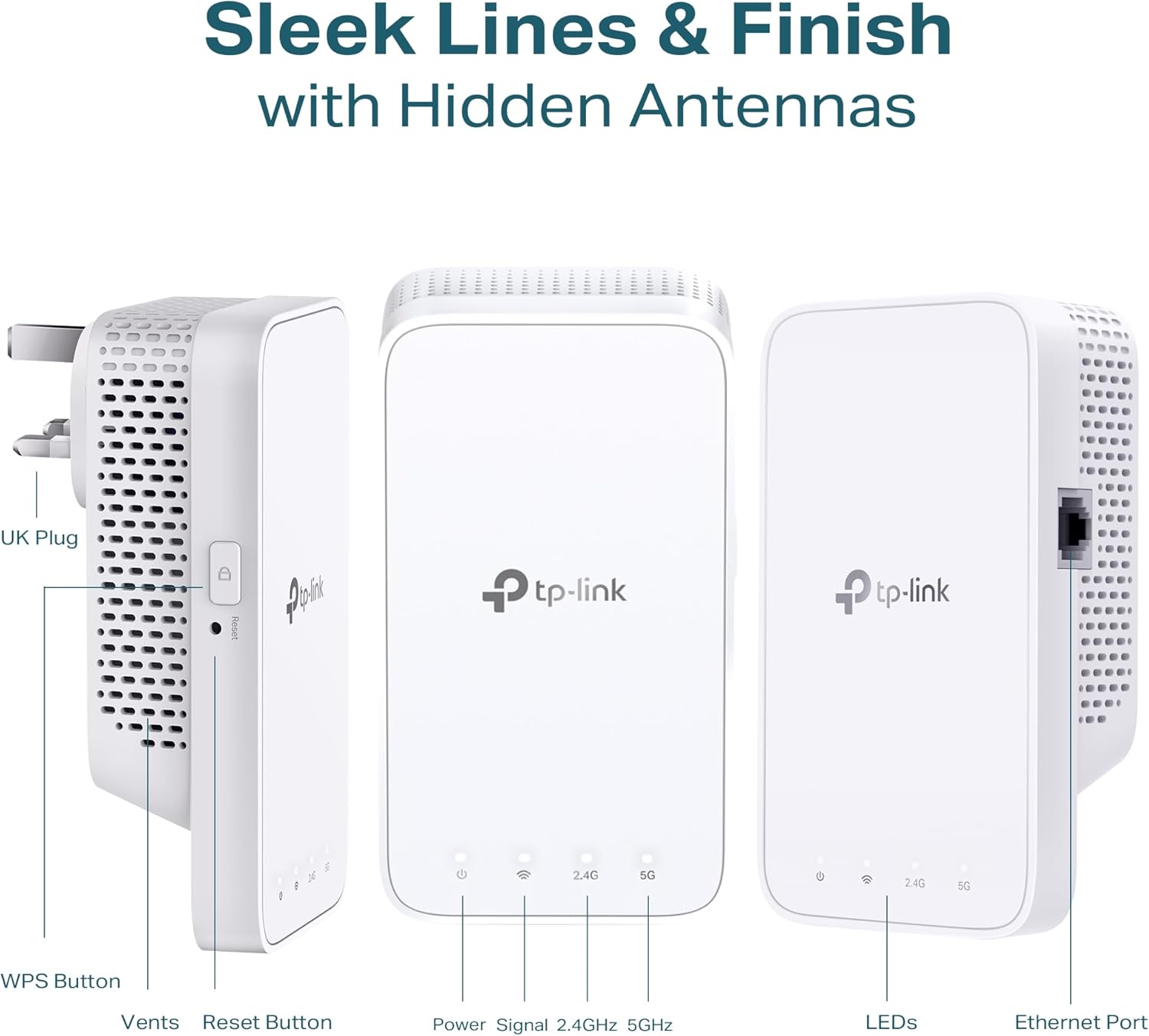
The RE330 delivers dual-band performance with combined AC1200 throughput, so you get separate 2.4 GHz and 5 GHz connections for everyday tasks and heavier traffic. A smart signal indicator guides placement, and the device supports WPS for one‑press connection. App control via Tether or the web UI makes basic management accessible on a phone or computer. Keep in mind actual speeds depend on your ISP and router, according to the manufacturer.
Tech specs
- Name: TP-Link RE330 AC1200
- Display: Dual-band 2.4 GHz 300 Mbps, 5 GHz 867 Mbps
- Compatibility: Works with any WiFi router and EasyMesh networks
- Connectivity: Ethernet port for wired devices or AP mode
- Plug: UK plug
Where it shines
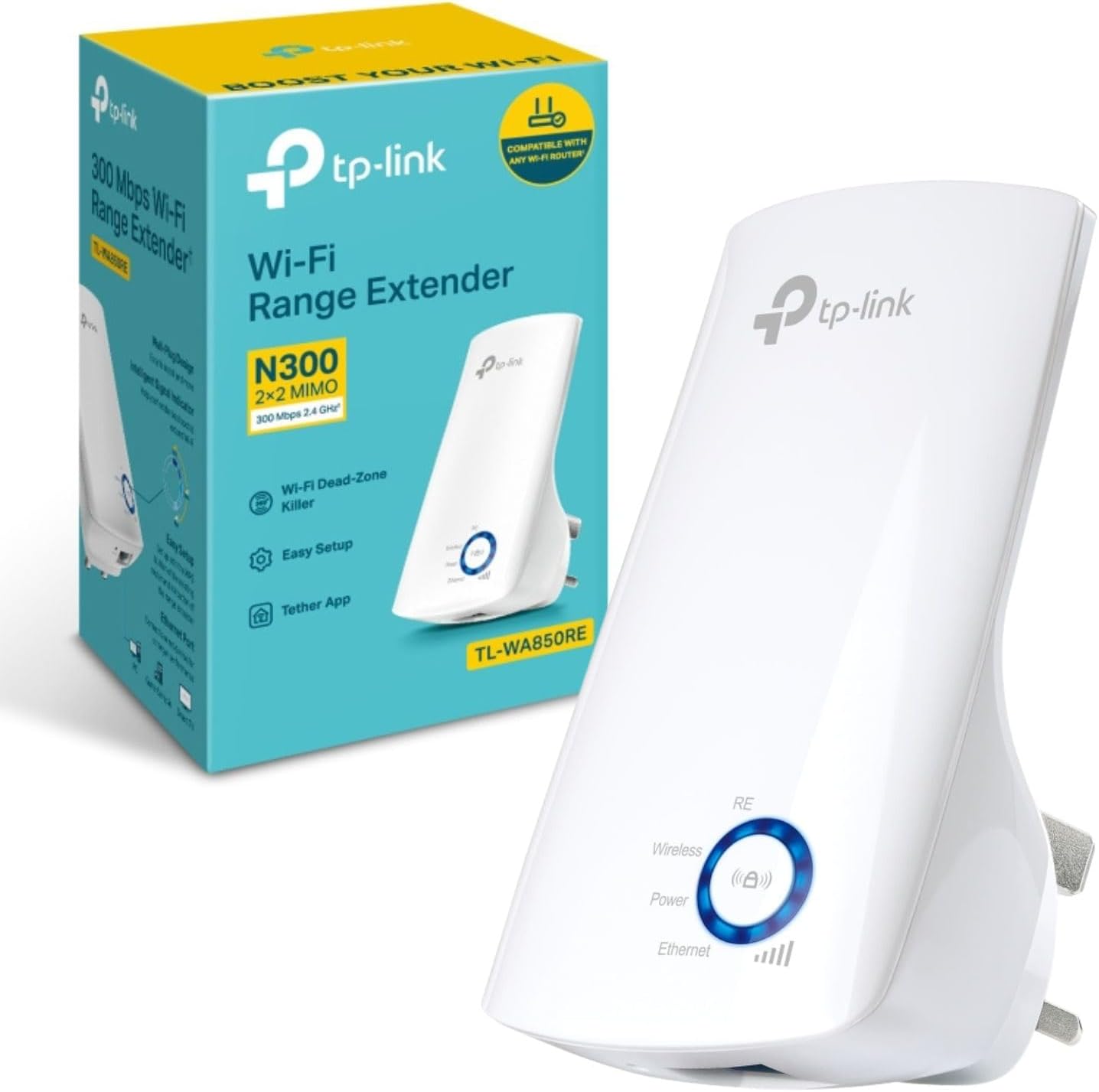
Placement guidance and a simple setup flow remove much of the guesswork when extending home WiFi. The option to use the unit as an access point or a range extender adds flexibility, and the Ethernet port lets a smart TV or games console keep a steady wired link while the extender handles wireless backhaul. It is a practical step up from relying on a single router in a multiroom flat.
Everyday use
For streaming in living rooms or maintaining signal in home offices, the RE330 can reduce buffering and intermittent disconnects. It is controlled via the Tether app, which covers basic tasks such as network name and password changes, device lists and firmware updates. Note that advanced configuration options are limited compared with higher‑end mesh systems.
Compatibility & requirements
The RE330 supports Windows, macOS, Linux and Java‑enabled browsers for setup, and integrates into EasyMesh environments for smarter routing. It works straight away with most consumer routers and does not demand specialist knowledge to get started.