

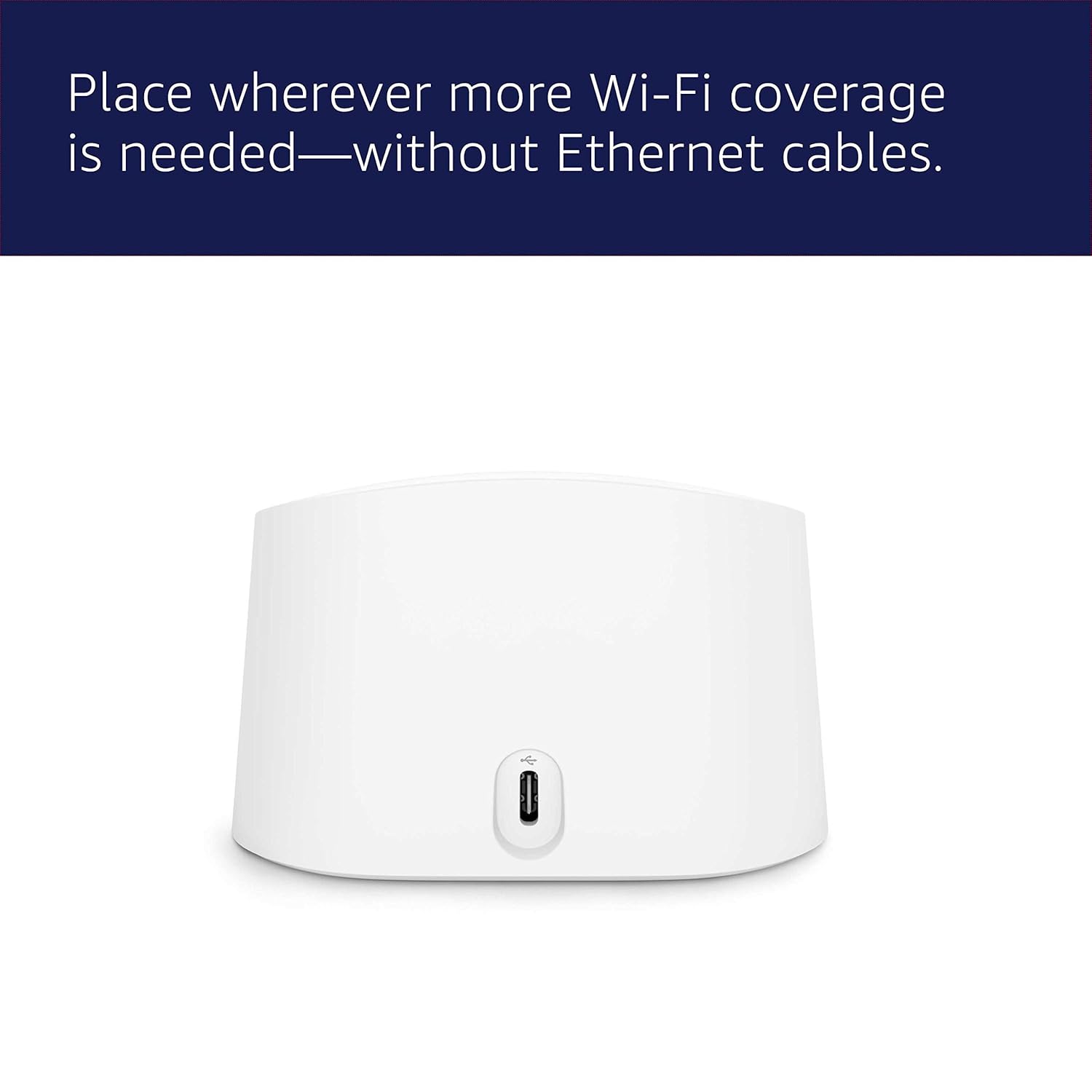
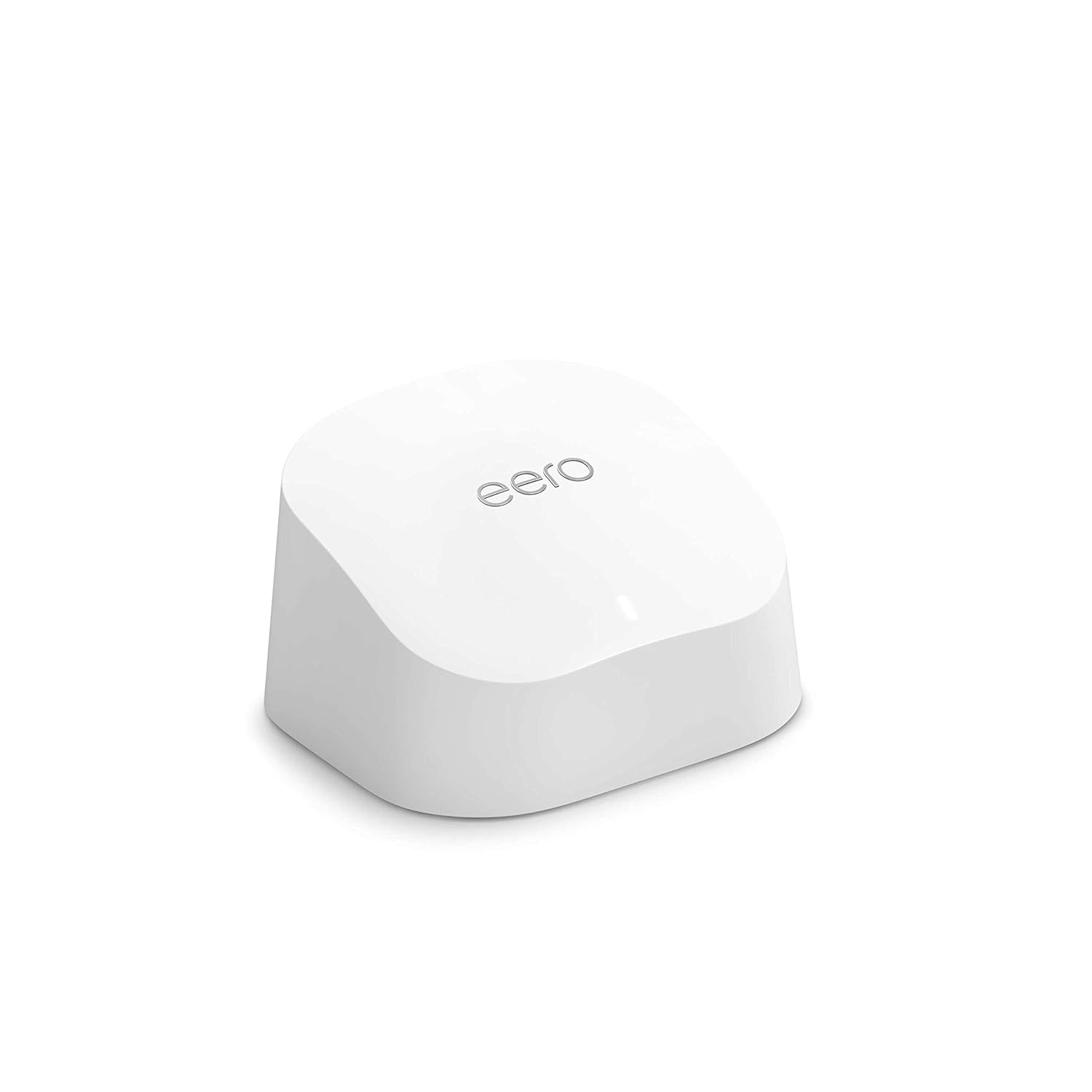
Amazon eero 6 mesh Wi-Fi extender (1-Pack) – Expand your eero network with Wi‑Fi 6
Reviews
Price
Product description
What this is and what it solves
The amazon eero 6 mesh Wi‑Fi extender is a device designed to extend an existing eero network by adding up to 140 m² of Wi‑Fi 6 coverage. It’s aimed at homes where dead zones or buffering interrupt everyday activities like streaming, video calls, or light online gaming. By feeding a compatible eero system with additional access, it can help stabilise connections in areas where signal was previously weak.
How it fits into a home network
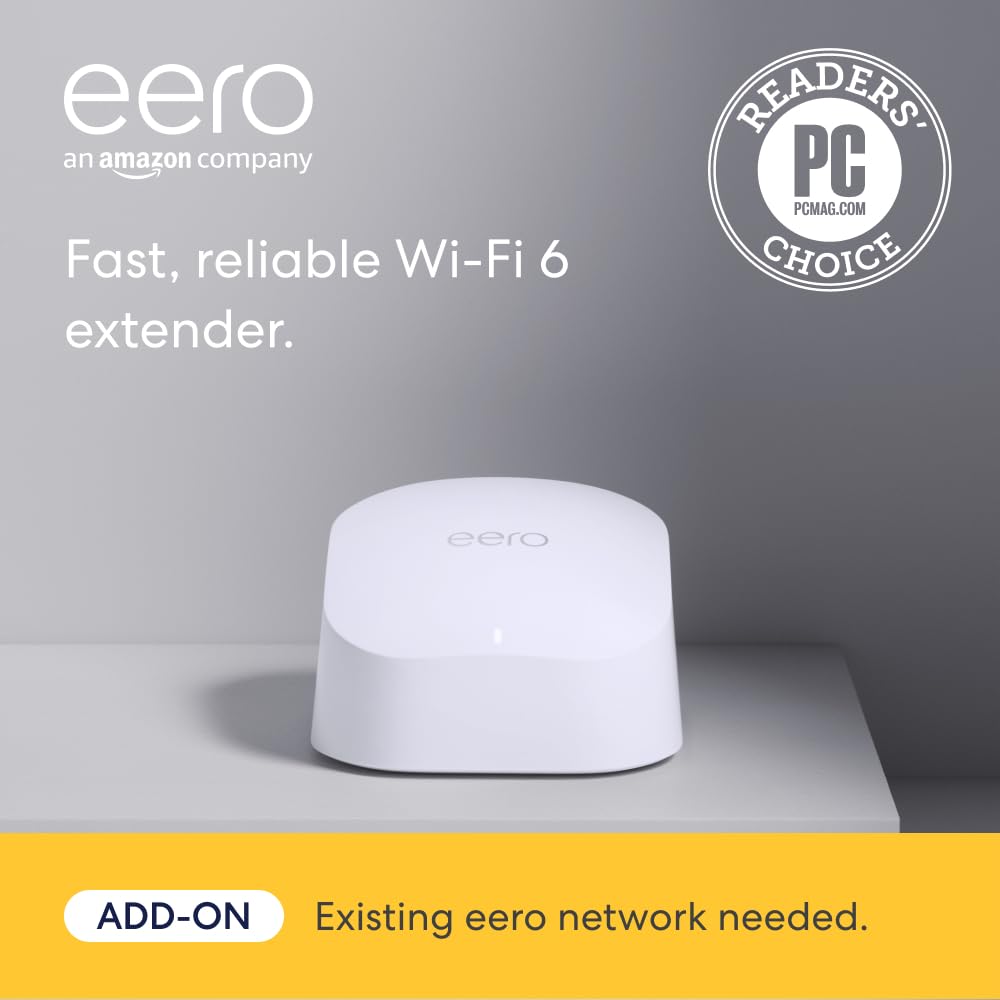
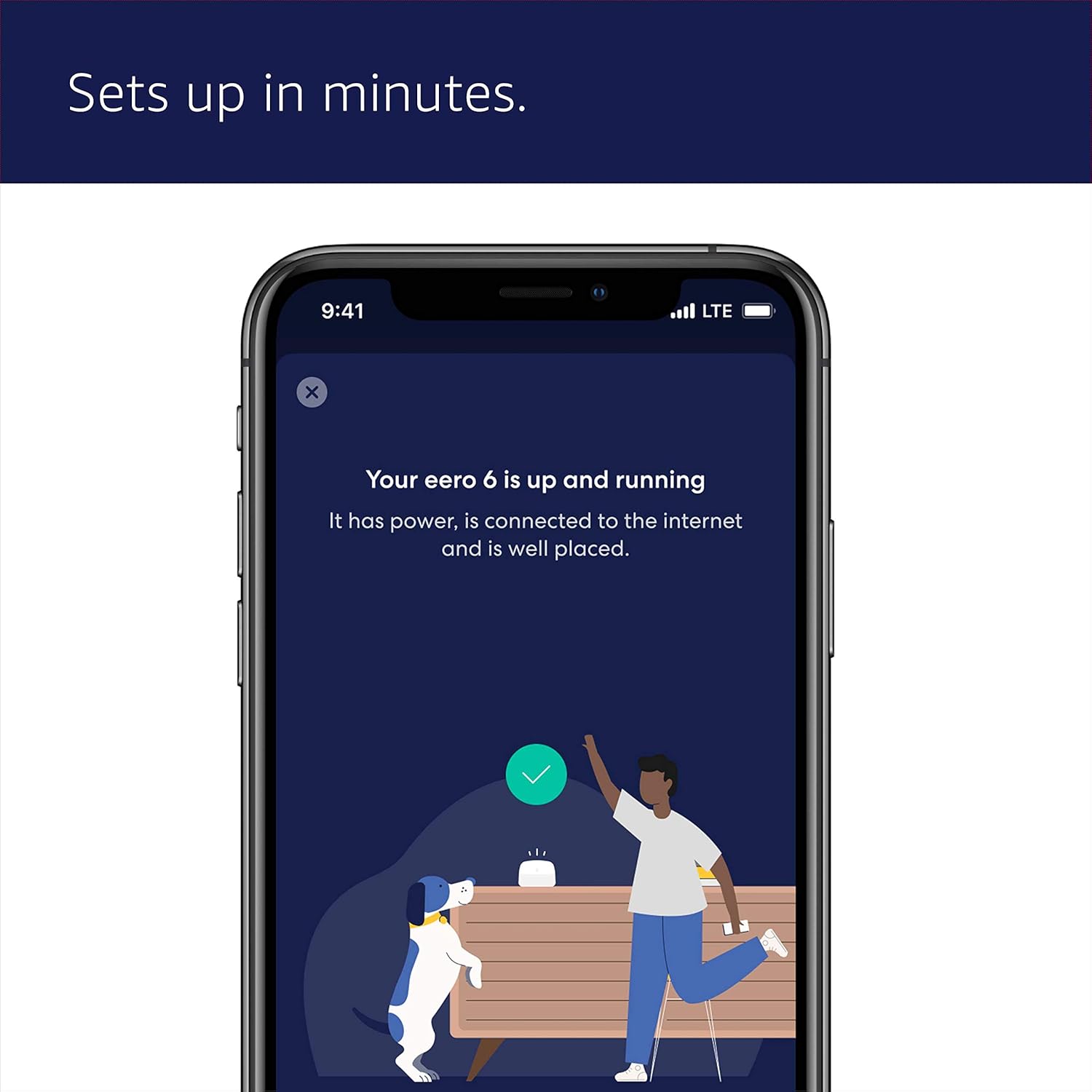
On paper, the setup is straightforward: use the eero app to add an eero 6 extender to an existing eero mesh network. The app guides you through the process, which is intended to be quick and intuitive. The extender is backwards compatible with previous Wi‑Fi generations, so you don’t need to overhaul your entire network to benefit from better coverage in regions of your home that struggled before.
What stands out in everyday use
TrueMesh technology is cited as a feature to route traffic intelligently and reduce disconnections. In practical terms, that can translate to fewer dropouts during video calls or smoother streaming, especially if multiple devices are connected at once. The value proposition hinges on better whole‑home coverage rather than standout speed in a single room.
The best and the less convincing parts
What’s promising here is the focus on expanding coverage without complicated configuration, plus ongoing updates that keep the network current with safety improvements and Wi‑Fi enhancements. On the downside, you’re buying into an ecosystem extender rather than a stand‑alone router, so performance gains depend on compatibility with your existing eero setup and the size of your home. If the current network already feels saturated in multiple zones, adding more extenders may help, but it’s still subject to the layout and interference from walls or devices.
Who it’s for

This extender is likely to appeal to households already using an eero mesh system who want to plug gaps in coverage in living spaces, home offices, or entertainment zones. It can be a sensible, not overly flashy upgrade for those prioritising steadier connections over raw peak speed. If you prioritise a single room’s performance, or you don’t have an existing eero network, this product may not be the best fit.

When it makes sense to buy
If you’ve noticed streaming stutters or buffering in certain corners of the home, and you already use an eero system, adding an eero 6 extender could offer a practical improvement. It’s sensible to consider alongside your current mesh layout and how many additional extenders you might need to achieve even coverage. The fact that updates arrive over time is a plus for long‑term reliability, as long as you’re comfortable with maintaining a network of devices rather than a standalone Wi‑Fi upgrade.
When you might want to pass
If your home has unusually demanding Wi‑Fi needs in many rooms, or if you’re seeking the strongest possible single‑device performance for gaming or high‑bit‑rate streaming, you may want to explore other options within or outside the eero ecosystem. Also, if you do not yet operate an eero network, the extender won’t function independently and won’t replace a main router.
What to check before buying
- Confirm you already have an existing eero network to extend.
- Assess your home layout to estimate how many extenders would be necessary for uniform coverage.
- Consider whether your devices support Wi‑Fi 6, so you can benefit from the extender’s stated capabilities.
- Be aware that performance depends on more than a single device, walls, furniture, and interference can influence real‑world coverage and speed.
Practical usage snapshot
Imagine streaming a movie in a lounge while someone else is gaming in a distant study. With the extender in place, the network should distribute traffic more efficiently across the mesh, reducing buffering and keeping both activities reasonably smooth, provided the overall network remains within the practical size of the home and the number of connected devices isn’t excessive.
Tech overview (brief)
- Name: Amazon eero 6 mesh Wi‑Fi extender
- Type: Wi‑Fi extender
- Coverage: up to 140 m² (approximately a 6.6 metre radius)
- Standard: Wi‑Fi 6
- Setup: via the eero app
- Compatibility: works with existing eero networks, backwards compatible with earlier Wi‑Fi generations
What you’ll notice day to day
You’ll likely appreciate fewer buffering moments and more reliable connections as you move between rooms. The improvement is not just about speed—it’s about fewer disruptions when multiple devices are active. If you live in a bigger home or an open plan space where the router’s signal struggles to reach every corner, the extender can make a tangible difference. That said, if your home is unusually large or highly partitioned, the end result depends on how many extenders you deploy and how they’re positioned.