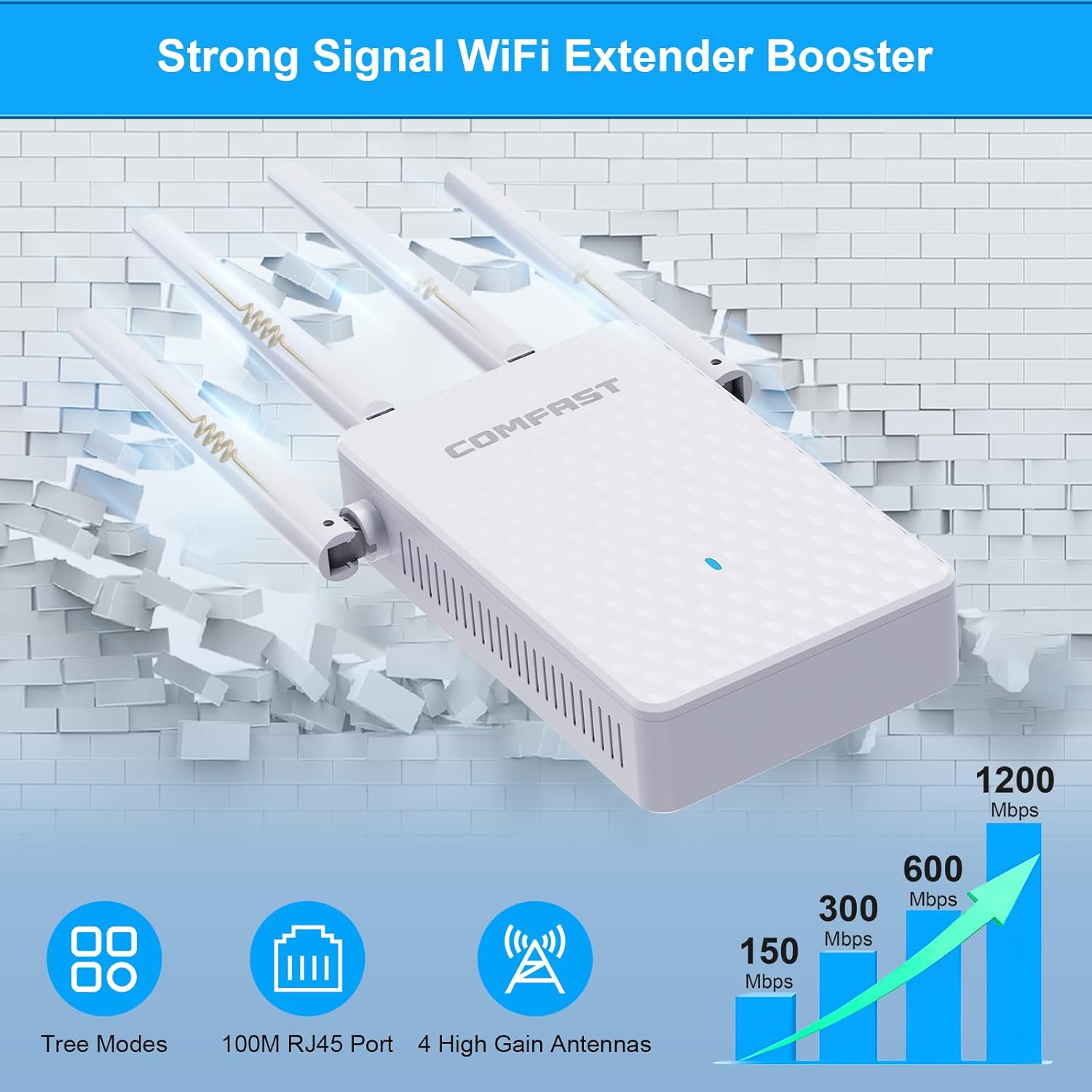
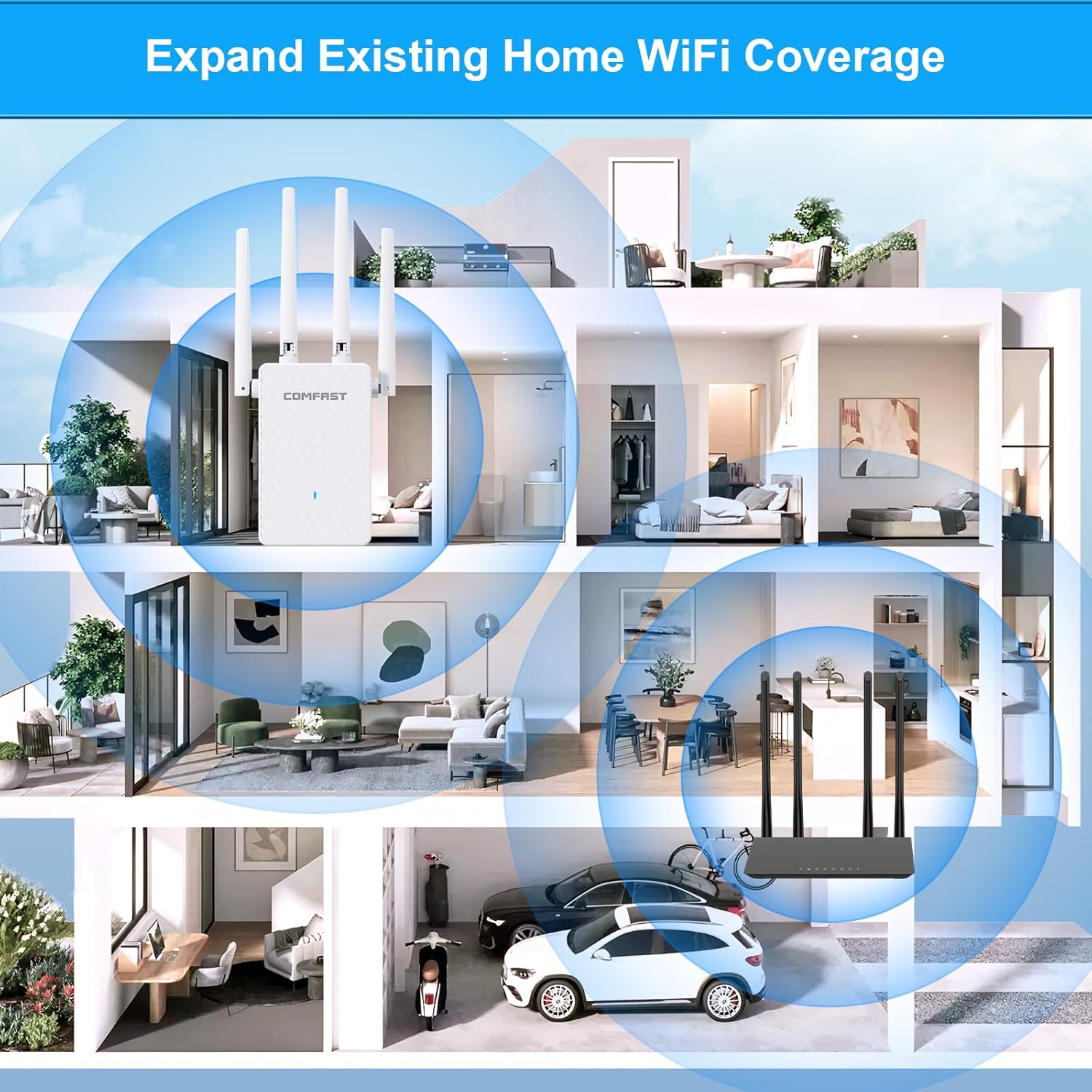
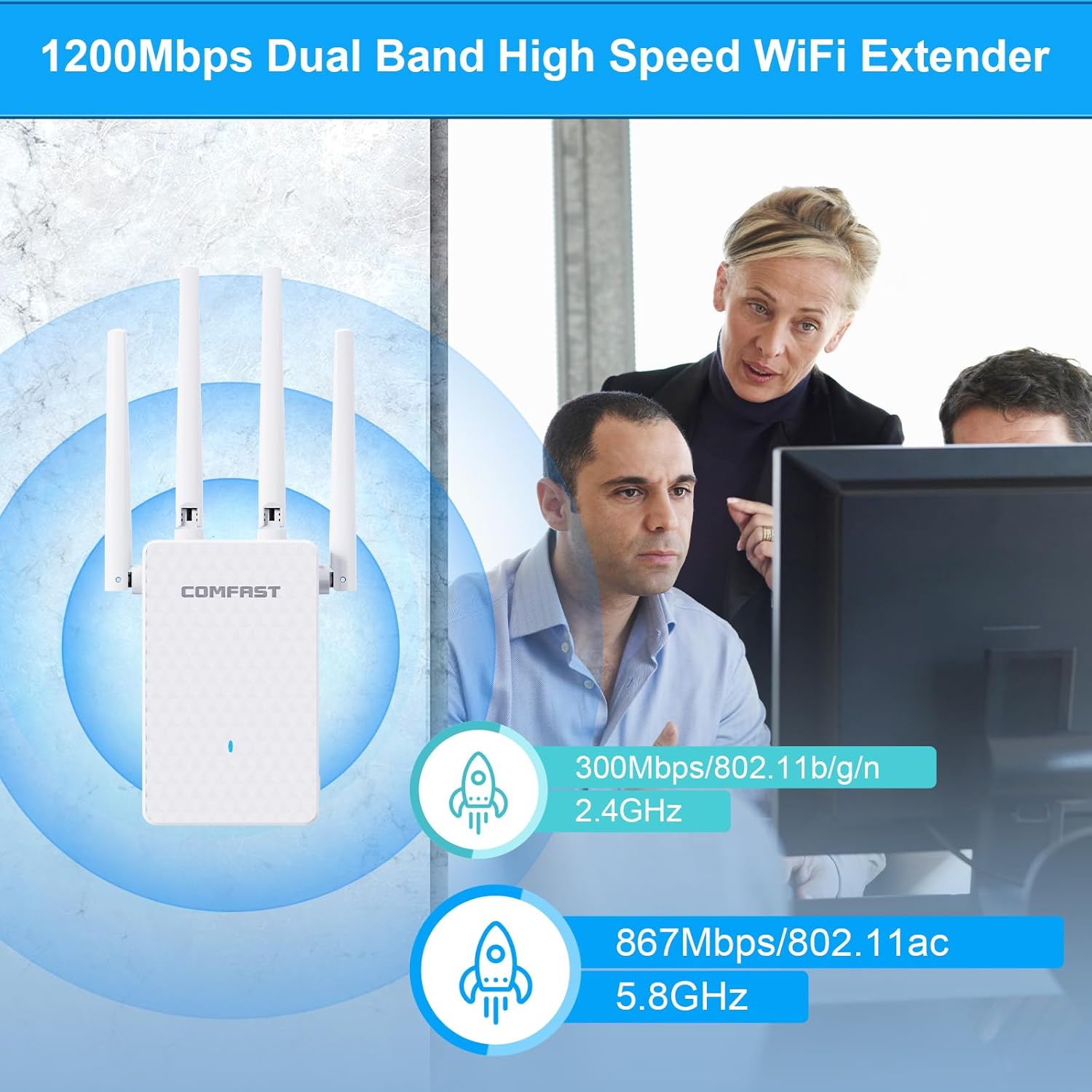
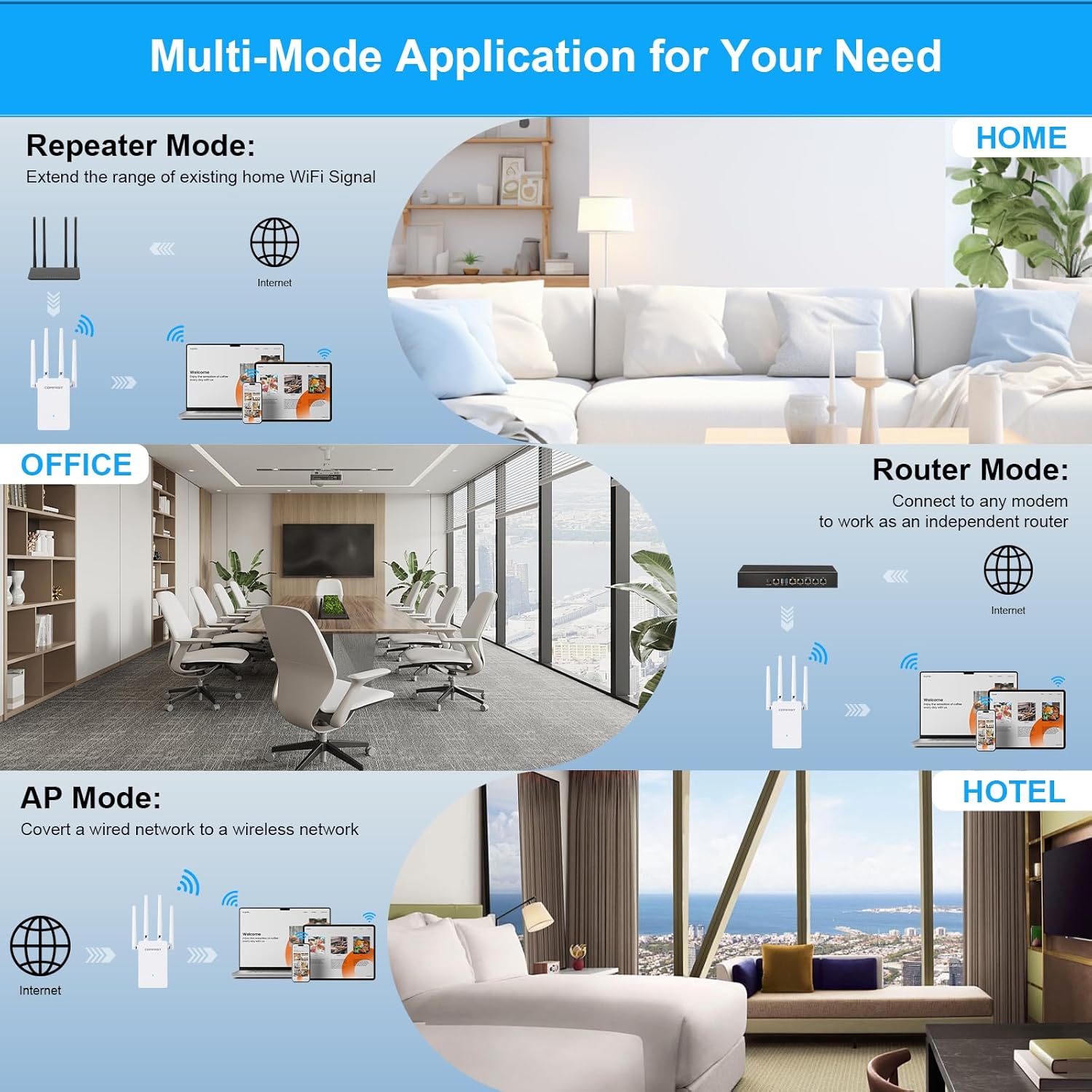
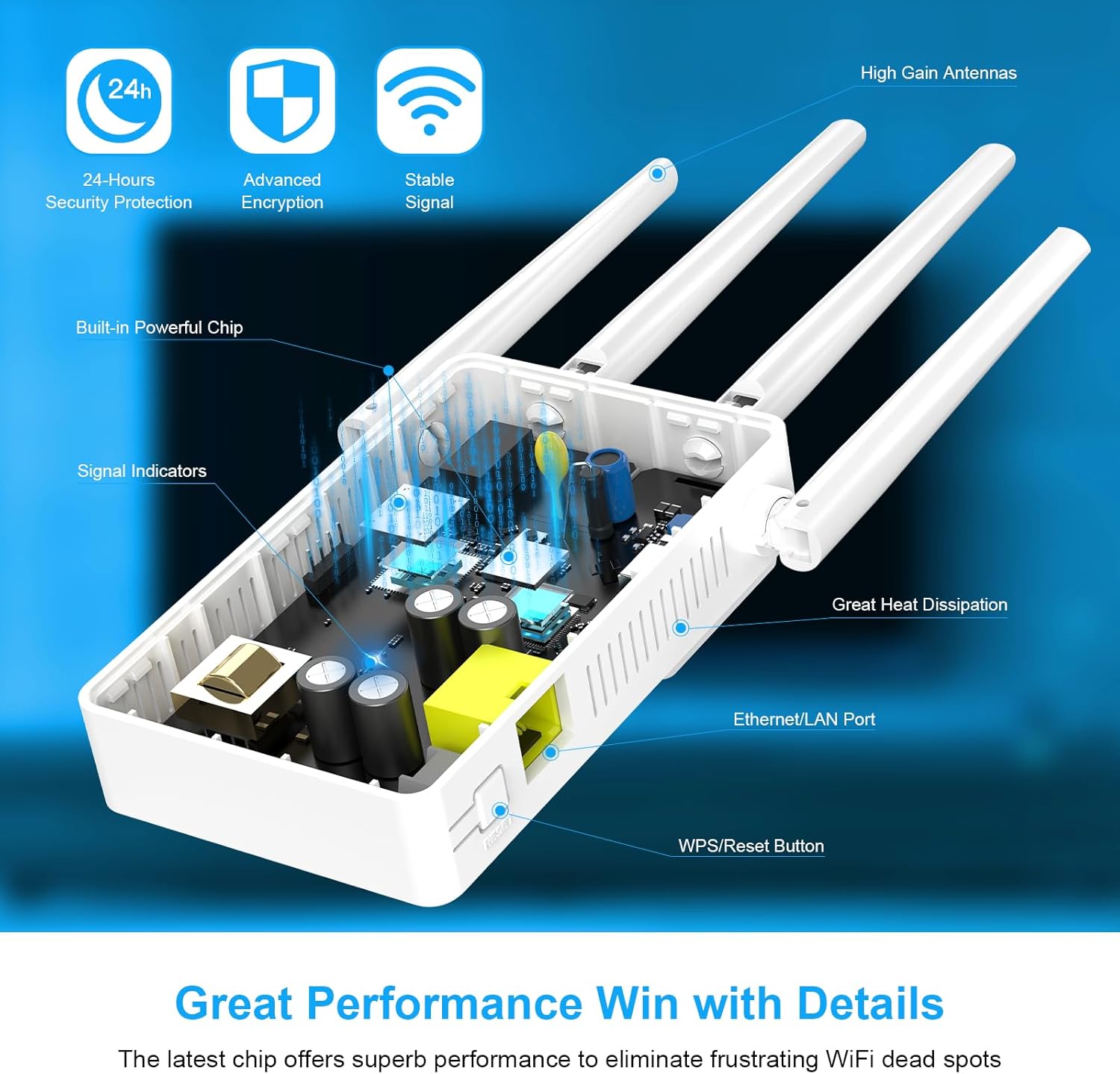
What it is and what it solves\nThe COMFAST WiFi Extender Booster is a dual‑band range extender designed to improve wireless coverage in homes where signal strength is inconsistent. With four external antennas and a central processor, it aims to push WiFi further into rooms behind walls or floors, reducing dead zones and helping devices stay connected. If you’ve ever had a drop in signal in a spare bedroom, kitchen or basement, this device offers a practical way to extend the existing network rather than replacing your router.\n\n## How it works on paper\nThis model operates in three modes—Repeater, AP and Router—so you can adapt it to different networking needs. In Repeater mode, it strengthens the current network to expand coverage, in AP mode, it creates a new wireless access point from a wired network, and in Router mode, it functions as a secondary router to manage devices. The 2.4GHz and 5GHz bands are combined to deliver up to 1200Mbps total throughput, which can help with HD video streaming, online gaming and video calls, assuming your existing internet plan and router support the speeds.\n\n## Quick setup and everyday use\nSetting up is intended to be straightforward: a WPS button allows a one‑button connection to a compatible router, which can help get the extender running within seconds. If you prefer, you can also configure via a web browser on a phone or PC. This is useful if you want to adjust network names, passwords or operating mode without relying on WPS alone.\n\n## What stands out\n- Dual‑band support (2.4GHz + 5GHz) with a claimed total speed of up to 1200Mbps. This setup is sensible for households with multiple devices, including mobile phones, laptops and smart TVs.\n- Four external antennas suggest an intent to better penetrate barriers and extend signal to more distant corners of a home.\n- The included UK plug makes it convenient for UK residences without requiring adapters.\n- Three working modes provide flexibility to either extend an existing network, create a new access point from a wired connection, or operate as a secondary router.\n\n## Where it may fall short\nThe 1200Mbps figure is a sum of two bands and real‑world speeds can be considerably lower depending on interference, distance, and the router’s capabilities. The device’s performance depends on your current network layout, fibre vs. ADSL connections, and the number of devices pulling bandwidth simultaneously. It may not be the best choice if you need ultra‑low latency for competitive online gaming or if your home has thick multiple walls that drastically reduce signal quality.\n\n## Who it’s for\nIdeal for households that want to fill WiFi gaps without moving their existing router, or for spaces where a wired backhaul isn’t feasible. It is reasonably suitable for streaming HD video, general browsing and video calls across several rooms. It’s probably not the top pick for users chasing edge‑to‑edge gigabit performance or ultra‑low latency gaming.\n\n## What to check before buying\n- Ensure your router supports WPS if you plan to use the one‑button setup.\n- Consider your layout: if the extender sits too far from the router, even a 1200Mbps claim may not translate to usable speeds in distant rooms.\n- Confirm your devices support 2.4GHz and 5GHz use to take full advantage of dual‑band.\n\n## Practical usage example\nImagine a two‑storey home where the router sits downstairs. In the upstairs study you can place the COMFAST extender to capture a weaker signal and deliver a more stable connection to a desktop or laptop and a smart TV, improving streaming and video calls without running ethernet.\n\n## Comparison implicit: buying vs. alternatives\nIf you’re weighing between this extender and replacing your router or using a more expensive mesh system, this device offers a middle ground: easier to install, less upfront investment, and compatible with existing gear, but it might not match the seamless roaming of a dedicated mesh network. For smaller homes or flats, or for those who prefer a simple upgrade, it can be a sensible compromise.\n\n## Final decision — Is it worth it?\nIf you prioritise filling signal gaps quickly and with minimal wiring, and you already have reliable broadband, this COMFAST extender is worth considering. It aligns with a pragmatic approach to improving coverage in a typical UK home, provided you set realistic expectations about actual speeds and latency depending on layout and interference.\n\n## FAQ (quick clarity)\n- Will it solve all WiFi dead zones? It aims to reduce them, but performance depends on distance and obstacles.\n- Do I need technical expertise? Setup is designed to be user‑friendly, with WPS as an option, but you may want to consult the manual for more advanced settings.\n- Can I use it as a primary router? It supports Router mode, but its performance as a sole router will depend on your broadband speed and network needs.\n