

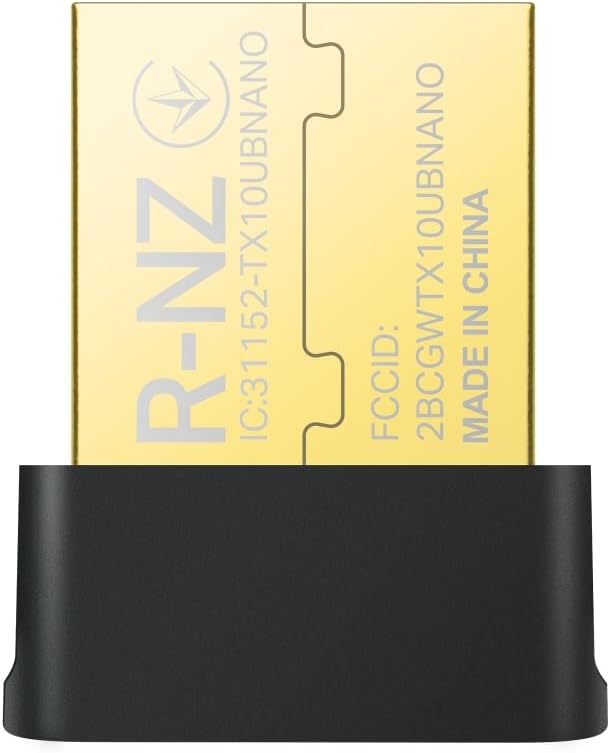
TP-Link Archer TX10UB Nano AX900Mbps WiFi 6 USB dongle with Bluetooth 5.3 (Plug & Play)
Product description
The essentials
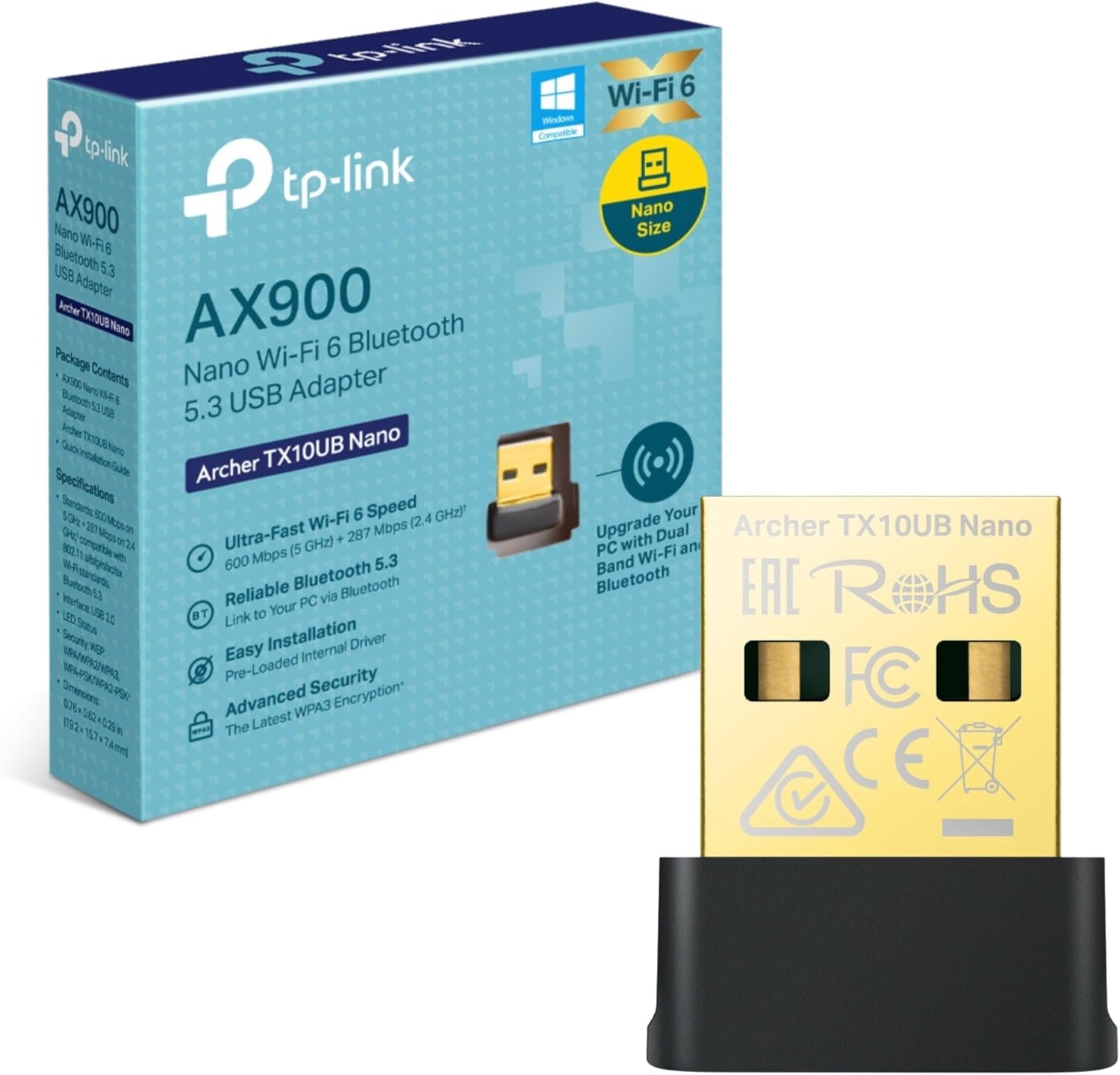
If your PC’s Wi‑Fi feels a bit dated, the TP-Link Archer TX10UB Nano is aimed at giving you a cleaner, more modern wireless setup. It’s a WiFi 6 USB adapter with dual-band connectivity and Bluetooth 5.3, designed to plug in and get working without a fuss.
On paper it targets two common frustrations: not getting the speeds you expect from your router, and dealing with congestion or lag when multiple devices are online. WiFi 6 is meant to help with network efficiency, and WiFi adapters like this are typically where you’d look if your device doesn’t have newer wireless built in.
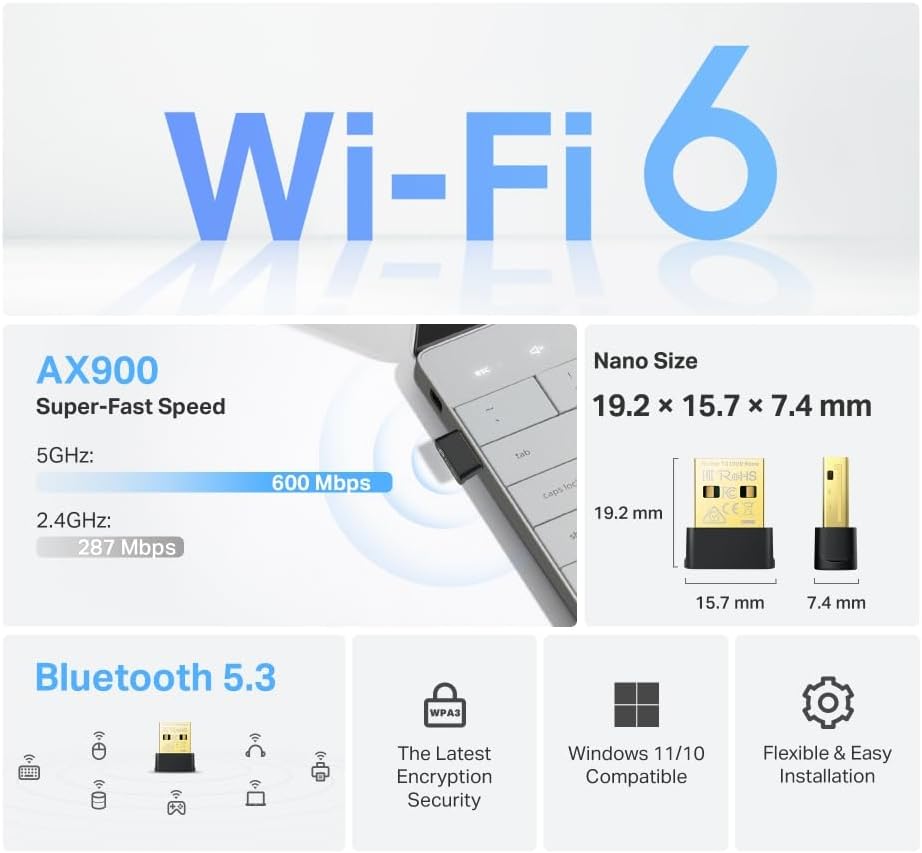
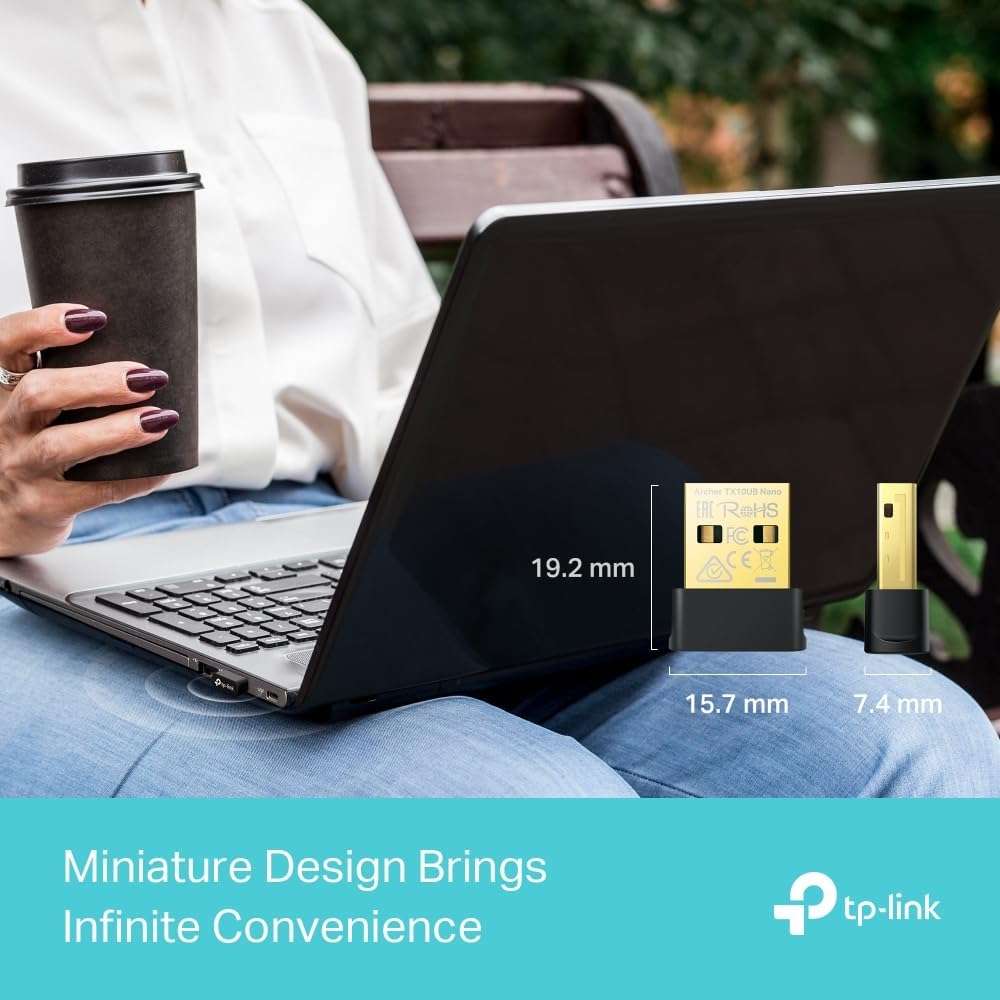
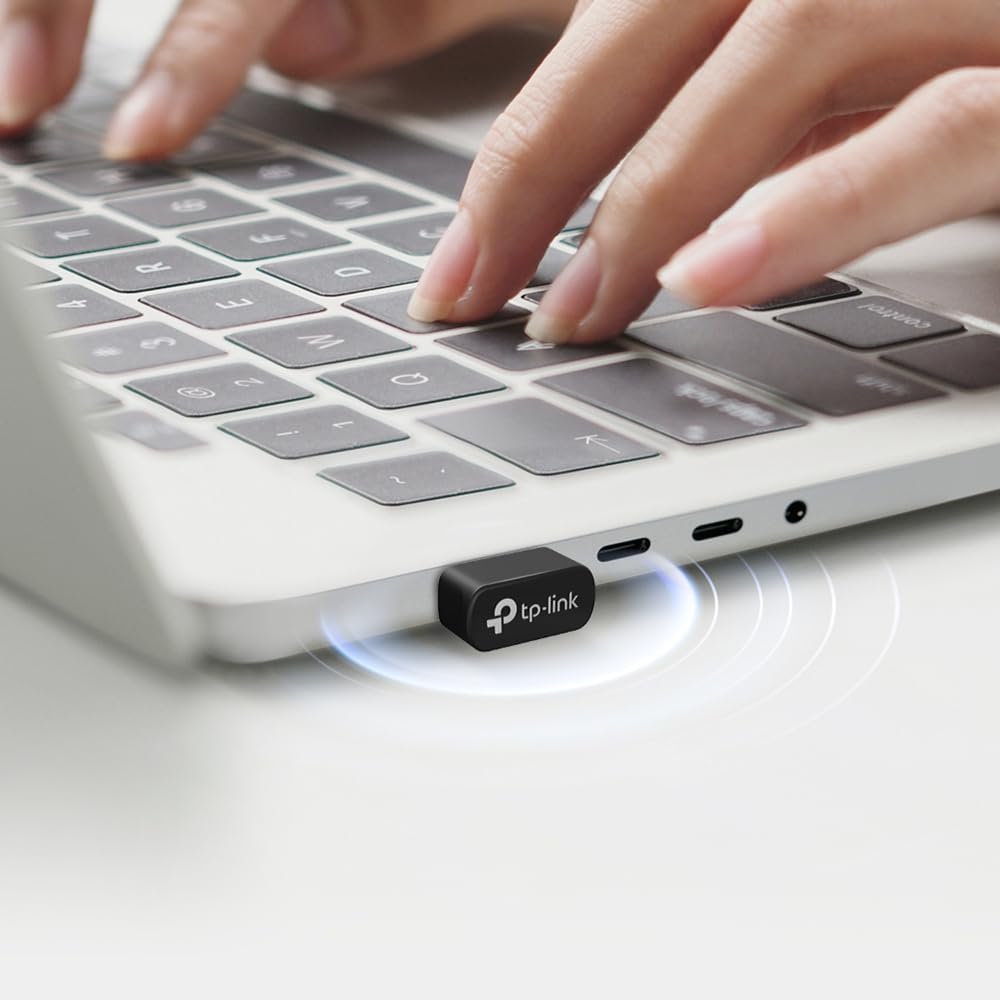
It’s also small. The “nano” approach here matters if you hate bulky dongles that stick out and get knocked, especially on a desktop or behind a monitor.
What to know before buying
This is a USB WiFi adapter for Windows 11/10. The listing mentions Plug & Play, so you’re not expected to tinker heavily with drivers or settings to get online, but do keep in mind that real-world performance still depends on your router, your room layout, and how busy your local network is.
You’ll also want to sanity-check your priorities:
- If you mainly want steadier Wi‑Fi for everyday browsing and streaming, the AX900Mbps headline will be less important than where you use it and whether your router is dual-band WiFi 6.
- If you want Bluetooth for peripherals (game controllers, headphones, keyboards etc.), Bluetooth 5.3 is the relevant piece — though Bluetooth behaviour can still vary depending on distance and walls.
A small note: this kind of dongle is best treated as an “upgrade path” for devices that lack built-in WiFi 6. If your PC already has a strong WiFi 6 card, the gains may be smaller than you’d hope.
Key features that matter in day-to-day use
The TX10UB Nano combines dual-band WiFi with Bluetooth 5.3, which is a neat pairing when you want both internet and wireless accessories from one USB slot.
The Wi‑Fi side is positioned around AX speeds: up to 900 Mbps with claimed 287 Mbps on 2.4 GHz and 600 Mbps on 5 GHz. In practical terms, that suggests you can choose the band based on what you’re doing — for example, 5 GHz for higher throughput when you’re closer to the router, and 2.4 GHz when you need better reach.

For Bluetooth, the listing points to Bluetooth 5.3 improvements focused on reliability and security. That’s useful if you regularly use wireless controllers or audio devices and you care about stable coordination rather than frequent connection hiccups.
Security is also covered at a basic level, with support for WPA3 via the advanced security mention. It’s the sort of detail worth caring about if you’re moving to newer wireless standards and want your home network to keep up.
Highlights: where it shines (and where it may not)
Where it stands out is in the “easy upgrade” category. If you’ve got a Windows 11/10 laptop or desktop that doesn’t have WiFi 6, adding this dongle is a straightforward way to modernise connectivity.
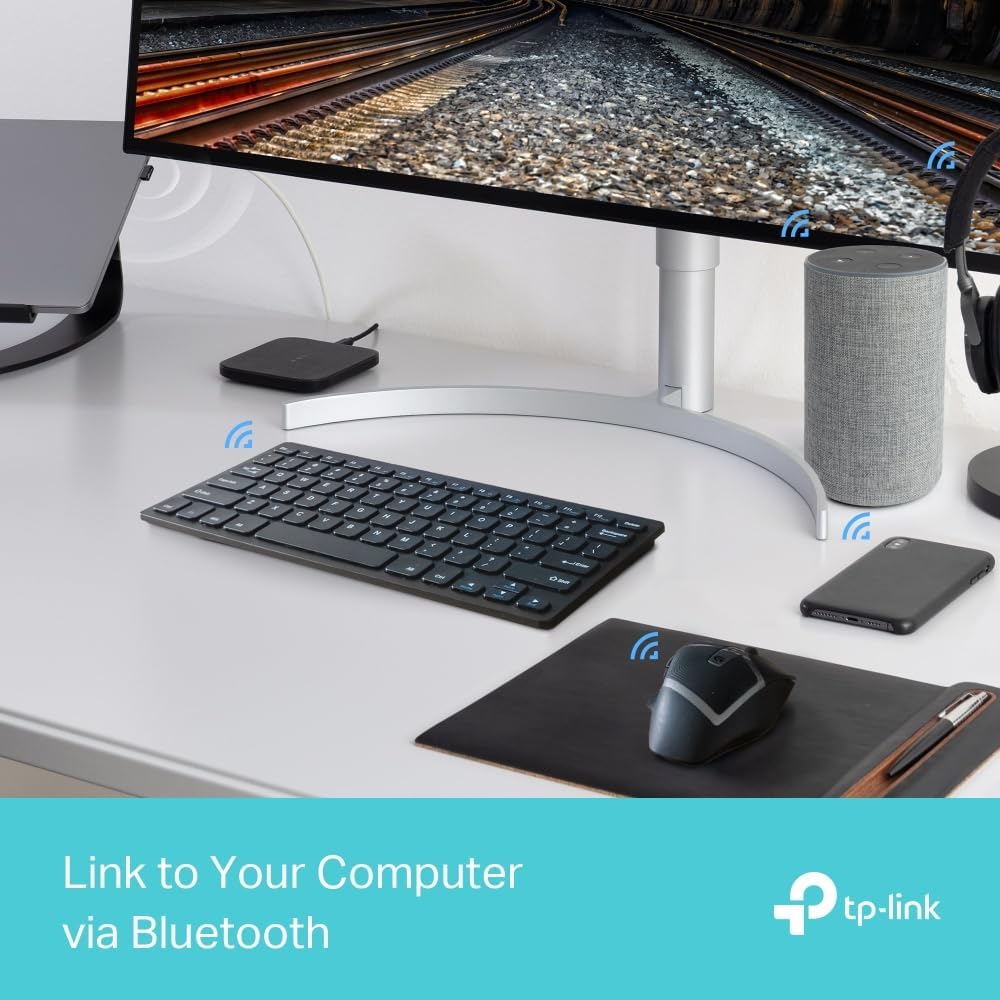
It’s also a good fit if you want one compact USB device to handle both Wi‑Fi and Bluetooth peripherals. Imagine plugging it in, connecting your PC to the 5 GHz band for smoother video calls and streaming, and pairing a wireless controller for gaming — all without installing additional network cards.
That said, it may not suit everyone. If you’re expecting miracles in signal quality from a far-away location, any USB adapter can only do so much, distance, interference, and your router’s coverage will still set the ceiling. And if your priority is maximum performance, you may find more capable options are not USB-dongle based.
Tech specs
- Name: TP-Link Archer TX10UB Nano WiFi 6 USB Adapter with Bluetooth 5.3
- Type: Dual-band WiFi 6 adapter + Bluetooth 5.3 dongle
- Format: USB
- Speed: Up to AX900 Mbps (287 Mbps on 2.4 GHz, 600 Mbps on 5 GHz)
- Bluetooth: Bluetooth 5.3
- Security: WPA3 supported (advanced security)
- Design: Nano / small unobtrusive form
- Supported OS: Windows 11/10
Is it worth it?
Buy the TP-Link Archer TX10UB Nano if you want a compact, plug-and-play style way to add WiFi 6 to a Windows 11/10 PC, and you also need Bluetooth for wireless controllers, headphones, or a keyboard/mouse setup. It makes the most sense when you have a dual-band router (ideally WiFi 6) and you want smoother everyday performance without going down the route of internal upgrades.
Avoid it if your device already has a strong WiFi 6 connection and you’re chasing tiny improvements. And if your main problem is poor signal quality from another room, you may be disappointed — you’ll likely get more from improving router placement or using a better reception setup than from switching Wi‑Fi adapters alone.
Mini FAQ
Usage tips
For the best results, place your PC so the USB adapter isn’t hidden behind metal desks or dense obstacles, and try connecting to the 5 GHz band when you’re within decent range. If you notice unstable performance, switching bands (2.4 GHz vs 5 GHz) is often the quickest way to steady things.
What does Bluetooth 5.3 help with?
The listing highlights improved reliability and security in Bluetooth 5.3, which is aimed at more robust coordination with devices like controllers and headphones. Actual behaviour still depends on your environment, but it’s clearly meant to reduce common pairing or connection annoyances.
Does it work straight away?
The product description mentions Plug & Play, and it’s listed for Windows 11/10. That usually means minimal setup, but you’ll still want to make sure your PC recognises the adapter after plugging it in.
What network security does it support?
It mentions advanced security with WPA3. If your router supports WPA3, that’s the pairing you’d generally want for modern security expectations.