

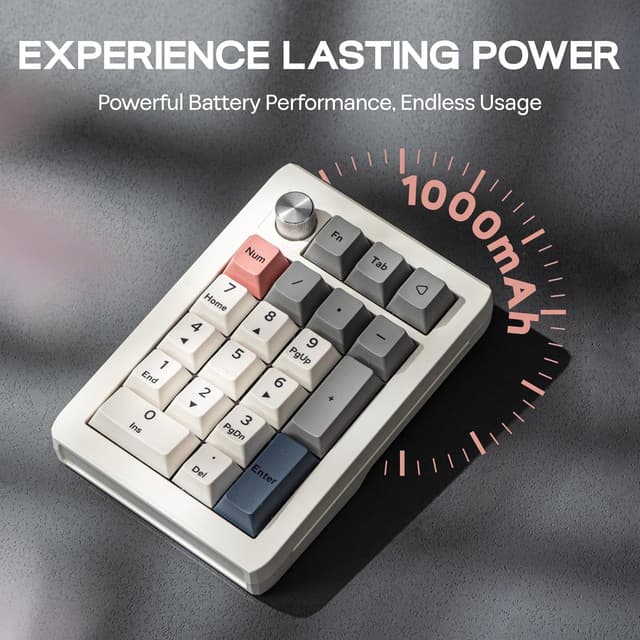
EPOMAKER EK21 VIA Gasket Number Pad with 1000mAh battery (BT 5.0 / 2.4GHz / wired, white) and aluminium alloy knob
Product description
The essentials
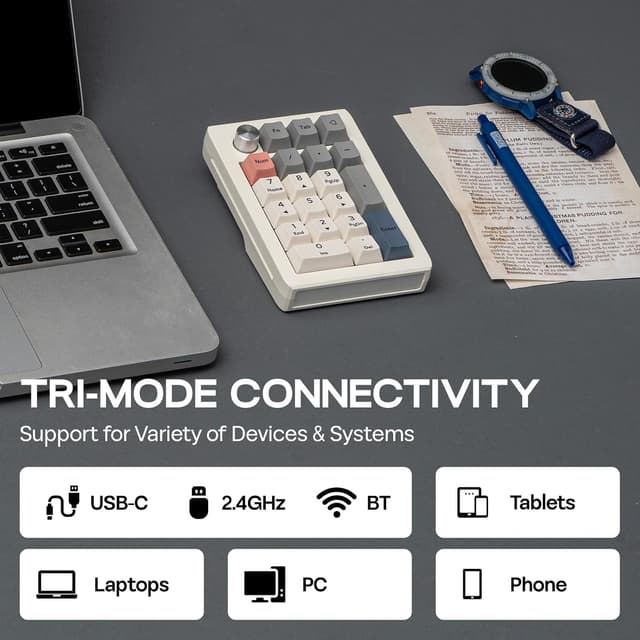
If you spend a lot of time on spreadsheets, number-heavy workflows or gaming with extra hotkeys, a numpad can be more than “nice to have”. The EPOMAKER EK21 VIA Gasket Number Pad is built around that idea: a compact, programmable 20-key numpad with a VIA-supported setup, a gasket-style build feel and a comfort-focused internal layout. It also leans into flexibility with three connection modes (wired, Bluetooth and 2.4GHz) and a stated 1000mAh battery for wireless use.
On paper, it’s aiming at people who want an adjustable, customisable control surface rather than a basic numeric block. The inclusion of a VIA approach suggests you’re meant to do more than simply press numbers—remapping keys and creating macros is a big part of the pitch.
That said, it’s not perfect for everyone. A numpad like this is small and focused, so if you’re hoping for a full keyboard experience or lots of dedicated keys beyond the number pad layout, you may find it too limited.
What it is and what it solves
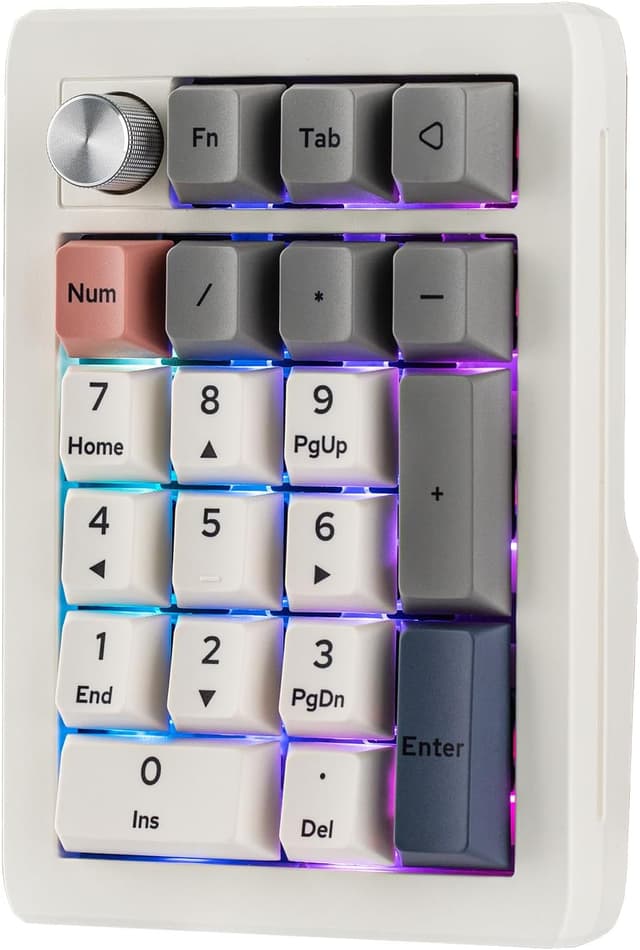
The EK21 VIA Gasket Number Pad is a wired/Bluetooth/2.4GHz hot-swappable numpad with 20 keys. Its main “job” is to make number entry and repeated commands quicker—whether that’s accounting work, data entry, trading dashboards, or setting up gaming controls that you want close at hand.
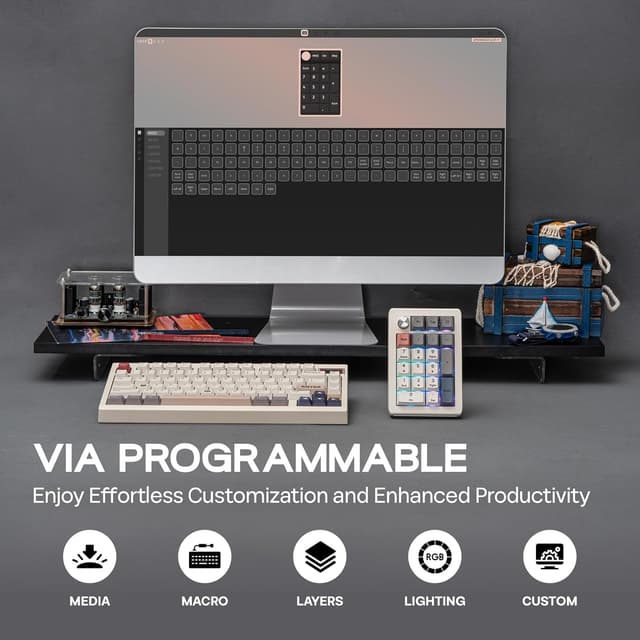
A practical example: imagine you’re updating a budget in a spreadsheet. With programmable keys, you can map frequent actions (like inserting a row, switching tabs, or triggering a macro) onto the numpad keys so you’re not always reaching for the main keyboard. For gaming, the same concept applies: you can remap keys into quick actions you want under your right hand.
Where it really stands out
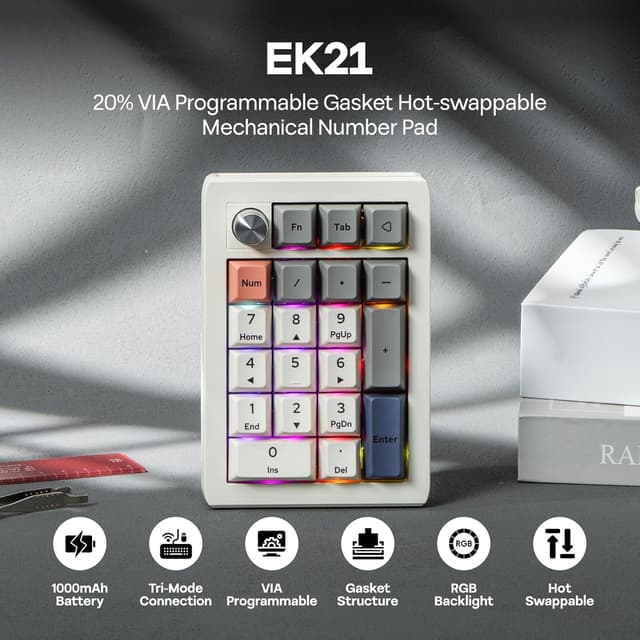
The standout elements are fairly clear from its design focus:
- VIA programmability: it’s presented as being configurable through VIA software, letting you remap keys and create macros.
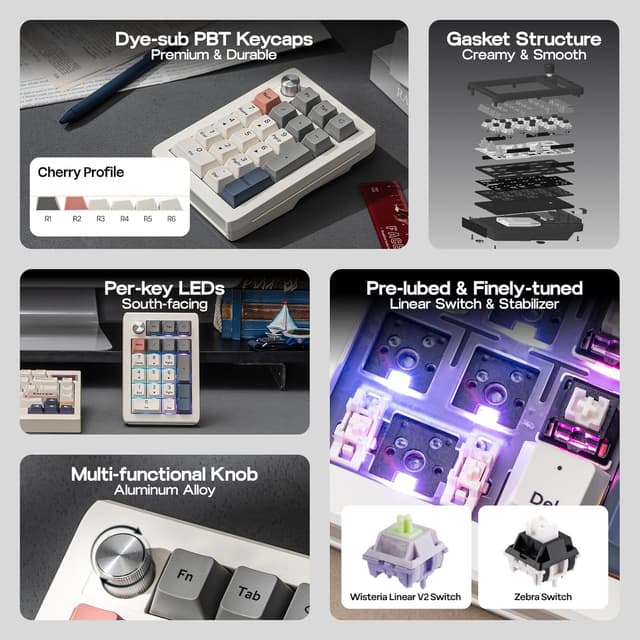
- Gasket-style layout and sound/feel tuning: the EK21 uses a Poron bottom layer with sandwich foam and an IXPE switch pad, which is positioned to deliver a more cushioned typing feel and reduce noise.
- A physical aluminium alloy knob: beyond looks, the knob is described as adjustable, with VIA offering the flexibility to customise what the knob does.
- Multi-mode connectivity plus battery: you get wired, BT 5.0 and 2.4GHz options, alongside a stated 1000mAh battery capacity for longer wireless sessions.
It’s a lot of features for a small device, and that’s usually where good value lives—if you’ll actually use the programmability and wireless options. If you only need plain numbers with no remapping, you might end up paying for capability you won’t use.
What you’ll notice in everyday use
Comfort and noise are the priorities mentioned in its construction. The combination of Poron, foam and an IXPE switch pad is meant to soften the typing feel and help keep your workspace quieter, which matters if you share a room or work late.
Also, the aluminium alloy knob is the kind of “small but noticeable” control. Even without knowing your exact VIA setup, having a dedicated physical control beside the numeric keys makes it easier to handle common adjustments (depending on how you configure it).
One limitation to keep in mind: because this is a numpad (not a full-size keyboard), the control surface is only 20 keys. That’s great for targeted workflows, but it can feel restrictive if your routine needs many more dedicated inputs.
Tech specs (from the info provided)
- Type: Hot-swappable numpad (gasket design)
- Name: EK21 VIA Gasket Number Pad
- Keys: 20 keys
- Connectivity: Wired, Bluetooth 5.0, 2.4GHz wireless
- Battery capacity: 1000mAh
- Programmable software: VIA
- Knob: Aluminium alloy knob
- Switches mentioned: Wisteria Linear (linear switch), white/wisteria variant named in the listing
Who it suits (and who should look elsewhere)
It’s a good fit if you want a compact numpad that’s meant for custom workflows, and you’re the type of person who actually uses software to remap keys or build macros. It also suits gamers who prefer a dedicated side numpad for quick actions and want choice over how they connect.
It may not suit you if you’re expecting a full keyboard for typing comfort across all keys, or if you prefer a simple, non-configurable numeric input where you can just plug in and forget it.
Worth considering if you work in numbers a lot and want your right-hand inputs to be faster than reaching across the main keyboard, and you’re comfortable setting up VIA mappings.
Is it worth it?
The EK21 VIA Gasket Number Pad looks like a solid buy for people who value customisation and a more refined feel in a compact numeric tool. The gasket-style build intent, comfort-focused layers and included VIA programmability make it feel more “tailored” than typical entry-level numpads.
However, it’s not the best choice if you only need basic number entry and don’t plan to configure anything. In that scenario, a simpler numpad may do the job with less to learn.
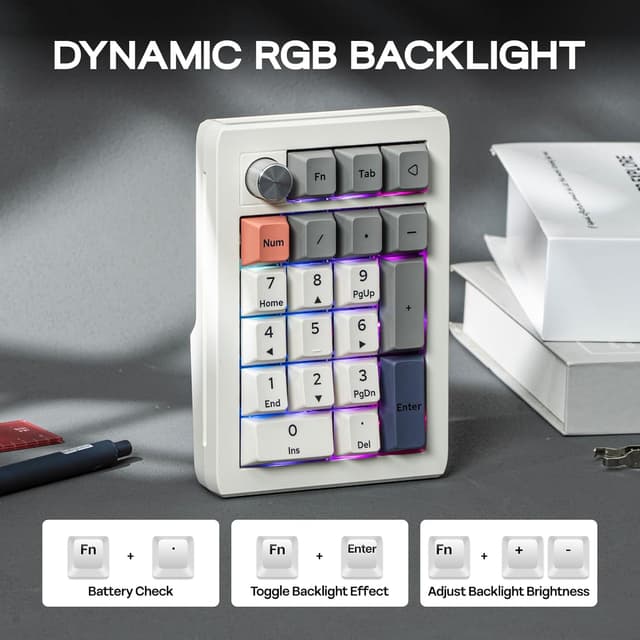
Before you buy, it’s worth checking that you’re happy to spend a little time setting up VIA for your keymaps, and that a 20-key numpad is enough for what you’re trying to streamline.
Quick FAQ
Is it programmable?
Yes—it's described as being programmable via VIA software, including remapping keys and creating macros.
Does it work wirelessly?
Yes. The listing mentions wired, BT 5.0 and 2.4GHz wireless modes, plus a 1000mAh battery for wireless use.
Is it hot-swappable?
The description states it’s a hot-swappable numpad, so you’re not locked into one fixed switch type from day one (based on the hot-swap feature as described).
Will it be quieter than a basic numpad?
The build uses Poron foam layers and an IXPE switch pad to reduce noise, so it’s designed with a quieter workspace in mind, though the exact result will depend on your settings and environment.