

HP 650 Programmable Wireless Keyboard & Mouse Set
Product description
What is it and who is it for
The HP 650 is a wireless keyboard and mouse set designed for daily, desk-based use. It combines a sleek, low-profile keyboard with contoured keycaps and 2.0 mm key travel, plus a comfortable mouse with a grip suited to both left- and right-handed users. If you value a clean look on the desk and appreciate the option to customise shortcuts, this kit is aimed at office tasks, light content creation, and general productivity.
How it’s laid out and how it feels
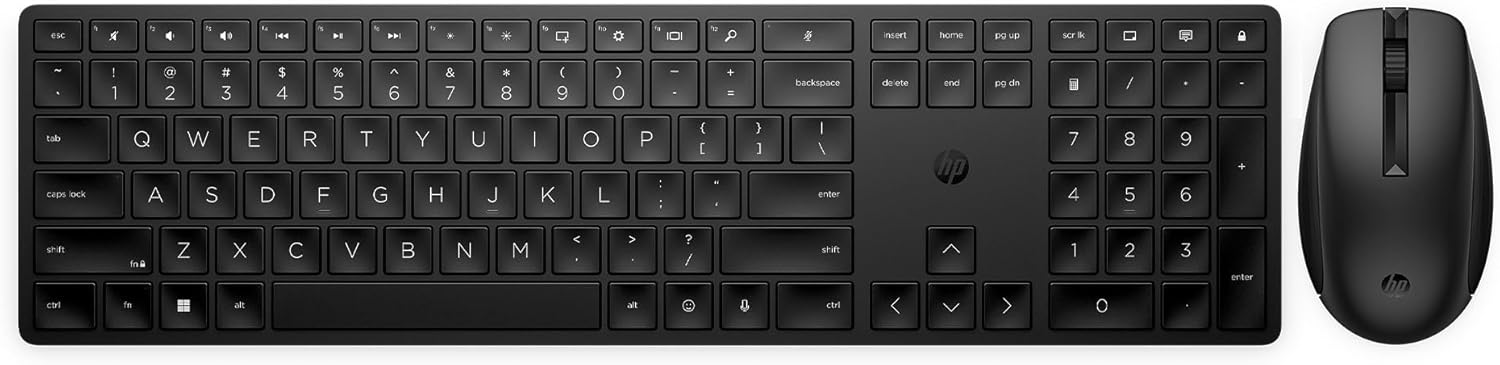
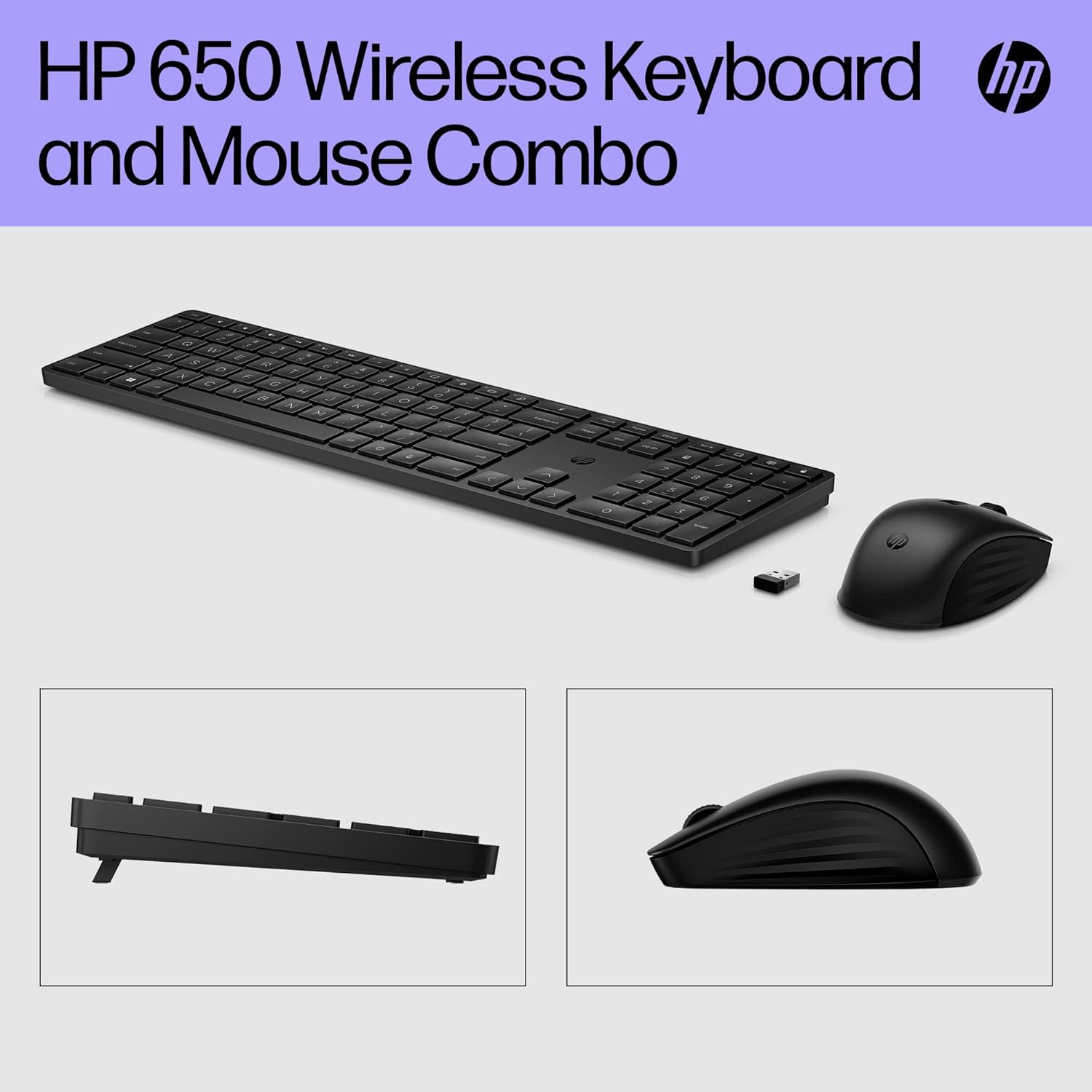
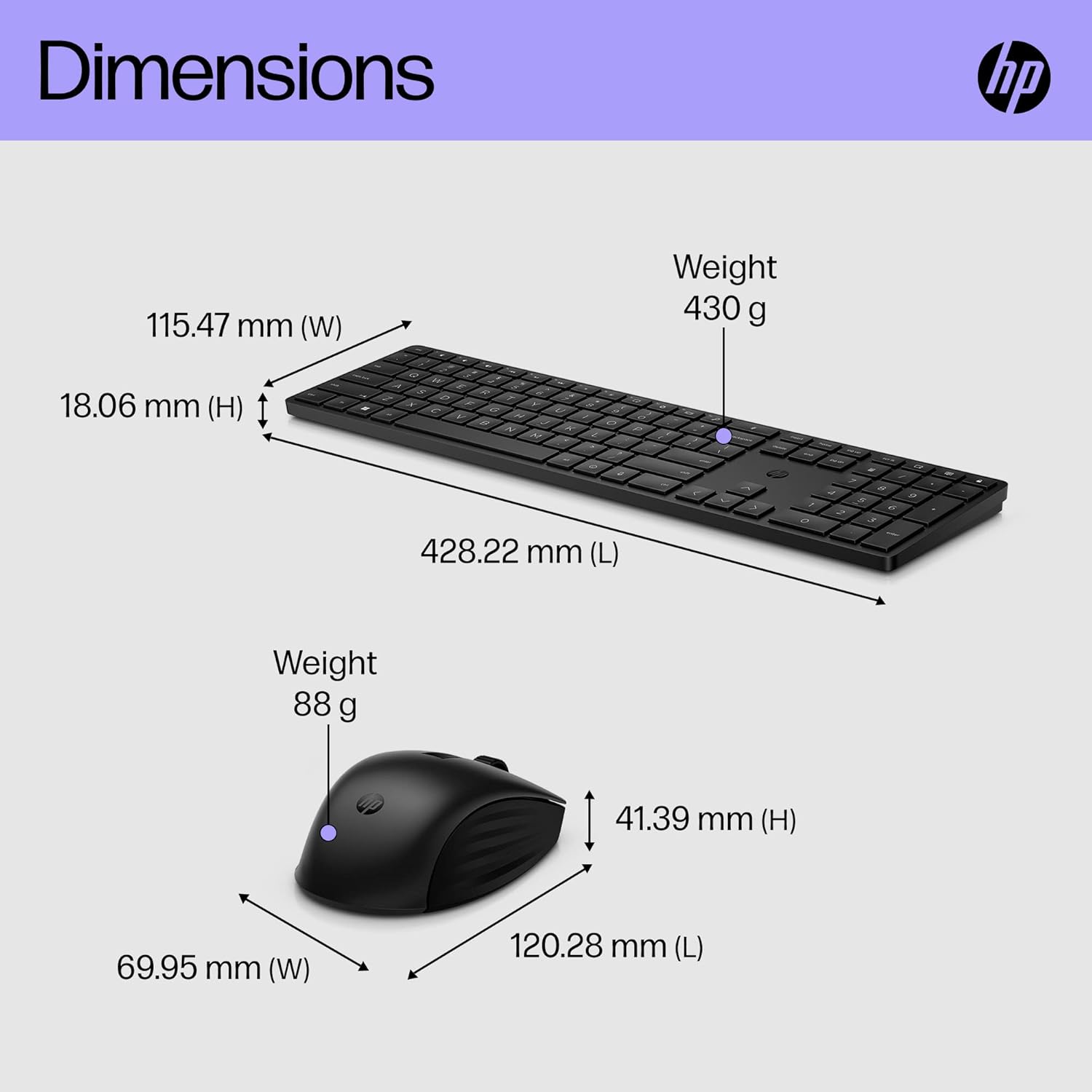
On the keyboard, legs can be adjusted up to 6 degrees, helping you find a comfortable typing angle. The click and feel are designed to be precise for accurate typing, while the contoured mouse shape supports everyday use without fatigue. The overall build emphasises a tidy, ergonomic footprint suitable for long stretches of work.
Customisation and efficiency
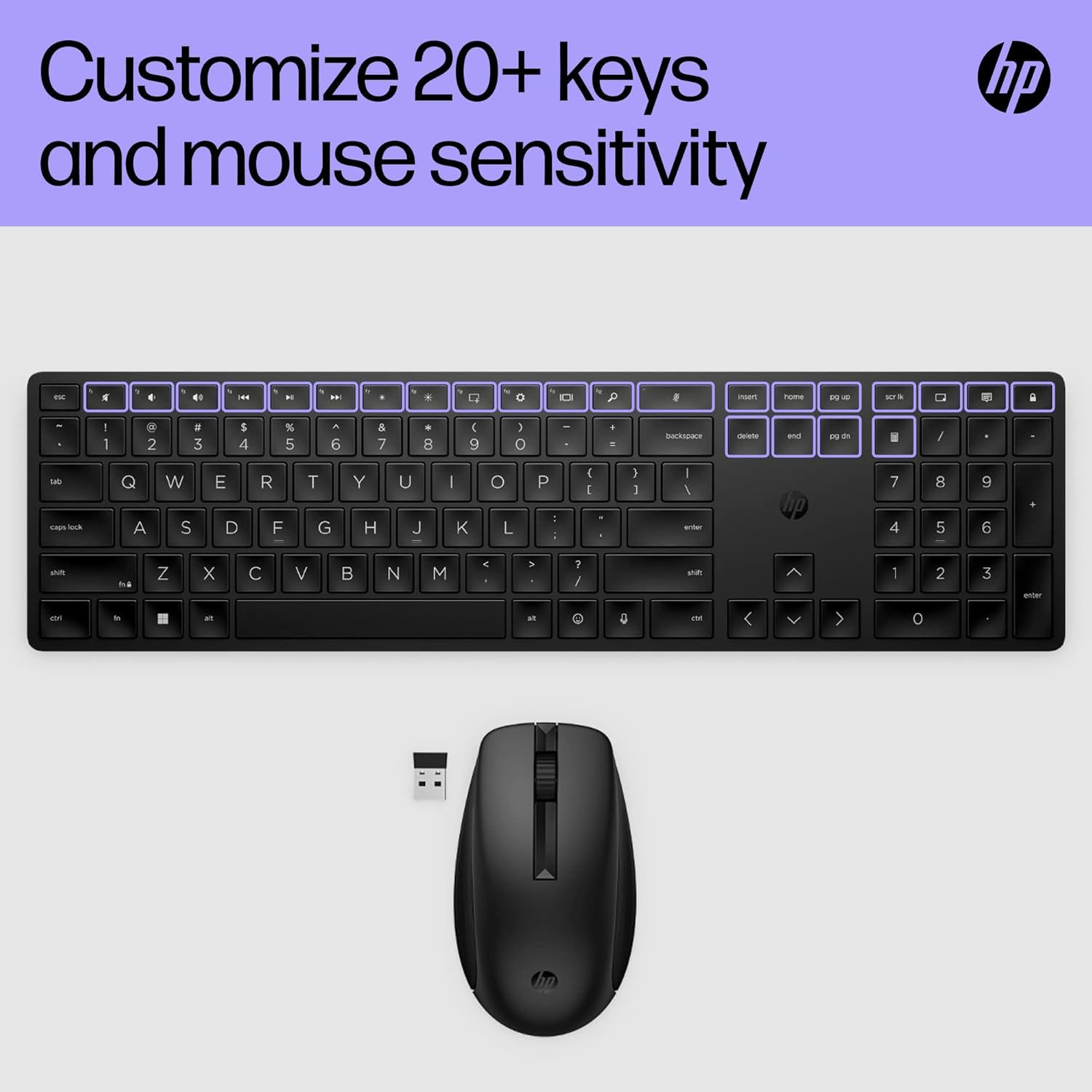
A standout feature is the ability to programme 20+ keys via HP Accessory Center, which can streamline your most-used commands and reduce keystrokes in your favourite apps. The mouse’s DPI settings can be tweaked to control cursor speed and precision, letting you tailor tracking to your workflow.
Surface versatility and battery life
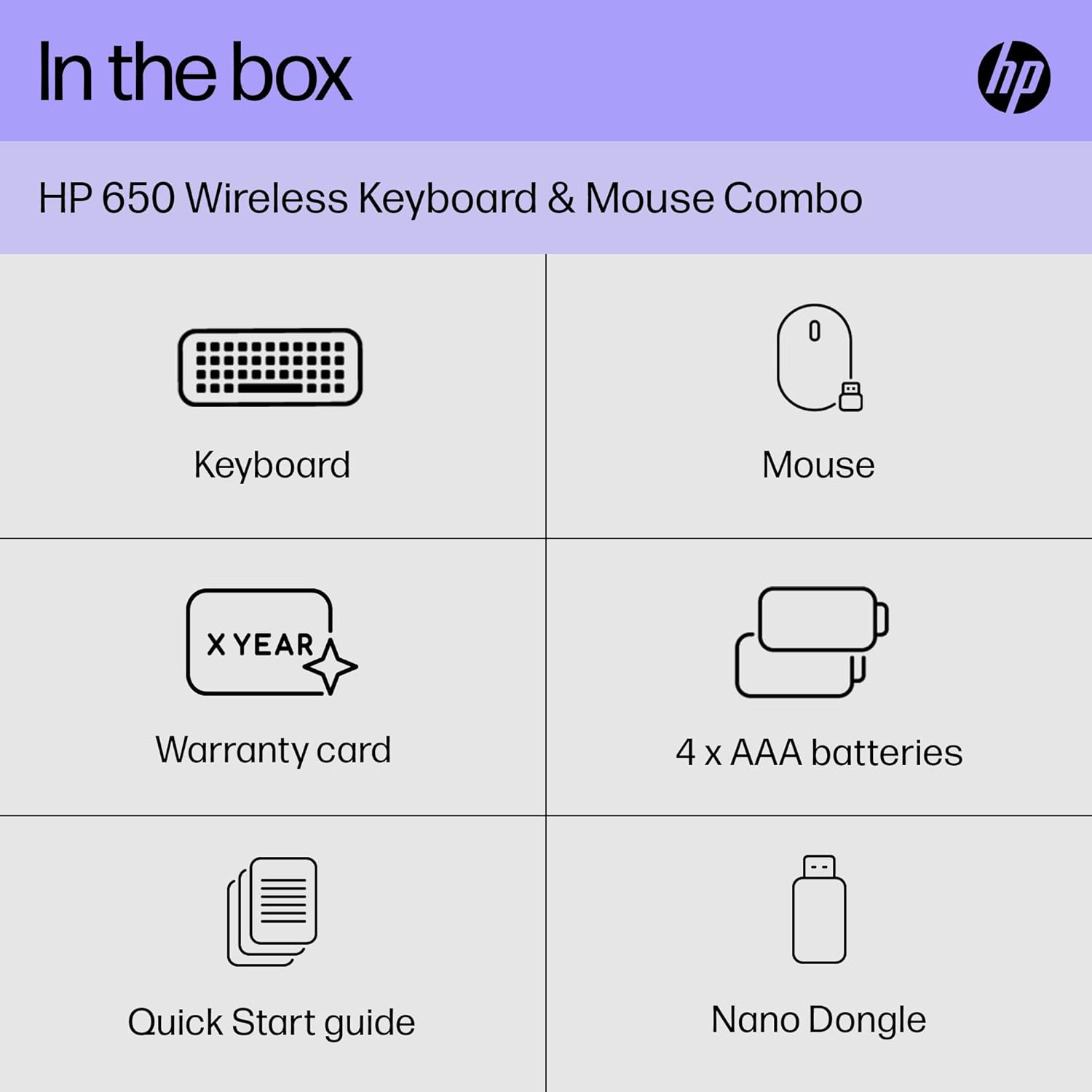
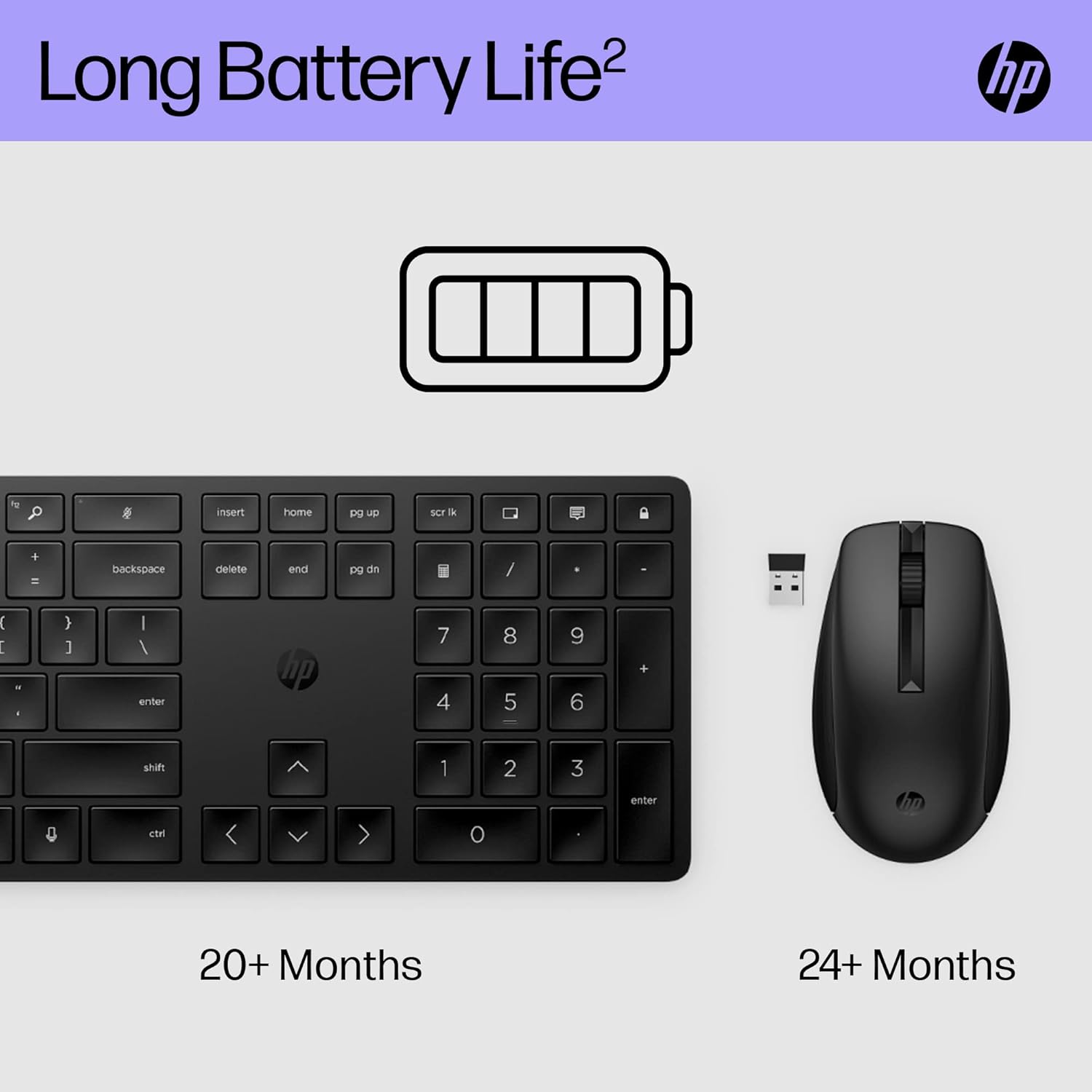
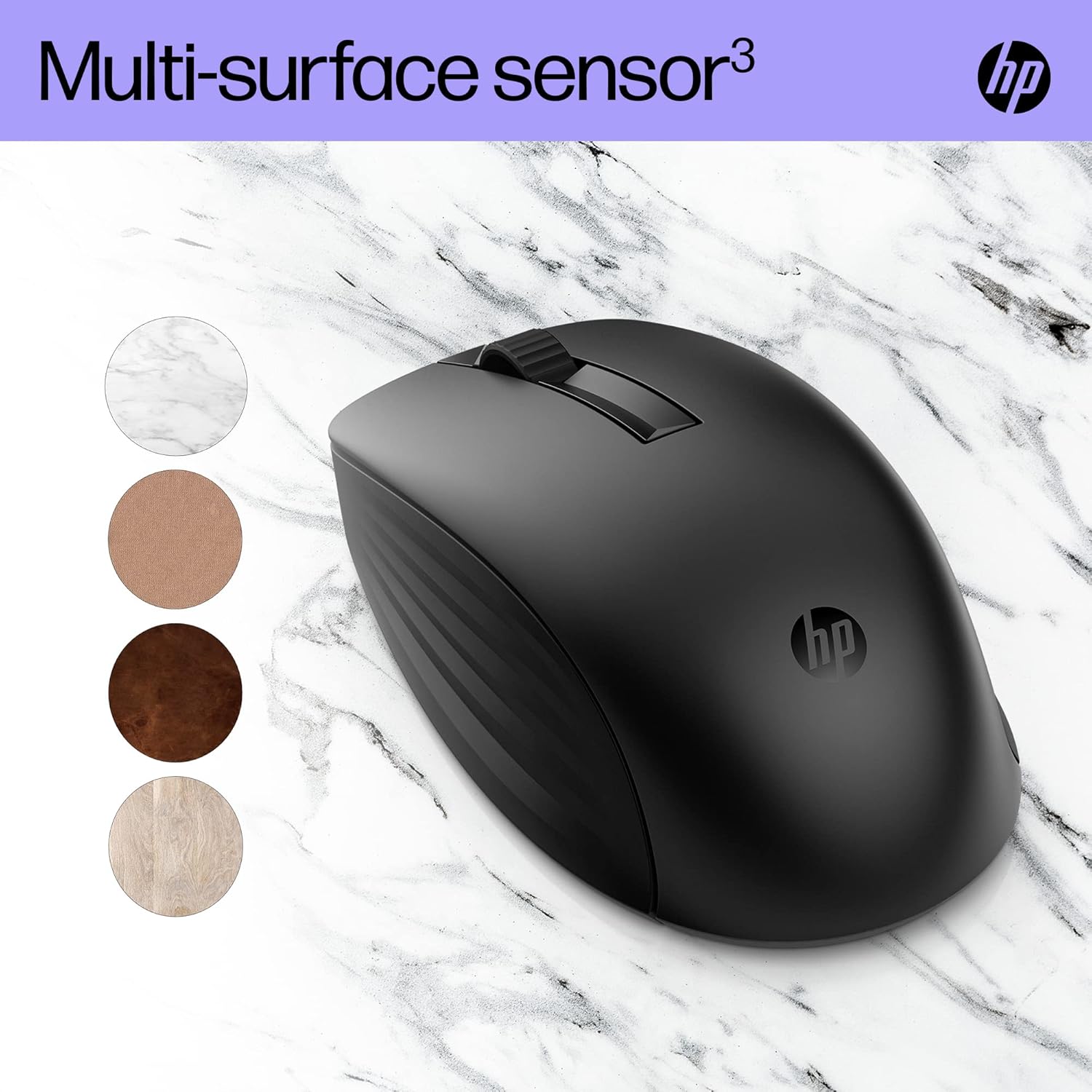
The set uses a multi-surface sensor so you can work on surfaces beyond standard desks—think glossy finishes or unusual textures where tracking might previously have been inconsistent. HP advertises a strong battery life claim of 20+ months, helped by energy-efficient sensing. With four batteries included and a nano dongle, setup is straightforward and you can keep working without frequent interruptions.
Materials and sustainability
About two-thirds of the materials used are recycled, which is a practical detail if sustainability matters to you. The black finish is a neutral look that suits many workspaces and remote setups.
What to watch out for
If you prioritise ultra-high-speed gaming or the most aggressive macro programming in one software suite, you may find some alternatives offer more granular control. The keyboard’s travel and key feel are pleasant for typing, but the lack of a wired backup option or a webcam-friendly footprint could be a limitation for some multi-device users. The claimed 20+ months battery life is contingent on usage patterns and wireless activity, real-world results may vary.
Who it’s for
This set is well-suited for office workers, students, and home-office users who want a tidy, customisable input solution without a steep learning curve. It’s a sensible choice if you value a practical, durable desktop kit with a simple setup and decent customisation options.
Who might want to look elsewhere
If you need serious gaming performance, the highest-precision mouse tracking across demanding tasks, or active multi-device pairing across several ecosystems, you might find purpose-built alternatives more aligned with those needs. For heavy key remapping in niche software, verify the HP Accessory Center offers the exact shortcuts you require before purchasing.
Before you buy: quick checks
- Ensure your PC or laptop supports HP Accessory Center for key programming.
- Consider your typical desk surface to ensure the multi-surface sensor will be beneficial in your environment.
- Think about your preferred typing angle, the keyboard offers up to 6 degrees of tilt.
Practical usage snapshot
Imagine drafting a long document and needing to insert frequently used blocks of text. You can pre-program those blocks to dedicated keys, then switch to a high-precision mouse when editing graphs or margins. The setup feels unobtrusive and easy to adapt to, especially if you’re swapping from a larger, heavier keyboard-mouse pair.
FAQ
- Can I programme all 20+ keys while connected to a laptop via Bluetooth or only via the dongle? The description specifies a nano dongle setup, it does not mention Bluetooth. If you rely on Bluetooth, verify compatibility before purchase.
- Is the keyboard compatible with both macOS and Windows? The base information doesn’t specify OS compatibility, check HP Accessory Center availability on your platform.
- How does the multi-surface sensor perform on glass or marble? The claim is that it tracks on multiple surfaces better than standard sensors, but real-world results depend on lighting and surface texture.
Final verdict
Is it worth it? Worth considering if you want a compact, customisable input pair with long battery life and a neutral, durable design. It makes sense for everyday productivity and desk-heavy workflows, particularly if you value shortcut programming and surface versatility. If ultra-high gaming precision or multi-device ecosystem compatibility is your priority, you may want to explore alternatives.