

Elgato Stream Deck MK.2 keyword 15
Product description
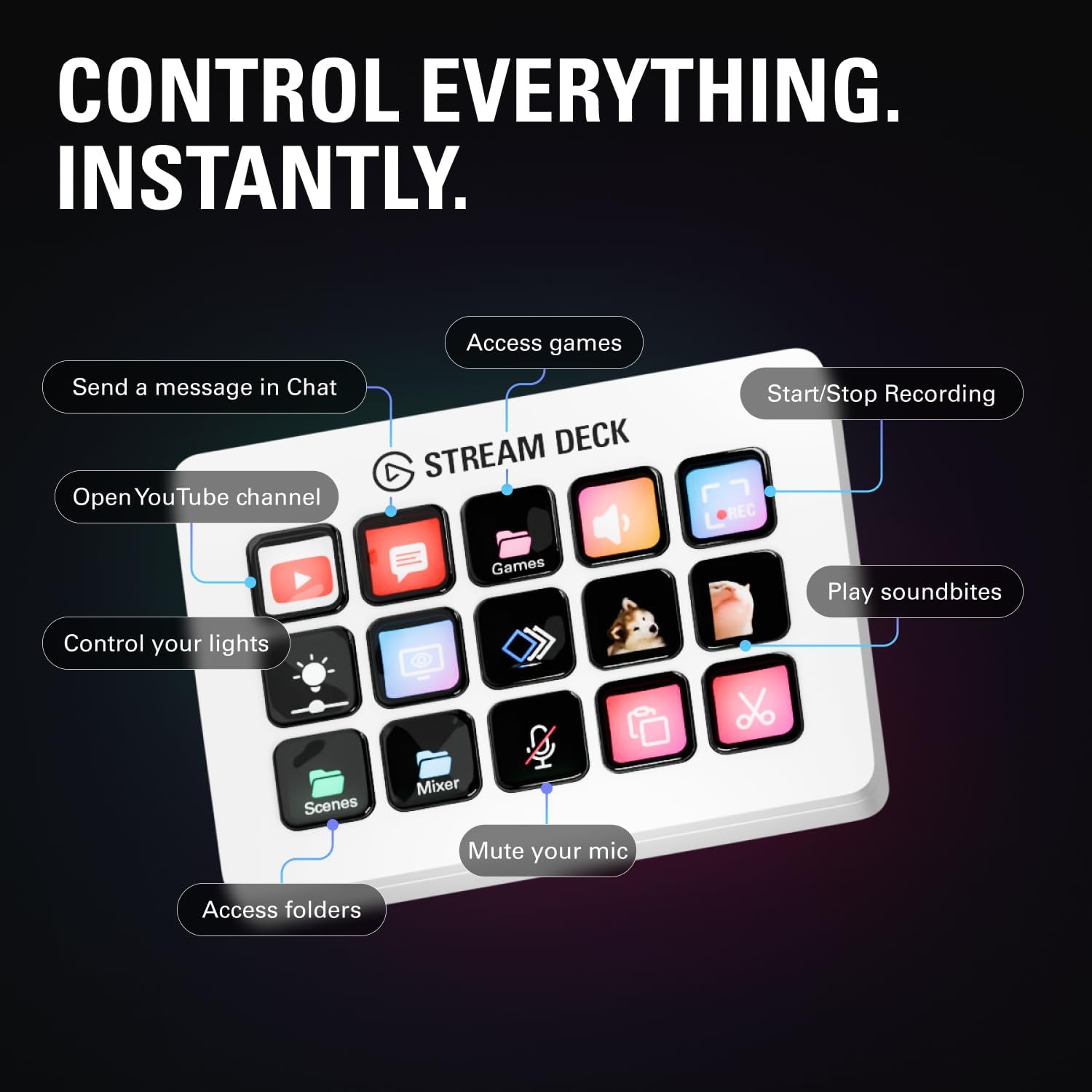
Tweak your workflow in seconds with a Stream Deck controller that keeps creative tools within easy reach. The Elgato Stream Deck MK.2 White brings one touch controls and clear visual feedback to Mac and PC, so you can run actions across apps without hunting through menus. With 15 macro keys, it is a practical upgrade for streaming, recording, and day to day creative work, including triggers for OBS, Twitch, YouTube and more. 🎛️
The essentials
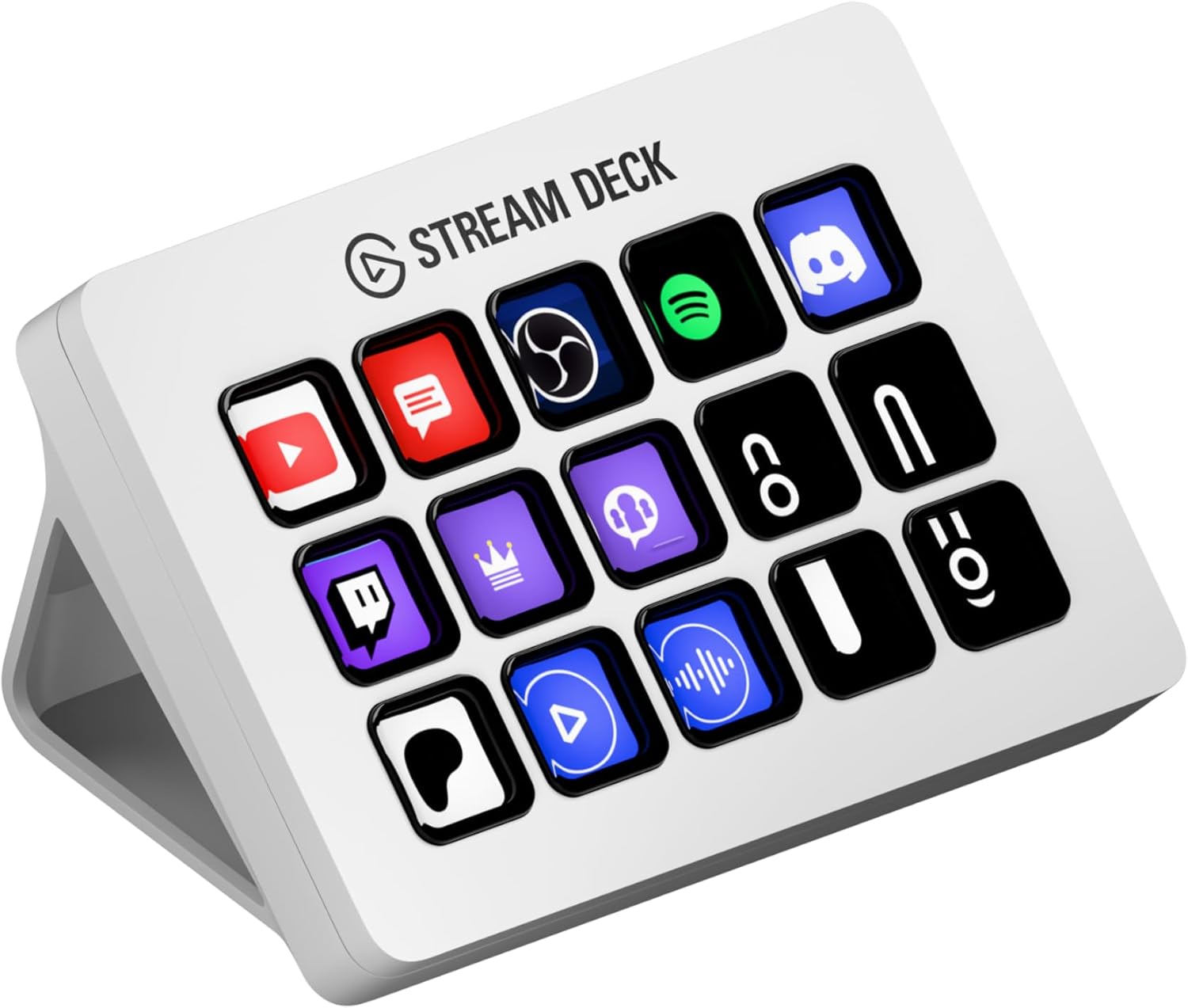
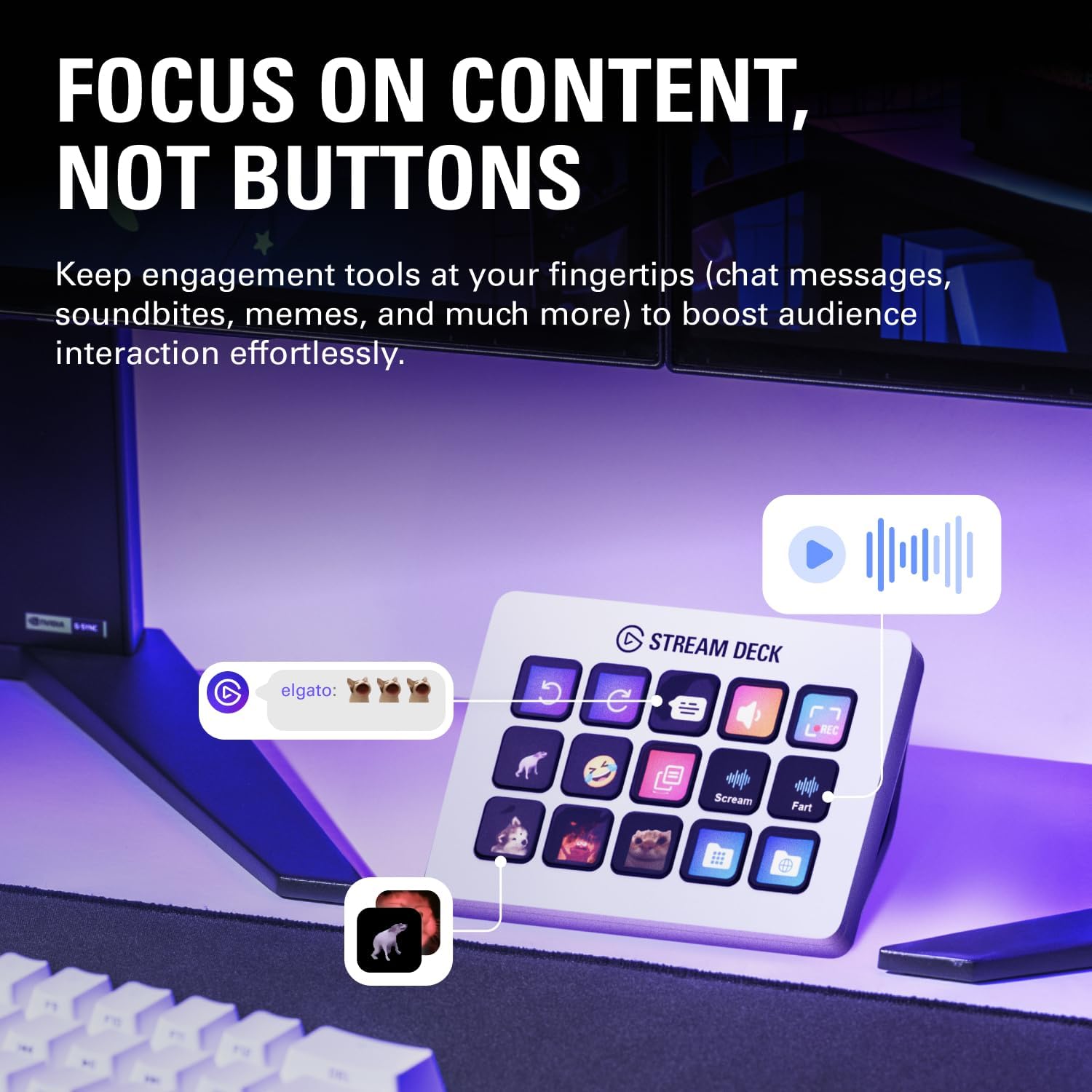
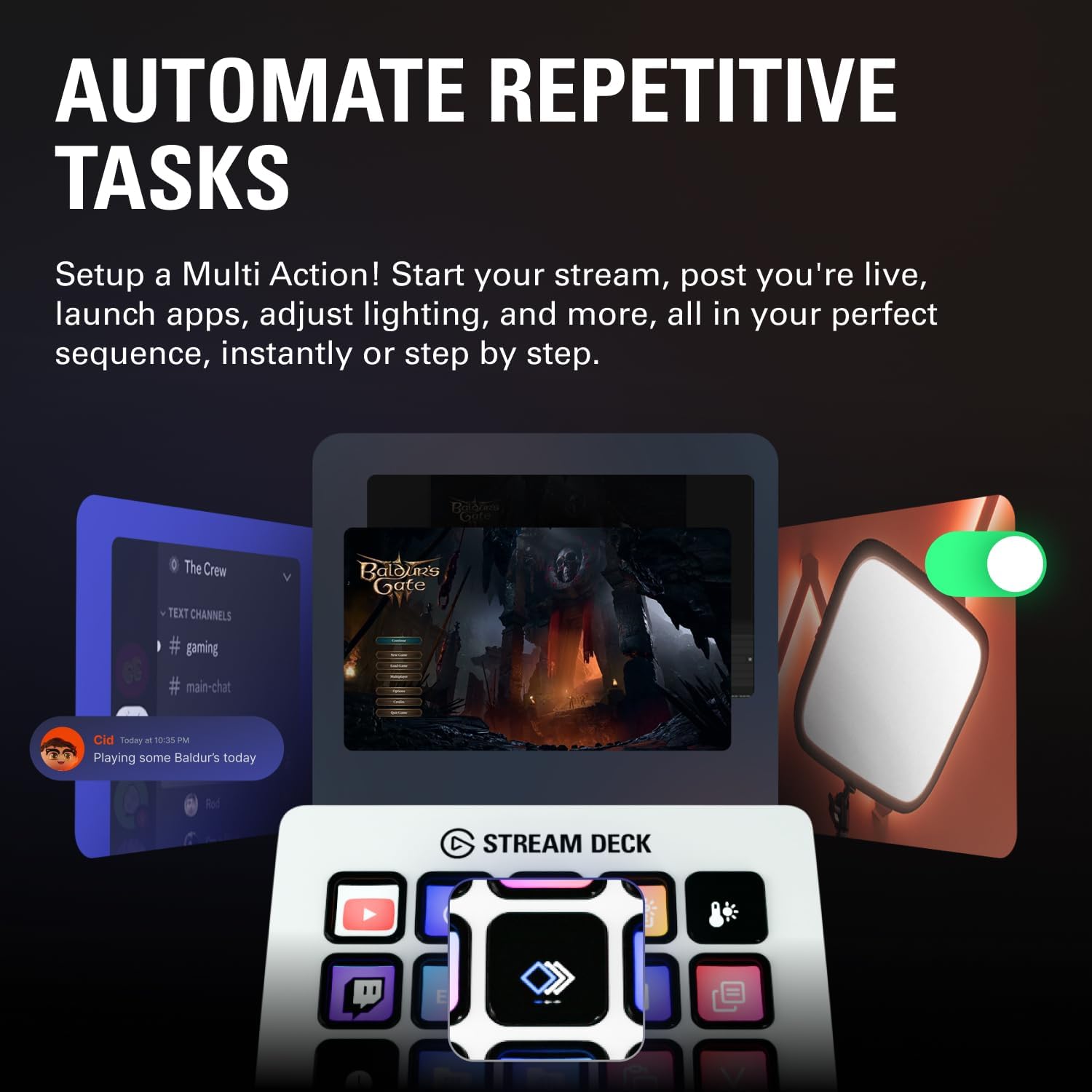
The Stream Deck MK.2 is built around one touch operation, letting you trigger single actions or combine multiple steps into a single press. Each of the 15 customisable LCD keys can be set up to control apps, tools and platforms, so routine tasks do not slow you down. Visual feedback helps you understand that a command has been executed, which is especially helpful when you are switching between workflows. It also supports powerful plugins, making it easier to connect the device to popular services and creative software. ✅
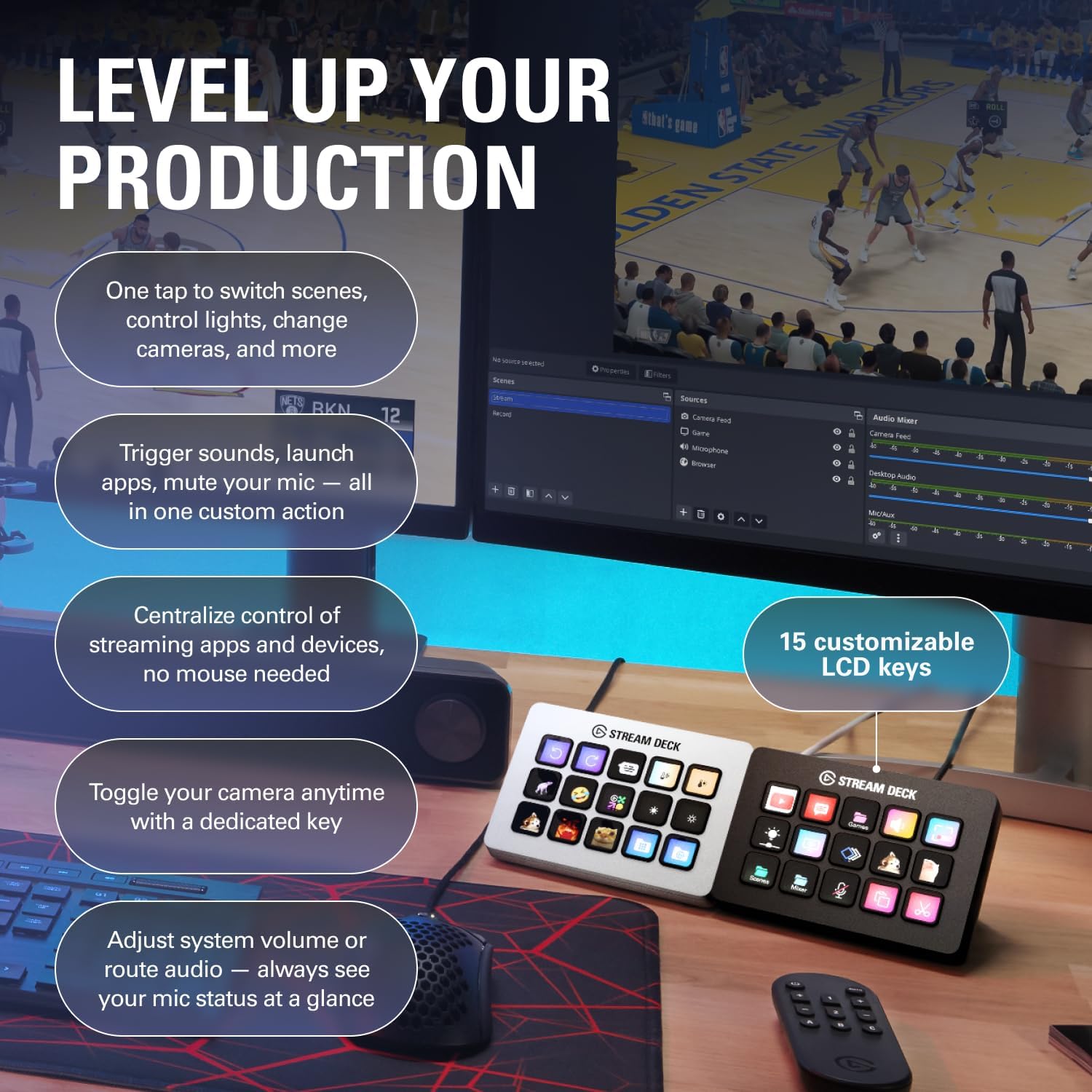
If you stream or record regularly, you can launch social posts, adjust audio, mute your mic, and control lighting, all from the same control surface. That matters because it reduces friction during live sessions, when switching tabs or reaching for separate apps can interrupt the flow. In editing and production work, hotkey style actions can streamline film editing, music production, and photography workflows. You can set up the controls once and then rely on consistent behaviour whenever you switch software. 📌
Key features
This white Studio Controller from Elgato is designed to make complex workflows feel simple. The customisable LCD keys help you keep controls organised around what you actually do, whether that is managing audio, launching content, or running commands in creative tools. With one touch operation, you can build sequences so a single press performs multiple actions, which is useful when you repeat the same setup each session. Visual feedback provides confirmation that your command has gone through, helping you work with confidence rather than guesswork.
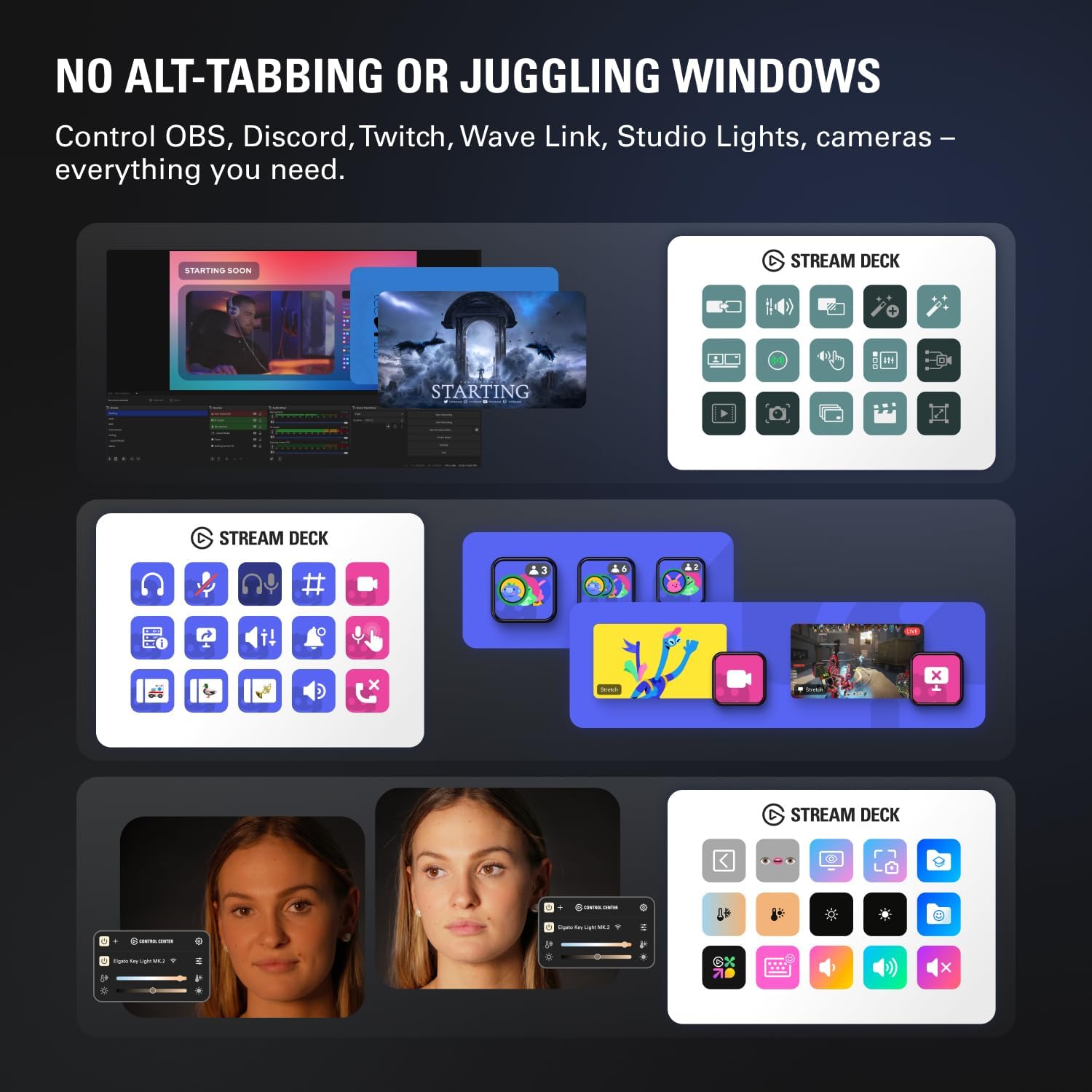
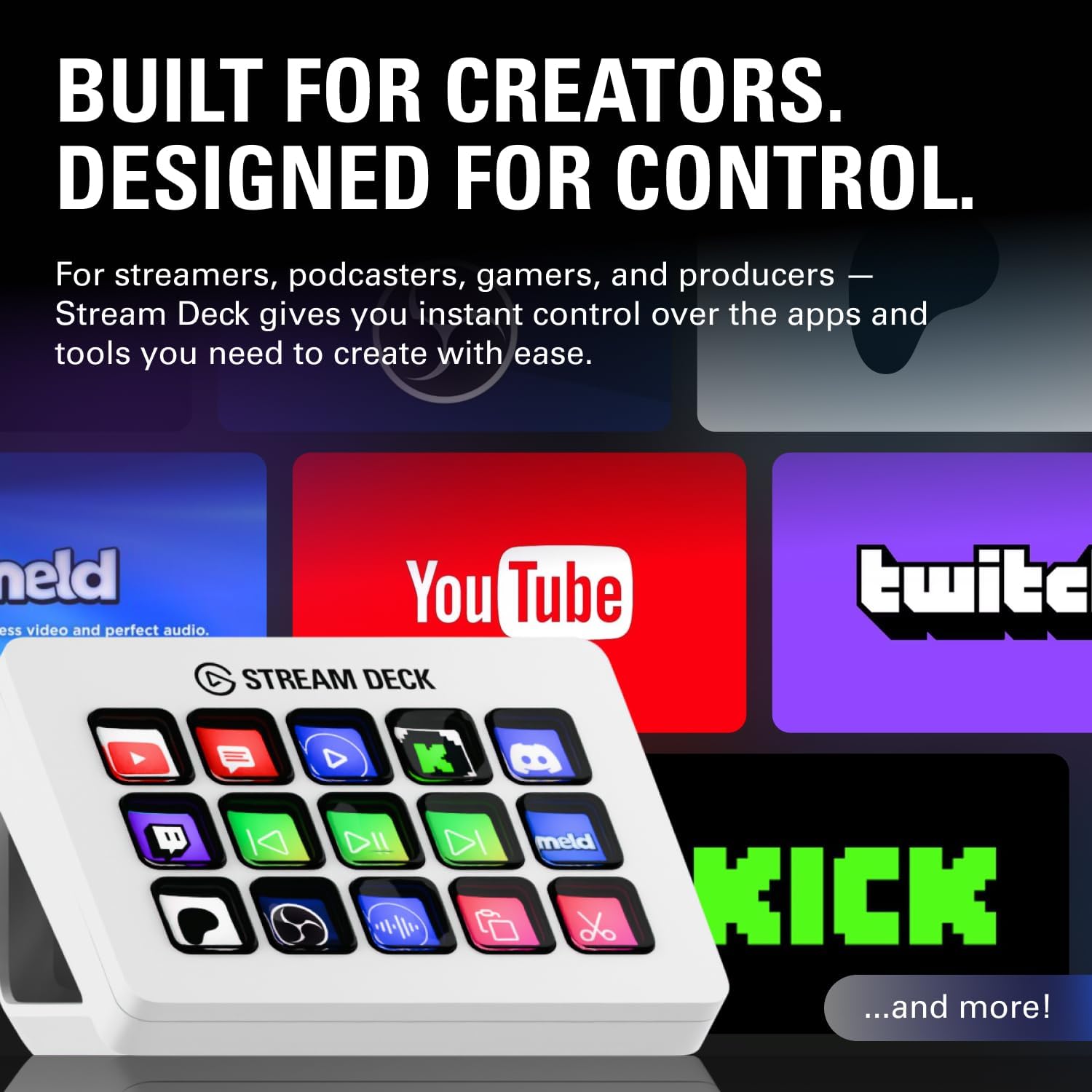
Plugins extend what you can do, including support for OBS, Twitch, YouTube, and other platforms mentioned by the manufacturer, plus integrations such as Philips Hue and services like Spotify. If your workflow depends on switching between platforms, the Stream Deck approach can keep those actions centralised instead of scattered across different menus. With hotkey style actions, it can also support common creative work patterns, for example streamlining editing, music production, and photography tasks.
Worth noting, capabilities can vary depending on which plugins you use and what software you have installed on your Mac or PC. That means it is a good idea to check compatibility with the specific applications and services you rely on most before setting up your layout. If you prefer straightforward controls with quick confirmation, this device focuses on that everyday usability.
Tech specs
- Name: Elgato Stream Deck MK.2 White – Studio Controller
- Type: Studio controller with customisable LCD keys
- Size: 15 macro keys
- Display: Customisable LCD keys with visual feedback
- Compatibility: Works with Mac and PC
- Hotkey actions: Streamline film editing, music production, photography workflows
- Plugins: Includes OBS, Twitch, YouTube, and more
What it suits
It’s a good fit if you want a single control surface for streaming, recording, and creative workflows, with quick one touch commands. You will like it if you regularly trigger actions such as adjusting audio, muting a mic, launching social posts, or controlling lights without switching away from your main screen. It also makes sense if you rely on apps and platforms like OBS, Twitch, and YouTube and want actions that are easy to repeat.
It may not suit you if your workflow is mostly manual and you do not benefit from creating repeatable sequences. You may want to skip it if you are looking for something purely for browsing or media playback, since the focus here is on triggering actions and managing software based workflows. If you enjoy configuring controls around your routine, the Stream Deck MK.2 White can fit naturally into your setup and help reduce time spent on setup and switching.