

Acer Wireless Mouse with 4000 DPI Optical Sensor
Product description
What it is and what it solves
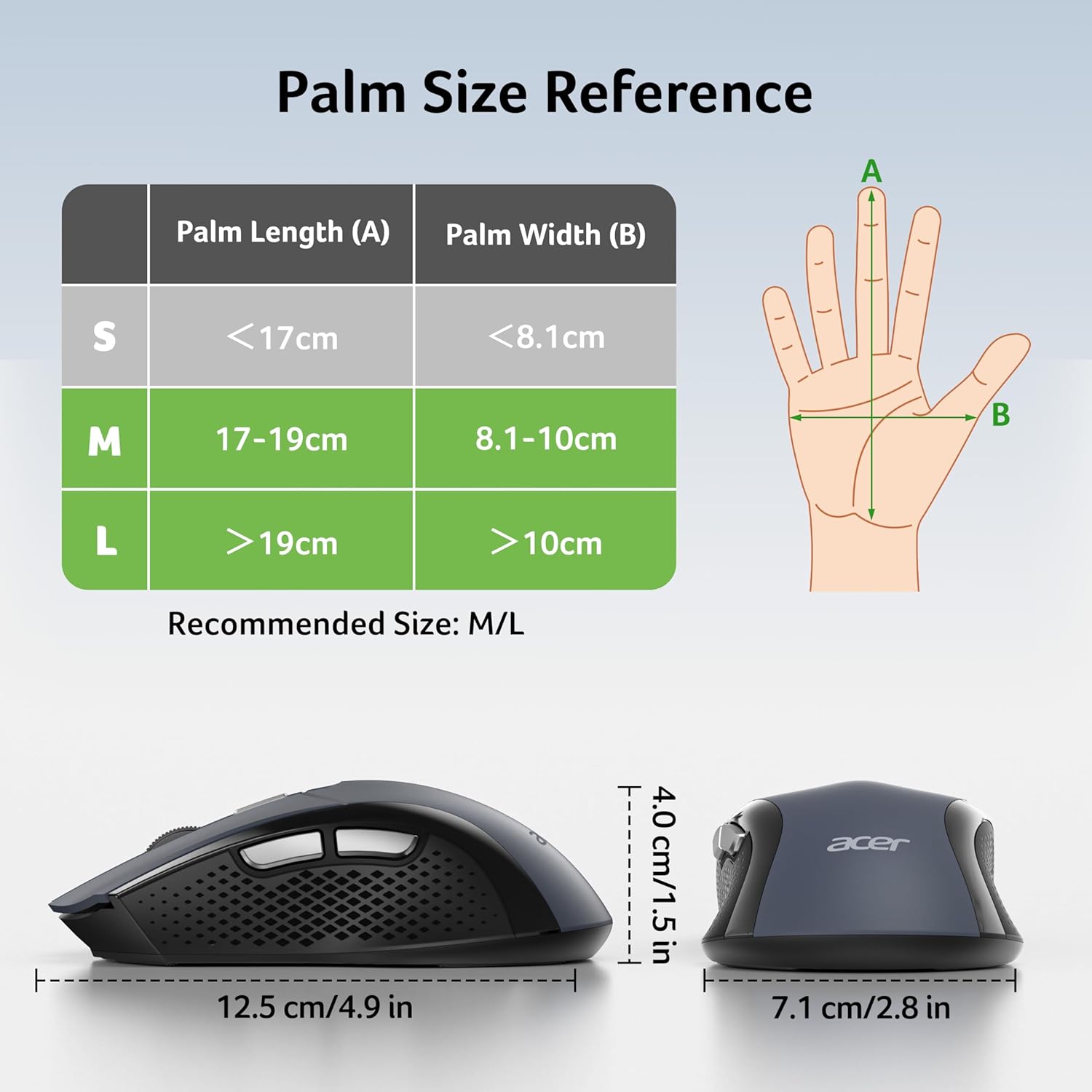
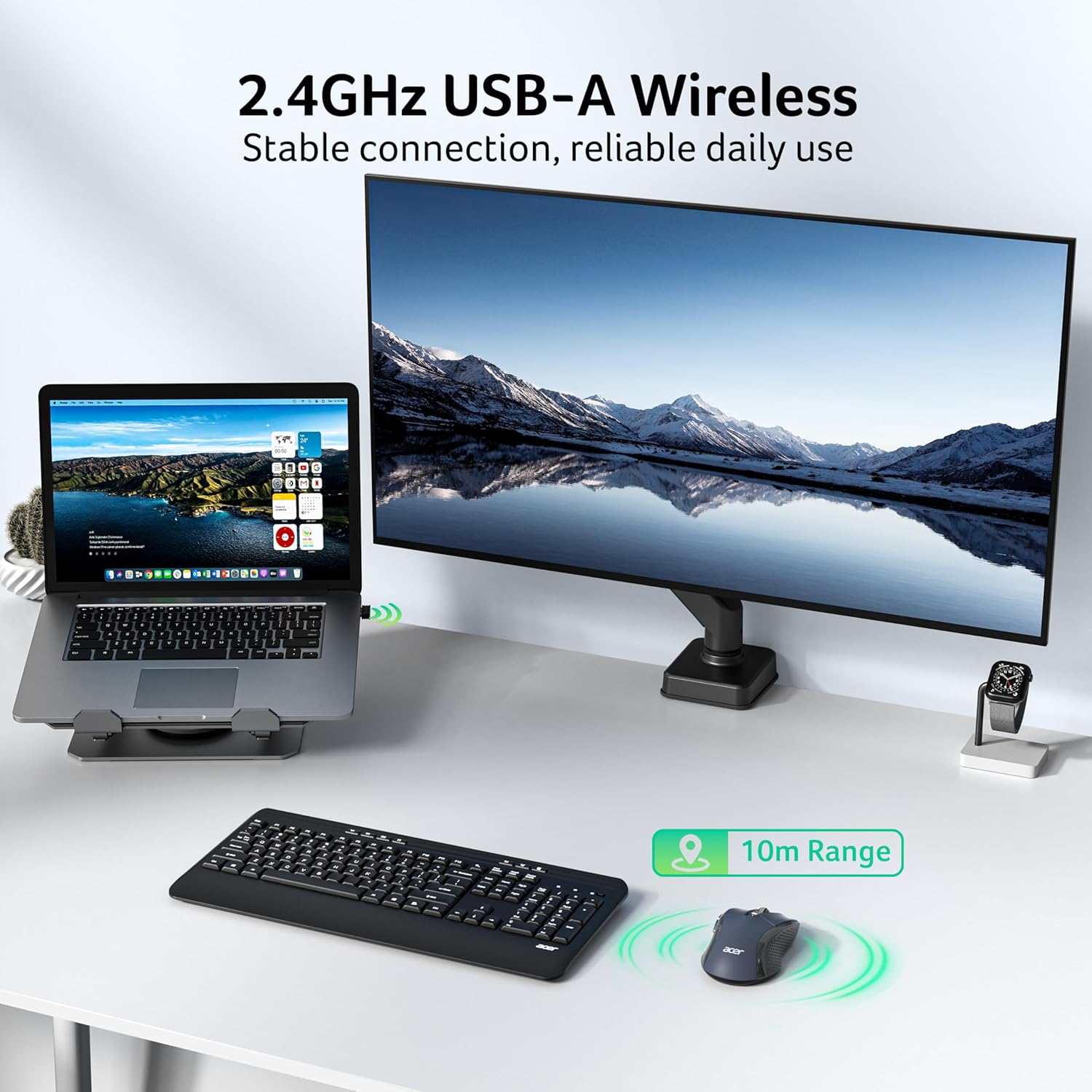
The Acer Wireless Mouse is a plug‑and‑play input device designed for home and office use. It operates over a 2.4GHz wireless link with a USB-A receiver and claims up to 10 m of reliable connectivity. The design targets medium to large hands and aims to deliver ergonomic comfort across long work sessions, reducing the need for cable clutter and providing quick navigation with its six buttons and responsive DPI adjustment.
How it works and what to expect
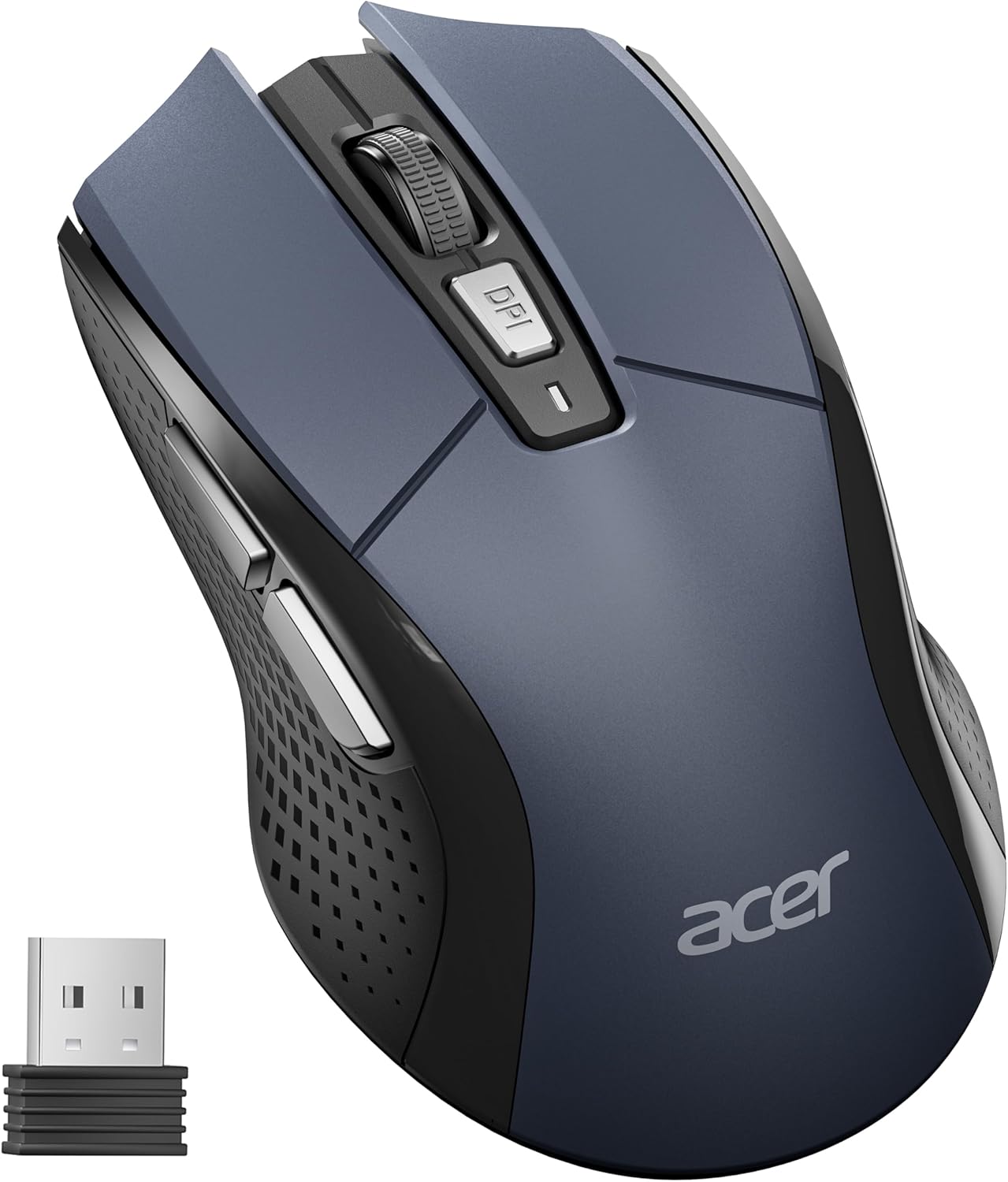
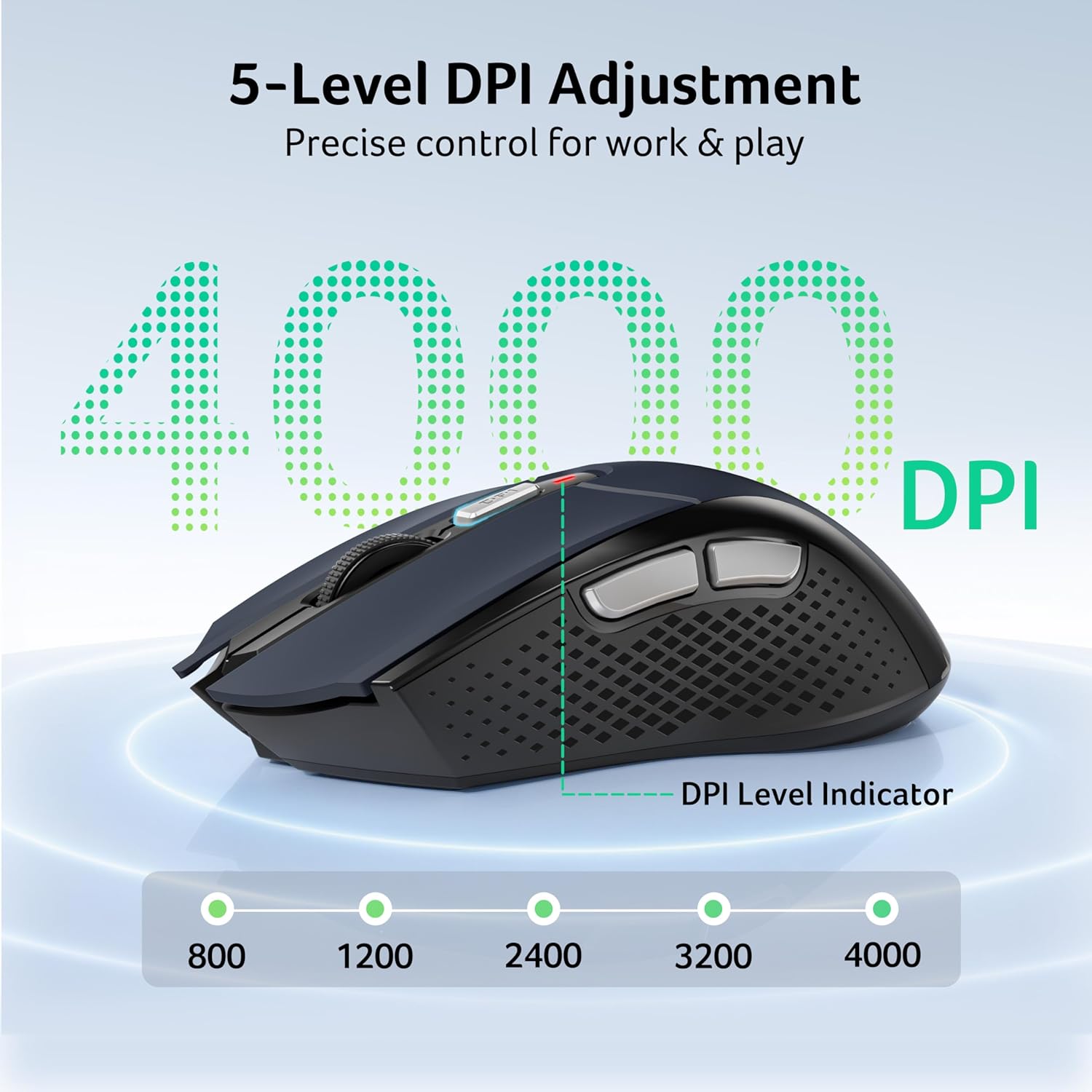
Setup is straightforward: insert the USB receiver into your device and pair instantly. The receiver is cleverly stored inside the battery compartment, clearly marked as “Receiver Inside.” The mouse supports five DPI settings (800/1200/2400/3200/4000), letting you tailor sensitivity to your task—from precise design work to quicker navigation. A visible indicator light communicates the current DPI level and also flags low battery status. The power management includes a wake-on-click feature and a standby mode after ten minutes of inactivity to help stretch battery life.
What stands out
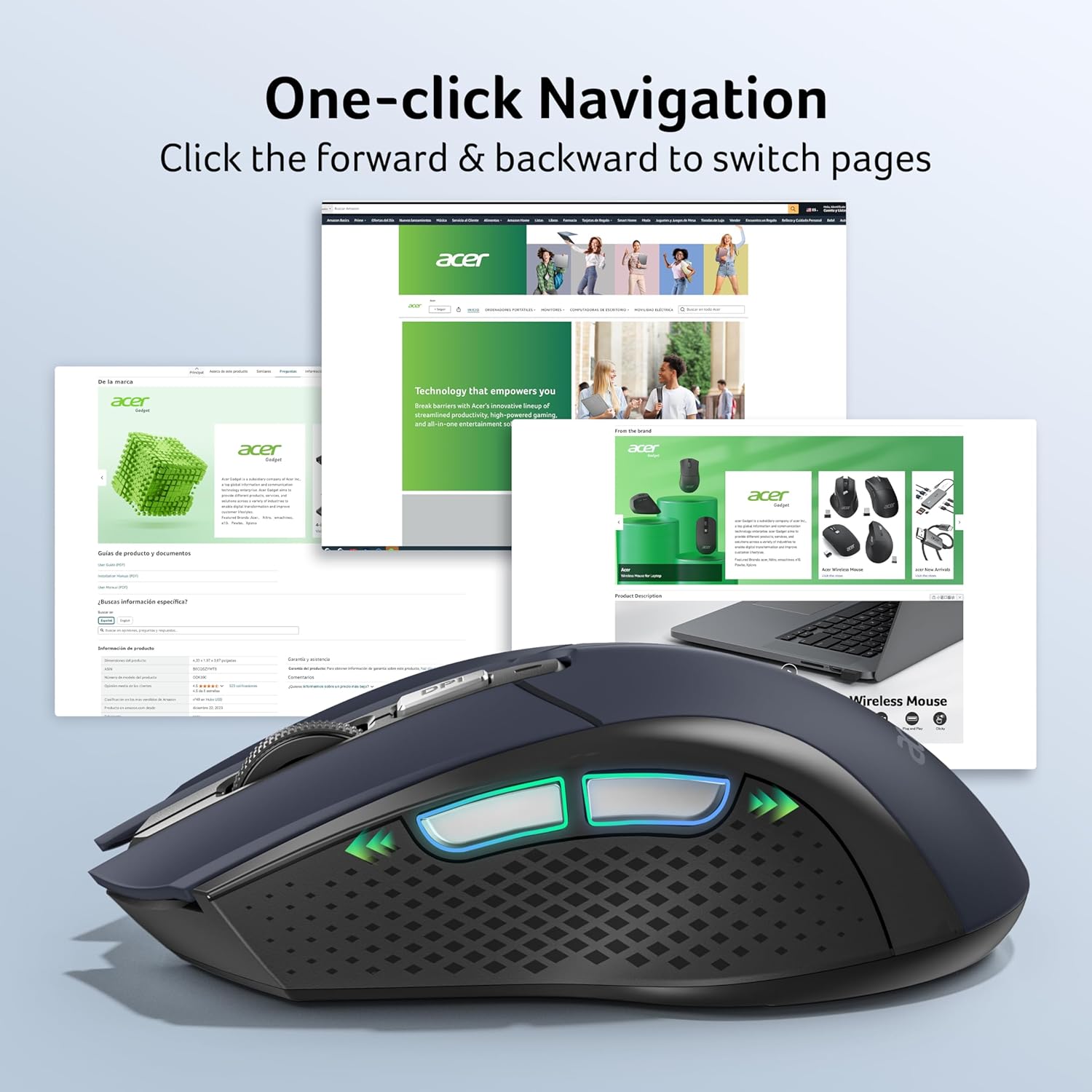
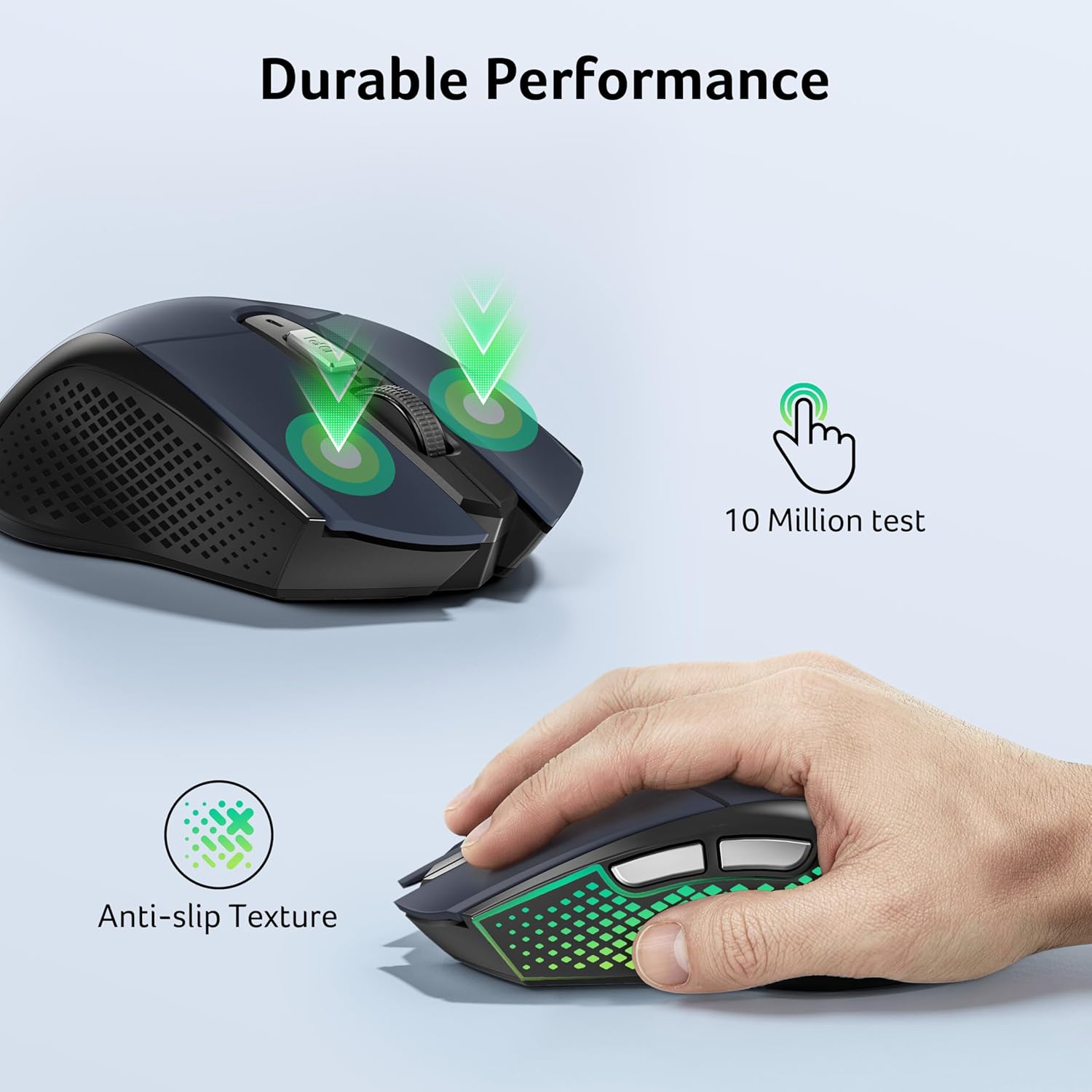
On paper, the five adjustable DPI levels offer a practical range for everyday tasks and more detailed work. The forward and backward buttons can improve daily workflow, especially when browsing or navigating documents. The device is rated for up to 10 million clicks, giving a sense of long‑term durability, and it’s described as compatible with a broad set of operating systems beyond Windows, including macOS and Linux. For those who travel or work from home on a laptop or desktop, the cordless setup reduces desk clutter and can be convenient when moving between spaces.
Practical use and everyday scenarios
If you’re a designer or student who switches between large monitor work and quick web research, the 4000 DPI option can help you switch from coarse to fine control without changing devices. The wake function and automatic sleep help avoid frequent battery changes during light desk time, though you’ll still need a readily available AA battery (not included). In real-world terms, you might appreciate the instant pairing and the ability to navigate pages with confidence even on a larger laptop setup, as the receiver remains compact and the battery compartment doubles as a storage spot.
Who it’s for and who it isn’t a perfect fit
This mouse is designed with medium to large hands in mind and for users who want a wireless, low‑maintenance solution for daily tasks, general design work, and office routines. It might not be ideal for users who prefer ultralight mice or those requiring a wide range of programmable macros beyond the six buttons. Also, since the package does not include a battery, you’ll need to source an AA cell before first use.

Before you buy: what to review
Check your device’s compatibility with 2.4GHz wireless peripherals if you value a stable connection in busy wireless environments. Consider whether you’ll benefit from five DPI levels, or if a simpler setup would suffice. If desk space is tight, the compact USB receiver is a plus, but be mindful that you’ll want a spare AA battery available to keep it powered. Finally, assess how often you’ll be moving the mouse between devices or rooms, the 10 m claim is a guideline, and actual range can vary with interference.
How it compares to another approach
If you’re weighing wireless versus wired, this Acer model offers the convenience of cordless operation with a reasonable range and a long‑lasting build. For users who prioritise a plug‑and‑play experience without software frills, this can be a sensible middle option—more flexible than a basic USB mouse but less complex than gaming or high‑end ergonomic mice that rely on software for custom profiles. It’s a practical choice for an office or home workstation where reliability and simplicity matter more than niche features.
FAQ (brief, practical)
- Does it come with a battery? No, 1x AA battery is not included.
- Is it compatible with macOS or Linux? Yes, the product is described as compatible with Windows, macOS and Linux.
- How many DPI levels does it offer? Five levels: 800, 1200, 2400, 3200 and 4000.
Buying verdict
Is it worth it? Worth considering if you want a dependable wireless mouse with a clear DPI range, simple plug‑and‑play setup, and a design suited to medium–large hands for daily office tasks. It may not be the best option if you require a battery included in the box or if you need extensive programmable features. Overall, it provides practical value for standard home and office use, with straightforward usability and a focus on reliability over flashy extras.
Final thoughts and considerations
If you prioritise practicality, a tidy desk, and a device that works well across multiple OS environments, this Acer mouse ticks several boxes. It’s a sensible mid‑range option for those who want a comfortable wireless experience without investing in a more feature‑heavy model. Do keep in mind the battery requirement and verify your tolerance for a fixed six‑button layout before purchasing.
Quick tips for optimal use
- Replace the AA battery when the indicator light begins to flash red continuously.
- Remove the bottom film before first use to ensure the DPI indicator functions properly.
- If you’re in a crowded wireless space, try the higher DPI settings for more precise cursor control on detailed tasks.