

TiMOVO Stylus Pen for iPad (Apple Pencil 2nd Gen) – Palm Rejection, Tilt, Magnetic Clip, No Bluetooth
Product description
What it is and who it’s for
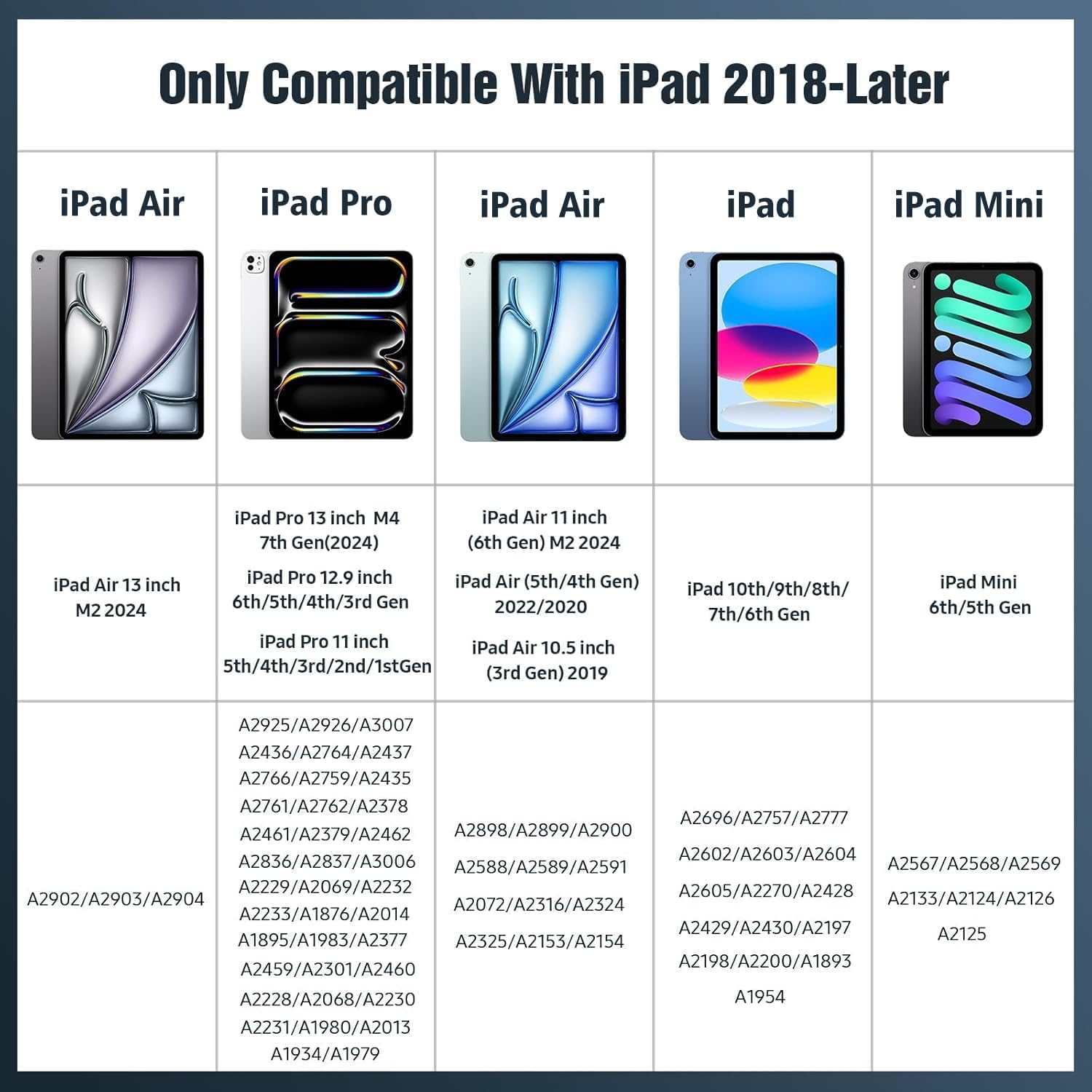
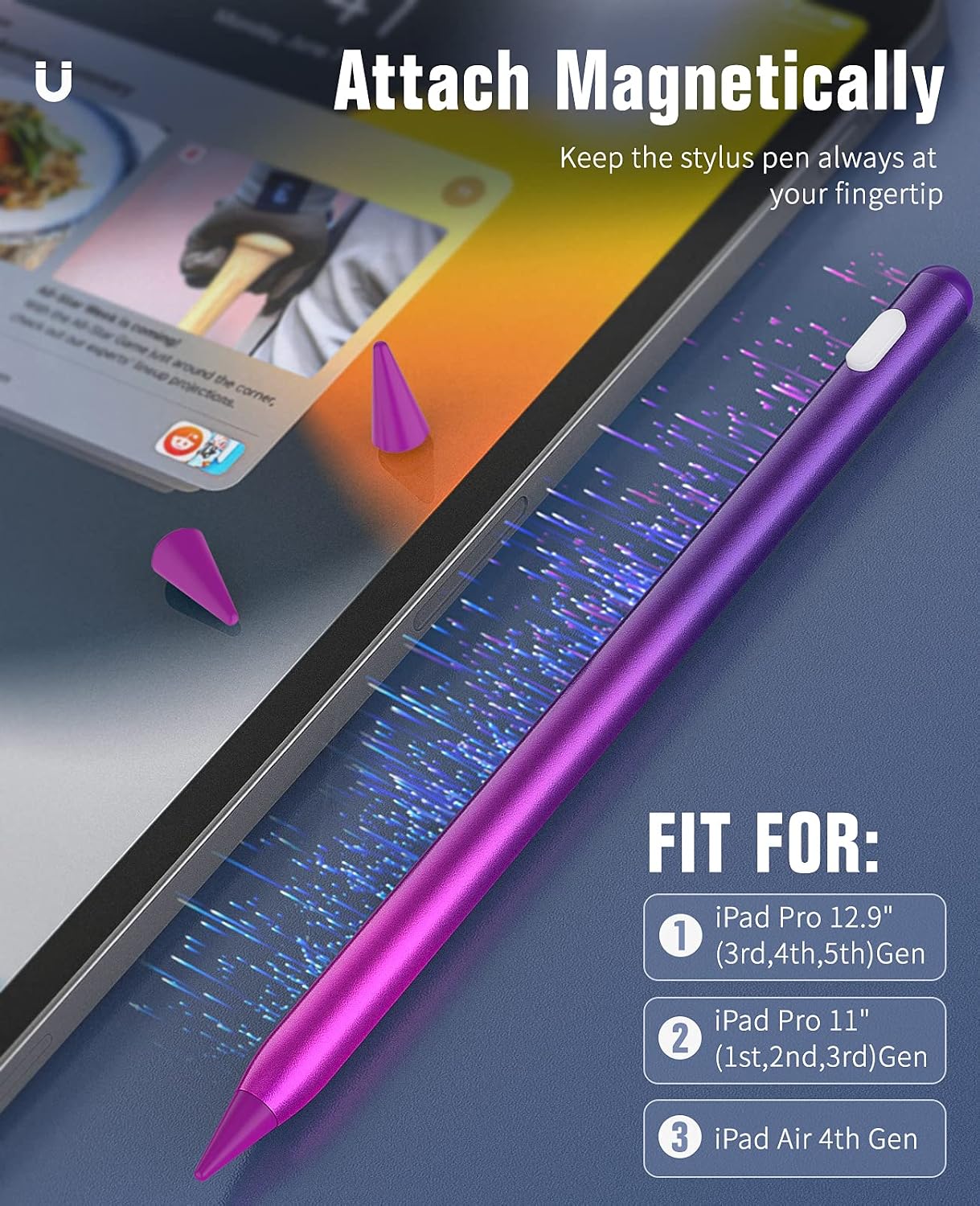
The TiMOVO Stylus Pen is pitched as a compatible alternative for iPads released in 2018 and later, including iPad Pro, iPad Air, iPad mini and the various generations listed in the product notes. It’s designed for writing, sketching and note‑taking on devices that support Apple Pencil 2nd generation functionality, with a focus on palm rejection, tilt sensitivity and magnetic storage. If you’re looking for a pencil that feels natural for quick notes in lectures, collaborative work or casual drawing, this model aims to cover those everyday use cases without needing Bluetooth pairing.
How it feels in use
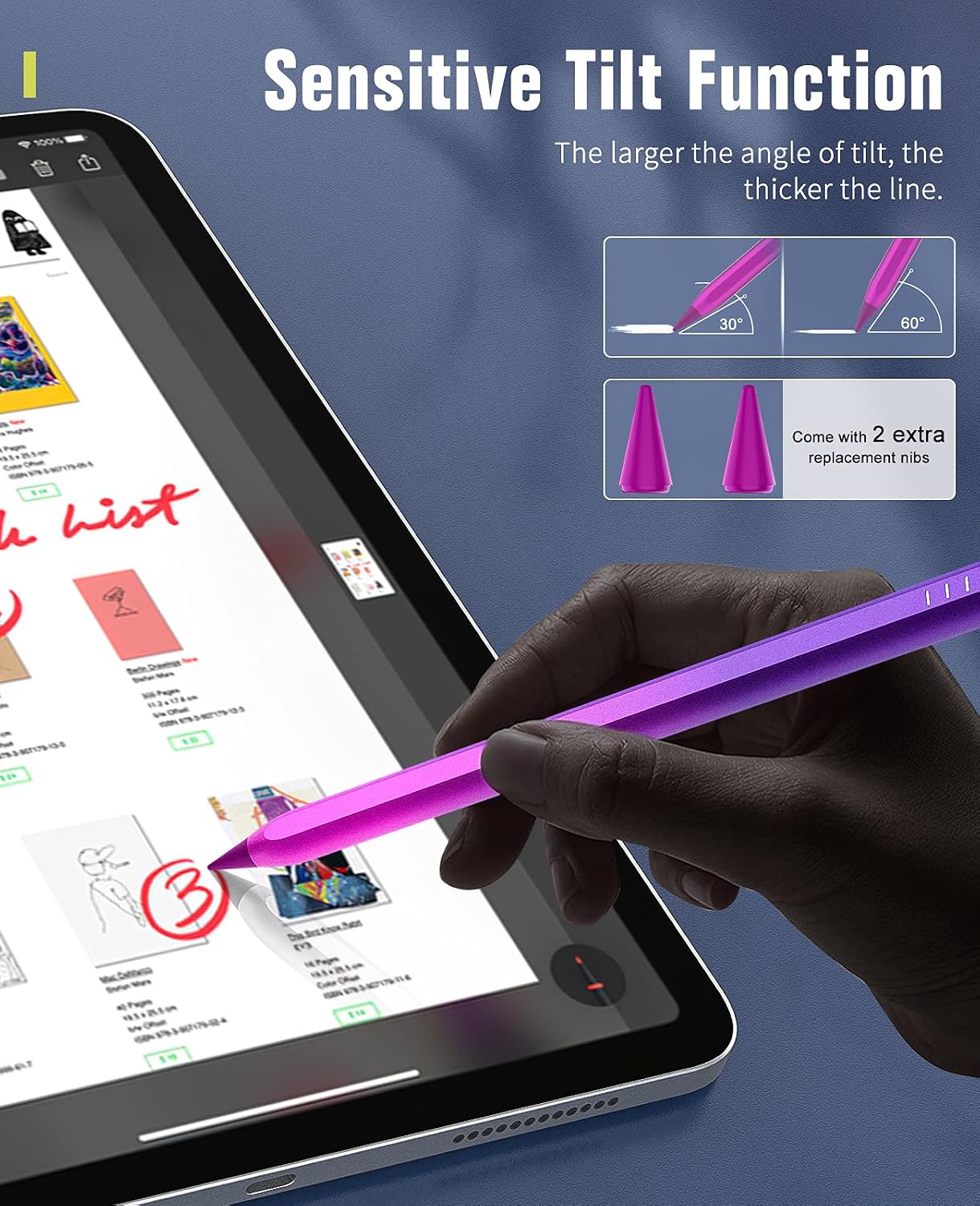
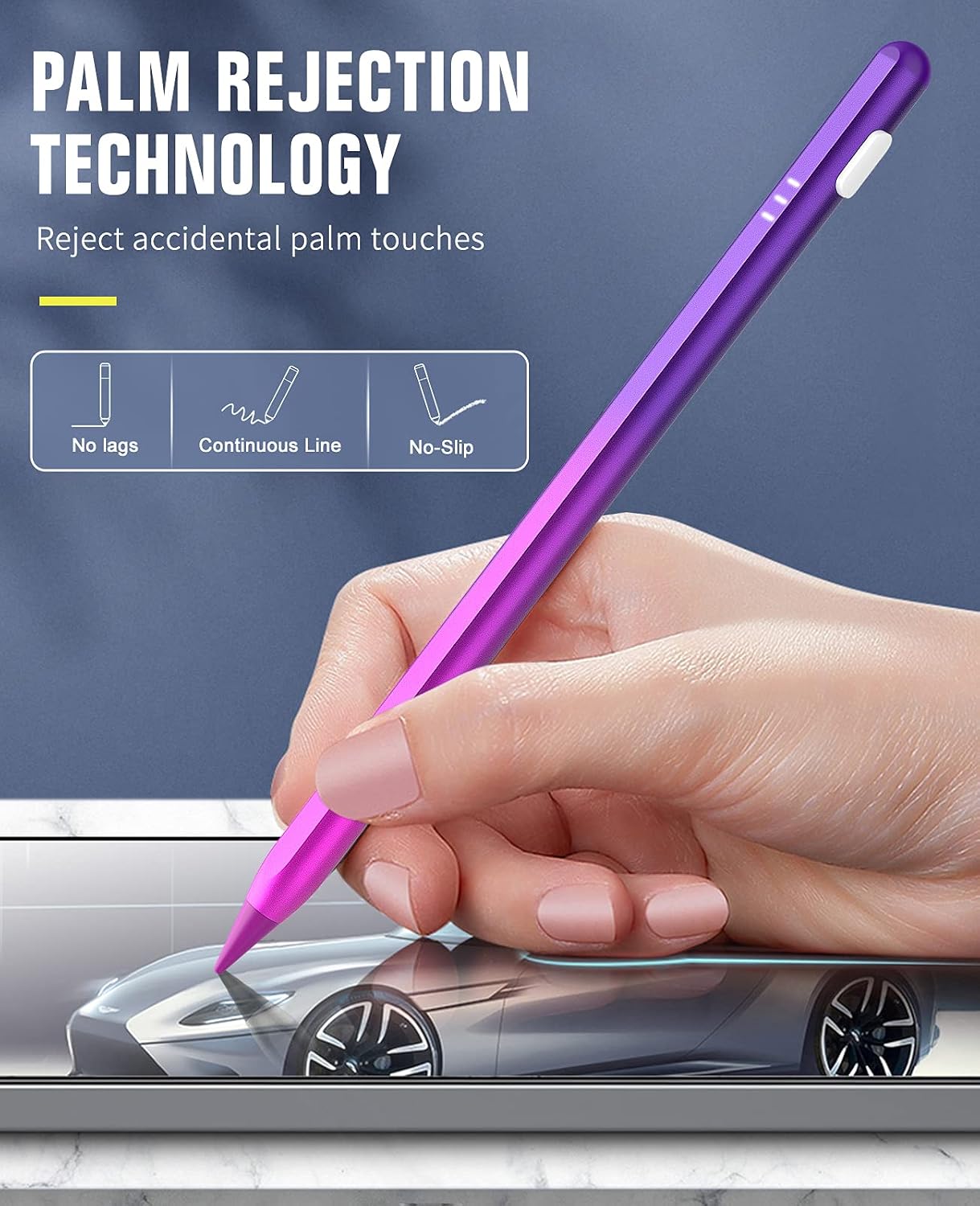
On paper, the pen offers high sensitivity and precision, with tilt support that thickens lines as the pen angle increases. The palm rejection feature is highlighted to keep your non-dominant hand from interrupting lines, which helps when you’re drafting or annotating documents. A magnetised design lets the stylus attach to the side of the iPad for convenient storage when not in use, reducing the chance of misplacing it during busy sessions.
What’s included and how long it lasts
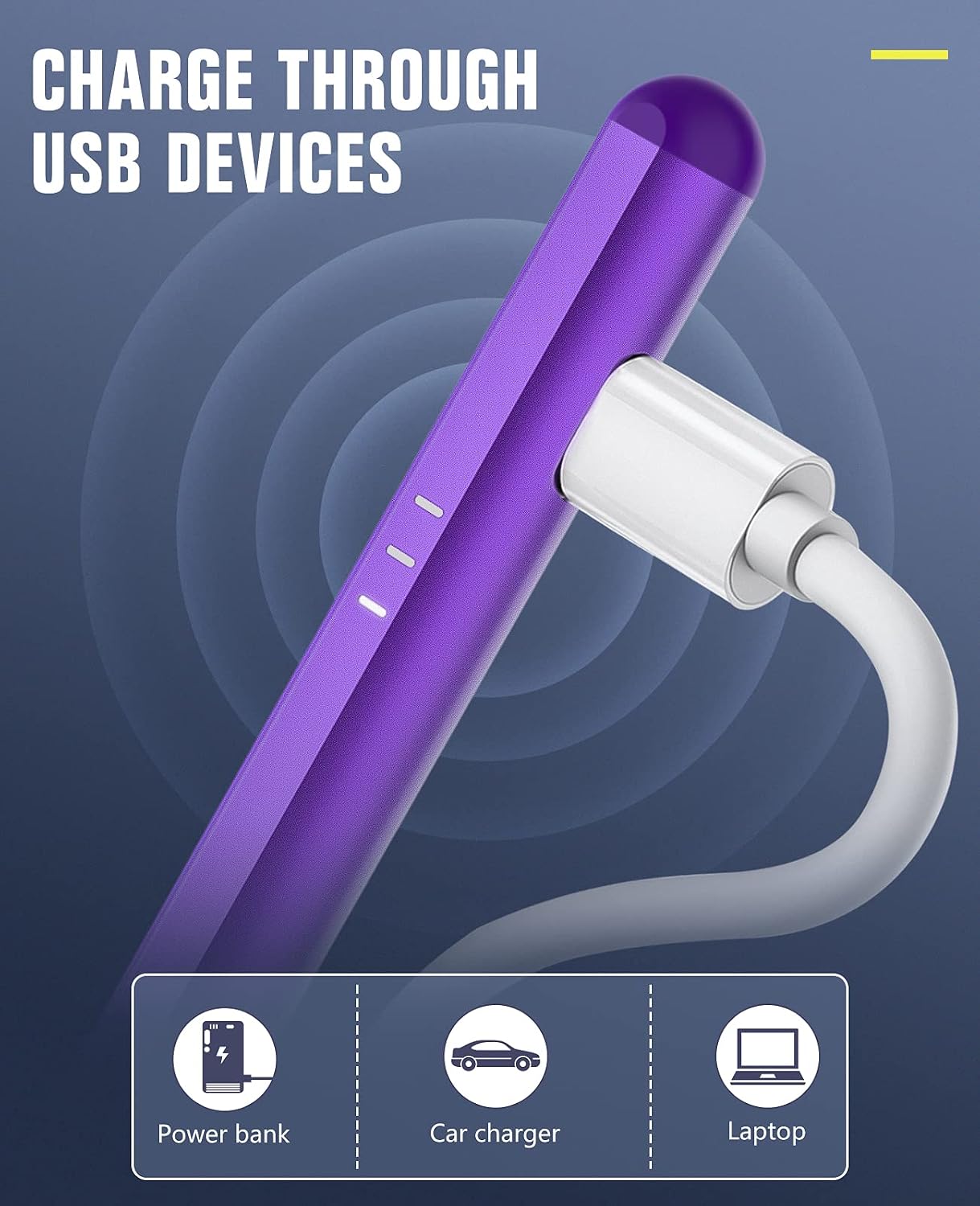
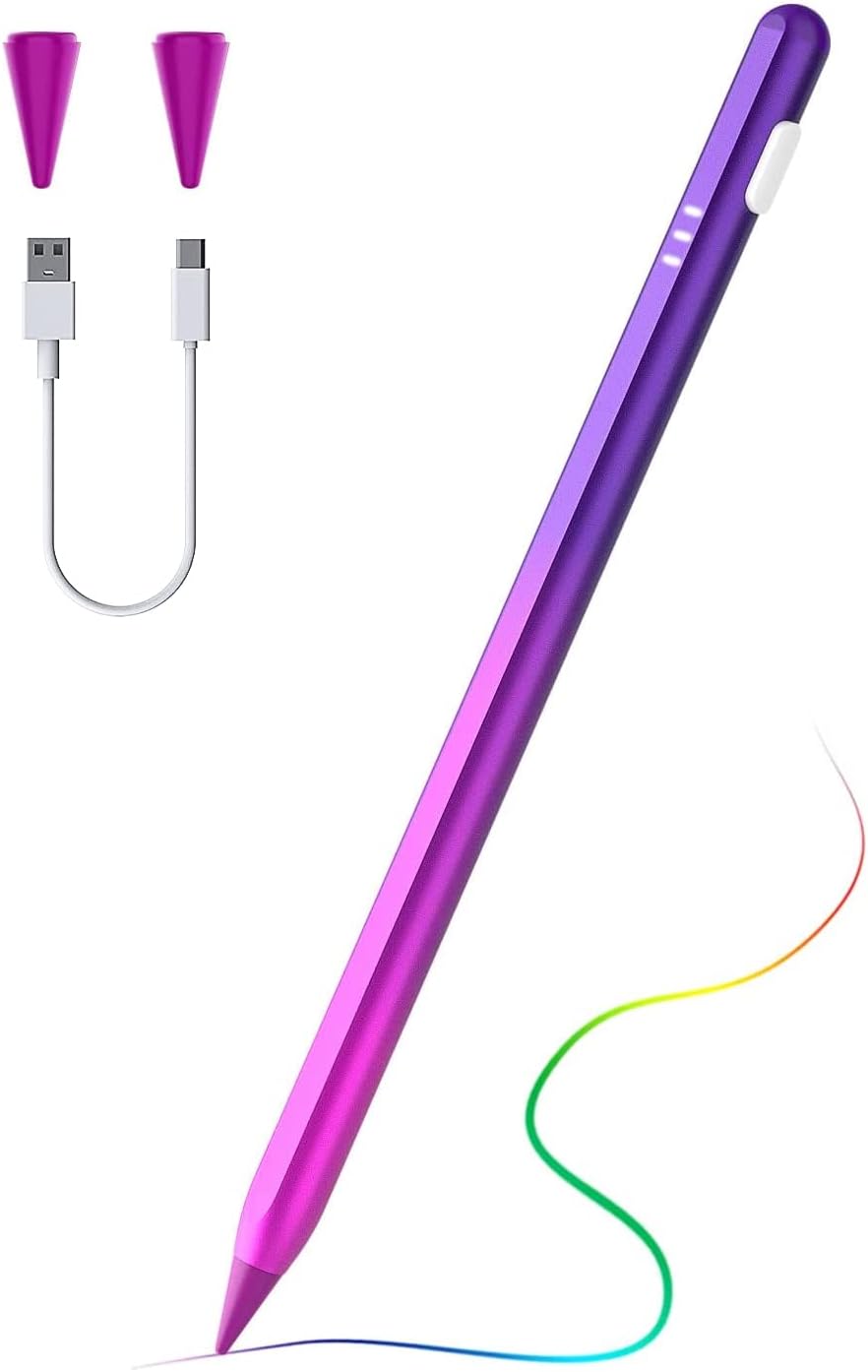
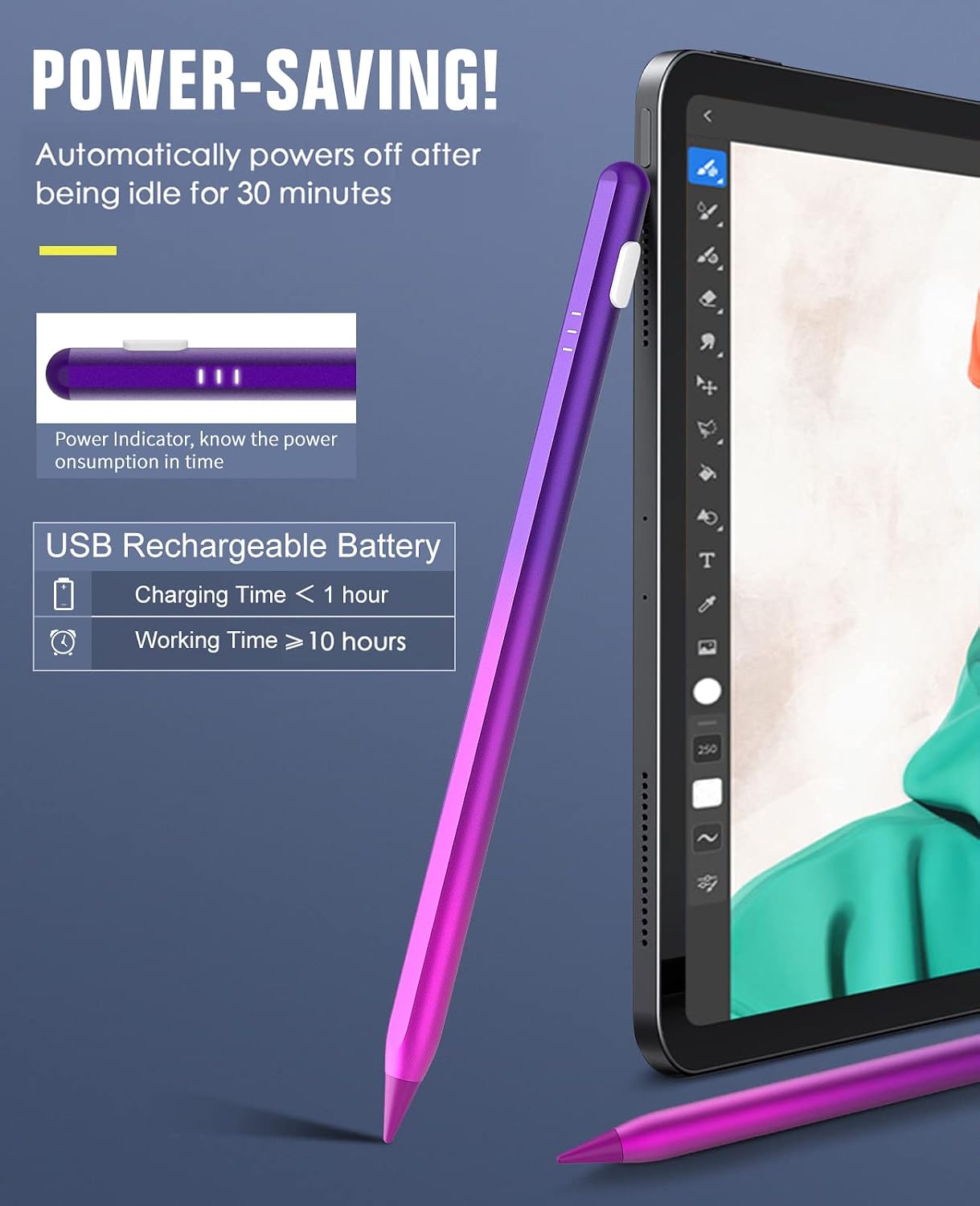
The package includes 2 replacement tips, which is practical for achieving consistent line quality over time and gives you a quick spare if one wears down. Power is indicated by three battery indicators, offering a straightforward read on the level without needing to connect to a device. The pen turns on by touching the cap with a longer press and off with a double tap, so there’s no dependence on Bluetooth pairing—useful if you prefer a simple on/off workflow.
Pros: where this stylus shines
- Palm rejection and tilt function support accurate, natural lines during writing and drawing.
- Magnetic design for easy storage on the iPad’s edge, which helps prevent loss.
- Battery indicators provide visibility of remaining life, aiding planning for recharges.
- No Bluetooth requirement means a straightforward, plug‑and‑play experience.
- Comes with spare tips for extended life and versatility.
Cons or caveats to consider
- It’s described as compatible with a broad range of iPad models released from 2018 onwards, but it’s not explicit about every single model, if you’re near the margins of compatibility, double‑checking your device is prudent.
- The same‑generation focus means it may not offer any feature beyond what Apple Pencil 2nd Gen provides in terms of software integration, so if you rely on advanced software-specific features, you’ll want to compare carefully.
- The experience depends on how you use it, those who demand precise pressure curves or hand‑held ergonomic refinements may notice differences versus the original pencil.
Who it’s designed for
If you’re a student, professional or hobbyist seeking a practical, no‑fuss pen for note‑taking, sketching and annotating on a wide range of iPads, this TiMOVO model could fit a mid‑range buying need. It suits users who value convenience—magnetic storage, simple power management, and a palm‑rejection workflow—without paying for premium features that you may not utilise daily.
Who it isn’t the best fit for
Not ideal if you’re chasing ultra‑precise pressure sensitivity or the headlining capabilities of the latest, top‑tier styluses. If you rely on Bluetooth‑driven features or expect deeper integration with particular drawing apps, you might prefer a model with closer software parity to the Apple Pencil or higher price point.
When it makes sense to buy
- You want a straightforward alternative with palm rejection and tilt for everyday writing and sketching.
- You prioritise easy storage and quick access, thanks to the magnetic attaching feature.
- You’d rather avoid Bluetooth pairing and use a plug‑and‑play approach with visible battery status.
- You appreciate a couple of spare tips in the box for ongoing usability.
When you might want to look elsewhere
If you need guaranteed compatibility with a very narrow device set or require advanced features or industry‑specific performance, you may find value in looking at models that explicitly list those capabilities for your exact iPad generation.
What to check before buying
- Confirm your iPad model and generation align with the stated compatibility window (iPads released 2018 and later).
- Verify the availability of palm rejection on your specific app workflow, since performance can vary by app and screen protector.
- Consider whether you want magnetic storage as a convenience feature and if you’re comfortable with a cap‑based power on/off rather than a Bluetooth pair‑and‑use model.
- Check that the replacement tips are included and compatible with the pen’s tip design for the line quality you expect.
Practical use: a quick scenario
You’re taking notes in a lecture and want to underline important passages without the pencil slipping into your palm. With palm rejection active and tilt enabling thicker lines as you angle the pen, you can highlight while keeping a natural hand position. You can switch off with a double tap when you’re done, then magnetically attach the pen to the iPad edge to avoid misplacement between classes.
What this implies in the market context
This TiMOVO stylus appears to position itself as a value‑for‑money option in the mid‑range segment: it offers key practical features (palm rejection, tilt, magnetic storage, battery indicators) that align with everyday use rather than high‑end professional requirements. If you’re shopping in the general category for an iPad stylus that respects the Apple Pencil 2nd Gen ecosystem without tying you to Bluetooth, it’s worth weighing against similarly specced alternatives that may emphasise one feature (e.g., stronger tilt, finer tip, or programmable buttons).
Is it worth it?
Final verdict: Worth considering if you prioritise palm rejection, tilt‑based line variation and a straightforward, non‑Bluetooth experience with easy storage. It may not be the best pick if you need the most precise pressure curves or heavy software customisation, but for daily note‑taking and light drawing it ticks a sensible box for value‑conscious buyers.
FAQ
- Does this pen require Bluetooth to work? No, it operates without Bluetooth pairing.
- Are there replacement tips included? Yes, the package includes 2 replacement tips.
- Is the pen suitable for all iPad generations listed? It claims compatibility with many models released from 2018 onwards, but check your exact model against the generic compatibility note to avoid surprises.