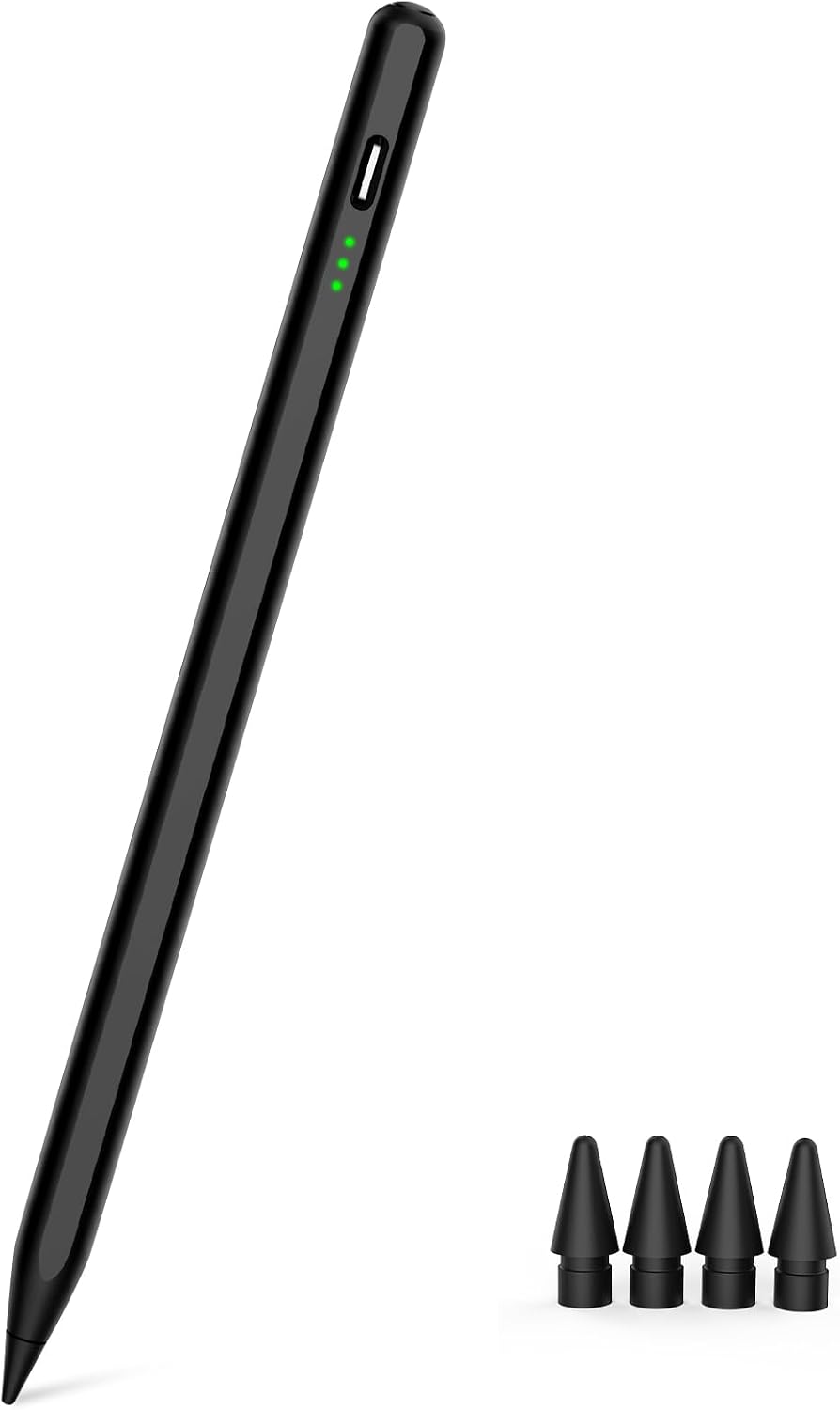
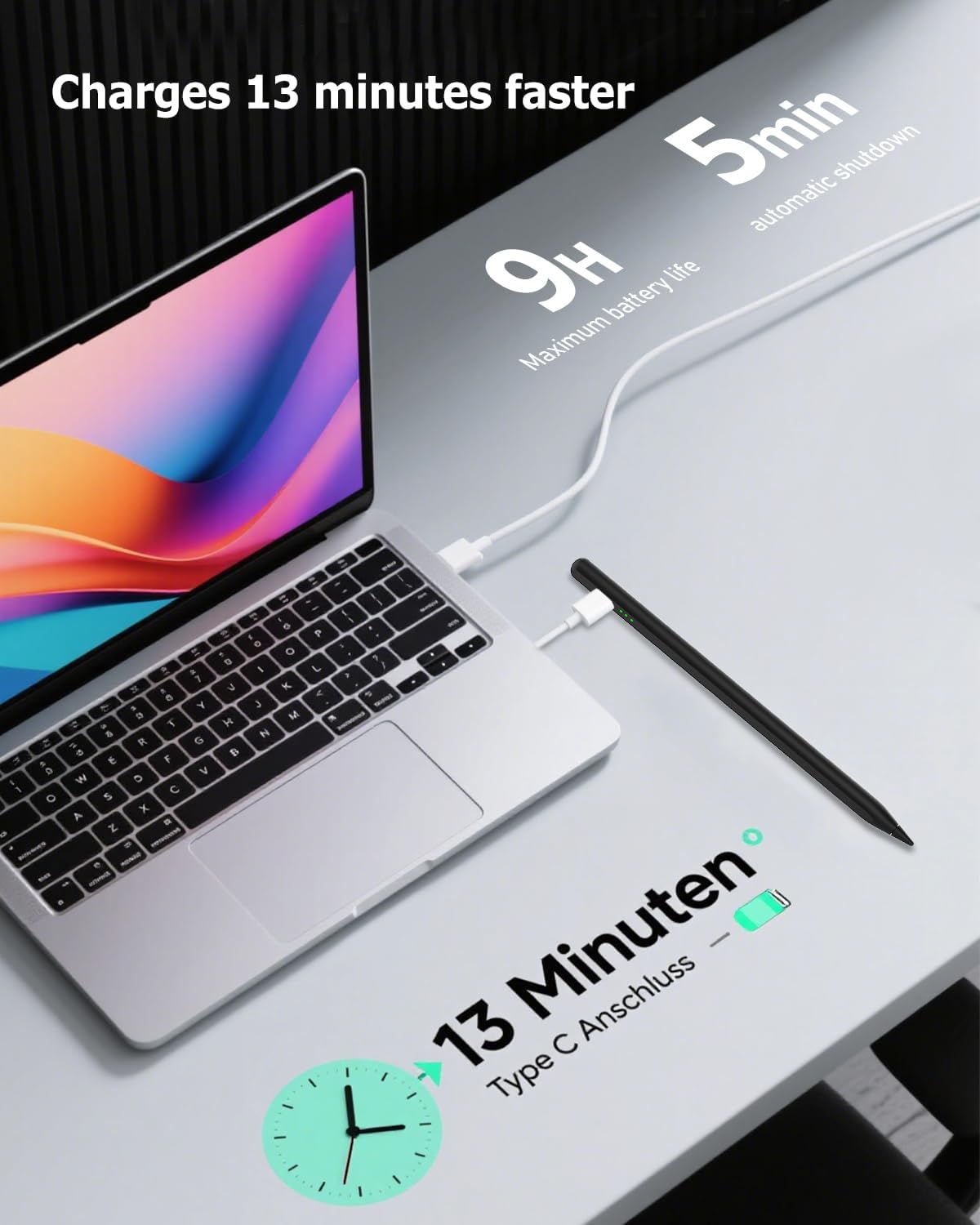
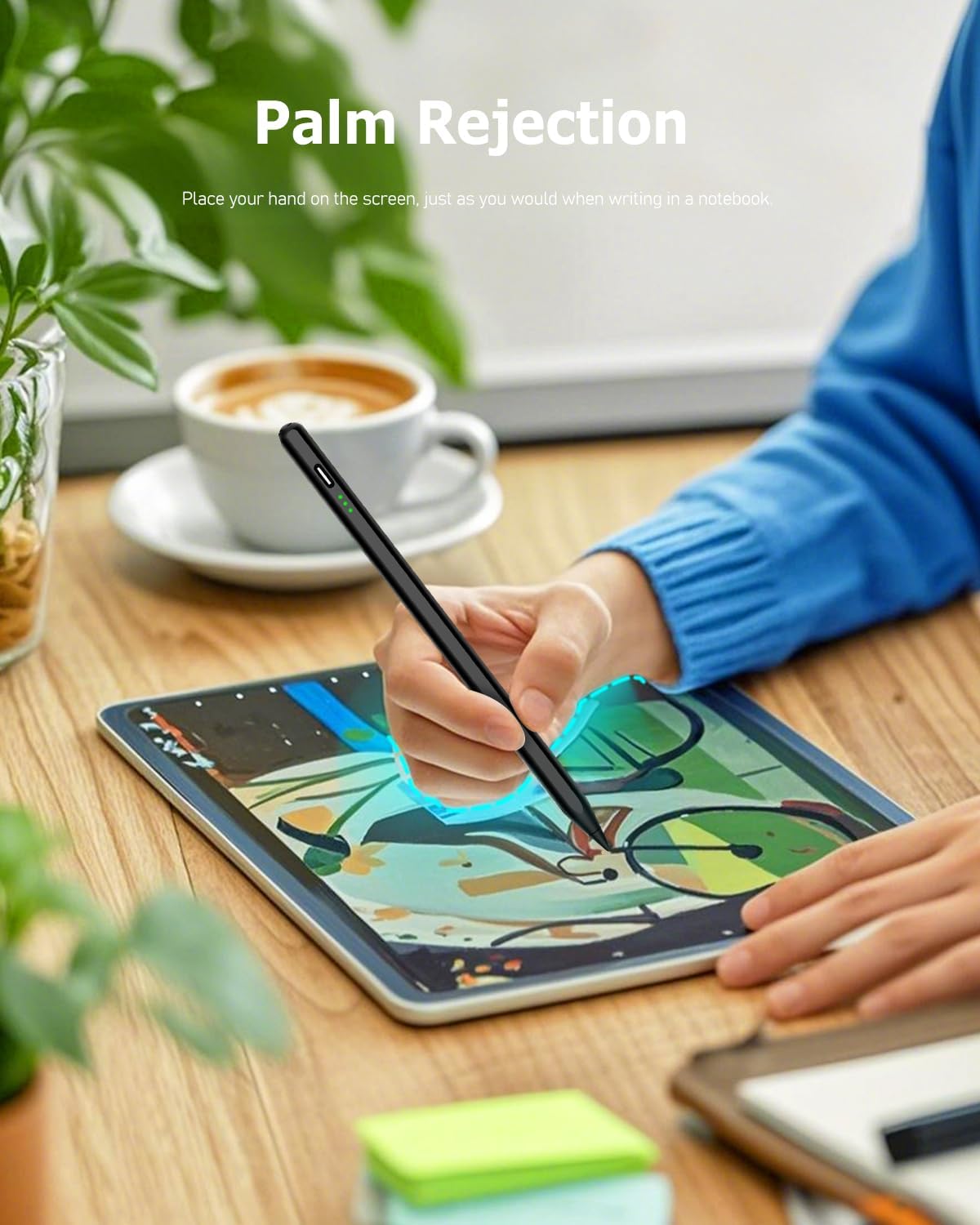
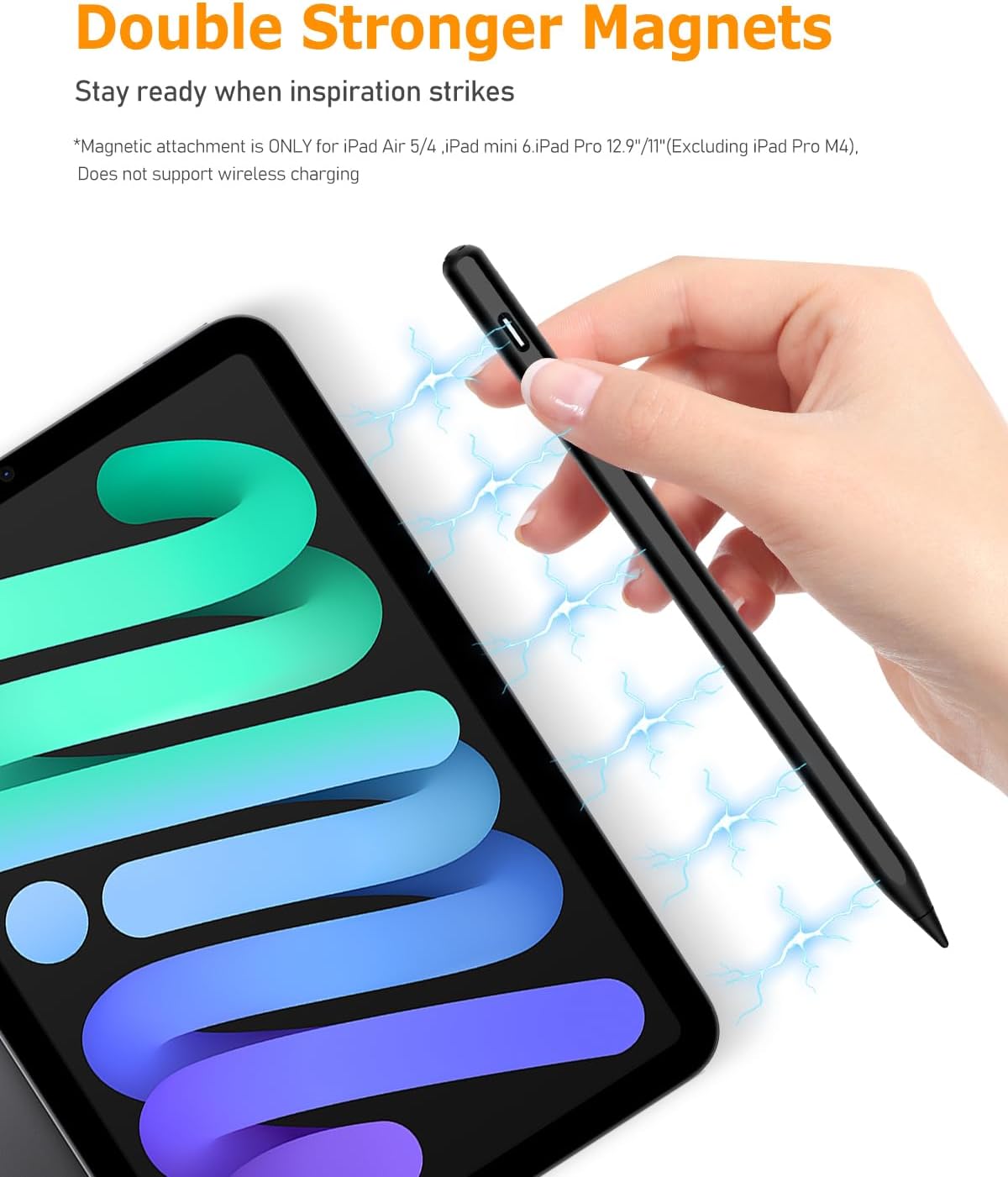
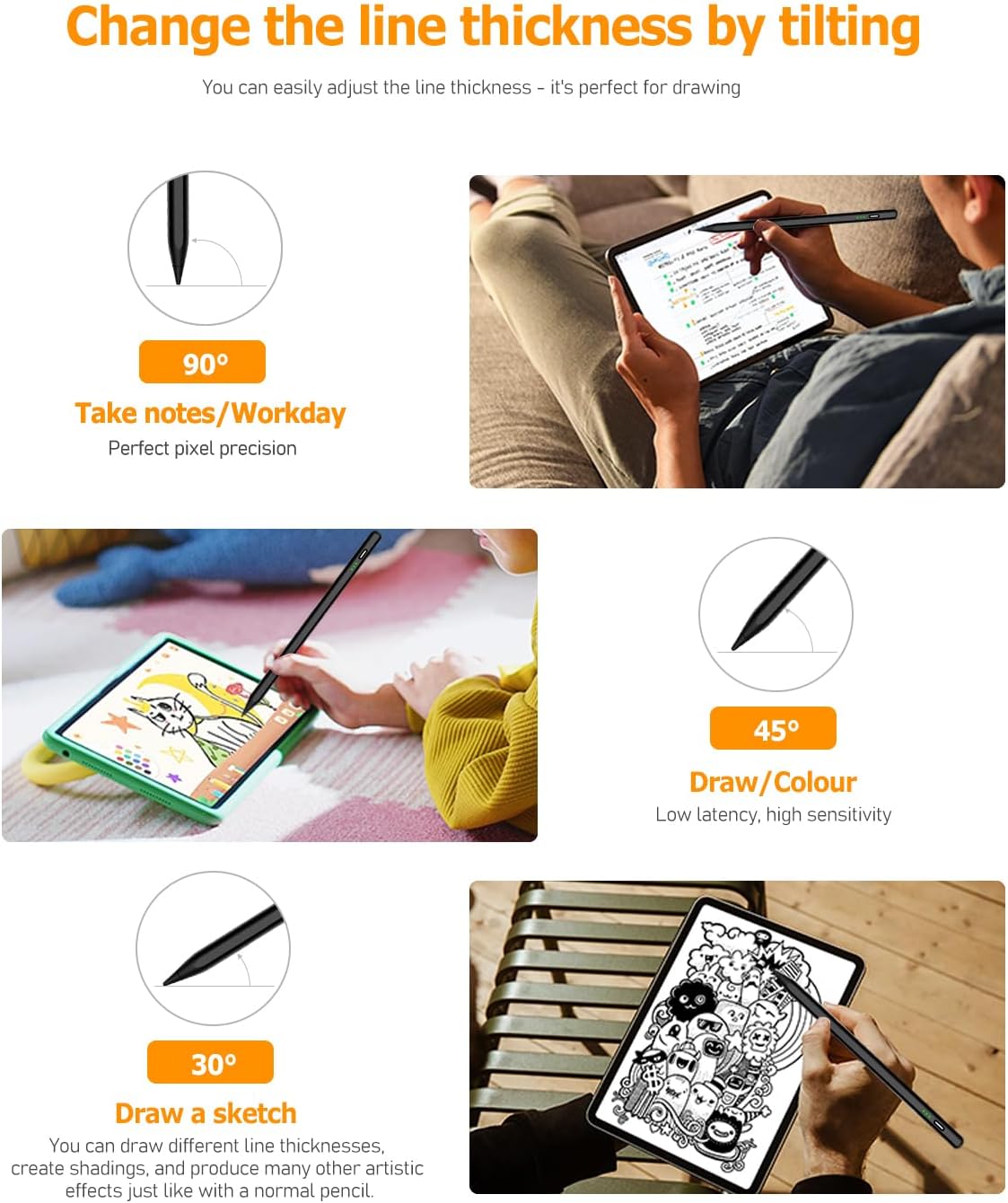
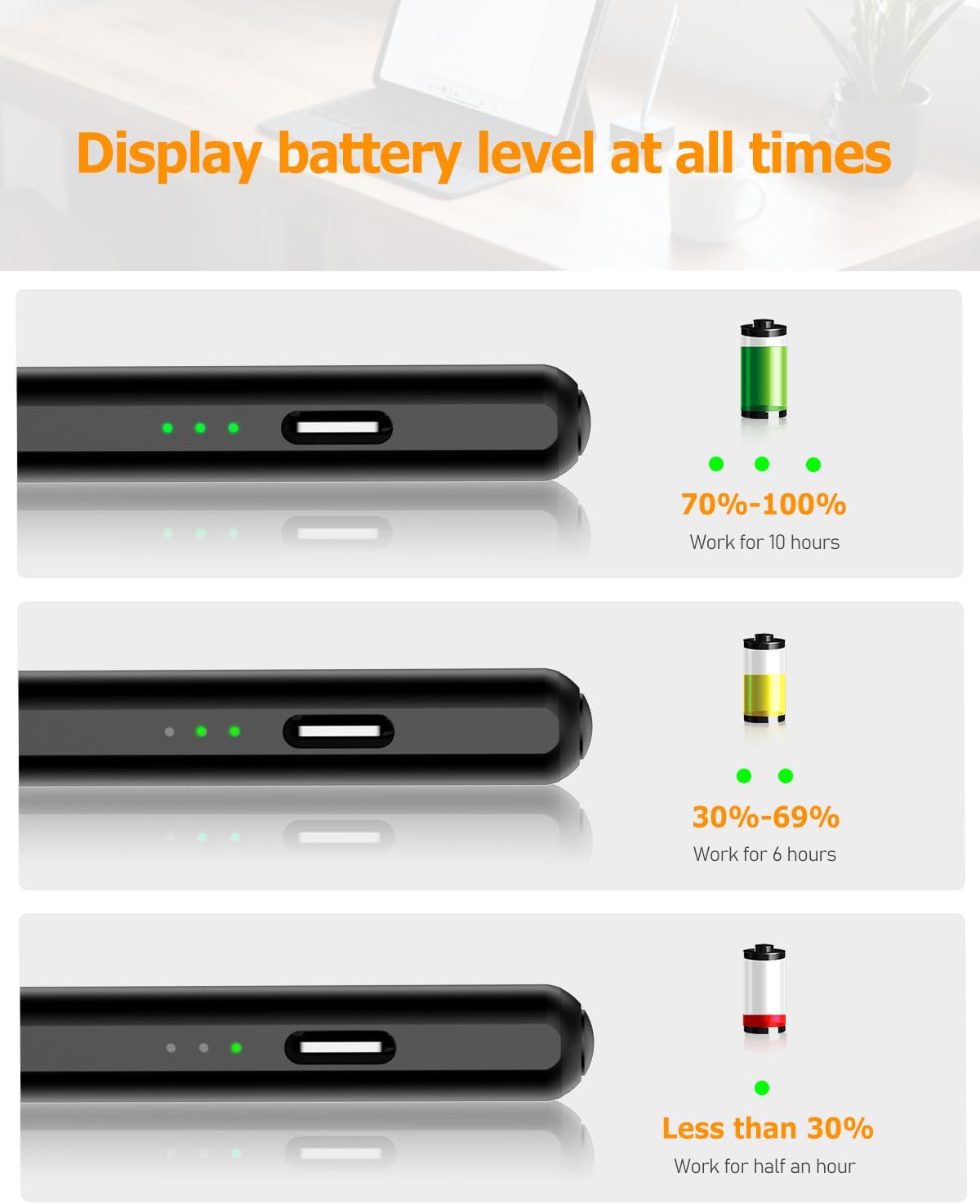
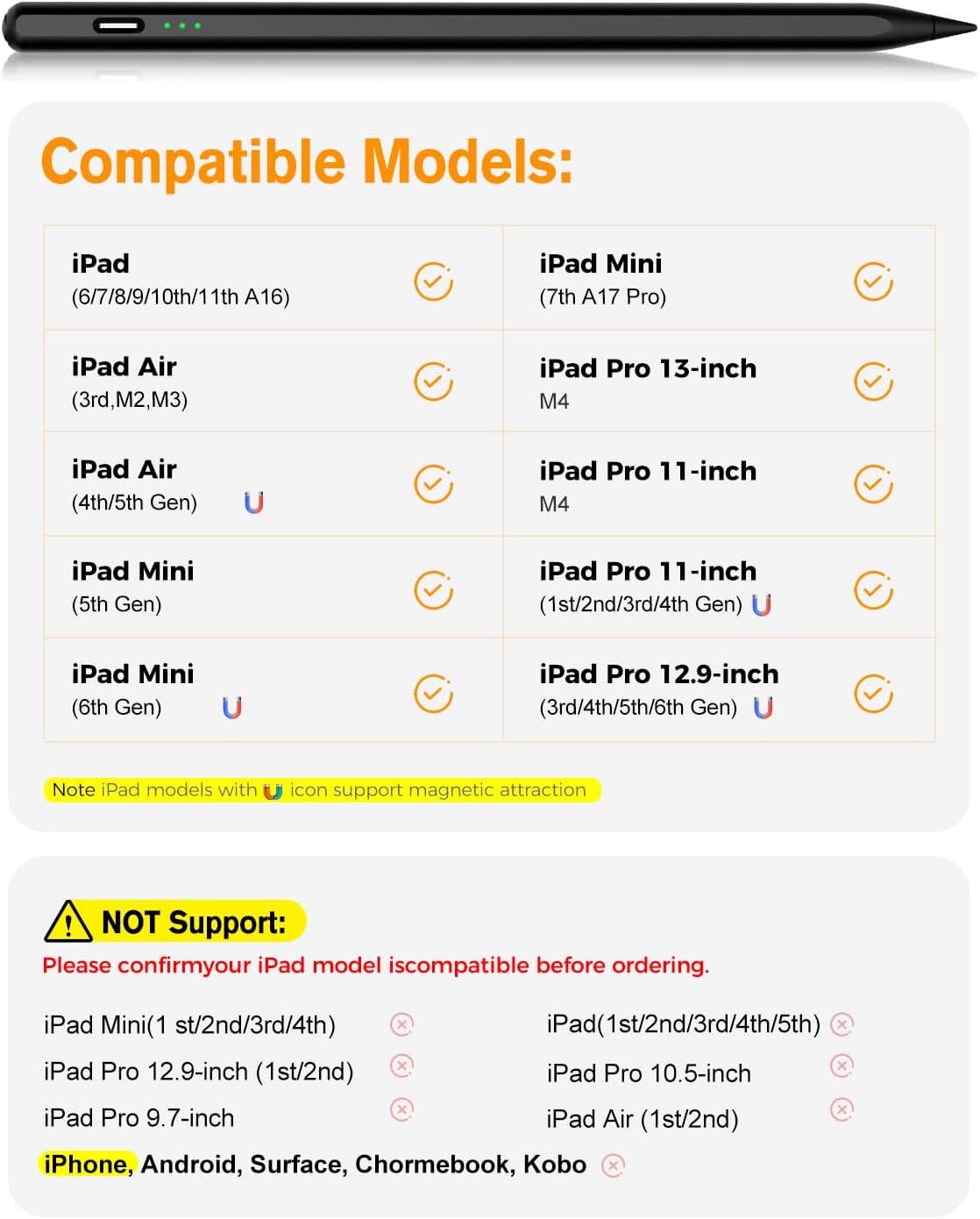
What it is and who it’s for\nThe MYSTILUCK Stylus Pen is a dedicated drawing and writing tool designed for a wide range of iPad models released from 2018 through 2025. If you’re looking for a comfortable digital pen that sits in the hand like a pencil, supports palm rejection, and offers quick charging, this could be a practical companion for note-taking, sketching, or annotating documents on an everyday basis. It’s not marketed as universally pressure sensitive, but tilt sensitivity adds some nuance to line width, which may appeal to casual artists and students alike.\n\n## Compatibility you can rely on\nOn paper, the stylus covers iPad 11, 10, 9, 8, 7, and 6 Gen, iPad Pro options including 12.9, 11 and newer generations, iPad Air and iPad Mini lines up to Gen 7. The note clearly states it isn’t compatible with iPads pre-2018, nor with iPhone, Android, or Microsoft devices. Before purchasing, a quick double-check of your model can save a lot of hassle.\n\n## Battery life and charging in practice\nCharging via USB-C is pitched as quick: a full charge in about 15 minutes and up to 10 hours of use. The practical takeaway is that you can top up quickly if you’ve been drawing through a session and want to keep going. Realistically, 1 minute of charge should buy around 50 minutes of use, and 5 minutes could yield roughly four hours. Three LEDs indicate power status, which helps during longer projects and travel. Autoshutdown after five minutes of inactivity helps save battery when left idle.\n\n## Writing feel and usability\nThe pen supports palm rejection, so you can rest your hand on the screen without gloves. Tilt sensitivity adjusts line thickness to some degree, which is useful for shading and expressive sketching. The writing and drawing experience is aided by a new generation smart chip delivering near-pixel level accuracy to about 0.1 mm, with minimal latency. The nib uses the same POM material as the original, improving glide and durability, and the pen ships with four extra nibs for longevity. Two built-in magnets help keep it attached to the iPad when you’re not using it, reducing the chance of rolling away or getting lost. It’s worth noting that the stylus is not listed as pressure-sensitive, which may influence how it compares to high-end options for some professional workflows.\n\n## Comfort, duration and practical limits\nIf you tend to write for long sessions, the build and weight are designed to feel balanced for extended use. It’s not marketed as a premium, professional-grade tool, but for everyday drawing, note-taking, or quick annotations, it offers a sensible balance between responsiveness and reliability. A natural question is whether the magnetic attachment and fast charging compensate for the lack of pressure sensitivity for your needs. If your work relies heavily on nuanced pressure curves, this model may feel limited.\n\n## The fit for different users\nIt’s a reasonable pick for students, casual artists, teachers, and professionals who primarily need a precise point and comfortable palm rejection rather than a full pressure-sensitive experience. If your workflow demands deep pressure sensitivity or highly customised tilt responses, you might want to compare with other options.\n\n## What to check before buying\nVerify compatibility with your exact iPad model, especially if you own a Gen 6 or Gen 7 iPad Pro or an iPad Air/Mini variant. Confirm you’re comfortable with 0.1 mm precision rather than a true pressure-sensitive pen. Consider how often you’ll need quick charges on the go and whether the magnetic attachment will help you keep the pen handy.\n\n## How it compares to other approaches\nFor those who want a straightforward writing/drawing tool without the price tag of higher-end pens, this model sits in the mid-range of functionality. If you prioritise ultra-fine pressure control or model-specific features, you may find alternative options more aligned with your needs.\n\n## Use case snapshot\nImagine sketching a quick diagram during a meeting: you jot notes with confidence, rest your palm on the screen as you compose, and reach for a quick charge during a coffee break to keep the session flowing.\n\n## Final buying decision\n### Why you might buy it now\nIf you own a supported iPad and want a reliable, fast-charging stylus with palm rejection and solid accuracy for everyday tasks, this model offers practical value without overcomplicating things.\n### When you may want to skip it\nIf you require true pressure sensitivity or expect professional-level tilt control, this may not be the best match. If your device isn’t on the compatible list, it won’t work as intended.\n### Who it’s for\nIdeal for students, casual artists, and professionals seeking a straightforward writing/drawing tool with decent battery life and magnetic storage.\n### What to look for in a purchase\nDouble-check your iPad model, plan for occasional charging needs during long sessions, and set realistic expectations about tilt sensitivity and lack of pressure sensitivity.\n\n## FAQ\n- Is the stylus compatible with iPad models older than 2018? No, compatibility is limited to 2018–2025 iPads listed in the product notes.\n- Does it support pressure sensitivity? The note specifies tilt sensitivity but does not list pressure sensitivity.\n- How long does the battery last on a full charge? Up to 10 hours of use, with quick top-ups via USB-C.\n