

SWITCHFLUX HDMI to USB-C Adapter: 4K60Hz Uni-Directional Source-to-Display Converter
Product description
Overview
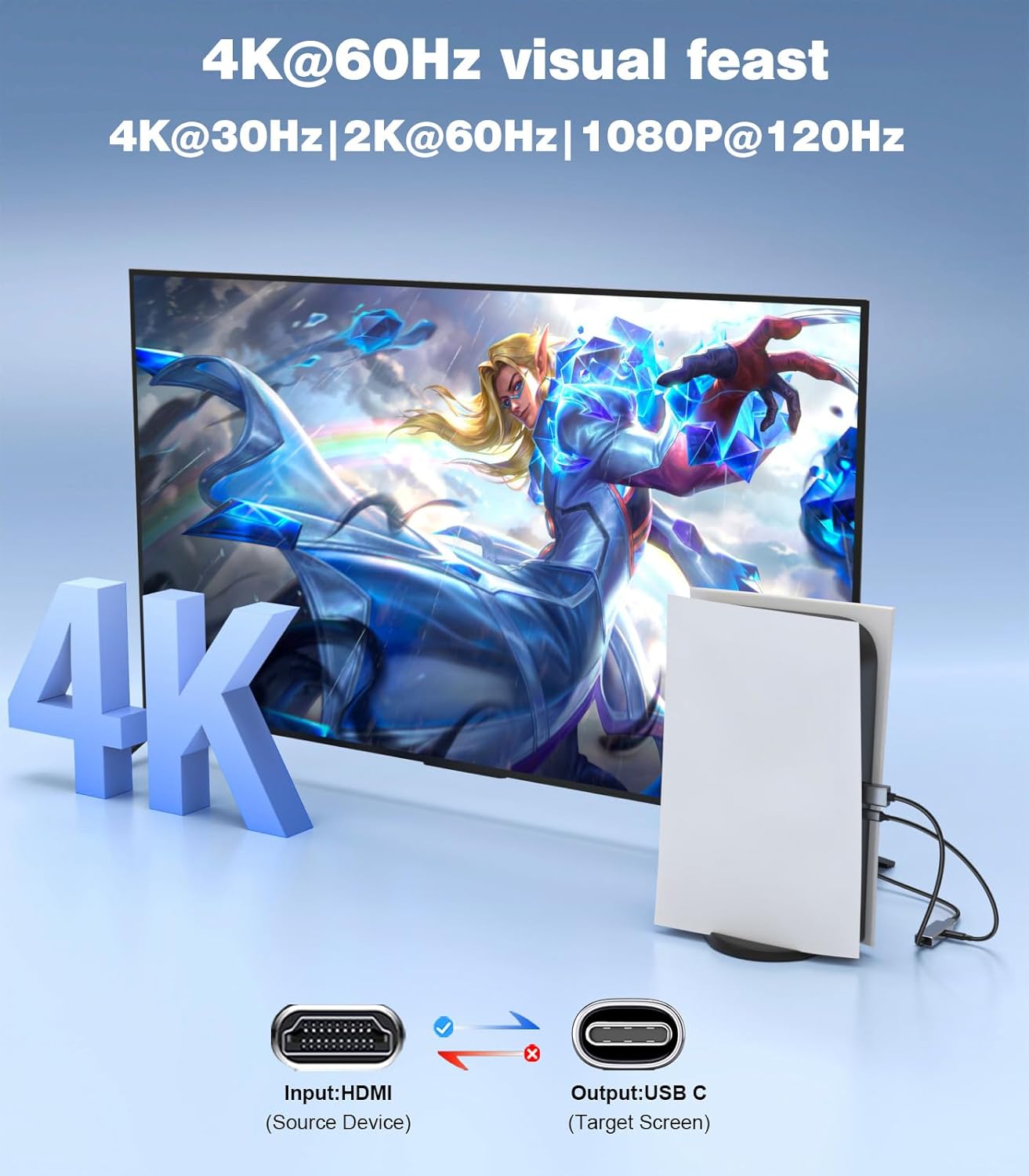
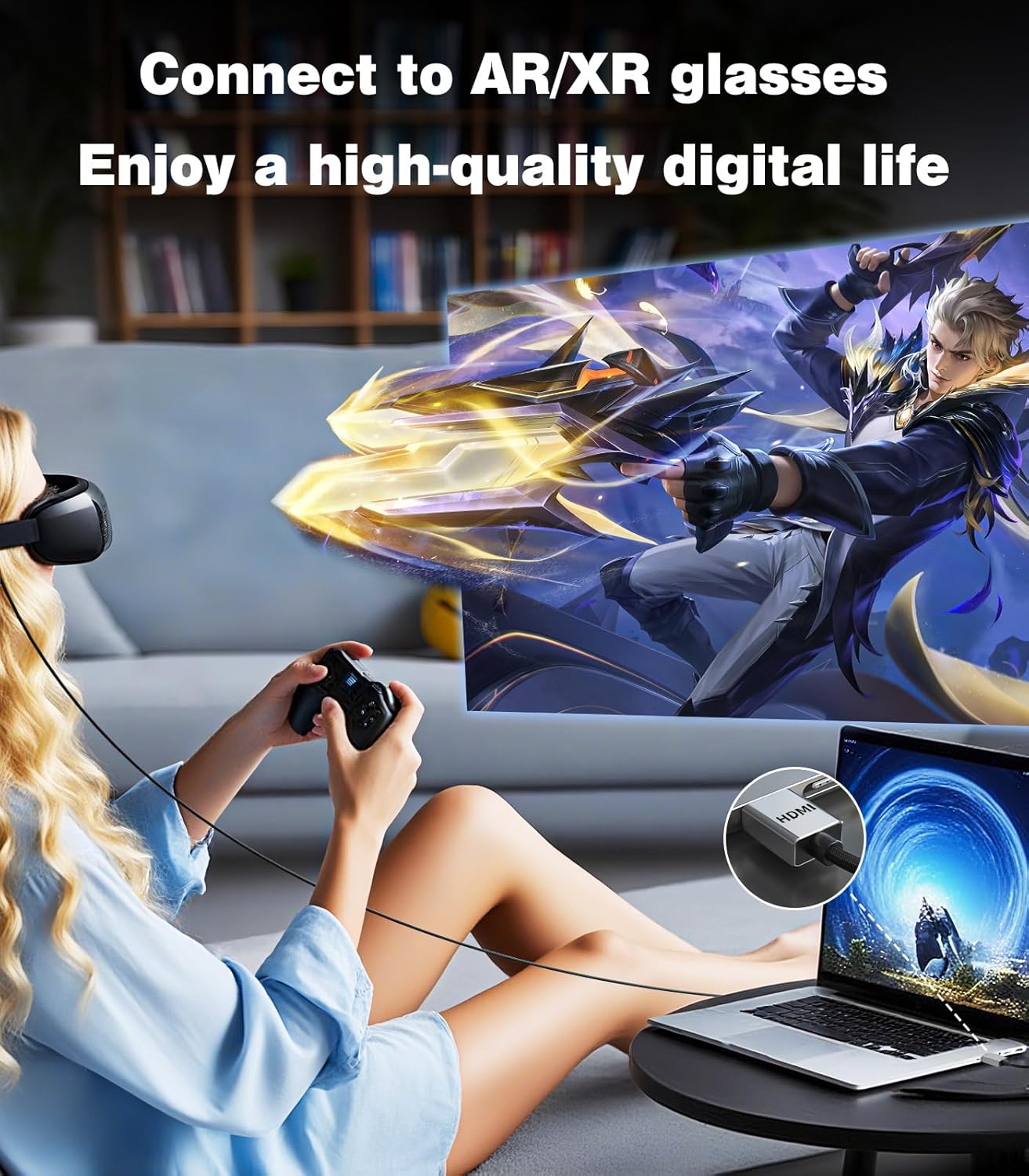
The SWITCHFLUX HDMI to USB-C Adapter is a uni-directional converter designed to carry video from HDMI sources to USB-C displays. On paper, it promises 4K at 60Hz, with backward compatibility down to 4K@30Hz, 1440p@60Hz and 1080p@120Hz. It’s intended for use with XR/AR glasses, USB-C displays, projectors and portable displays that accept USB-C video input, while the HDMI end can connect to a broad range of HDMI sources such as laptops, consoles and PCs.
What the setup can handle
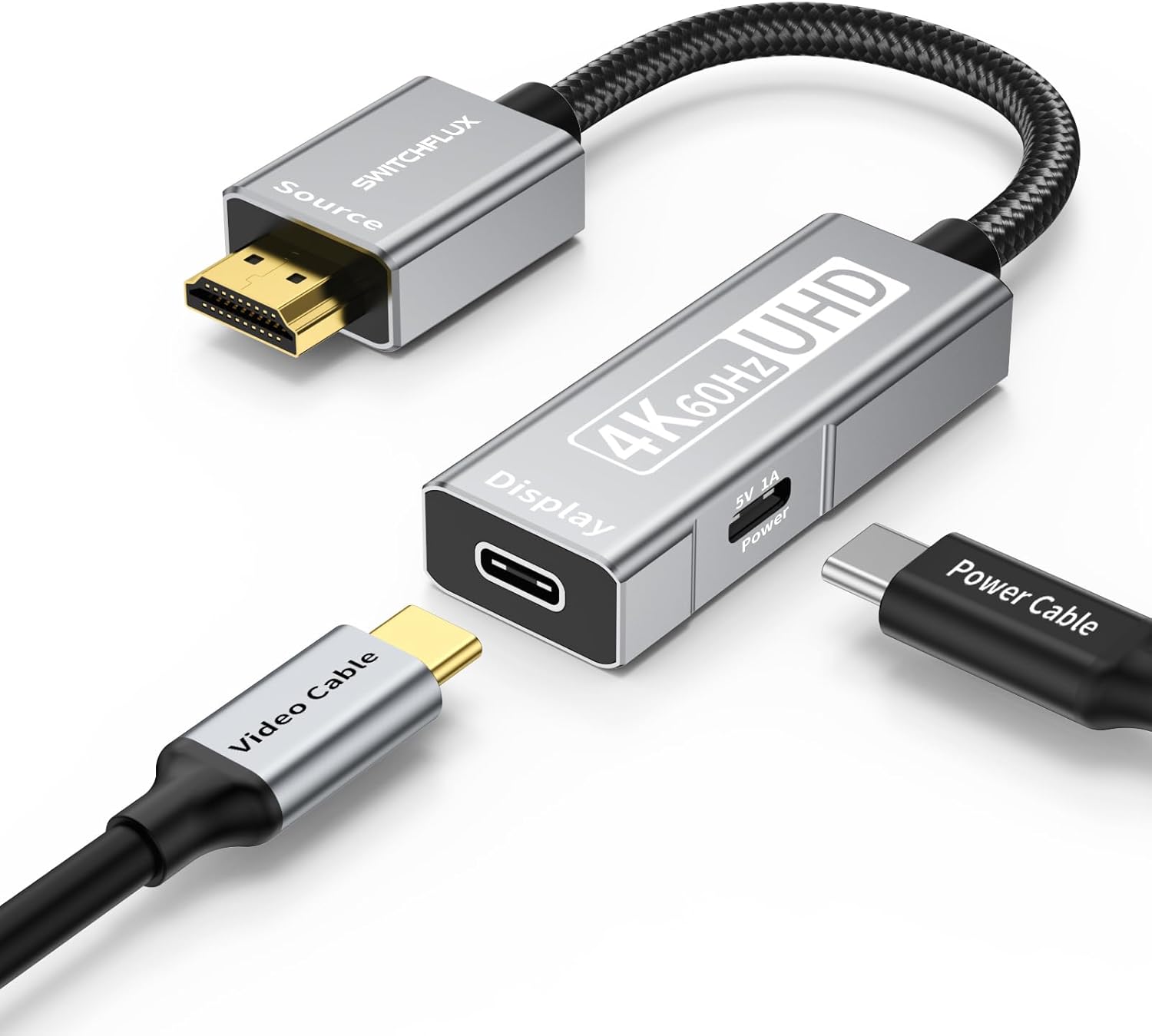
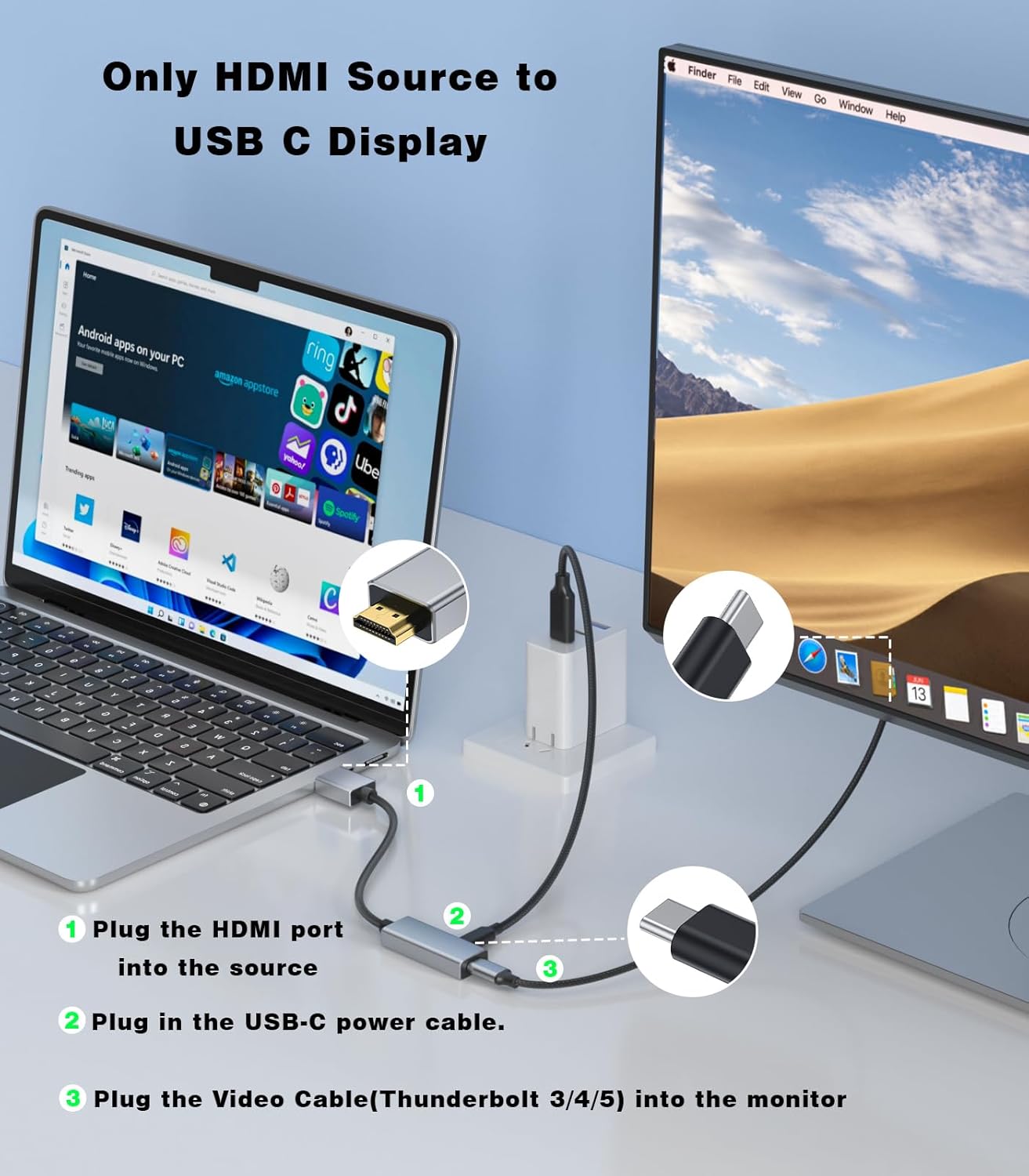
This adapter uses a USB-C power cable to power its electronics, but it cannot power a display via USB-C. A separate power source is required for operation. It emphasises that input must be HDMI and output should be USB-C with DisplayPort Alternate Mode support on the display. This clarifies that not all USB-C ports will accept video input unless they support DP Alt Mode.
Design and durability
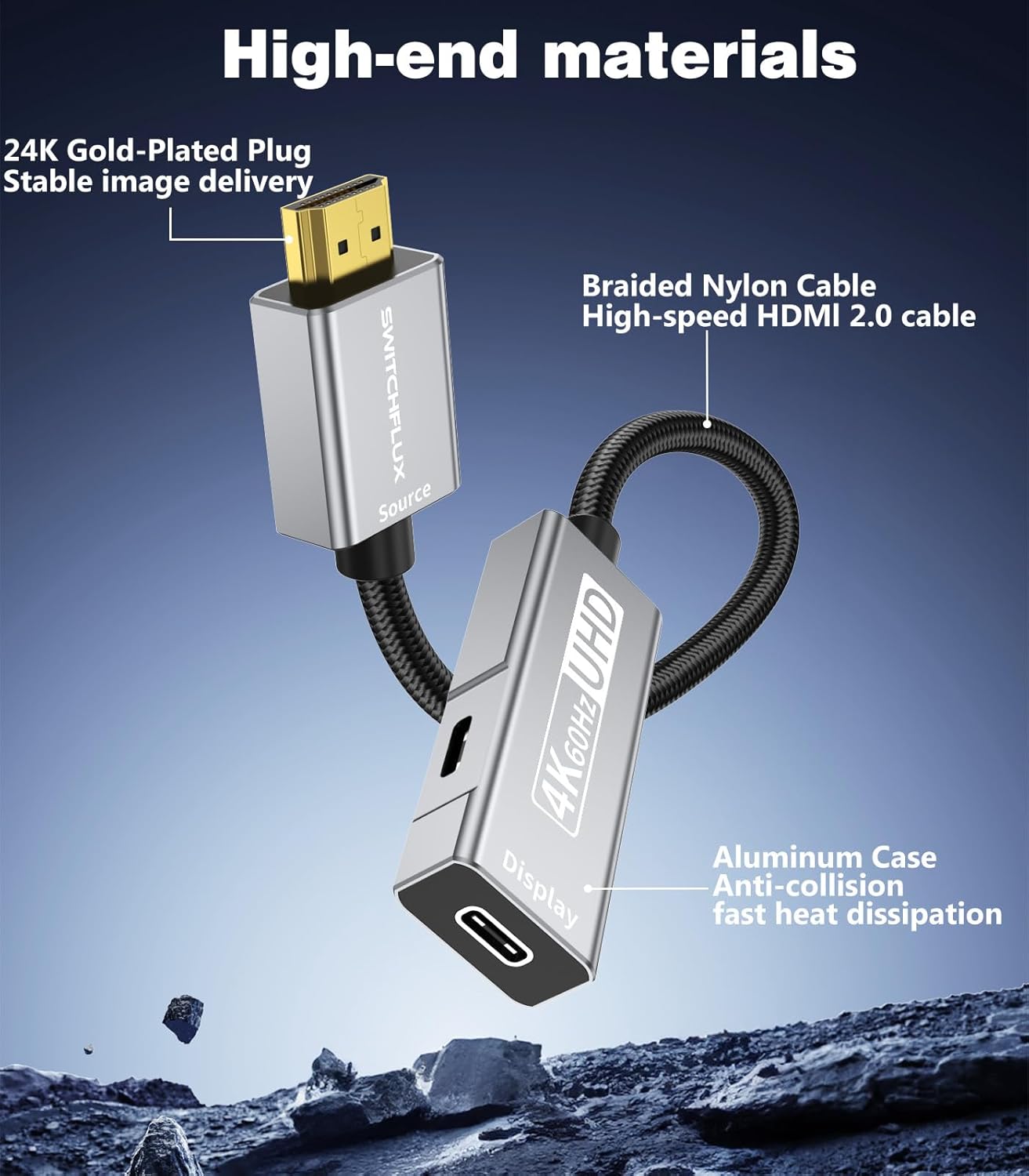
The build tilts toward durability: an aluminium shell helps dissipate heat, copper wiring and 24K gold-plated connectors are claimed to support stable video output, and a nylon braided cable reduces wear from daily use. The package’s emphasis on a one-piece construction aims to avoid loose joints and enhance longevity.
Compatibility and use cases
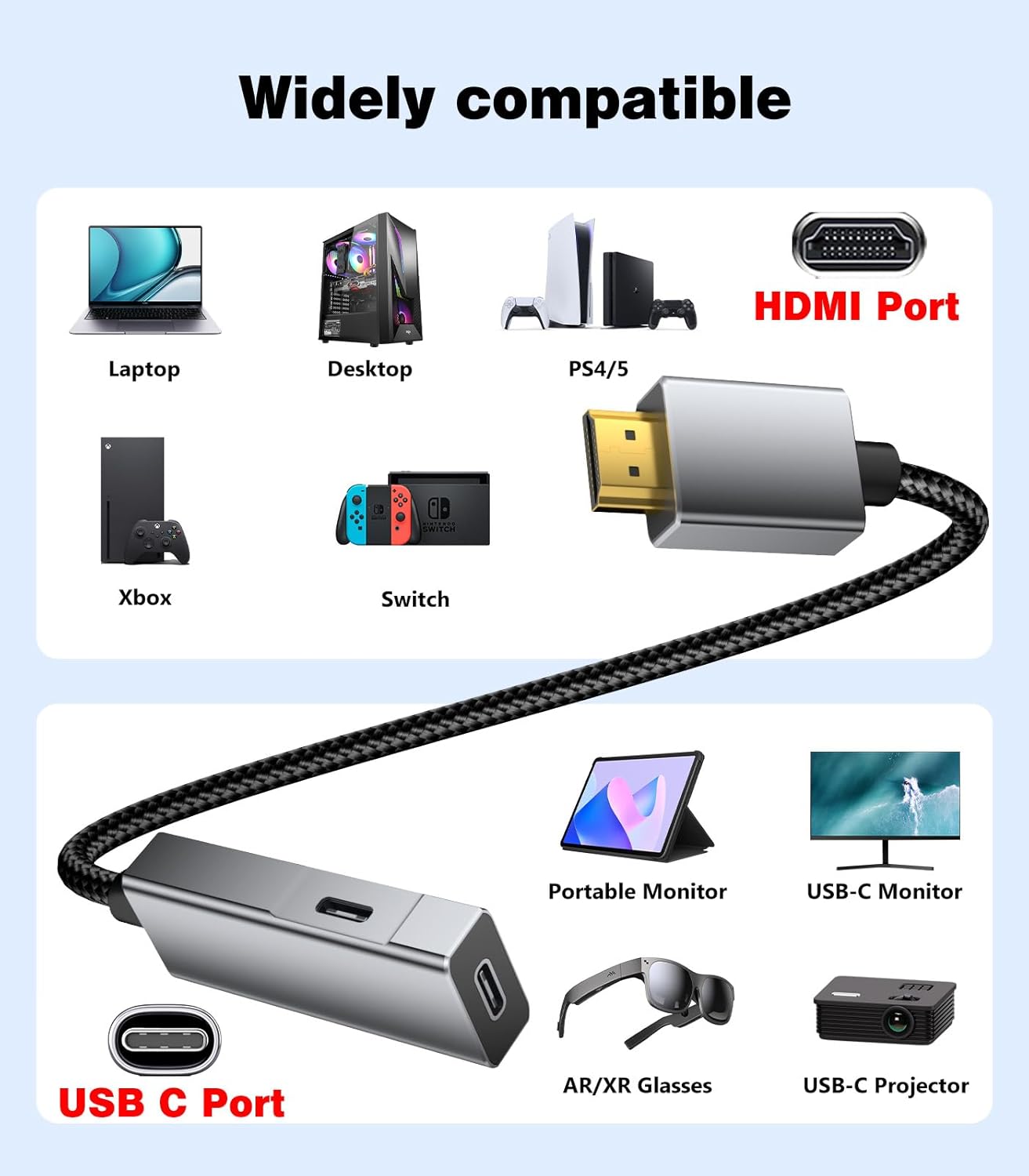
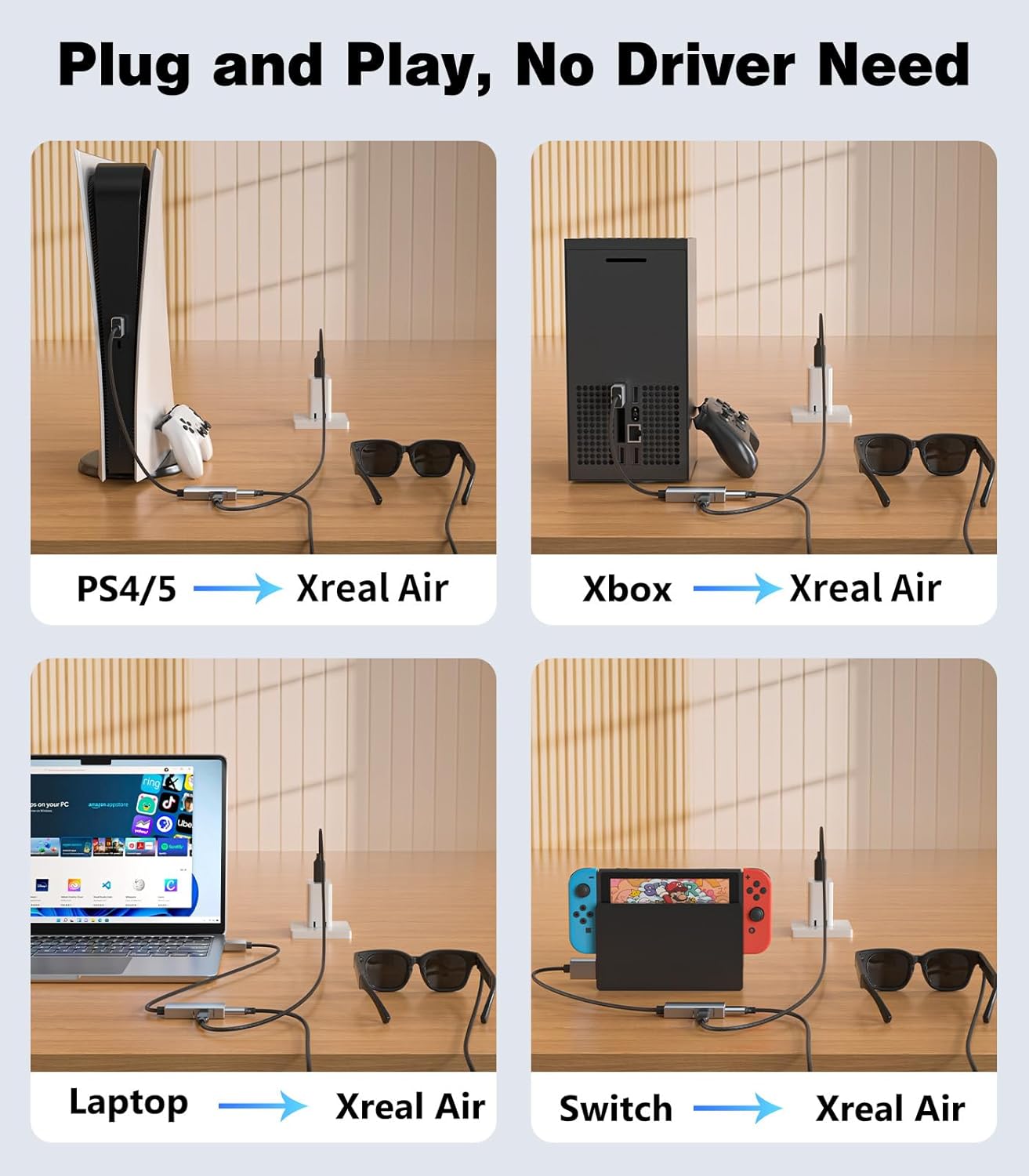
On the compatibility front, the HDMI side can connect to PCs, laptops, PS4/5, Xbox and Nintendo Switch—essentially any device with an HDMI output. The USB-C side targets XR/AR glasses (such as XREAL One and its variants), USB-C displays, USB-C projectors and portable displays. It’s worth noting that higher‑end 4K content from game consoles might still display at 1080p on some setups, which is an important practical caveat if your goal is 4K gaming fidelity.
Practicalities and limits
A critical practical point is the need for a separate power source, the included USB-C power cable powers only the adapter’s electronics, not the display. If the display relies on USB-C for power or input, confirm the display supports video input via DP Alt Mode. The device is explicitly designed for HDMI-to-USB‑C transmission in one direction only, so USB-C to HDMI setups won’t work with this adapter.
What to check before buying
- Ensure the display’s USB-C port supports video input (DP Alt Mode).
- Confirm the HDMI source is compatible (PC, console, laptop, etc.).
- Prepare a suitable USB-C power source to run the adapter, as it cannot power the display itself.
- If you’re aiming for 4K60Hz, verify the source content is capable of delivering that rate, some devices may fall back to lower refresh rates.
Practical comparison and decision angle
For buyers weighing options, this USB-C output approach is more about simplifying connections to XR/AR glasses or portable USB-C displays than chasing higher-end gaming performance. If you prioritise a clean one-cable path from a traditional HDMI source to a USB-C headset or monitor, and you’re mindful of the need for proper DP Alt Mode support, this SWITCHFLUX adapter can be convenient. It isn’t the best fit if you require true 4K60Hz across all setups or need bidirectional HDMI↔USB-C compatibility.
Final decision
Is it worth it?
Yes, if you primarily connect HDMI sources to USB-C displays or XR/AR headsets and you’re aware of its one-way nature and power requirements. It’s less compelling if you need universal HDMI↔USB-C compatibility or guaranteed 4K60Hz in every scenario. Consider your display’s DP Alt Mode support and your willingness to provide a separate power source.
FAQ
- Do I need to install drivers? No, it’s plug‑and‑play.
- Can it power a display through USB-C? No, the USB-C cable powers only the adapter, you need a separate power source.
- Will 4K60Hz always be available? It supports 4K60Hz but may drop to 4K@30Hz depending on the source and display compatibility.