

avedio links VHS to Digital Converter 1080P
Reviews
Price
Product description
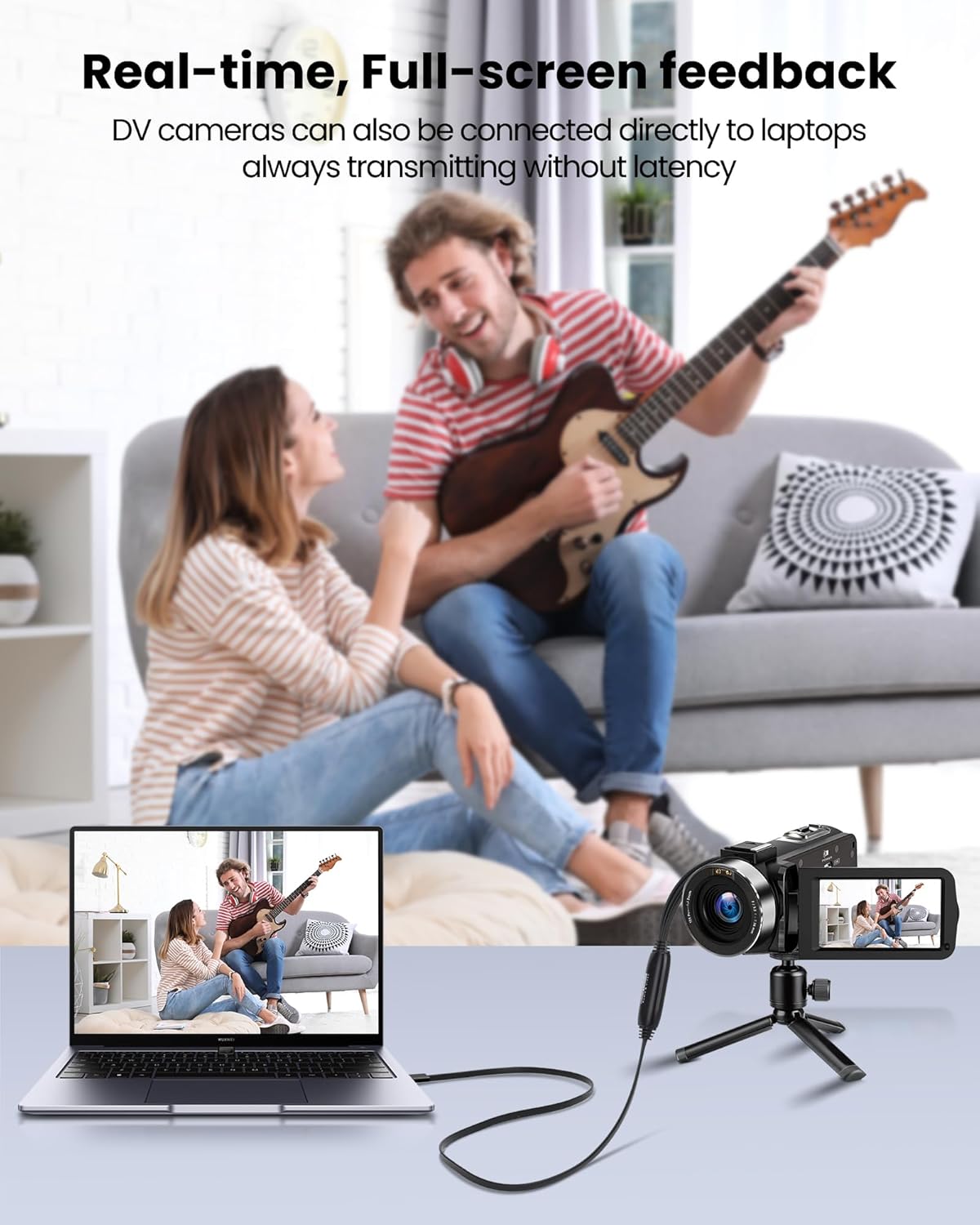
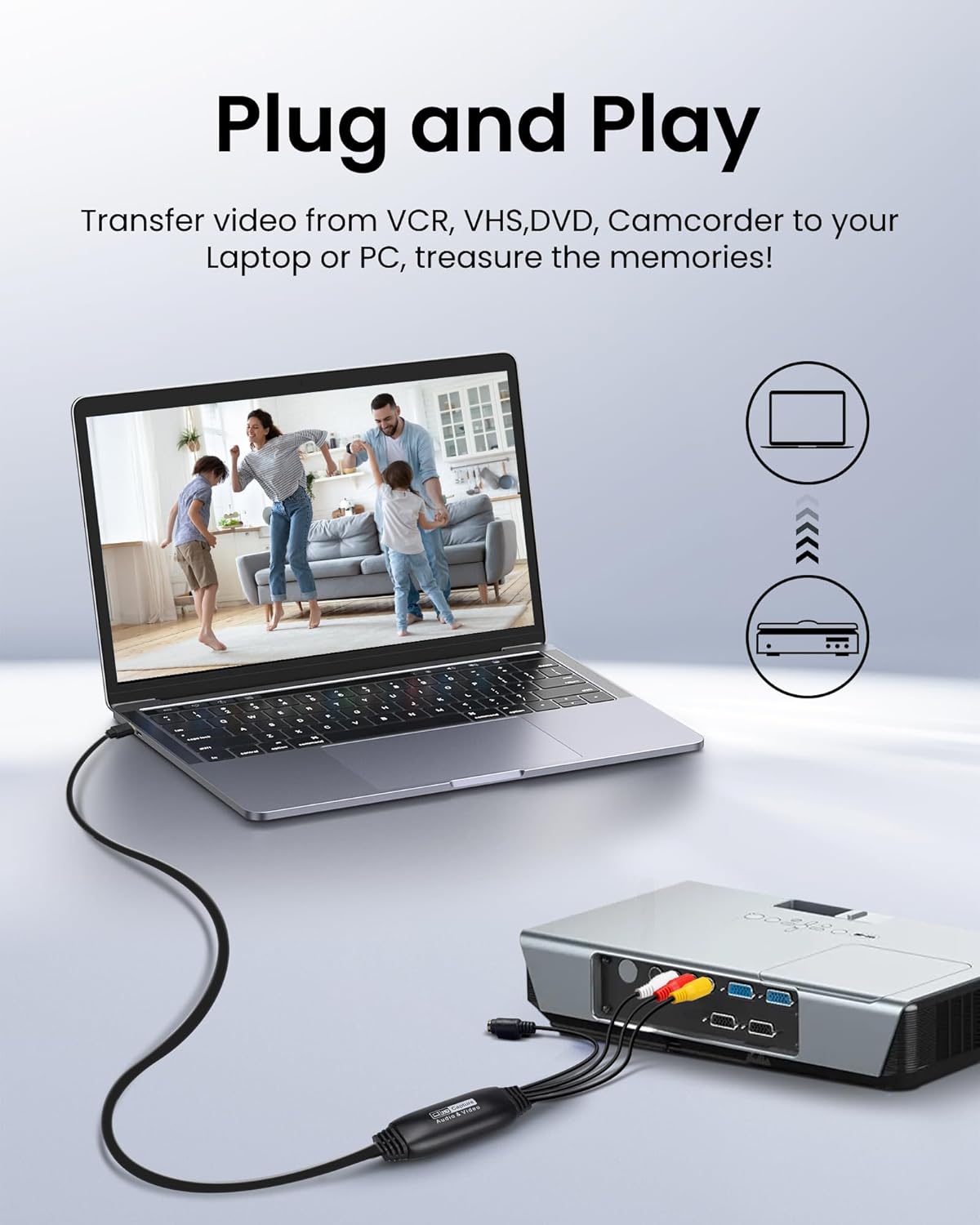
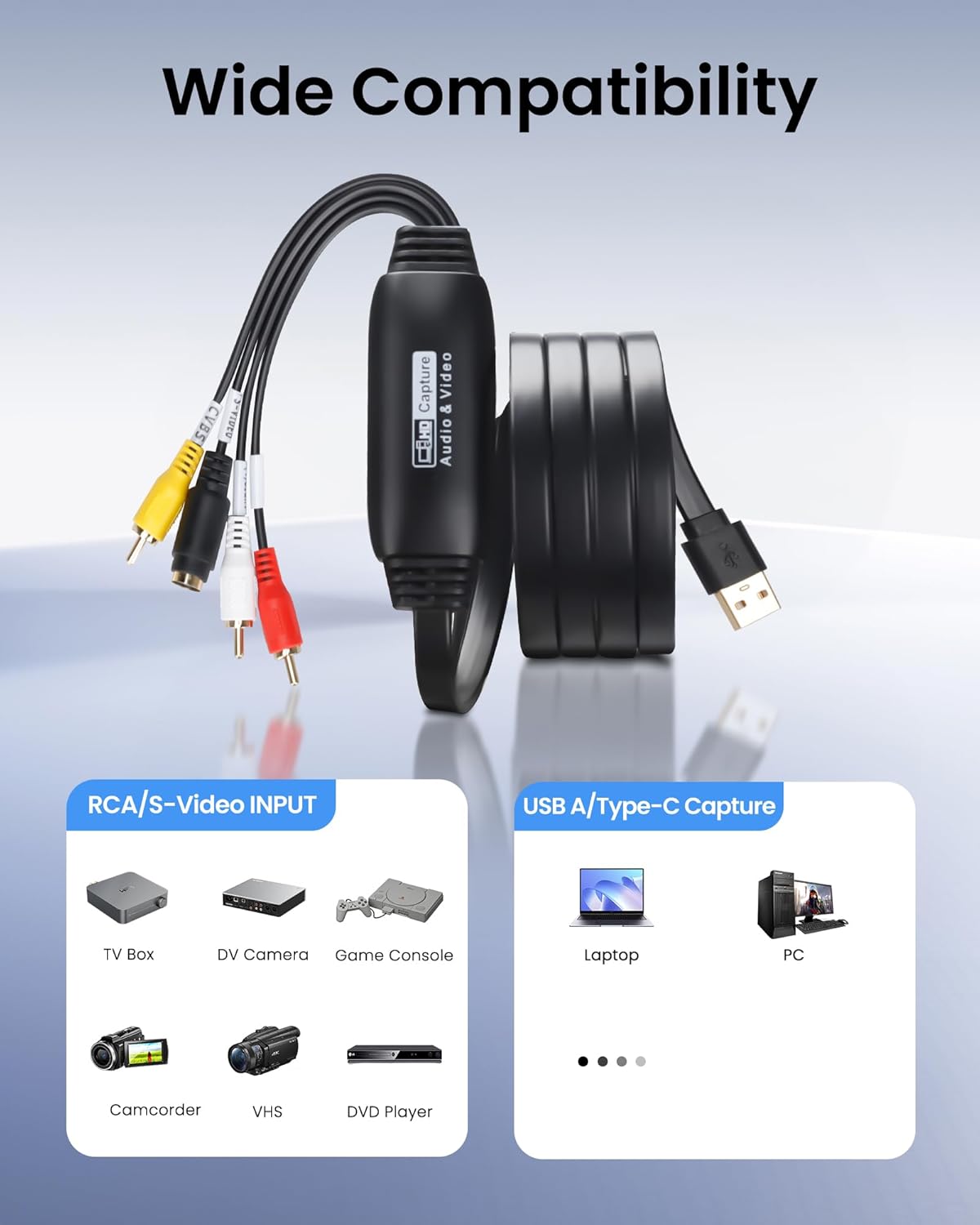
This USB video capture device makes it straightforward to convert old tapes into editable digital files. As a VHS to digital converter it handles RCA and S-Video sources, so you can preserve family videos or archive recordings with basic editing software. The unit is compact and plugs into a laptop, offering a simple digital transfer workflow for VHS, VCR, DVD and camcorder footage.
Key Points
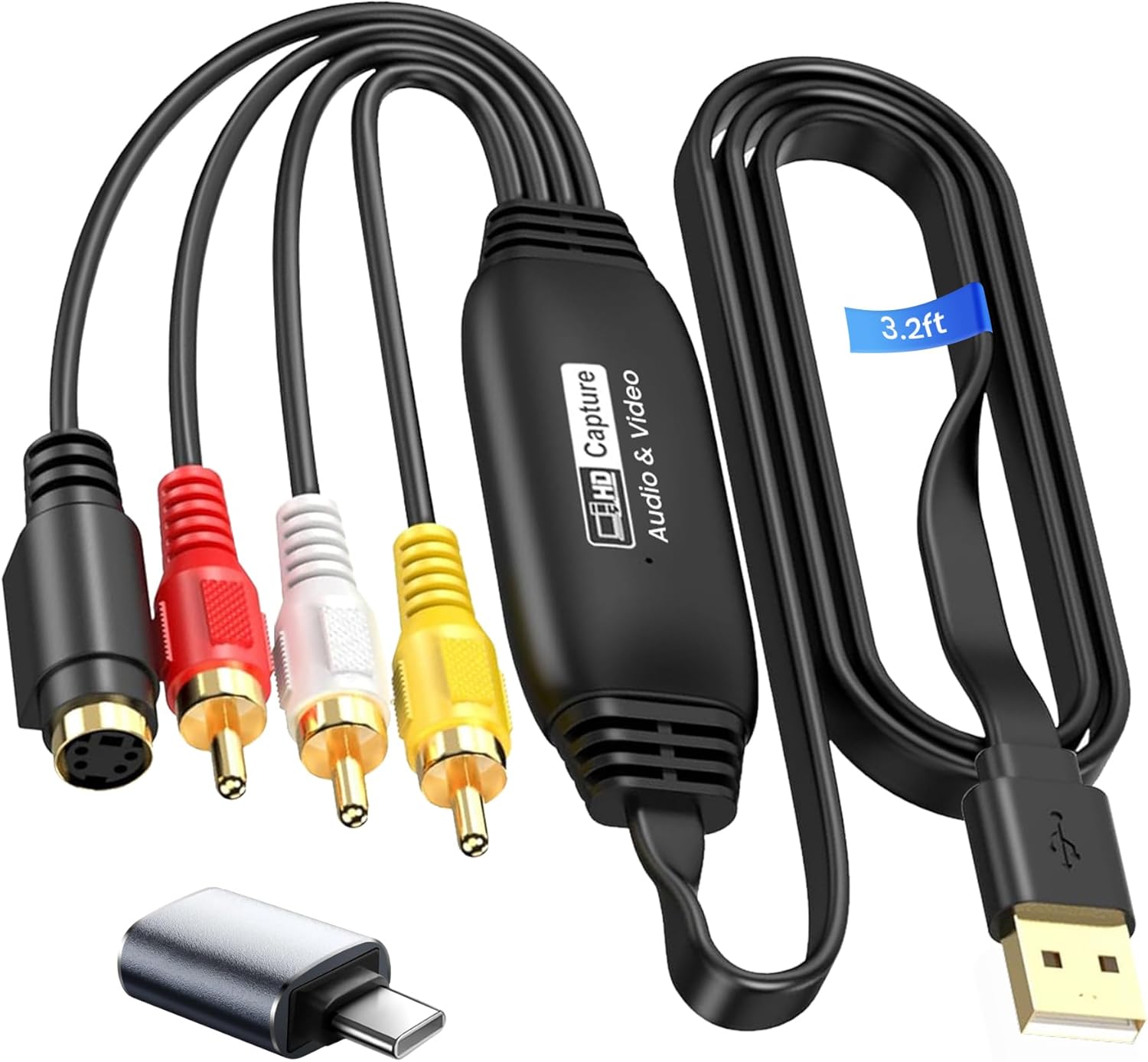
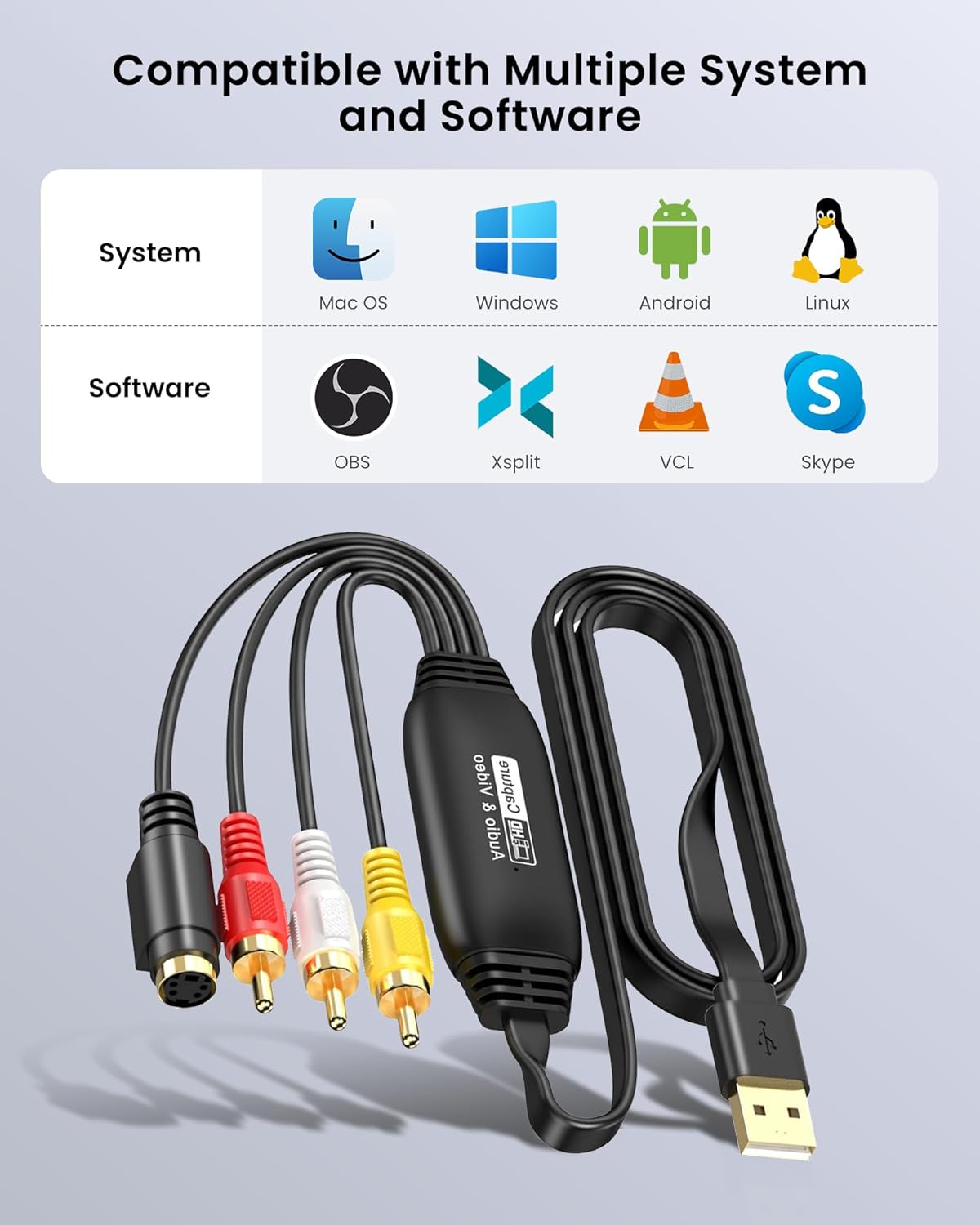
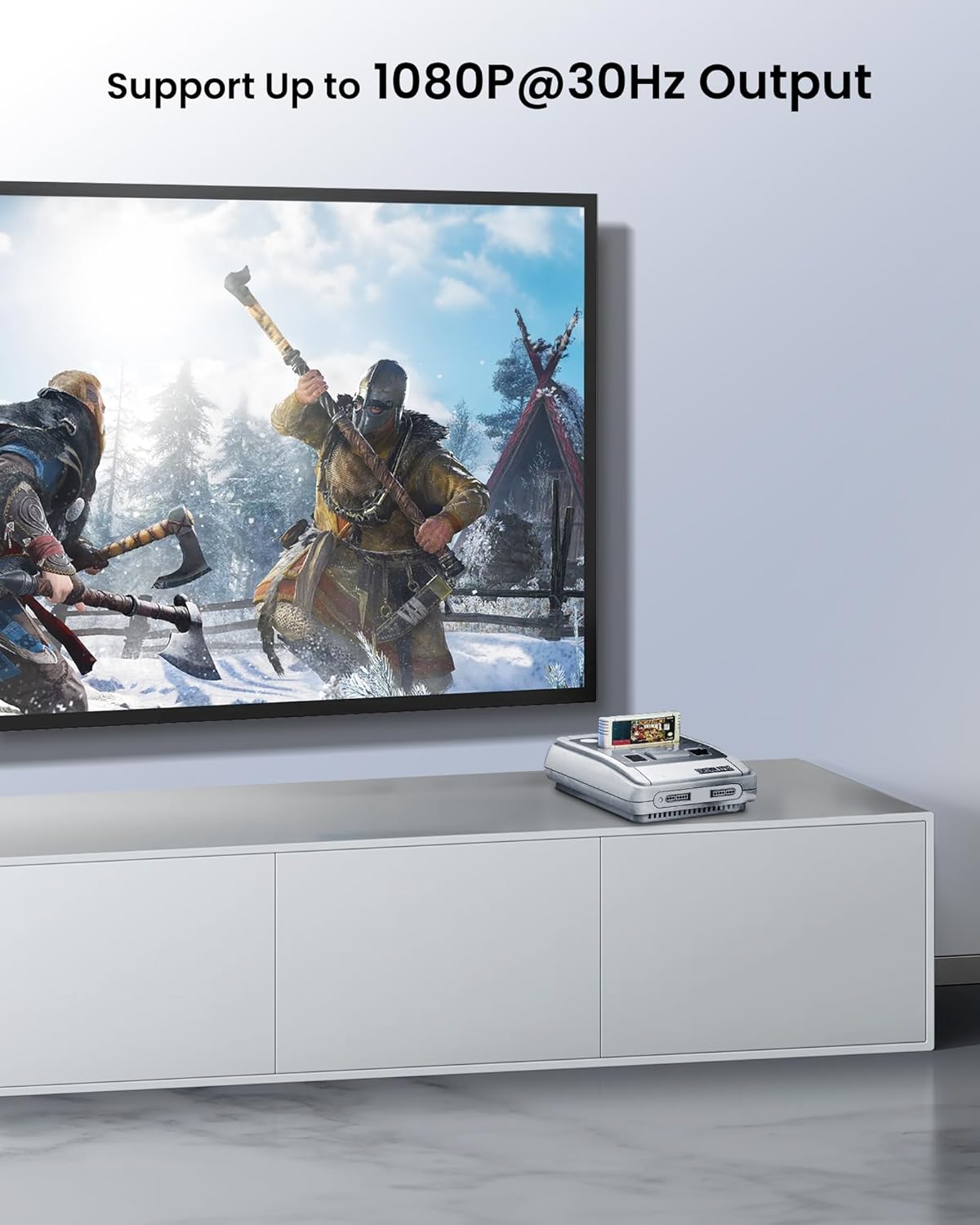
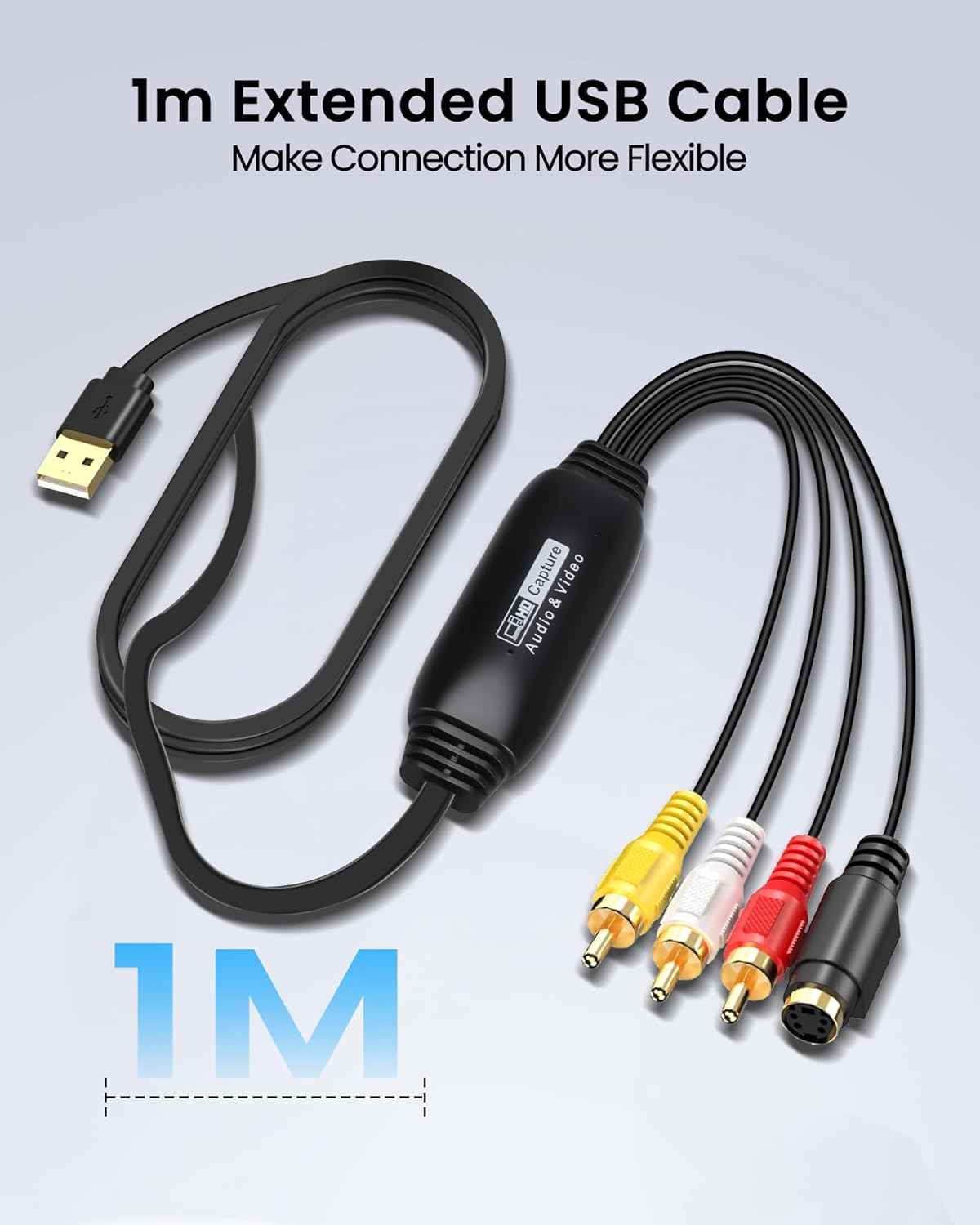
The device accepts composite RCA and S-Video inputs for transferring analogue video to a computer, and records up to 1080P at 30 Hz according to the manufacturer. It connects via USB and includes a 1 metre cable plus a USB A to Type C adapter to increase compatibility with modern laptops 🎞️. Software such as OBS, VLC and PotPlayer is supported for capture, live streaming and recording, which makes it useful for both archiving and simple production tasks.
Benefits
Using this capture card lets you convert legacy media into common digital formats so files can be edited, backed up and shared more easily. The plug-and-play approach reduces setup time, and the included adapter improves compatibility with USB Type C ports found on many newer machines. For retro gaming or digitising VHS collections the unit provides a practical bridge between old devices and current computers 💻. Consider that maximum capture resolution is limited to 1920 x 1080 at 30 Hz, so it may not match higher-end capture cards for demanding production work.
Technical Specifications
- Name: avedio links VHS to Digital Converter
- Inputs: RCA (composite) and S-Video
- Output resolution: 1920 x 1080P at 30 Hz
- Interface: USB 2.0 with 1 m cable, includes USB A to Type C converter
- Compatibility: Windows and macOS, works with OBS, VLC, PotPlayer
- Package contents: capture card, USB A to Type C adapter, CD, user manual.
Usage Recommendations
Connect the source device to the capture card using the appropriate RCA or S-Video cables, then plug the USB lead into your computer and launch your chosen capture programme. Record in short segments to check audio–video synchronisation before processing longer tapes, and store copies in at least two locations once files are digitised. Keep in mind that audio levels and tape condition can affect final quality, so gentle tape cleaning and level adjustments in the capture software may improve results.