

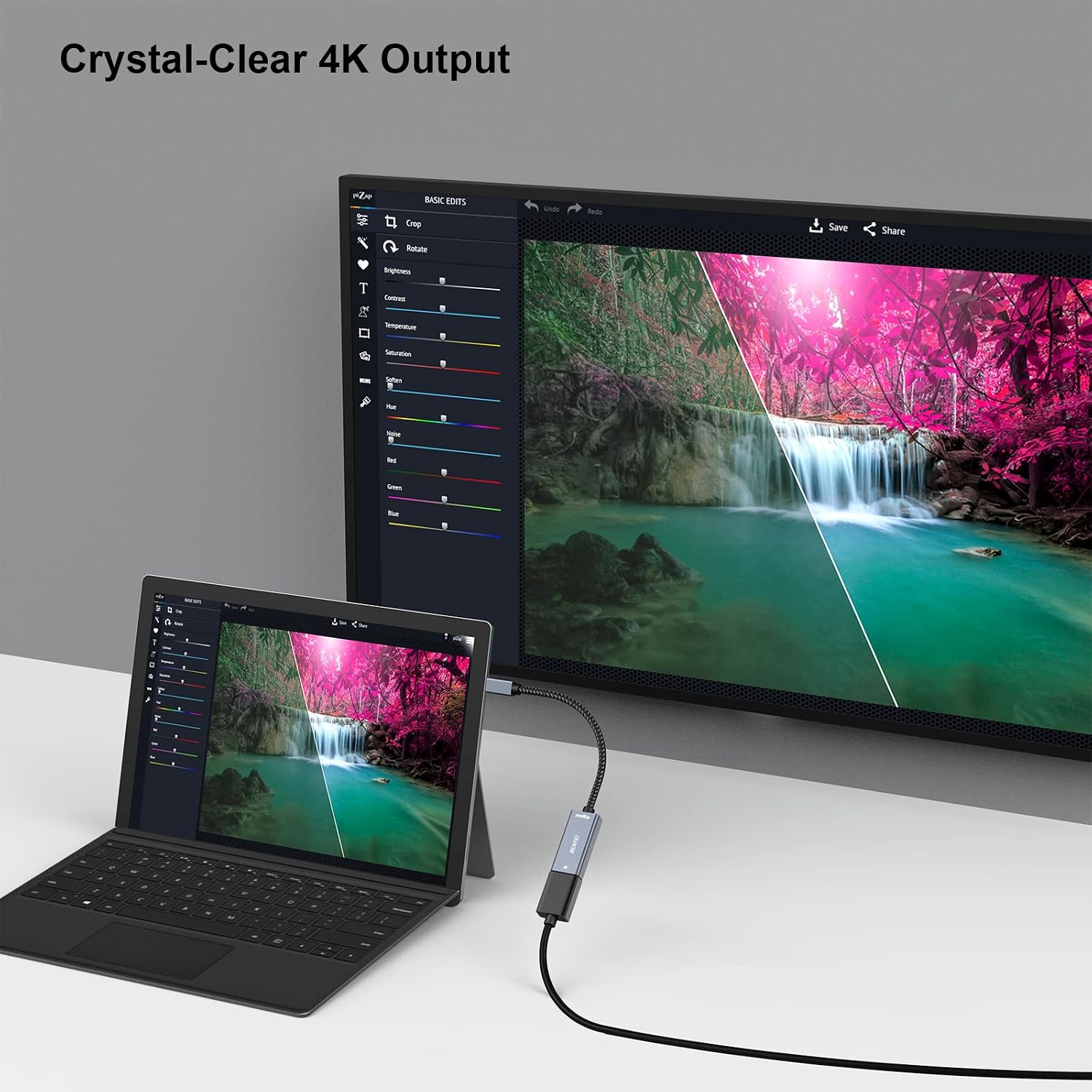
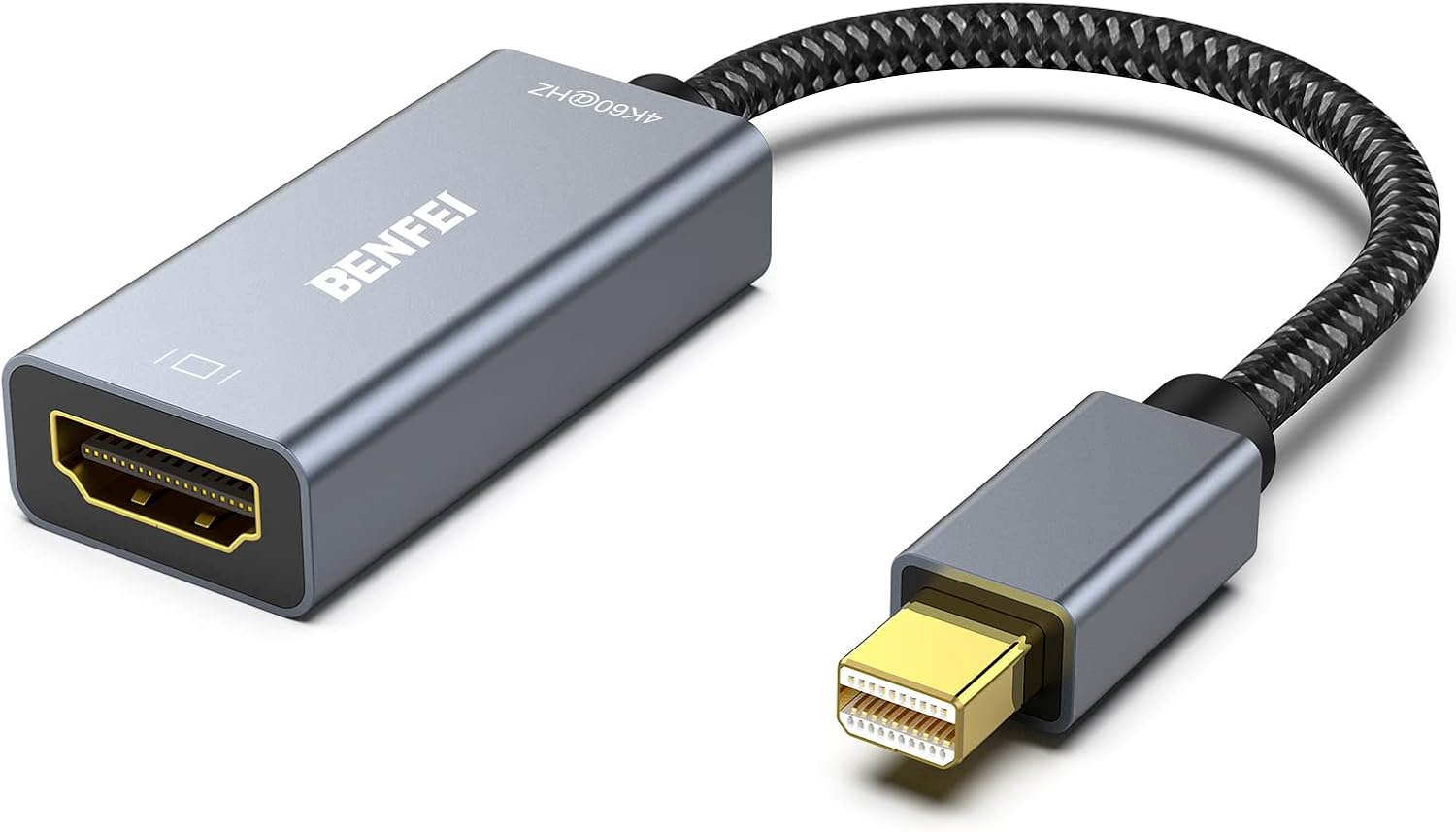
BENFEI Mini DisplayPort to HDMI Adapter (4K@60Hz) with Aluminium Shell
Product description
What it is and who it’s for
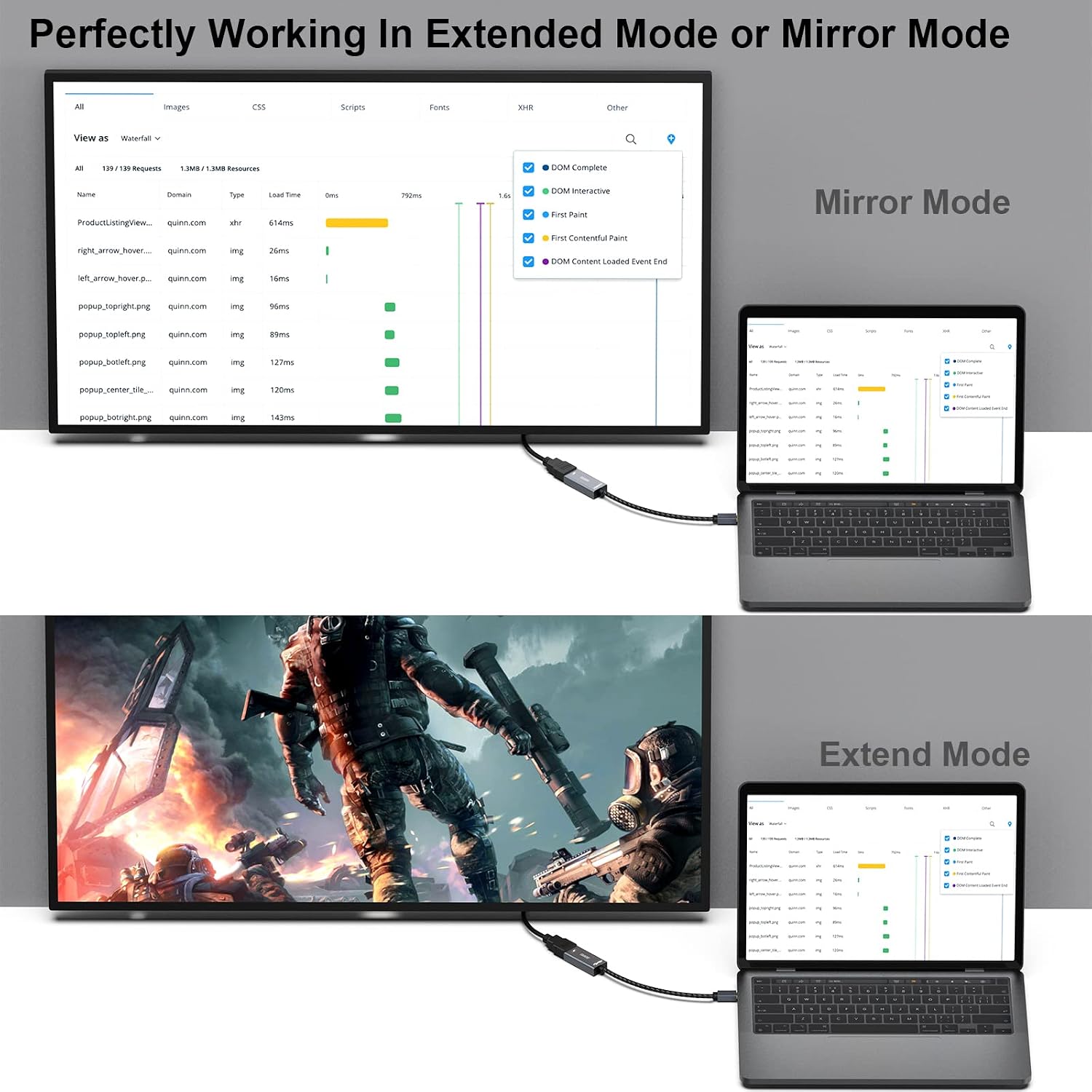
The BENFEI Mini DisplayPort (Thunderbolt) to HDMI adapter is a compact, aluminium‑shelled dongle that converts DisplayPort/Thunderbolt output to HDMI. It’s aimed at users with Macs or certain Windows devices that feature Mini DisplayPort or Thunderbolt, who want to drive an HDMI display or TV at high refresh rates. If you’re looking for a straightforward way to mirror or extend your screen in up to 4K at 60Hz, this is the kind of accessory you’ll encounter in everyday setups. It isn’t a universal adaptor for every port, so check your device’s outputs before buying.
What it solves
On paper, it simplifies external display connections without needing a full dock. It can be a neat, clutter‑reducing upgrade for a home office or living room where a laptop or tablet needs a larger display for productivity, media, or presentations.
How it performs
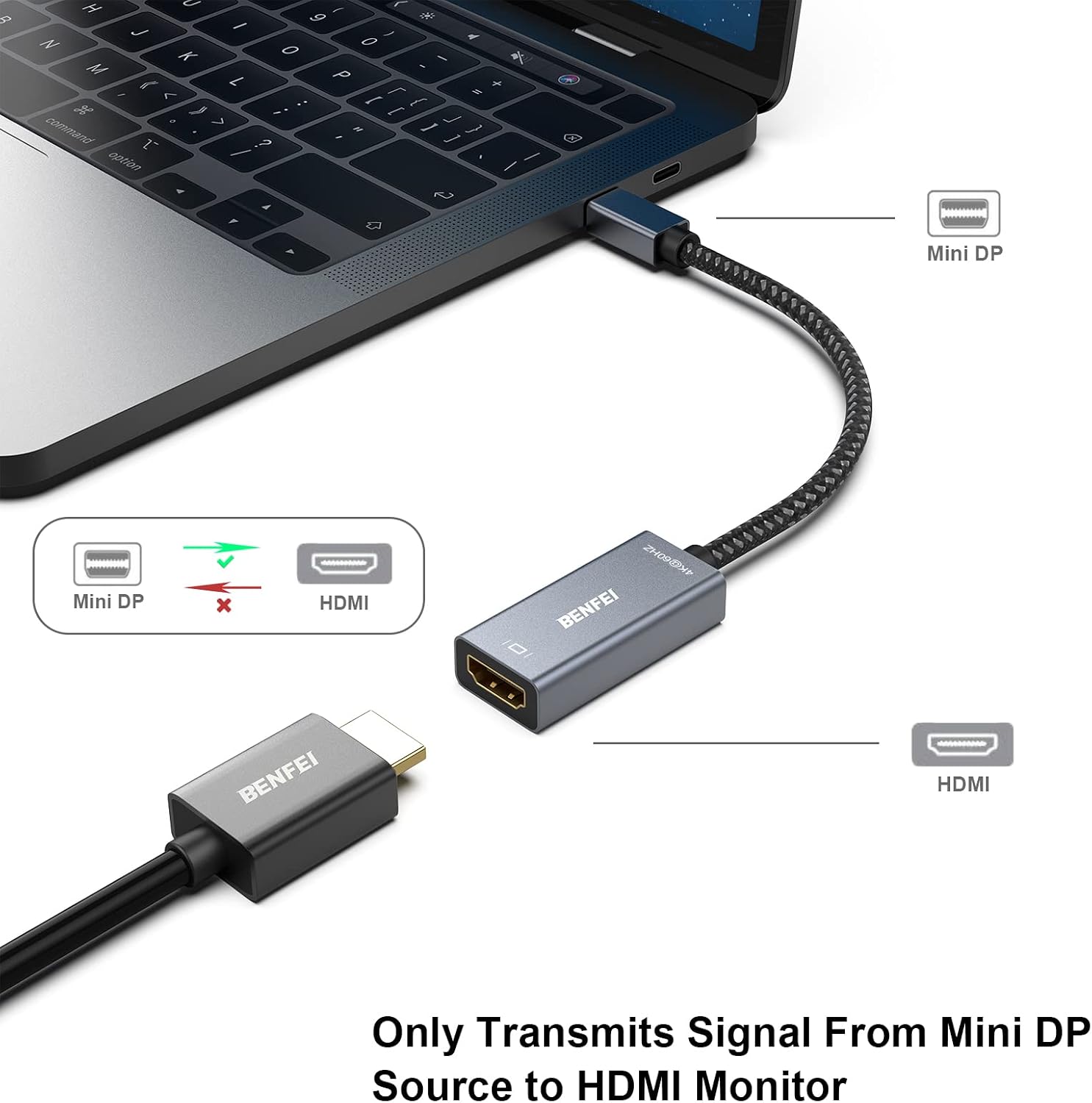
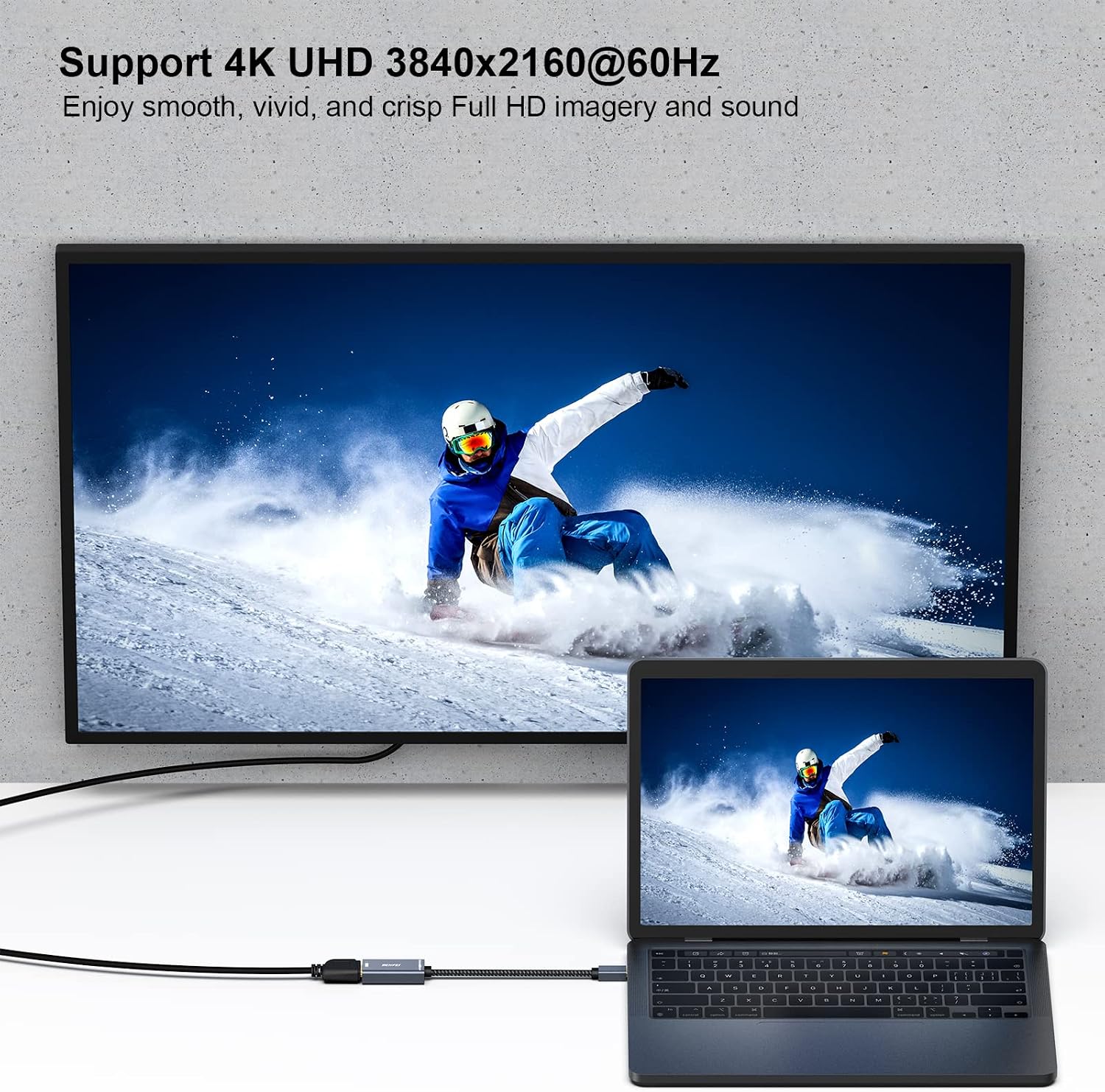
The adapter supports DisplayPort 1.2a and HDMI 2.0, with HDCP 1.3/1.4/2.2 compatibility. Supported resolutions include 1920x1200 at 120Hz, 2560x1600 at 120Hz, 1080p at 120Hz, and 4Kx2K at 60Hz. It also handles multi‑channel digital audio up to 192kHz with 24‑bit depth and HBR. In practice, you’ll likely see smooth video and reliable stills at those specs, provided your source and display align with the standards.
Build quality and durability
The aluminium shell and nylon cable contribute to a sturdy feel for daily use, and the manufacturer touts a 15,000+ bend lifespan. That suggests it’s built to withstand regular plugging and unplugging, which is reassuring for a laptop‑to‑monitor setup. Bear in mind that budget adapters can still fail at the connector or cable strain points, so treating it with care matters.
Compatibility and limits
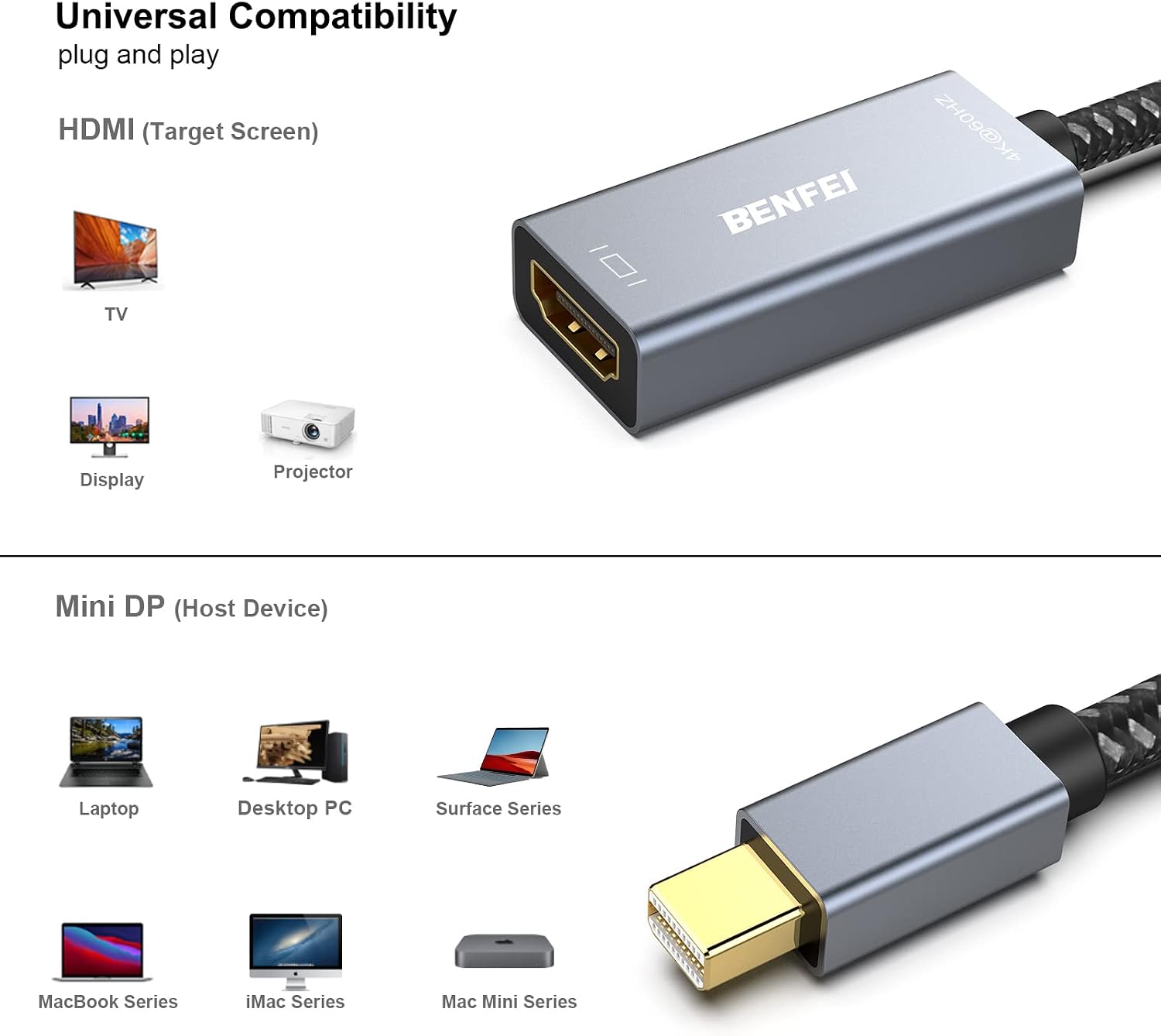
This adapter is described as universally compatible with many Apple and Windows devices that include Mini DisplayPort or Thunderbolt outputs, including older MacBook models, iMacs, Mac minis, and certain Surface tablets. It is specifically noted as NOT Thunderbolt 3 compatible. If your device relies on Thunderbolt 3/USB‑C or newer ports, this particular adapter won’t be suitable.
What to check before buying
- Confirm your device has a Mini DisplayPort or Thunderbolt port and that it is not reliant on Thunderbolt 3 to function with this adapter.
- Ensure your display and HDMI cable support the target resolution and 60Hz refresh rate you expect.
- Consider your use case: if you frequently need USB power or extra hubs, you may want a dock rather than a standalone adaptor.
Practical use case
A typical scenario could be linking a mid‑2010s MacBook Air to a 4K monitor for coding sessions or photo viewing. You’d plug the adapter into the laptop, connect an HDMI cable to the monitor, and adjust the display settings in macOS. If you’re watching high‑definition video or giving a presentation, the 4K@60Hz capability helps with clear visuals, though you may encounter performance variances depending on the source hardware.
Pros and cons at a glance
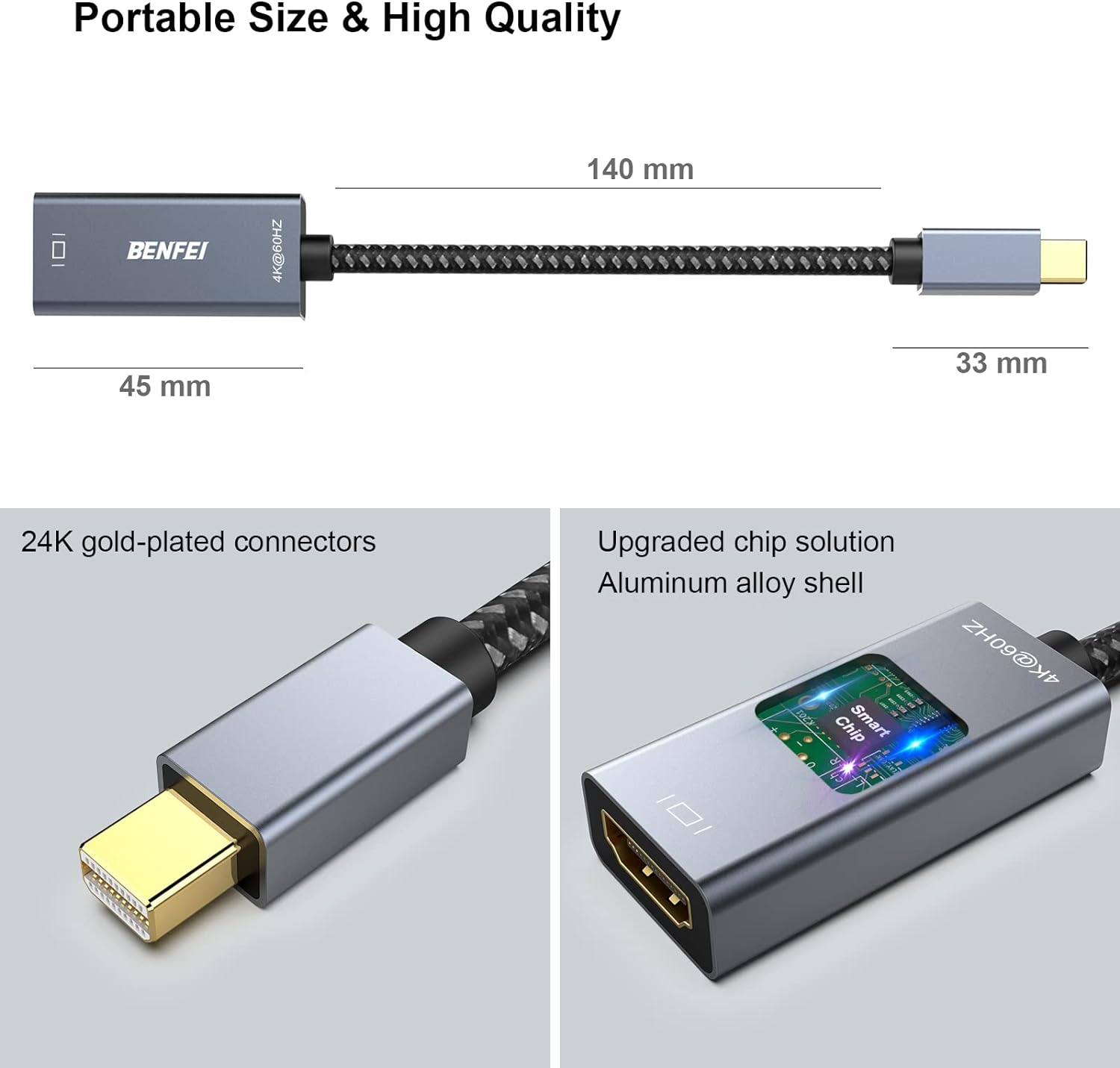
- Pros: solid build, 4K@60Hz support, broad but not universal compatibility, decent durability claims, 18‑month warranty backing.
- Cons: not compatible with Thunderbolt 3, limited to DisplayPort/Thunderbolt outputs, performance depends on host and display pairing, may not support all newer workflows or USB‑C‑centric setups.
Is it worth it?
- It’s a solid fit if you own an older Mac or Windows device with Mini DisplayPort/Thunderbolt and you want a simple HDMI upgrade at 4K 60Hz. It suits a budget‑conscious setup where a dedicated dock isn’t necessary. You’ll want to skip it if you rely on Thunderbolt 3/USB‑C‑centric ecosystems or require multi‑port hubs in one go.
FAQ
- Will it work with Thunderbolt 3 devices? No, it’s not compatible with Thunderbolt 3.
- What resolution can I expect? Up to 4Kx2K at 60Hz, with compatibility for 1080p and other high refresh rates depending on the source and display.
- Does it carry audio? Yes, it supports multichannel digital audio up to 192kHz and 24‑bit depth.
- How durable is it? The design claims a 15,000+ bend lifespan, but real‑world longevity depends on handling and cable strain.
Final thoughts
If you prioritise a straightforward, no‑nonsense way to drive an HDMI display from an older Mini DisplayPort/Thunderbolt device, this BENFEI adaptor offers a credible balance of build, performance and value. It won’t transform a modern USB‑C workflow, but for legacy ports it remains a practical option when you don’t want to invest in a larger dock. Consider your device’s port type, expected resolution, and whether a single‑purpose adaptor meets your needs or a multi‑port docking solution would serve better.