

SUPVAN T50M Pro Bluetooth Label Maker: Inkless, 4 Tapes, 30+ Fonts and 660+ Icons for Home, Office and School
Product description
What it is and what it solves
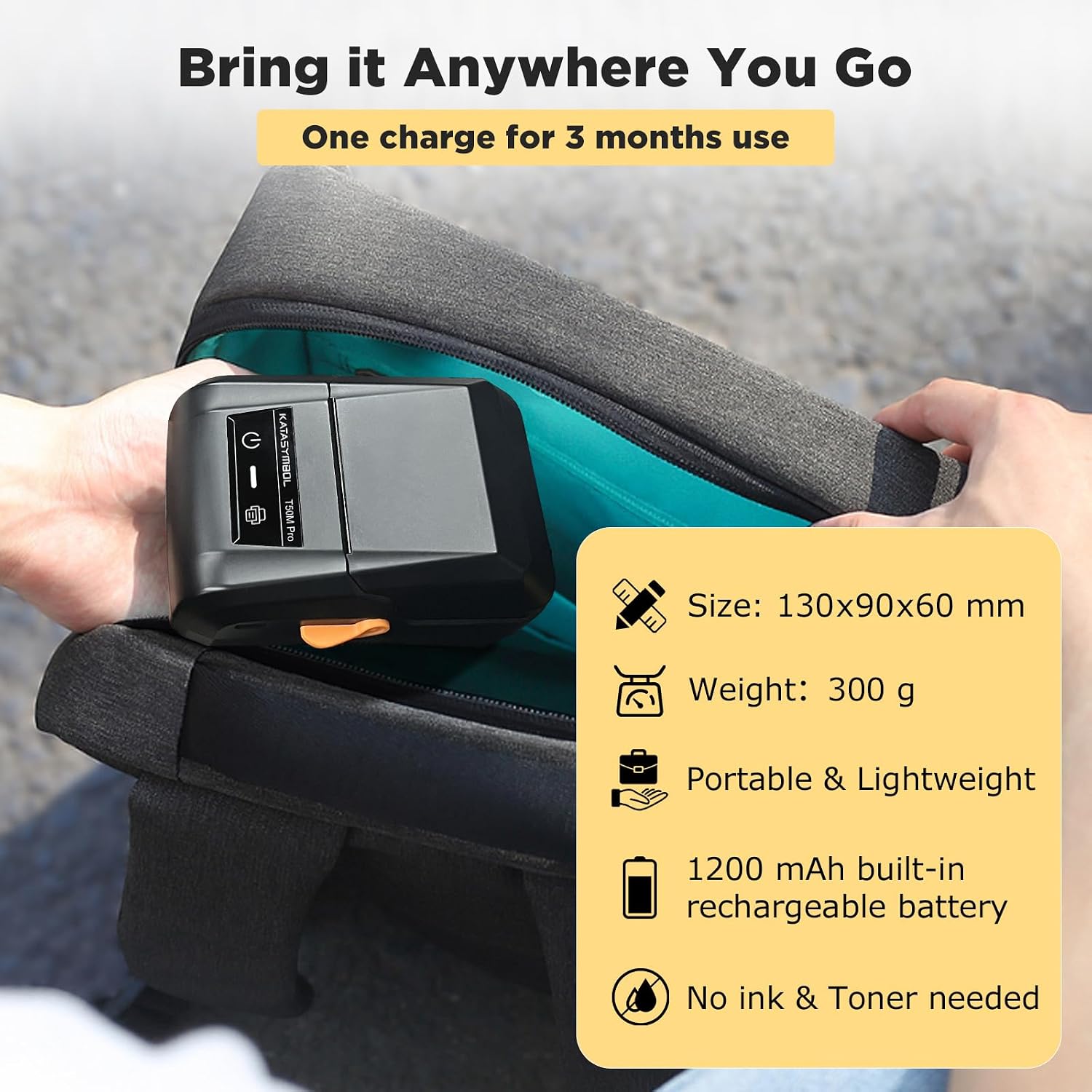
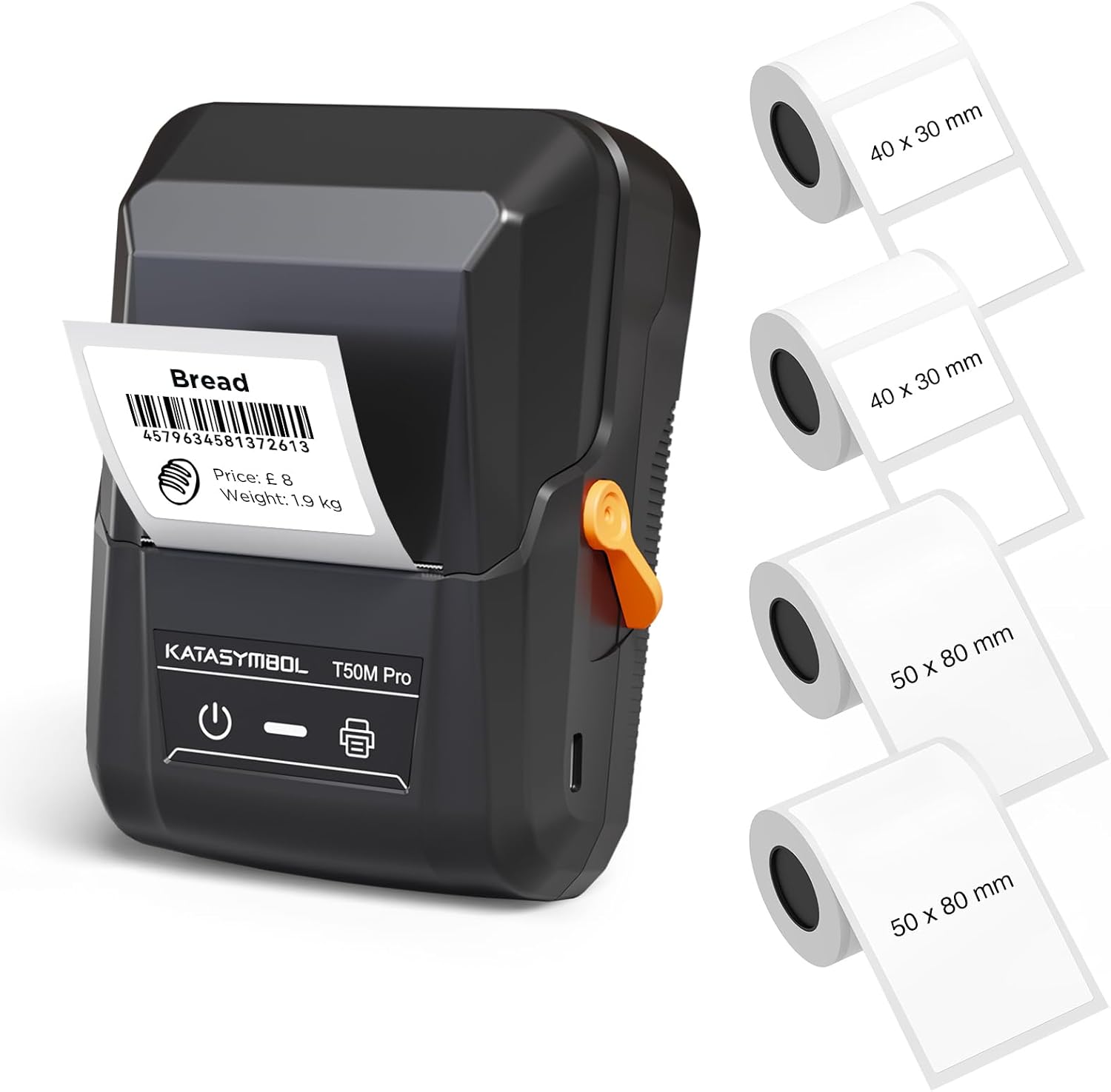
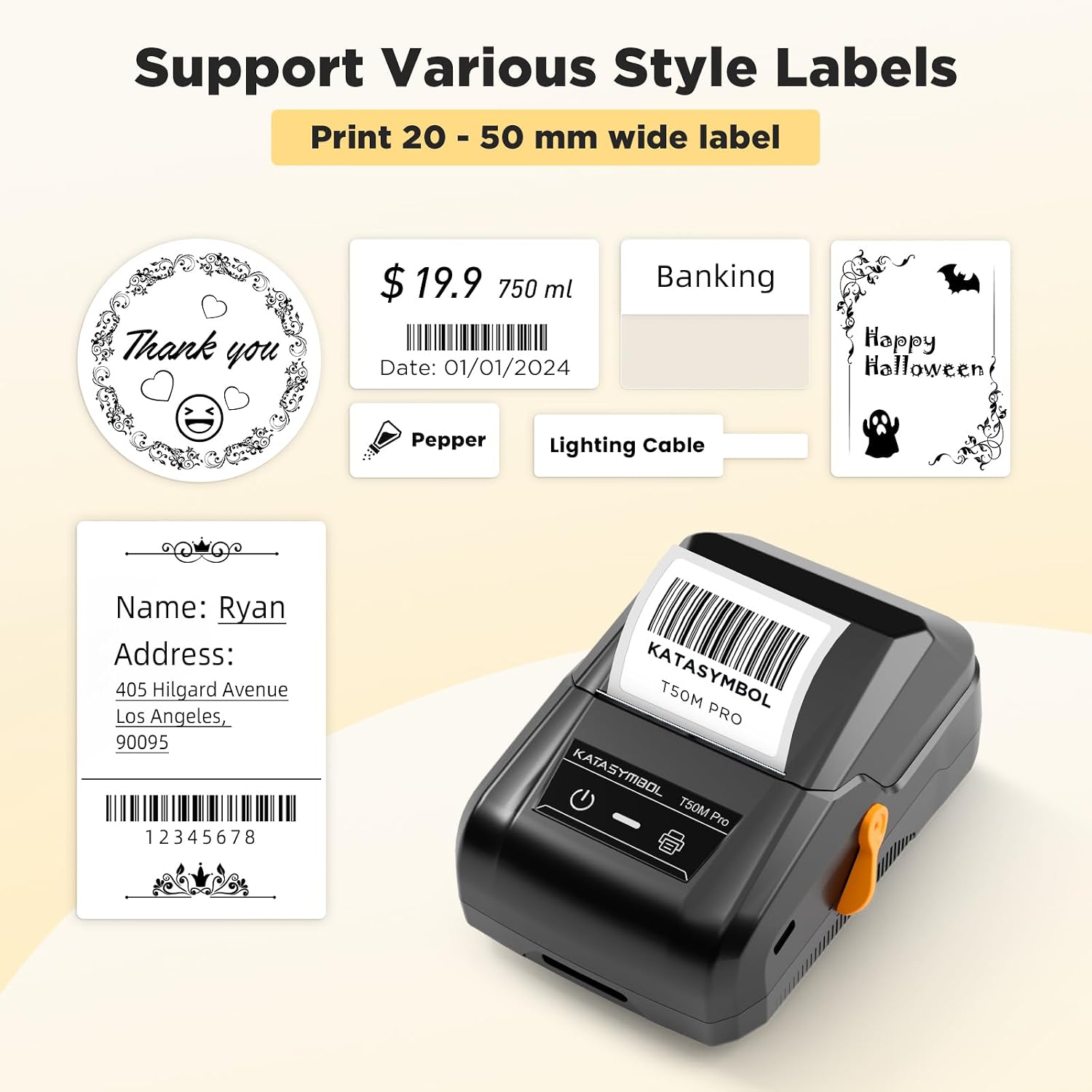
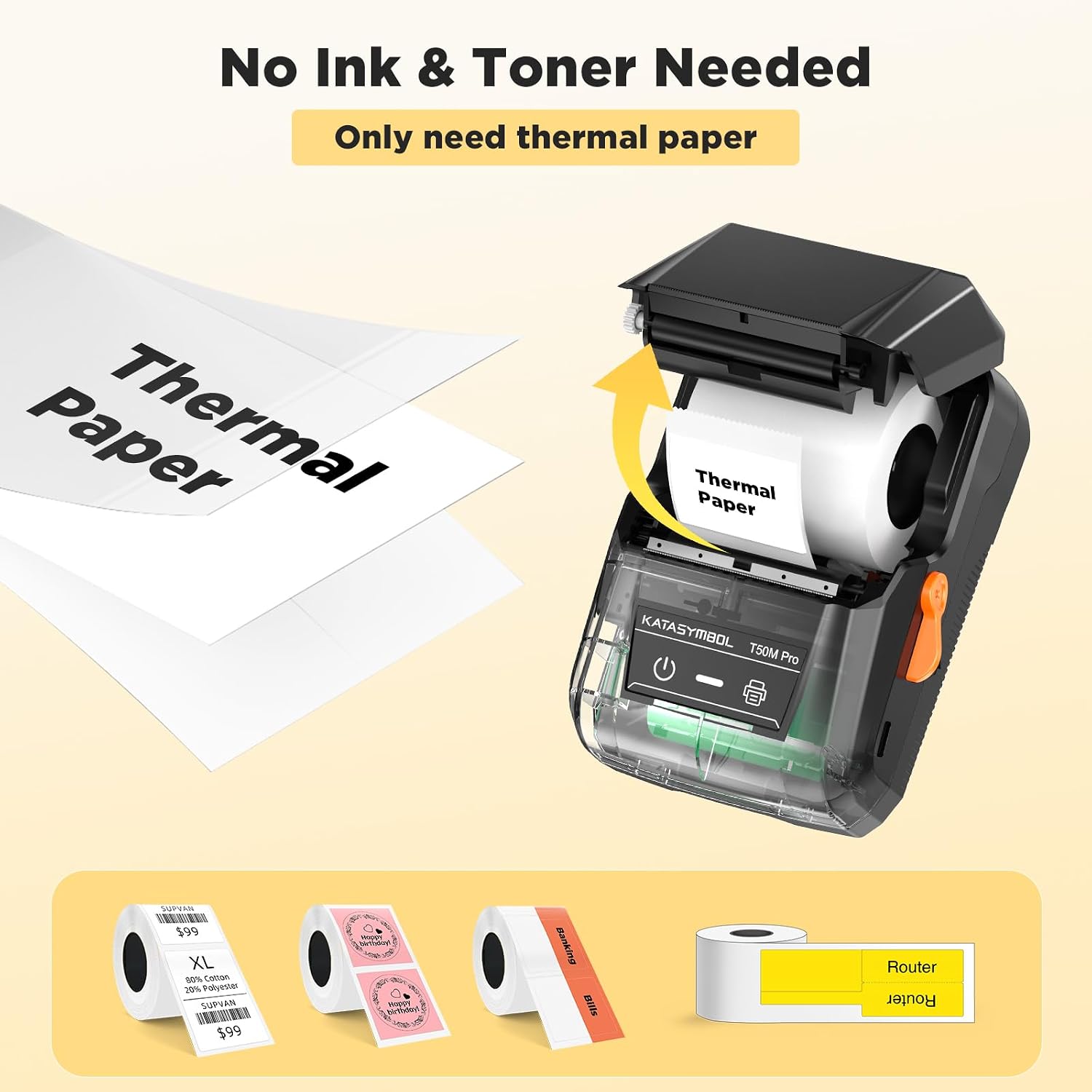
The SUPVAN T50M Pro is a Bluetooth label maker designed for everyday organisation without the mess of ink cartridges. It prints 20–50 mm wide labels and comes with four tapes, plus a versatile app that supports 30+ fonts, 50 frames and 660+ icons. On paper, it aims to streamline home organisation (jars, bottles, storage boxes, food containers), small business tagging (addresses, product info, QR codes, logos) and school or office use (name tags, folders, documentation). The key selling point is inkless labelling, so there’s less ongoing maintenance and mess, with a straightforward workflow that doesn’t require accounts or registration.
How it works in practice
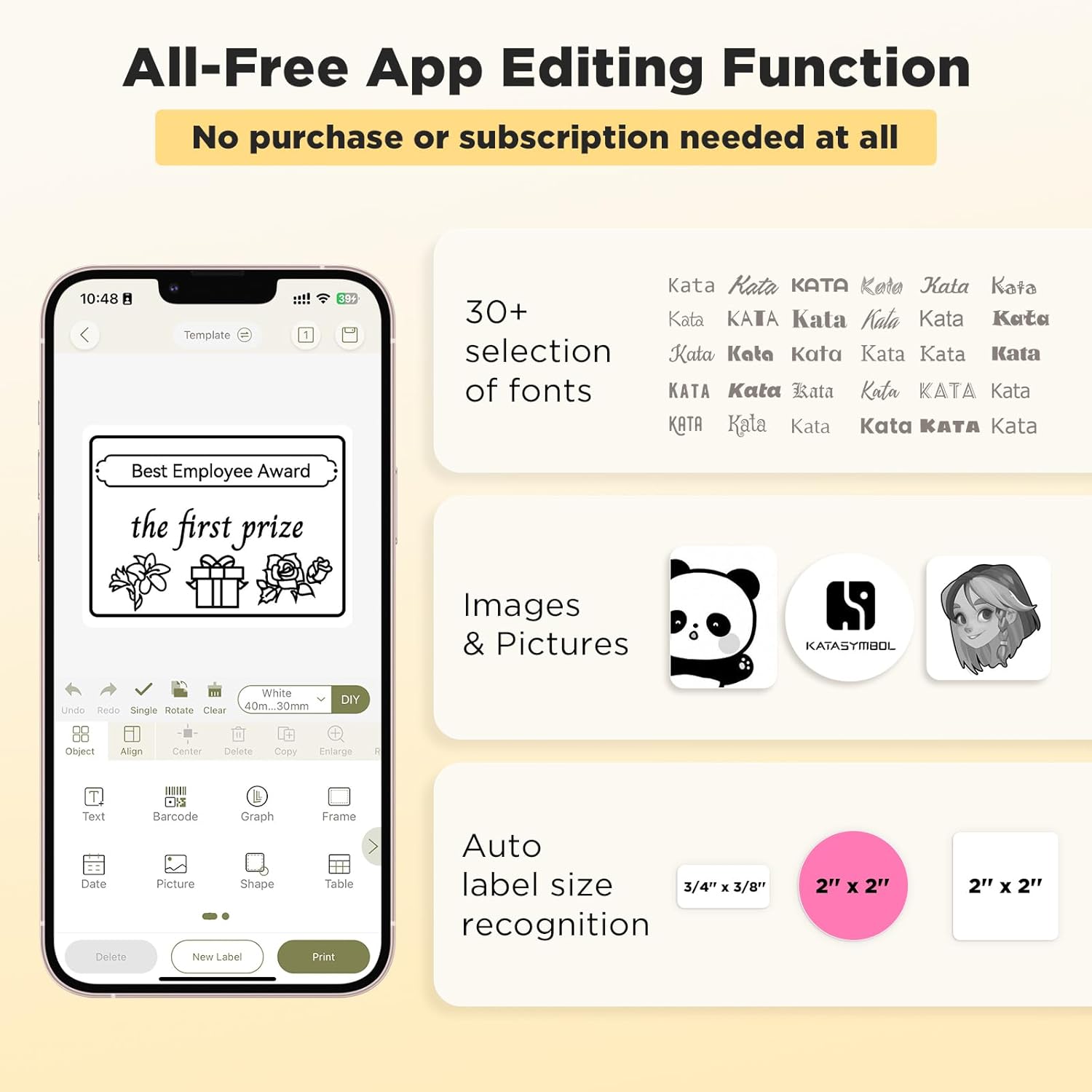
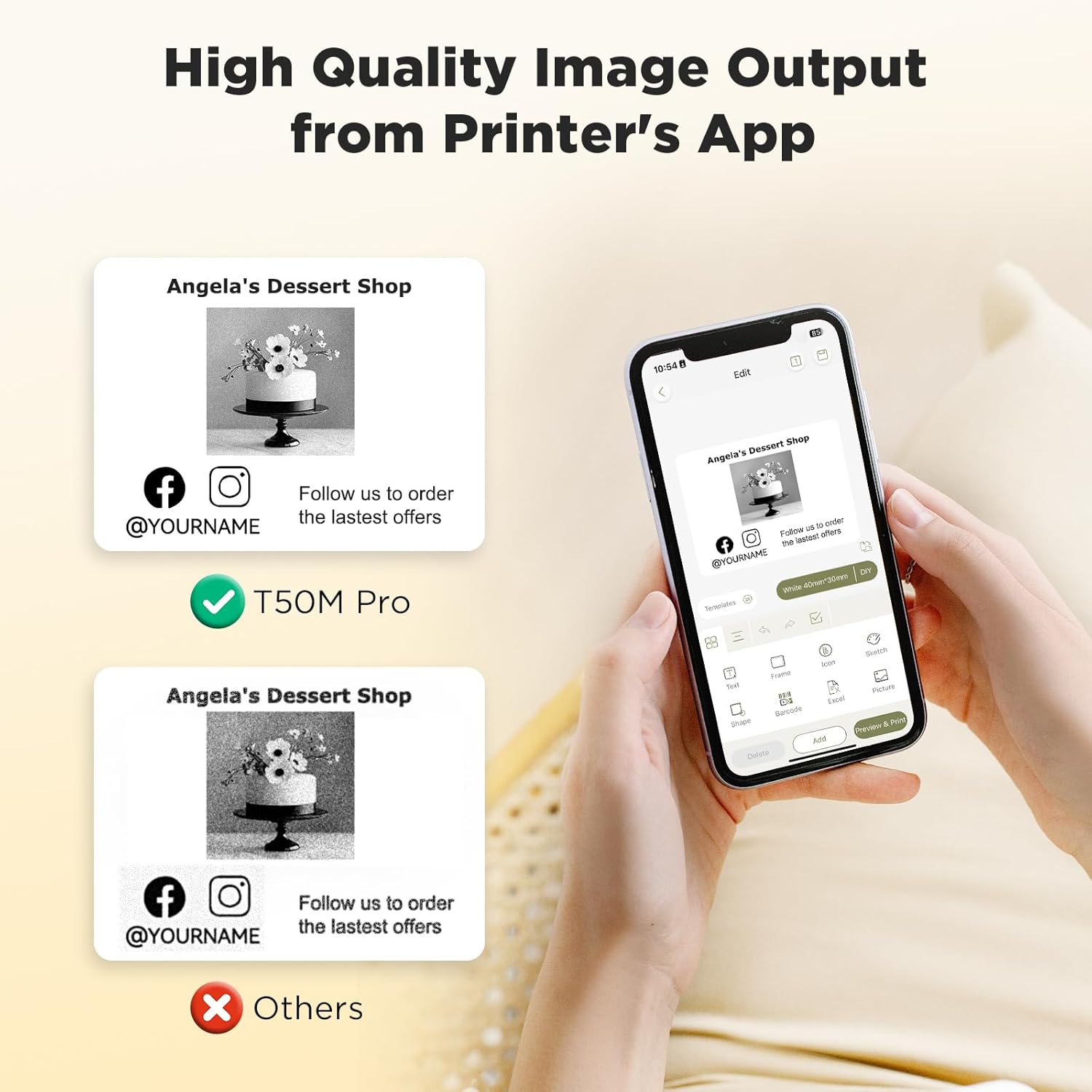
Set up via Bluetooth on a smartphone or tablet, design labels in the app using ready-made templates and your preferred fonts and icons, and print directly onto the included tapes. The app reportedly offers precise image processing for high-resolution output, which helps labels look neat and legible on display cases, folders or storage jars. Auto label size recognition is a feature that can save time when you’re batching several labels. In everyday life, that means you can organise your kitchen by expiry date, create name bands for school items, or label shipping materials with a quick run of consistent branding.
What stands out
- Inkless printing reduces ongoing costs and mess, no ink cartridges to replace.
- Wide label width options (20–50 mm) cover a range of common organisation needs, from small folders to aisles of jars.
- The kit includes four tapes, which helps you plan a quick, tidy labeling project without hunting for additional consumables.
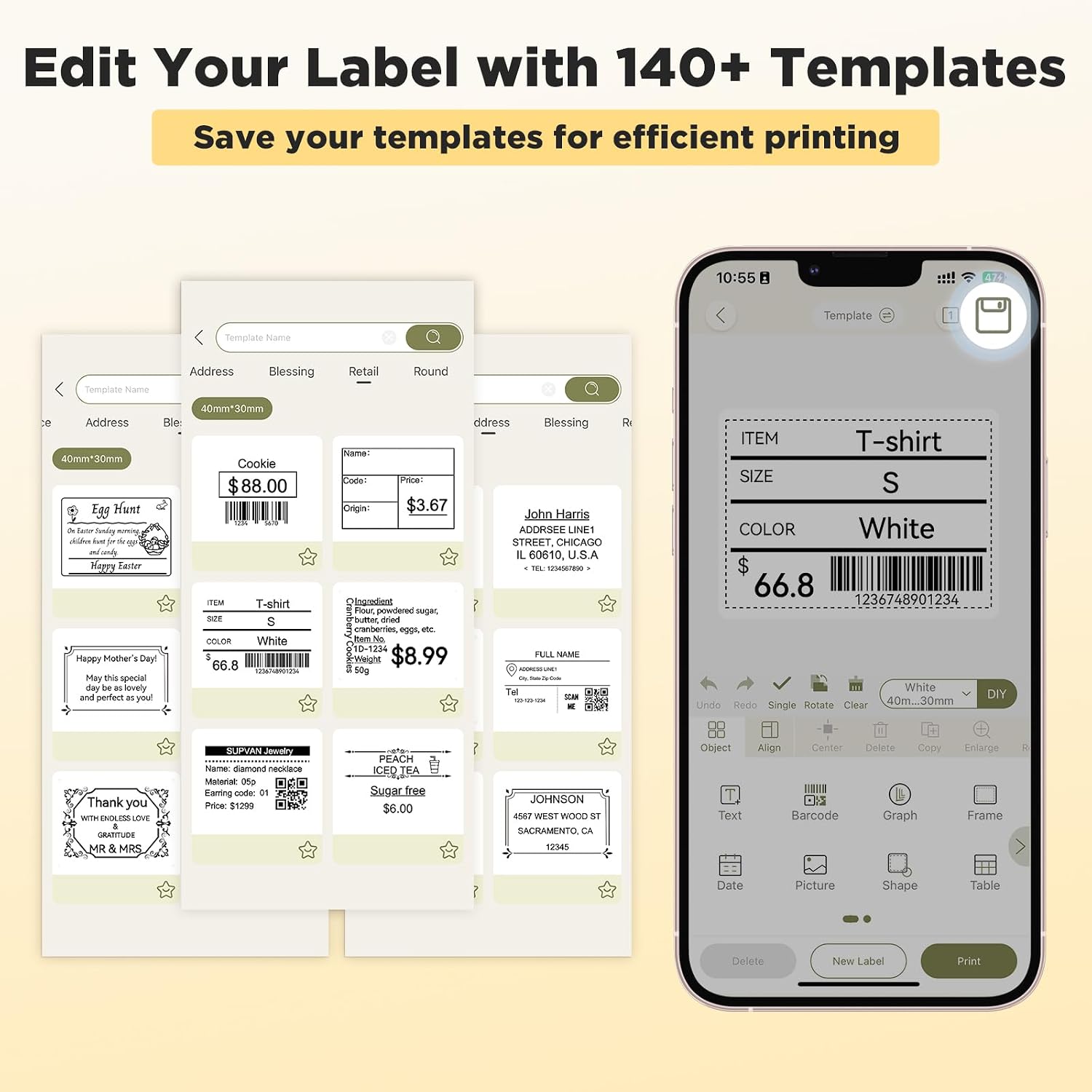
- The app ecosystem adds flexibility: 140+ templates, 30+ fonts, 50 frames and 660+ icons gives room for customisation and consistent branding.
- No account sign-up is required, which lowers friction when you want to get started.
Limitations and things to consider
- The description indicates the device works with rectangular, round, cable and file labels, depending on your project, you may need to verify the exact label shapes you plan to use and the availability of compatible tapes in your region.
- While the app promises high-resolution output, results can depend on tape quality and surface texture. For very smooth, curved or textured items, label adhesion and legibility may vary.
- The device emphasises everyday organisation, if you need ultra-durable labelling for harsh environments or long-term data integrity, look for additional guidance on the tape materials and waterproof performance.
- Some users may find the lack of on-device display or keypad slower for complex layouts, if you frequently design intricate labels, the app’s interface is a deciding factor.
Who it’s for
- Home users aiming to tidy kitchen storage, pantry jars, and storage boxes.
- Small business owners needing quick, inkless labels for addresses, product info or branding elements like logos and QR codes.
- Teachers or offices looking to label name tags, folders and documentation with consistent styling.
Who it may not be the best fit for
- If you require heavy-duty or high-volume labelling in challenging environments, you might want to explore models with industrial-grade tapes or more rugged construction.
- If you routinely work offline or in areas with limited Bluetooth/phone access, the reliance on the app and a companion device could slow you down.
When it makes sense to buy
- When you want a cost-efficient, inkless labelling solution for diverse everyday tasks.
- If you value a versatile design toolkit (templates, fonts, icons) to create customised labels without professional software.
- If you prefer a straightforward setup with no registration hurdles and quick start times.
When to look elsewhere
- If your priority is extreme durability or extreme environmental resistance, this setup is more about everyday organisation.
- If you need a tiny footprint with on-device controls rather than an app-driven workflow.
What to check before buying
- Confirm the tape types and widths you’ll actually use and whether the included four tapes cover your typical projects.
- Consider whether your primary need is quick, visually dense labels or simpler, easy-to-read tags, ensure the font and icon set align with your branding or legibility requirements.
- Think about your usual label shapes: if you frequently need round or cable labels, verify compatibility in practice with the tapes you plan to purchase.
- Check whether your device ecosystem (smartphone/tablet) is compatible with the SUPVAN app and whether updates affect template availability.
How it compares (contextual alternatives)
This unit sits in the pragmatic, home-to-small-business category: it leans toward cost-conscious labelling with a cleaner, inkless approach and a design toolkit to avoid outsourcing basic identifiers. If you favour a simple, fixed-label system with less design variety, a more basic label maker might suffice. If you require broader printing control, high-end typography, or specialist labels for outdoor or extreme settings, you may prefer a model aimed at durability or industrial use.
Practical usage example
Imagine sorting pantry items: you can print a batch of 25 labels using the templates, pick a suitable font for readability, and attach the labels to jars with consistent width. The ability to include icons — say a clock for expiry or a leaf for organic products — helps quick visual scanning, which is useful in busy households or classrooms.
FAQ (brief)
- Do I need an account to use the SUPVAN T50M Pro? No. The app can be used without registering.
- Are the labels waterproof? The product text mentions a wide waterproof label option, but the exact performance depends on the tape and surface. Test a small area first.
- Can I print logos or QR codes? Yes, the app supports 660+ icons and allows you to embed QR codes as part of labels.
Is it worth it?
A solid pick if you prioritise inkless, low-maintenance labelling with room for customised design, especially for home and light commercial use. It may not be the best choice if you need industrial-grade durability or offline-only operation.