

MUNBYN 130B thermal label printer 4x6 with 25 labels 🖨
Reviews
Price
Product description
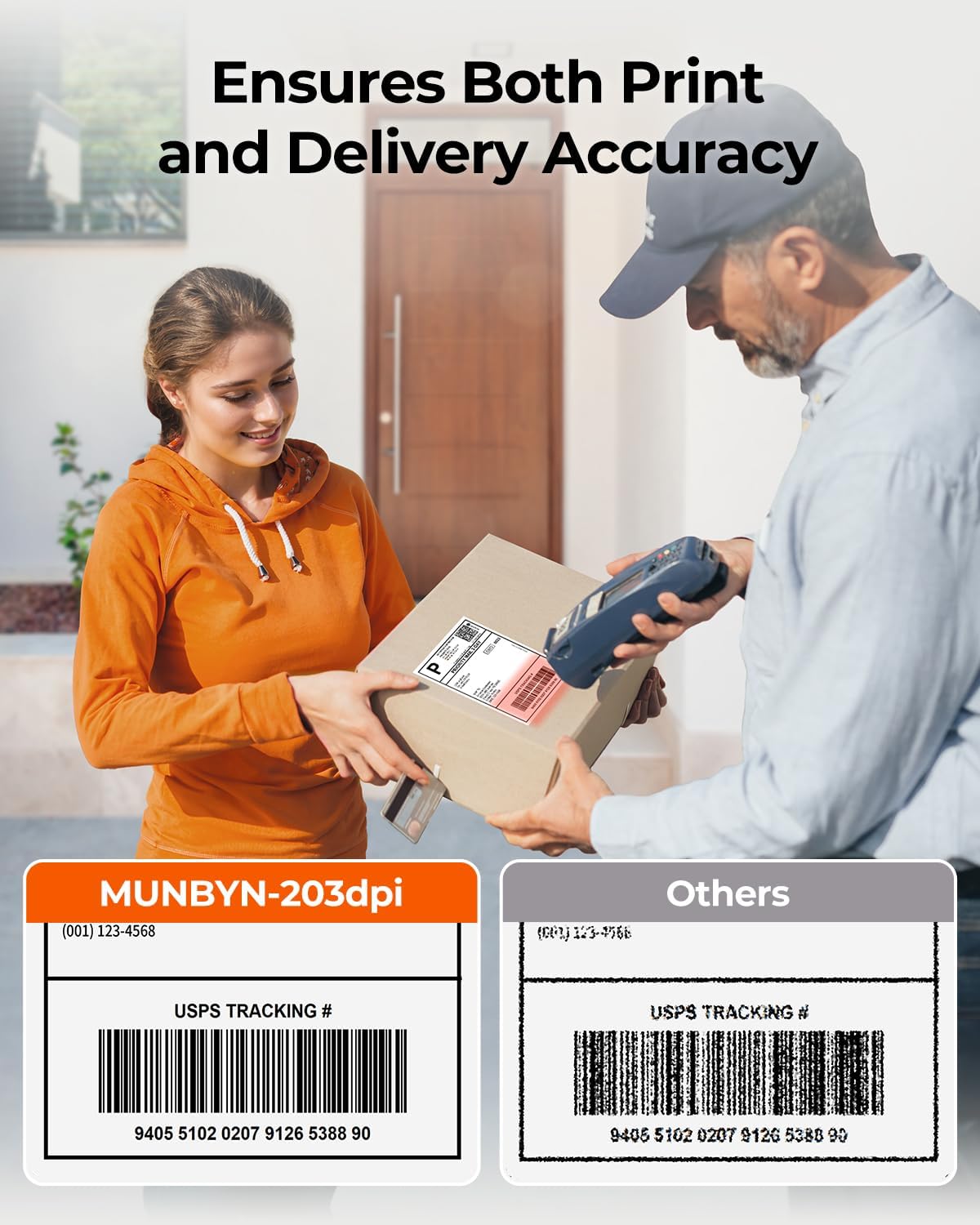
This compact thermal label printer from MUNBYN is aimed at small businesses and online sellers who need fast, ink-free postage and shipping labels for platforms such as Etsy, Shopify and eBay. It prints standard 4 x 6 inch labels at 203 DPI and offers Bluetooth and USB connectivity so you can print from mobile devices or a PC while keeping setup straightforward and portable.
Key Points
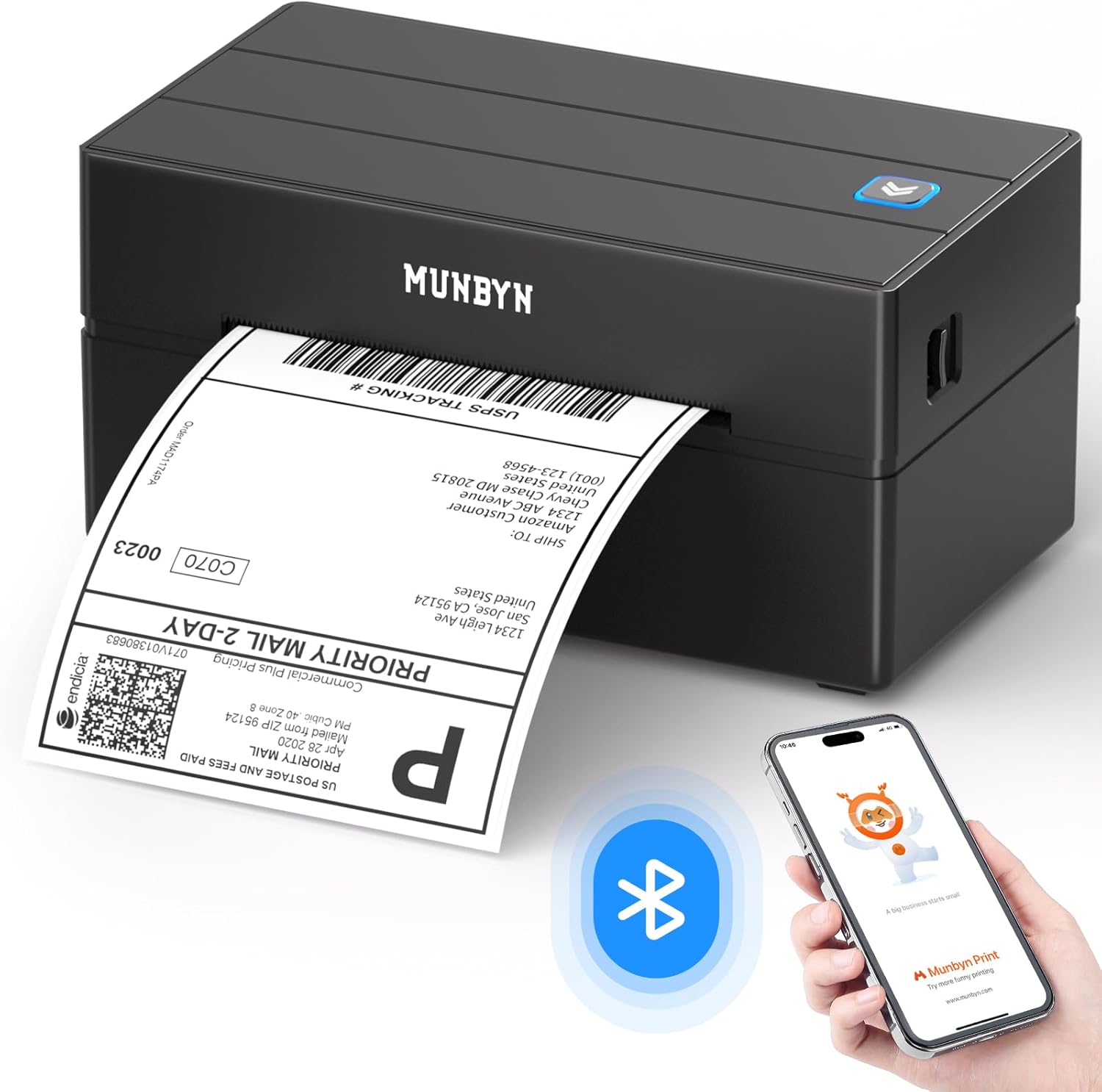
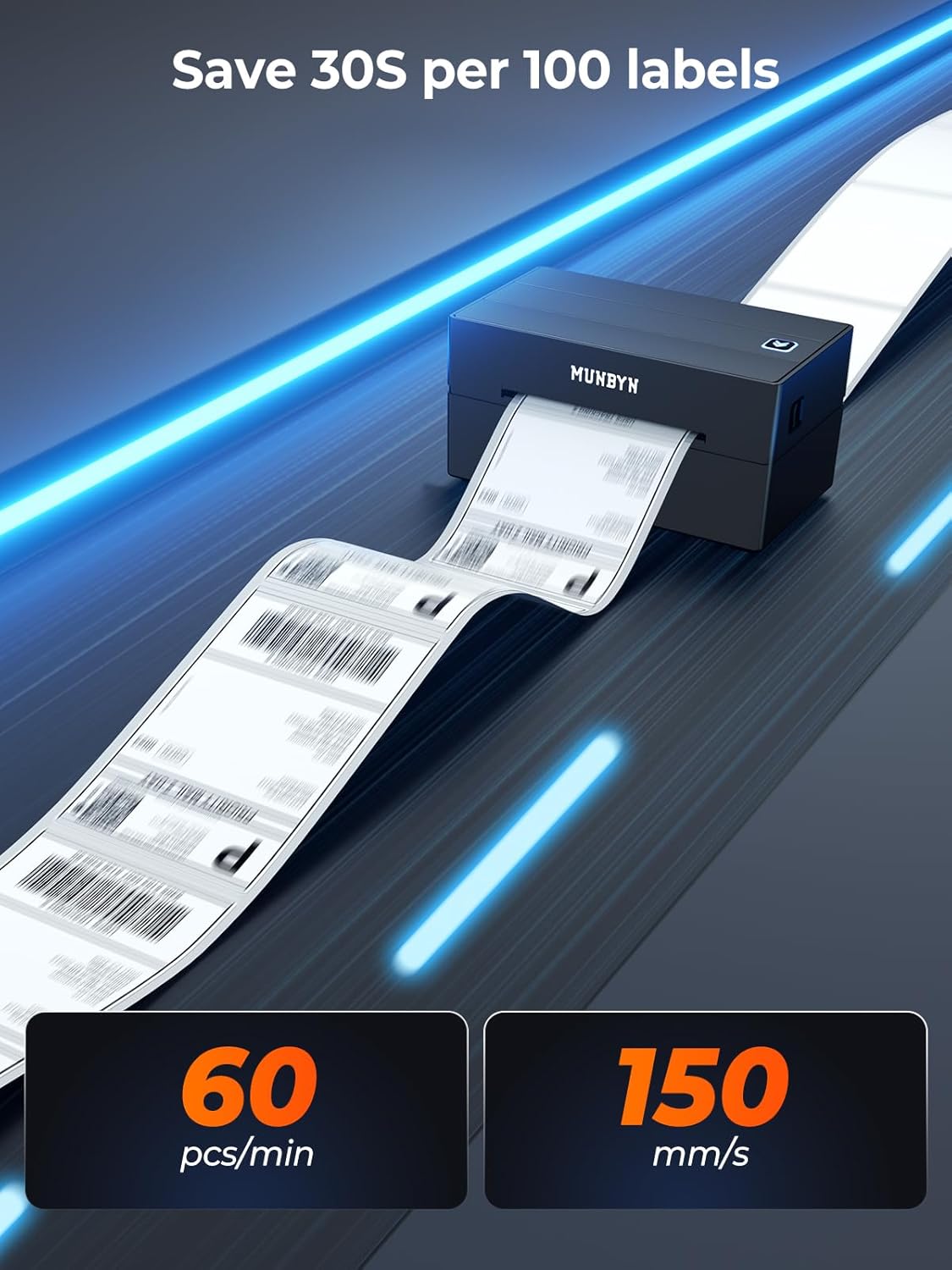
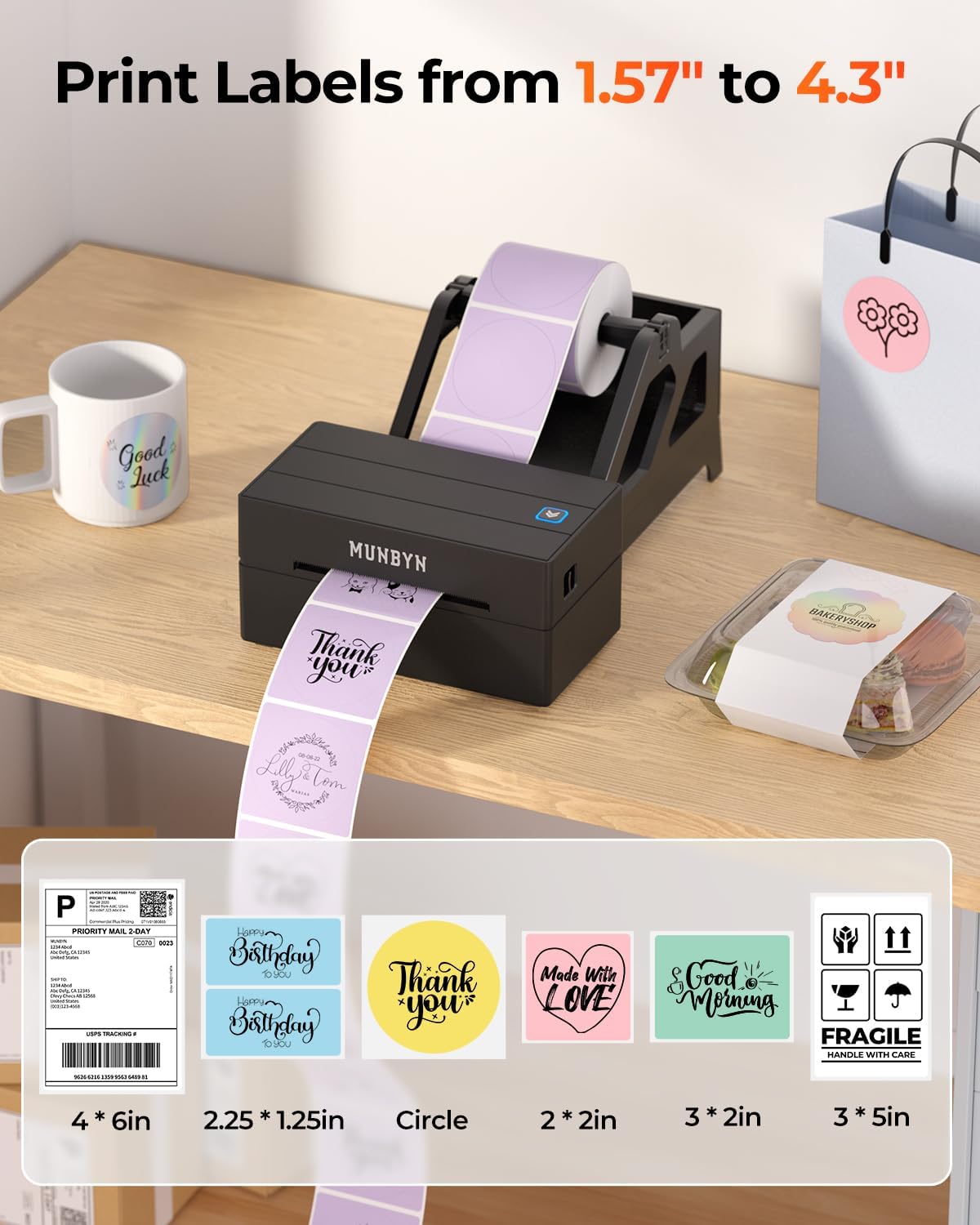
The 130B model prints at speeds up to 60 pages per minute according to the manufacturer, helping to reduce time spent on packing and postage. It uses direct thermal technology so there is no need for ink or toner, which lowers running costs when compared with inkjet or laser alternatives. The printer supports label widths from 40 mm to 110 mm, covering common shipping formats and some narrower label types for organisation or pricing needs. Bluetooth support extends to iOS, Android and major desktop systems, and USB works with macOS and Windows for desktop setups.
Technical Specifications
- Name: MUNBYN 130B
- Print resolution: 203 DPI
- Print speed: 60 pages per minute (manufacturer figure)
- Supported label widths: 40 mm to 110 mm
- Connectivity: Bluetooth, USB
- Included supply: 25 labels
Benefits
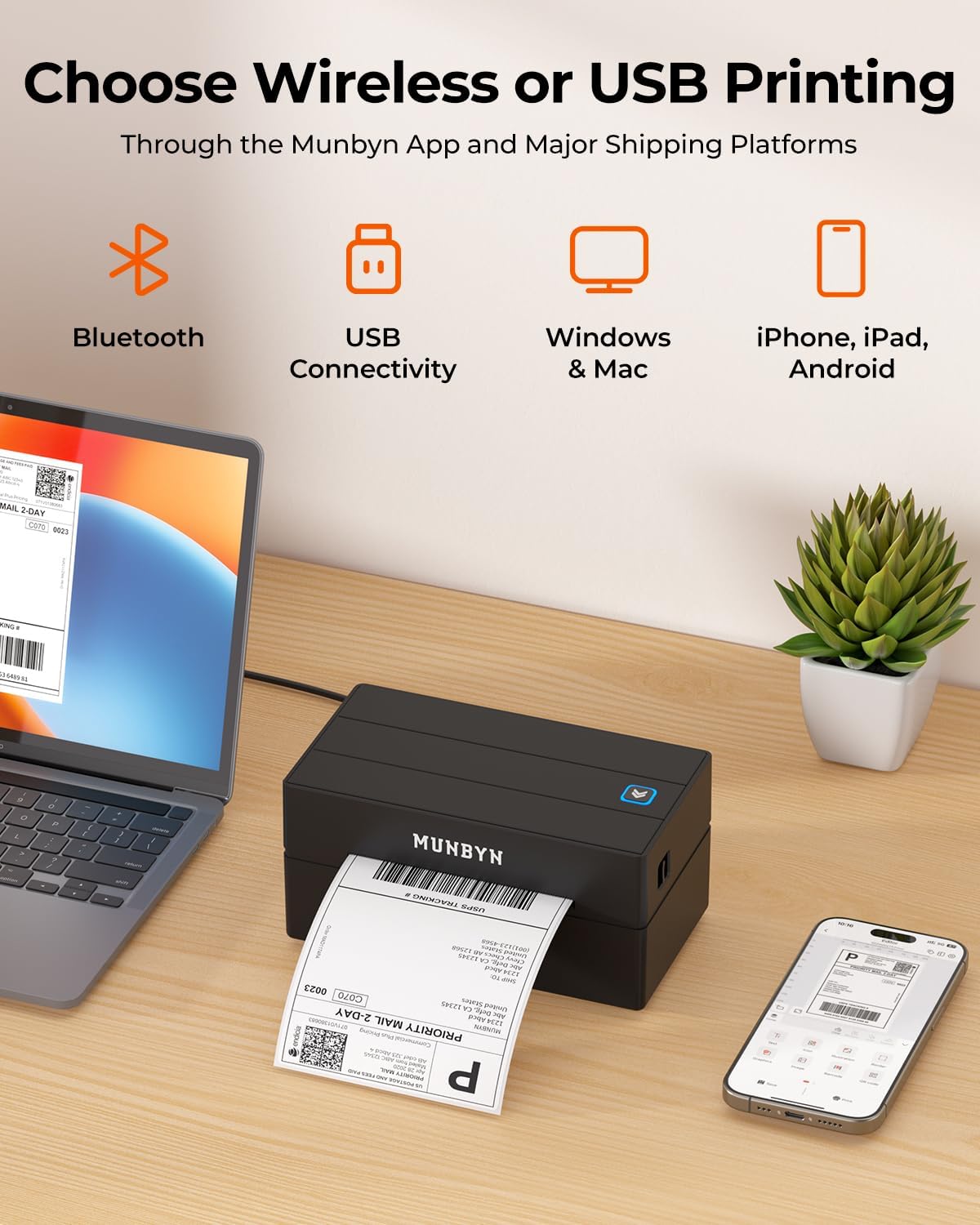
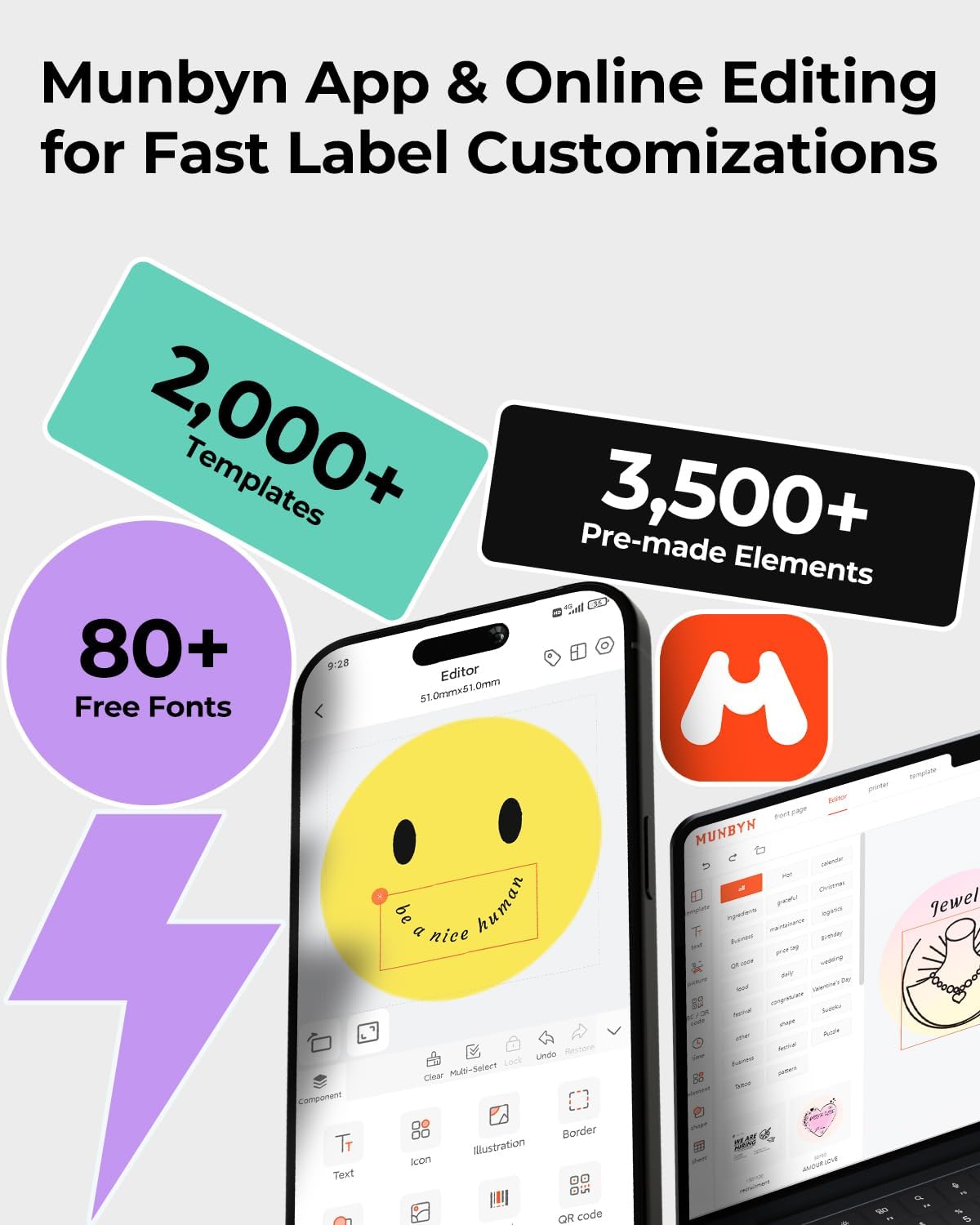
Using this MUNBYN printer removes the recurring expense of ink cartridges, which can be a notable saving for sellers with steady dispatch volumes. The thermal labels that pair with the unit are described as resistant to smudging and fading, so addresses and barcodes remain legible throughout transit. The combination of mobile Bluetooth printing and a compact footprint makes it easy to position on a small desk, at a packing station or in pop-up retail scenarios where space is limited. Also, the ability to import PDFs or use templates adds flexibility when producing brand stickers or return labels.
Usage Recommendations
Download the "MUNBYN Print" app on your phone or use the Munbyn Editor in Google Chrome for PC to access templates, fonts and graphics. For Chromebook users, ensure Bluetooth is enabled and work through the online editor in Chrome for best compatibility. Use MUNBYN thermal paper for the most consistent results, bearing in mind that some third-party thermal papers, such as certain UPS-specific rolls, may present compatibility issues. Also consider that direct thermal labels can darken over time if exposed to heat or sunlight, so store printed labels away from prolonged exposure.
Practical Tips
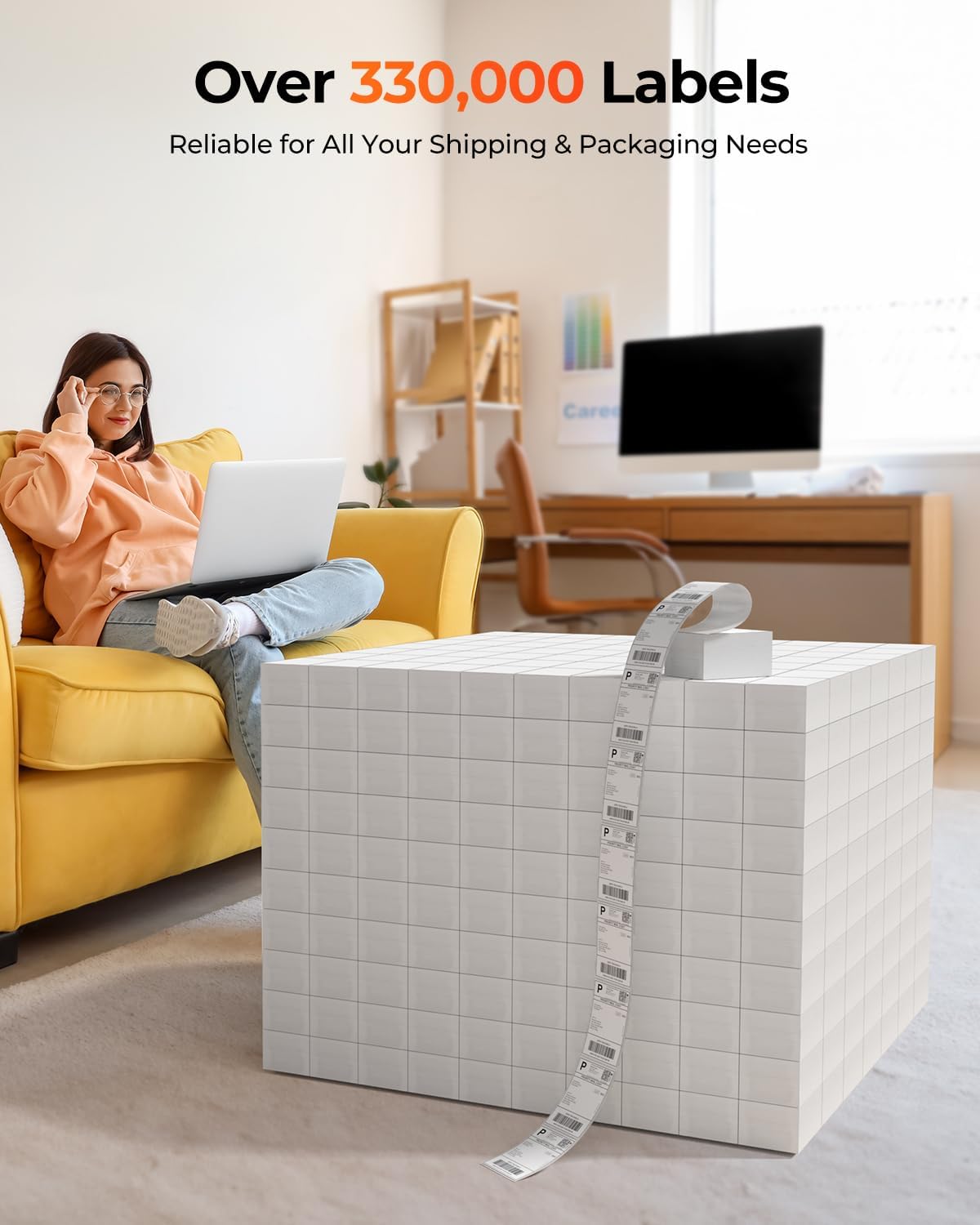
If you plan to print high volumes, keep a small stock of labels on hand to avoid interruptions. Test different template settings to confirm barcode readability with your carrier or scanning device. For occasional home organisation tasks the printer handles address labels and barcodes easily, while for heavier dispatch workloads it integrates with major couriers and marketplaces to streamline fulfilment.