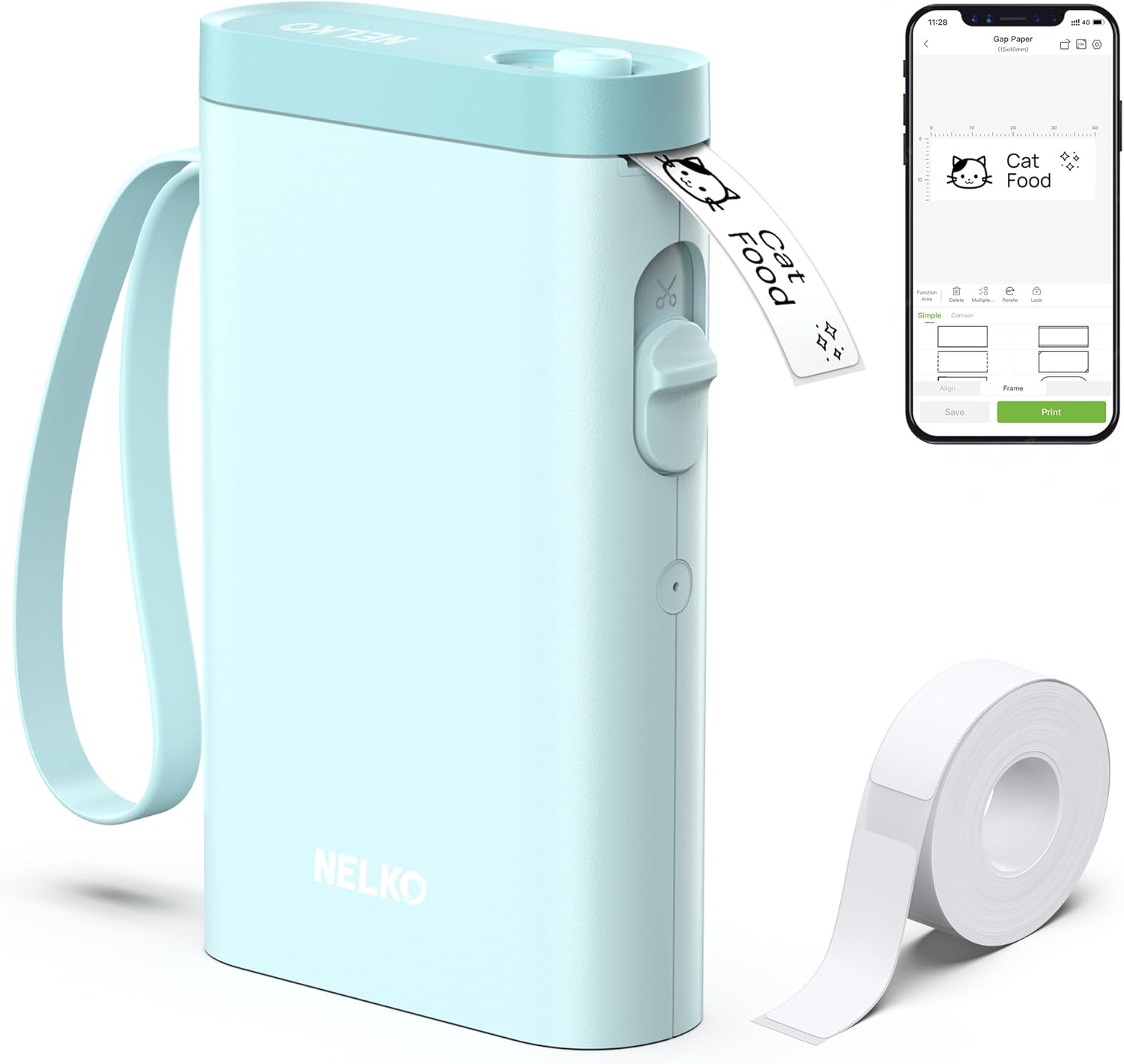
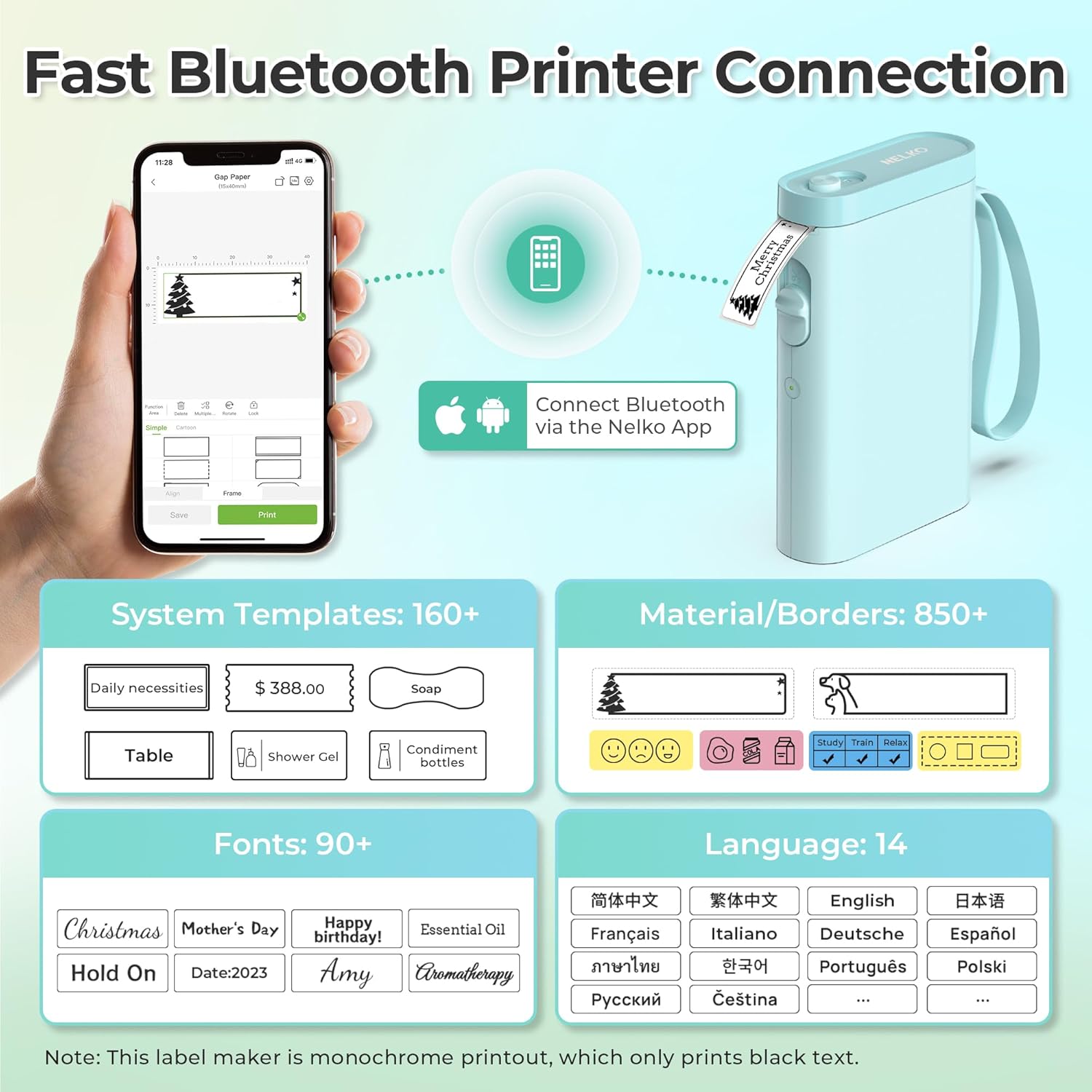
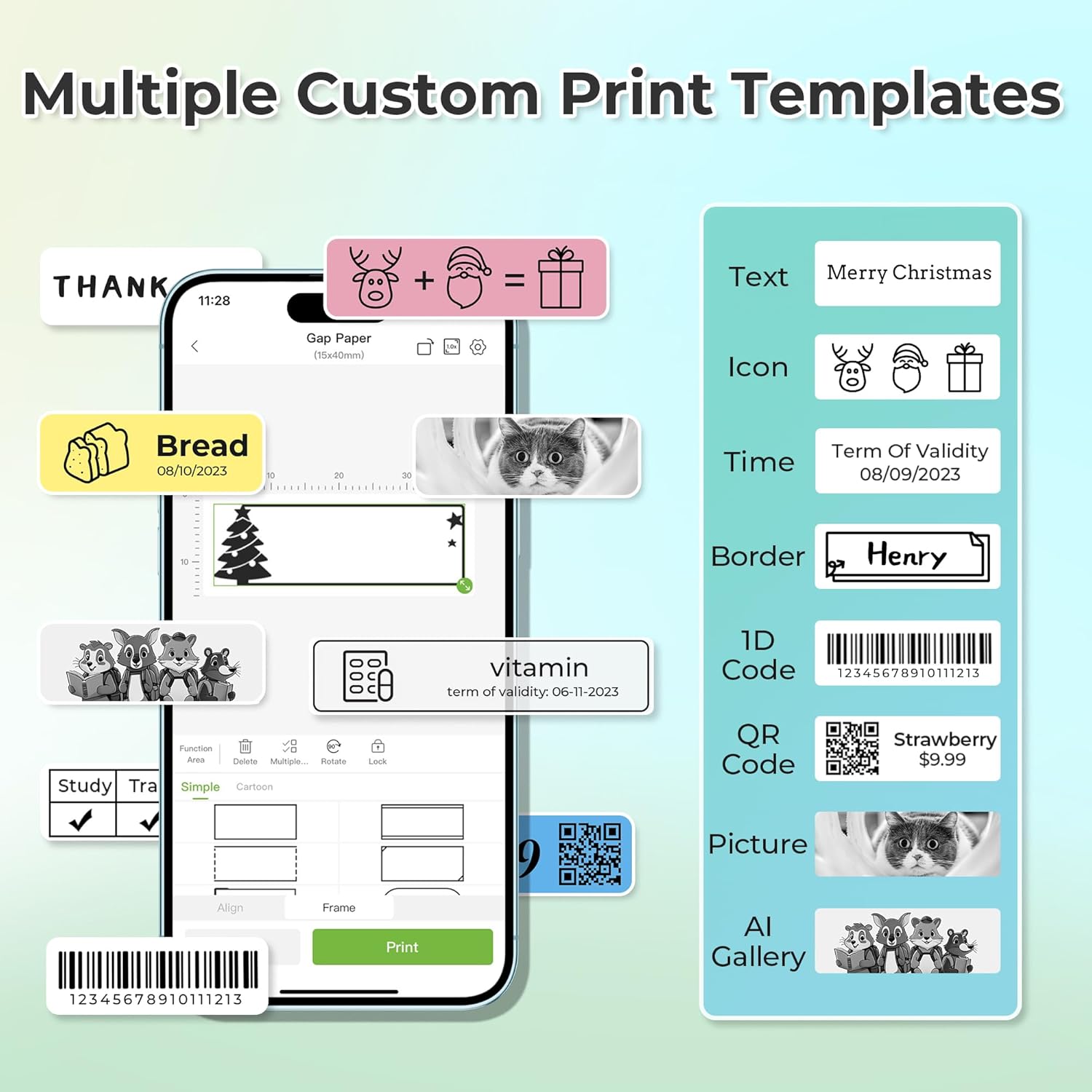
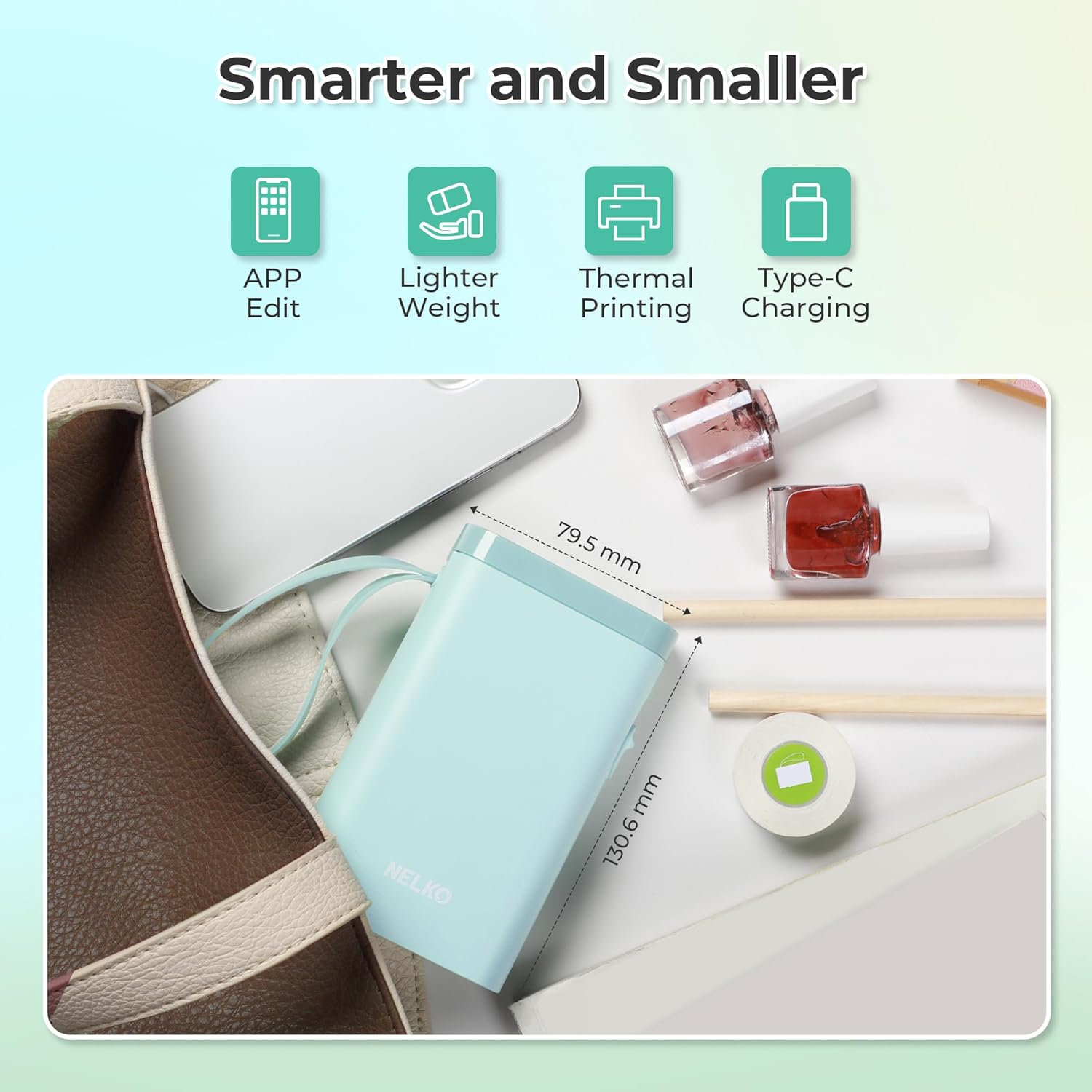
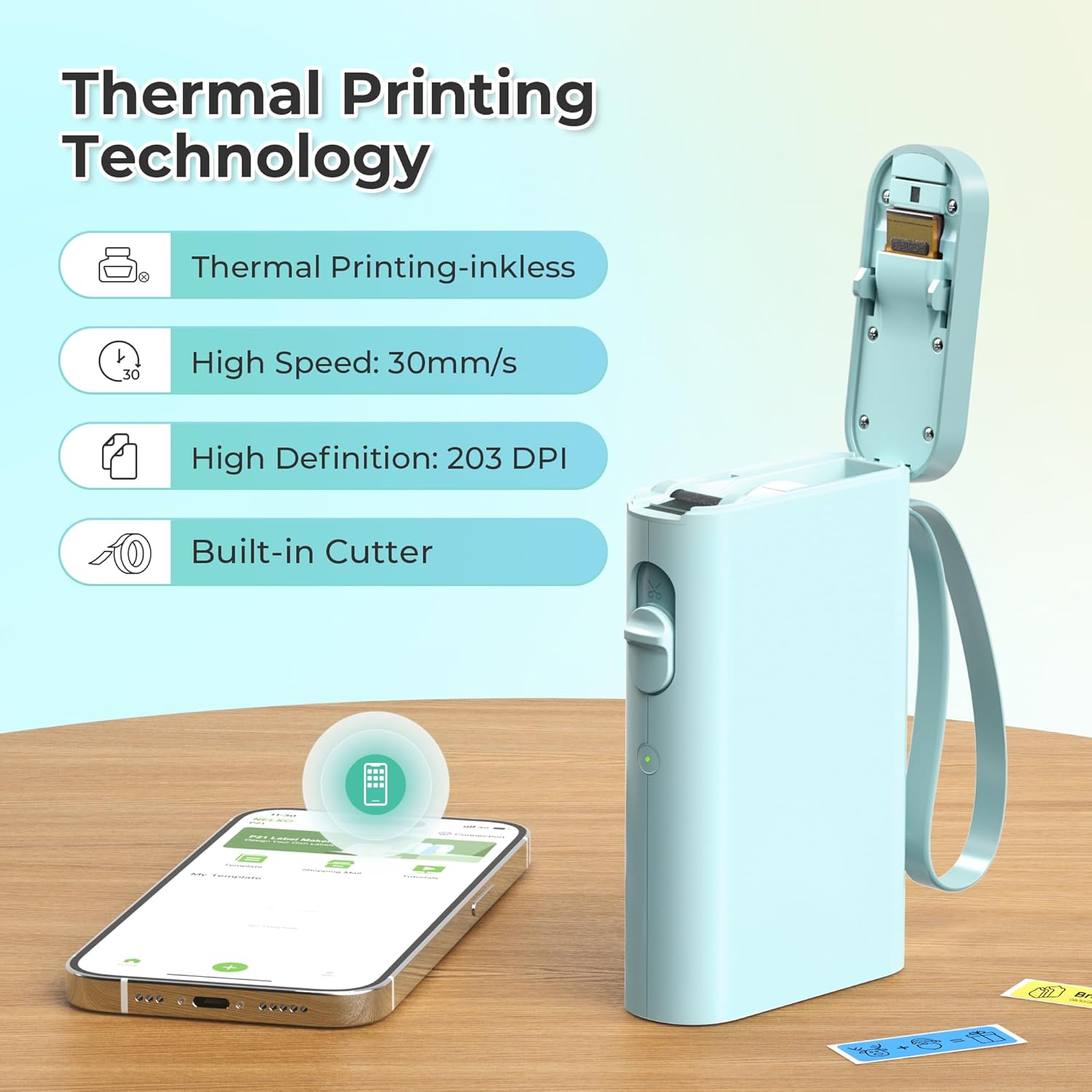
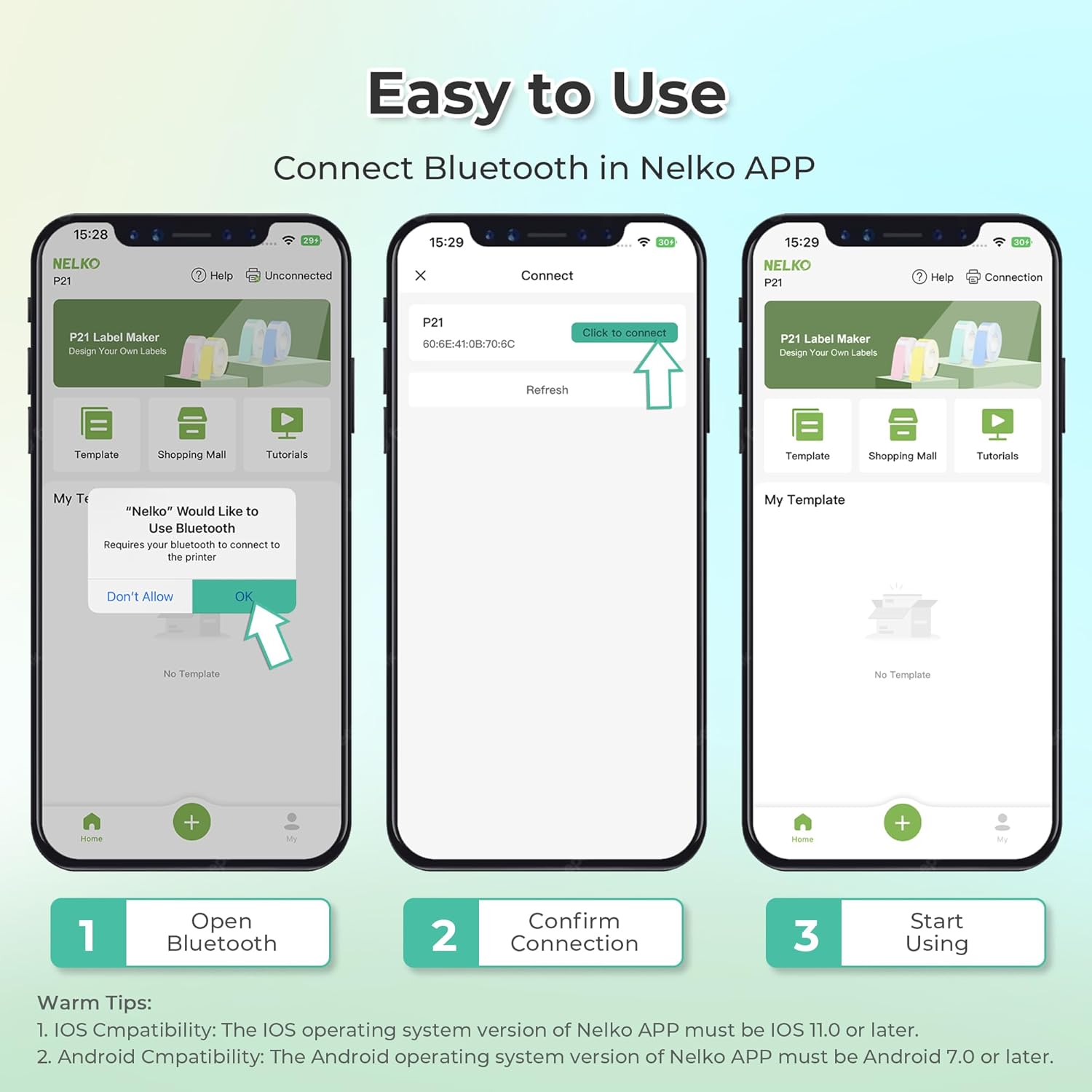
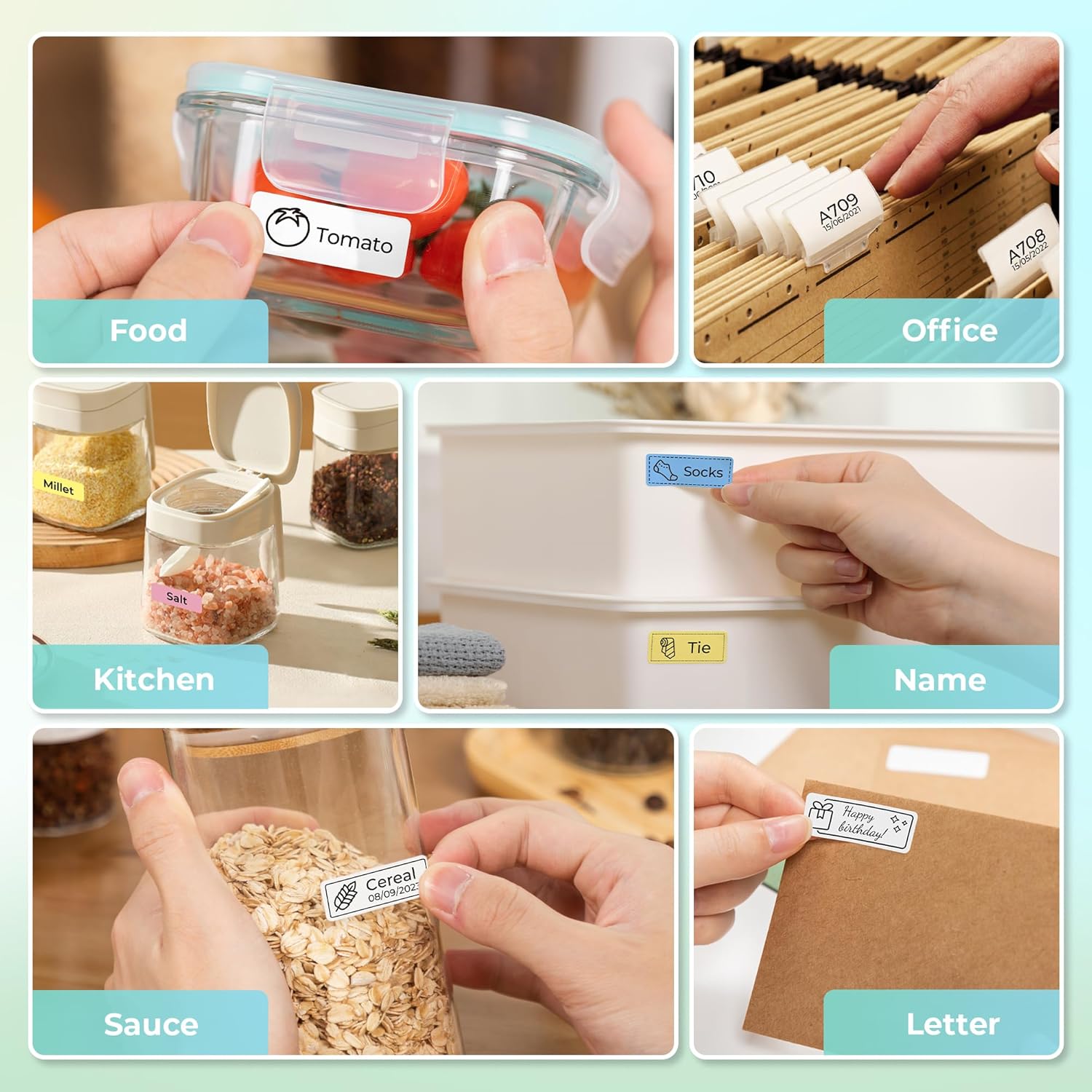
What it is and what it solves\nNelko’s P21 label maker is a compact, wireless handheld printer designed to help you organise storage, office and home items with adhesive label tapes. On the surface it offers a lighter, smaller alternative to traditional label makers and prints using direct thermal technology, so there’s no ink or toner to replace. If you prioritise portability and ease of use, this device aims to let you print on the go, straight from your phone via Bluetooth.\n\n## How it works in practice\nPair the P21 with the Nelko app on iOS or Android, install a label tape, choose a template, add text, and print. The device supports a range of templates and features within the app, including text, QR codes, barcodes, images and time/border elements. Printing uses high-definition 203 DPI direct thermal technology with BPA-free paper, offering a clean monochrome output in black text, while colour labels require colour-pattern tapes. It’s built around a rechargeable battery, so you can print without hunting for mains power. Note that certain Android devices and operating conditions can affect compatibility or performance, such as the app version or specific phone models.\n\n## What stands out on paper\n- Ultra-portable form factor: half the weight and size of traditional label makers, plus a pocket-ready footprint.\n- Wireless freedom: Bluetooth connection with a dedicated app means you can print almost anywhere.\n- No ink, quick maintenance: Direct thermal printing avoids cartridge changes and reduces ongoing costs.\n- Flexible templates and fonts: 90+ fonts and 450+ materials within the app, with multi-language support.\n- Battery powered: built-in rechargeable battery for longer use between charges.\n\n## What to be mindful of\nThe device prints in monochrome only, if you need colour text or backgrounds you’ll rely on pattern tapes. Continuous label tapes aren’t supported, and there are fixed label lengths (examples include 12x40mm, 14x40mm, 14x50mm, 14x75mm). Also, some users have reported that the iOS app update path (to certain versions) can impact printing from time to time, so keeping the app updated is sensible. The device is not designed to work with a computer, and Google Phones with Android 14 may have limited compatibility in some cases.\n\n## Suitable use cases\nIdeal for home organisation—clothes drawers, pantry items, cosmetics, mail sorting—and basic office tagging like notebook labels, price tags or reminder tags. It also suits classroom use where students or teachers need quick name tags or item identifiers. If you’re after rich colour labels or edge-to-edge design capability, this model leans towards simplicity and practicality rather than high-end presentation.\n\n## Practical usage tips\n1) Use Nelko paper specially recommended for best print quality. 2) Ensure the back of the label tape remains intact during use to avoid print issues. 3) Expect best results with the app templates rather than trying to force complex designs from memory, the app integration keeps designs consistent. 4) Check that your phone’s compatibility and the app version align with Nelko’s guidance to avoid printing abnormalities.\n\n## Should you buy it? Is it worth it?\nIf you value portability and straightforward label printing without messy inks, the P21 offers a thoughtful balance of size, battery life and app-driven design. It may not be the best option if you need colour printing, heavy-duty industrial labels or a computer-based workflow. For light to moderate home and small-office organisation, and for users who appreciate quick, on-the-go labelling, it’s worth considering.\n\n## Quick FAQ\n- Can I print with a computer? Not supported. The device is designed for mobile use via the Nelko app.\n- Do I need to buy special tapes? Yes, for best results and colour options you’ll use Nelko’s tape series, plain paper tapes yield monochrome outputs.\n- Will it work with Android 14 on Google phones? Compatibility can vary, some devices may show limited support, so ensure app compatibility before purchase.\n- How long does the battery last? The label maker has a built-in rechargeable battery intended for multiple prints between charges, but exact lifespan depends on usage.