ETIKEZ Bluetooth Shipping Label Printer: 4x6 Thermal Printer for Business Parcels
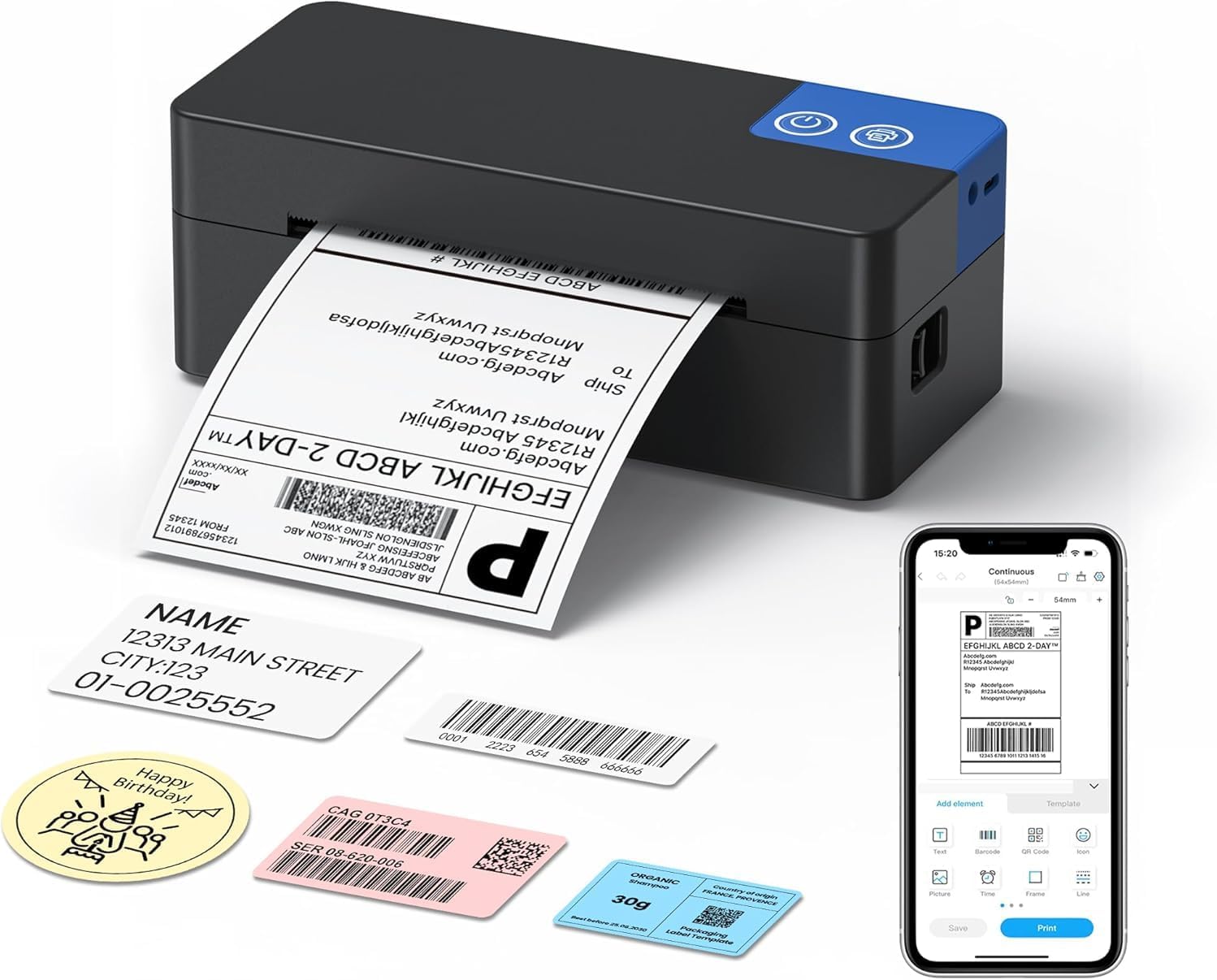
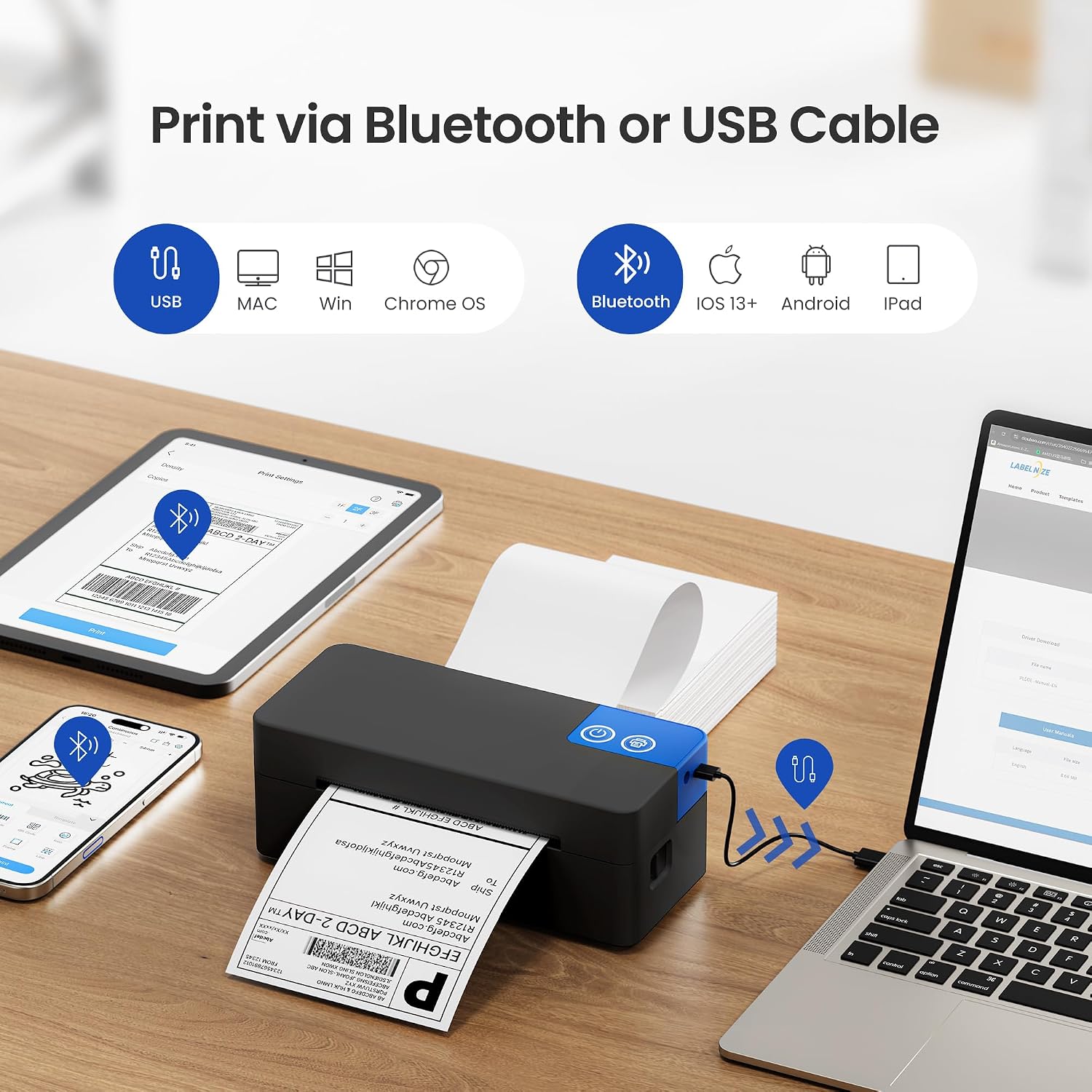
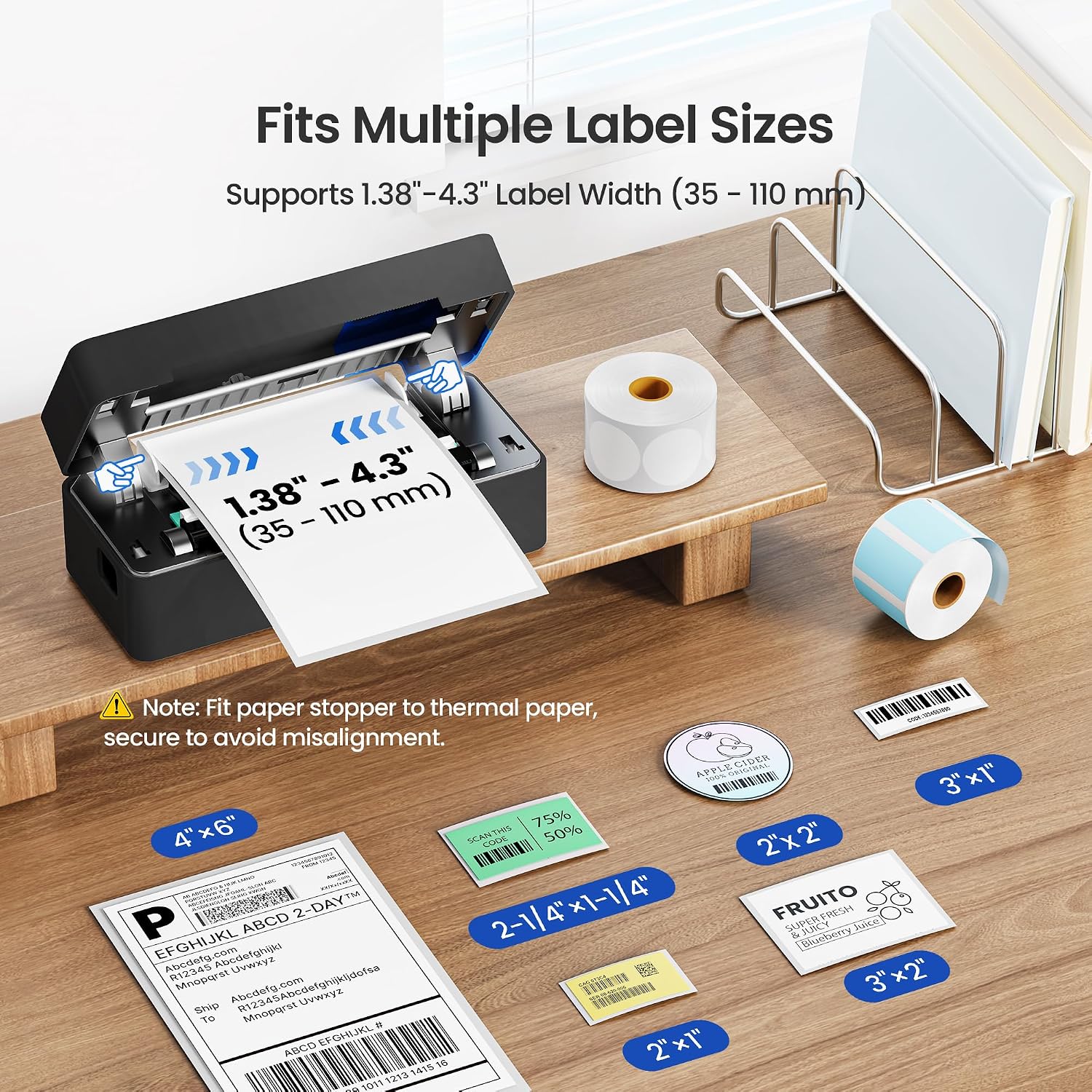
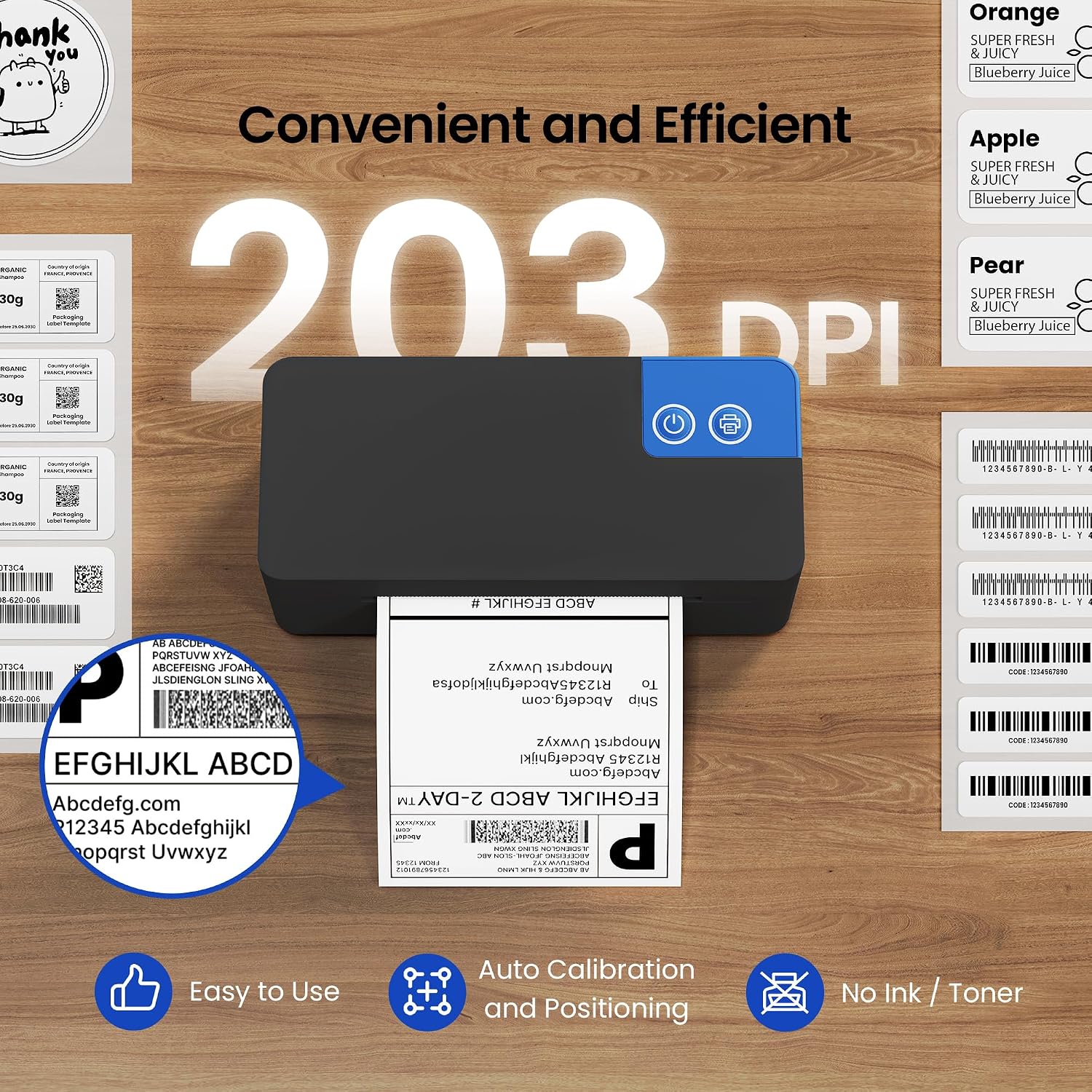
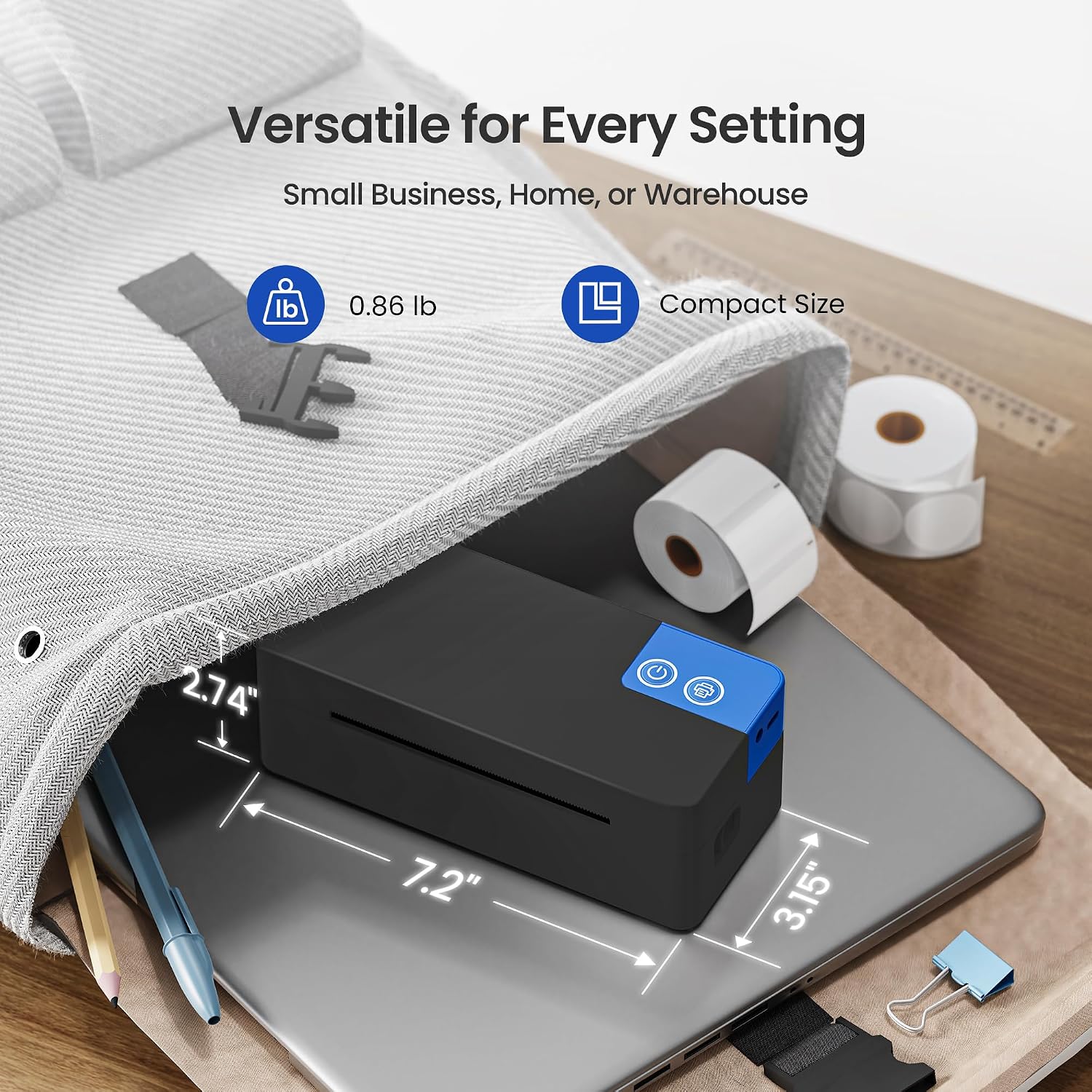
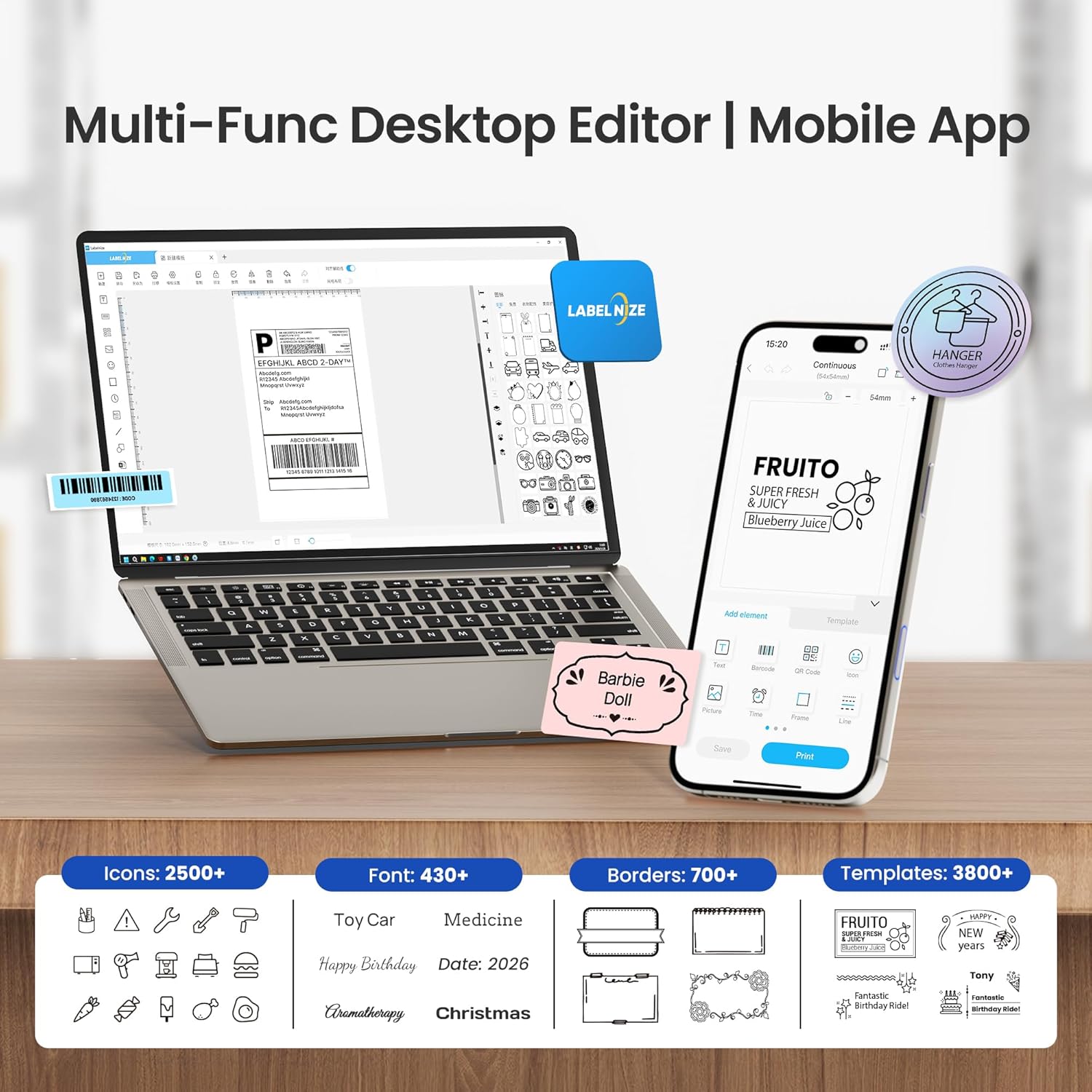
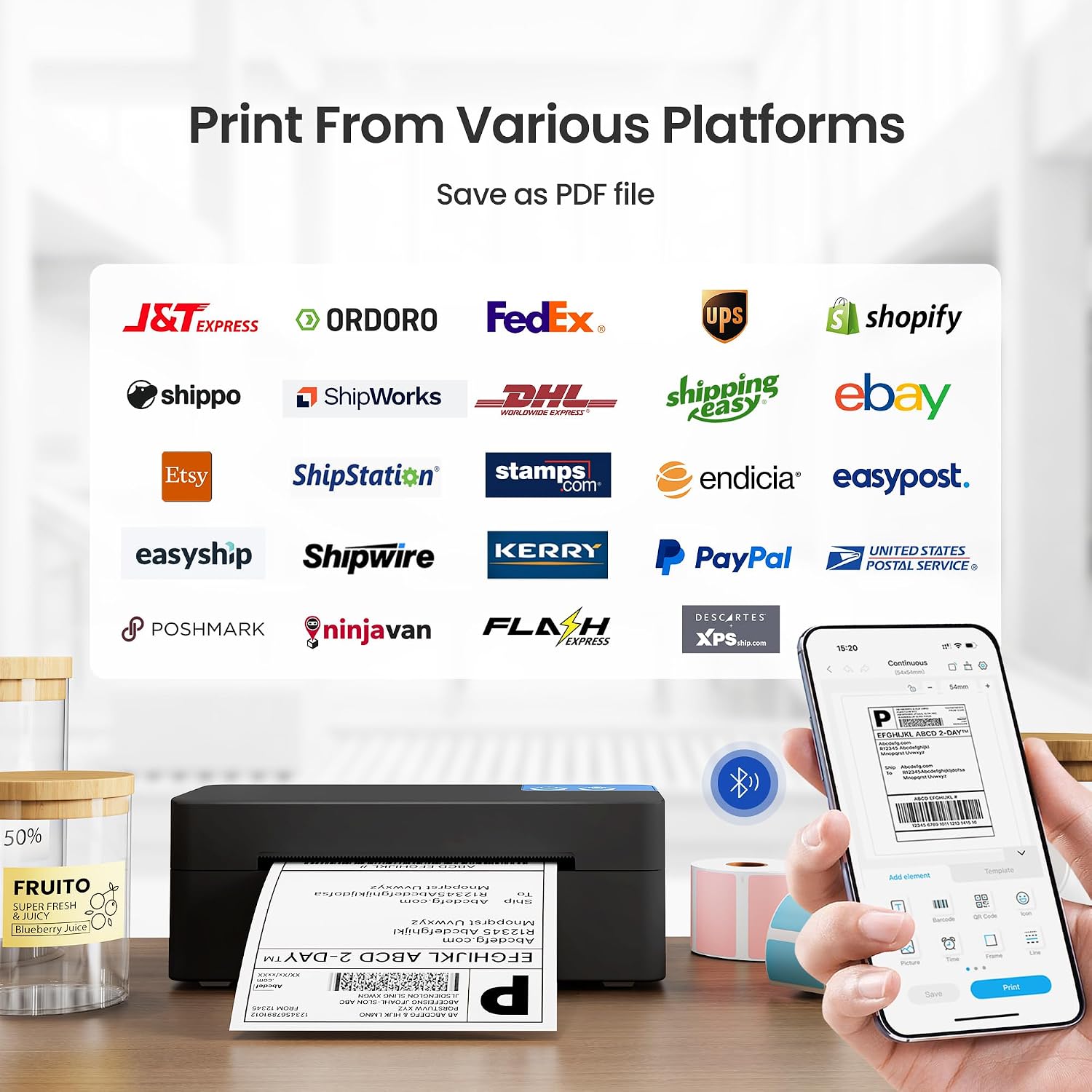
What it is and what it’s for\nETIKEZ offers a compact 4x6 thermal shipping label printer designed for small businesses and on-the-go operations. It supports iOS 13+ and Android via the Labelnize app for Bluetooth printing, while USB can connect to Windows, Mac and Chrome OS for desktop setups. On paper, it aims to cover your daily parcel labelling needs in shipping rooms, warehouses or a mobile workspace without ink or toner costs.\n\n## How it connects and what you’ll need\nBluetooth printing works through the Labelnize app, which is the intended method for mobile use. For a desktop setup, you’ll connect by USB and install the provided drivers with the included guides. This dual approach is practical if your operation alternates between desks and aisles. A potential limitation is that Bluetooth requires the app, so it’s not a direct device pairing like traditional Bluetooth printers.\n\n## Print quality, speed and cost of ownership\nThe printer delivers 203 DPI, which is sufficient for clear shipping labels, barcodes and QR codes. Being a direct thermal printer, it doesn’t use ink or toner, which can reduce consumable costs over time—an important consideration for high-volume shipping. However, let’s be realistic: high-volume peaks might highlight the need to keep spare labels handy and to check label compatibility during busy periods.\n\n## Compatibility and versatility\nIt supports label widths from 1.38 inches to 4.3 inches, making it adaptable for standard shipping labels, as well as tags and smaller labels you might use for inventory or sorting. It’s marketed as compatible with amazon, Shopify, Etsy, Royal Mail, Evri, DPD, DHL and similar platforms, which aligns with many UK sellers. In practice, this means you can streamline label creation for multiple sales channels from one device.\n\n## App and design experience\nThe Labelnize app brings a library of templates, icons and fonts to help you design labels beyond the standard shipping tag. AI features are described as expanding design options, which could be helpful if you need customised labels for branding or internal processes. On the downside, relying on an app means you’ll want reliable phone connectivity and app updates to avoid workflow hiccups.\n\n## Who it’s for and who it isn’t ideal for\nThis printer suits small to medium operations that prioritise convenience, portability and lower running costs. If your workflow is mostly desktop-based with a stable wired environment, the USB setup is straightforward. It may be less compelling if your team relies on Bluetooth-heavy, direct device pairing or requires ultra-high-speed printing for extremely high volumes.\n\n## What to review before buying\nCheck label sizes you frequently use to ensure they fall within 1.38–4.3 inches. Consider whether your work tends to be primarily mobile or desk-based, and whether the Labelnize app’s templates meet your branding needs. Also confirm you have compatible devices for iOS 13+ or Android, and a computer that supports Windows, Mac or Chrome OS with USB.\n\n## Practical use: a typical scenario\nImagine a small online shop that ships daily orders from a shared warehouse cart. You print the label on the move using a phone, then switch to USB when you’re at the desk to print bulk labels for several orders at once. The lack of ink is a real saving, and the flexibility to switch between mobile and desktop workflows can save time during peak periods.\n\n## Quick FAQ\n- Does it require ink or toner? No, it uses direct thermal printing.\n- Can I print from my phone via Bluetooth? Yes, through the Labelnize app for iOS 13+ and Android.\n- Is USB printing available on Mac and Windows? Yes, with driver installation.\n\n## Decision point\n### Is it worth it?\nWorth considering if you need a portable, cost-conscious label printer that can handle multiple platforms and shipping providers. It suits mixed workstyles and can reduce consumable costs, provided you’re comfortable using the Labelnize app for Bluetooth workflows and you don’t expect ultra-high-volume desk-based throughput.\n