

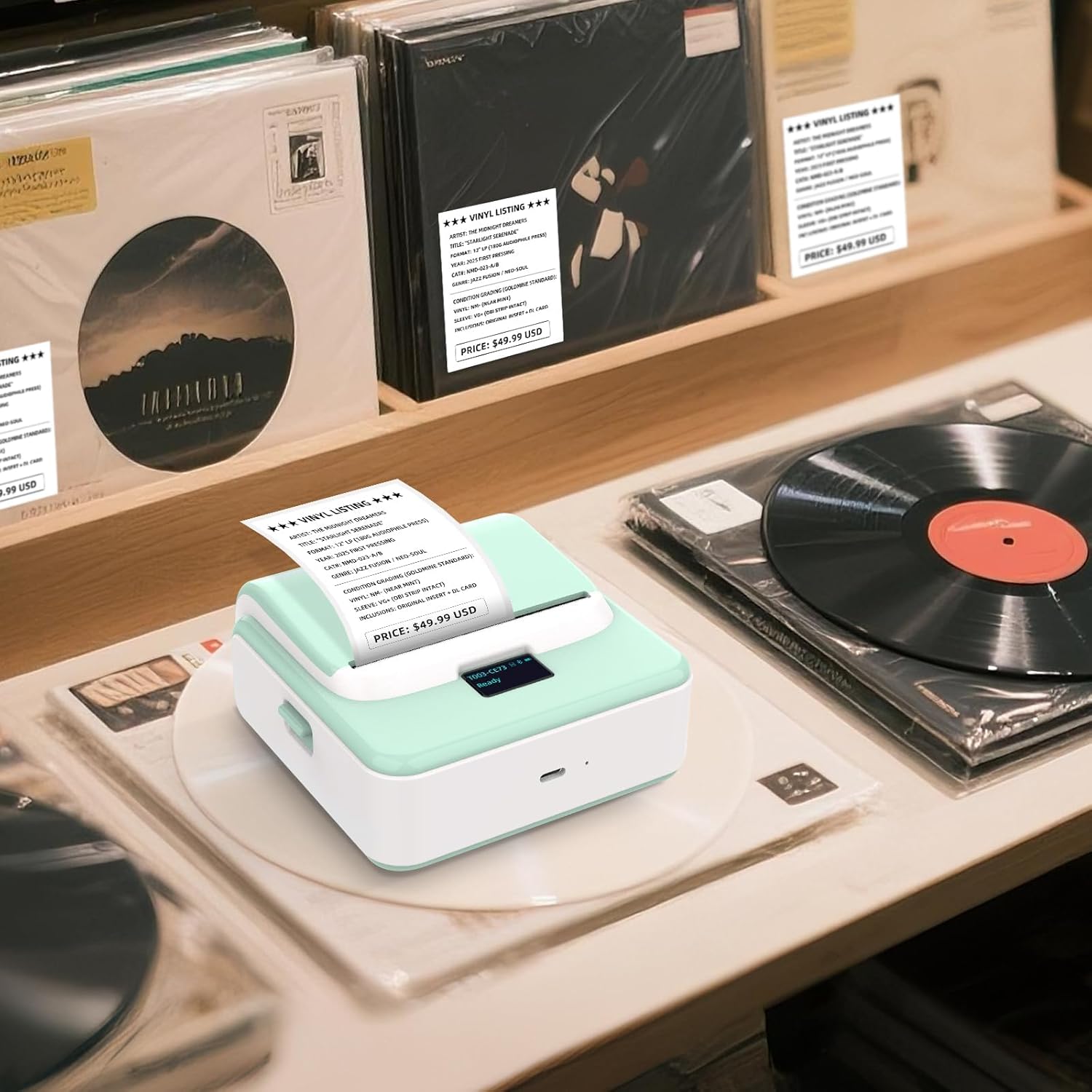
ORGSTA T003 Thermal Bluetooth & USB Label Maker (20mm–75mm) for portable shipping labels
Reviews
Price
Product description
Quick overview: what this label maker is for
The ORGSTA T003 is a compact thermal label maker designed for printing labels on the go, not for a single desk workflow. On paper, it’s aimed at places where you need labels quickly and repeatedly: shipping stations, small shops, pop-up stalls, schools, libraries and busy office filing. It can run through Bluetooth using an app and also supports direct printing via USB, so you’re not forced into one setup.
It’s also a model built around speed and usability. The seller description mentions a printing speed of 50 mm/s and a mini, handheld footprint, plus an OLED screen for clearer status/edits than on many basic label printers. If you’re the sort of buyer who ends up printing the “same kind” of labels throughout the day—price tags, barcodes, QR codes, batch or expiry dates—this type of device usually feels less like a gadget and more like a workflow tool.
What you’ll notice day to day (and what you might miss)
The strongest practical win here is the combo of portable use and instant label output. Thermal printing means you’re not dealing with ink cartridges, which is often where budget printers get messy or run into downtime. The description also highlights “advanced editing” and a range of built-in templates (240+), which can reduce the faff if you print similar labels again and again.
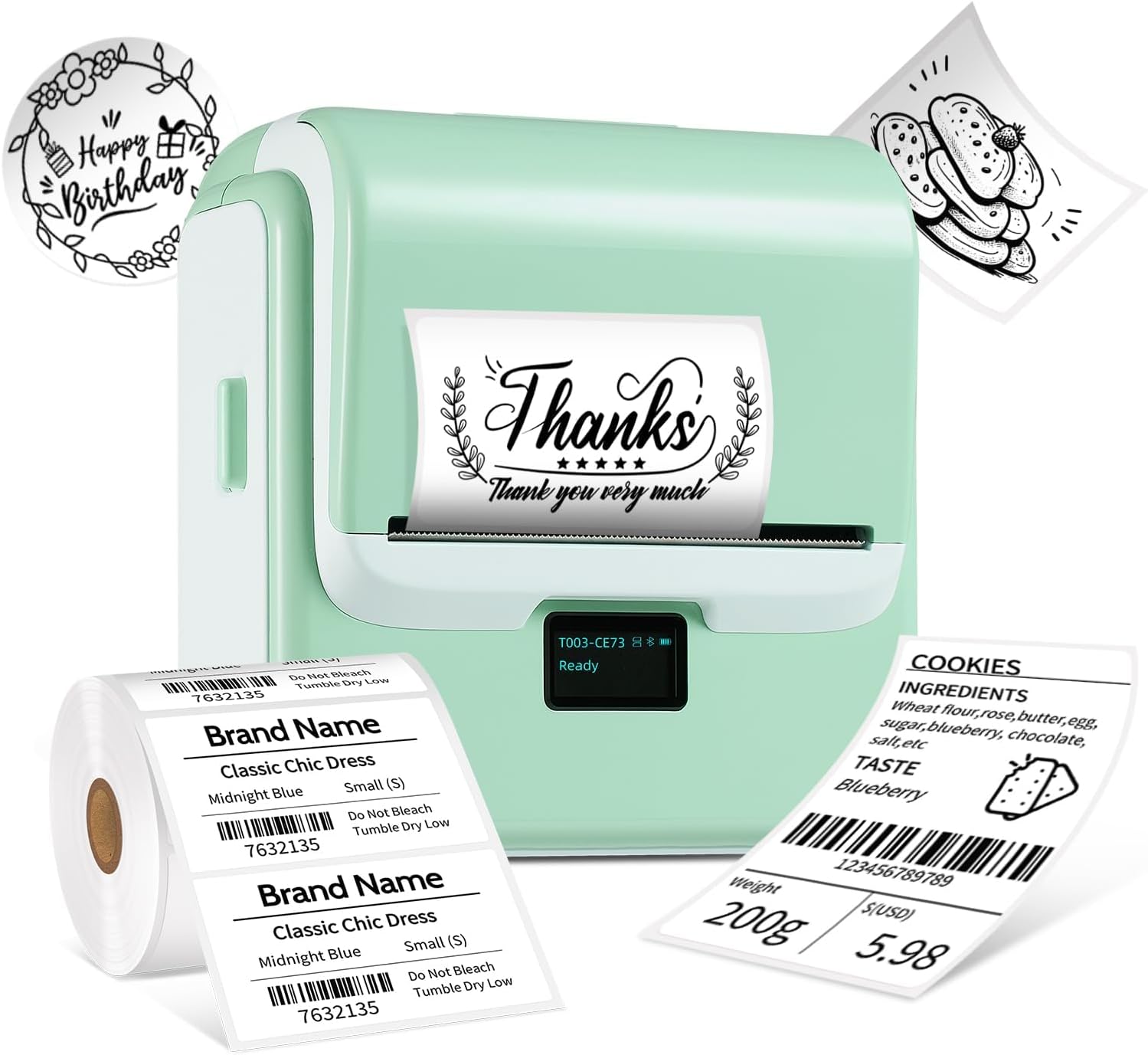
That said, there are a couple of limits you should be aware of. First, it produces monochrome output. The description notes that to get coloured-looking labels, you’d need tapes with colour patterns. Second, the compatibility is described as broad (thermal papers with different types), but “almost universal” always implies there’s still a bit of trial-and-error depending on the exact tape/paper you plan to use.
So, it’s not perfect if you need full-colour printing on demand, or if you’re picky about very specific label stock.
Connectivity and editing: Bluetooth app plus USB
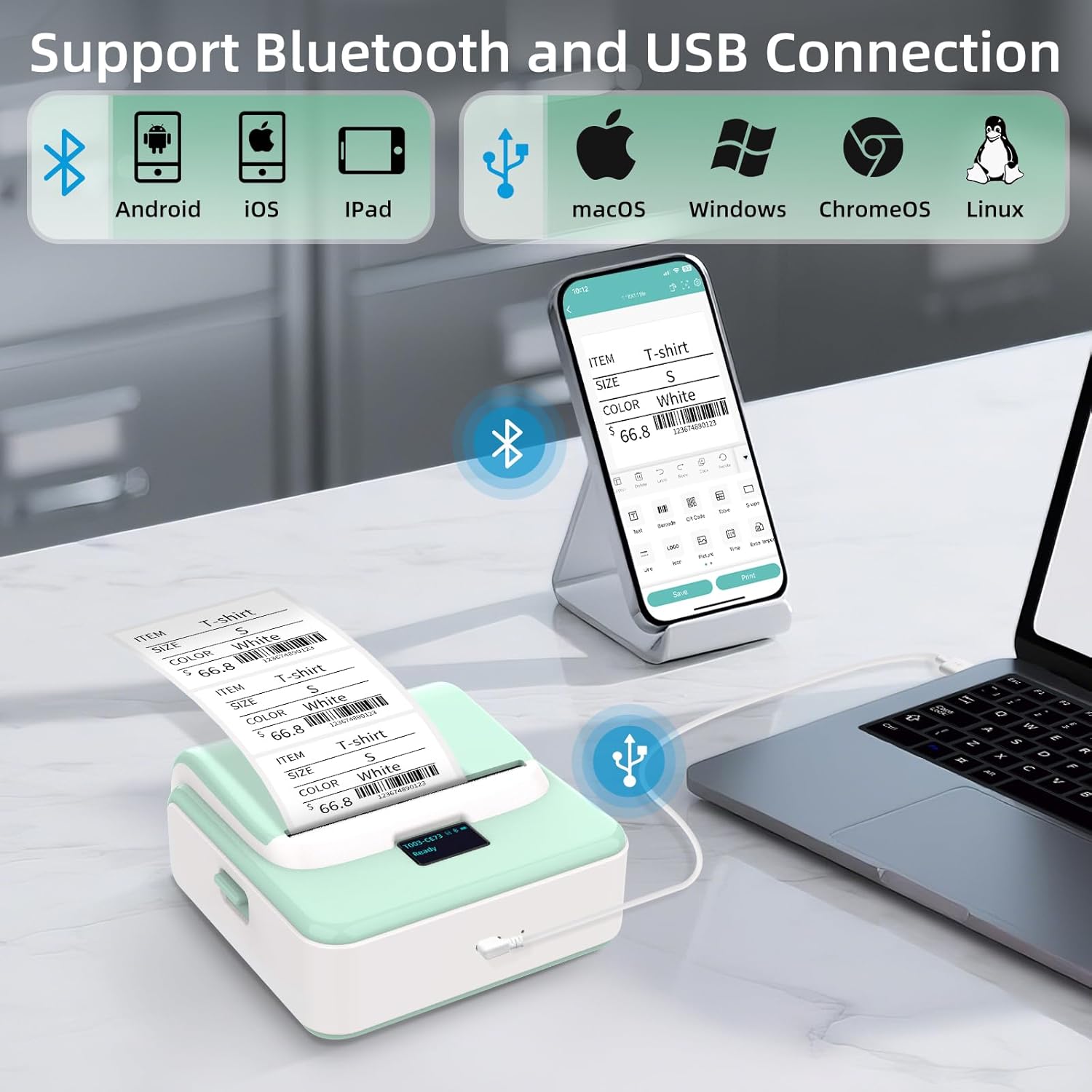
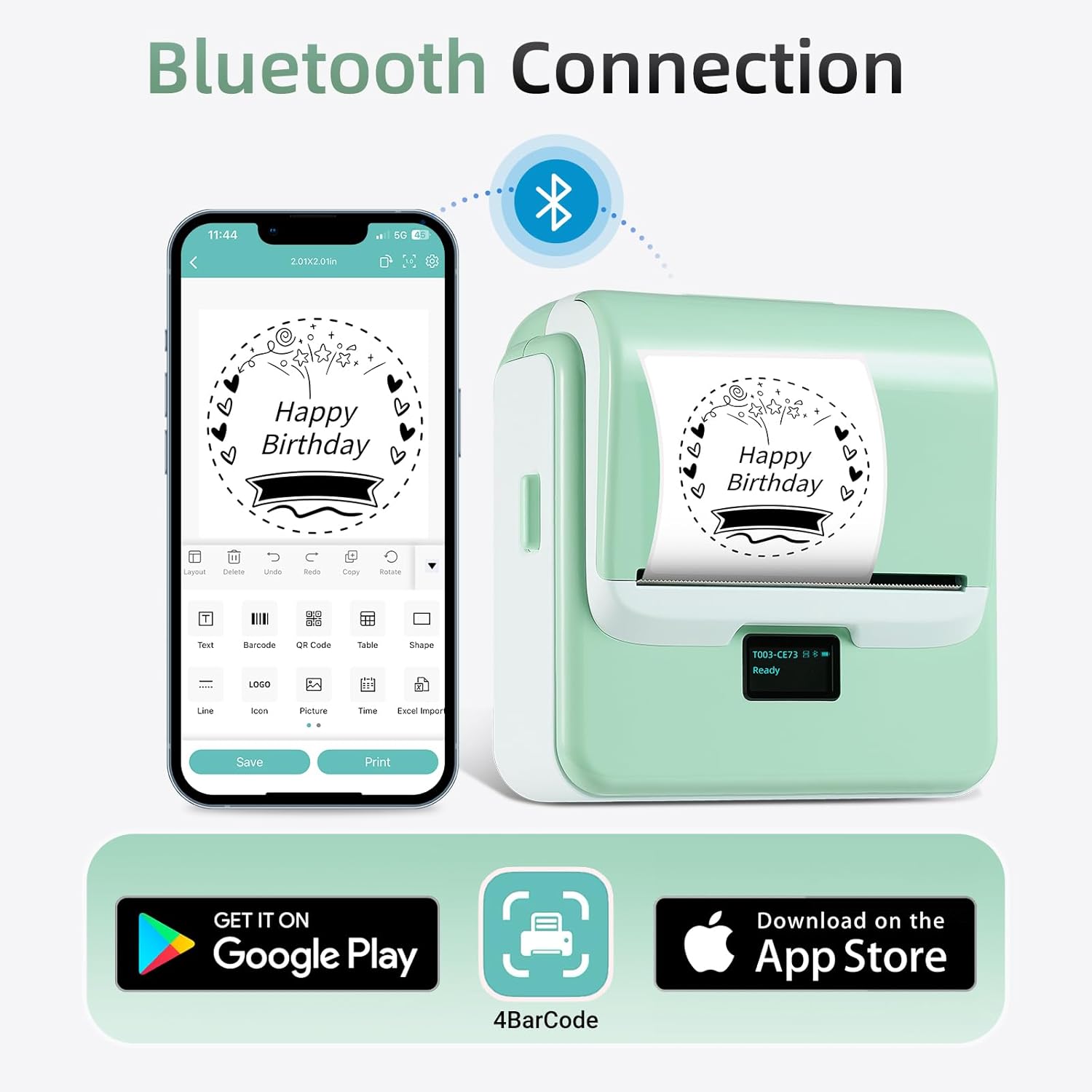
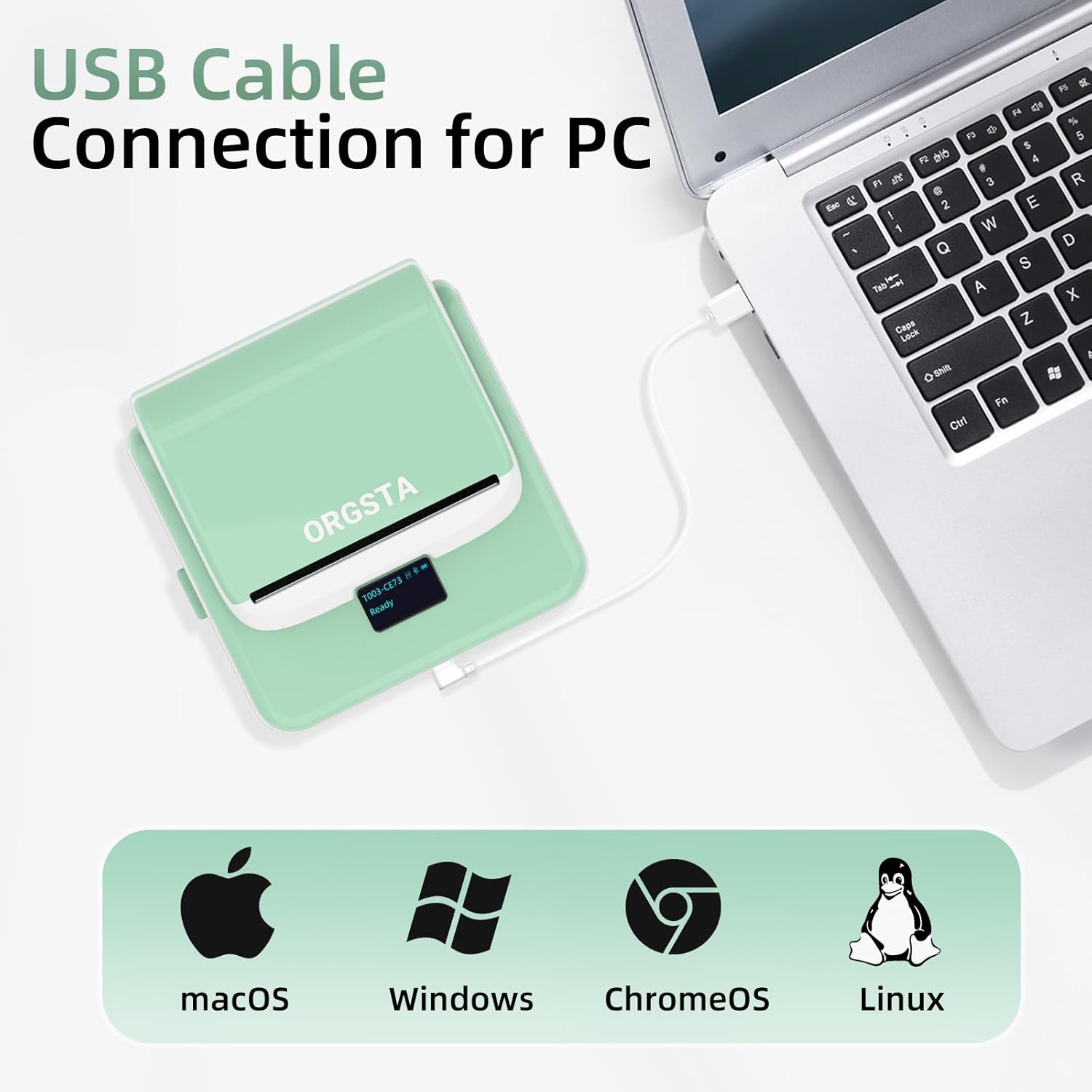
This model supports two ways to print: Bluetooth via an app called “4barcode”, and direct USB printing. It’s also stated to be compatible with Windows, Chrome OS, macOS and Linux.
In real terms, that usually matters if you work across different devices—say, a laptop on the shipping desk, plus a tablet/phone for quick barcode or sample labels. If you frequently switch between a computer workstation and a temporary setup (market stall, school classroom, pop-up counter), having both Bluetooth and USB is a sensible safeguard.
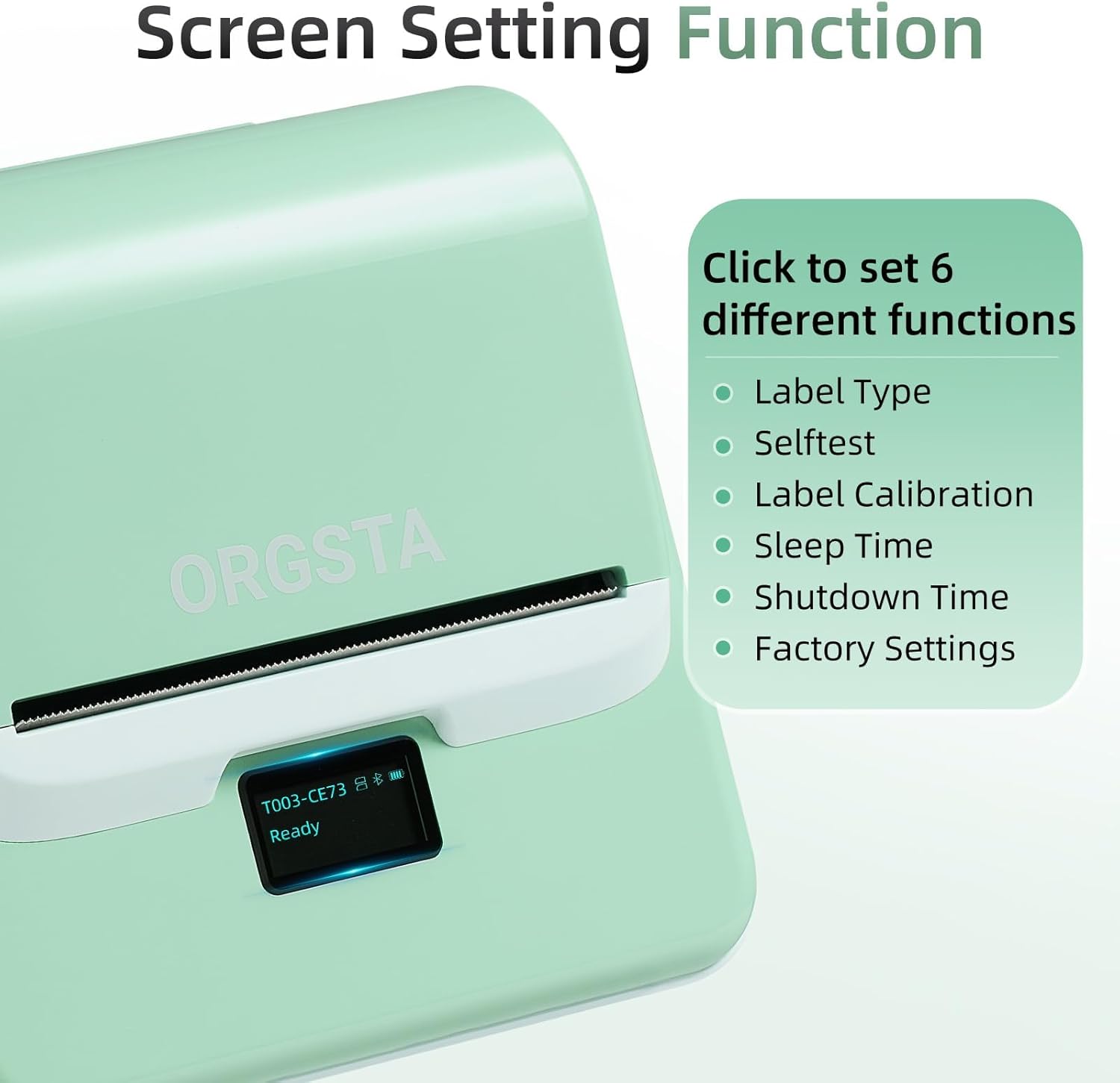
There’s also an OLED display with buttons, which should make it easier to see settings, status and errors compared with printers that rely on the computer screen only. When you’re moving labels through a process quickly, those small bits of feedback add up.
And yes, you’ll still want to double-check your workflow: Bluetooth printing is convenient, but for some users USB can feel more consistent if you’re printing in bulk and don’t want to manage pairing.
Label formats and use cases that fit the spec
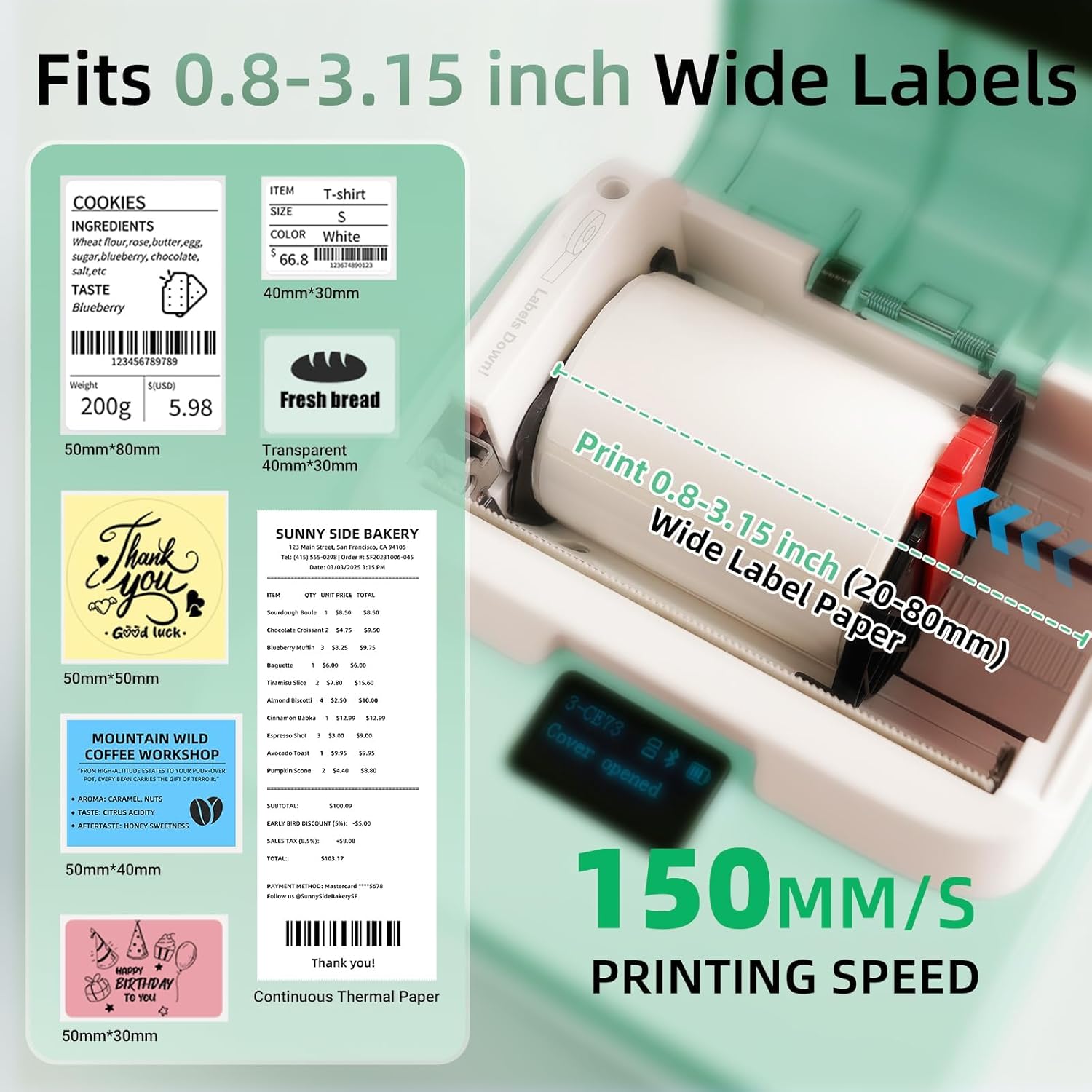
The key “fit” factor for this printer is label width. The ORGSTA T003 is described as compatible with label/tape widths from 20mm up to 80mm (the product name references 20mm–75mm, so it’s worth checking the exact range you’ll actually buy). It’s positioned for label sizes used in shipping, warehousing and inventory.
The description also lists a bunch of label content options: documents, web content, images, text, tables and symbols, as well as QR codes, barcodes, OCR and time stamps. It even mentions OCR and other creative options like graffiti in the template/content list.
If you’re not sure whether it’s “for shipping labels”, think about the basics: a thermal handheld printer like this is most helpful when you want straightforward, scannable labels—tracking, internal IDs, item codes—printed rapidly at the point of use. For example, if you’re packing orders in a small shop, you can prepare the barcode/QR content and then print on demand without taking boxes back to a fixed desk printer.
Tech specs that matter for choosing
The essentials from the provided details:
- Printing speed mentioned: 50 mm/s
- Printer size mentioned: 11×11×6 cm
- Output type: monochrome prints
- Display: OLED
- Power: battery-powered, stated as 2000 mAh
- Connectivity: Bluetooth and USB
- Compatibility claimed: Windows, Chrome OS, macOS and Linux
- Templates: 240+ ready templates
A note worth taking seriously: the description states compatibility with “all thermal papers” including different styles (with gap, continuous, black mark branded, adhesive and standard). That’s a strong claim, but label stock is where most real-world friction shows up—so it’s smart to verify that your preferred tape type is covered before you commit.
Care & maintenance: what to plan for
Thermal printers usually come down to good habits around label stock and print cleanliness rather than heavy maintenance. The main thing is to use the thermal paper/tape types this printer is intended for (the description mentions several categories), because the print quality is tightly linked to the correct media.
Also, because this is a portable battery unit, it’s worth planning for charging around your busiest sessions. If you’re printing high volumes, a rechargeable setup is convenient, but you still want to avoid being caught mid-run with a flat battery.
Final verdict: when it makes sense
Should you buy it?
Choose the ORGSTA T003 if you want a portable thermal label maker for frequent, scannable labels—shipping, warehouse inventory, school/library labelling, pop-up retail tags, event ticketing—or if you need both Bluetooth app printing and USB printing across more than one device.
It’s also a sensible pick if you like the idea of an OLED screen, quick edits and plenty of templates, because that tends to reduce the “setup tax” when you’re printing the same label types repeatedly.
You may want to skip it if you require full-colour printing as standard (it’s described as monochrome, with colour achieved via patterned tapes), or if your use case depends on a very specific label/tape format and you don’t want any trial-and-error. And if you’re mostly printing one-off labels from a single desktop PC, a more basic fixed printer may be simpler.
Mini FAQ
FAQs
Is it only for shipping labels?
No. The description frames it for shipping labels and tracking, but it also mentions prices, barcodes, office filing and expiry/date labels, plus event tickets and other identification uses.
Does it print in colour?
The printer is described as producing monochrome prints. Coloured-looking labels would require tapes with colour patterns.
Can I print from a phone as well as a computer?
It supports Bluetooth printing via the “4barcode” app, and it also supports USB printing with compatibility across Windows, Chrome OS, macOS and Linux.
What label width does it support?
The description says compatibility with labels/tapes from 20mm up to 80mm, while the product name references 20mm–75mm—so it’s worth aligning your intended media width with the exact range you plan to buy.
Does it need ink cartridges?
Based on the thermal label printer approach described, it’s designed around thermal printing rather than ink cartridges, which helps keep the printing process simpler.