

Nelko PM230 Bluetooth Mini Sticker Printer
Product description
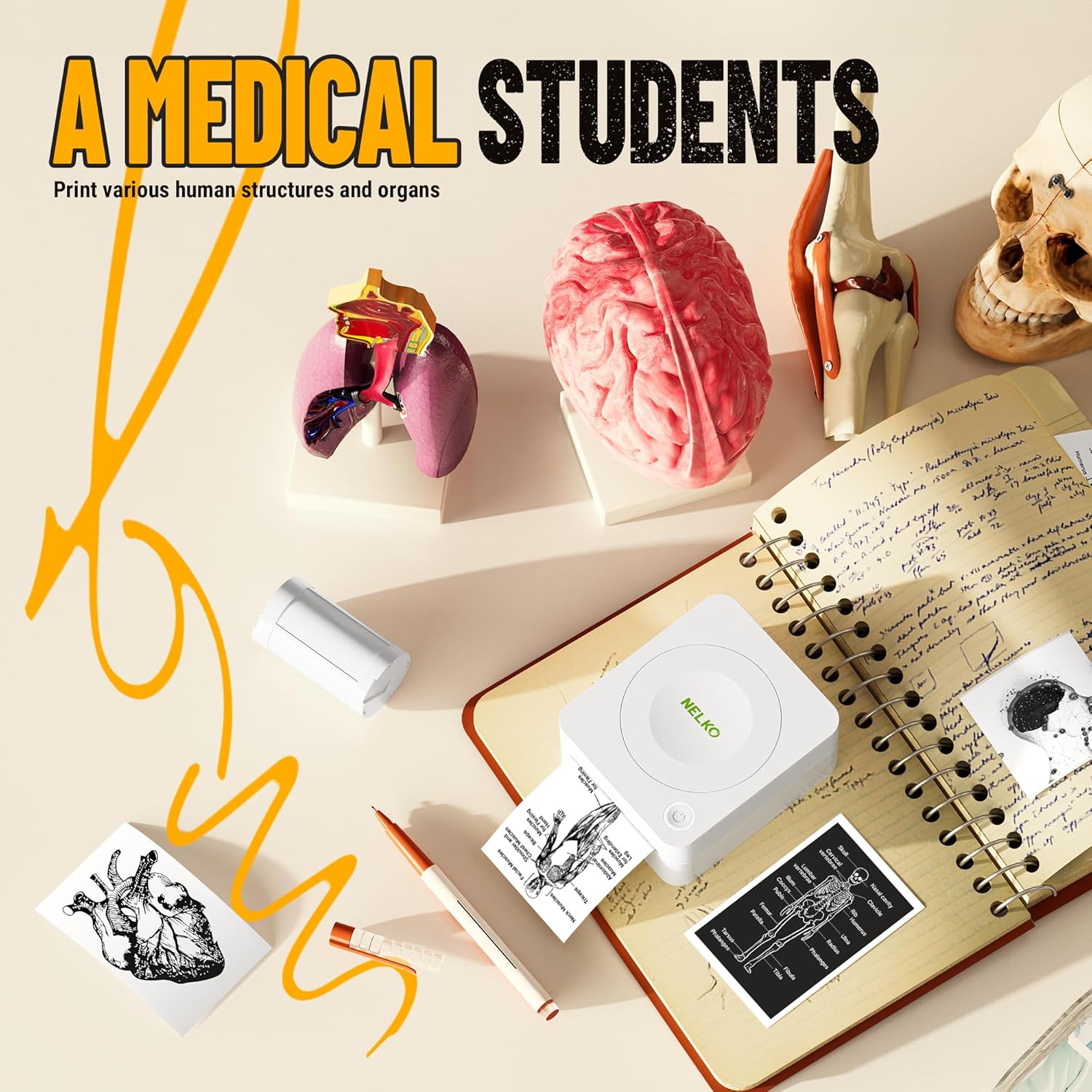
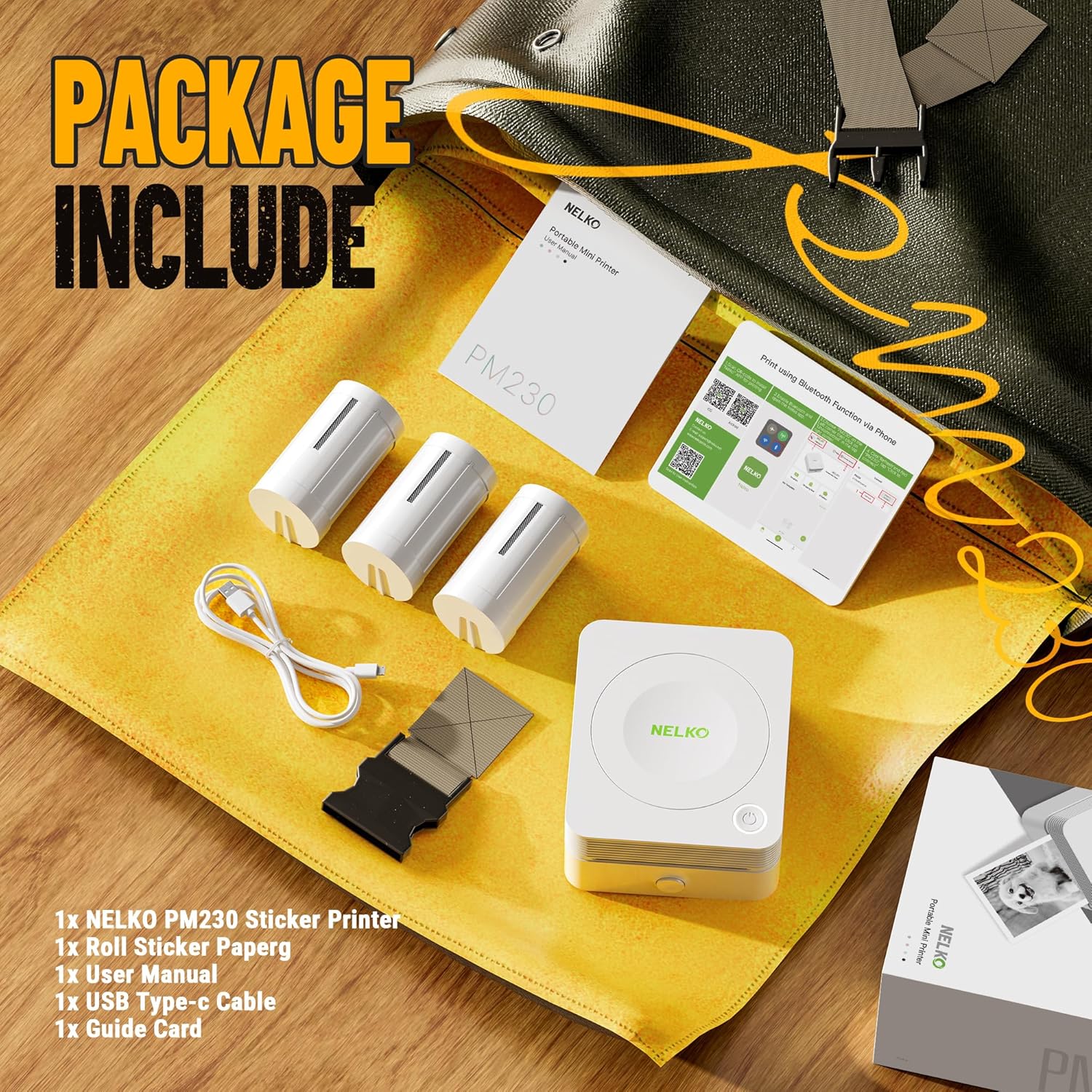
This compact Nelko PM230 Bluetooth mini sticker printer suits crafty projects and study organisation, offering quick black and white prints for labels, notes and simple photos. It arrives geared for DIY use with three rolls of 54mm x 3.5m thermal sticker paper so you can trim labels to the shape you need, and it connects to phones and tablets for on‑the‑move printing. If you want a portable label maker with easy app controls, this is a practical option.
Key points
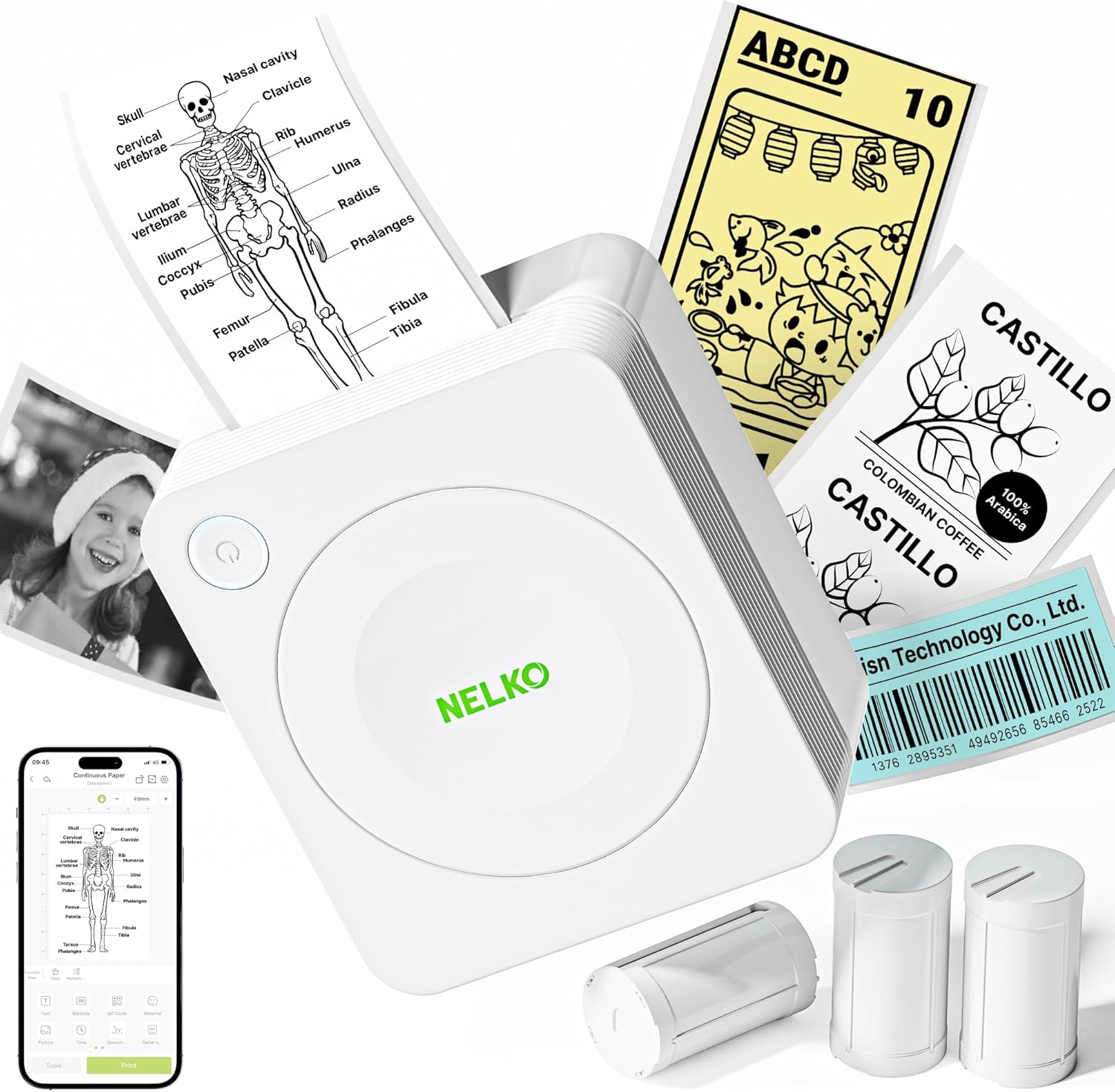
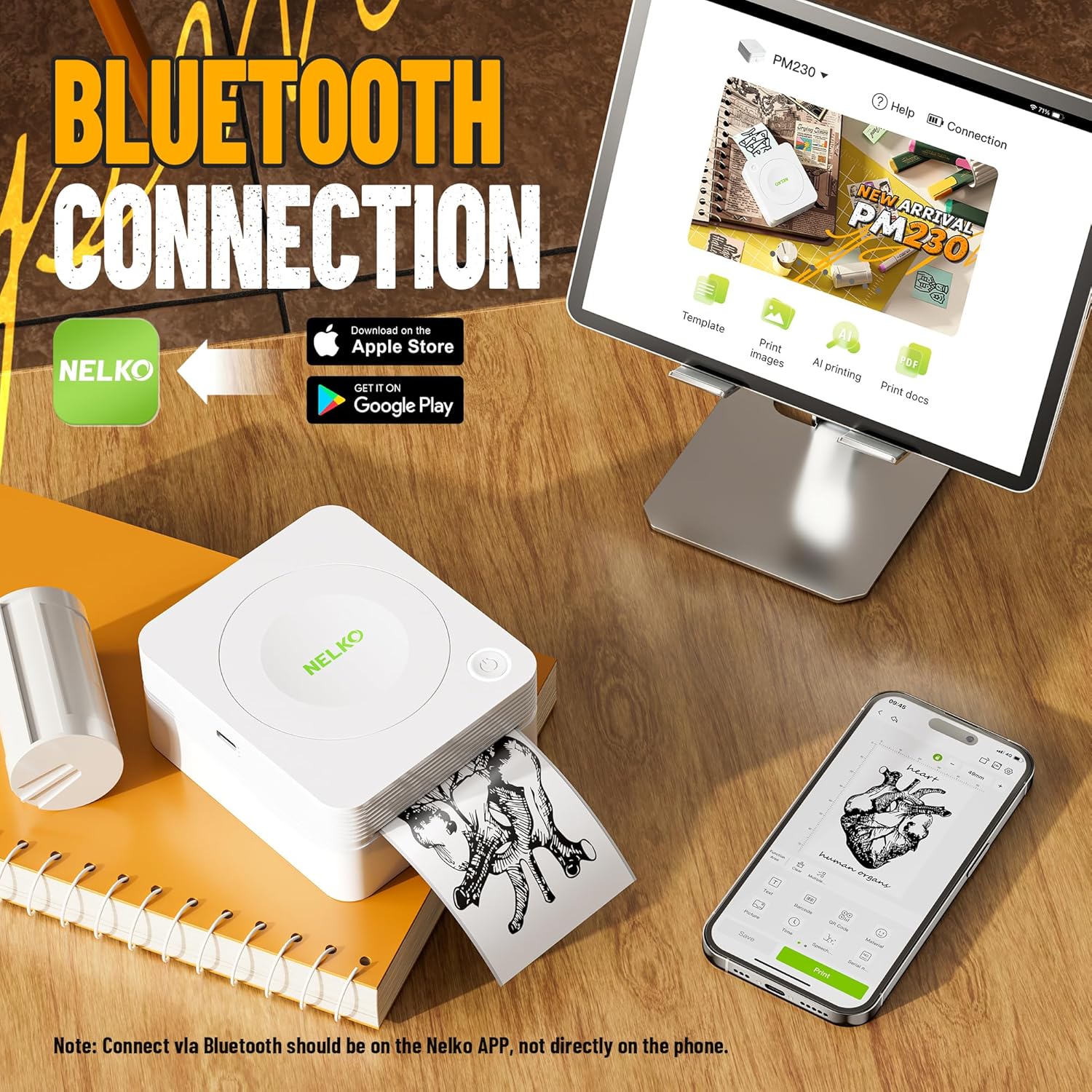
The PM230 focuses on convenience and creativity for home and school. Setup uses the Nelko app on iOS or Android and a Bluetooth pairing process, so there is no computer connection. The device prints only in monochrome, which keeps consumables simple and printing fast. One thing to note, according to the manufacturer, is that if the red indicator lights after paper insertion you should pull the paper out 1–2 cm to ensure correct feeding. The unit does not include a charging adapter and is not suitable for fast chargers.
Tech summary
- Name: Nelko PM230 Bluetooth Mini Sticker Printer
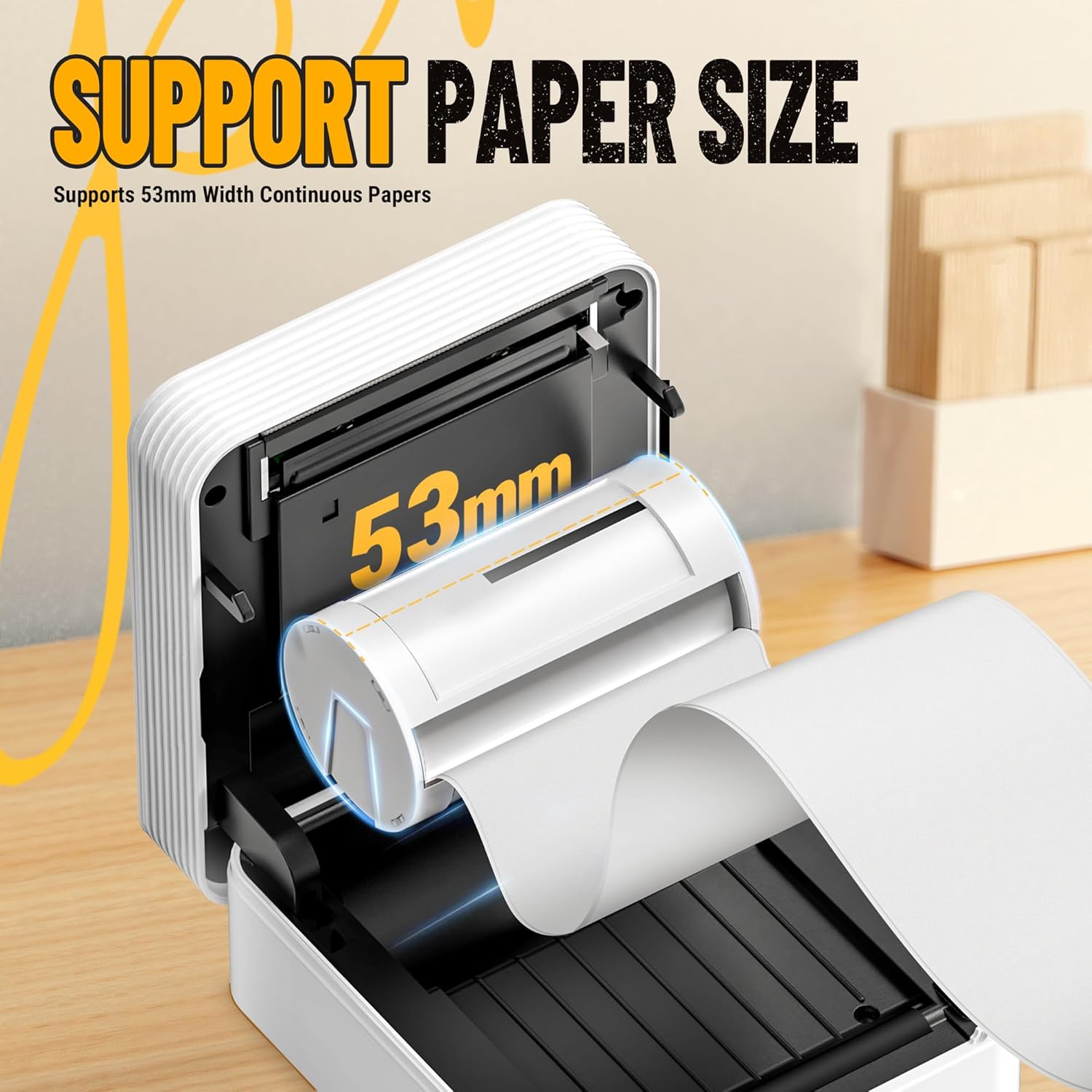
- Format: 54mm x 3.5m thermal sticker paper
- Connectivity: Bluetooth for phone and tablet
- What’s included: 3 rolls of white sticker thermal paper
- Print colour: Black and white
What you’ll notice day to day
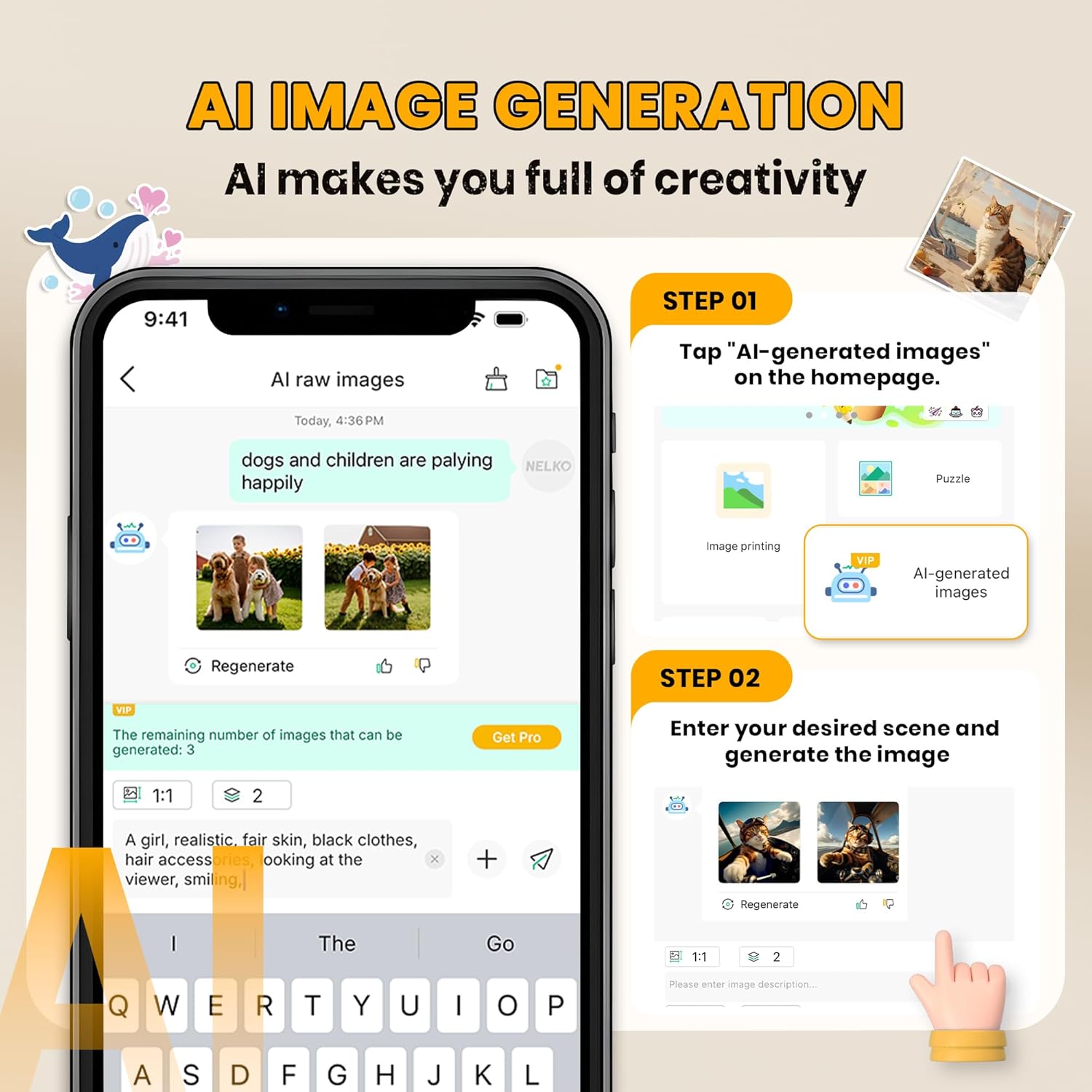
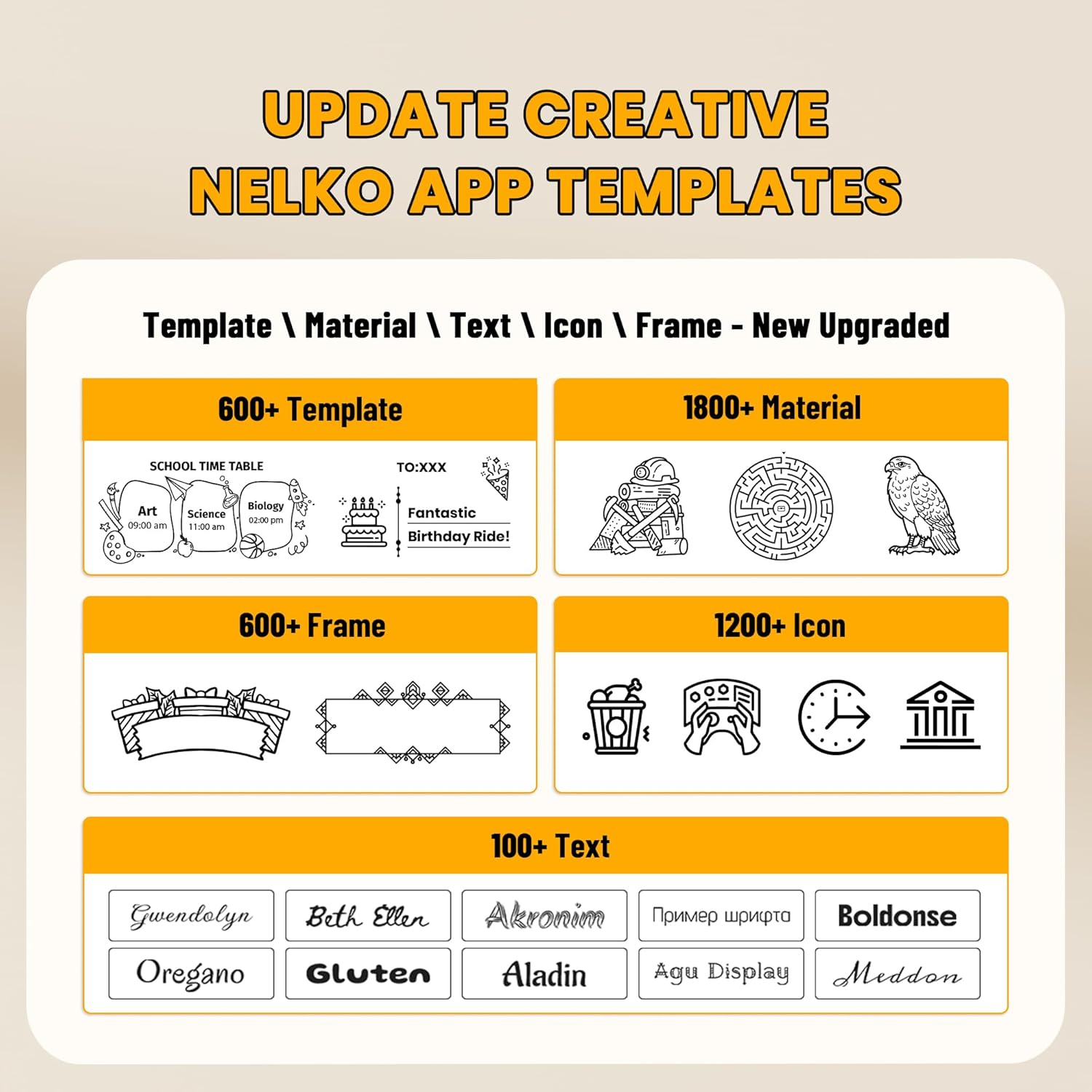
Printing is straightforward once the app is installed, with AI printing, OCR and scan features available in the Nelko app for quick conversion of notes or images into printable content. The small footprint and cute design make it easy to keep on a desk or slip into a backpack for study sessions or crafting. It is not a camera, so expect image quality suited to stickers and simple monochrome photos rather than high‑detail photography.
Who it’s for
It’s a good fit if you like crafting, label organisation or want a simple tool for study aids and planner stickers, and you use a smartphone or tablet for content creation. The device is also suited to gifting at holidays such as Thanksgiving or Christmas. It may not suit you if you need colour prints, plan to print from a laptop, or expect high resolution photo output for professional use. Ten en cuenta que image clarity is according to manufacturer claims and best results come from selecting the Picture mode in the app.