


TATTMUSE Portable Thermal Printer A4 – inkless wireless Bluetooth for iOS & Android (with 1 thermal roll)
Reviews
Price
Product description
Overview: a portable A4 thermal printer for receipts, contracts and more
If you’re often printing on the move, or you just don’t want ink and messy cartridges in the equation, this TATTMUSE portable thermal printer is built for that kind of reality. It’s an inkless, dry-heat thermal setup, aimed at home use, small offices, school settings and work use where paperwork needs to be produced quickly—documents, contracts, invoices and delivery notes are specifically mentioned as use cases.
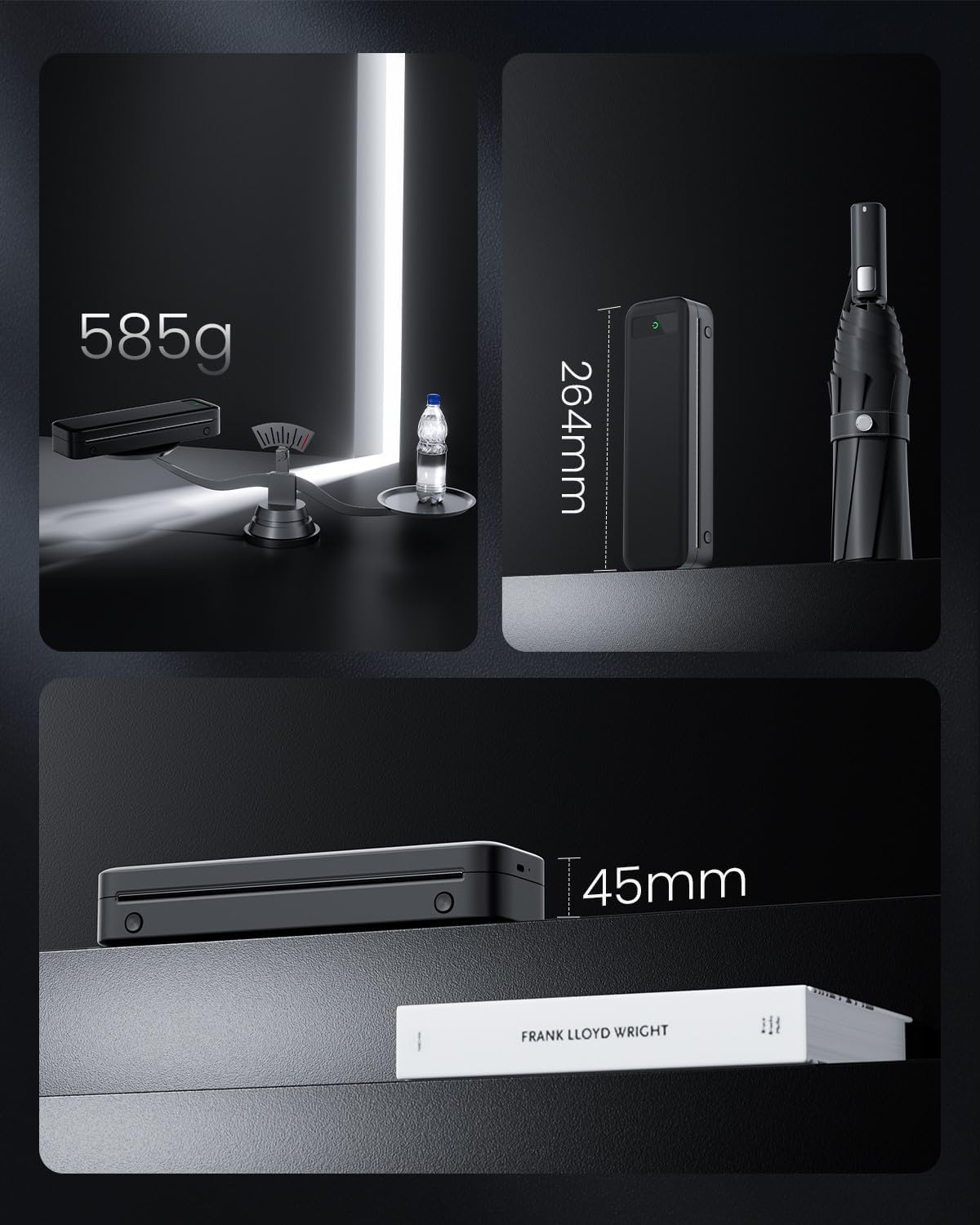
It’s also designed around portability. At around 0.68 kg, it’s the sort of printer you can realistically keep in a bag and take with you, rather than treating printing as a “fixed location” job. On paper, the appeal is simple: wireless printing via Bluetooth for iOS/Android, plus an A4-oriented roll format.
That said, it’s not a do-it-all printer in the everyday sense. Thermal printing isn’t the same as printing on normal paper, and you’ll want to be sure you’re happy committing to thermal paper rolls and requirements.
Key points: what stands out day to day
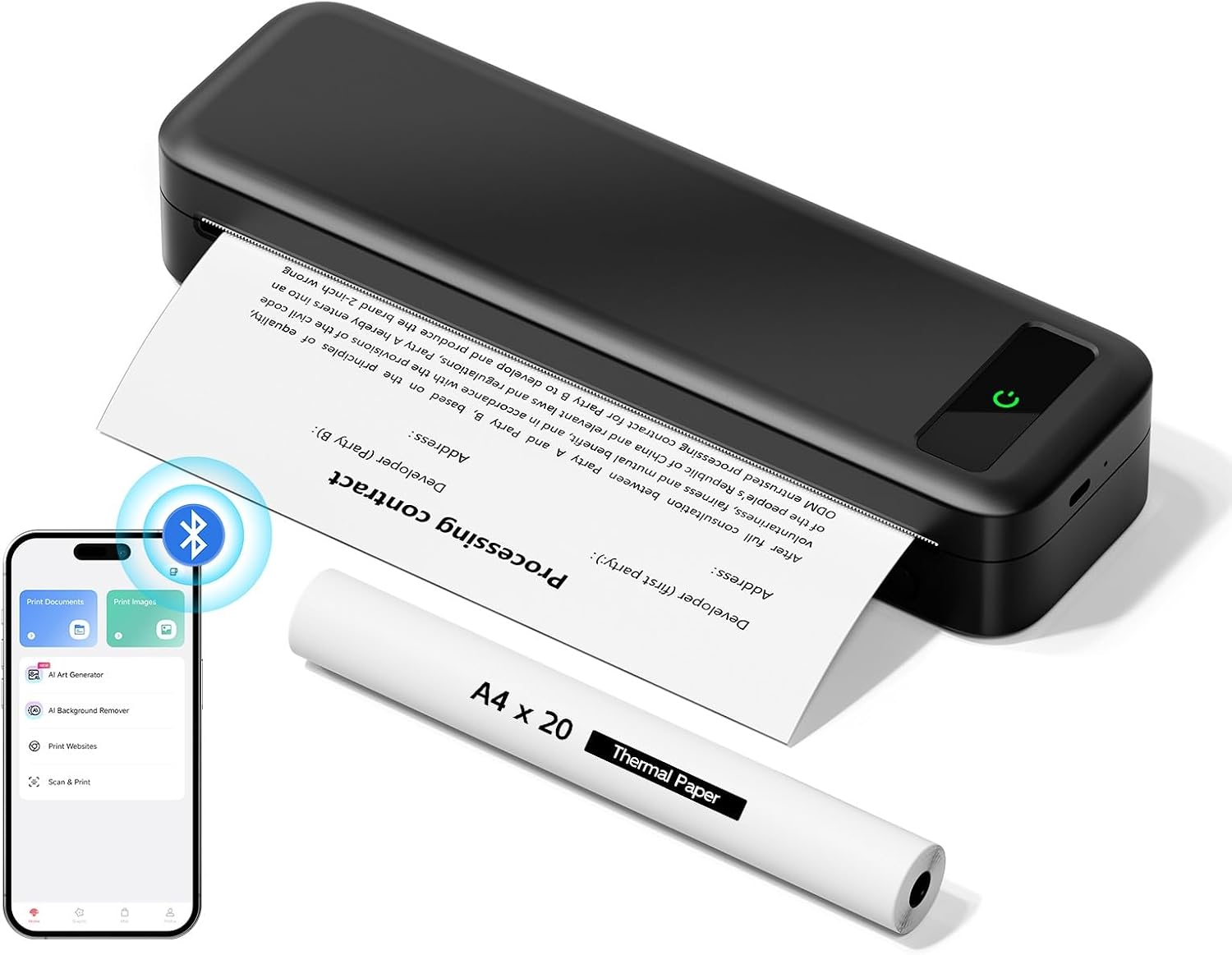
The headline features are fairly practical: Bluetooth wireless printing, inkless thermal printing, and a claimed long runtime with up to 160 thermal sheets on a full charge. Resolution is also described as “professional”, with sharper results especially for documents and images.
Where it feels most useful is in everyday paperwork: imagine printing a contract or a signed delivery note on-site, then quickly attaching it to paperwork when you’re back at a desk. For home and school, it can also make printing routine documents easier without setting up a full ink system.
Worth noting: this printer doesn’t sound like the kind of device you buy for high-volume, high-end office production. It sits more in the portable and task-specific lane, which can be exactly what you want—or it may feel limiting if you’re expecting conventional printing flexibility.
What matters most: inkless thermal printing (and its limitations)
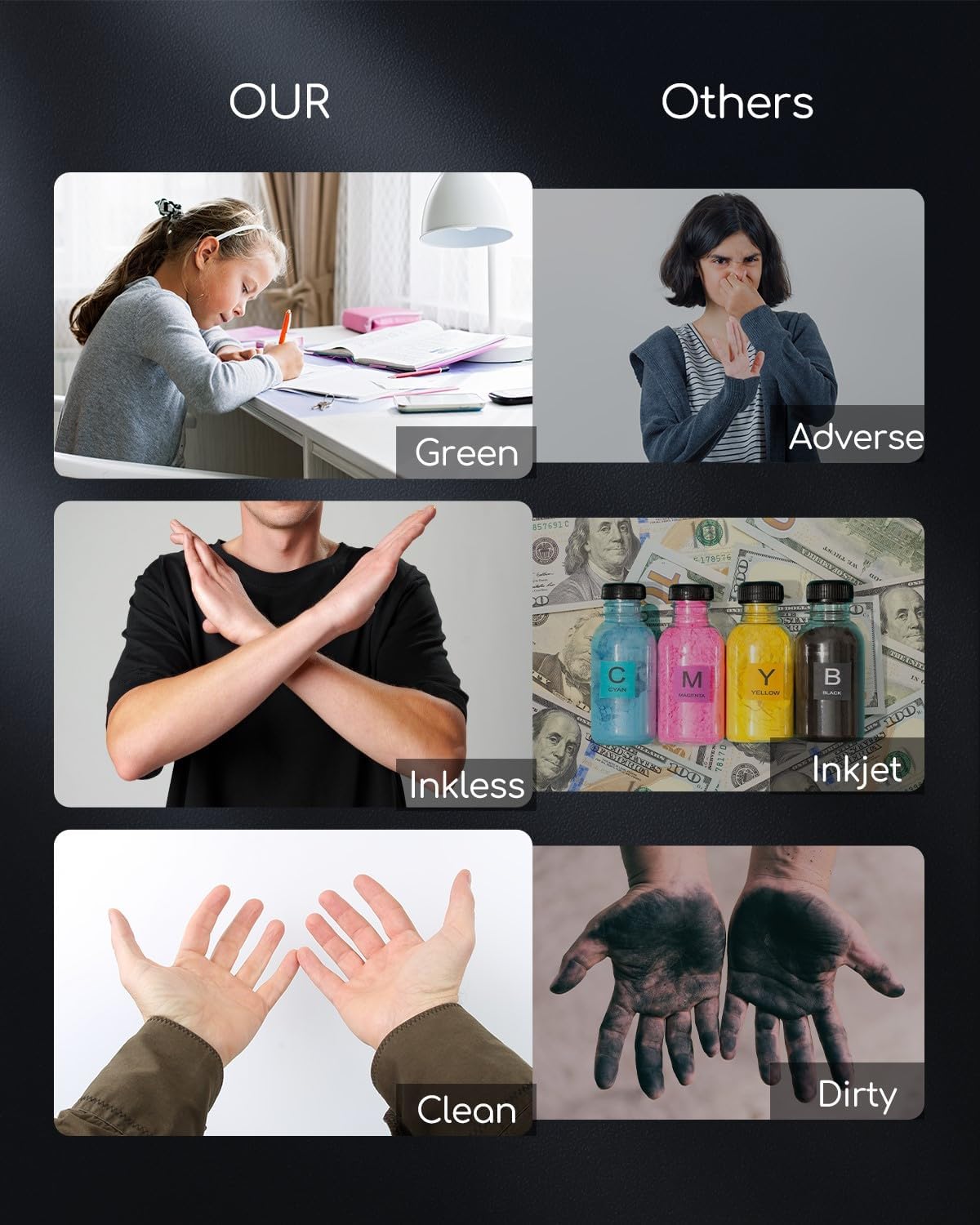
This printer uses heat to print, so there’s no need for ink cartridges or similar consumables. The idea is straightforward: dry-heat printing avoids any contact with ink, so you’re not buying cartridges every so often.
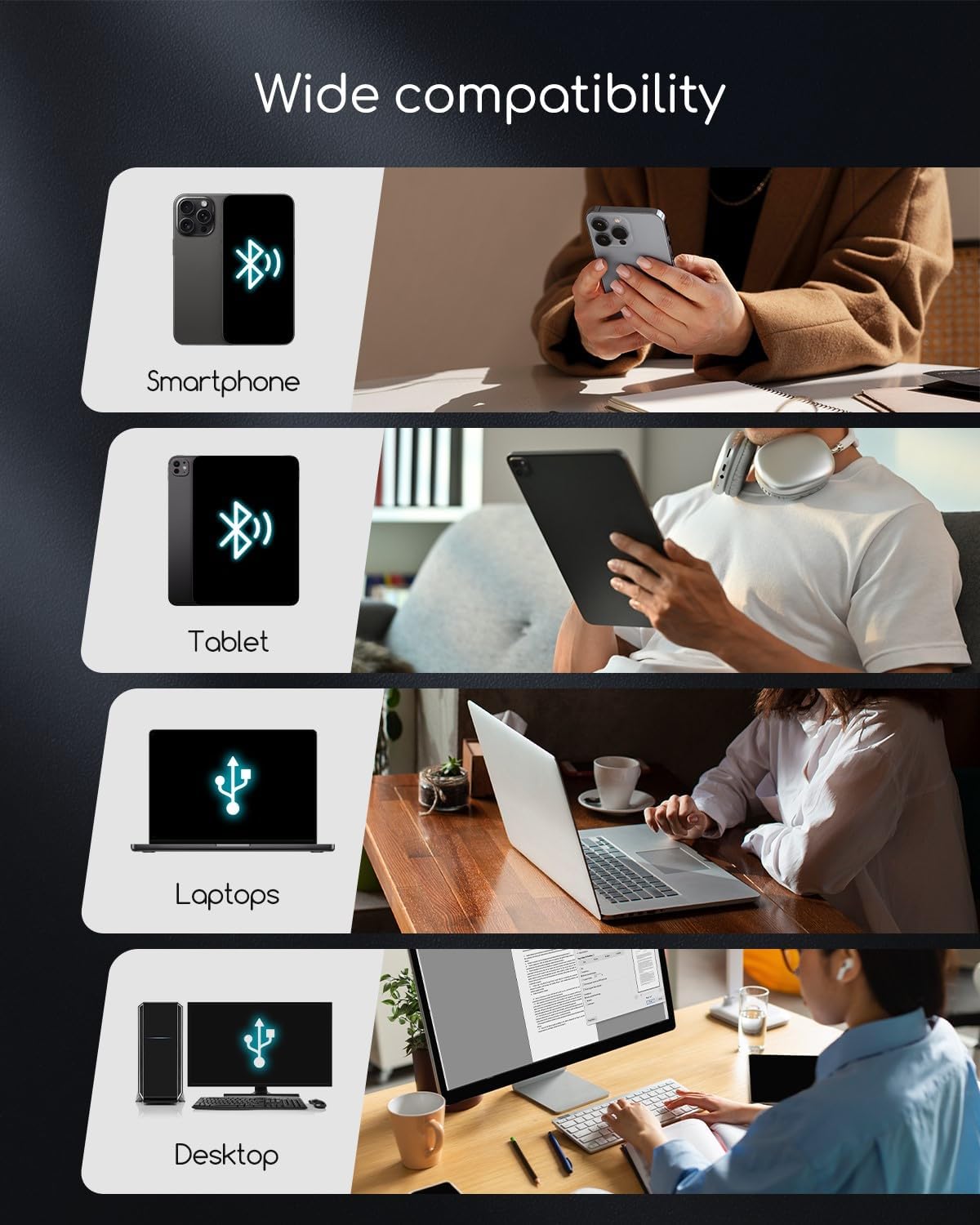
However, thermal printing comes with one clear limitation: it uses exclusively thermal paper. The description explicitly says it’s not compatible with standard paper. It also lists compatible types including thermal roll paper, continuous paper, loose sheets and foldable formats, with support for widths up to 216 mm.
So if your current workflow is built around normal A4 paper from the office supply cupboard, you’ll need to change that habit. It’s not necessarily a deal-breaker, but it’s the sort of “fit” detail people only notice after the first attempt.
The essentials: wireless Bluetooth plus USB-C (with a caveat)
For phone and tablet users, the Bluetooth side of this portable thermal printer is the main attraction. It’s described as compatible with iPhone, Android phones, iPad and tablet devices via Bluetooth, letting you print documents, receipts and even content like web pages from your mobile.
There’s also USB-C as a fallback connection to a laptop or computer. The important nuance is that the description states laptops and computers only work with USB connection, and that you’ll need to download the controller first.
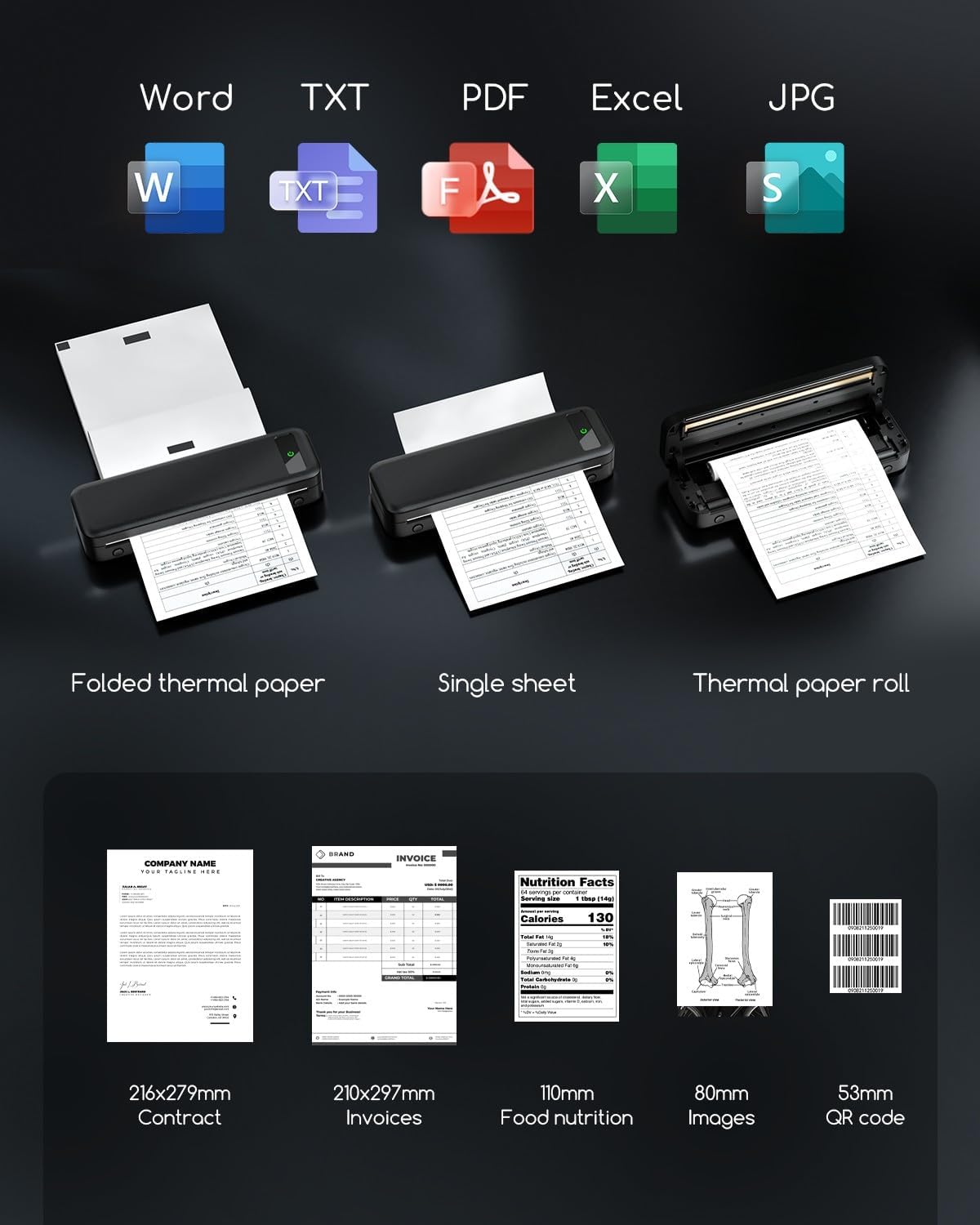
In other words, Bluetooth is your “grab-and-go” route with mobile devices, while USB-C is there when you’re working from a laptop. If you regularly print from a desktop and don’t want to deal with drivers, keep that in mind before buying.
Tech specs
- Brand: TATTMUSE
- Type: Portable thermal printer (inkless, dry-heat printing)
- Connectivity: Wireless Bluetooth and USB-C
- Compatibility (as stated): iOS, Android (iPhone, Android phones, iPad and tablet)
- Print capacity (claimed): up to 160 sheets at full charge
- Weight: 0.68 kg
- Print size context (as stated): 21.6 x 27.9 cm format
- Resolution: described as providing “nítida” / sharp and precise output
- Paper width support (as stated): up to 216 mm
- Paper compatibility (as stated): thermal paper only, not compatible with standard paper
- Includes: 1 thermal roll (black)
Usage tips: getting good results in real life
Thermal printers tend to reward simple, consistent workflows. If you’re printing contracts, invoices or delivery notes, sending the right layout from your phone matters more than you might expect—small formatting differences can show up as you print. On a practical level, try to keep your document layout clean and readable before sending it to print.
Also, make sure you stock thermal paper. Because the printer isn’t compatible with standard paper, it’s worth planning around that before you rely on it for school deadlines or work visits.
If you’re printing from a laptop or computer via USB-C, take the “download the controller first” note seriously. It’s the kind of step that can slow you down if you leave it until you’re ready to print.
Final verdict: when it makes sense
It’s a good fit if you want an inkless, portable thermal A4-style printer for receipts and paperwork, and you’re happy using thermal paper rather than standard sheets. If your work or study involves printing contracts, invoices or delivery notes and you prefer Bluetooth printing from iOS or Android, this is clearly aimed at that convenience.
You may want to skip it if you need the flexibility of printing on standard paper, or if your main printing happens from a laptop/desktop where you’d rather not deal with controller downloads and USB-only operation. It also may not suit you if you’re expecting a traditional office inkjet/laser style experience, because the thermal method and paper limitations change the day-to-day reality.
Mini FAQ
Can I use normal A4 paper with this printer?
No. The description says it’s not compatible with standard paper, and that it uses thermal paper only.
Does it print wirelessly from a phone?
Yes—Bluetooth compatibility with iPhone and Android phones (plus iPad and tablets) is mentioned.
How does it connect to a laptop or computer?
USB-C is supported, but the description states laptops and computers only work with USB, and you’ll need to download the controller first.
What paper formats does it support?
Thermal roll paper, continuous paper, loose sheets and foldable formats are mentioned, with support for widths up to 216 mm.
What’s in the box?
The listing description states it comes with 1 thermal roll (black).