

Nelko Bluetooth Thermal Label Printer 4x6
Product description
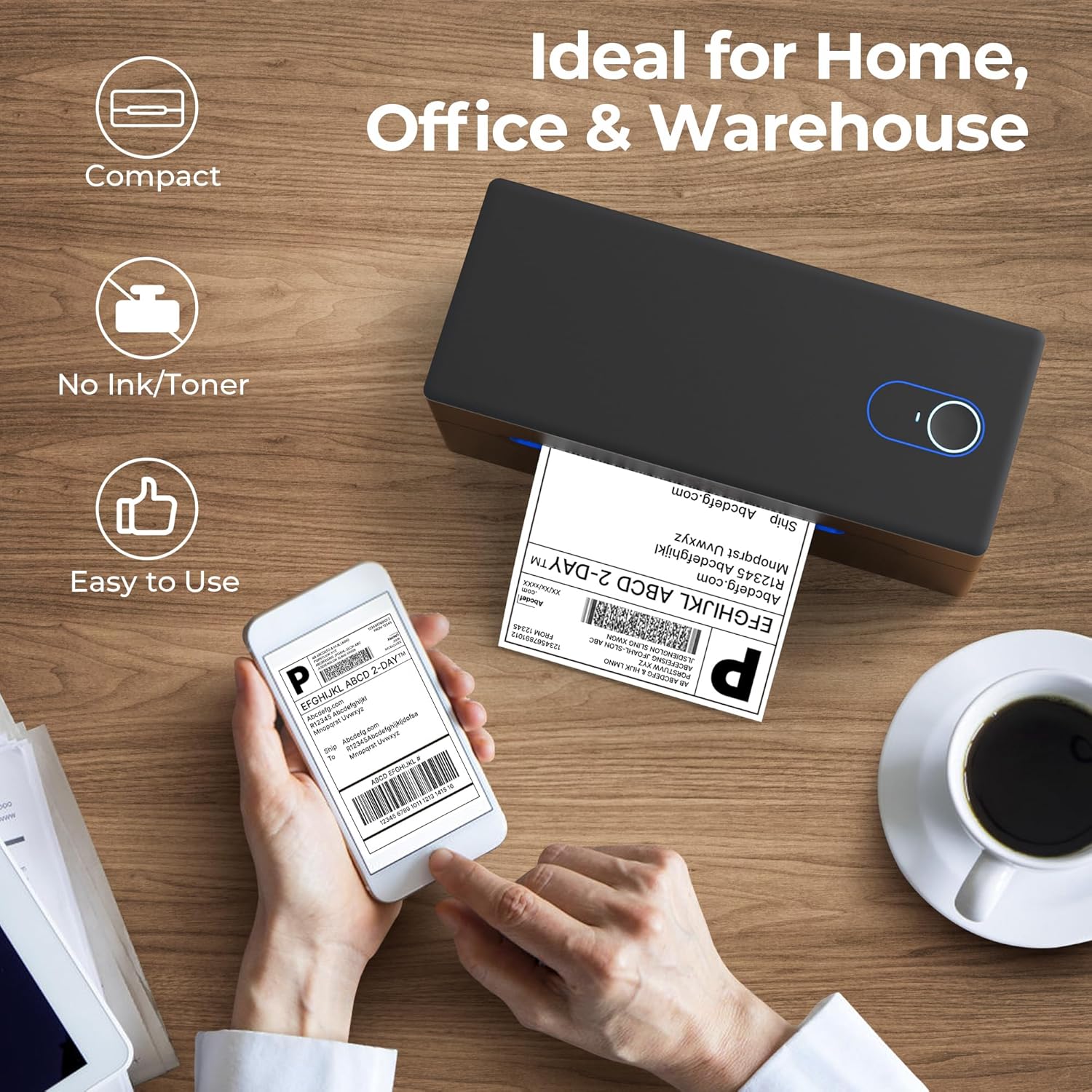
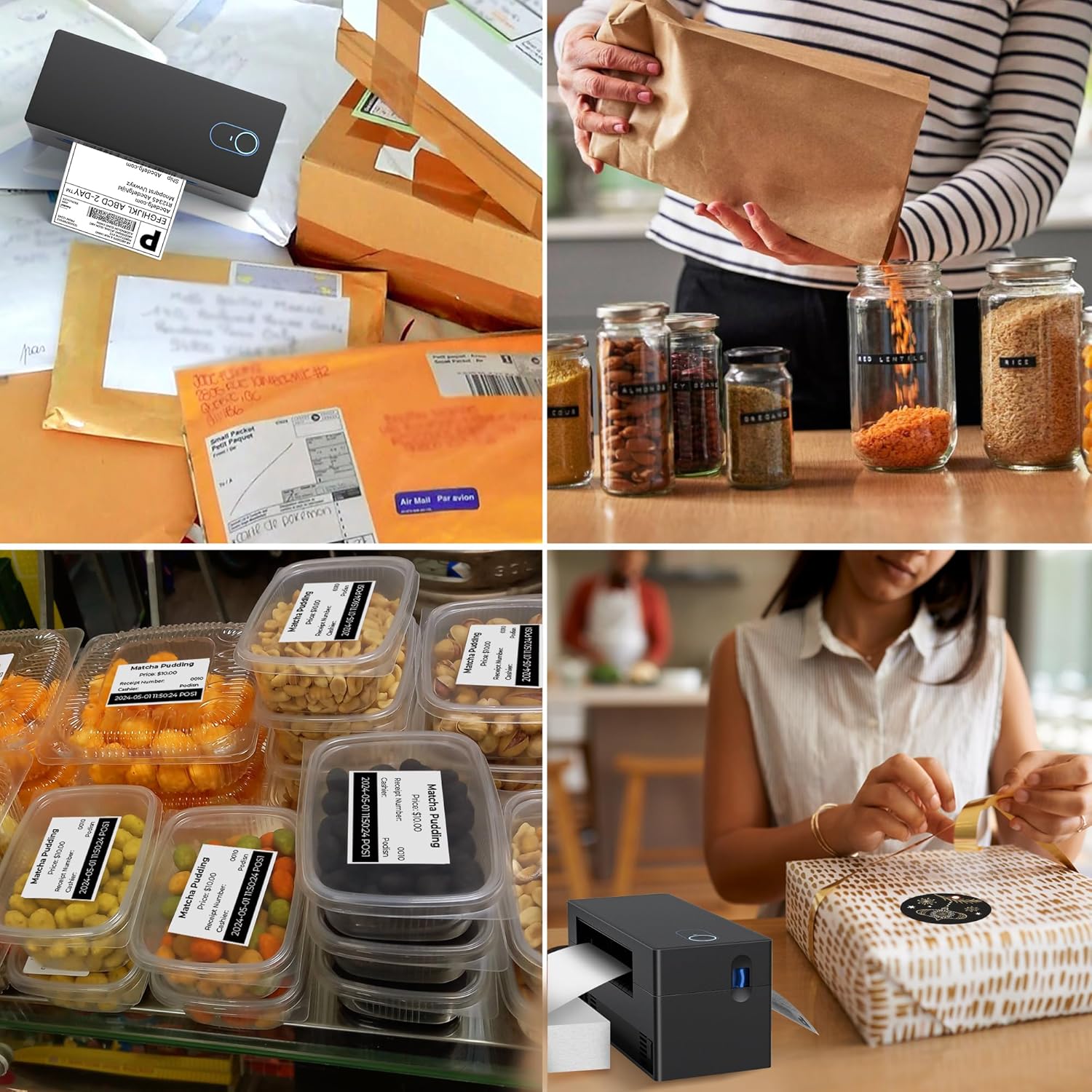
This compact thermal printer from Nelko is aimed at small businesses that need fast and simple shipping label production for platforms such as amazon and Etsy. It prints standard 4 x 6 inch shipping labels using direct thermal technology, which removes the need for ink or toner and helps reduce running costs while speeding up fulfilment.
Key Points
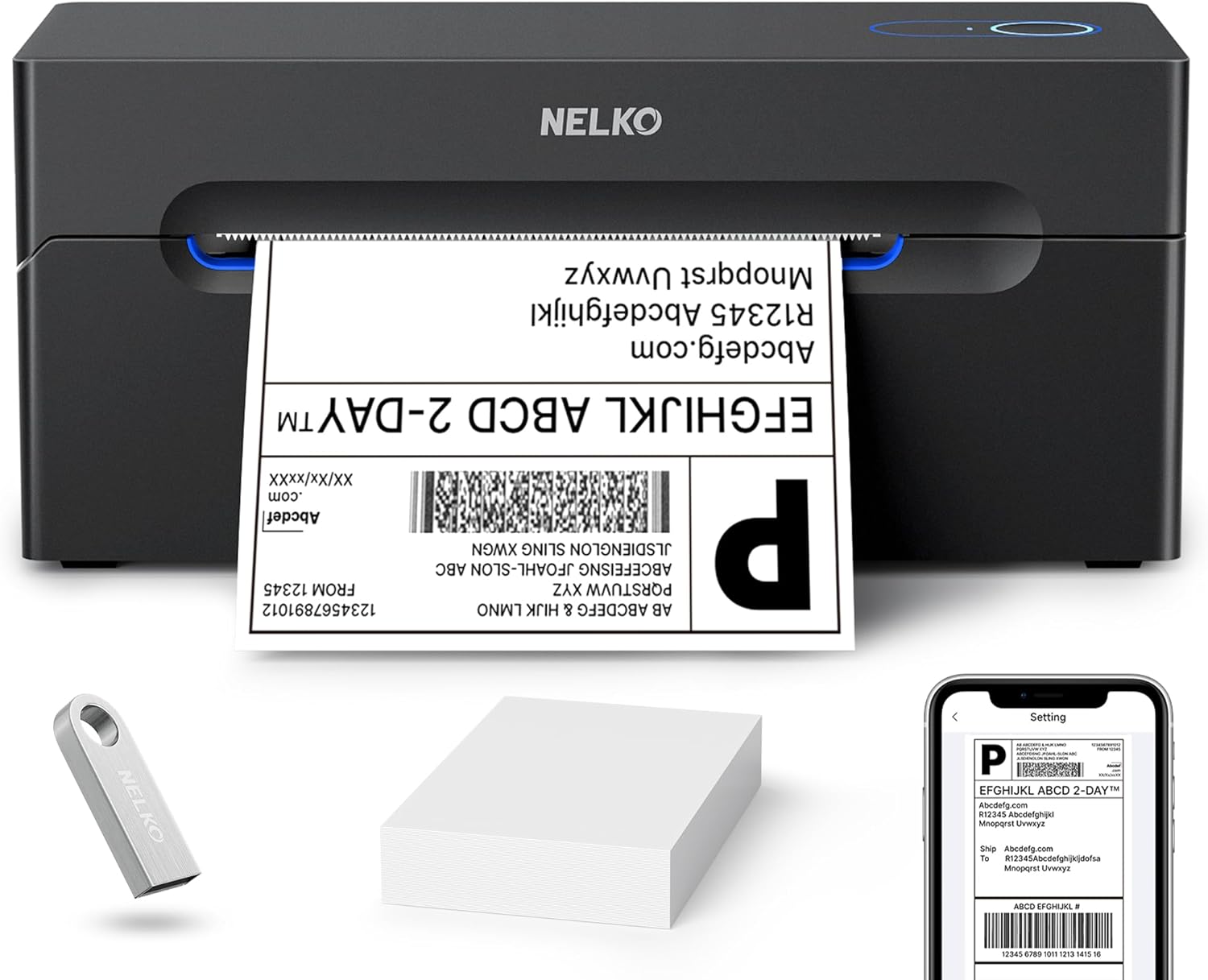
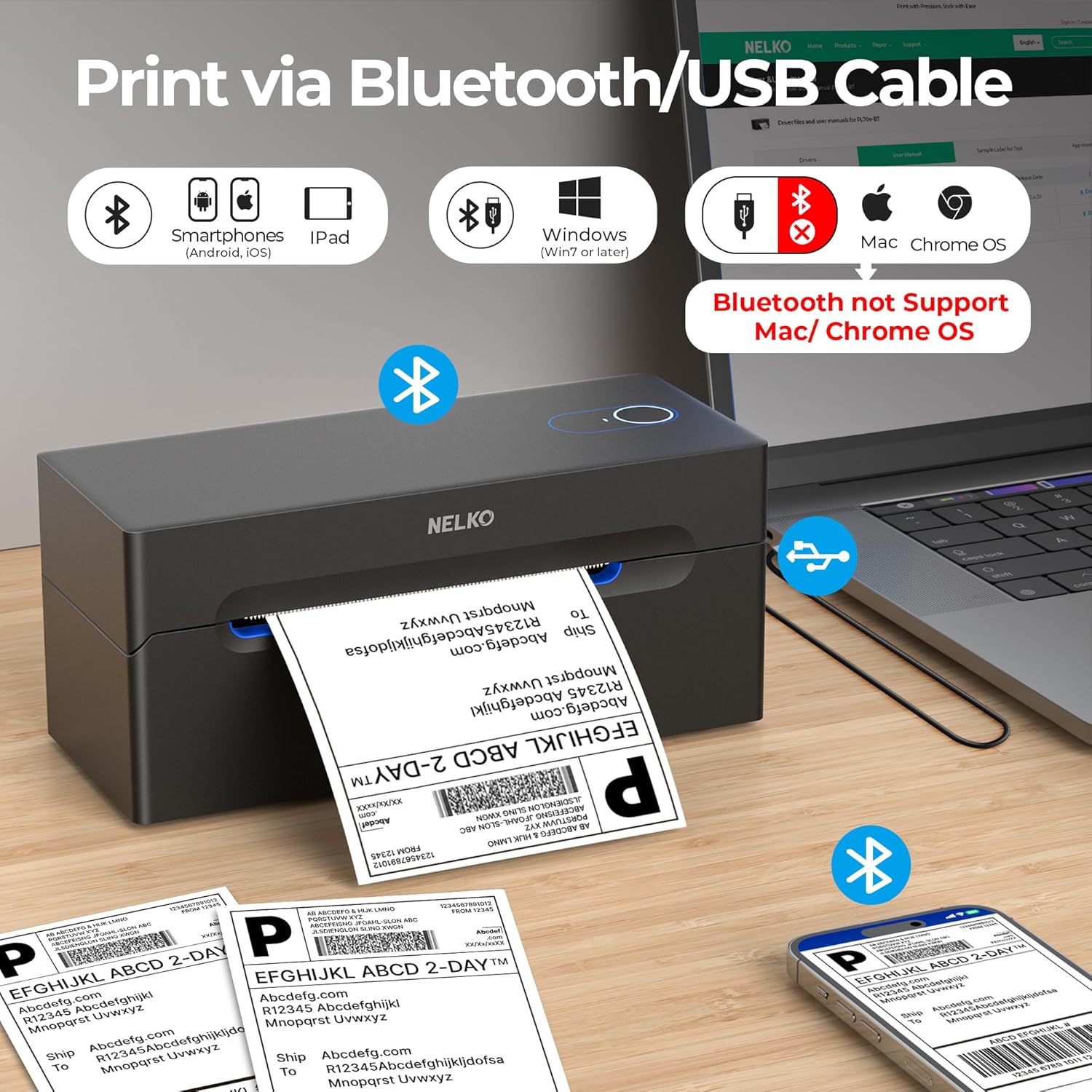
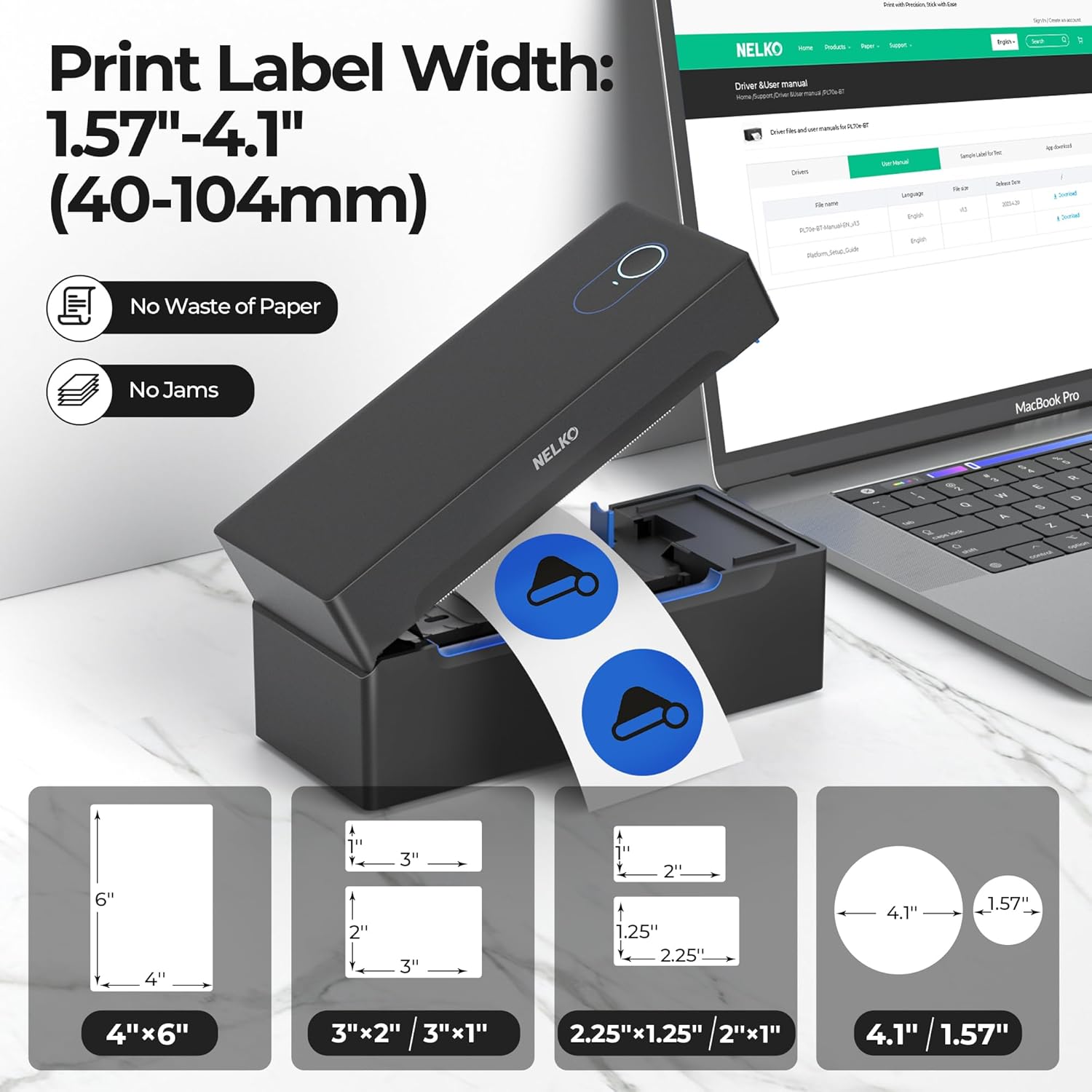
The unit connects wirelessly over Bluetooth for printing from Android and iPhone devices via the "Shipping Printer Pro" app and it can also be used with Windows over Bluetooth or USB. For Mac users with M1 or M2 chips, printing is supported only via USB according to the manufacturer, so check that connection method if you use a Mac. The printer supports label widths from 40 to 104 mm, which covers common thermal roll and fanfold formats. This makes it versatile for sellers who change label styles between postage and product tags. ⚙️
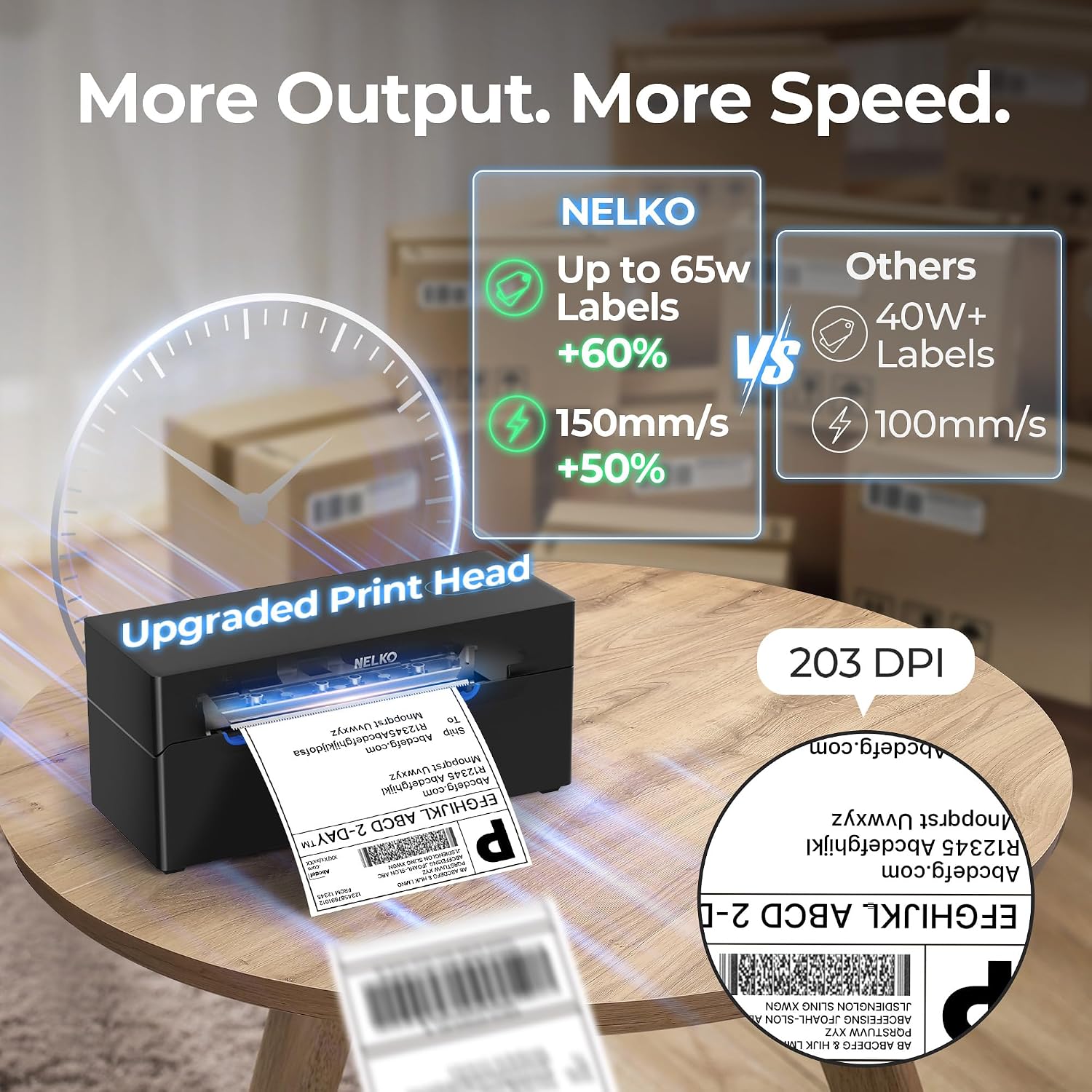
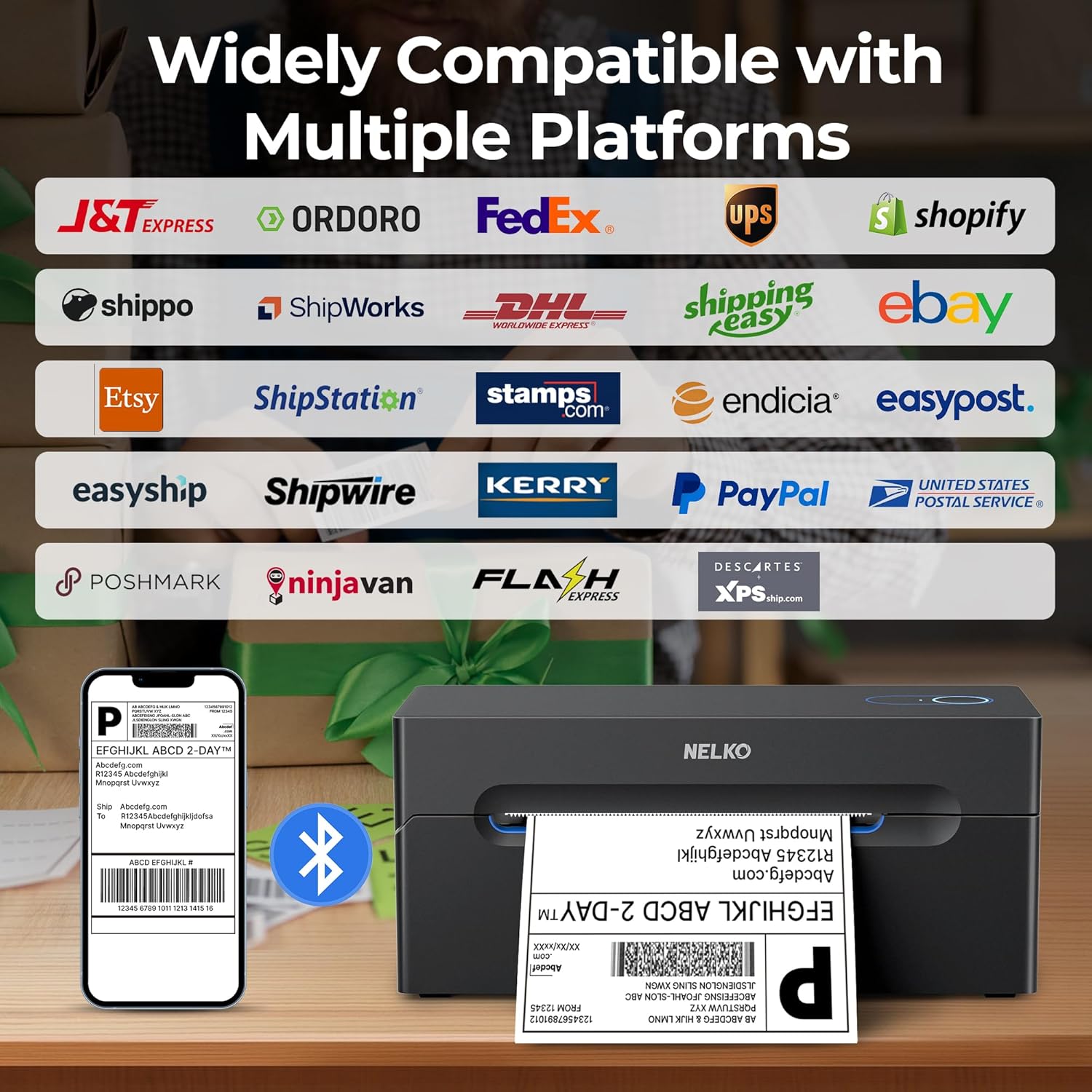
Performance focuses on throughput and clarity. The printer achieves a quoted print speed of 150 mm/s, which can help when processing multiple orders, and it outputs at 203 DPI for readable barcodes and address blocks. It accepts both roll and fanfold labels and claims compatibility with major marketplaces and carriers, provided the label file is first downloaded and loaded into the app for printing. 📦
Consider that some setup steps are required to install drivers from the supplied U-disk or to follow the included video instructions. The manufacturer offers lifetime technical support, which may be useful if you encounter configuration issues or need help integrating with a specific platform.
Technical Specifications
- Name: Nelko Bluetooth Thermal Label Printer
- Print speed: 150 mm/s
- Print resolution: 203 DPI
- Supported label width: 40–104 mm
- Interface: Bluetooth and USB
Usage Recommendations
Start by installing the Shipping Printer Pro app on your Android or iPhone and pair the device over Bluetooth for mobile printing. For Windows 7 or later, you can use Bluetooth printing or connect via USB for a wired option. For Mac with M1 or M2 processors, plan to use the USB connection because Bluetooth printing is not supported for Mac OS according to the product notes. When preparing labels on marketplaces such as Shopify or eBay, save the label file first and then import it into the app to ensure correct layout. Allow a short period of testing with a roll of spare labels so you can adjust margins and alignment before running large batches.