

NIIMBOT B21 Inkless Bluetooth Label Maker (Milky White) for iOS & Android
Product description
What it is and what it’s for
The NIIMBOT B21 is an inkless, thermal label maker designed to help you create and print labels quickly from your phone. It’s built around wireless Bluetooth control via the NIIMBOT app, with features that aim to make everyday labelling (and re-labelling) feel less of a chore.
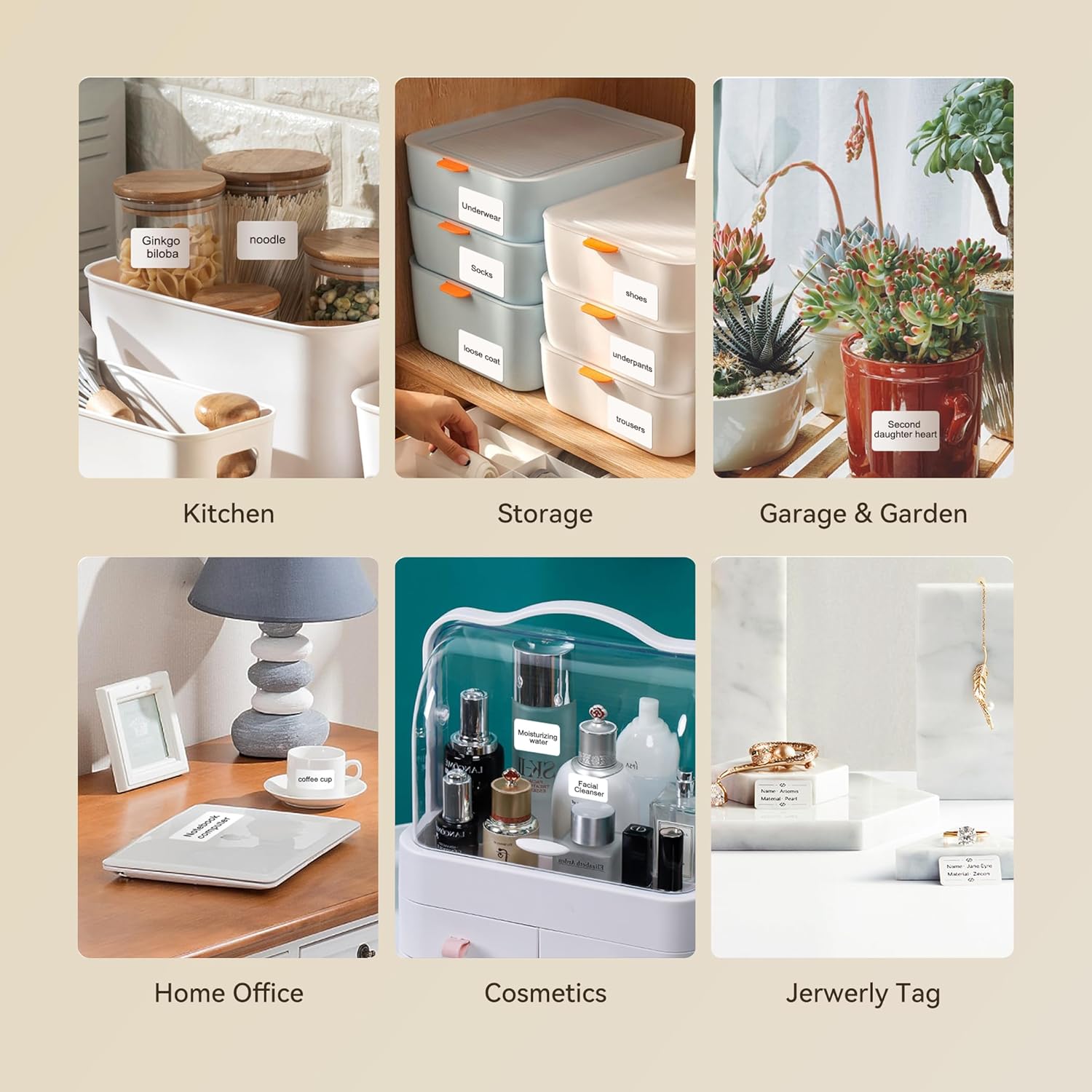
On paper, it’s aimed at people who want consistent labels for common home and small-business uses: product/price labels, address-style labels, ingredient labels, and the kind of clothing and jewellery labelling you might do for stock, deliveries, or personal organisation. It also supports barcodes, QR codes and images, so it’s not limited to plain text.
That said, this is still a label printer workflow: you’re creating designs in an app and printing via thermal paper. If you’re expecting a “standalone printer that just prints anything” without setup, you may find it a bit more involved than simpler devices.
The essentials: how the B21 works
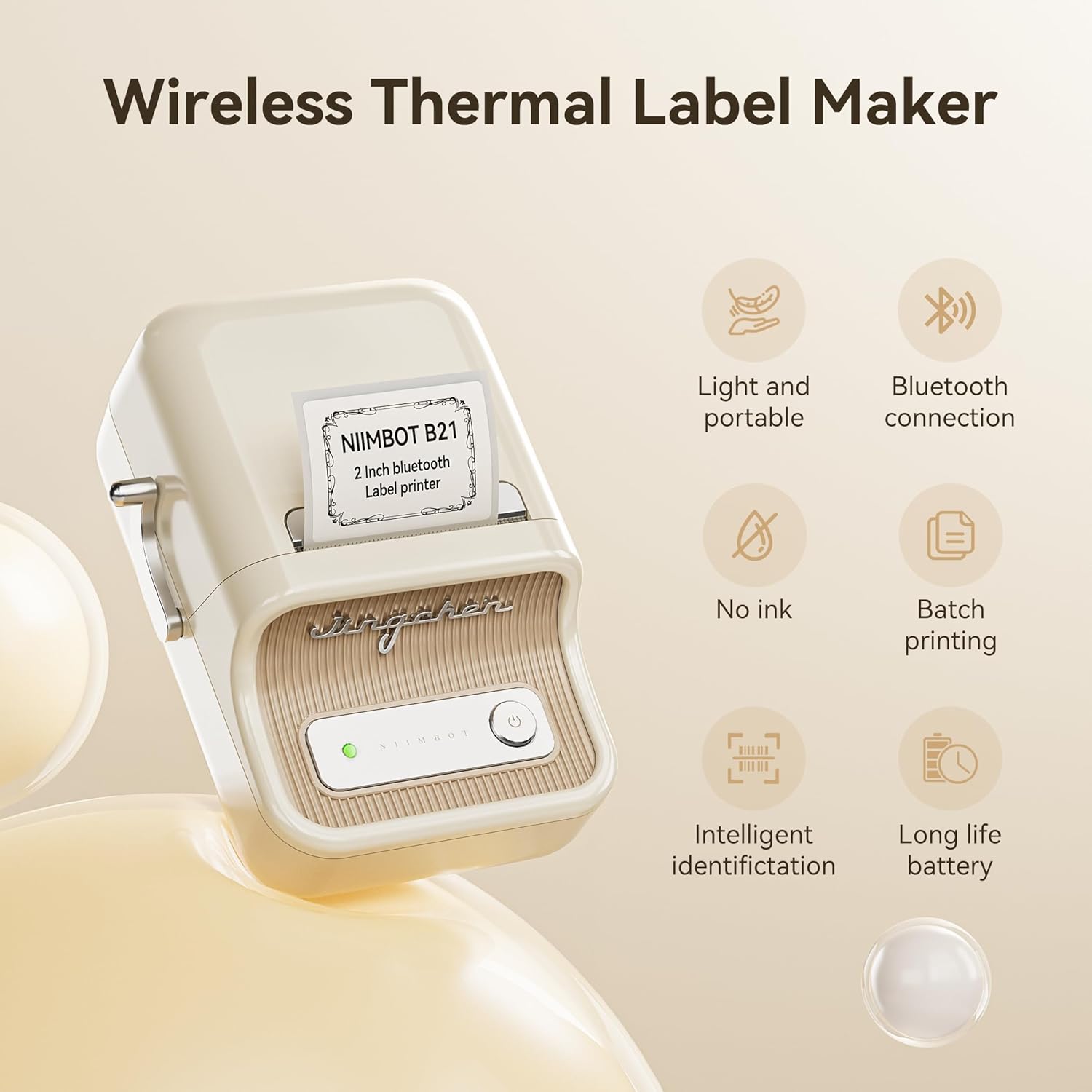
The B21 uses inkless thermal printing, meaning there’s no ink cartridge to buy or refill. The listing claims a print speed of 2.4 inches per second (60mm/s), which is the kind of figure that matters if you plan to print batches rather than single labels.
The printer is described as having auto recognition and auto alignment for the label paper. In practice, this is the sort of feature that can reduce the “did I load it right?” frustration, especially when you switch between label widths.
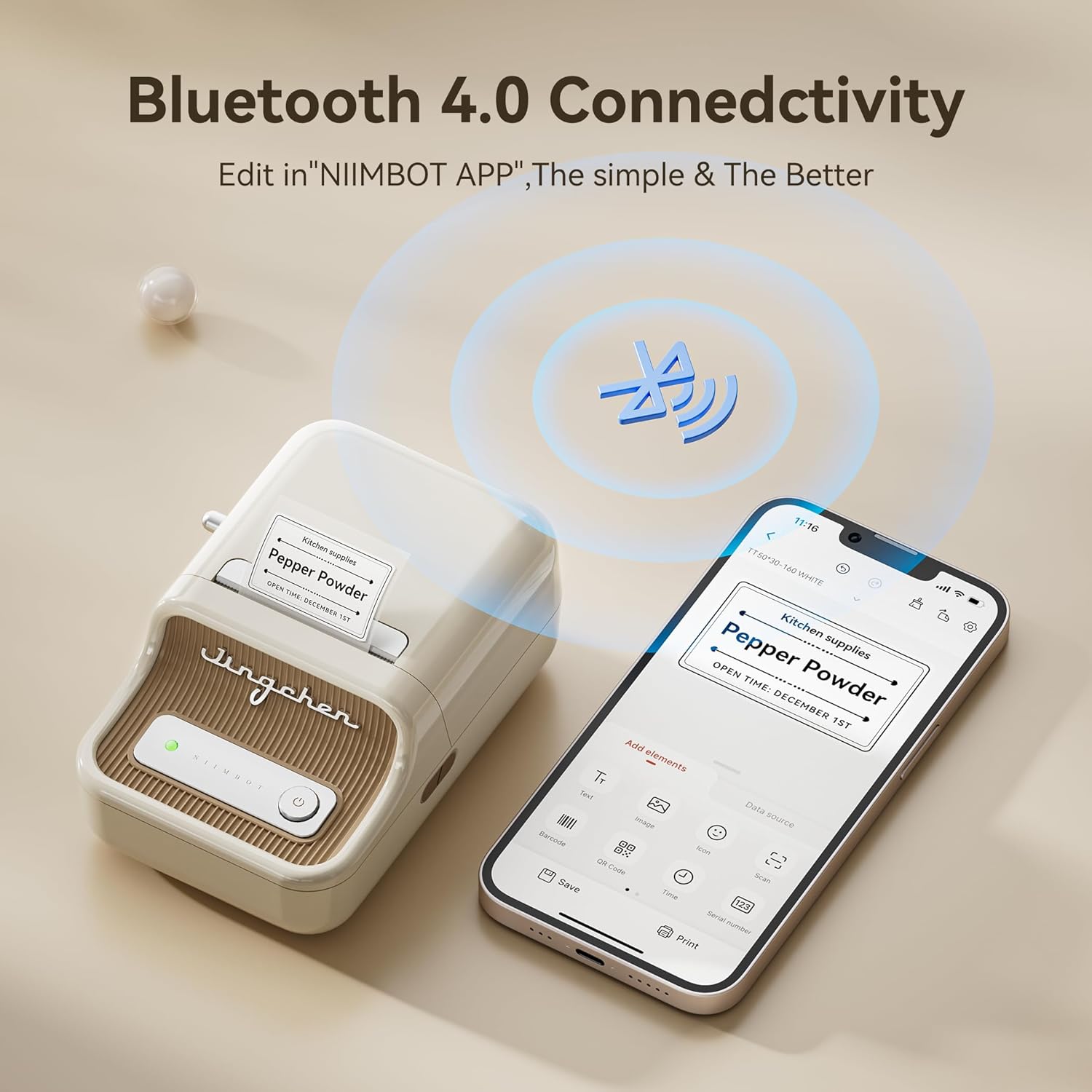
Wireless operation is done via Bluetooth. The flow is straightforward: you install the NIIMBOT app on iOS or Android, connect via Bluetooth, then choose the B21 printer model inside the app before printing.
One practical detail to keep in mind: the machine’s continuous working time is stated as 4 hours after 1.5 hours charging. If you’re planning long printing sessions back-to-back, it’s worth factoring in charging time.
Key features you’ll actually use
Where the B21 feels most compelling is in the blend of app-based design and barcode/QR support.
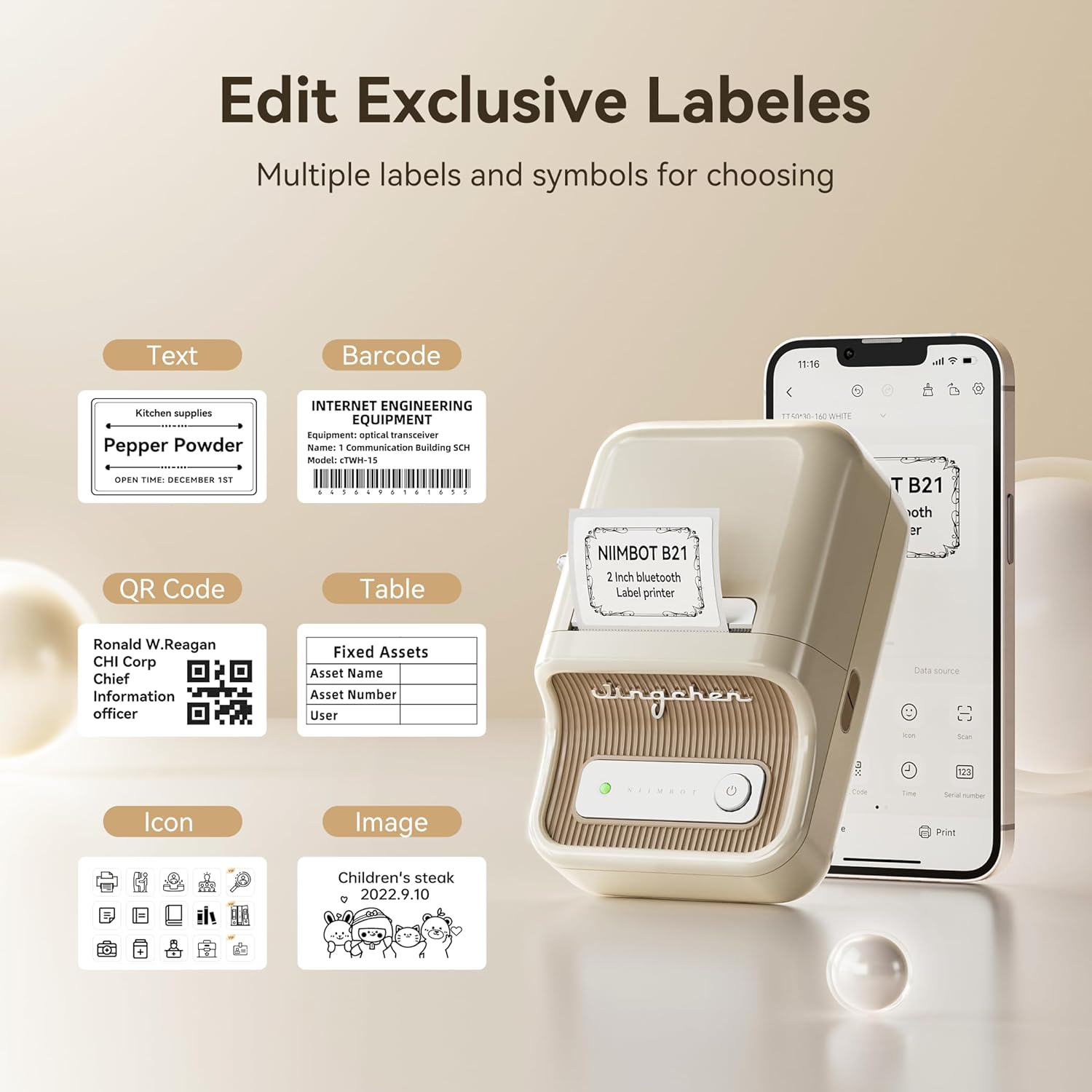
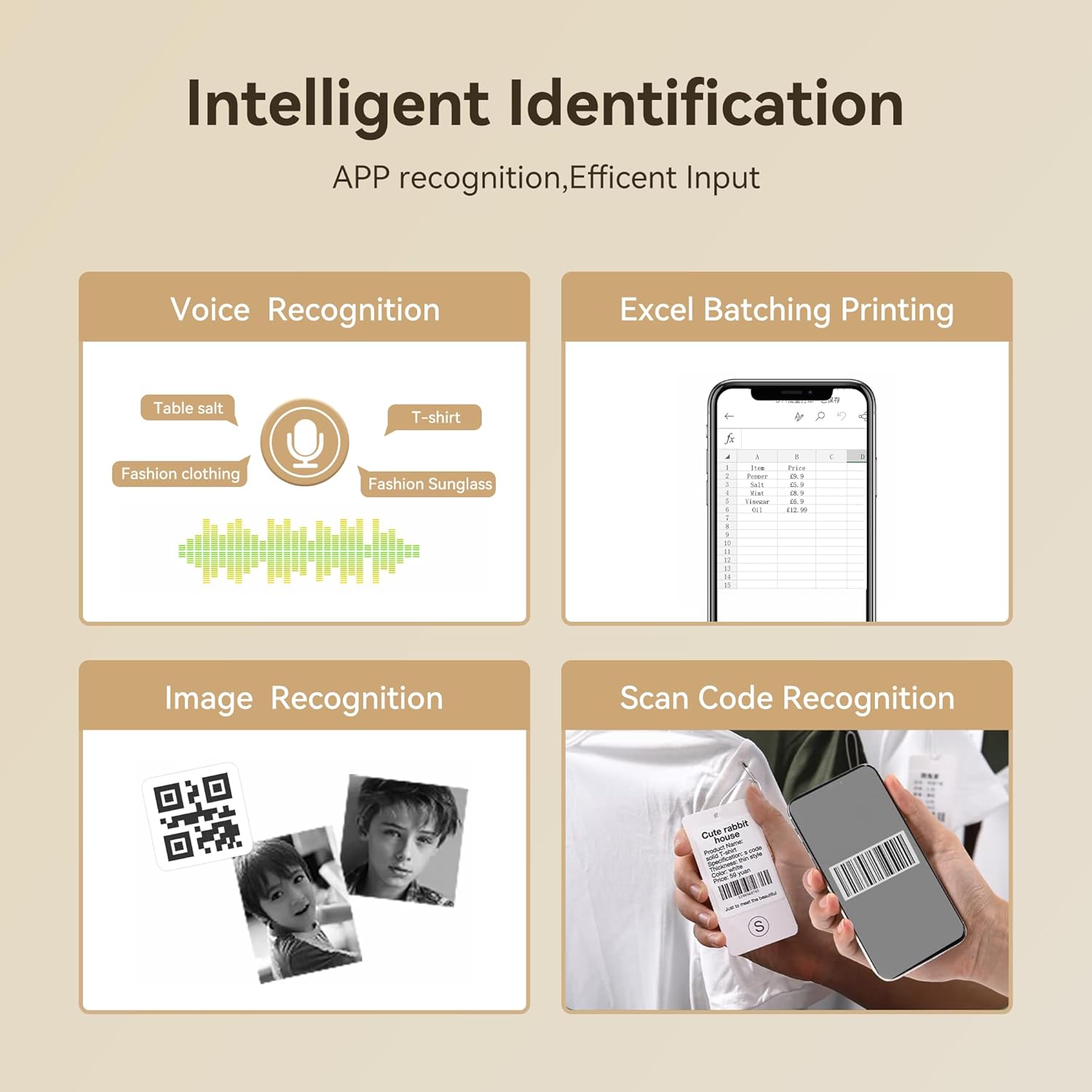
The app is described as offering scan, image recognition, batch printing, and serial number options. If you regularly label multiple items (or need repeating formats), batch printing and serial numbering can save time compared with creating every label from scratch.
For design options, the listing mentions 20+ fonts, 1000+ icons, and 100+ borders. That’s enough variety to make labels look less generic—though of course, the “best” design still depends on what you want to say and how consistent you want your branding or style.
Barcode and QR printing are also included, alongside support for text and pictures. So, if your labels need to be scannable (for inventory, product info, or quick redirects), this is more aligned than a text-only label maker.
A limitation to note: it’s described as not intended for shipping labels. If your goal is to print courier-ready postage labels, you may need a different type of printer setup.
Print width, label types, and limits
The listed printing width range is 0.8 inches to 2 inches. That’s useful because it gives you flexibility for small product tags and wider label formats, but it also means you’ll need to choose label tapes that fit within that width range.
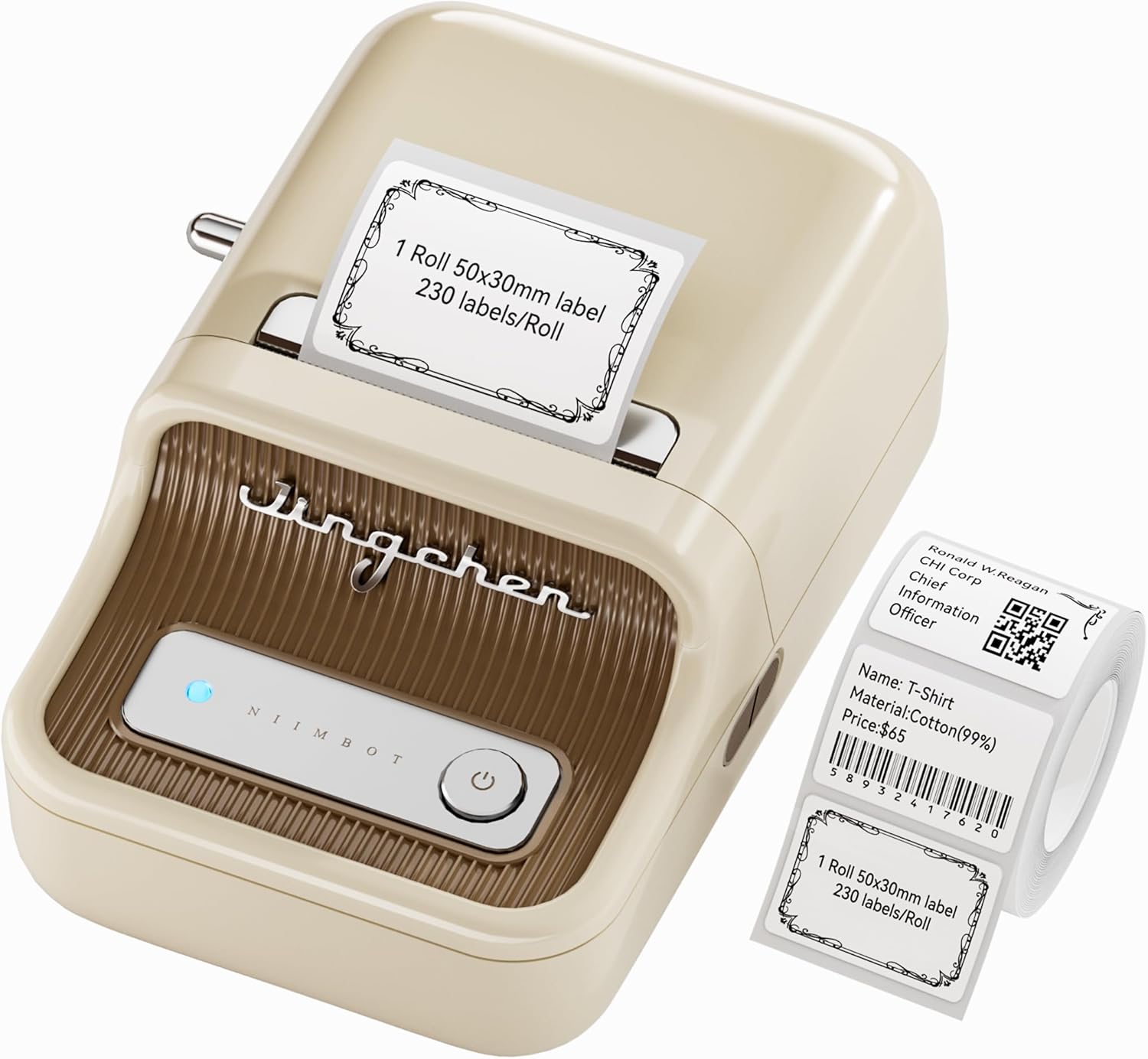
The package mentions a 50x30mm label pack (230pcs per roll) included, which is a reasonable starting point if you want to test the workflow with a specific label size.
The listing also states compatibility with a variety of thermal label tapes, including white, colour, cable/cable cord labels, and rare transparent labels. It further claims tapes are long-lasting, waterproof, wipeable, tear-resistant, self-adhesive, abrasion resistant and BPA free.
That “transparent” wording is a little vague (“rare transparent labels”), so it’s wise to check what’s available for your intended use rather than assuming every tape type will be easy to source locally.
Everyday use: a small scenario
Imagine you’re organising a clothing rack for a small shop or personal wardrobe system. You could create labels in the app for sizes, materials, or item codes—then print them in a batch with consistent formatting.
If you’re also tracking stock, the serial number function (as listed) can help you generate a sequence without manually typing every identifier. And if you want scanning, QR codes or barcodes can turn the label into a quick lookup.
It’s not a “one-click magic” setup—you still need to design and connect through the app—but for routine labelling, the combination of batch printing and barcode/QR support is the kind of real-world convenience people tend to notice.
Tech specs (from the listing)
Technical details
- Name: NIIMBOT B21 Label Maker Machine
- Type: Inkless thermal label printer (Bluetooth barcode label printer)
- Format: Bluetooth wireless printing via NIIMBOT app
- Compatible devices: iOS and Android
- Printing speed: 2.4 inches per second (60mm/s)
- Continuous working time: 4 hours after 1.5 hours charging
- Printing width: 0.8 inches to 2 inches
- Included labels: 50x30mm (230pcs per roll)
- Design tools in app: 20+ fonts, 1000+ icons, 100+ borders
Pros, and what might not suit everyone
What stands out - Inkless printing: no ink cartridge changes to manage. - App-based workflow with batch printing and serial numbers (useful if you label often). - Barcode and QR code support, plus pictures and icons. - Auto recognition and auto alignment for label paper, which helps reduce setup mistakes. - Thermal label tapes described as waterproof and wipeable, which suits everyday handling.
Worth bearing in mind - You’re reliant on the app and Bluetooth connection, so it’s not as “press-and-go” as some office-style printers. - The listing specifically says it’s not for shipping labels, so don’t treat it as a courier-label replacement. - If you need very long, uninterrupted printing sessions, the stated charging time may matter. - It focuses on labels like clothing, jewellery and product/price styles, so if your use is purely general office printing, you might find a different category of printer more straightforward.
It’s not the sort of device that will impress if you only print the occasional sticky note label. But if you’re regularly making scannable or structured labels, it can feel like a proper time-saver.
When it makes sense (and when to skip)
It’s a solid pick if you want an inkless thermal label maker for small-batch or repeated labelling, especially where barcodes, QR codes, and consistent layouts matter. It suits people labelling clothing, jewellery, products, prices, ingredients, or organising systems at home.
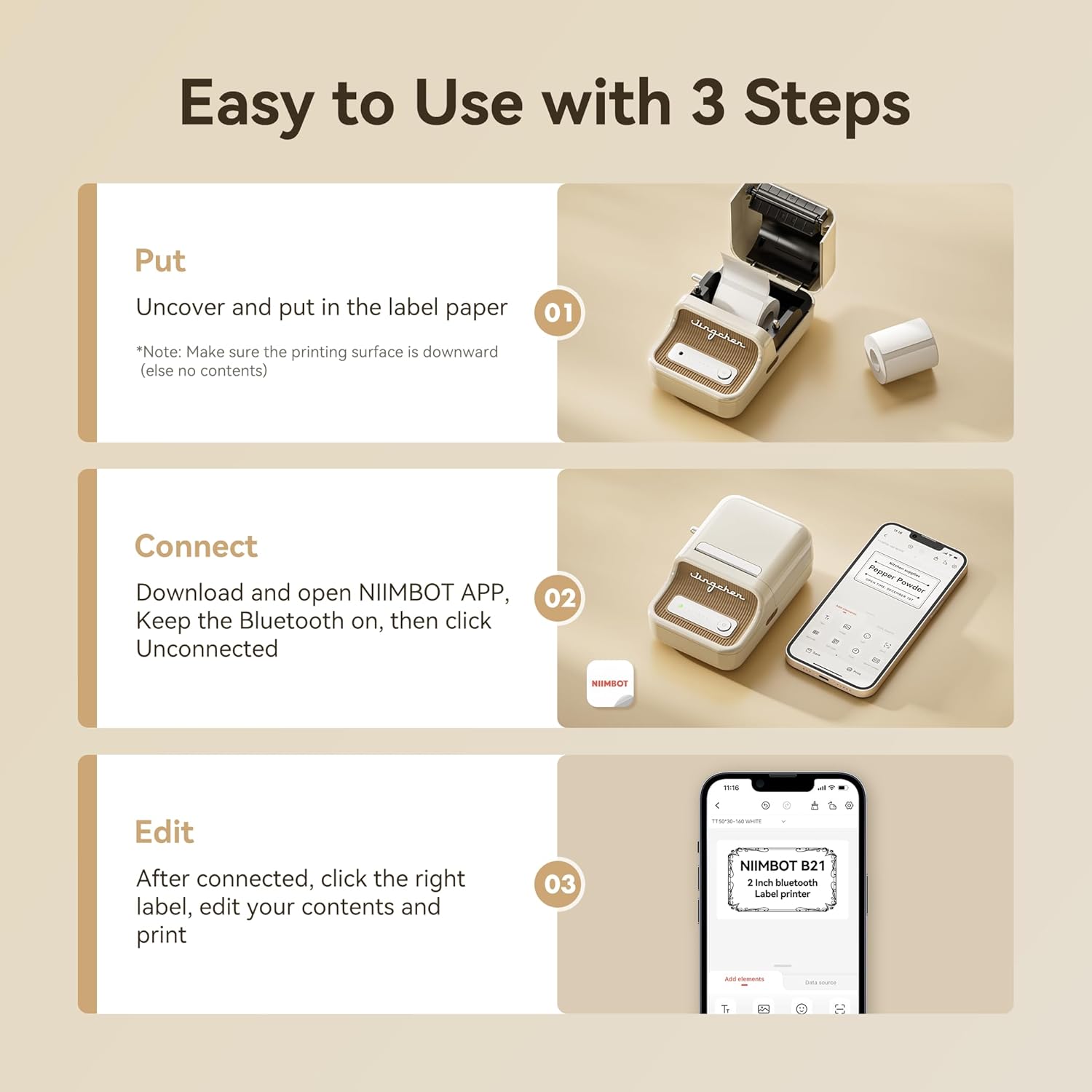
You may want to skip it if you primarily need shipping labels, or if you’d rather avoid app setup and Bluetooth pairing every time you print. Also, if your labels won’t fit the 0.8 inches to 2 inches width range, you’ll need to rethink tape choice before buying.
Mini FAQ
Is it really inkless?
Yes—this model is described as inkless, using inkless thermal printing rather than ink cartridges.
Does it work with both phones and tablets?
The listing states compatibility with iOS and Android, controlled through the NIIMBOT app.
Can it print barcodes and QR codes?
Yes, barcode and QR code printing are mentioned as supported via the app.
Can I use it for shipping labels?
The listing explicitly says it is not for shipping labels.
How long can it run before charging?
The continuous working time is listed as 4 hours after 1.5 hours charging.
Final verdict
Should you buy it? The NIIMBOT B21 is worth considering if you want an inkless Bluetooth label maker that’s designed around app-based design, batch printing, and scannable labels like barcodes and QR codes. It looks best for everyday product and organisation labelling rather than courier shipping labels. If you’re happy to set up via the NIIMBOT app and you’ll print enough labels to justify the workflow, it’s a practical, no-ink way to stay organised—just double-check label sizes and the printing width range before you commit.